To start a SaaS business, validate one painful problem with 15 to 20 target buyers, build a narrow MVP, set up the company and billing, then prepare launch assets: a short demo or explainer video, a launch video and clean product screenshots. Charge from day one and treat the first ten paying users as research.
- Pick one problem: Choose a costly, frequent problem for a specific buyer you can actually reach.
- Validate before code: Interview 15 to 20 target buyers and ask for a pre-payment, a paid pilot or a letter of intent.
- Build the MVP: Ship the smallest version of the product that solves the core job from start to finish.
- Set up the company: Incorporate, open a business bank account and connect a billing provider for subscriptions.
- Set a price: Launch with a paid plan and test the price with real buyers rather than with surveys.
- Prepare launch assets: Produce a demo video, a launch video and product screenshots well before launch day.
- Launch and sell: Announce the product to your waitlist and chosen channels, then onboard the first paying users personally.
- Measure and improve: Track activation, churn and payback, and remove whatever stops customers from staying.
How Much It Costs to Start a SaaS Company
A SaaS company can start for a few hundred dollars plus your time, or it can spend six figures before the first sale, and the difference almost always comes from salaries and from how long the team builds before anyone pays. The fixed administrative costs of running the company itself are relatively small.
The table below lists typical ranges, not quotes, for the line items that most founders with a US company meet in their first year. Incorporation and payment prices come from Stripe, state fees from the Delaware Division of Corporations, merchant-of-record fees from Paddle and cloud credits from AWS.
| Cost item | Typical range (not a quote) | Source |
|---|---|---|
| Delaware incorporation through Stripe Atlas | $500 one time, including state filing fees and the first year of registered agent service; $100 per year for the agent after that | Stripe |
| Delaware franchise tax and annual report (C corporation) | Minimum tax of $175 (Authorized Shares method) or $400 (Assumed Par Value method), plus a $50 annual report fee | Delaware Division of Corporations |
| Card payments for subscriptions | 2.9% + 30¢ per successful domestic card charge, plus 0.7% of billing volume on pay-as-you-go Stripe Billing | Stripe |
| Merchant of record (sells for you and handles sales tax) | 5% + 50¢ per checkout transaction | Paddle |
| Cloud hosting credits | From $1,000 and up to $5,000 in AWS Activate credits for self-funded startups; up to $200,000 through an approved Activate provider | AWS |
| Animated demo, explainer or launch video | About $1,000 to $3,000 per minute from freelancers; $3,000 to $8,000 per minute from studios | Our market estimate |
The line that grows fastest is people, because once you pay a developer, the build quickly becomes the largest expense. That is why the order of decisions matters so much: validate first, build second, produce the launch assets third and spend on advertising last. Founders who start a SaaS business with no money usually write the MVP themselves, rely on free tiers and startup credits, and sell the product before they spend on anything optional.
Validating a SaaS Idea Before You Write Code
Most SaaS ideas fail because of a lack of buyers rather than a lack of features. In a March 2026 report, CB Insights examined 431 venture-backed companies that shut down since 2023 and found that 70% ran out of capital and 43% had poor product-market fit, adding that running out of money is usually the final cause rather than the root problem.
Validation is inexpensive compared with development, and a practical plan usually includes five activities:
- Describe the problem in one sentence, naming the buyer, the job and what the problem costs them in hours or money every month.
- Interview 15 to 20 target buyers about how they solve the problem today and what they already pay, and listen carefully for workarounds, spreadsheets and hired help.
- Ask for a real commitment, such as a pre-payment, a paid pilot or a signed letter of intent, because a polite "I would use that" is not evidence.
- Test the message with a landing page that has a headline, three benefits, a price and a waitlist form, and send visitors from your interviews instead of from paid ads.
- Show the idea instead of describing it with a clickable prototype or a short screen-recorded mock demo, since people react to what they see far more honestly than to a pitch.
If fewer than a third of the people you interview want to see the product again, change the problem or the buyer before you write any code. A narrower, more specific buyer is almost always easier to sell to and easier to build for.
Setting Up the SaaS Company: Legal Entity, Billing and Pricing
The legal structure depends on your funding plans. Founders who intend to raise money from US investors often choose a Delaware C corporation, because most US venture funds expect one, while bootstrapped founders frequently stay with a local company in their own country. Confirm the choice with an accountant before you sign anything, since changing the structure later is more expensive than choosing correctly once.
Billing is the second important decision. With a payment processor such as Stripe, you pay lower fees but handle sales tax and VAT yourself, whereas with a merchant of record such as Paddle, the provider sells to the customer, manages tax compliance and charges a higher fee for that service. For a small team selling to customers in many countries, the higher fee can cost less than the administrative work it replaces.
Set a price early, even if the first number is approximate, and follow three simple rules:
- Charge from day one, because a free beta shows you who likes the product, not who will actually pay for it.
- Start with one or two plans, since every additional plan is another decision the buyer has to make before subscribing.
- Watch fixed fees on small plans, because on a $10 monthly plan a 30¢ card fee plus 2.9% takes almost 6% of the charge, which makes annual billing worth offering.
Building the SaaS Product: An MVP That Does One Job Well
The product is where founders lose the most time. The purpose of an MVP is not a smaller copy of the complete vision; it is one workflow that a buyer can finish from beginning to end, producing a result they would gladly pay for.
- Scope a single job by listing every feature and then removing everything the first ten customers do not need to reach the result.
- Build onboarding into the MVP, because if a new user cannot reach the first result in one session without your help, the product is not ready to sell.
- Track events from the first day, especially sign-up, the first key action and the second visit, which together show whether the product is working.
- Use existing services for authentication, billing, email and hosting, so that your own development time goes into the part that actually solves the problem.
There is one step that most guides skip: build a dedicated demo workspace. Fill it with realistic sample data, believable company names and charts that show a meaningful result, because every screenshot, product demo, sales call and launch video will come from this workspace. Empty tables and test accounts make a good product look unfinished, and fixing them a week before launch creates unnecessary pressure.
Plan an interface freeze for the screens that will appear in your video and screenshots. Two to three weeks before launch, stop changing those particular screens, because every visual change after the freeze means new screenshots and another edit of the video.
SaaS Launch Assets to Prepare Before Launch Day
A SaaS product is difficult to explain in text, because its value appears on a screen, so video and visuals carry that value to people who have never logged in. According to the Wyzowl State of Video Marketing 2026 survey, 96% of people have watched an explainer video to learn about a product or service, and 63% would most like to learn about a product by watching a short video.
Three assets should exist before launch day rather than after it.
SaaS Product Demo or Explainer Video
This is the main asset: 60 to 90 seconds that present the problem, the product doing the job and the result. It belongs on the homepage, in sales emails and on every launch page. A motion-graphics explainer gives you control over pacing and lets you simplify crowded screens without changing the real interface. If you plan to hire a team for explainer video production, prepare the one-sentence problem, access to the demo workspace and the list of frozen screens before the first call.
SaaS Launch Video
A launch video is shorter, often 20 to 45 seconds, and designed for attention rather than explanation. It runs on social channels, on launch platforms and in the announcement email, and its only job is to make people curious enough to click. Plan a short product launch video together with the explainer, so that both share one script, one voice and one visual style.
SaaS Product Screenshots and Device Renders
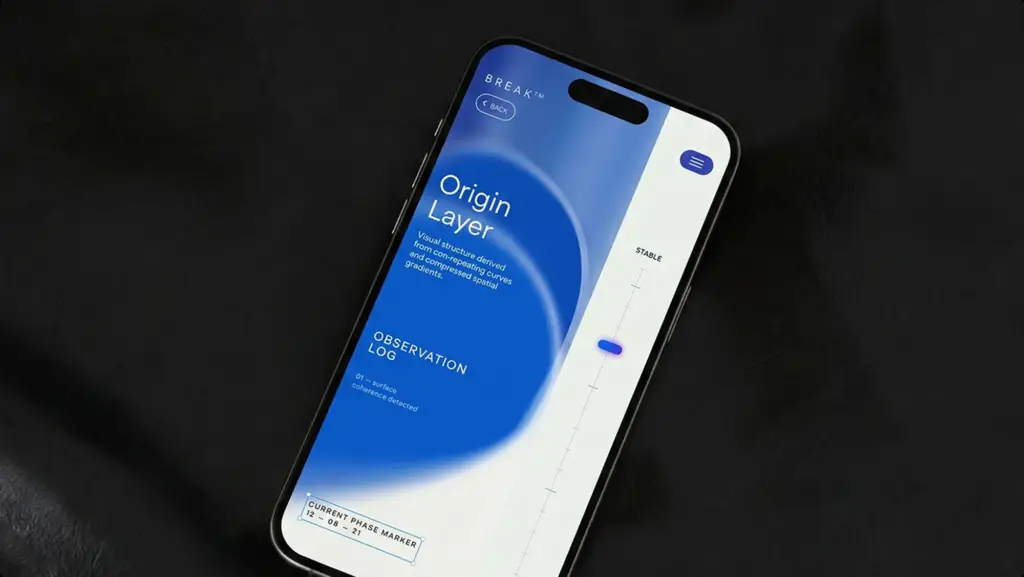
You also need clean screenshots of the three to five most important screens, cropped to the area that matters. For the homepage hero and advertising, many teams place those screens on a laptop or phone in a 3D render, because device renders look consistent across every channel and never show an old browser tab or a stray notification.
What SaaS Launch Videos and Visuals Cost
Market prices vary widely. By our market estimate, animation costs about $1,000 to $3,000 per finished minute from freelancers and $3,000 to $8,000 per minute from studios. For a detailed breakdown by video type, see what explainer videos cost in 2026.
Our own rates are straightforward: product and animation work is $45 per hour, a product still takes about 4 to 6 hours of work, and a 30-second CGI video usually takes 2 to 4 weeks from a full brief. Our guide explains how still rendering is priced in more detail. As a guideline from a complete brief, an AI-produced 30-second video takes about a week, a 30-second CGI video takes two to four weeks, and a CGI film of up to one minute takes four to six weeks; these are typical timelines, not guarantees.
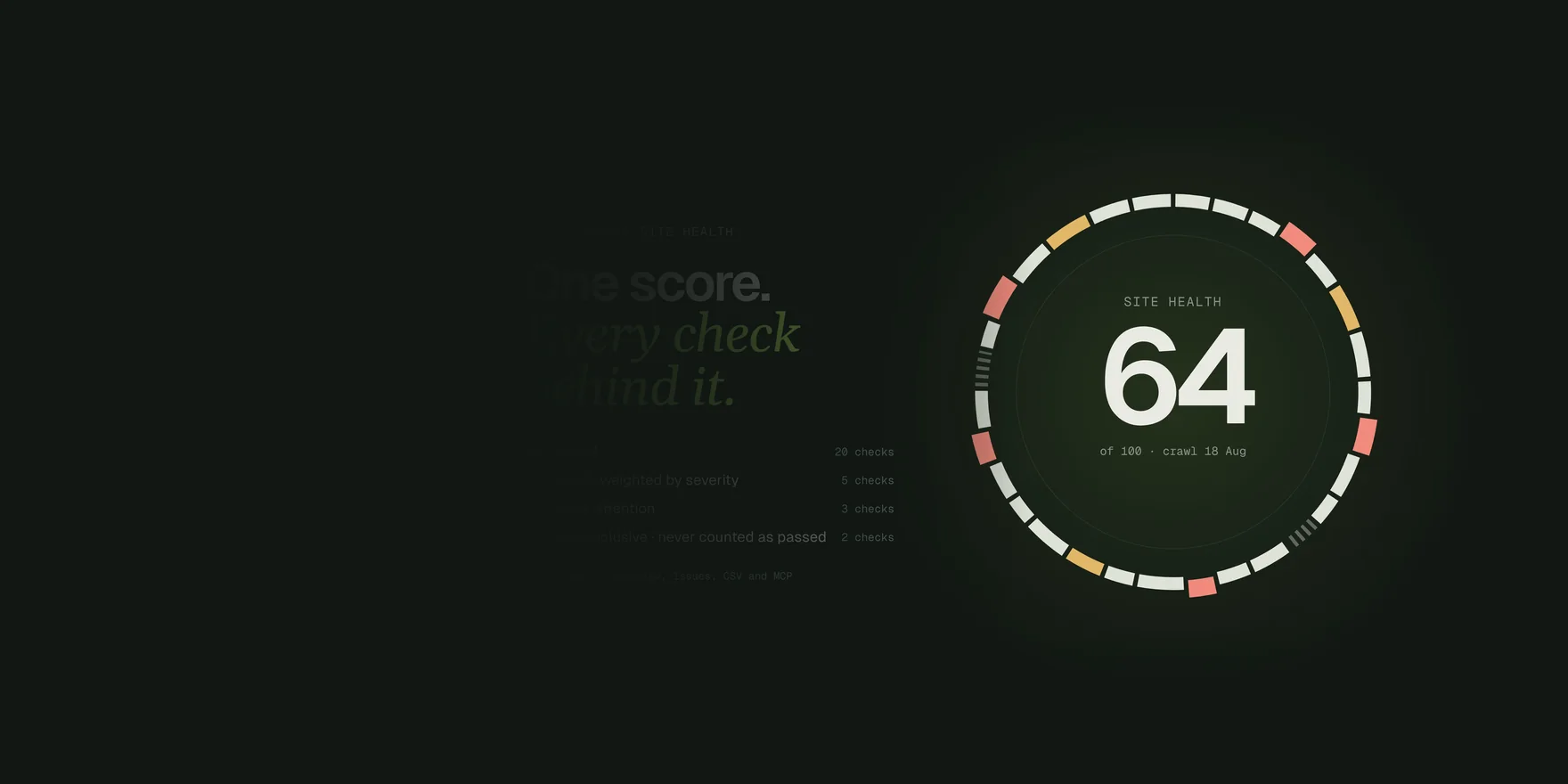
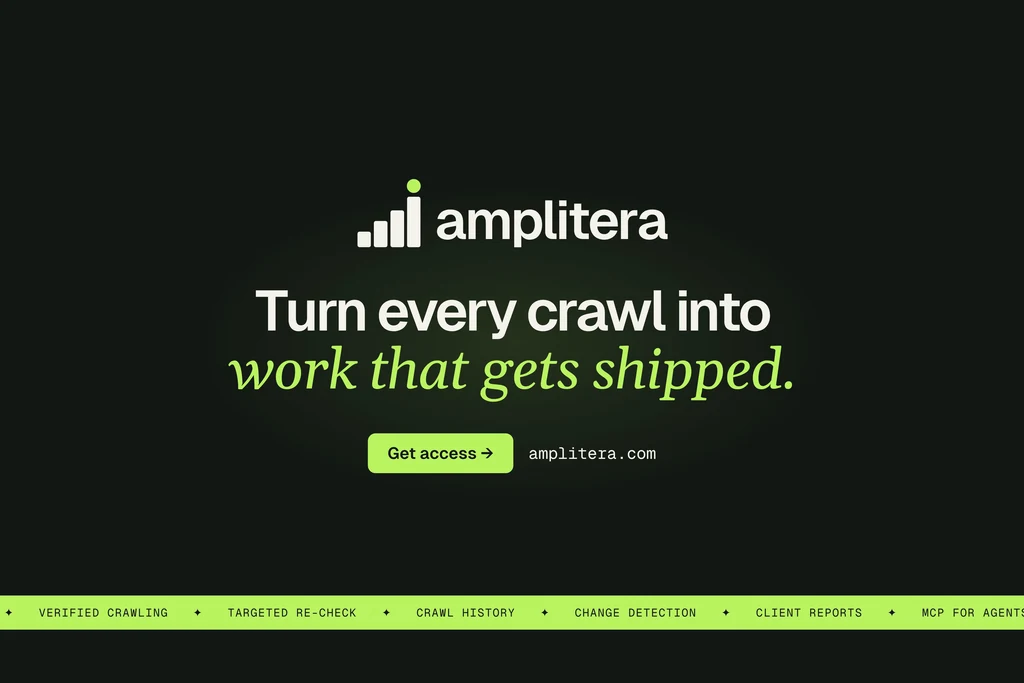
In our studio, we made a SaaS explainer video for a technical SEO crawler. On video projects we hand over the editable After Effects or Premiere project with its assets, which matters for software companies, because the interface keeps changing after launch. Subtitles, covers and platform-specific exports are agreed in the estimate.
If you are raising money at the same time, the same assets can support the pitch, and a plan for video at each startup stage keeps the pitch film, the launch video and later onboarding videos consistent.
SaaS Business Plan: The Numbers to Model Before Launch
A SaaS business plan does not need to be long, but it does need to show that one customer is worth more than it costs to acquire and serve them. Keep it to a few pages and a spreadsheet that covers the following components:
- Problem and buyer, meaning the one-sentence problem, the job title of the buyer and the tools or services they use today.
- Bottom-up market size, calculated as the number of companies you can realistically reach multiplied by your annual price, instead of large top-down market figures.
- Pricing and plans, including monthly and annual prices and exactly what each plan contains.
- Unit economics, covering customer acquisition cost, monthly churn, gross margin, lifetime value and the number of months needed to recover the acquisition cost.
- Cost per customer, which adds hosting, payment fees and support time for each paying account.
- Launch budget for the demo video, launch video, screenshots, landing page and the first paid experiments, with the date each item must be ready.
- Runway and milestones, showing the months of cash remaining, the target date for the first ten paying users and the revenue level at which you will hire.
Update the plan every month with actual numbers, because after three months the real churn and acquisition cost matter far more than any original forecast.
Getting the First Paying SaaS Users
The first customers rarely come from advertising. They usually come from the people you interviewed during validation, from your waitlist and from a few communities where your buyers already spend their time.
- Start with the validation list, giving everyone who agreed to a second look a personal invitation and a call with the founder.
- Sell personally with short emails that include the demo video, because a 60-second video often answers questions that a long email cannot.
- Use launch platforms once you have proof, since a launch on a site such as Product Hunt works best when a few satisfied users can already comment.
- Join communities as a genuine member, answering questions in the forums and groups where your buyers gather and mentioning the product only when it is relevant.
- Onboard each early customer yourself, noting where they get stuck and fixing those steps before you invite the next group.
Offer early customers a lower price in exchange for annual payment, because it improves cash flow and quickly shows who really values the product.
SaaS Launch Mistakes That Waste the First Budget
- Building for months without a paying user, which remains the most common way for a young software company to run out of money.
- Buying ads before the landing page converts, because paid traffic only makes sense once organic visitors already sign up at a reasonable rate.
- Launching with empty screens, since screenshots of empty dashboards make even a capable product look unfinished.
- Producing the video before the interface freeze, which turns every later design change into another edit.
- Offering a free plan that does the whole job, because if the free plan already solves the problem, very few users will upgrade.
- Launching without tracking, which leaves you unable to tell which channel brings customers who stay.
Starting a SaaS company is mostly a question of order: prove demand, build the smallest useful product, prepare the video and visuals while the screens are stable, and only then invest money in reach.
Turn Ideas Into Visual Stories