Construction Animation for Contractors: 4D Sequence, Site Logistics and Phasing
 4.8
 4.9
Construction animation services: 4D sequence, site logistics, phasing and method films
Construction animation turns a programme and a stack of site plans into a film that an owner, a city panel or a tenant can follow in two minutes. One 3D model of the building and the site carries every version: the sequence for the bid, the logistics for the city and the phases for the people still using the building.
-
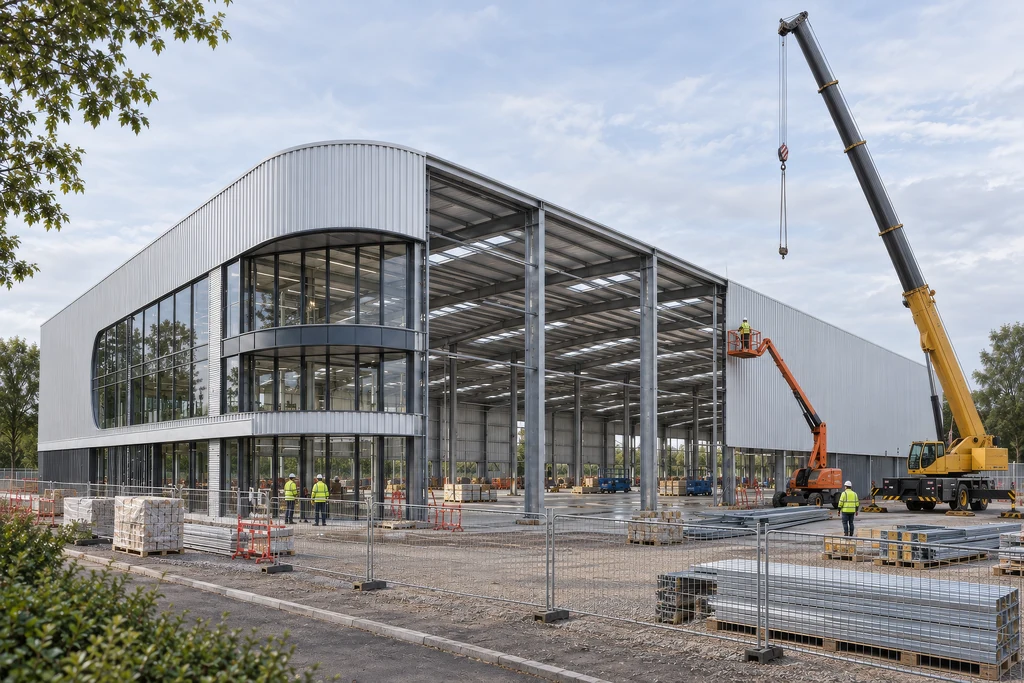
4D construction sequence animation
The building goes up in the order of your programme: excavation, foundations, frame, envelope and fit-out, with phase names or dates on screen. Owners and selection panels see that the schedule works before they sign. -
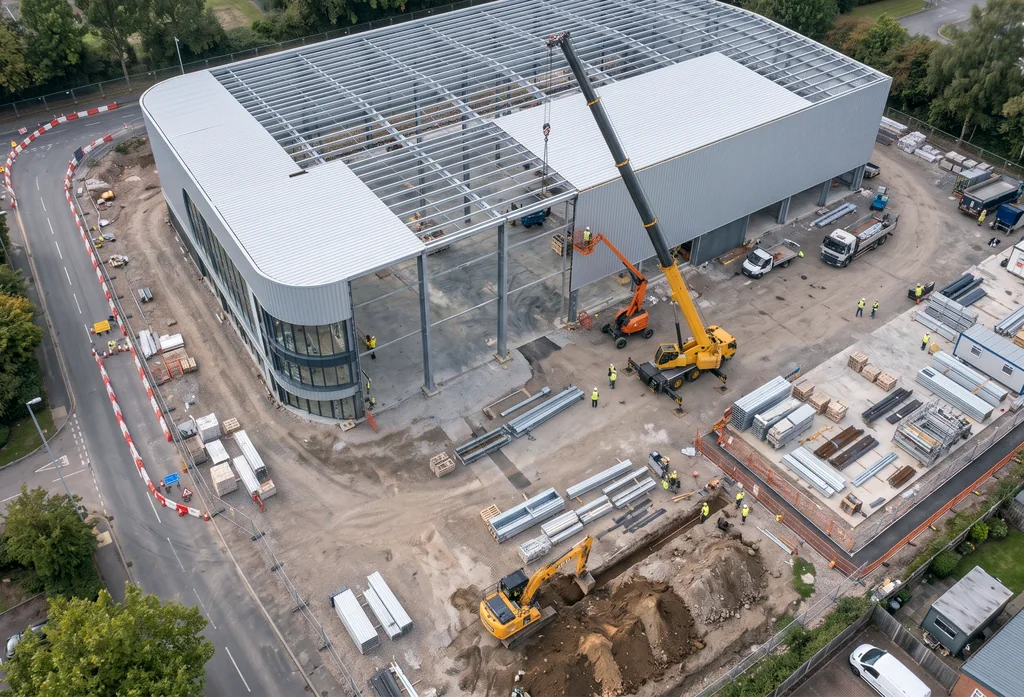
Site logistics animation
Gates, delivery routes, laydown areas, tower crane positions and hoists change with each phase, together with lane closures, detours and pedestrian routes around the hoarding. -
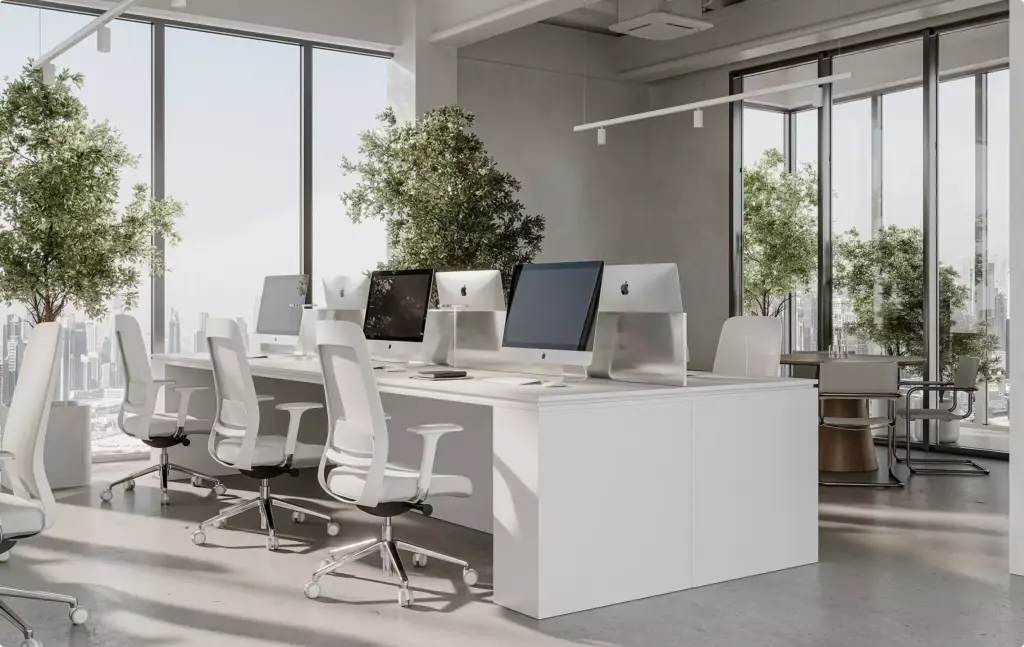
Phasing for buildings that stay open
When a building stays in use during renovation, we show which floors, entrances and parking close in each phase and where tenants, staff and visitors go instead. -
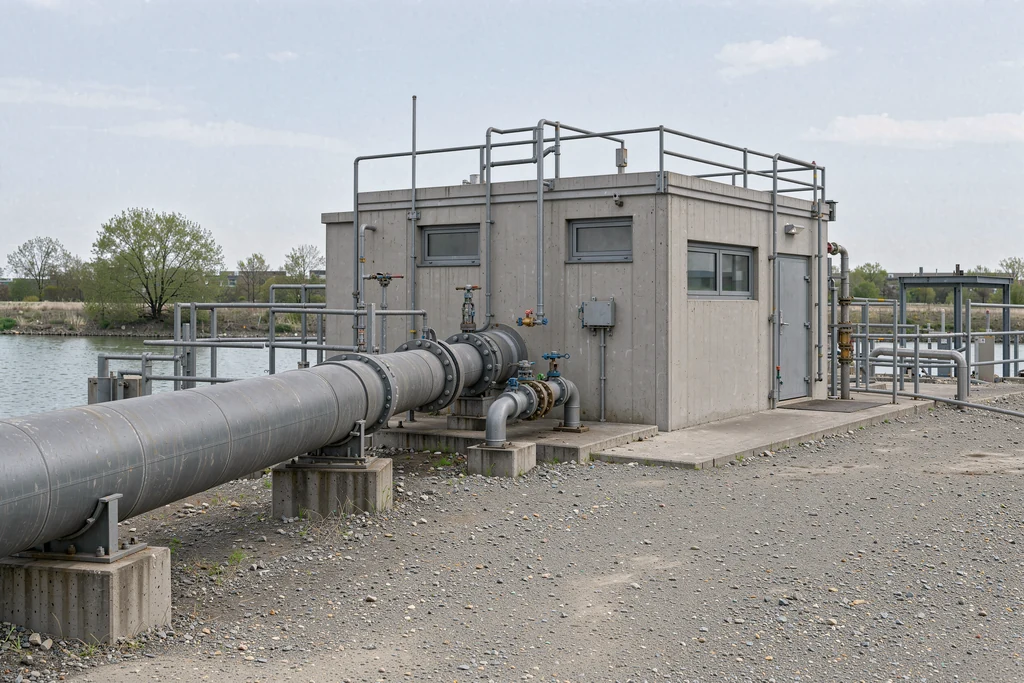
Construction method and equipment animation
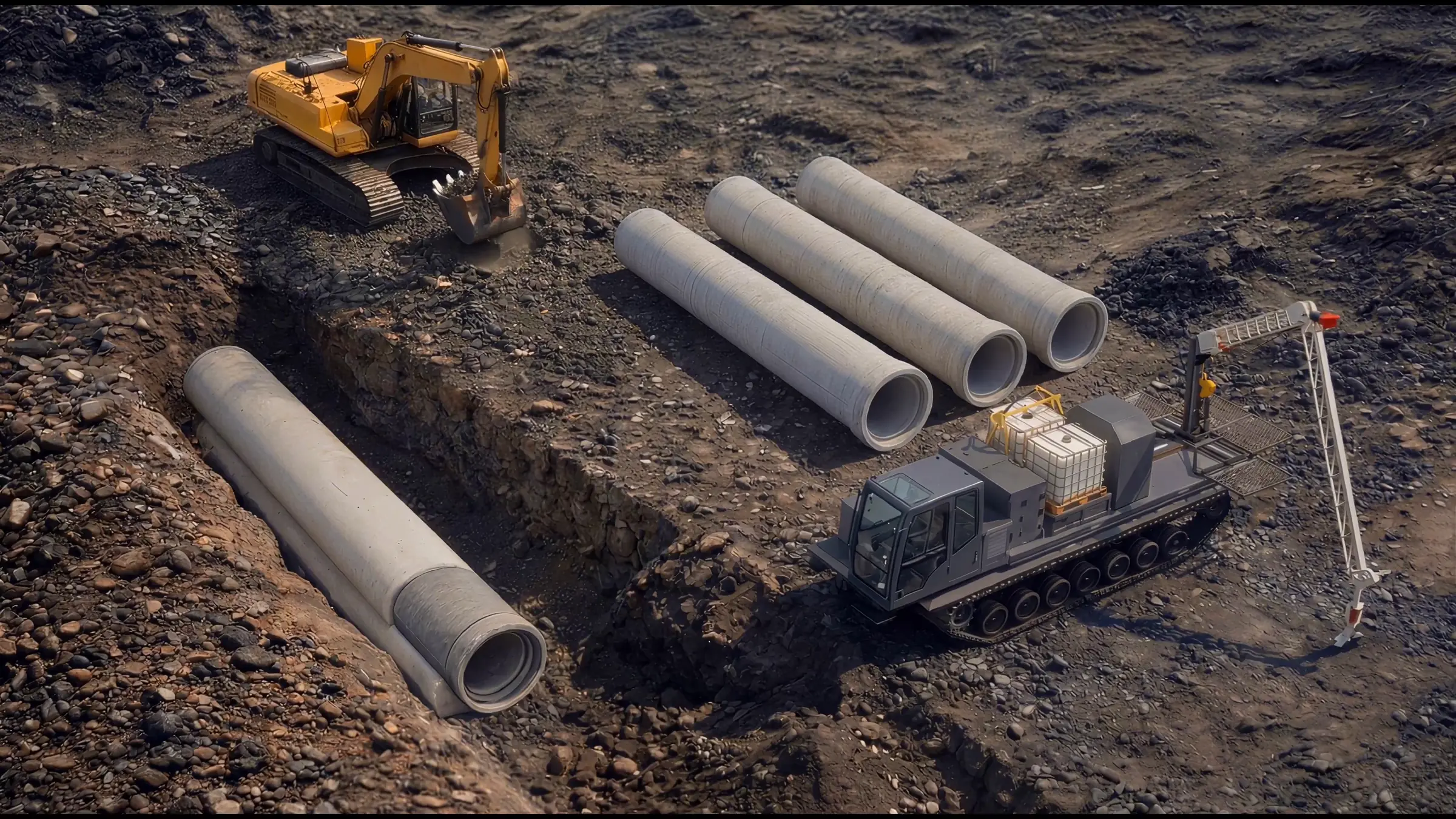
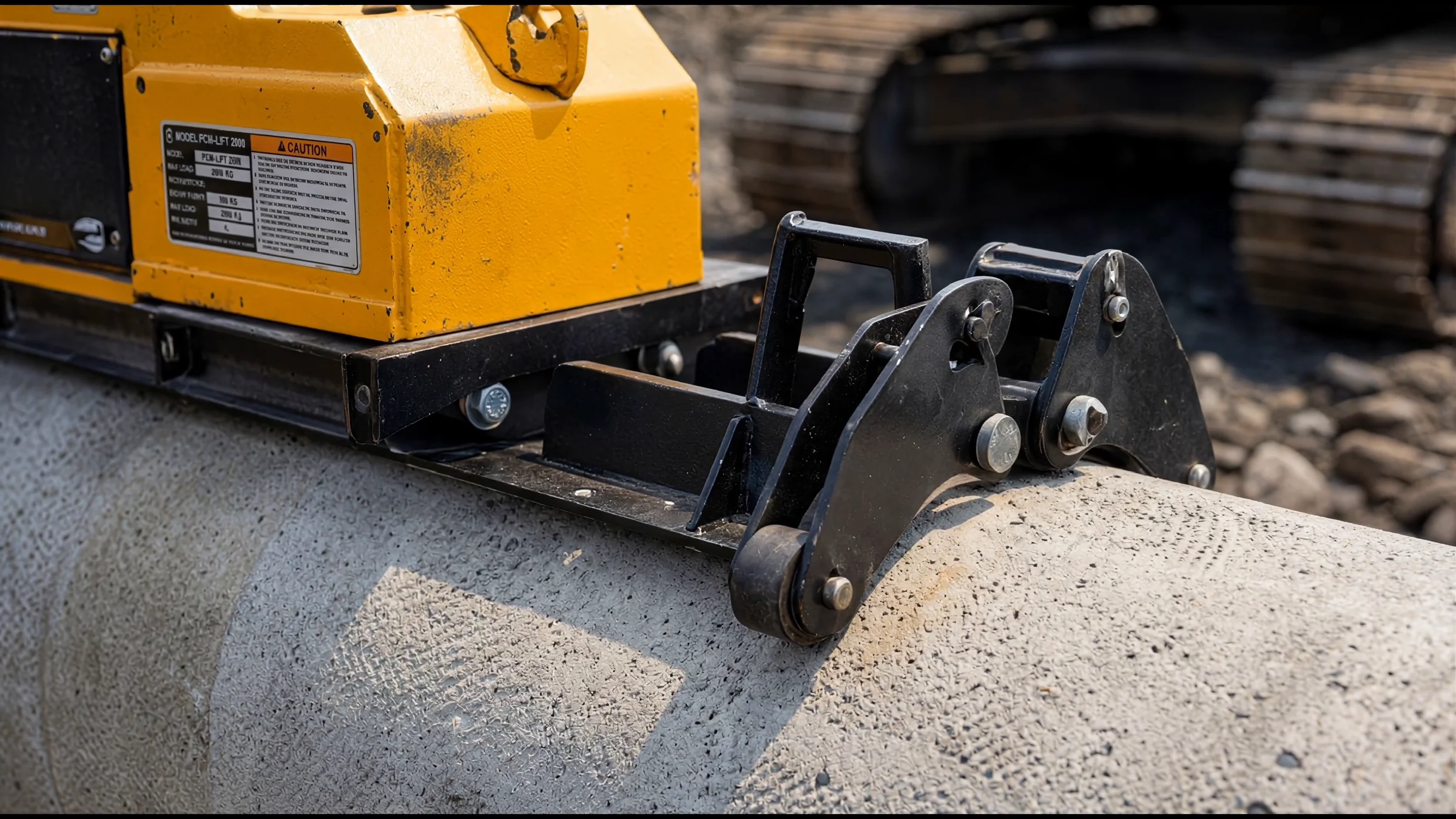
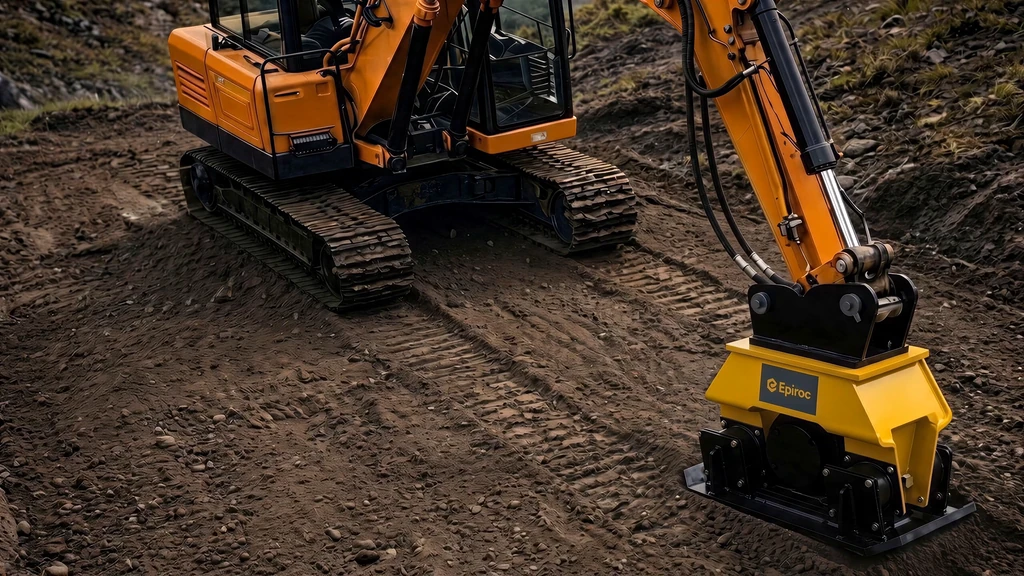
A new installation method, a machine or temporary works shown step by step at real scale: excavators and lifters, formwork, precast elements or a robotic system that sets your method apart. -
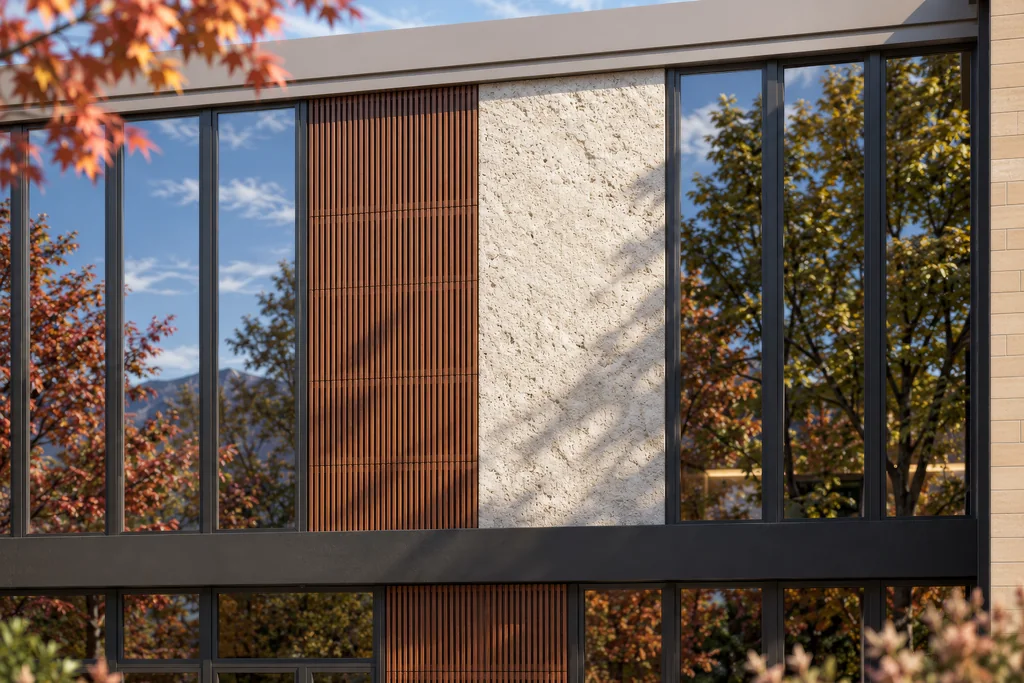
Building products and systems
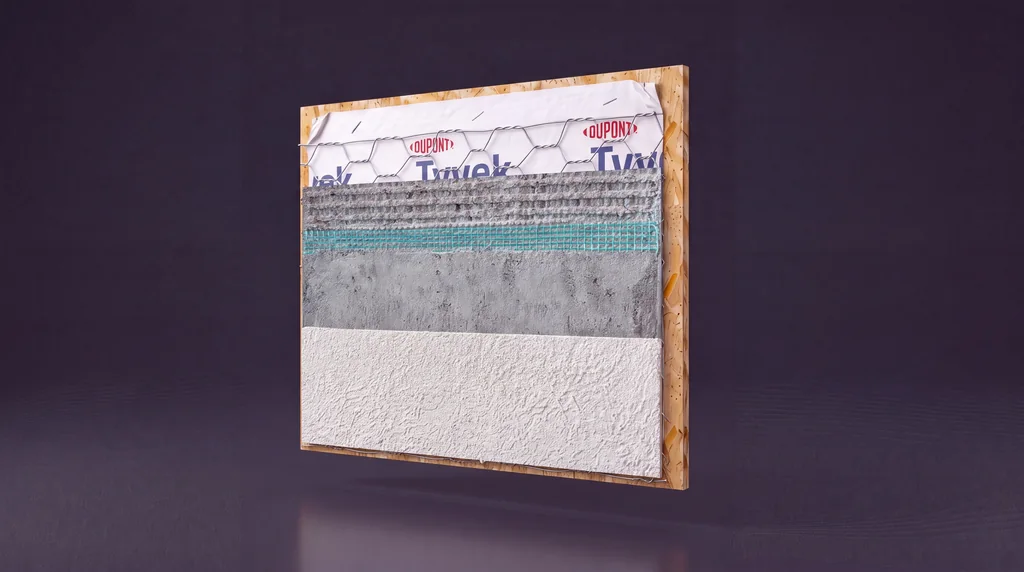
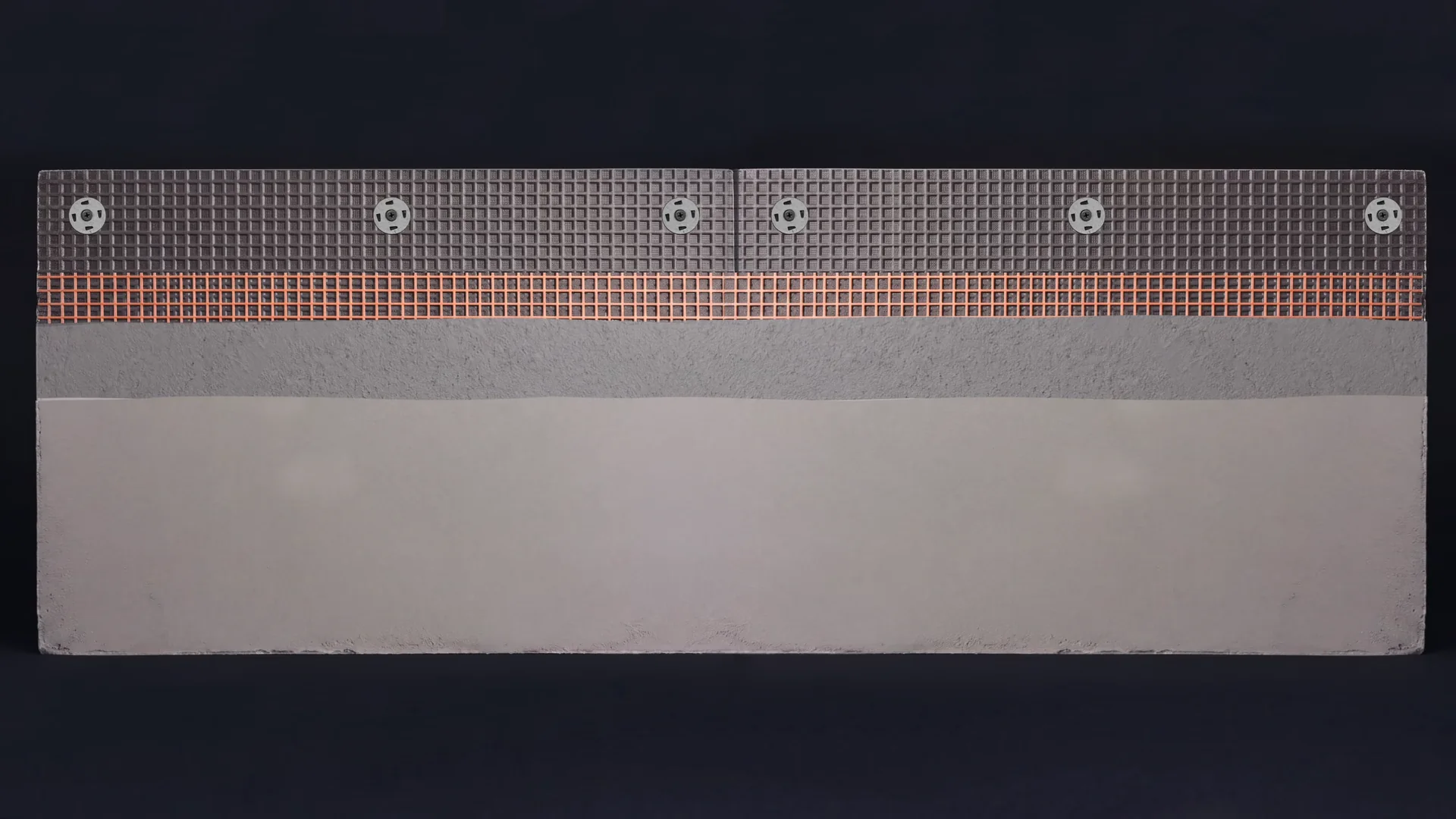
Wall, roof and façade systems built up layer by layer, then fastened and finished on the wall, for manufacturers who sell to contractors, installers and architects. -
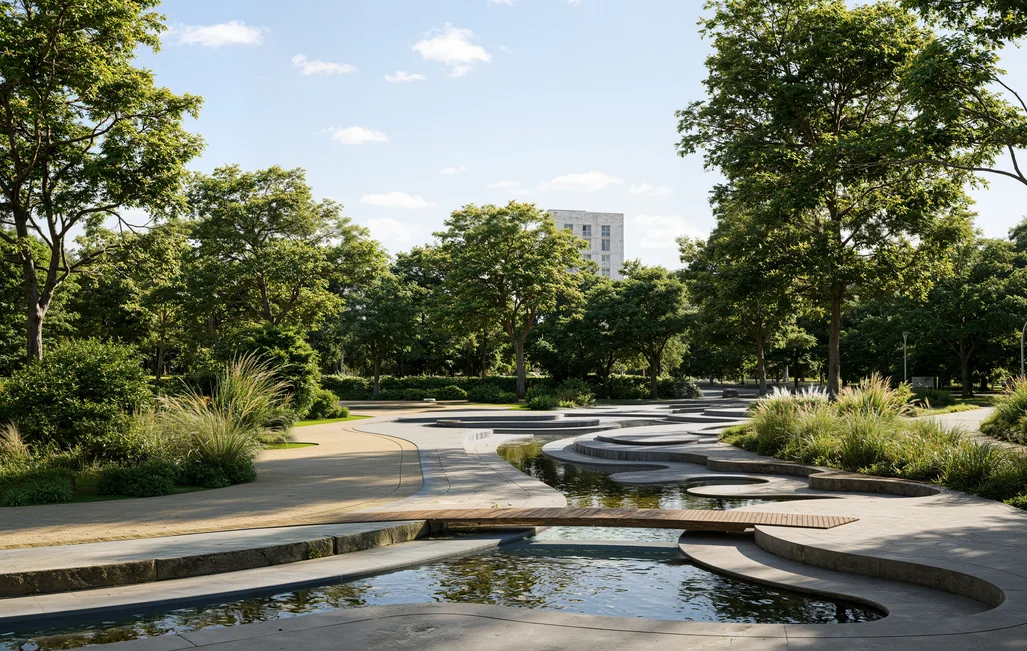
Roads, bridges, parks and utility works
Civil and public works shown in the street where they happen: what is dug up, closed and rebuilt in each stage, for a city department, a utility or the residents next door. -
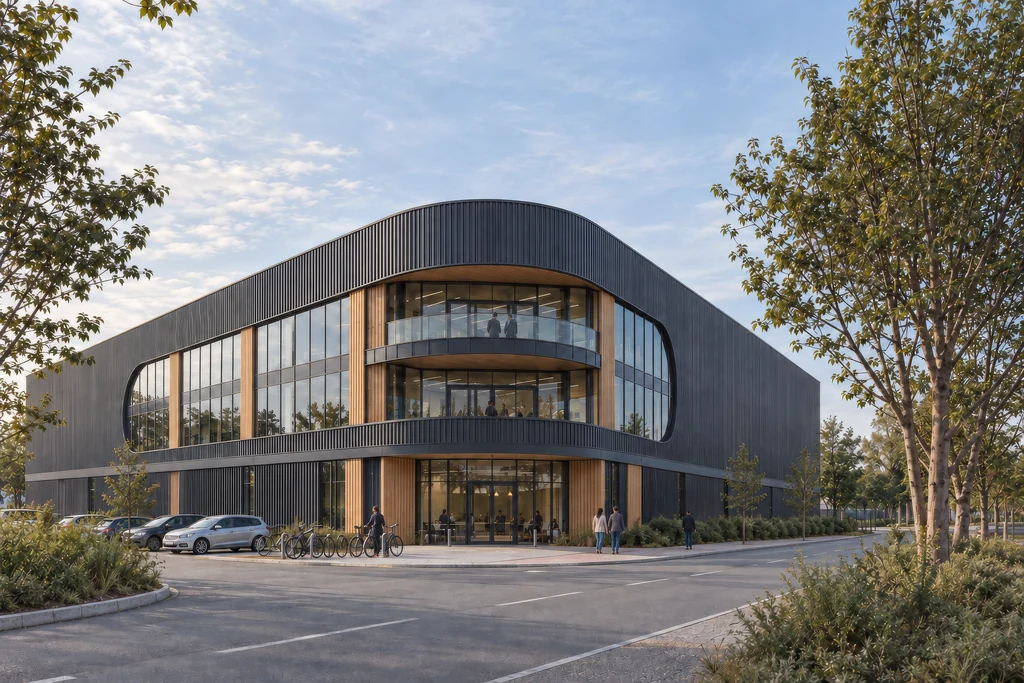
Pursuit and interview films
A short film for the shortlist interview that tells your sequence, your logistics and the finished building as one story, ready to play from the presentation laptop. -
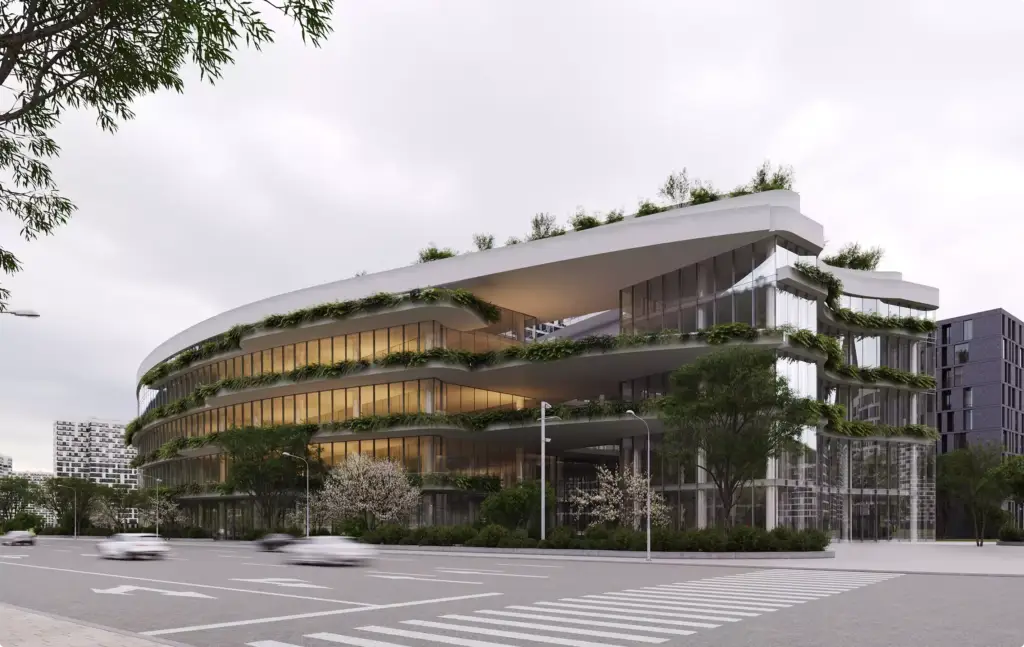
The finished building, from the same model
The last shots reveal the completed building and the landscaped site, so one film works for the bid, the leasing team and the project page on your website.
Not sure whether you need a sequence film, a logistics film or phasing clips?
The film follows the audience. A selection panel needs the sequence, a city needs the closures and routes, and tenants need to know which entrance to use next month. Tell us who will watch and when, and we come back with a shot list and the hours it takes.
- Free
- No obligation
- NDA on request
Construction Animation Services
Most studios sell you renders. We work out what will actually move your project forward.
Ask a rendering studio what you need and you get a quote for renders. We start from the outcome you are paid for: a committee that signs off, enquiries on a scheme that does not exist yet, a buyer who stops comparing, an investor who commits.
Send one email and our 3D strategist replies with a commercial plan for the project: what to show, to whom, in what order, where it goes to work, and what it takes. The list of deliverables is the end of that plan, not the beginning.
Free, and yours to keep even if you never work with us.
Thank you – your request has been sent.
Our 3D strategist is reading the project now and will write back with the plan: what to show, to whom, and in what order.
Construction, method and building-system animation
Construction and engineering animation from our studio
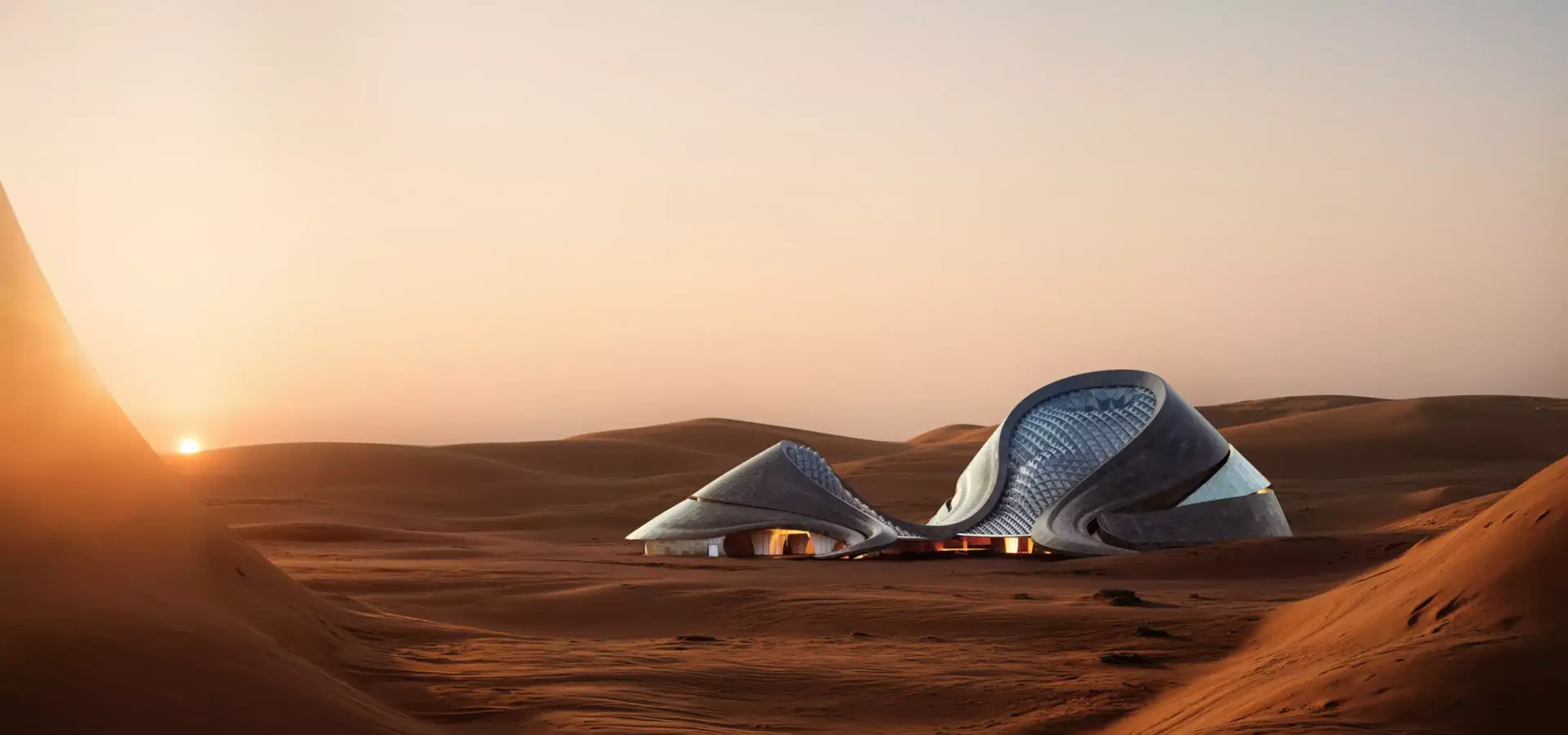
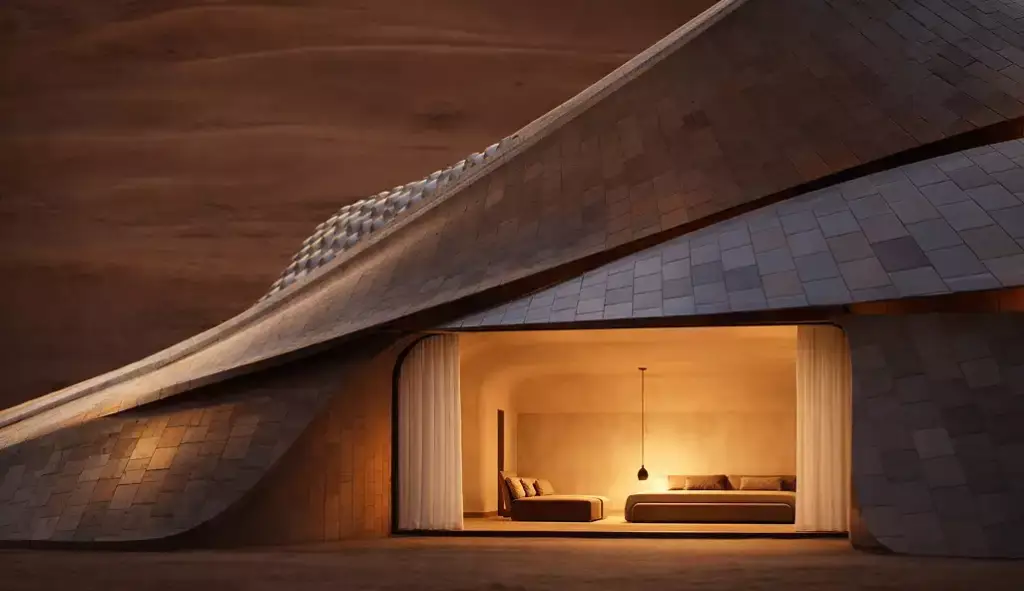
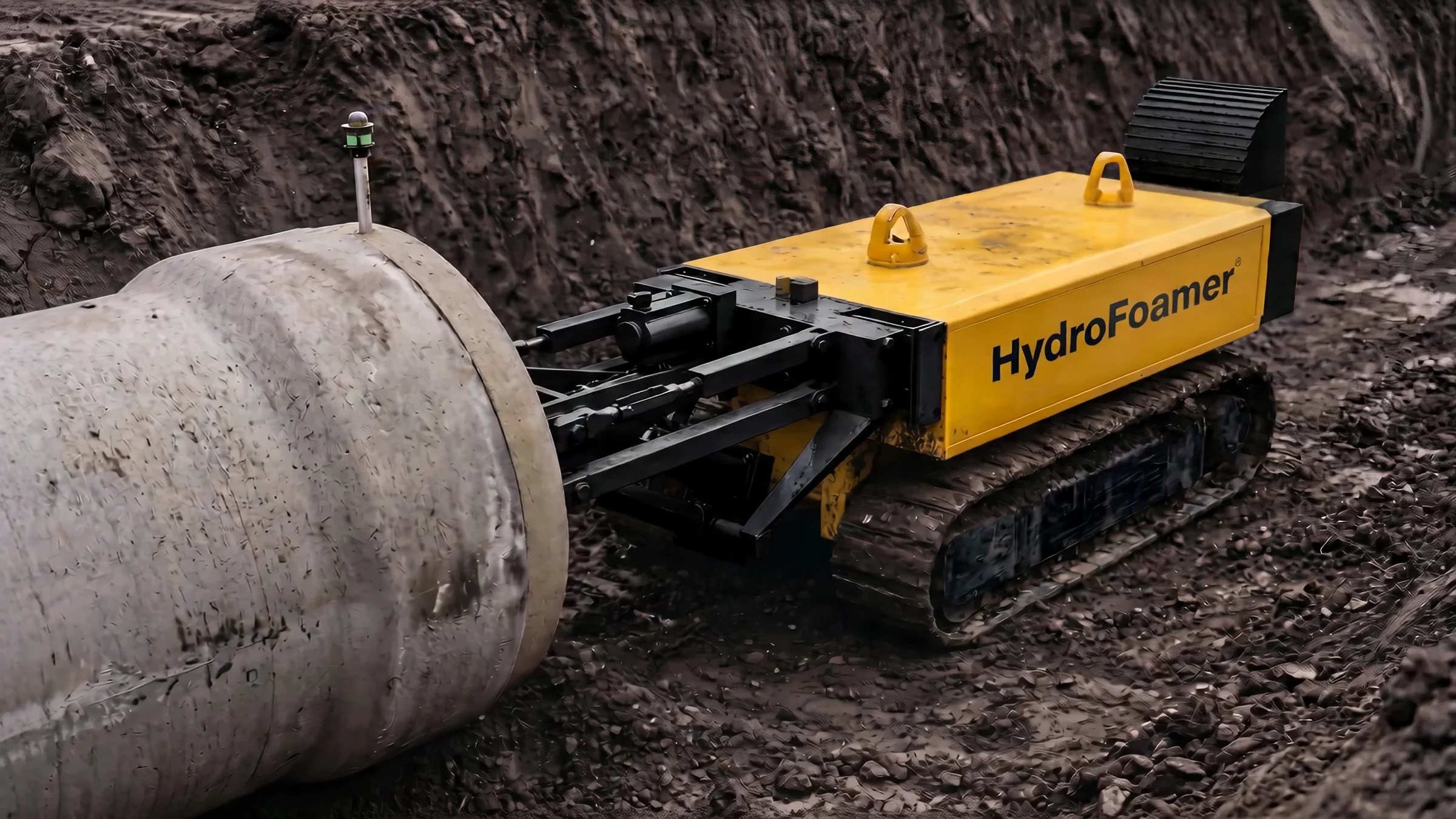
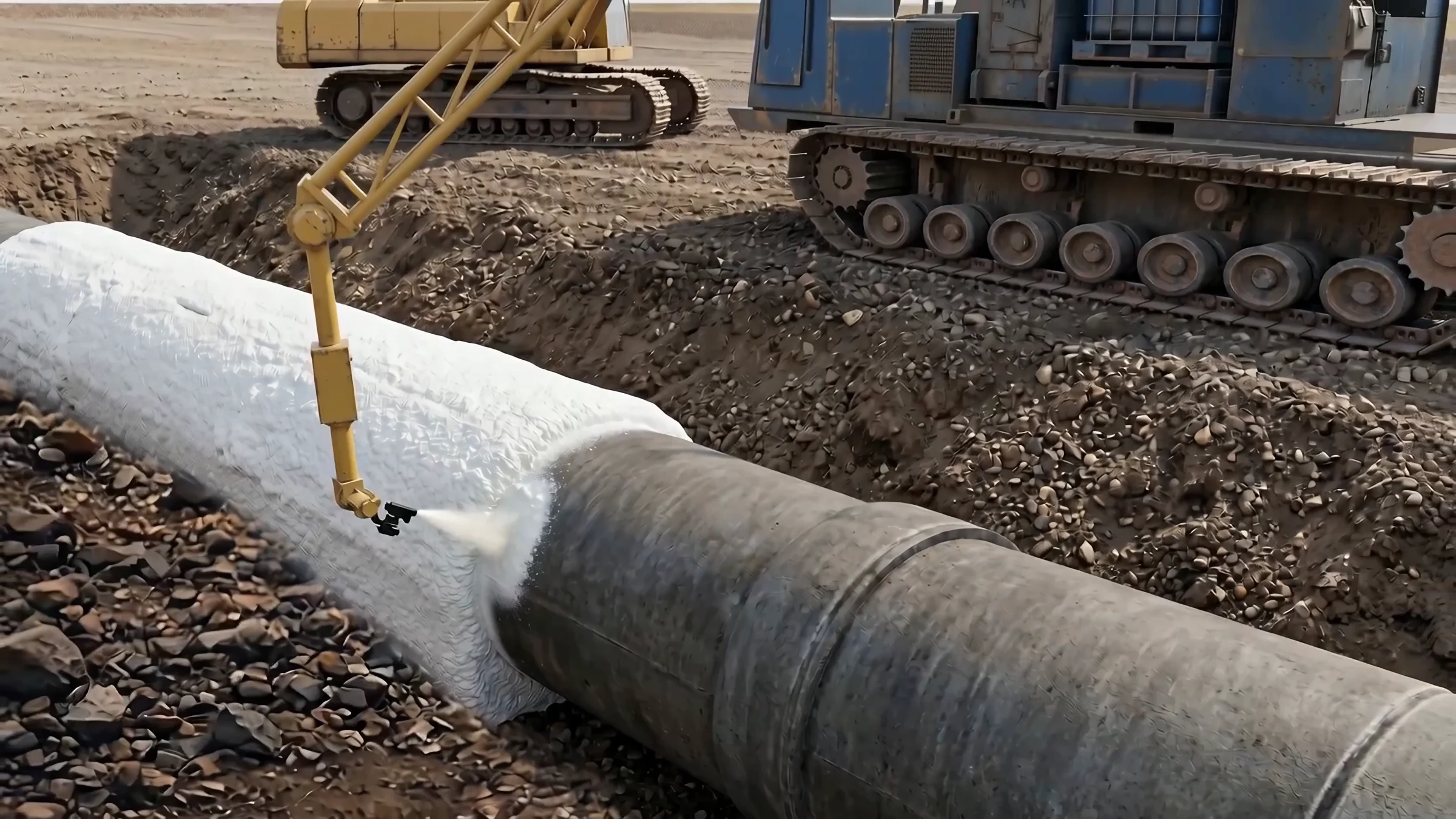
Stills from a pipeline construction film for a Dutch technology company, an exploded-view wall system film for a US video studio, an office animation made to market renovated offices before photography was possible, a park a contractor had to get approved by the city, and a hotel scheme that won its tender.

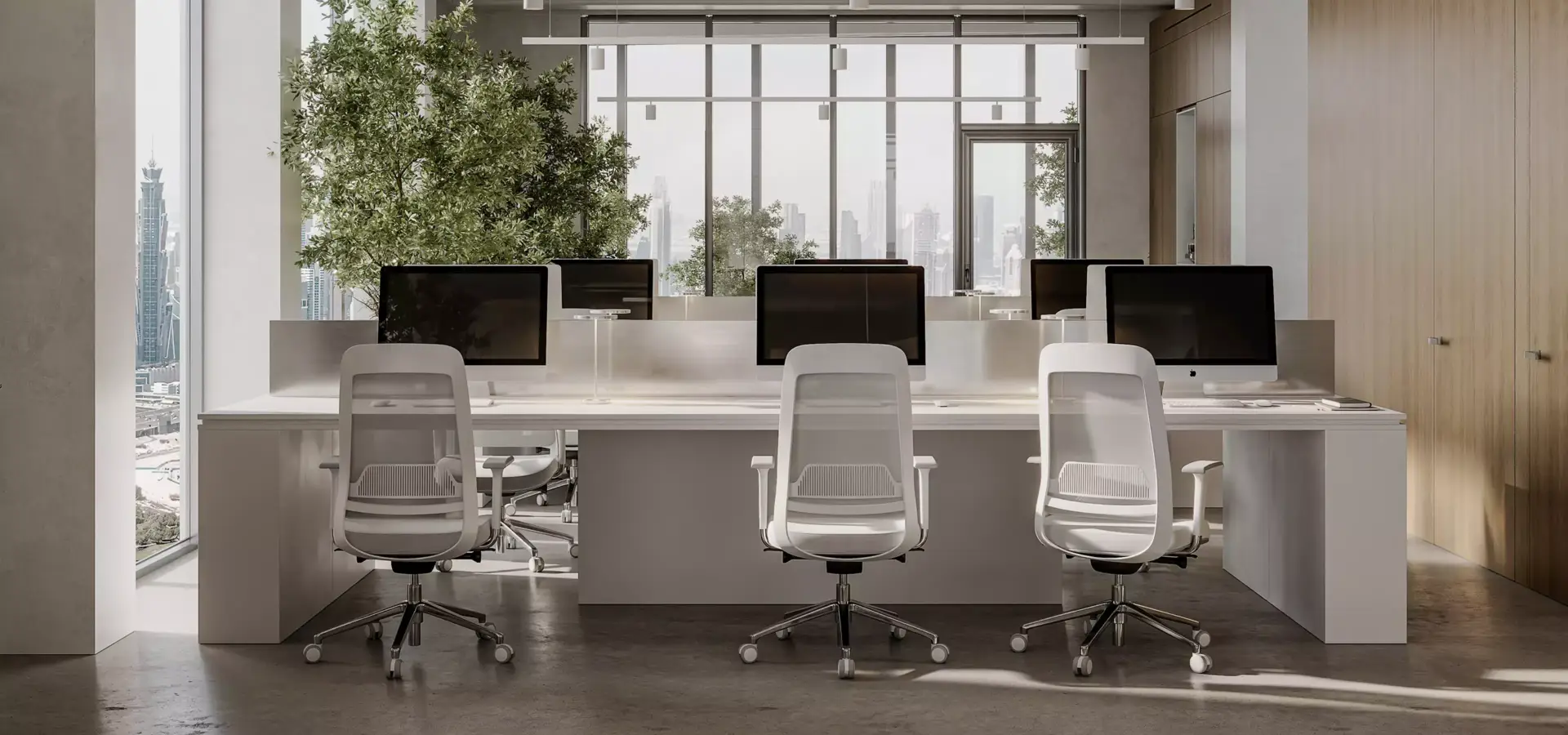
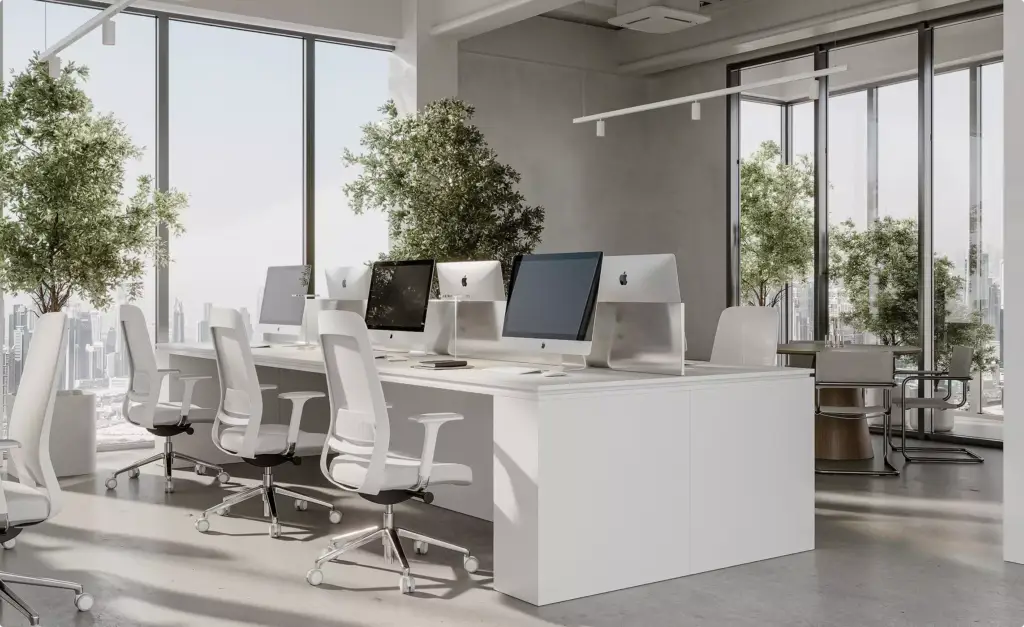
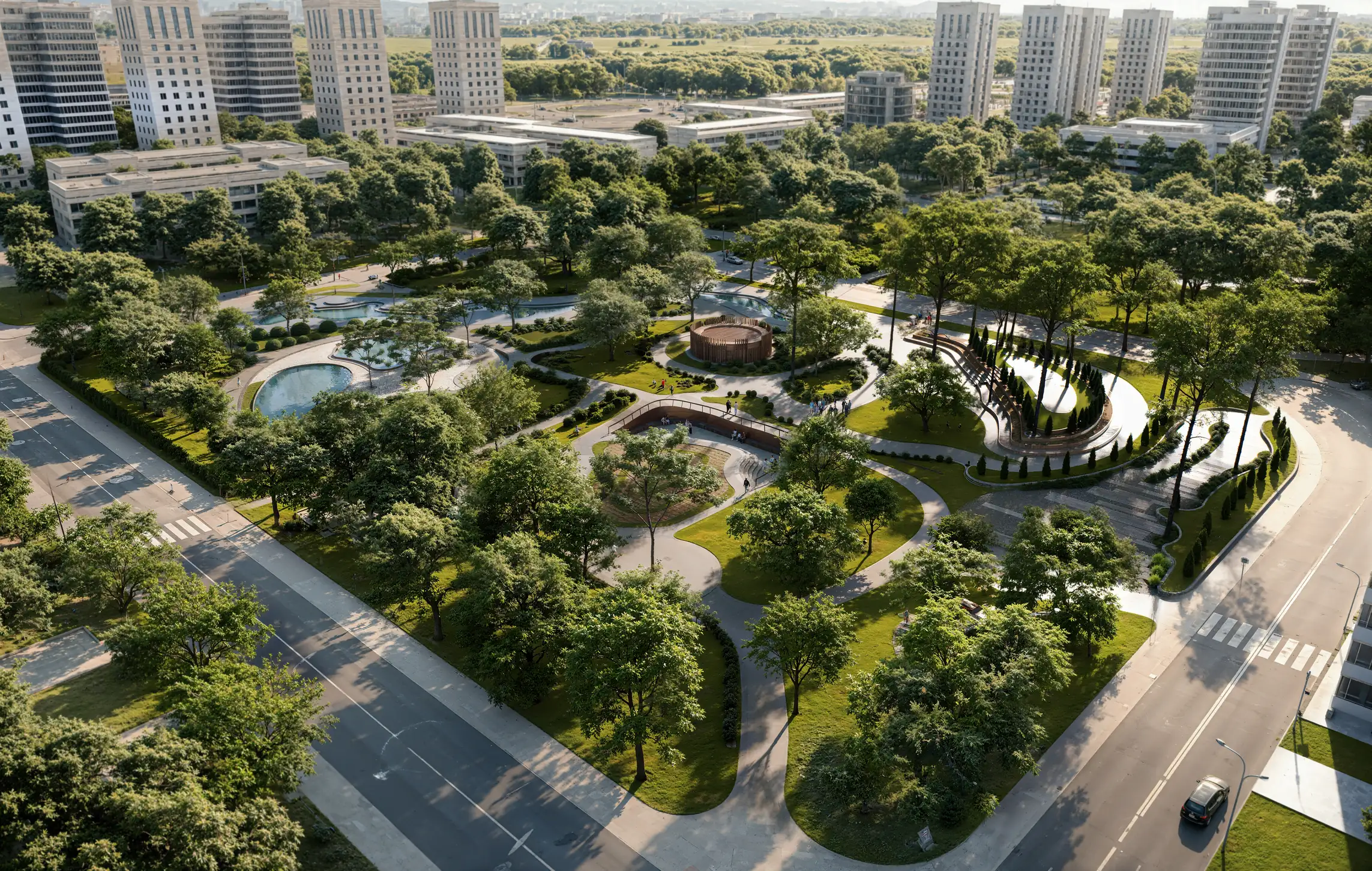
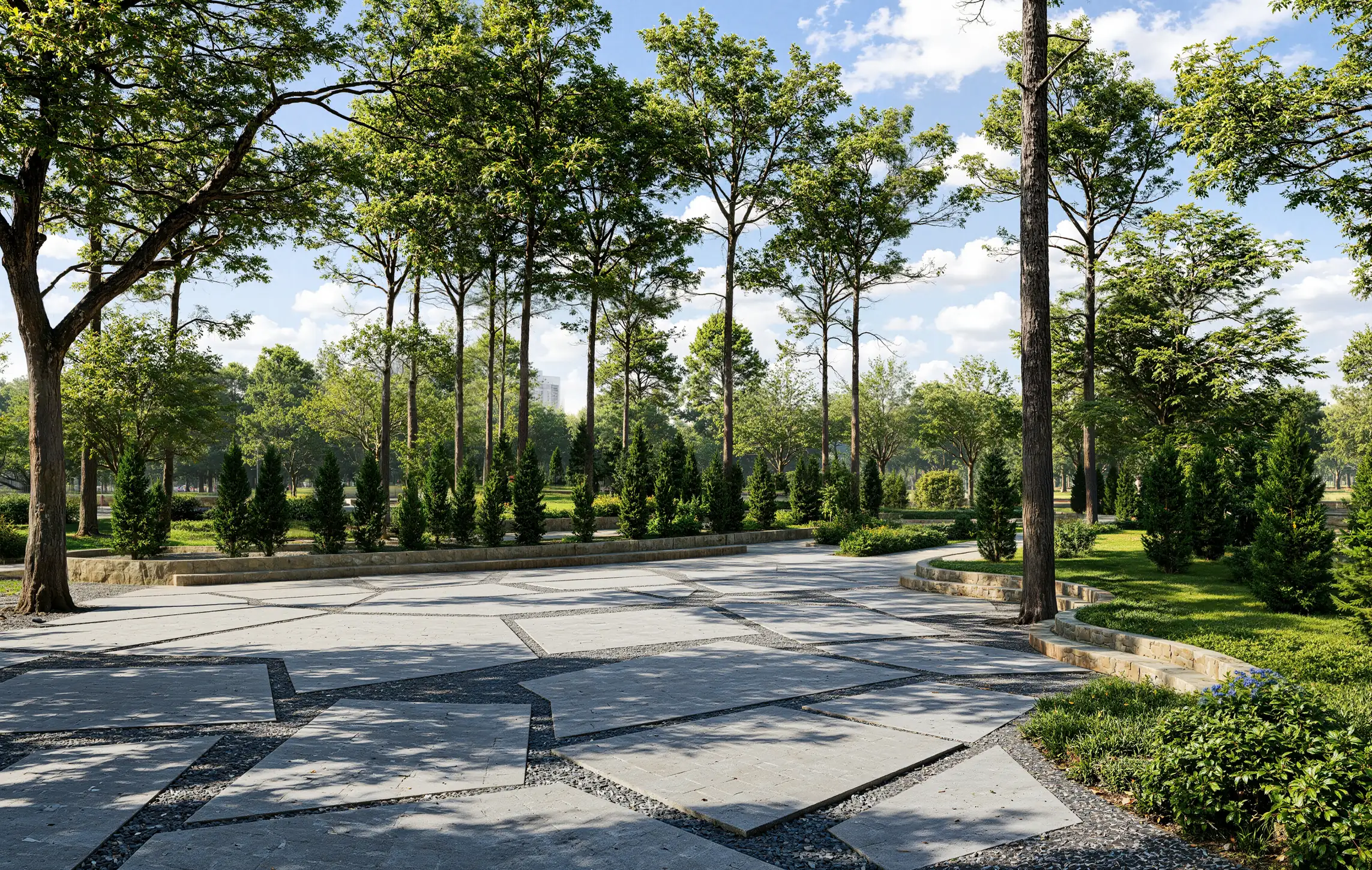
Free: the full portfolio
Pick what you need to show and we will send a hand-picked set of our construction and engineering animation work in full resolution, matched to it.
What you want to show
- Free
- Sent within one business day
- No sales call
Trusted by leading teams











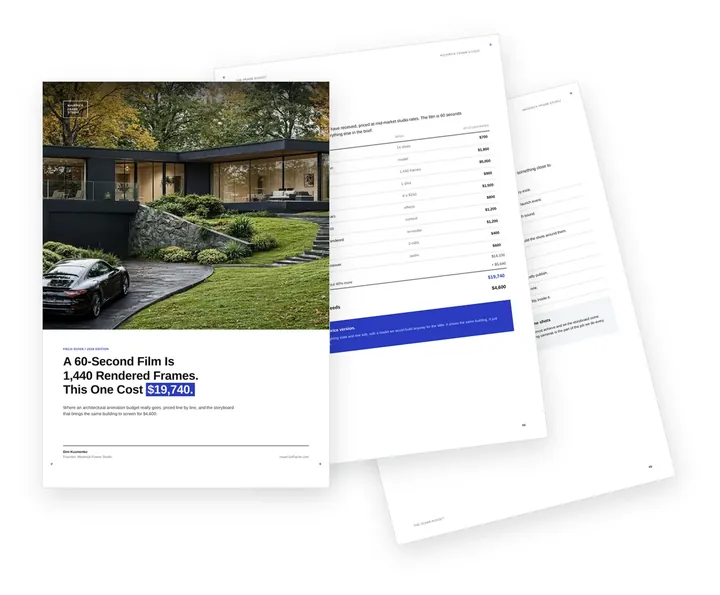
Free guide: a 60-second film is 1,440 frames. This brief made it $19,740
Behind every logo in that row is a brief that fits in an email: what the film must do, where it plays, how long it runs. The ones that grow into shot lists get expensive fast; one composite 3D architectural animation brief came to $19,740 for a building that needed $4,600. The guide prices each line and gives you the seven storyboard decisions that control the budget.
- Free
- Instant download
- No sales call
If it didn't open, download it here.
Download the PDF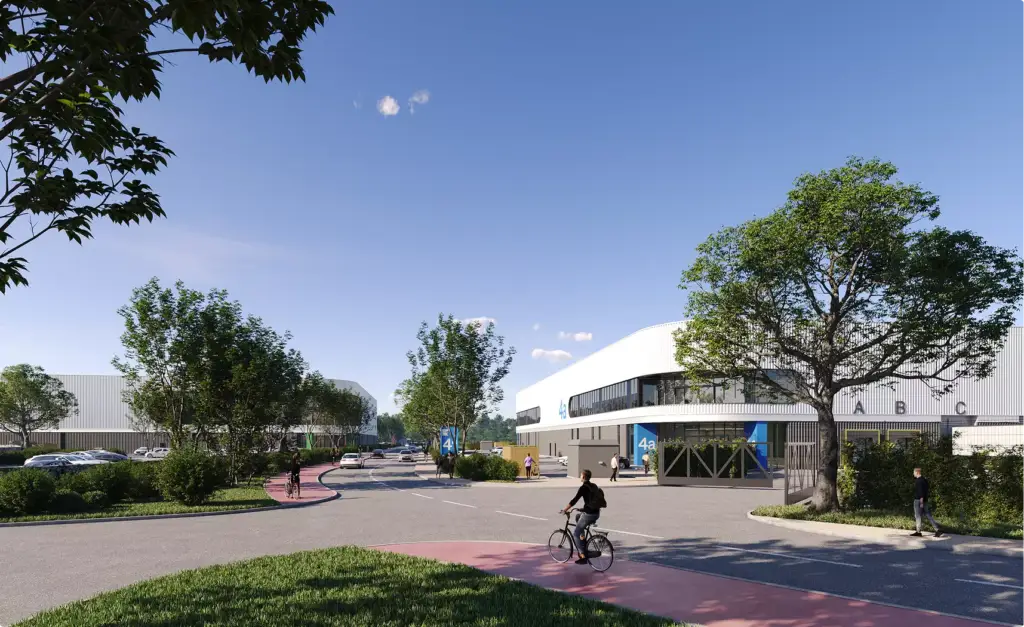
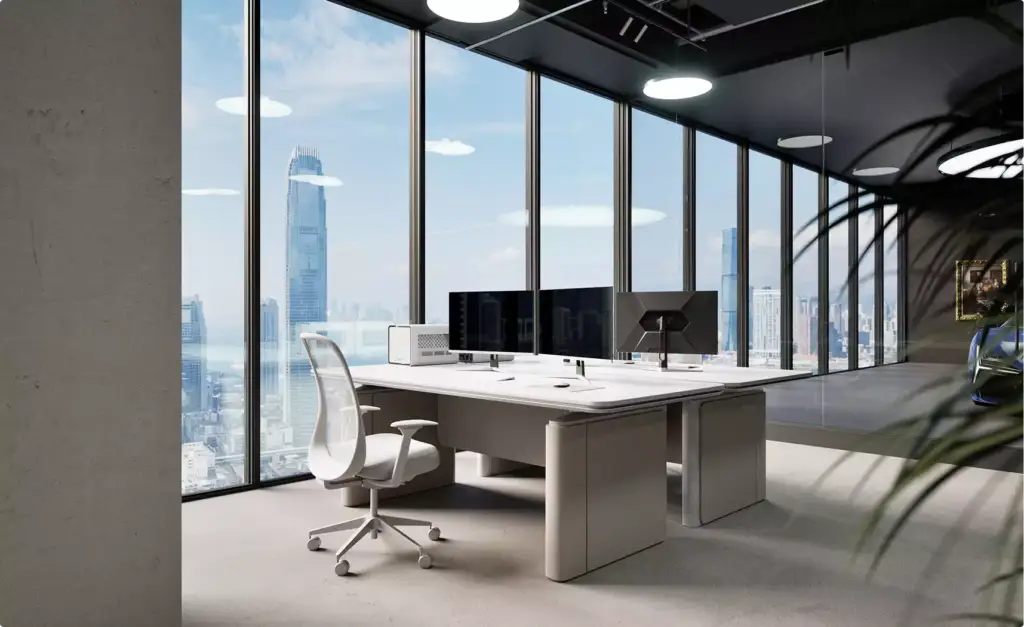
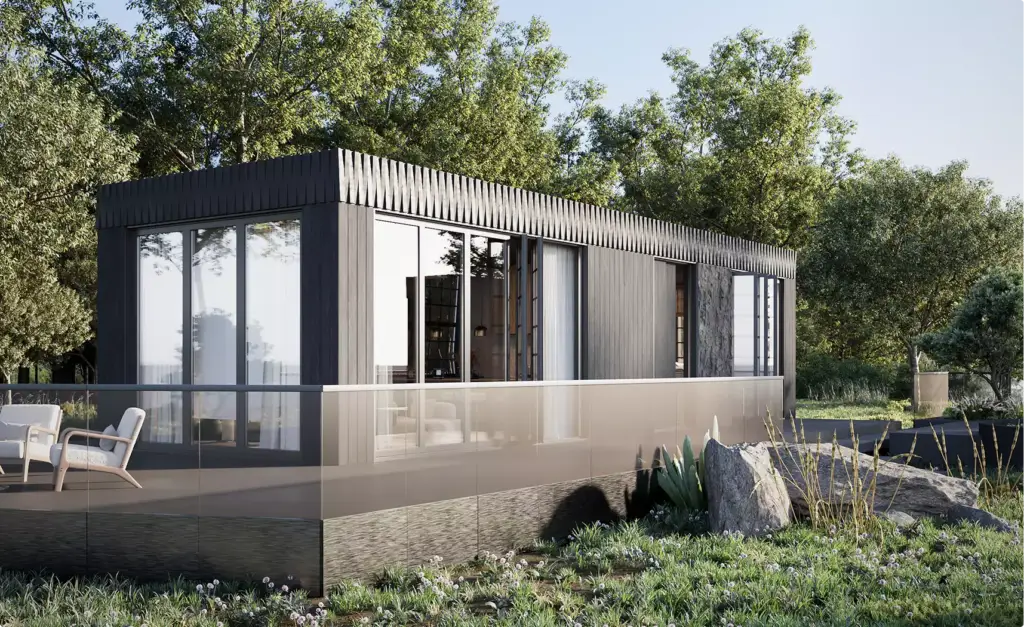
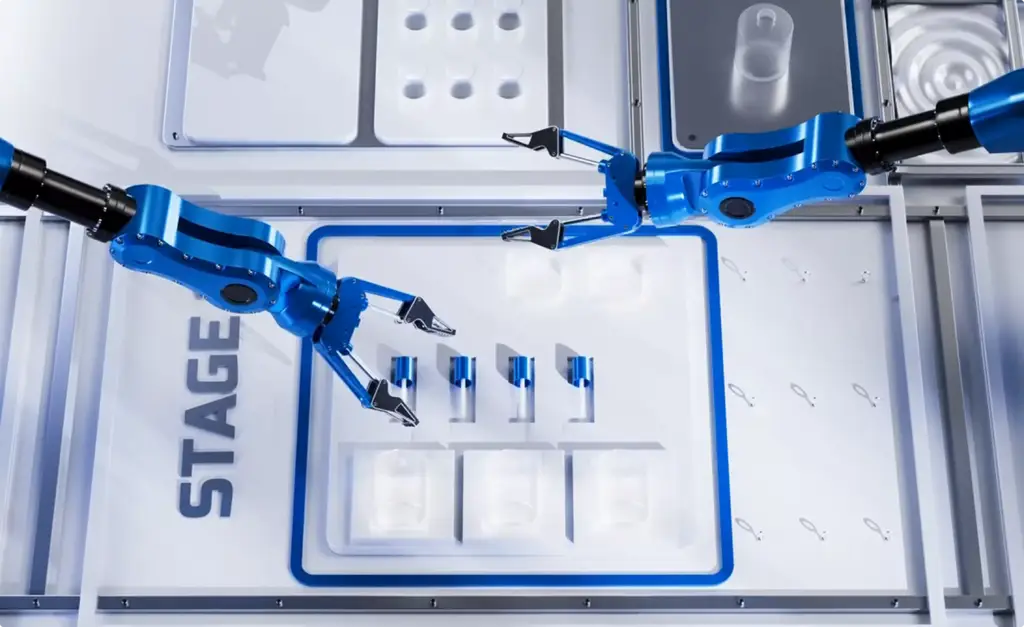
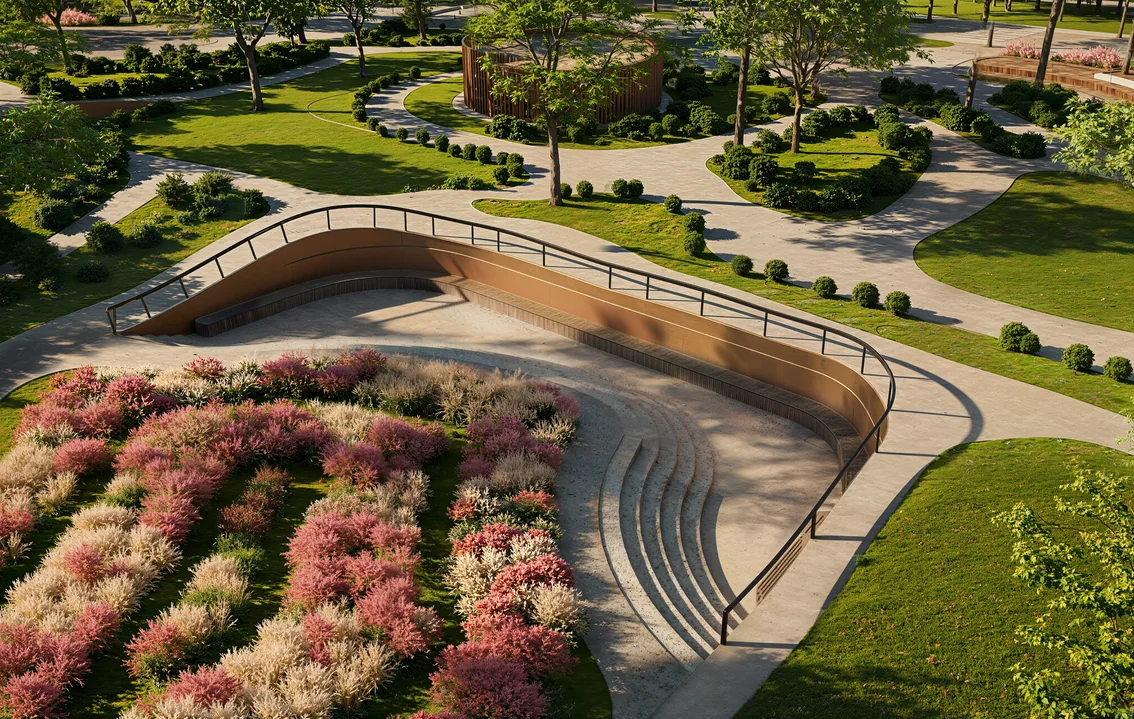
Pick your side of the project. Get the playbook written for it.
A contractor, a building owner and a manufacturer order construction animation for different reasons, and each loses time in a different place. Choose yours: what your audience needs to see, what to prepare before the brief and the mistakes we see most from your side.
- Free
- Instant download
- No sales call
If it didn't open, download it here.
Download the PDFCommon construction animation problems
Construction Animation Challenges We Solve
- Happened to us
A 4D export nobody outside the team can read
Grey boxes from the scheduling software change colour week by week. Your planners read it; an owner, a city panel or a tenant does not.
Our fixWe keep your sequence and dates and render the site as it will look, with real materials, machines, traffic and people.
- Happened to us
A logistics plan that only works on paper
A PDF site plan shows gates and crane positions, but not how a truck turns in or where pedestrians walk in phase three.
Our fixEach phase is animated on the real street, so routes, crane swing and closures are seen in motion before the plan is submitted.
- Happened to us
A film that drifts from the programme
Phases drawn by eye drift from the real sequence, and the first site manager who watches the film stops trusting it.
Our fixYour planner approves a phase list and storyboard against the programme before rendering, and captions use your phase names.
- Happened to us
A deadline set by the interview or the hearing
Bid interviews and council meetings do not move, and the last design changes arrive the week before.
Our fixWe plan back from your date, lock the sequence first and keep the scene ready for late changes to the design.
- Happened to us
Too many audiences for one film
The owner wants the finished building, the city wants the closures and the tenants want to know which door to use.
Our fixOne model, separate cuts: a full film for the interview, a logistics cut for the city and short phase clips for tenant updates.
-
Had any of these? Tick them.
12 questions before your film misses the date
Your PDF is ready.If it didn't open, download it here.
Download the PDF
Phase by phase
Construction Phasing Animation for Tenants, Neighbours and the City
What changes on site in each phase, and who needs to see it?
A construction phasing animation answers three things for every phase: what closes, where traffic and people go instead, and who has to know. Before production we fill in this table with your team, and each row becomes a shot in the film.
| Phase | What changes on site | Who we show it to |
|---|---|---|
| Site setup | Hoarding, gates, site offices and the first lane or sidewalk closure | The city permit office, utilities and neighbours |
| Demolition and excavation | Truck routes, wheel wash, dust and noise zones, temporary detours | The city traffic department, residents and nearby schools |
| Structure | Tower crane position and swing, delivery windows, hoists and laydown areas | Subcontractors, the owner and the city |
| Envelope and fit-out | Scaffolds, entrances that reopen, parking that moves | Tenants who stay in the building and building management |
| Handover | Reopened streets, landscaping and the finished building | Future tenants, buyers and the owner’s leasing team |
Construction animation by project stage
Contractors rarely need one film. The bid needs the sequence, the city needs the closures, tenants need the phases and the leasing team needs the finished building.
We build the site and building model once and reuse it for every next cut, so each later film costs less than starting from zero.
Free: the construction animation roadmap
Which films to order from the bid to handover, what the 3D site model carries over, and what share of the budget each stage takes.
Where is your project now?
- Free
- Instant download
- No sales call
If it didn't open, download it here.
Download the PDF-
Pursuit
Bid interview: a 4D sequence and logistics film for the owner and the selection panel, played from your presentation.
-
Approvals
Permits and public meetings: phasing, lane closures, detours and pedestrian routes for the city, utilities and neighbours.
-
Mobilize
Site setup: the logistics plan in motion for subcontractors and suppliers, with gates, cranes, deliveries and laydown areas.
-
Build
Live site: phase-by-phase clips for tenants who stay in the building, the owner and investors, updated as the programme moves.
-
Handover
Handover and leasing: the finished building and landscaped site from the same model, for leasing, sales and your project page.
Why Choose Us
A CGI Studio Behind Your Construction Animation
We came to construction animation from architectural and engineering CGI, so the site, the machines and the finished building look real while the sequence follows your programme.
-
10+ years of CGI
Founded in 2016 and based in London, we have produced visuals and animation for 350+ brands, developers and builders.
-
Built from your model
We open your Revit file or an IFC or FBX export, so the building on screen matches the model your team builds from.
-
Programme review in the schedule
Your planner signs off the phase list and storyboard before rendering, while a change still takes minutes.
-
Dedicated project manager
One person knows your project, your reviewers and your interview date, so you never re-explain the job.
-
One model, many cuts
The same scene feeds the interview film, the logistics cut, tenant updates and stills for the bid book.
-
Confidential by default
Bid material, drawings and programmes stay under NDA, shared only with the artists working on your shots.
Check a start date for your construction animation
Tell us what you need and the date of your interview, hearing or launch. Within one business day we reply with a start date, the team we would put on it and a price range.
Output
Deadline
- Reply within one business day
- No obligation
Remote studio, your time zone
Construction Animation Support Worldwide
We produce construction animation for contractors, owners, developers and manufacturers in North and South America, the UK and Europe, Australia and the Gulf, working fully online from your model and programme to final delivery.
Models from any platform
Send a Revit file, IFC or FBX exports, a SketchUp model or plain DWG and PDF drawings; we prepare the scene ourselves.
Remote workflow worldwide
Phase lists, storyboard reviews, approvals and delivery all happen online and under NDA.
Flexible schedule
Our team works across time zones, so interview, hearing and site start dates stay on track.
Book a 30-minute call
Which day suits you?
What time?
Where should we send the invite?
- 30 minutes
- Free, no obligation
- Invite by email
30-second construction animation quiz
Not sure which construction animation you need? Find your fit
Answer four quick questions about your project and we’ll match you with the right film, plus a free, tailored next step.
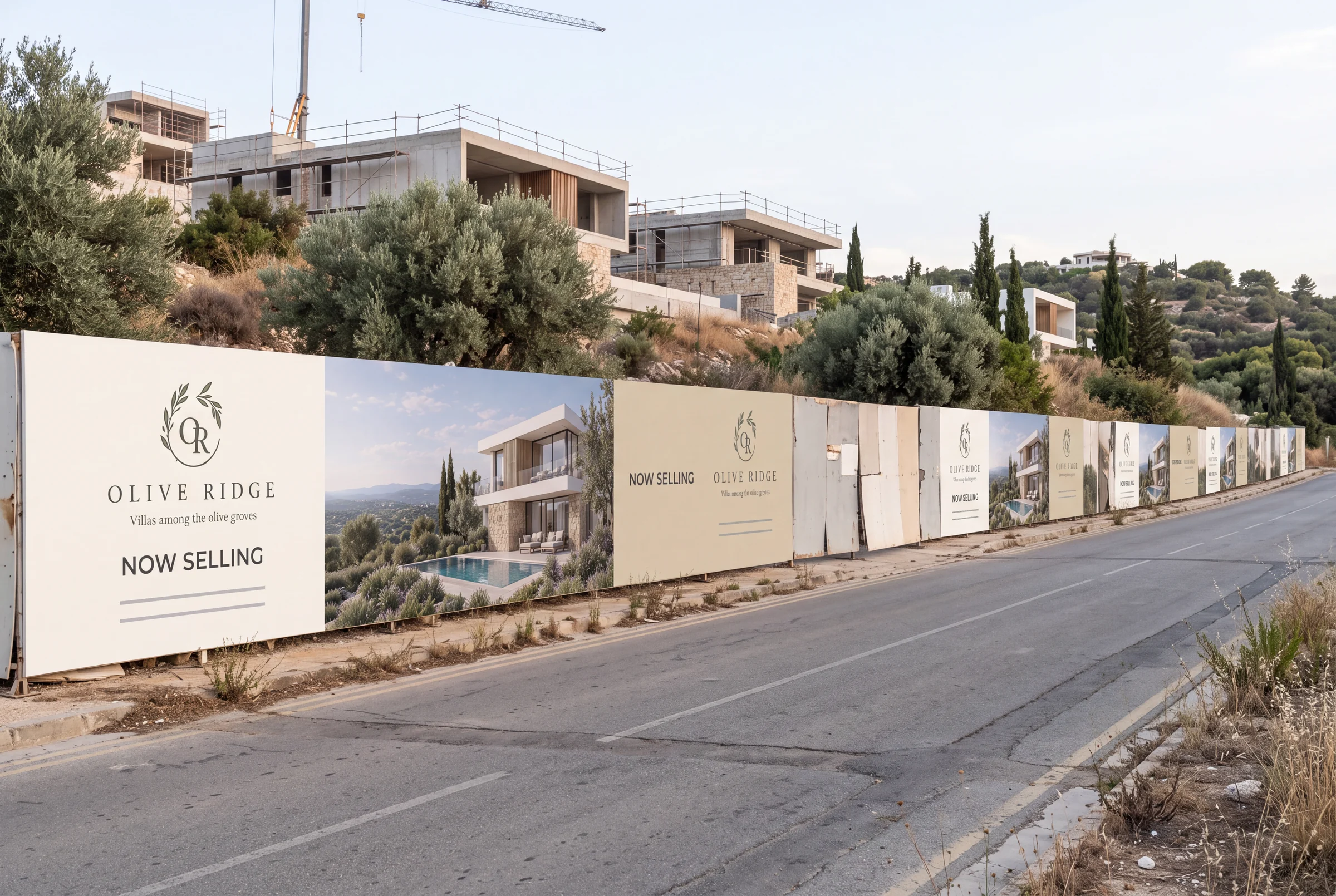
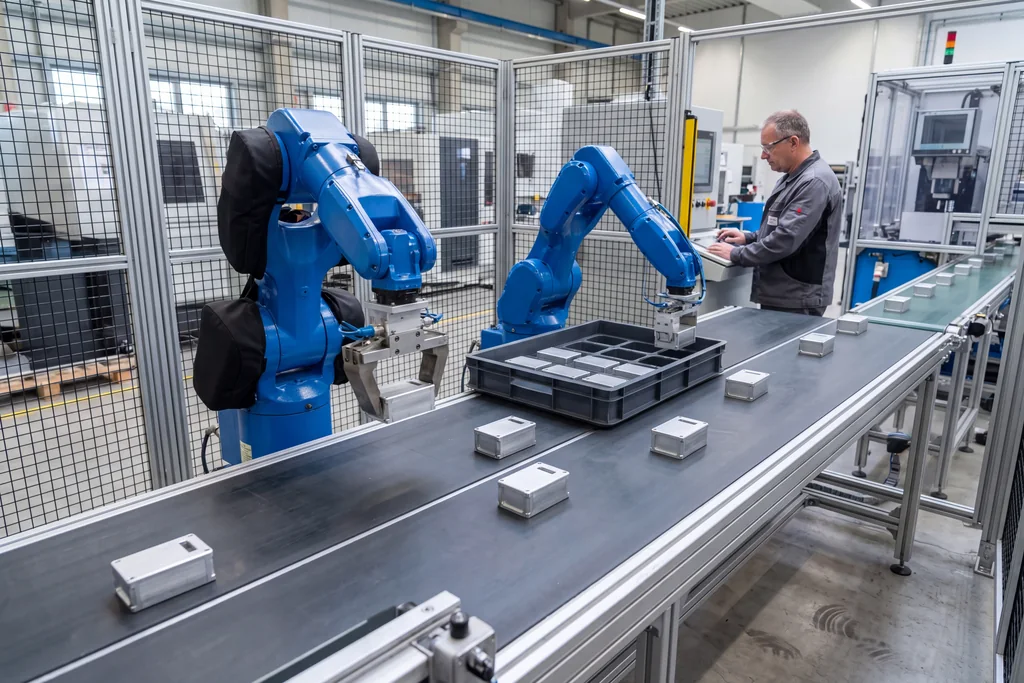
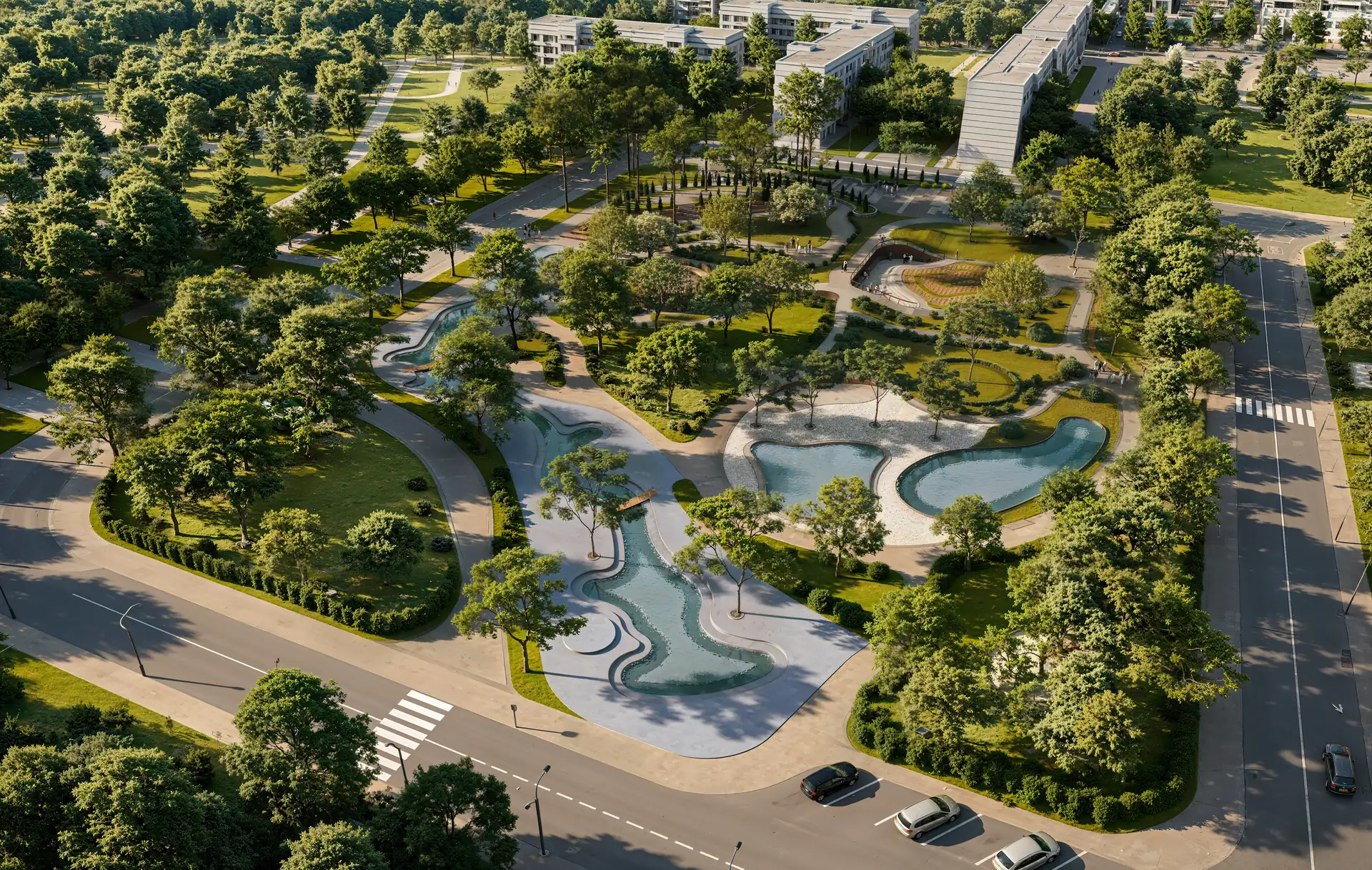
Pick the look you love
What do you need to show?
Who will watch it?
What do you have now?
Almost there — where do we send it?
Your tailored plan and a free next step for your project.
No spam — we only email about your project.
Construction animation, from your programme to the final film
We’ll email your tailored construction animation plan shortly.
4D Software Export or Construction Animation: What a City Panel Can Read
We already have a 4D model in Navisworks or Synchro. Why order a construction animation?
Keep the 4D model for planning and clash checks. A construction animation is the version for people outside your project team: it follows the same sequence and dates but shows the site as it will look.
| 4D export from scheduling software | Construction animation | |
|---|---|---|
| Made for | Planners and the VDC team | Owners, selection panels, the city and tenants |
| On screen | Model elements coloured by task | Real materials, machines, traffic, people and the street |
| Site logistics | Optional, often a separate drawing | Cranes, deliveries, closures and routes in every phase |
| Camera | An orbit around the model | Planned shots and close-ups on the moments that matter |
| Delivered as | A screen recording | A 4K film, cuts with and without captions, stills for the bid book |
What We Need From Your Team: Model, Programme and Logistics Plan
We animate your plan; we do not redesign it. The more of these you send at the start, the sooner the phase list is ready for your planner to approve.
- Model A Revit file, an IFC or FBX export, or DWG and PDF drawings if there is no model yet.
- Programme An export from your scheduling software or simply a list of phases with dates; we turn it into a shot list.
- Logistics plan Site logistics drawings for each phase: gates, crane positions, deliveries, closures and pedestrian routes.
- Storyboard or graphics Your own storyboard or basic graphics if you have them; we keep the story and make the film cleaner and easier to follow.
FAQ
Questions about construction animation
Didn’t find your question?
Ask it here. A producer replies within one business day — with an answer, not a sales call.
What is construction animation?
What is the difference between 4D construction animation and construction sequence animation?
Can you animate our site logistics plan?
Can you show a renovation while the building stays open?
What files do you need to start?
Can you turn our storyboard and basic graphics into a finished film?
Can you deliver before our interview or hearing date?
Do you film on site?
Do you make construction method and equipment animations for manufacturers?
Do you work white label for video studios and agencies?
How is construction animation different from architectural animation?
Do you use AI in construction animation?
How is a construction animation quoted?
Who owns the film and our project files, and can the work stay confidential?
Free Test Render
Start With a Free Construction Animation Styleframe
We prove our quality on your own project before you commit: send the model or drawings and one phase of the programme, and we produce one styleframe of that phase in the look of your film.
We reply by email within one business day with the conditions and next steps. By submitting, you agree to our Privacy Policy.