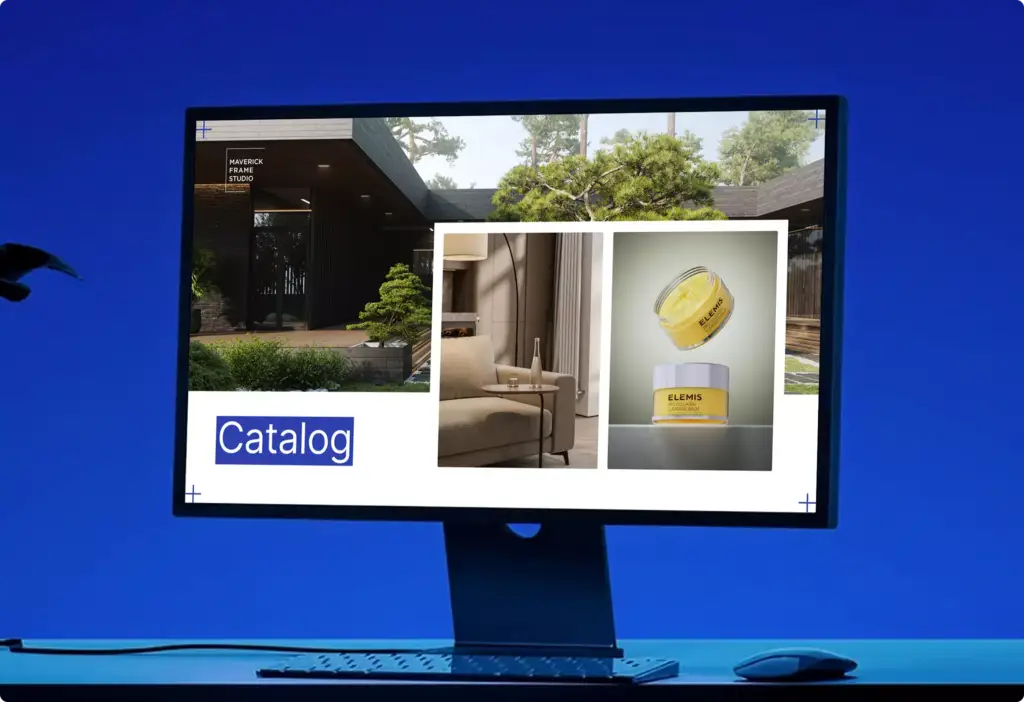
Amazon Product Photography Without a Photo Shoot: Listing Images and A+ Content From One 3D Model
 4.8
 4.9
Amazon listing images we make from one 3D model
Amazon product photography from 3D is the full set of Amazon listing images made from one photoreal 3D model of your product instead of a studio shoot: the main image on white, infographics with your benefit text, lifestyle and in-use images, size and what’s-in-the-box images, A+ Content and Brand Story modules, and alternative main images for A/B tests.
Main image for the search results
The product alone on pure white, filling the frame, in every size and colour of the range. Several versions of the main image can be made from the same model for a test.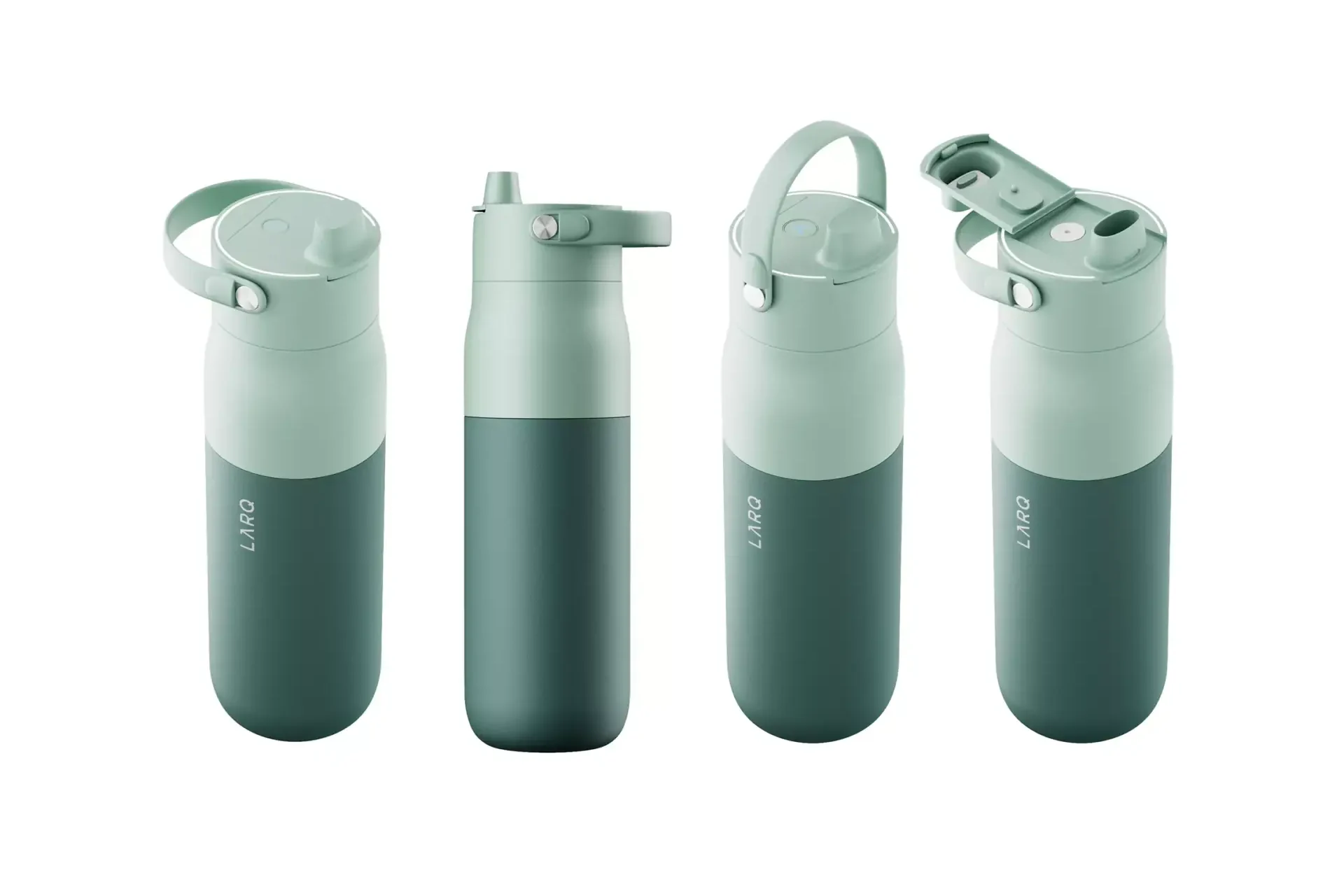
Infographic slots with your benefit text
Feature callouts, dimensions, close-ups of labels and materials, comparison and what’s-in-the-box images. We write the text on the images too: the benefit lines, the order of messages and the icons, checked against your claims.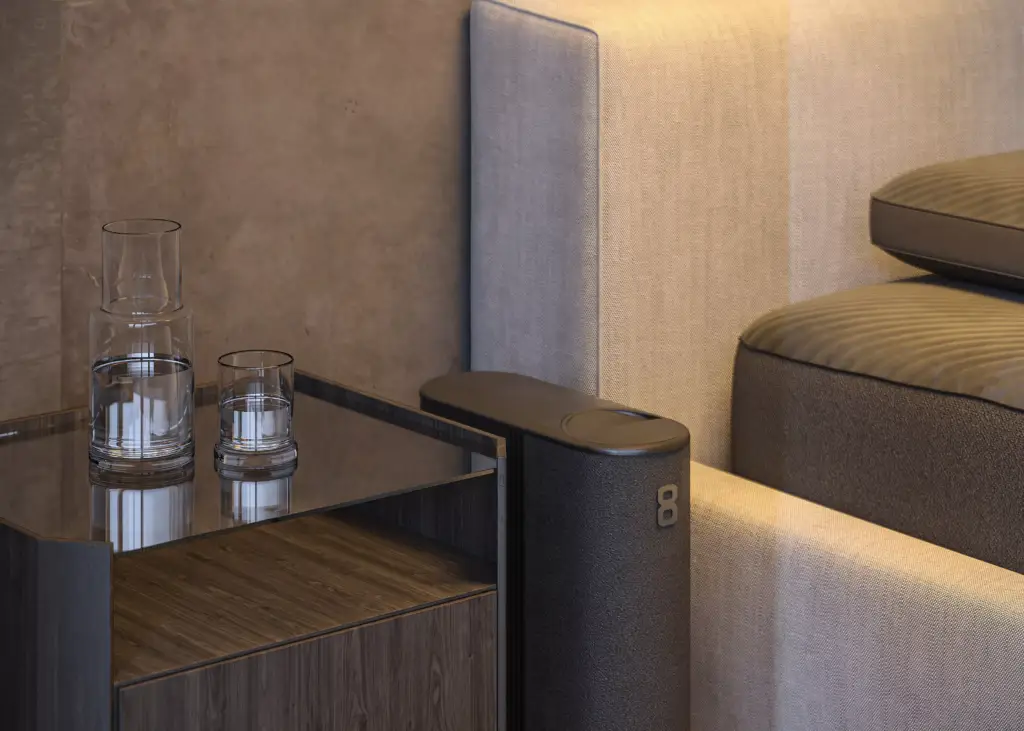
Lifestyle and in-use images
Your product in the bedroom, kitchen, bathroom, desk or gym where your buyer will use it, at its real size, with props and light that fit your brand, without renting a location.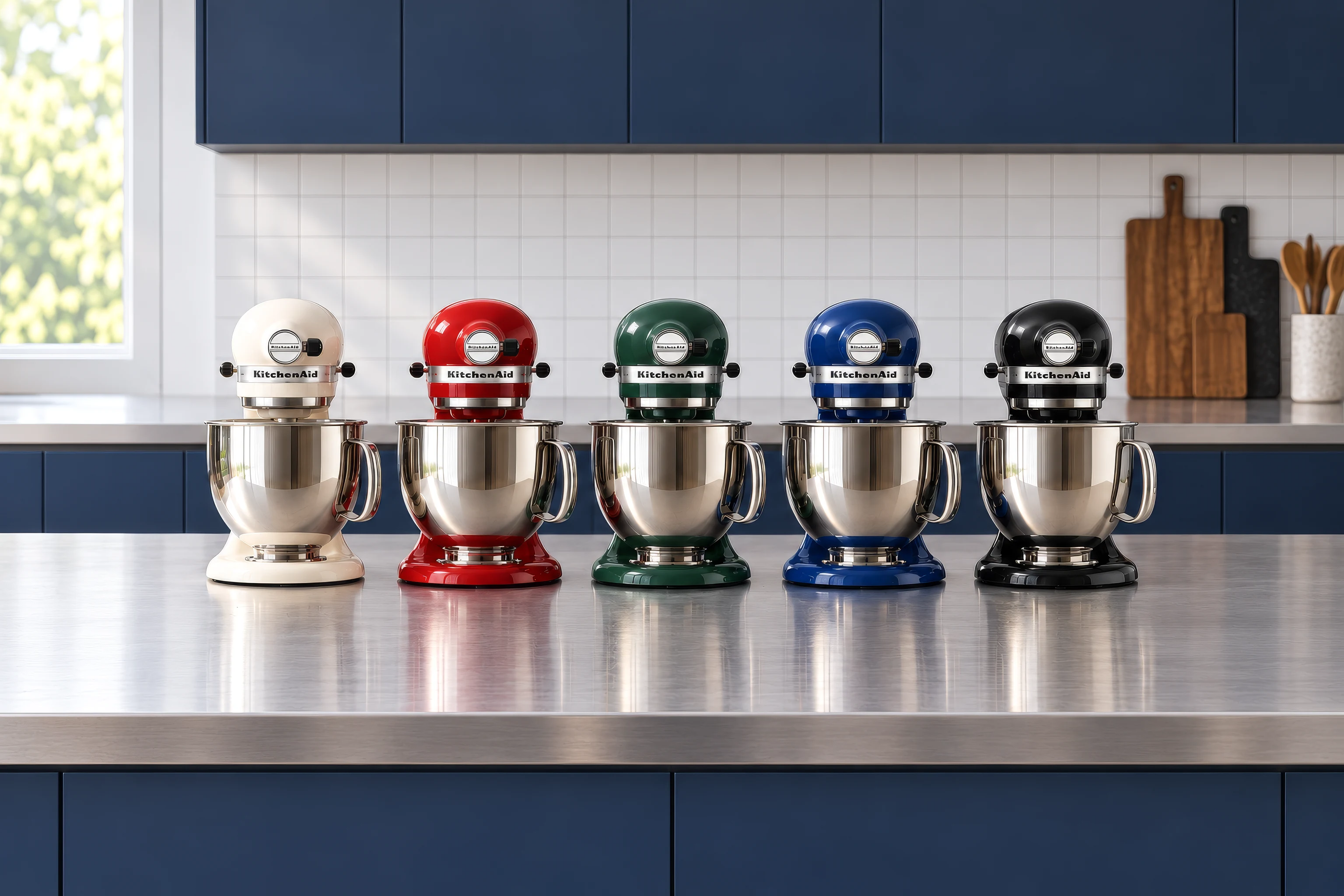
Variants, colours and bundles
Every colour, flavour, size, multipack and package rendered with the same camera and light, so child listings and bundles look like one brand.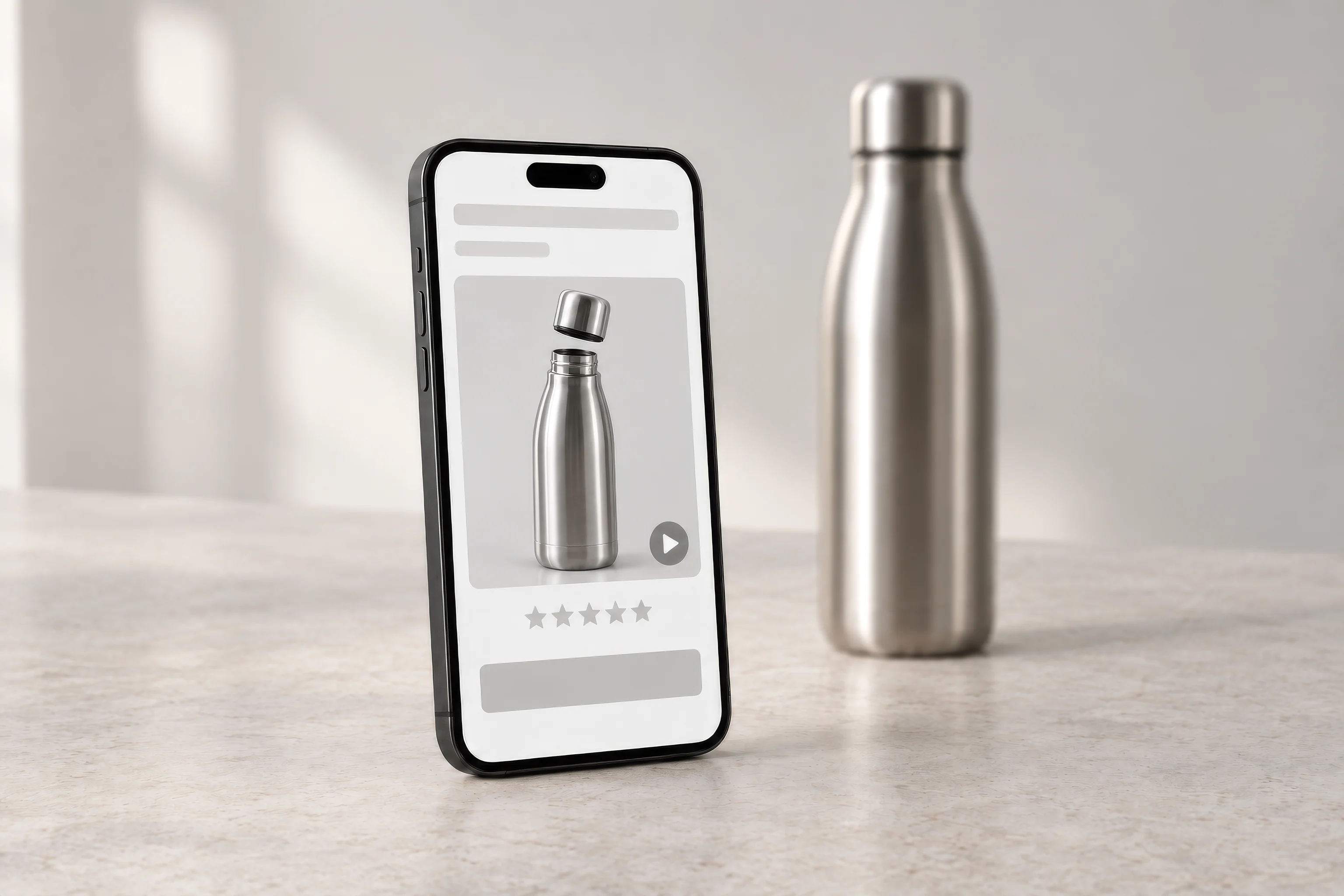
Product videos for the listing
Short videos for the listing and Sponsored Brands video ads, made to play muted, from the same 3D model as the images.
A+ Content and Brand Story modules
Wide modules for A+ Content, Premium A+ and the Brand Story carousel: ingredients, layers, how it works and the range, built from the same renders as the listing so the page reads as one brand.
Which Amazon images you need first depends on what your listing is losing.
A new listing needs a full stack before launch. A listing with traffic and few sales needs a stronger main image and clearer infographics. A brand with good listings needs A+ and a Brand Story. We start from that, then decide which images to make.
- Free
- No obligation
- NDA on request
Amazon Product Photography Without a Photo Shoot: Listing Images and A+ Content From One 3D Model
Most studios sell you images. We work out which images will win your listing.
Ask a studio for Amazon images and you get a price per photo. We start from your listing: the search results it competes in, the questions buyers ask in reviews, and the slot where the stack is weakest.
Send one email and our producer replies with a plan for your listing: which images, in what order, what each one says, and which main image versions are worth testing. The list of renders is the end of that plan, not the beginning.
Free, and yours to keep even if you never work with us.
Thank you – your request has been sent.
Our producer is reading your request now and will write back with the plan: which images, in what order, and what each one says.
Listing image work
Product images from our studio that sell on marketplaces
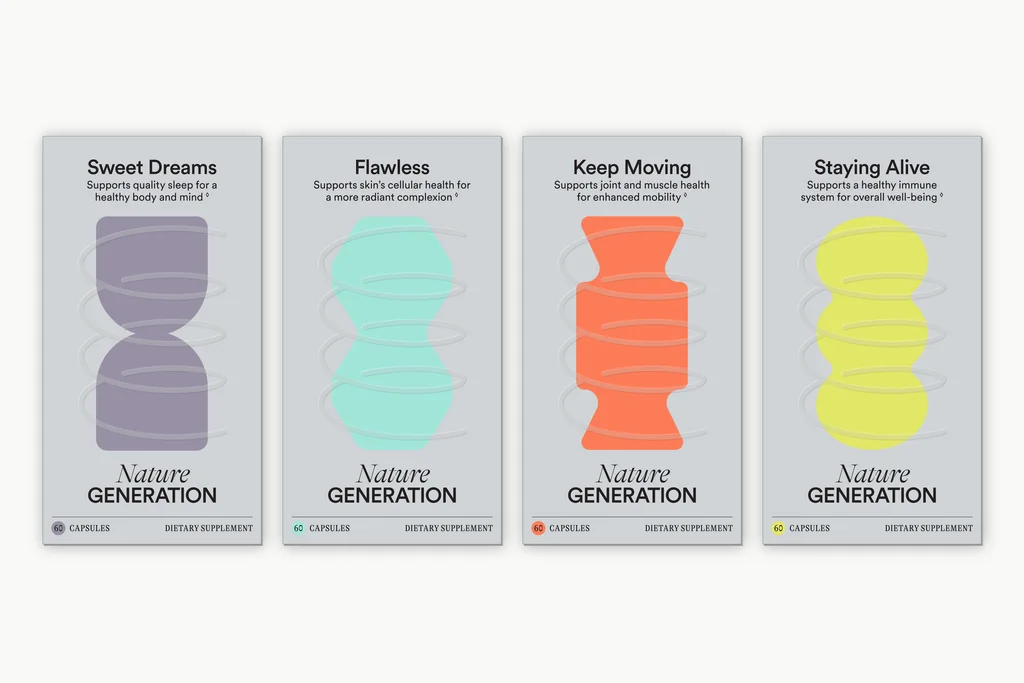
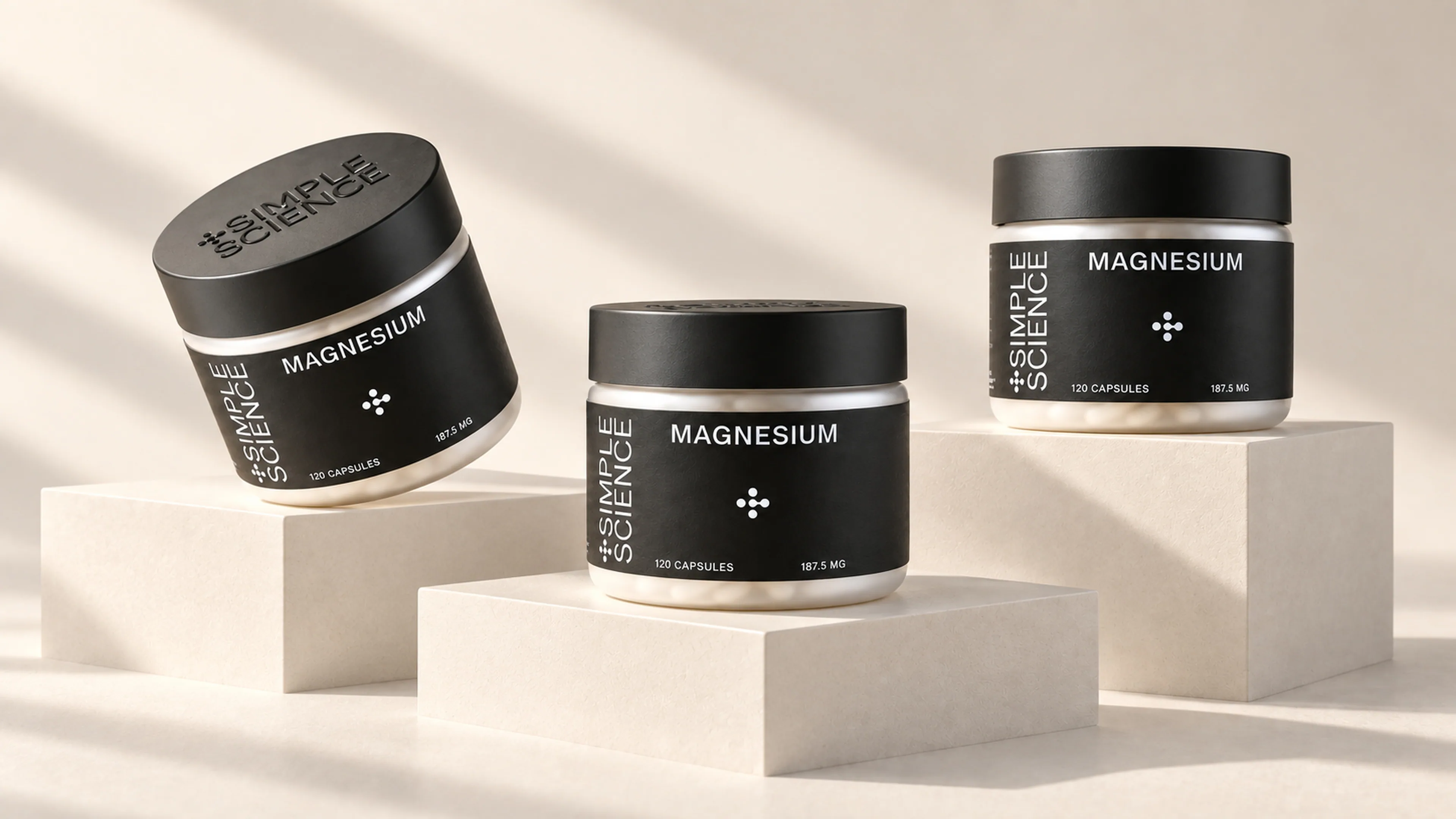
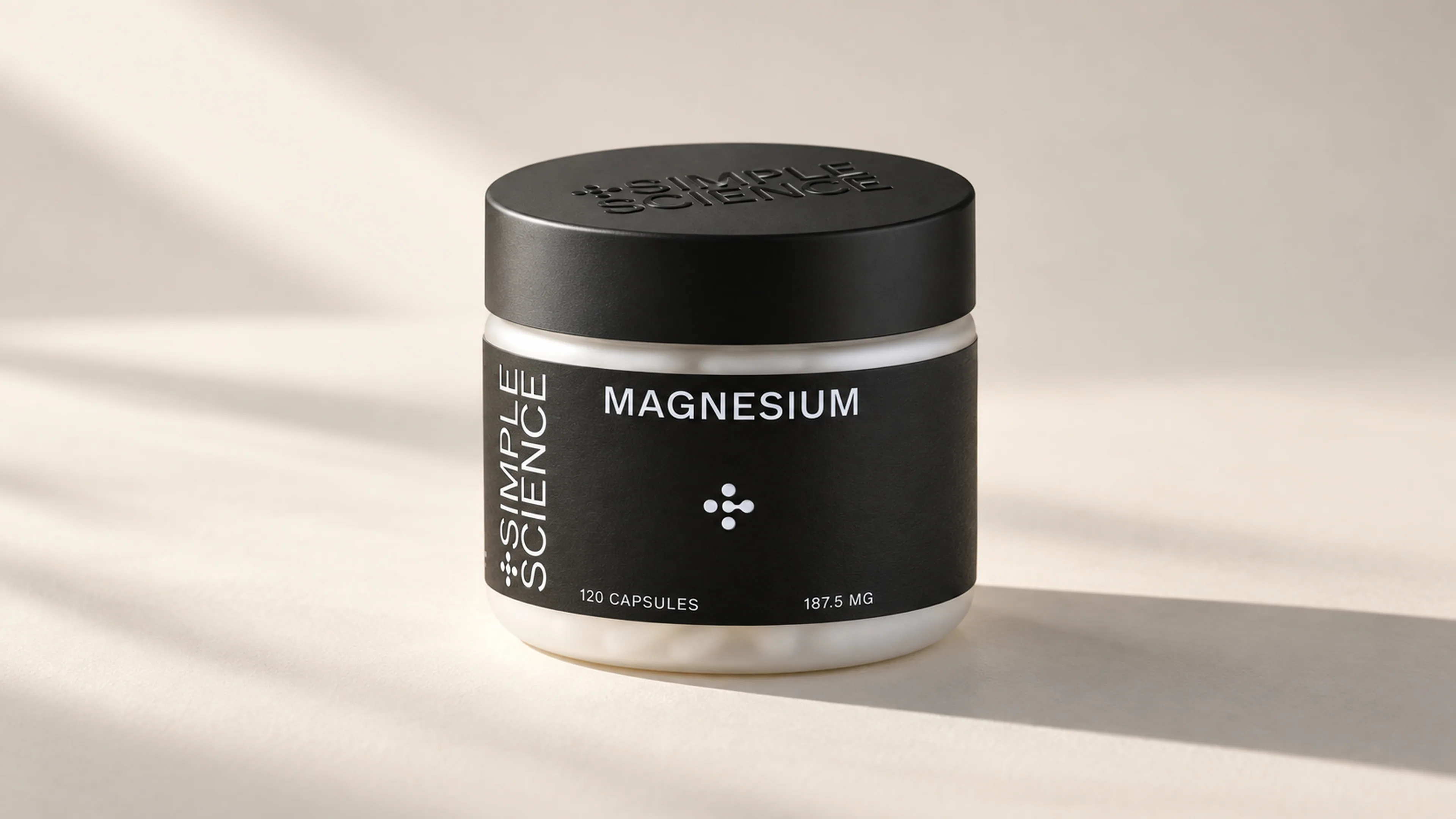
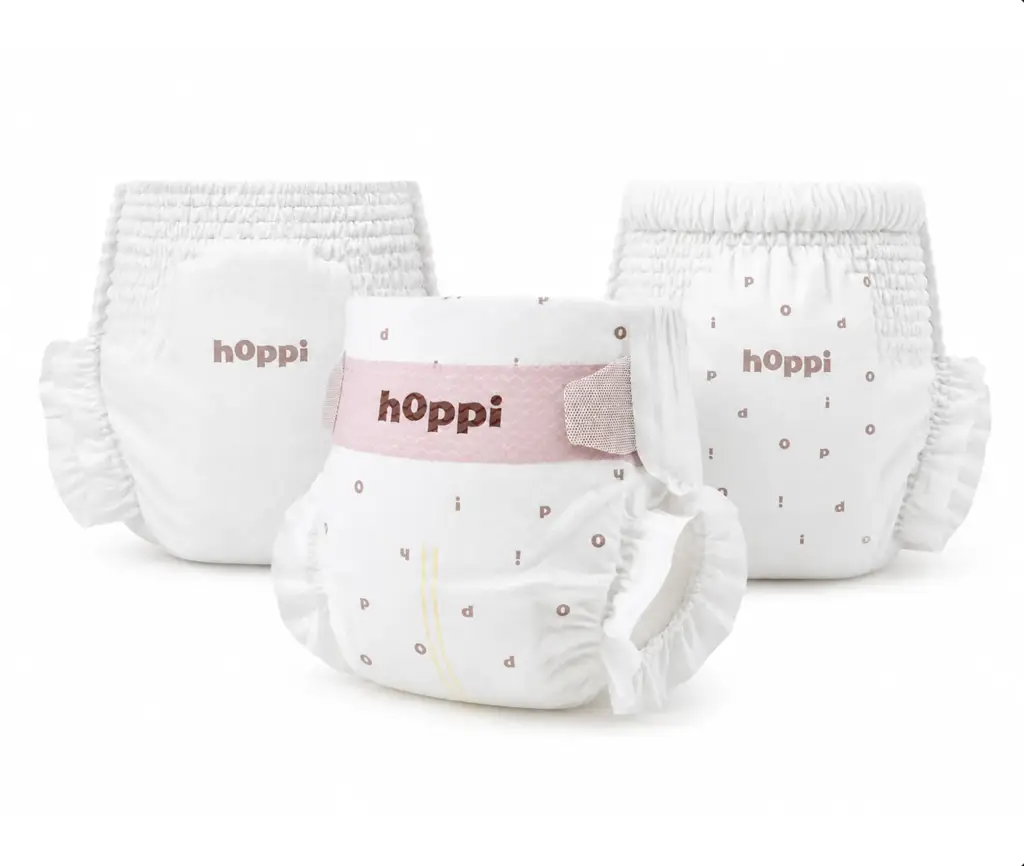
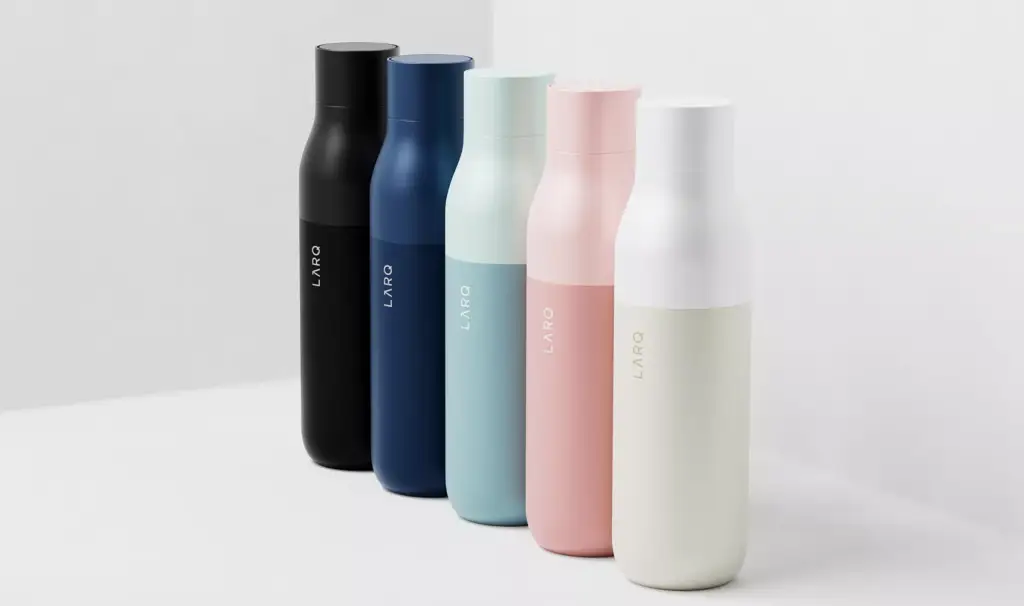
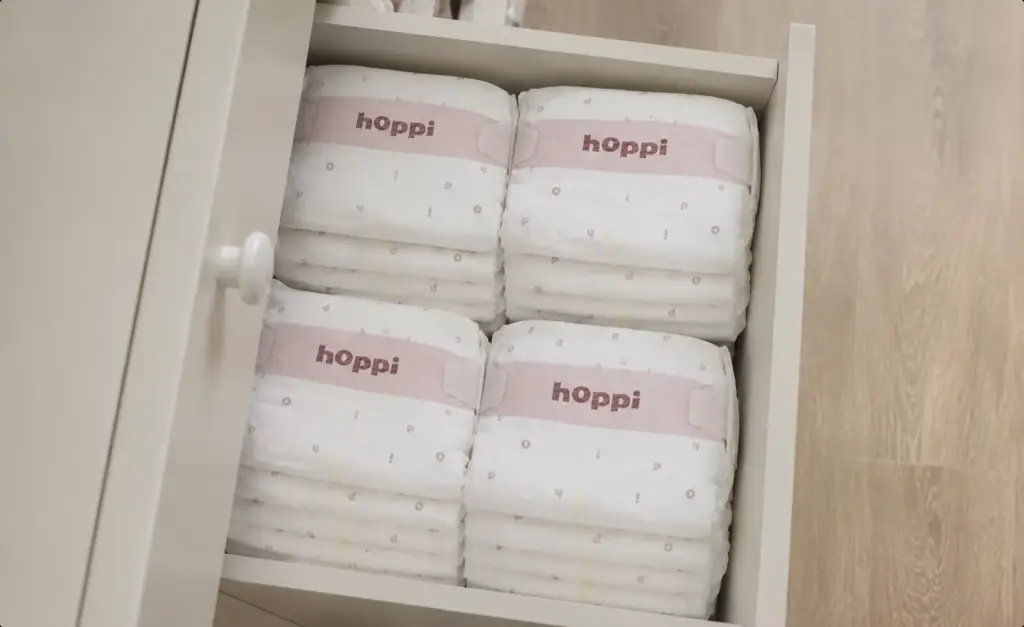
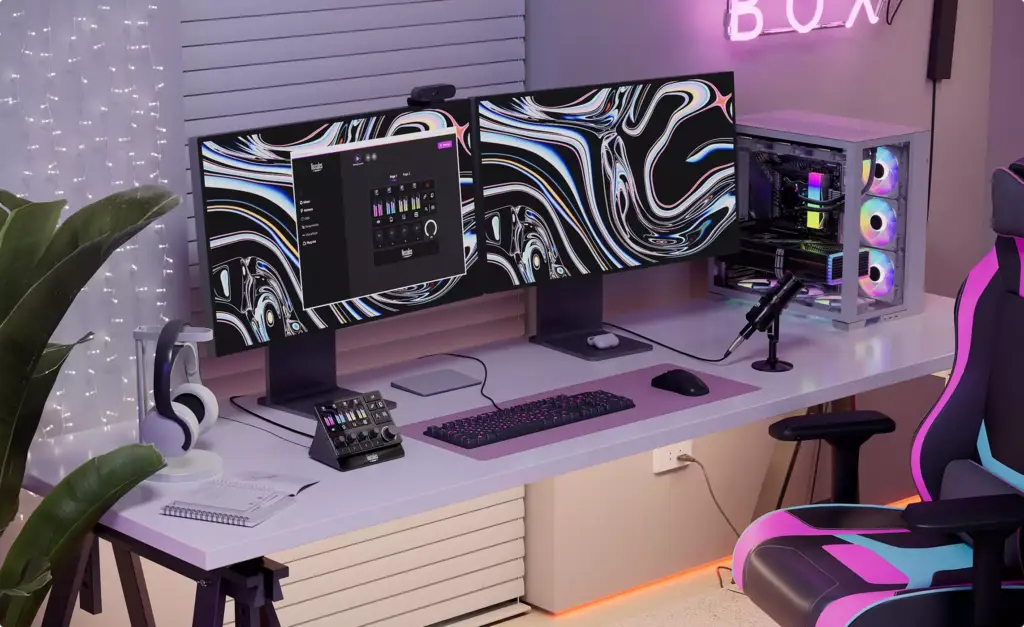
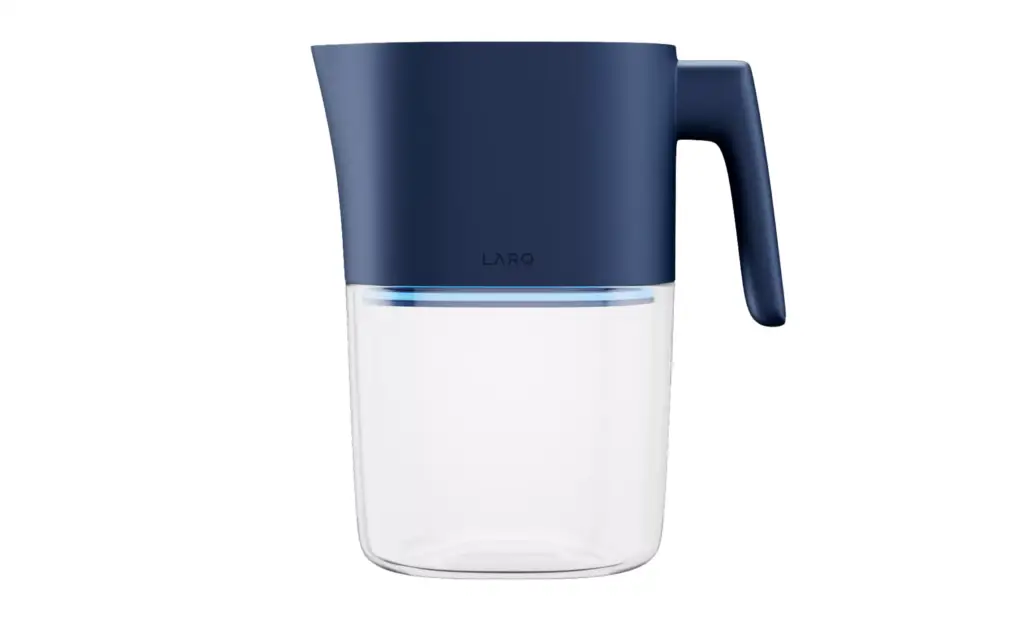
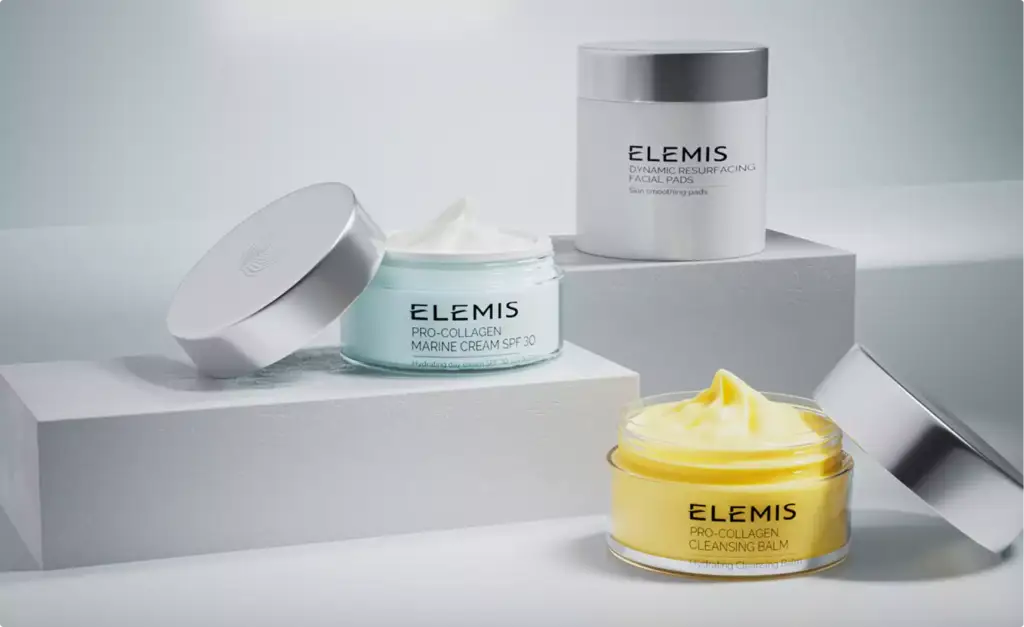
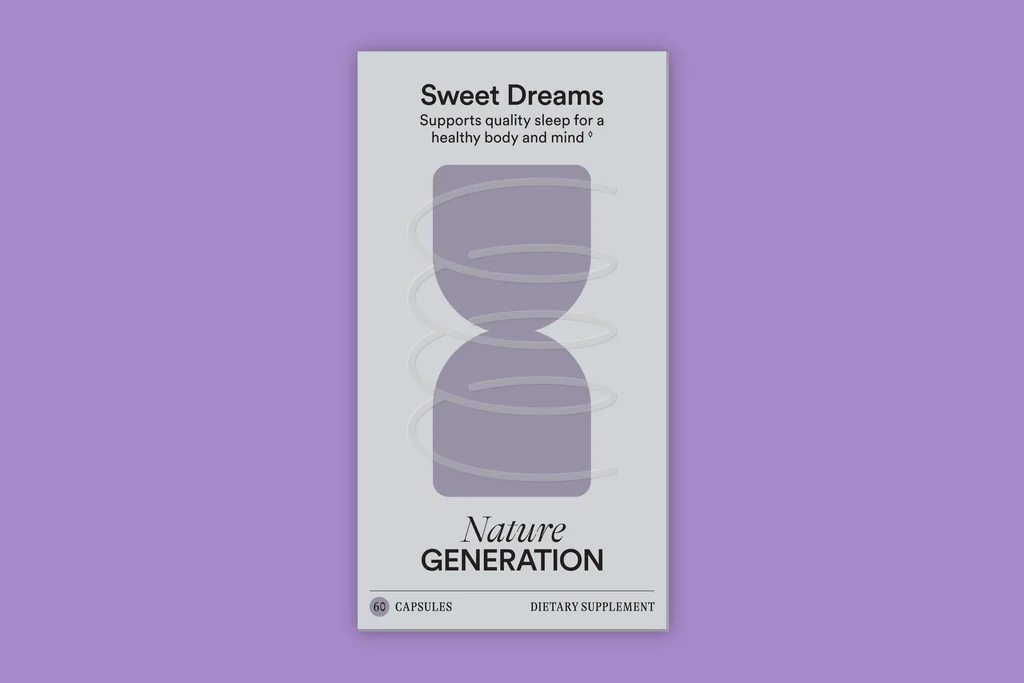
A supplement range rendered for its store and marketplace modules, a magnesium jar with a 360° spin, diapers for a baby brand launch, a smart bottle in every colour and plush toys for a pre-order campaign.
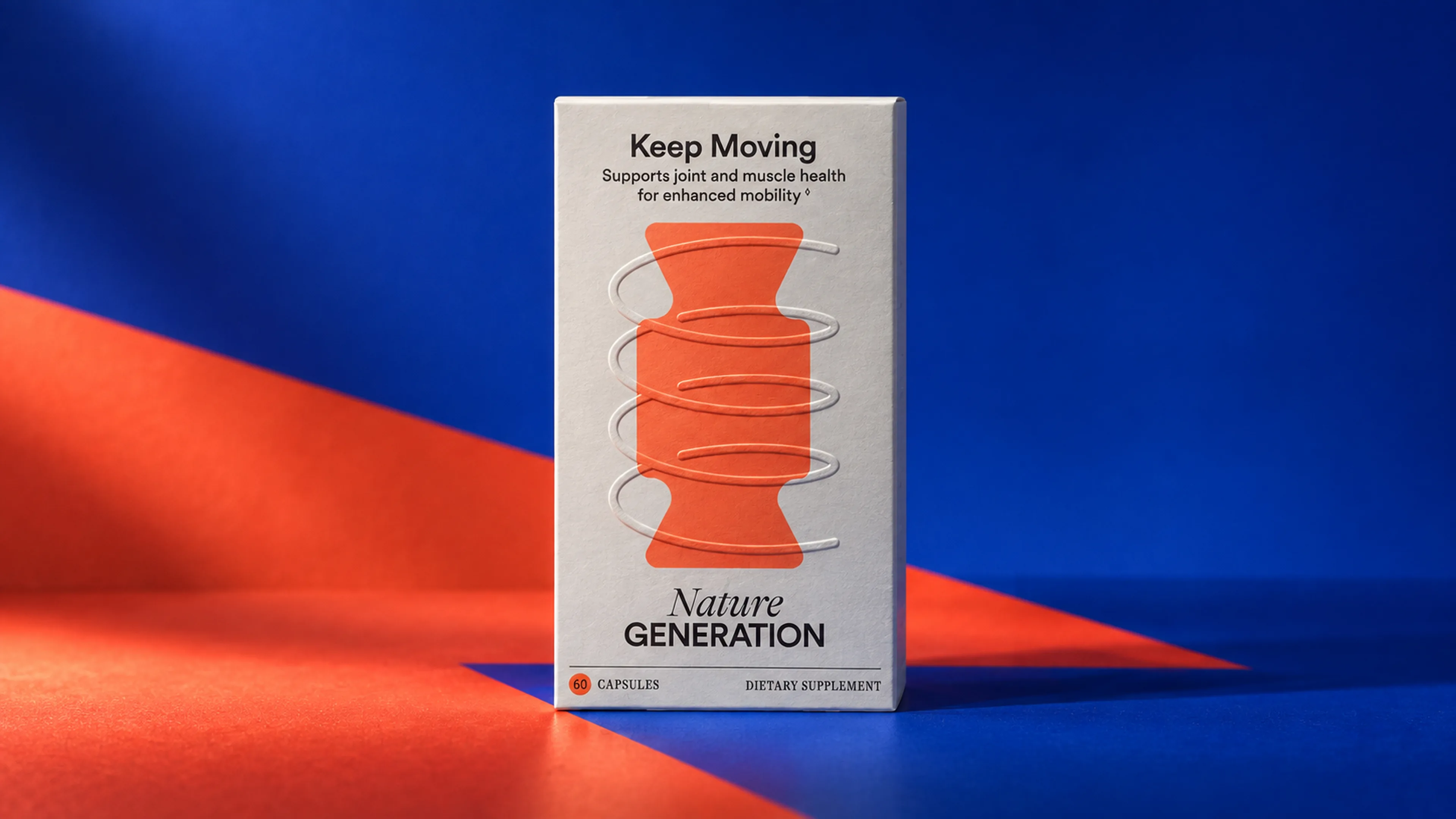
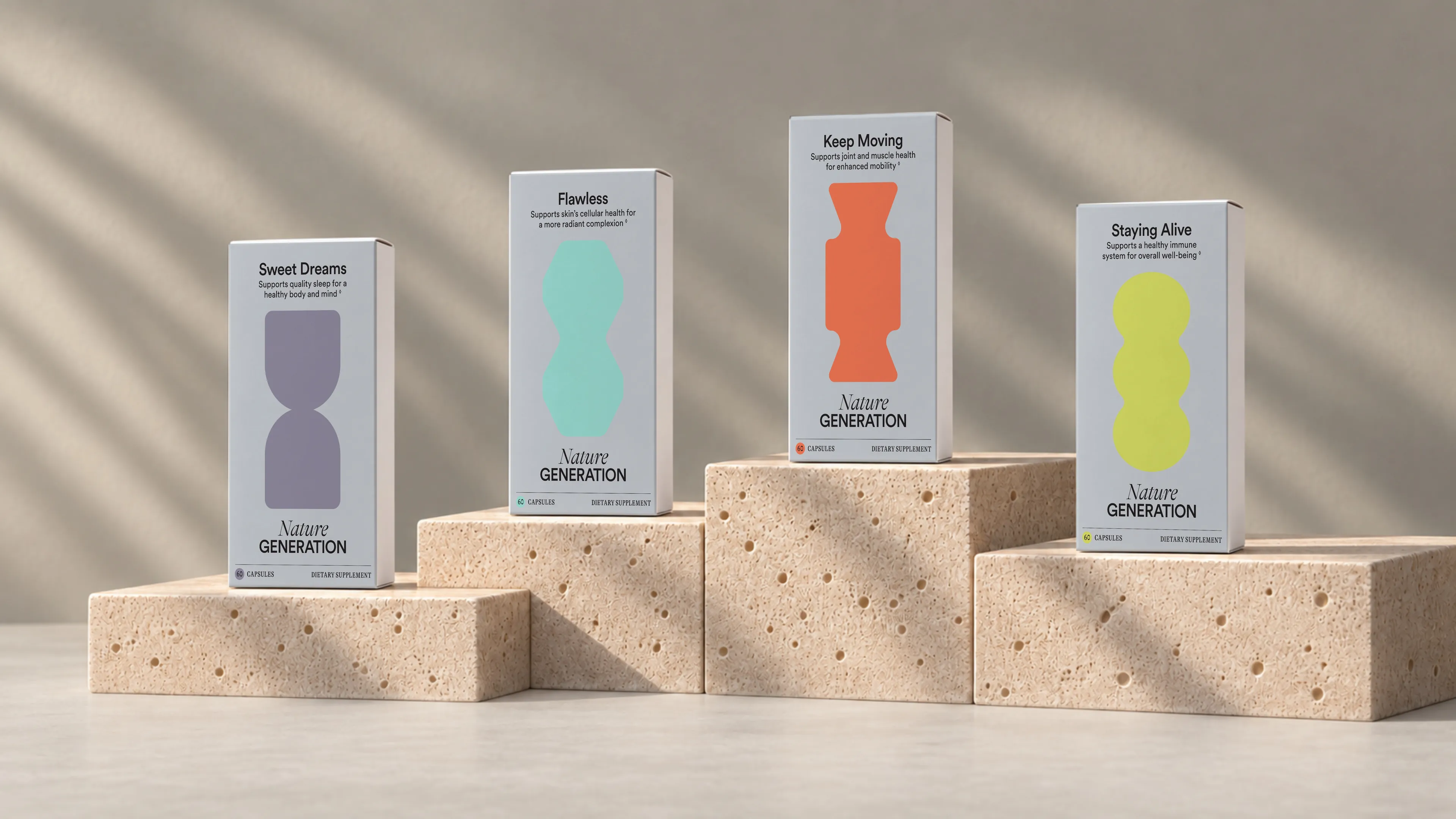
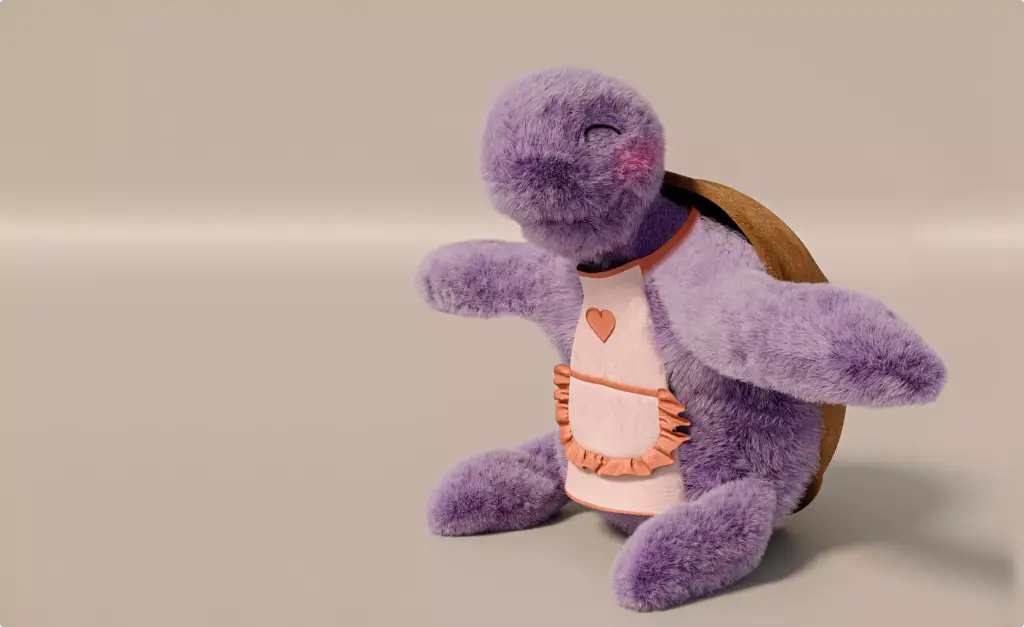
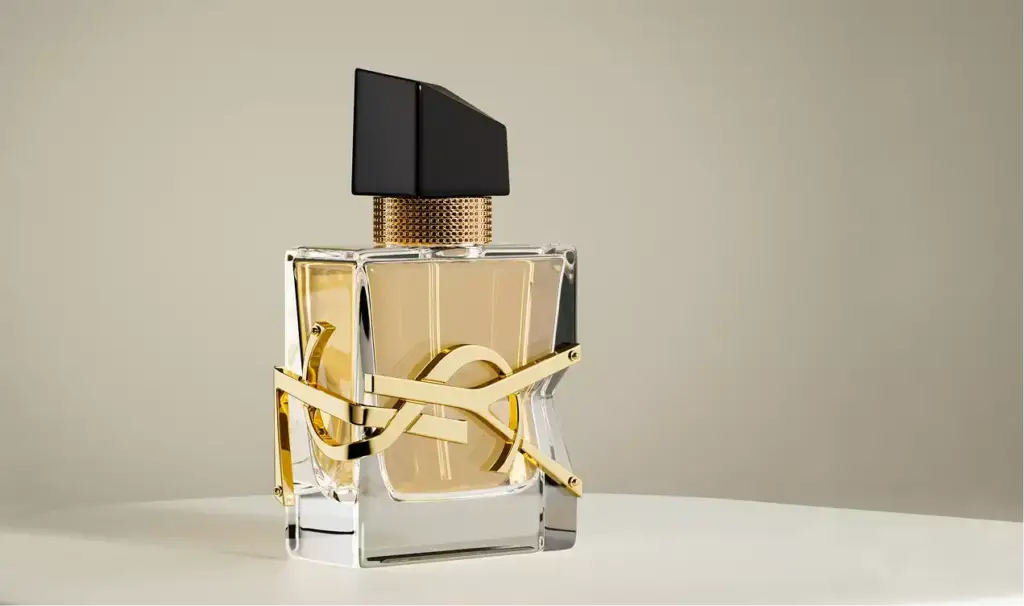
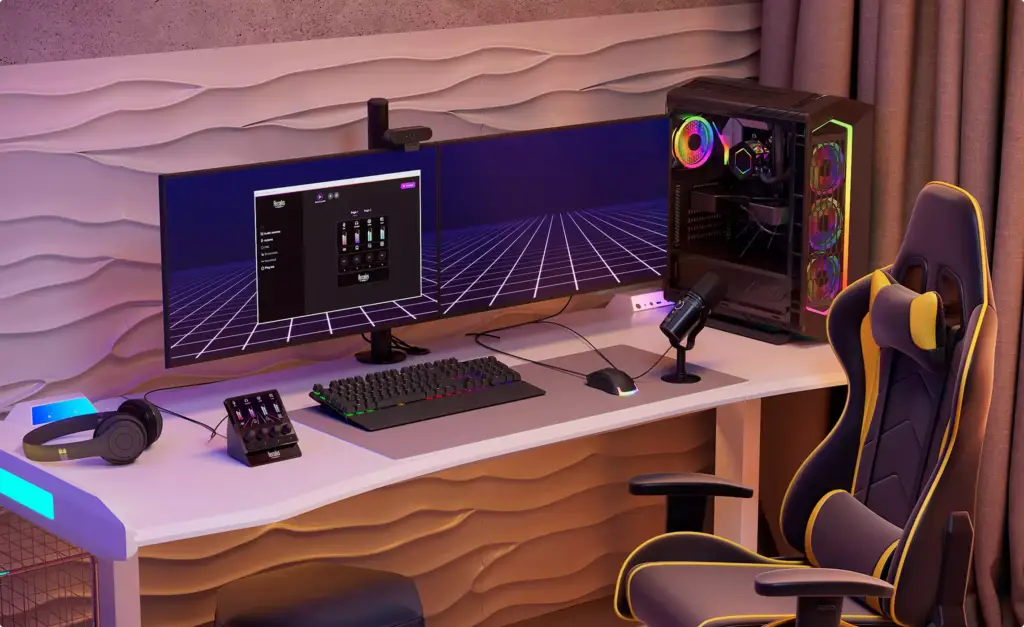
Free: Amazon listing image sets that sold products like yours
Pick your category and within one business day we send full-resolution sets from launches like yours: the main image, the order of the stack and the lifestyle images each brand went live with. Brief your own listing against sets that already sold.
What do you sell?
- Free
- Sent within one business day
- No sales call
Trusted by leading teams











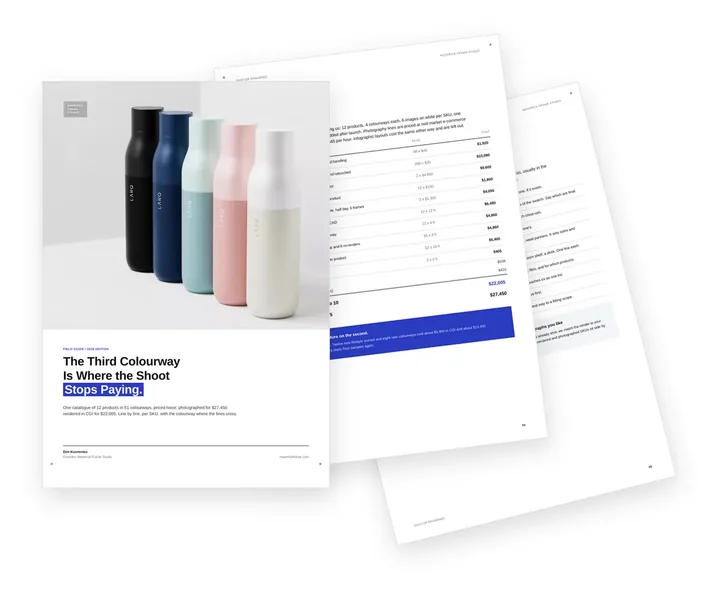
Free guide: 51 SKUs shot vs rendered, and the colourway where CGI wins
The brands in the row above rarely send us a shot list. They send CAD, a colourway list and a launch date, and we model each product once. We priced one catalogue of 51 SKUs both ways: photographed, $27,450; rendered, $22,005. The guide shows every line of the e-commerce product rendering quote, the colourway where the two routes cross and when a camera still wins.
- Free
- Instant download
- No sales call
If it didn't open, download it here.
Download the PDF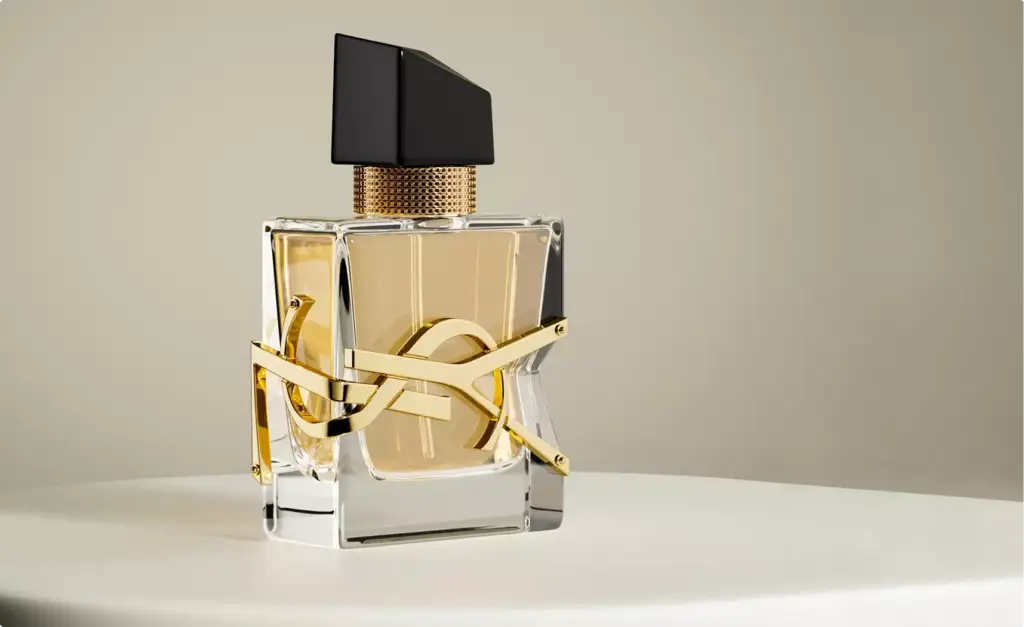

Pick your category. Get the Amazon image playbook written for it.
A beauty brand, a supplement seller and an Amazon agency order listing images for different reasons. Choose yours: the images that win your listing, a realistic scope per SKU and the brief mistakes we see most in your category.
- Free
- Instant download
- No sales call
If it didn't open, download it here.
Download the PDFThe image stack
The Amazon Image Stack: Main Image, Infographics, Lifestyle, Size and What’s in the Box
Which seven images should an Amazon listing have?
A strong Amazon listing usually has seven images in a fixed order: the main image on white, two infographics, one or two lifestyle images, a size or in-use image, and a what’s-in-the-box or comparison image. Each one answers a question the buyer would otherwise ask in reviews, and all seven come from one 3D model.
| Slot | What it shows | Question it answers |
|---|---|---|
| 1. Main image | The product alone on pure white (RGB 255, 255, 255), filling about 85% of the square frame | What is it, and is it the one I want? |
| 2. Key benefit infographic | The product with three or four benefit lines and icons | Why this one and not the next result? |
| 3. Features and dimensions | Callouts on parts, materials and sizes | Will it fit, and how is it made? |
| 4. Lifestyle image | The product in use in the buyer’s home, gym or desk | Is it for someone like me? |
| 5. In-use or size image | The product in a hand or next to everyday objects | How big is it, and how does it work? |
| 6. What’s in the box | Every item that arrives, laid out | What exactly do I get? |
| 7. Comparison or close-up | Your product next to the old way, or a detail close-up | Is it worth the price? |
A+ Content
A+ Content and Brand Story Modules From the Same 3D Model
What goes into A+ Content and the Brand Story?
A+ Content is the area under the listing where a brand-registered seller shows wide image modules, comparison charts and the brand story. We render those modules from the same 3D model as the listing images, so the banners, the comparison chart, the Brand Story carousel and your Brand Store tiles show the same product in the same light. You upload the modules in Seller or Vendor Central, and Amazon reviews them before they go live.
| Module | What we render | What it does |
|---|---|---|
| Header banner | The product or the range in a wide brand scene | Sets the brand look under the listing |
| Image and text modules | Close-ups, layers, ingredients or how it works | Explains features the stack had no room for |
| Comparison chart | Every product of your range in the same angle | Moves buyers to a bigger pack or a better model |
| Brand Story carousel | The range, the people and the brand world | Sends buyers to your other products and Store |
| Premium A+ modules | Larger images, hotspots and video | Adds motion and detail for eligible brands |
| Brand Store tiles | Hero banners and product tiles for your Amazon Store | Gives the storefront the same look as the listings |
Common Amazon listing image problems
Amazon Listing Image Problems We Solve
-
01 Happened to us
The main image loses the click
In search results your product is a small square next to competitors, and a flat or dark main image is skipped before the title is read.
Our fixWe render several main image versions from the same model, so you can test angle, fill and packaging side by side.
-
02 Happened to us
Seven images that look like seven shoots
Images from a factory, a freelancer and a template tool do not match in light, colour or style, and the listing looks cheap.
Our fixOne model, one light and one style guide for the whole stack, from the main image to the Brand Story.
-
03 Happened to us
Stock is not here, the launch date is
Samples are still at the factory, but the listing, A+ Content and ads have to be ready for launch.
Our fixWe build the product from CAD, dielines or the factory’s photos with dimensions, and render the stack before stock arrives.
-
04 Happened to us
Buyers ask the same questions in reviews
Size, what is in the box and how the product works are not clear from the images, so buyers return it or leave questions.
Our fixIn-use, size and what’s-in-the-box images answer those questions, with text on the image where it helps.
-
05 Happened to us
New SKUs and labels every season
Each new flavour, colour or label means another shoot, and the range drifts apart.
Our fixA new variant is a change on the existing model, rendered with the same cameras as the rest of the range.
-
Had any of these? Tick them.
12 questions to ask before the next product drop
Your PDF is ready.If it didn't open, download it here.
Download the PDF
Amazon listing images by stage, from pre-launch to refresh
Each stage of an Amazon listing needs different images, and one 3D model of your product serves all of them. Start with the stage you are in; the models, scenes and layouts rendered earlier carry over to the next one.
The model built for pre-launch is the same one used for the image stack, A+ Content, main image tests and every refresh, so each next set costs less than starting over.
Free: the Amazon listing visuals roadmap
Which Amazon images to order from pre-launch to the next refresh, what one 3D model of each product carries over, and what share of the budget each stage takes.
Where is your Amazon listing now?
- Free
- Instant download
- No sales call
If it didn't open, download it here.
Download the PDFPre-launch
Pre-launch: the main image, infographics and lifestyle images rendered from CAD or dielines before stock reaches the warehouse.
Image stack
Image stack: seven Amazon listing images in order, with the benefit text on the images, for every SKU, colour and pack size.
A+ Content
A+ Content: header banners, comparison charts and the Brand Story carousel from the same renders as the listing.
Tests
Tests: main image variants for A/B tests in Manage Your Experiments, and short product videos for the listing.
Refresh
Refresh: a listing that fell behind competitors gets a new main image, clearer infographics and seasonal images for Prime Day and the holidays.
Main image tests
Main Image Variants for A/B Tests in Manage Your Experiments
How do we find a main image that wins more clicks?
Test it. Amazon’s Manage Your Experiments runs two main images against each other on live traffic for brand-registered listings with enough traffic. With a 3D model a new version is a change of camera, fill or packaging, not a new shoot, so you can test several ideas in a season and keep the image that wins. We make the versions; your buyers decide the result.
- Angle and fill Front, three-quarter or top view, and how much of the square the product fills.
- Packaging on or off The product alone, with its box, or both, where the rules allow it.
- Pack size and count A single unit or a multipack that shows the value.
- Colour and finish Which colour of the range leads the listing.
- Same secondary images Only the main image changes, so the test measures one thing.
Pricing
How Amazon Listing Image Projects Are Quoted
The cost of Amazon product images from 3D depends on the number of products and variants, whether we build the model from CAD or from photos, how many lifestyle scenes, infographics and A+ modules you need, and whether we write the text on the images. We quote every project for its exact scope after seeing your files and your listing. As a guide, a main image on white or an infographic render takes about 4 production hours and a lifestyle image about 6, and the 3D model is built once and reused for every next image.
Per Project
Pricing depends on the number of products, variants, scenes, infographics, A+ modules and revisions.
Best for: A full image stack for a new listing, a launch or a set of A+ modules with a fixed scope.
Hourly Most Popular
Pay for the hours spent on your listing, from one new main image to a new flavour. A simple way to start without a long-term commitment.
Best for: Main image tests, a new variant of an existing product, single infographics and label updates.
Subscription
Monthly production capacity, booked in hours, for a steady flow of new listings, variants and A+ modules.
Best for: Brands and agencies that add products every month and want the same team and predictable monthly capacity.
Why Choose Us
Why brands and agencies choose us for Amazon listing images
From one main image to a catalog of listings, we keep every product exact to your files and every listing in one look.
- 01
Your exact product
Built from CAD, dielines, label artwork or photos with dimensions; logos, label text and colours are checked against your files before the stack is rendered.
- 02
Images and the words on them
We write the benefit lines and the order of messages on infographics, and set them in your brand fonts and colours.
- 03
One look across the listing
The same light and style for the main image, the secondary images, A+ and the Brand Story, so the page reads as one brand.
- 04
Variants without new shoots
Colours, flavours, sizes and bundles come from the same model, so a new child listing is a change, not a new shoot.
- 05
AI only where it helps
The product always comes from the 3D model. AI can build the scene around it when that suits the brief, or we work 3D only.
- 06
One manager for your catalog
A dedicated project manager keeps your SKU list, naming and deadlines, and works in your time zone.
Check a start date for your Amazon images
Tell us which products and images you need and when the listing, A+ Content or Prime Day campaign goes live. Within one business day we reply with a start date, the team we would put on it and a price range.
Images
Deadline
- Reply within one business day
- No obligation
Listing refresh
Amazon Listing Optimization Starts With the Images: Refreshing a Listing That Fell Behind
Our listing has traffic but sells less than before. What do we change first?
Start with the images, because buyers decide from them before reading the bullets. Amazon listing optimization usually means keywords and copy; we handle the images and the text on them, while your team or agency keeps the title and bullets. We compare your stack with the listings that rank next to you, read the questions and complaints in your reviews, and rebuild the images that lose: usually the main image, the first infographic and the lifestyle image.
- Competitor check Your images next to the listings you compete with in search.
- Review questions Size, fit, use and contents that buyers keep asking about.
- New main image versions Ready to test before you replace the current one.
- Clearer infographics Fewer words, bigger benefits, readable on a phone.
- Old images stay live The new set replaces the old one only when it is ready.
Remote CGI team, your launch calendar
Amazon Listing Images for Sellers Worldwide
We make listing images for brands and agencies selling on Amazon in the US and Canada, the UK and Europe, Australia, the UAE and Saudi Arabia, and Latin America, and size every image to the marketplace you sell on.
One manager for your listings
Discuss your listings in English with one project manager who knows your range, your brand guide and your launch dates.
Files and reviews online, under NDA
Send CAD files, dielines, label artwork and product photos from anywhere; reviews, feedback and delivery all happen online and under NDA.
Dates set by your launch
We adapt to your time zone and plan the work around your launch, Prime Day and holiday season.
Book a 30-minute call
Which day suits you?
What time?
Where should we send the invite?
- 30 minutes
- Free, no obligation
- Invite by email
30-second Amazon listing quiz
Not sure which Amazon images you need first? Find your fit
Answer four quick questions about your listing and we’ll match you with the right images, the order to make them in and a free, tailored next step.
What do you sell?
What do you need first?
What do you have today?
Who are you?
Almost there — where do we send it?
Your tailored plan and a free next step for your range.
No spam — we only email about your listing.
A listing image plan built from one 3D model of your product
We’ll email your tailored Amazon image plan shortly.
FAQ
Questions about Amazon product photography from 3D
Didn’t find your question?
Ask about your listing, your files or your A+ Content. A producer replies within one business day.
What is Amazon product photography from 3D?
Amazon product photography from 3D is the full set of Amazon listing images made from one photoreal 3D model of your product instead of a studio shoot: the main image on white, infographics with your benefit text, lifestyle and in-use images, size and what’s-in-the-box images, A+ Content and Brand Story modules, and alternative main images for A/B tests. Brands, sellers and Amazon agencies use it instead of a studio shoot, often before stock arrives. You may also see it called 3D rendering for Amazon or Amazon product rendering.
Can a 3D render be the Amazon main image?
Amazon’s image rules ask for a professional photograph of the actual product on pure white as the main image. Many sellers use a photoreal render there; if you want to stay strictly within the wording, keep one photo of the real product as the main image and make the other images, A+ and the Brand Story from the 3D model. We match the renders to that photo so the stack reads as one.
Which images does an Amazon listing need?
Most listings use seven images, delivered at 2000 px or more on the long side so shoppers can zoom: the main image on white, two infographics with features and benefits, one or two lifestyle images, a size or in-use image, and a what’s-in-the-box or comparison image. A product video and A+ Content come on top. We plan the order of the stack before rendering.
Do you write the text on the infographics?
Yes. We write the benefit lines, choose the order of messages and the icons, and set them in your brand fonts and colours. Claims come from your brief and product facts, and for supplements, baby and health products your team confirms the wording; you approve the text before the final render. Titles and bullet points stay with your listing copywriter.
Can you make A+ Content and Brand Story modules?
Yes. We design the A+ Content and Premium A+ modules and the Brand Story carousel from the same product renders as the listing, sized to Amazon’s module formats, plus hero banners and tiles for your Amazon Brand Store, so the whole product page and storefront look like one brand.
Can you make several main images for an A/B test?
Yes. From one model we render main image versions that differ in angle, fill, packaging on or off and props allowed by Amazon, so you can run them in Manage Your Experiments (it needs Brand Registry and enough traffic) and keep the winner. The secondary images stay the same, so the test measures the main image only.
Our listing is losing to competitors. Can you rebuild the images?
Yes. We look at the search results you compete in and the questions in your reviews, then rebuild the stack: a stronger main image, clearer infographics and lifestyle images. Old images stay live until the new set is ready.
What do you need from us to start?
CAD files, packaging dielines or label artwork if you have them; otherwise photos of the product from all sides with dimensions in millimetres, or a sample. From photos without dimensions proportions can drift, so we first send a grey model for approval.
Can you make images before we have stock or samples?
Yes. We build the product from CAD, dielines or factory drawings and render the full stack before stock reaches the warehouse, so the listing and A+ Content are ready for launch day.
Do you make Amazon product videos?
Yes. Short product videos for the listing and Sponsored Brands video ads, made to play muted, come from the same 3D model. See our 3D product animation service.
Do you work with Amazon agencies under their brand?
Yes. We work white label for agencies and listing managers: we make the renders and the image text under the agency’s name, and the agency presents them to its client.
Do you use AI for Amazon images?
The product always comes from a 3D model built from your files, so labels, logos and proportions stay exact. Depending on the brief we use AI only, CGI only, or a 3D model of your product with AI for the scene around it.
Do you also make images for Shopify, Walmart and other stores?
Yes. The same renders are sized for your own store and other marketplaces. For the full set of e-commerce images see our 3D rendering for e-commerce page; for Amazon 3D models see 3D model requirements for Amazon, Wayfair and Shopify.
How long does an Amazon image project take?
As a guide, a first draft image takes 3–5 business days from a complete brief, and a set of 5–8 images 2–3 weeks. A catalog is delivered product by product, so the first listings go live while the rest are in production.
Test Image
Start With a Test Image of Your Amazon Product
See our quality on your own product before you commit: send the CAD file, dieline or photos with dimensions of one product and a link to its listing. We agree the test image and its terms with you on a short call.
We reply by email within one business day with what we need for the test render and the next steps. By submitting, you agree to our Privacy Policy.