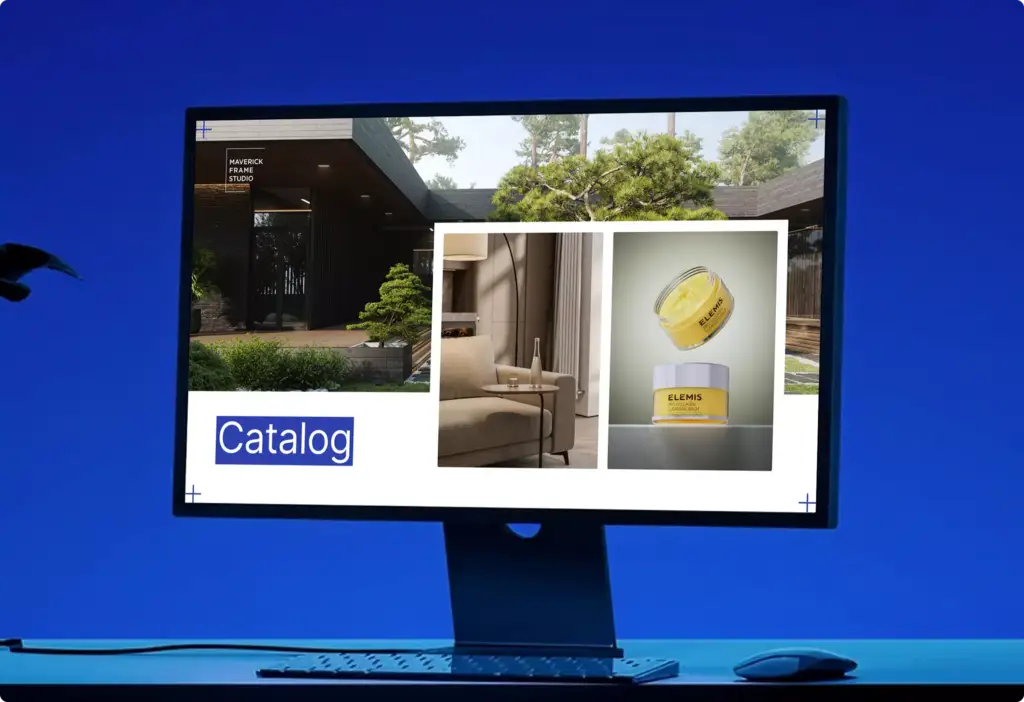
3D Rendering for Door and Window Manufacturers: Every Model, Every Finish, No Photo Shoot
 4.8
4.8 4.9
4.9Door and window visuals for every sales channel
A door range multiplies fast: five styles in eight finishes with six glass types and ten handles is already 2,400 combinations, and no warehouse shoot or sample program can cover them. Door and window brands rely on Maverick Frame to model each product once from production CAD, so the catalog, the dealer portal, the ads and every online tool on your site, from the front door designer to the exterior home visualizer, show the exact door you ship.
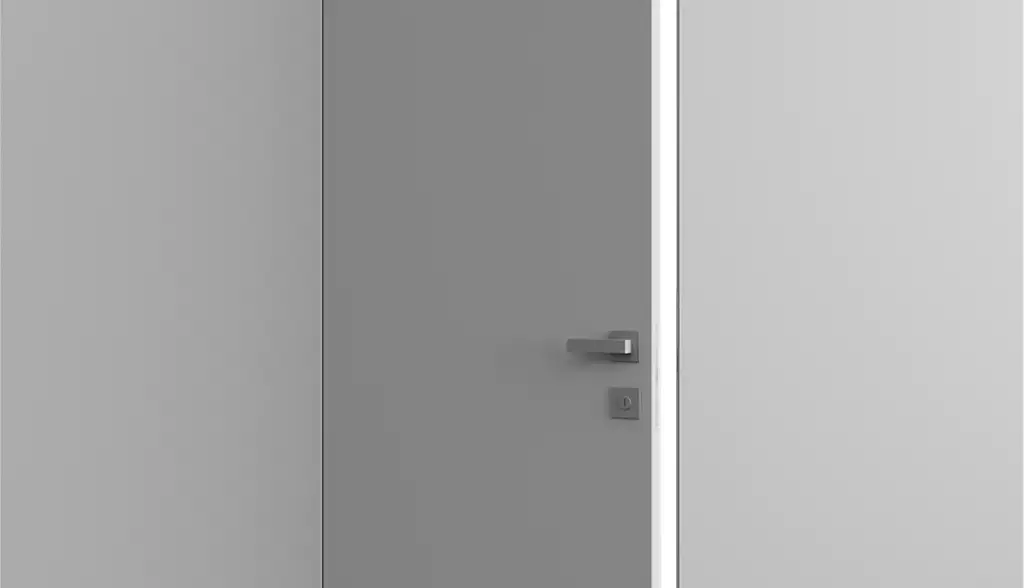
Catalog product shots
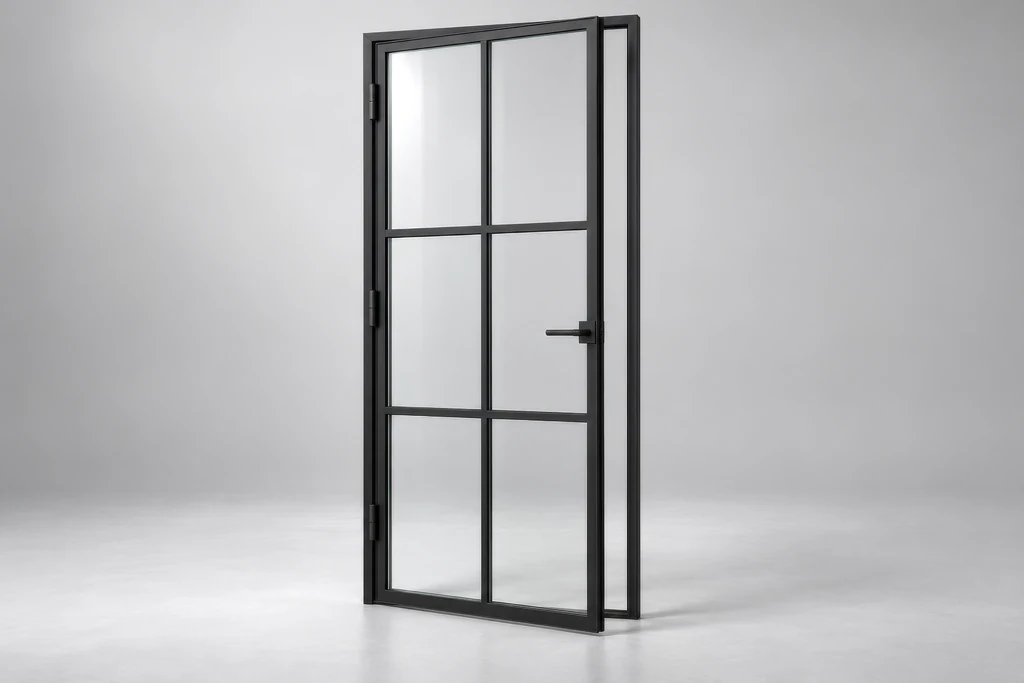
Front-on, true-to-scale renders on white or in a neutral set, with the same light and camera for every model, so the whole range reads as one catalog.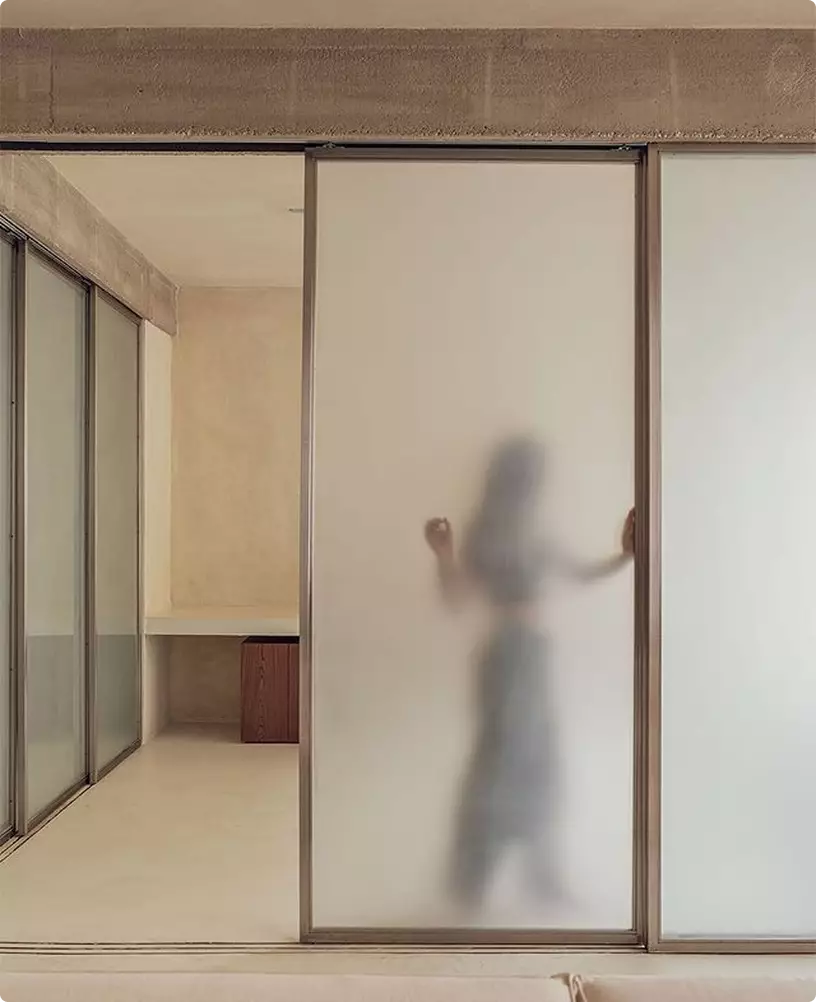
Finish, glass and panel variants
Every veneer, lacquer, metal and RAL color, every clear, frosted or fluted glass and panel layout, rendered from one model, so a new option is a new render, not a new sample.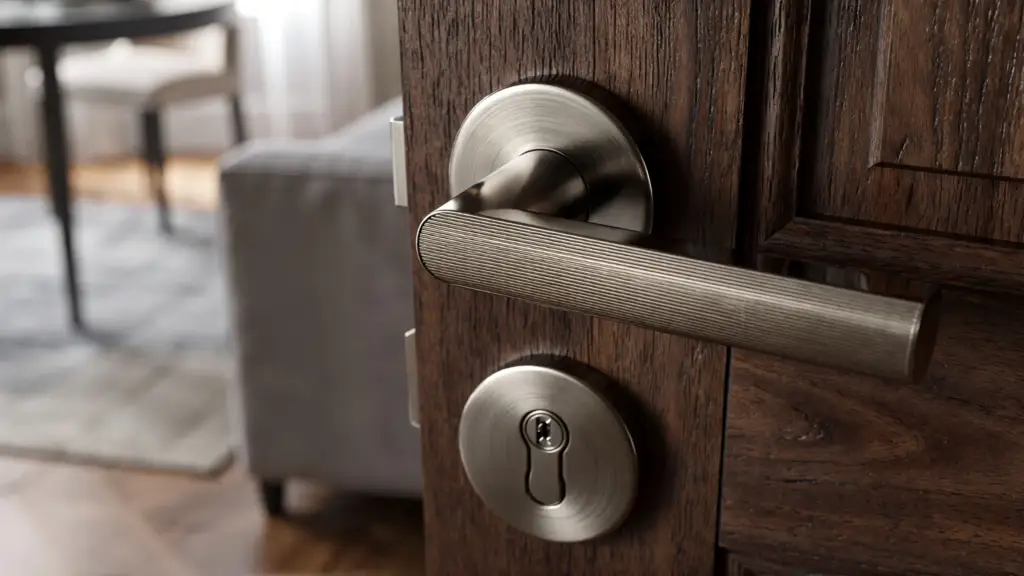
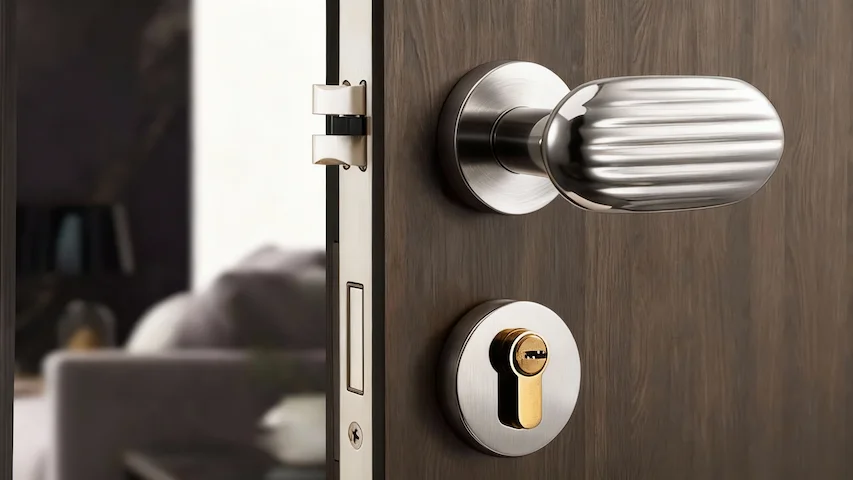
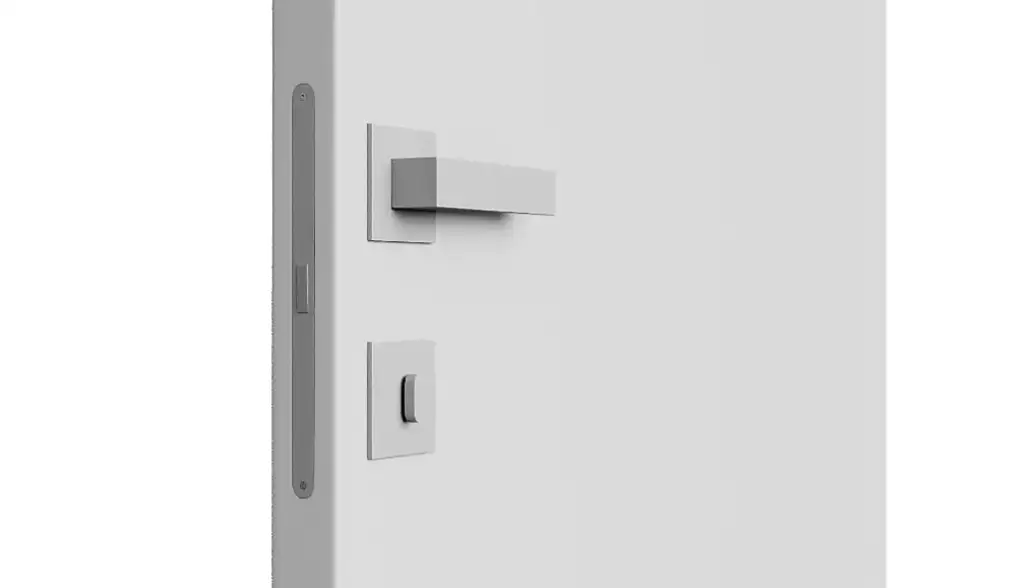
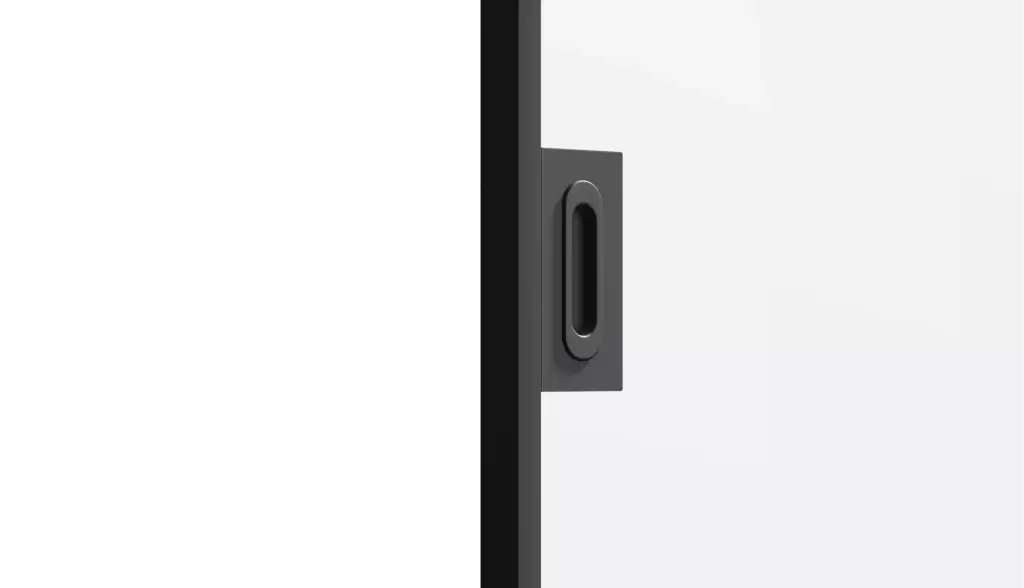
Hardware close-ups
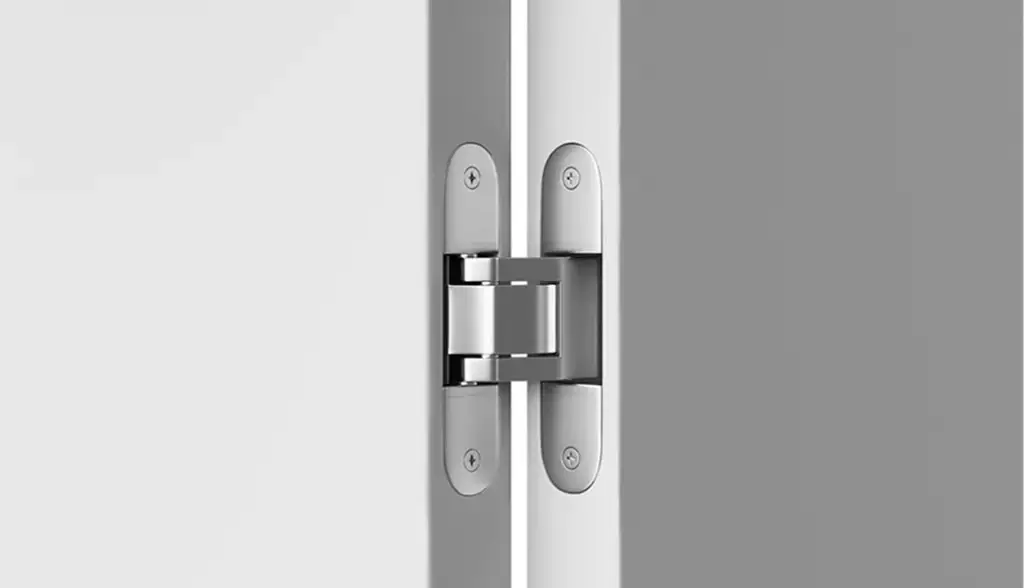
Macro views of handles, locks, hinges and tracks that prove the engineering and give product pages, spec sheets and digital catalogs their detail shots.Cutaways, animation and 360°
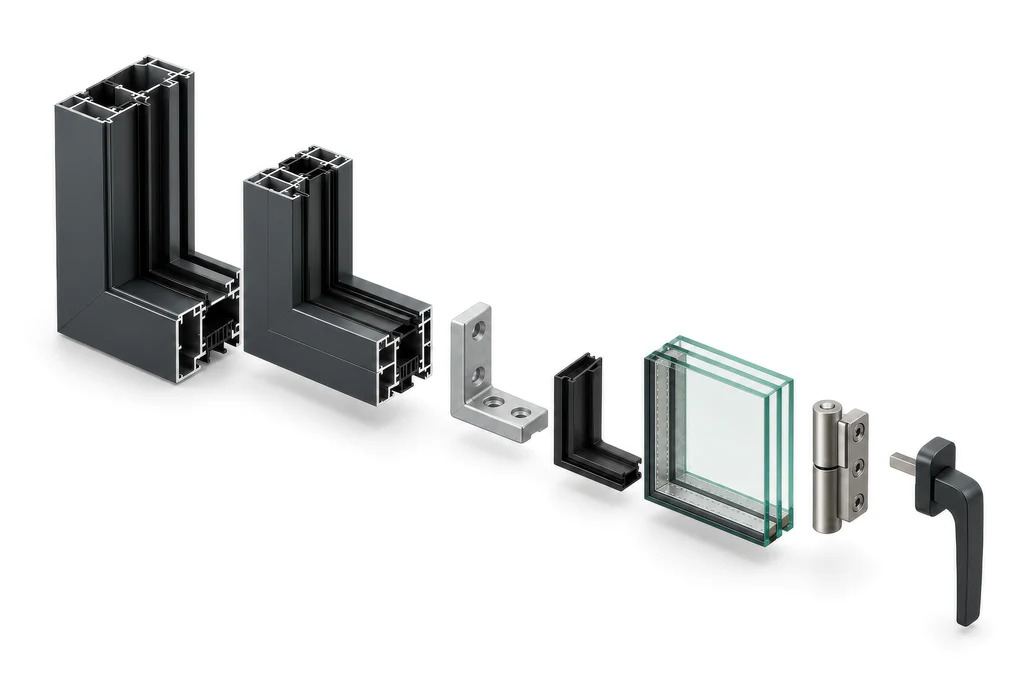
Exploded, sectional and axonometric views of cores, seals, thermal breaks, profiles and multi-point locks for catalogs, technical sheets and installation manuals, plus opening loops, explainer animation and 360° spins that explain what a photo cannot.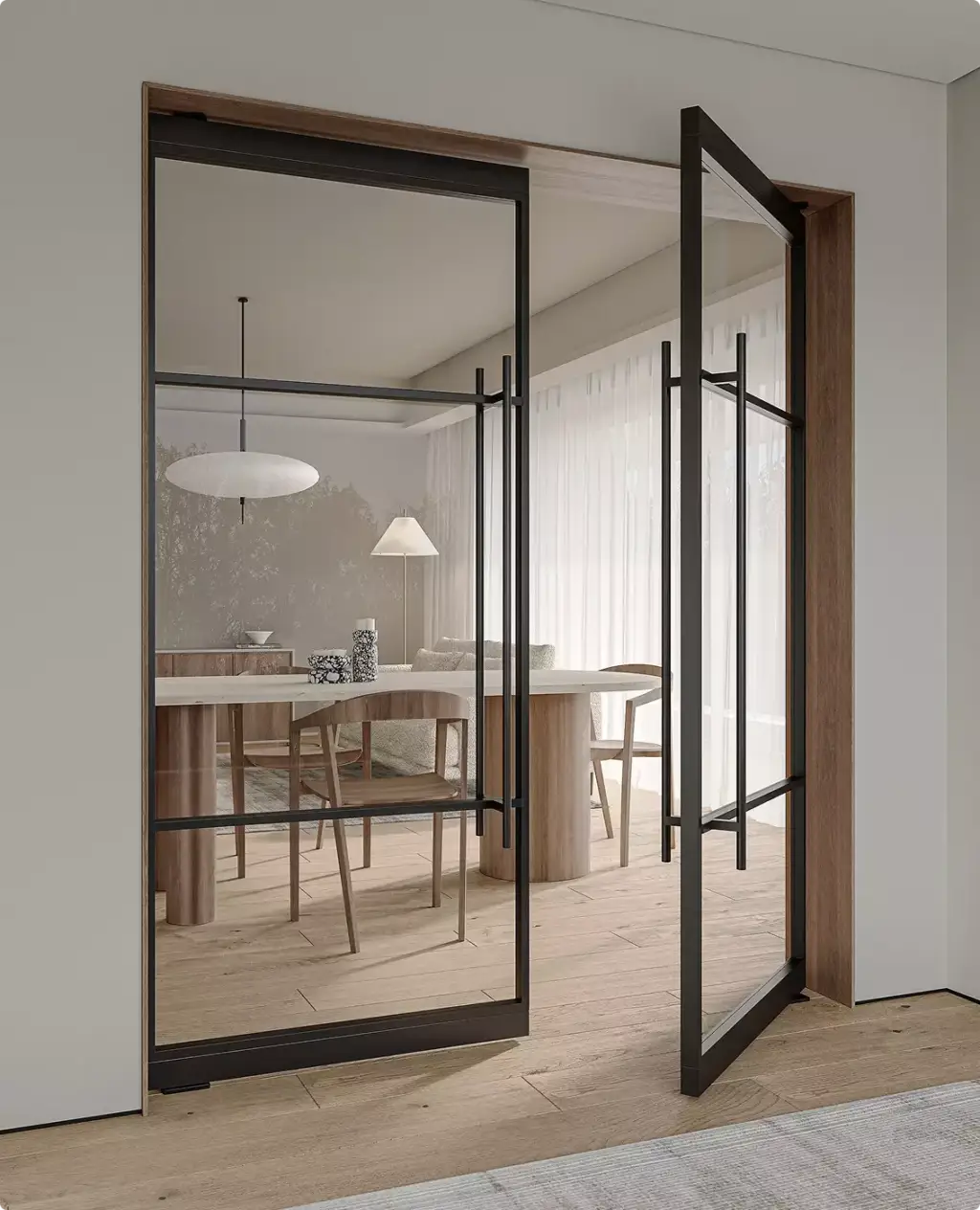
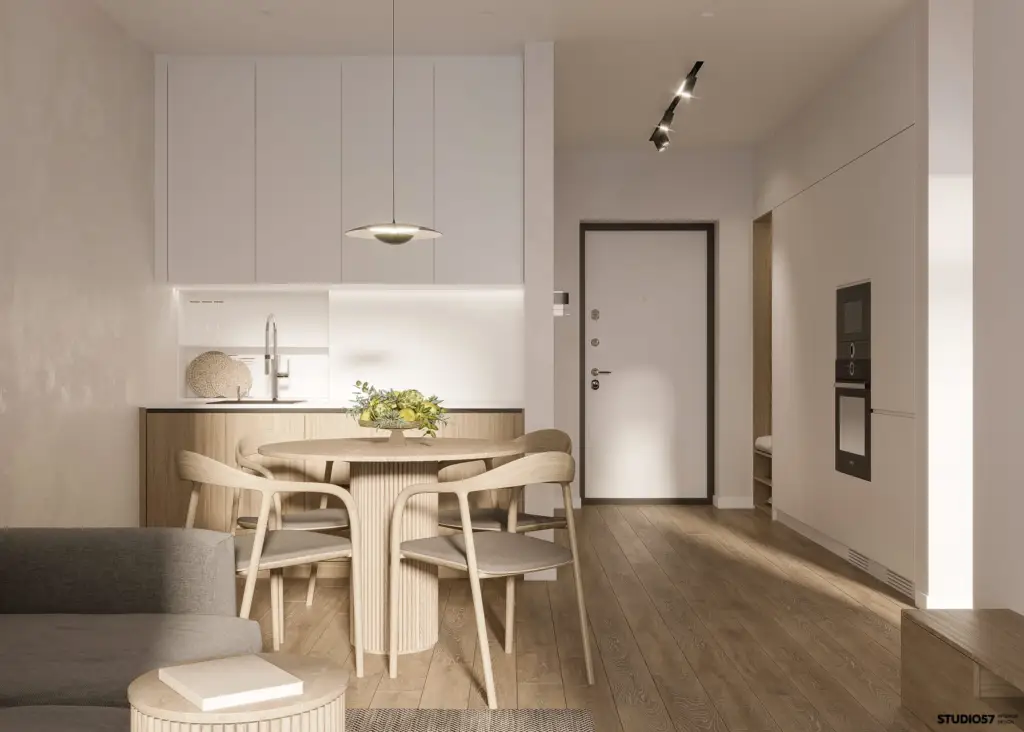
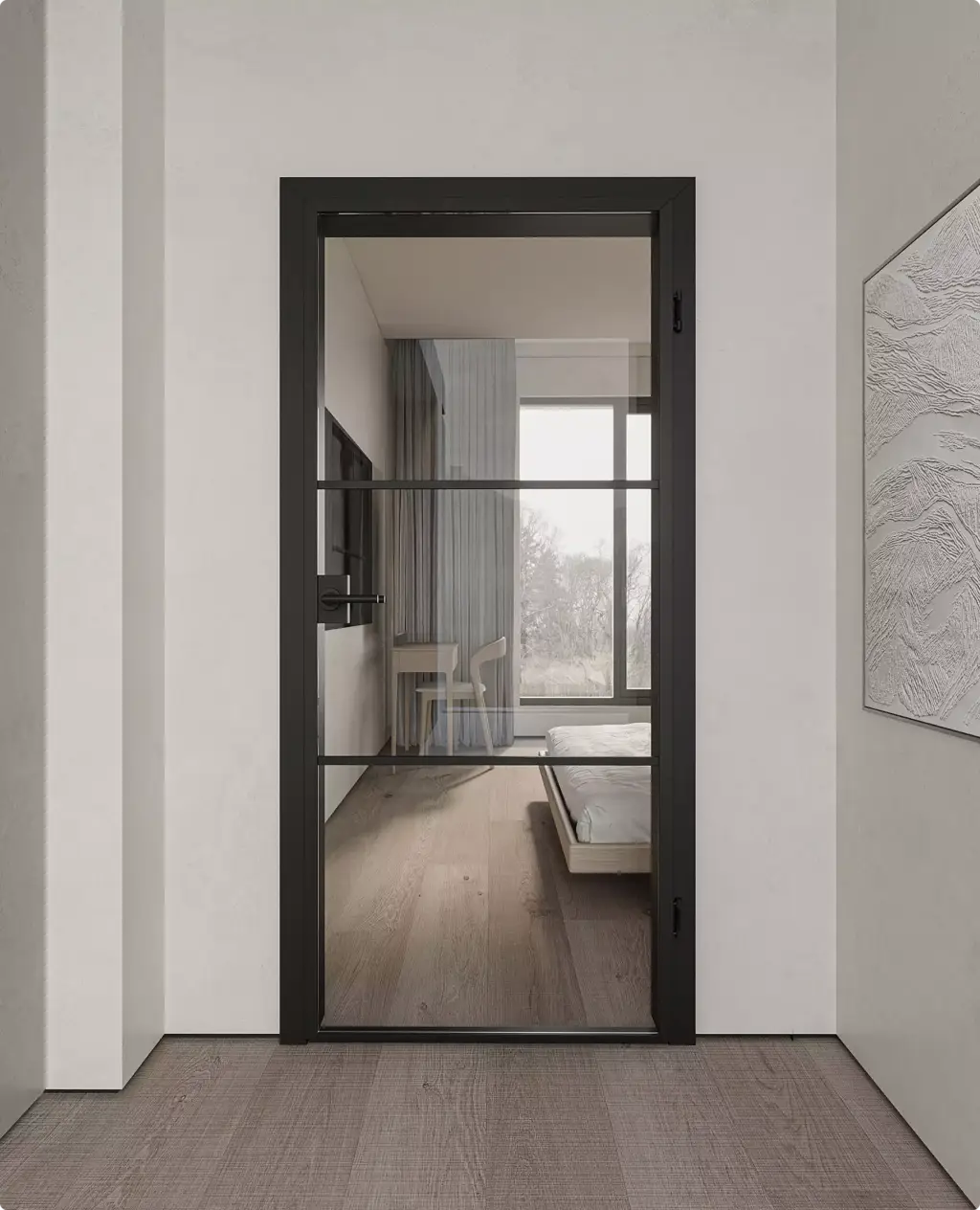
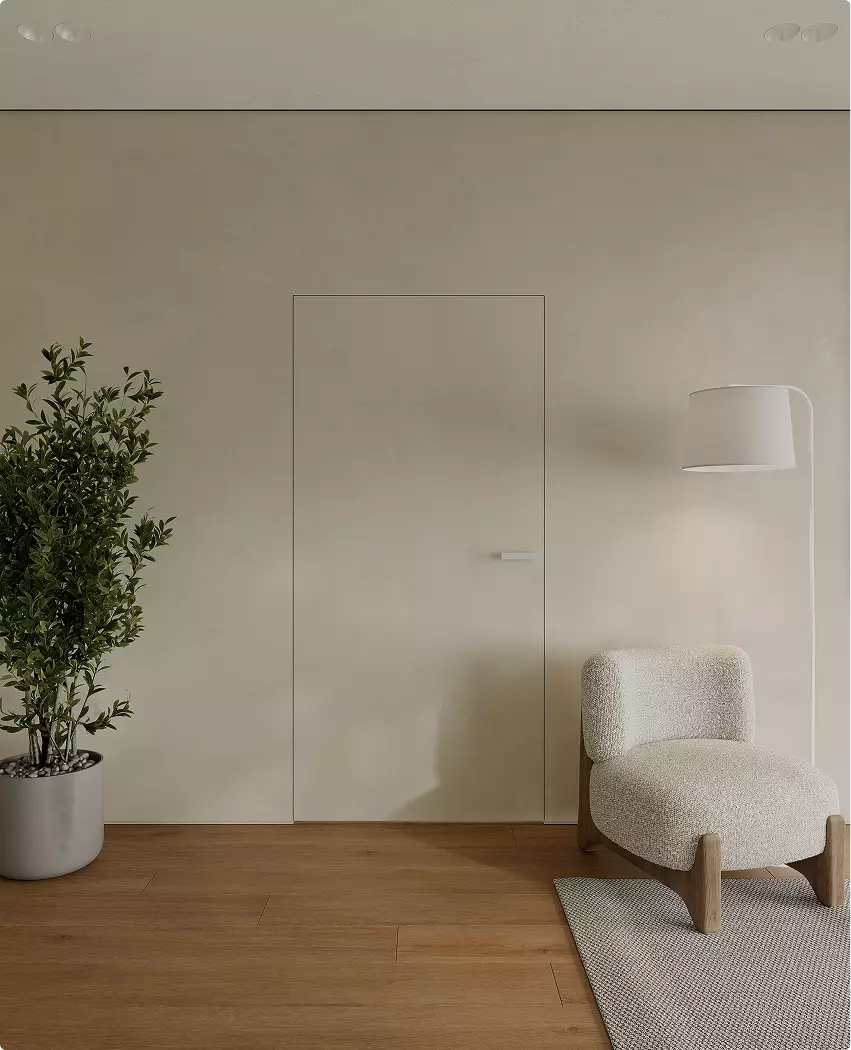
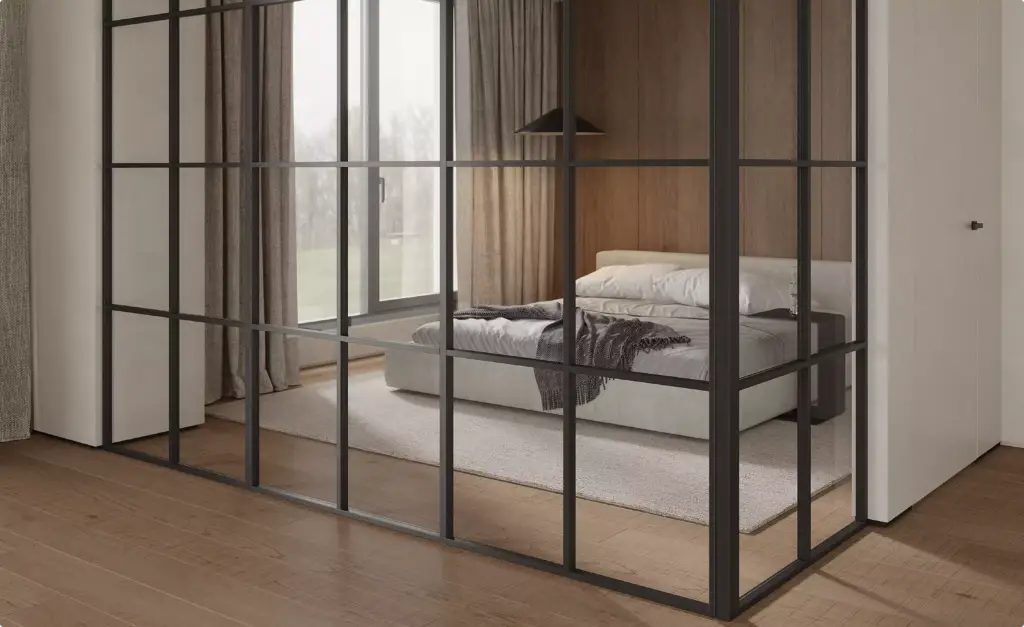
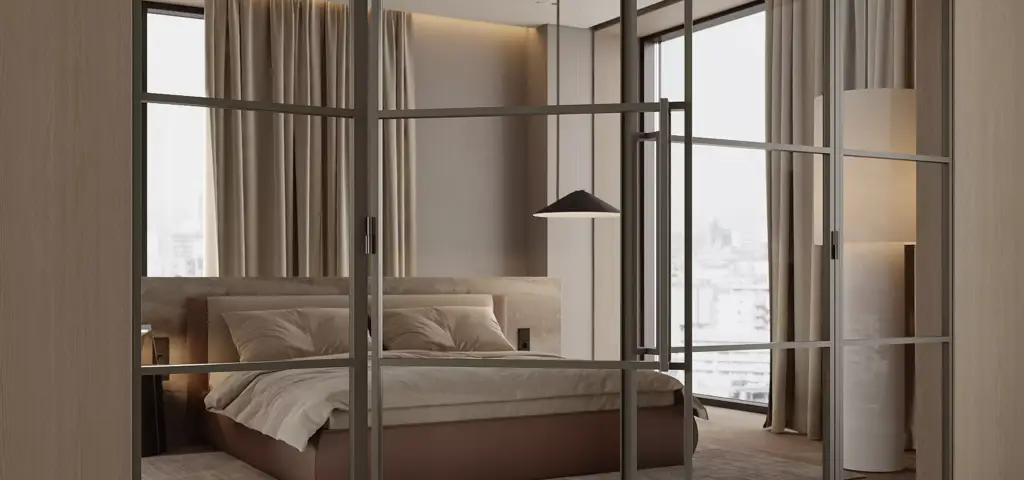
Interior room scenes
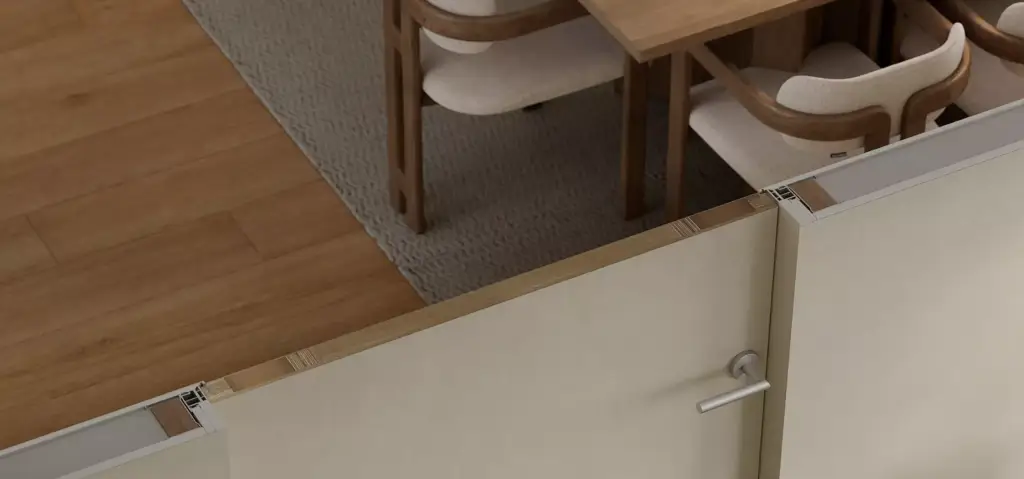
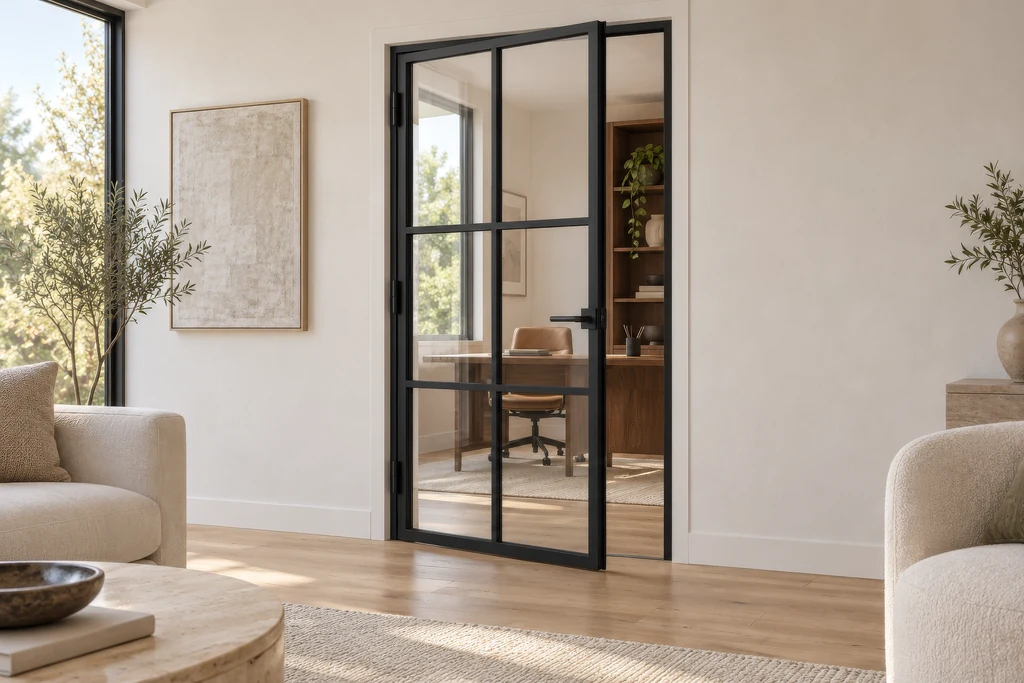
Swing, pocket, barn, pivot and fire-rated doors placed in styled living rooms, bedrooms and hallways, so buyers judge the model, the finish and the proportions in a real home.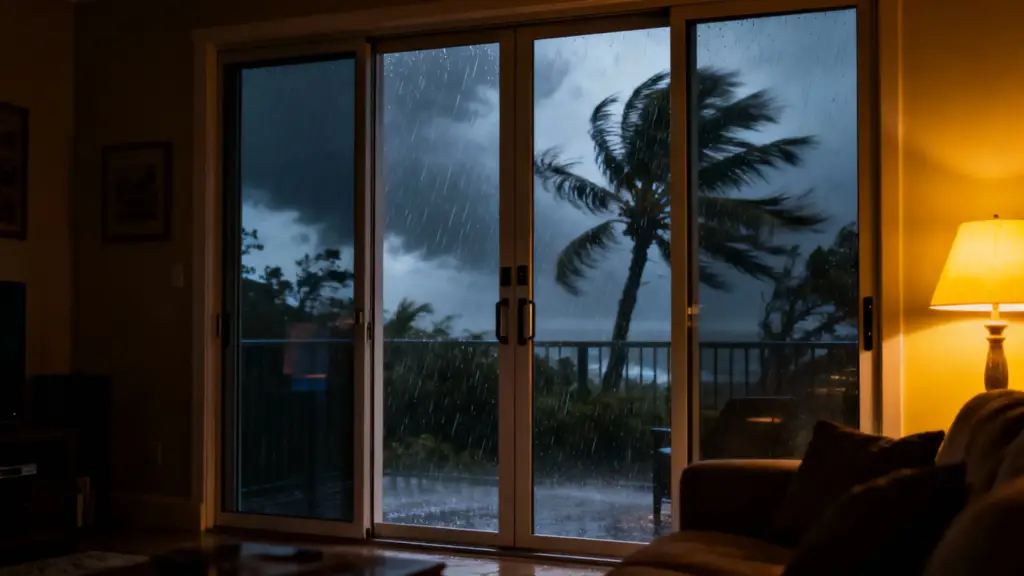
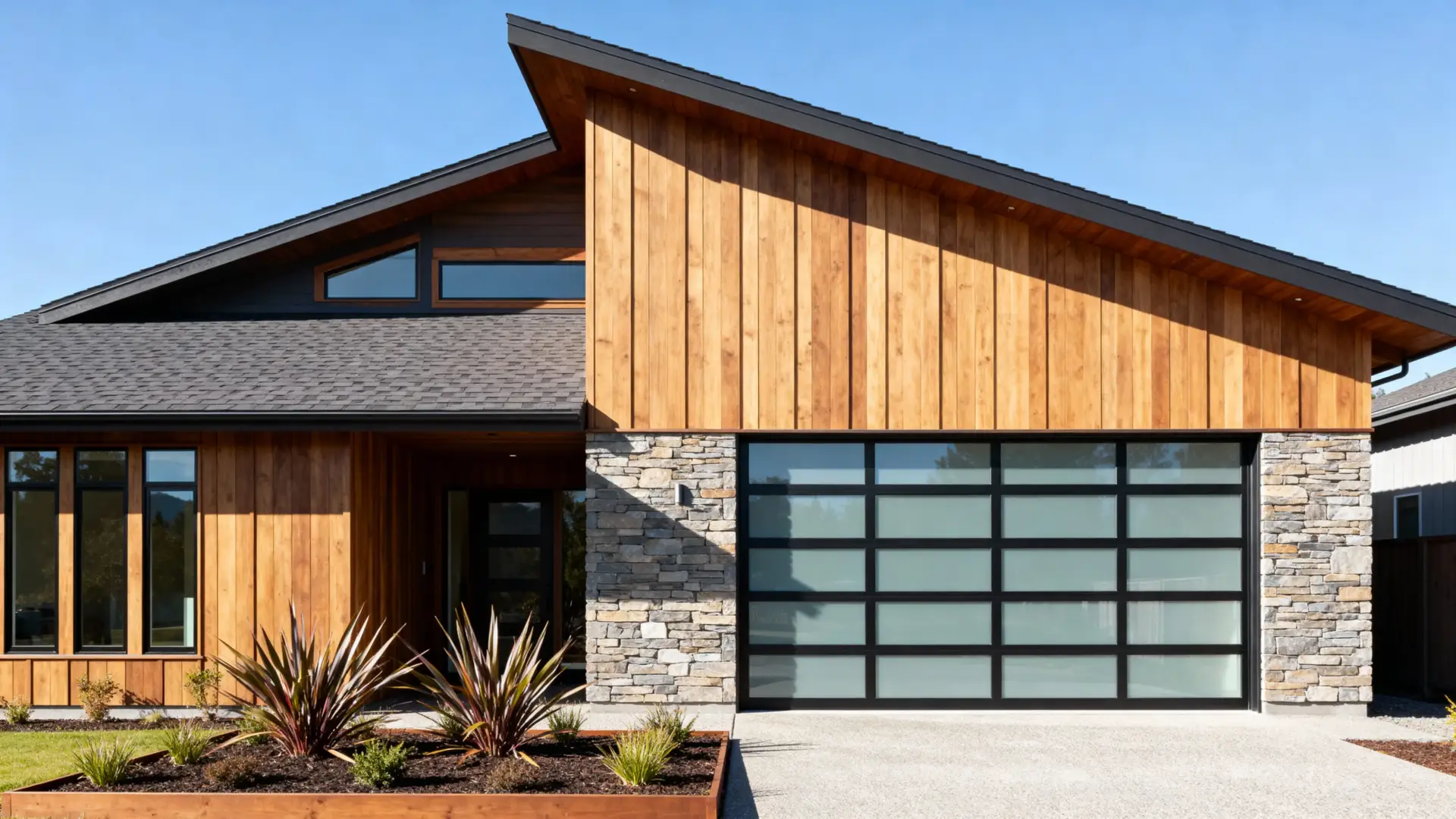
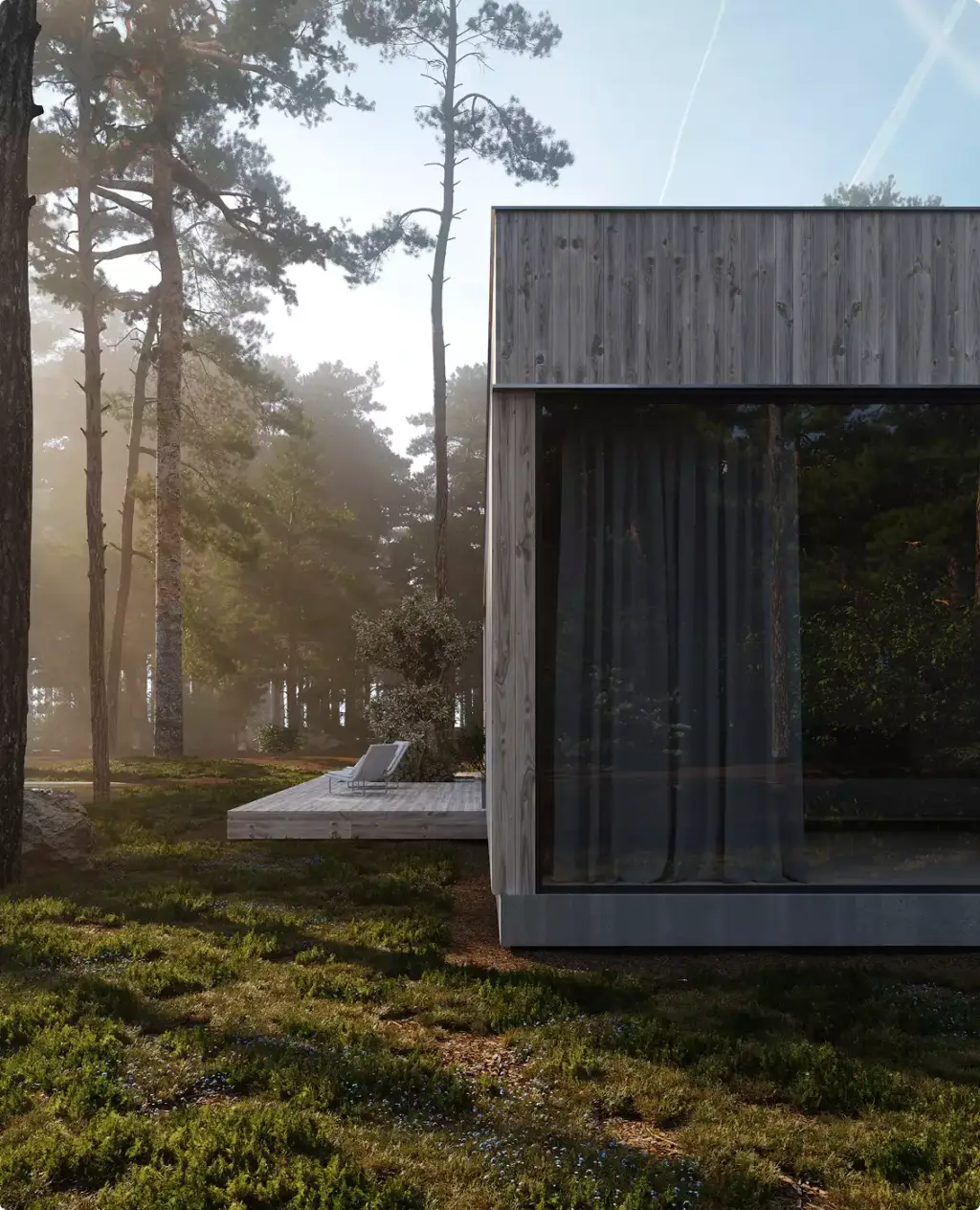
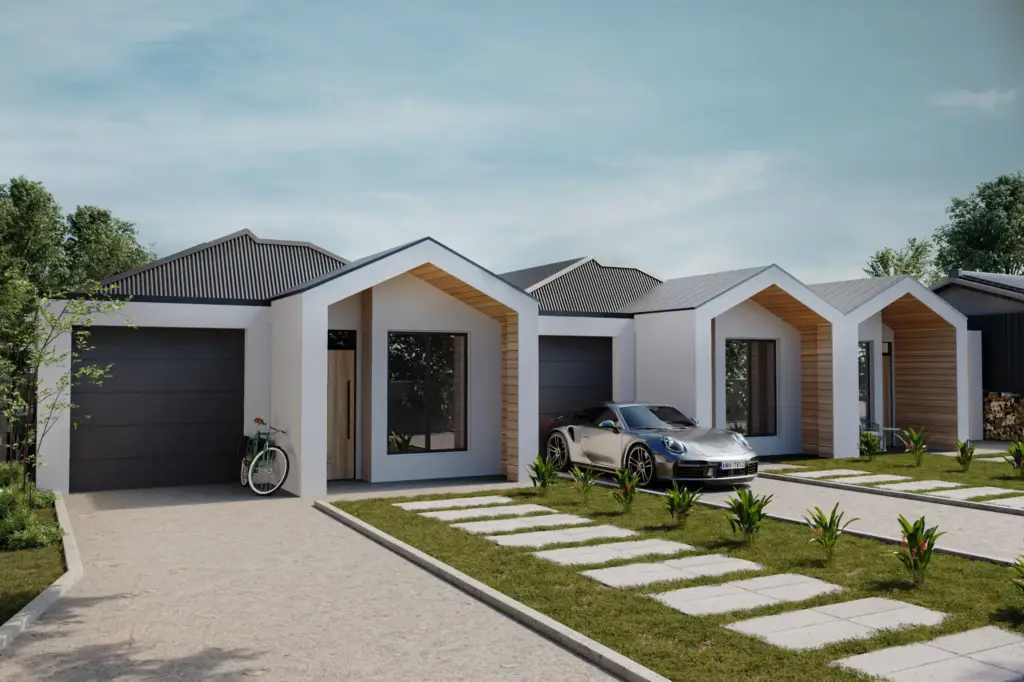
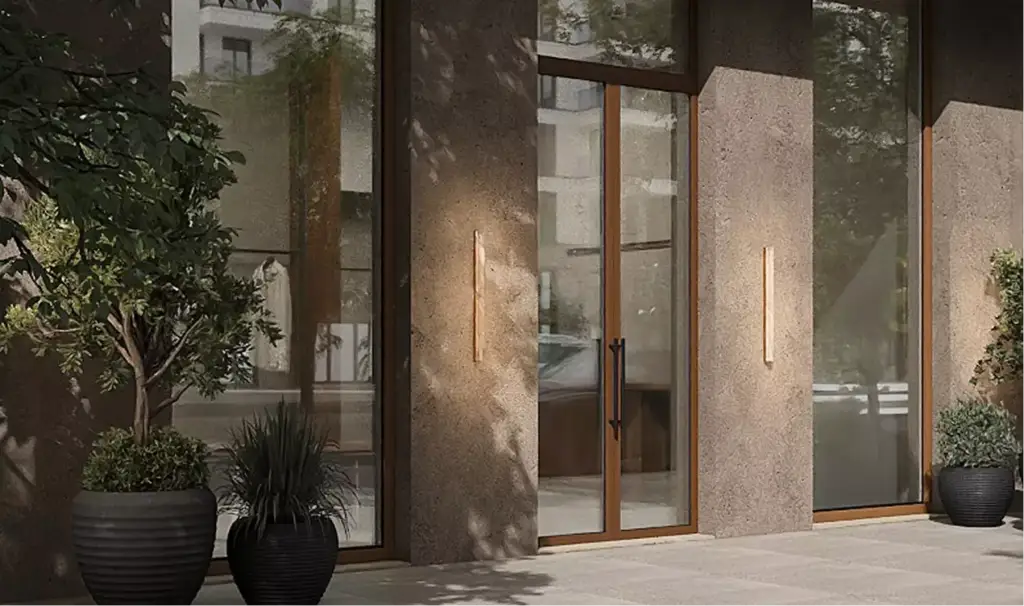
Entrance, garage and patio doors
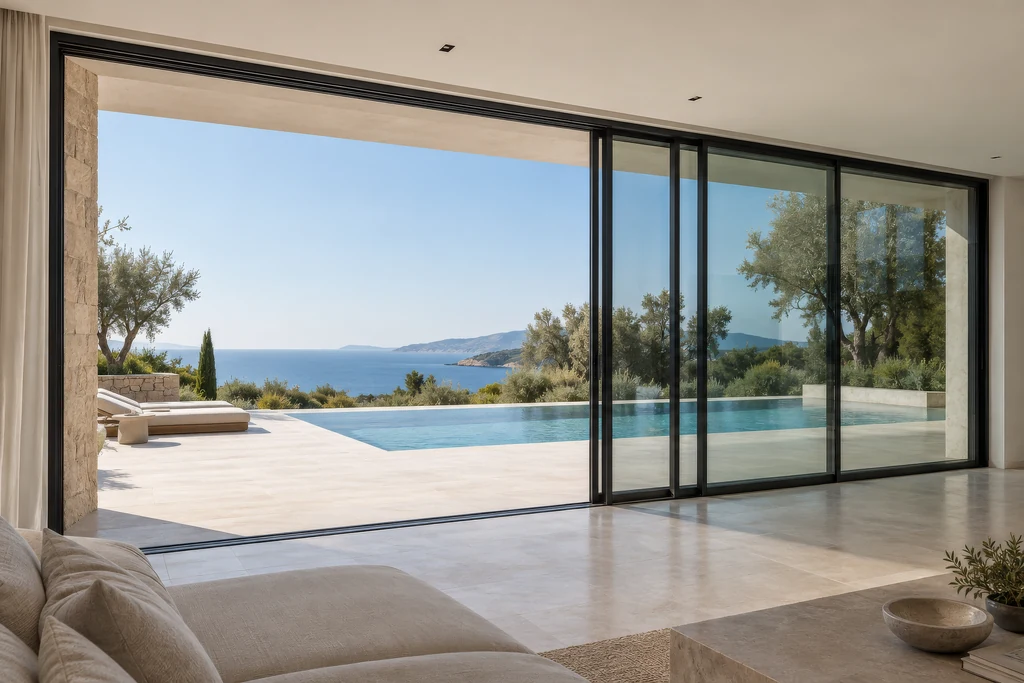
Front, French, storm and garage doors, sliding patio and bifold systems and impact-rated doors shown on the house, in daylight, at dusk and in a storm.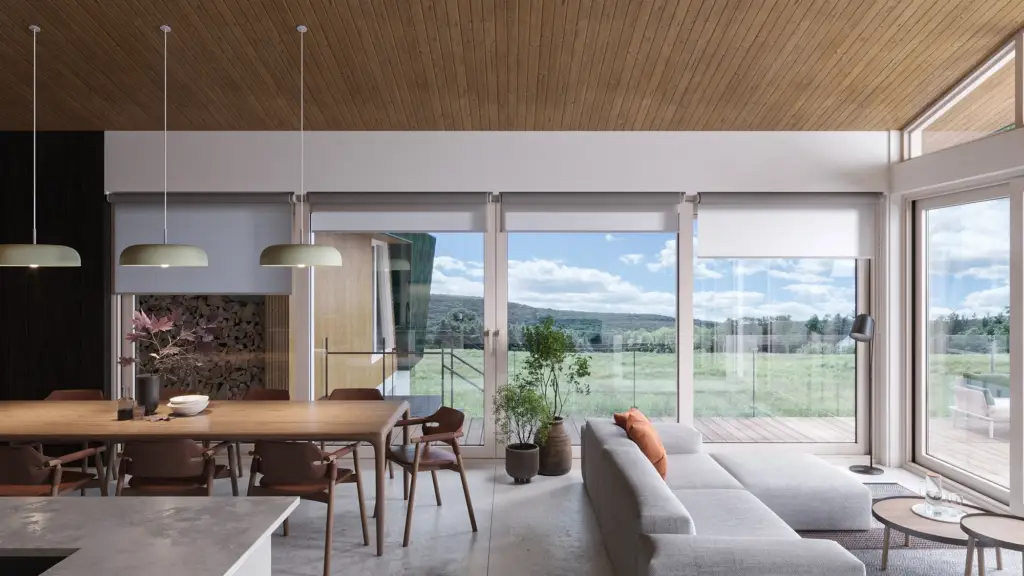
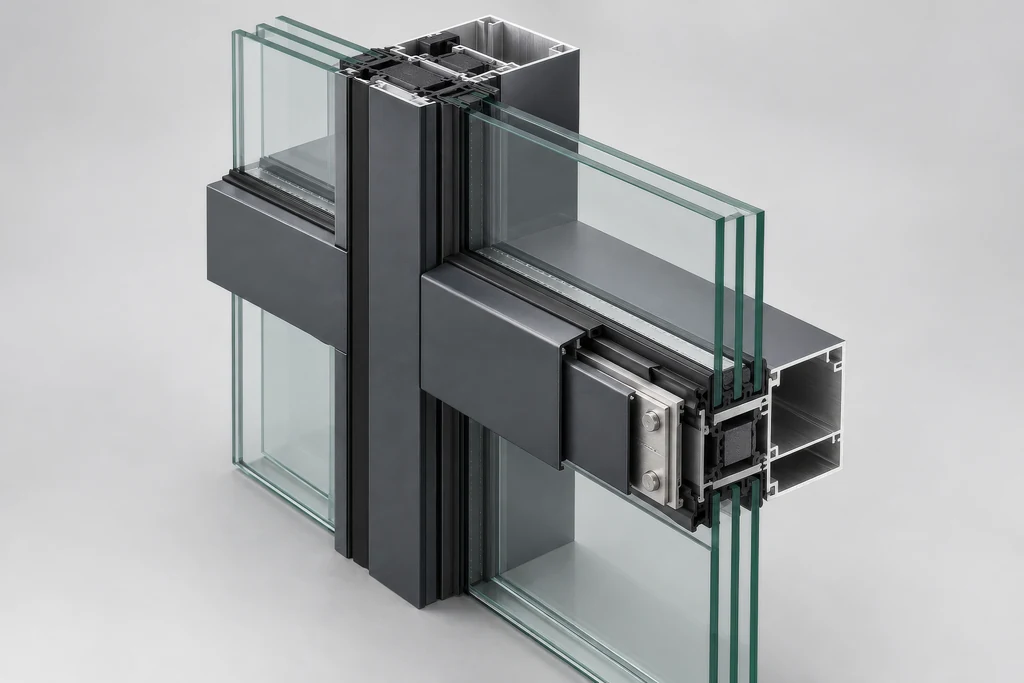
Windows, sliding and curtain wall systems
Casement, sliding, tilt-and-turn and picture windows, aluminum and steel systems and curtain wall, every profile, color and glazing, in bright rooms and on facades, with frames and reflections that make the window the subject.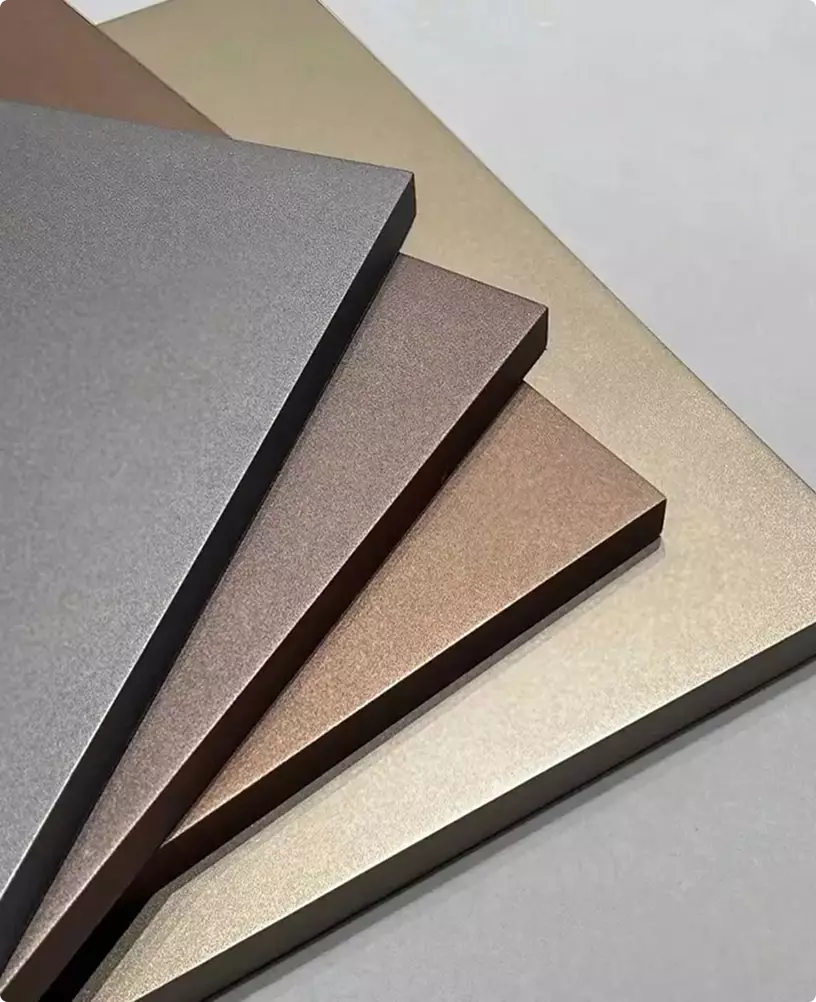
Configurators and door builders
Real-time GLB models with a material for every finish, or virtual photography with an image for every option, for door and window configurators, door builders, garage door designers and dealer quote tools.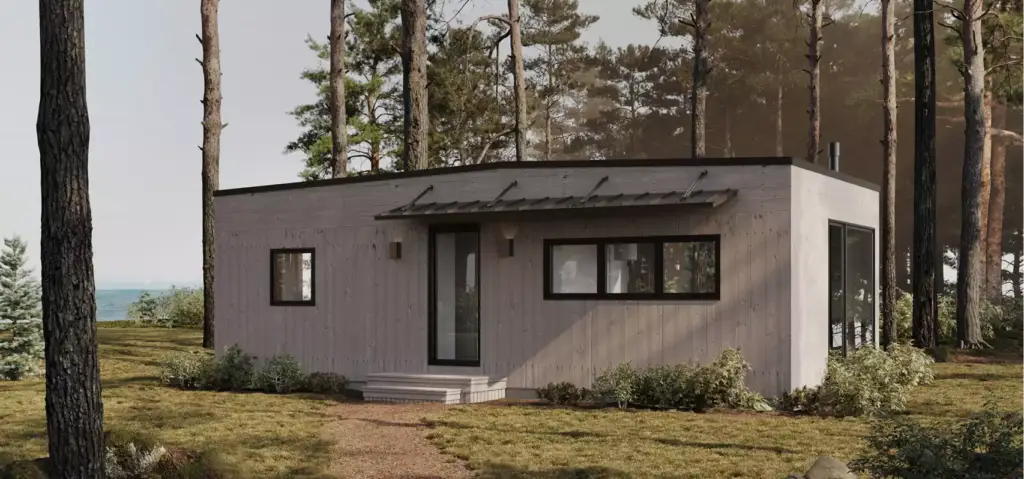
Home visualizers, AR and 360° viewers
Cutouts at every angle for exterior home, window and garage door visualizers, USDZ and GLB models for AR, and spins for 3D product viewers and virtual showrooms.
Any of these can be right. The set you need depends on where the door is sold.
Which views to order is a late decision. What comes first is the job the images have to do: launch a collection, feed a configurator, arm your dealers or win a trade show. We start there, not with a render list, and come back with a plan for what to show, on which channel, and how to reuse one model across all of it.
- Free
- No obligation
- NDA on request
3D rendering for door & window brands
Most studios sell you renders. We work out what will actually move your project forward.
Ask a rendering studio what you need and you get a quote for renders. We start from the outcome you are paid for: a collection approved before tooling, dealers who order before samples ship, a buyer who stops comparing, a door builder that sells.
Send one email and our 3D strategist replies with a commercial plan for the project: what to show, to whom, in what order, where it goes to work, and what it takes. The list of deliverables is the end of that plan, not the beginning.
Free, and yours to keep even if you never work with us.
Thank you – your request has been sent.
Our 3D strategist is reading the project now and will write back with the plan: what to show, to whom, and in what order.
Built to sell
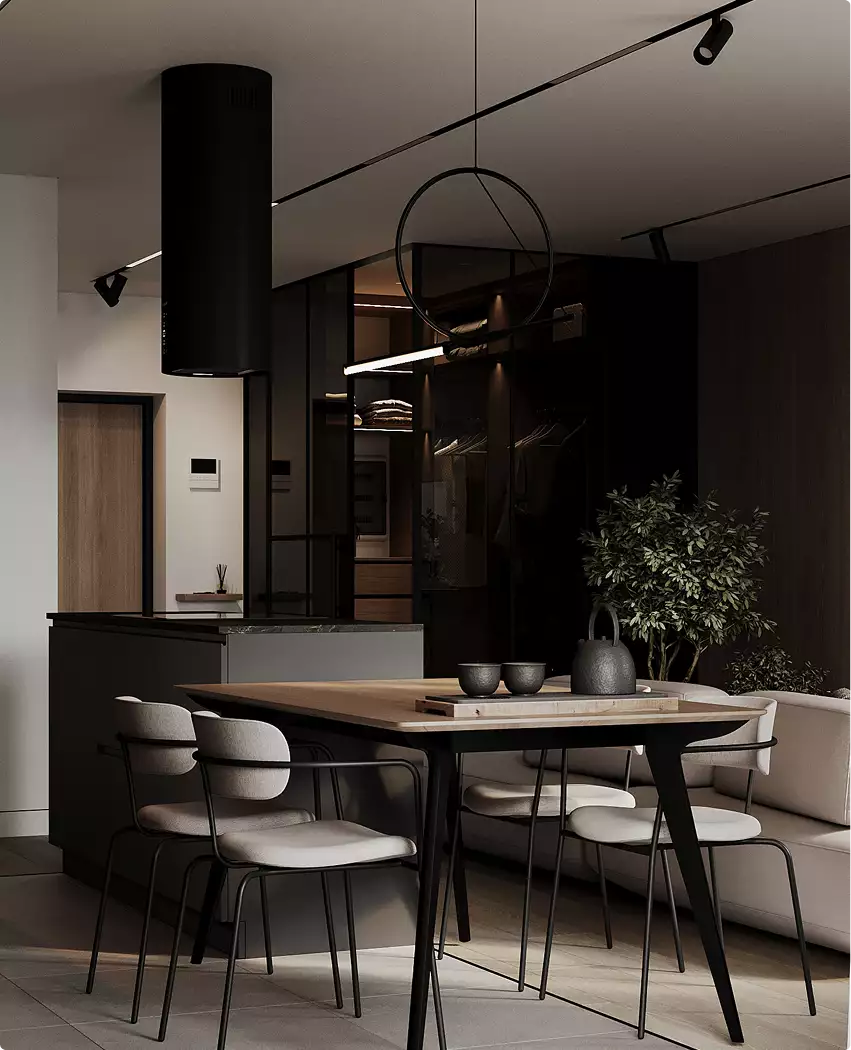
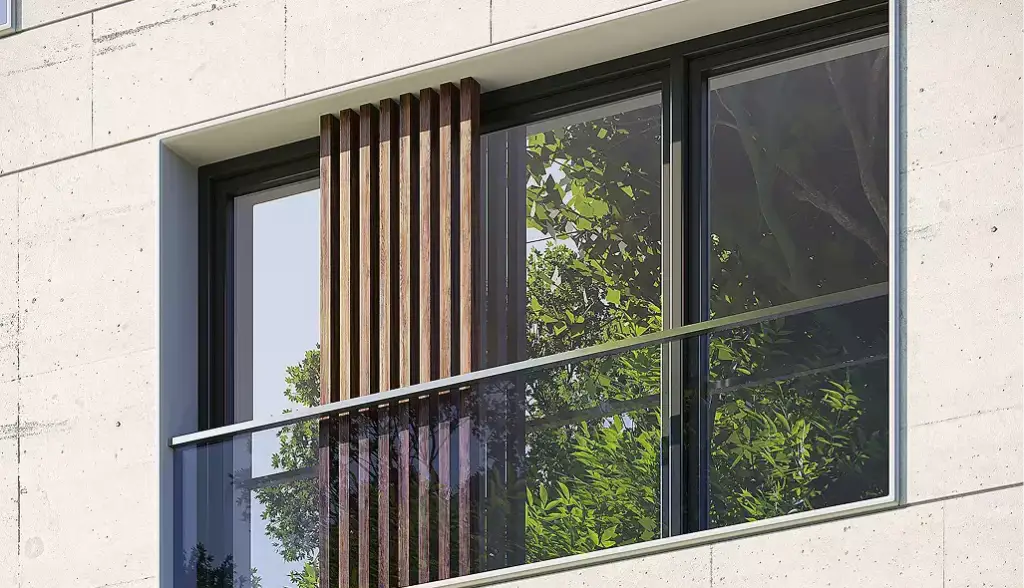
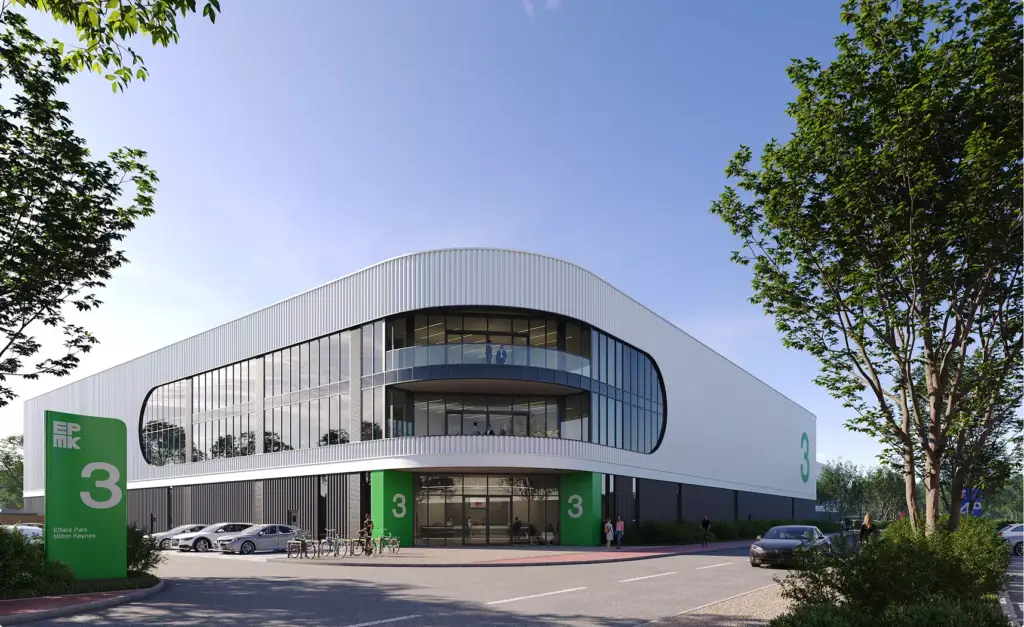
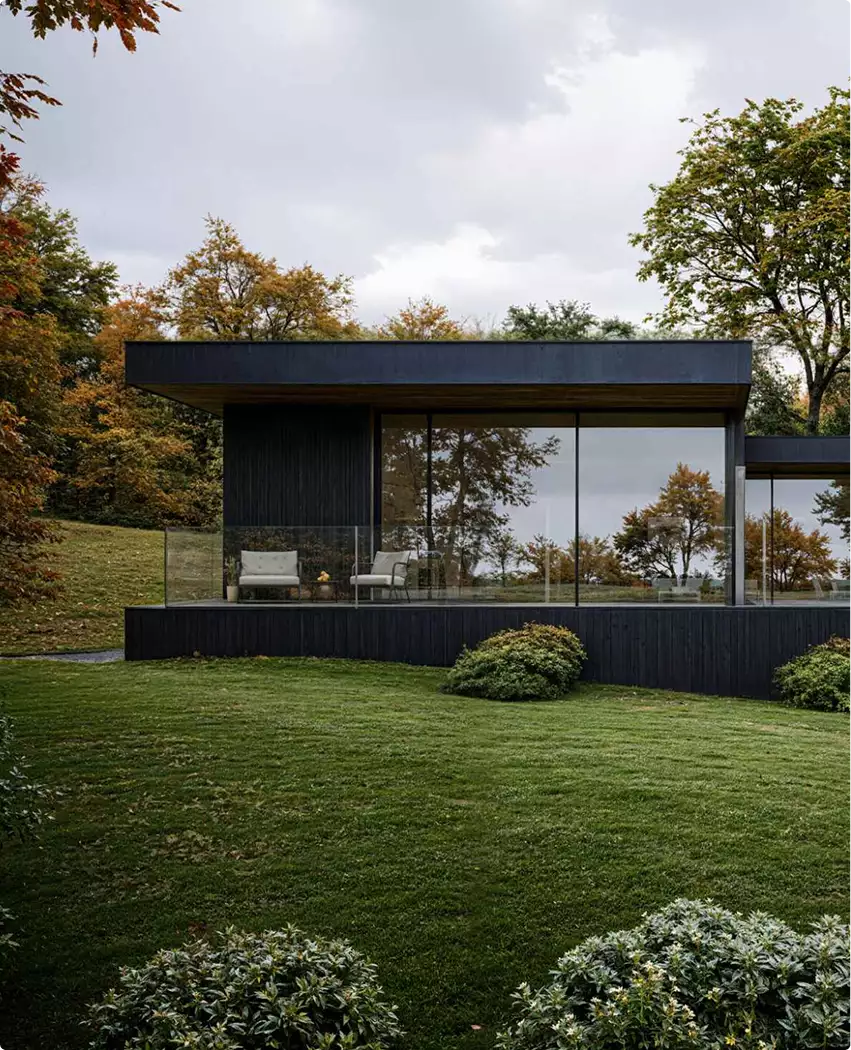
Doors, windows and entrances we have rendered
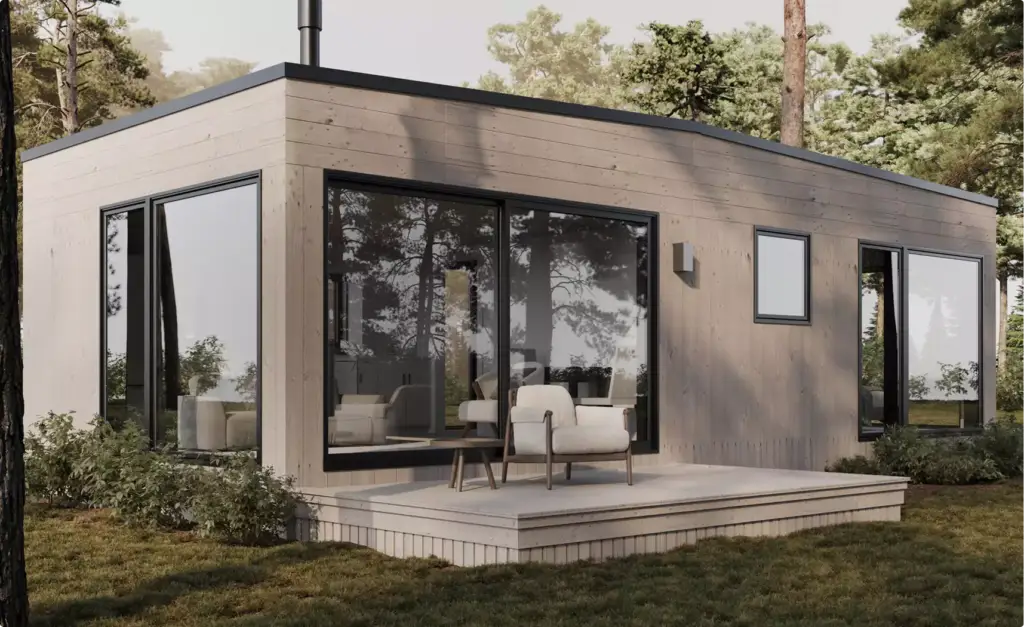
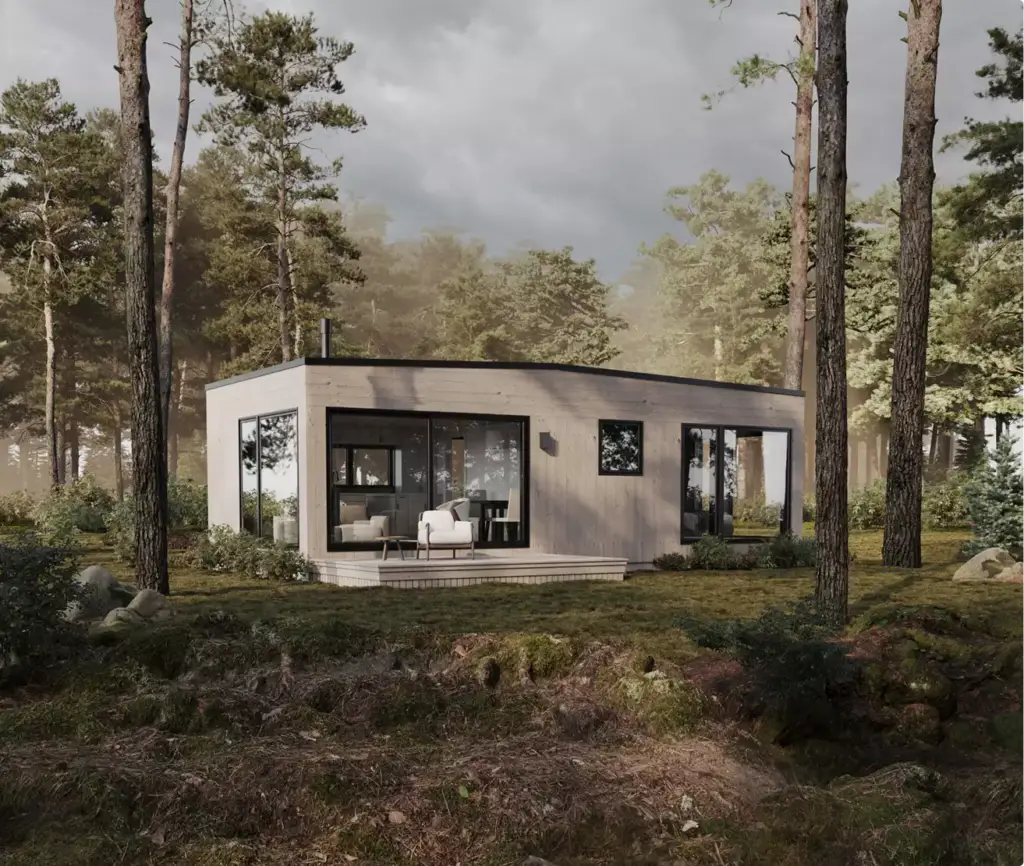
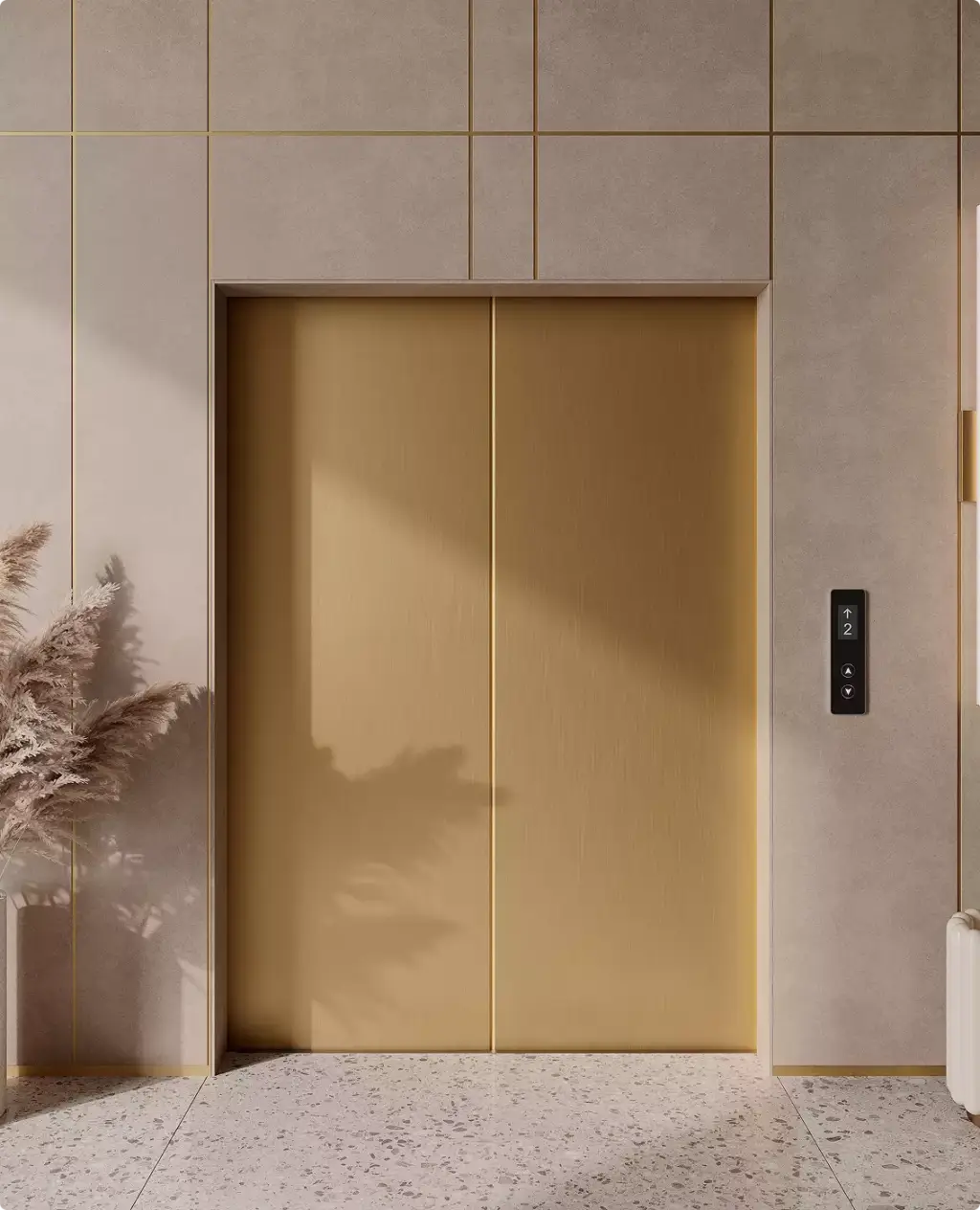
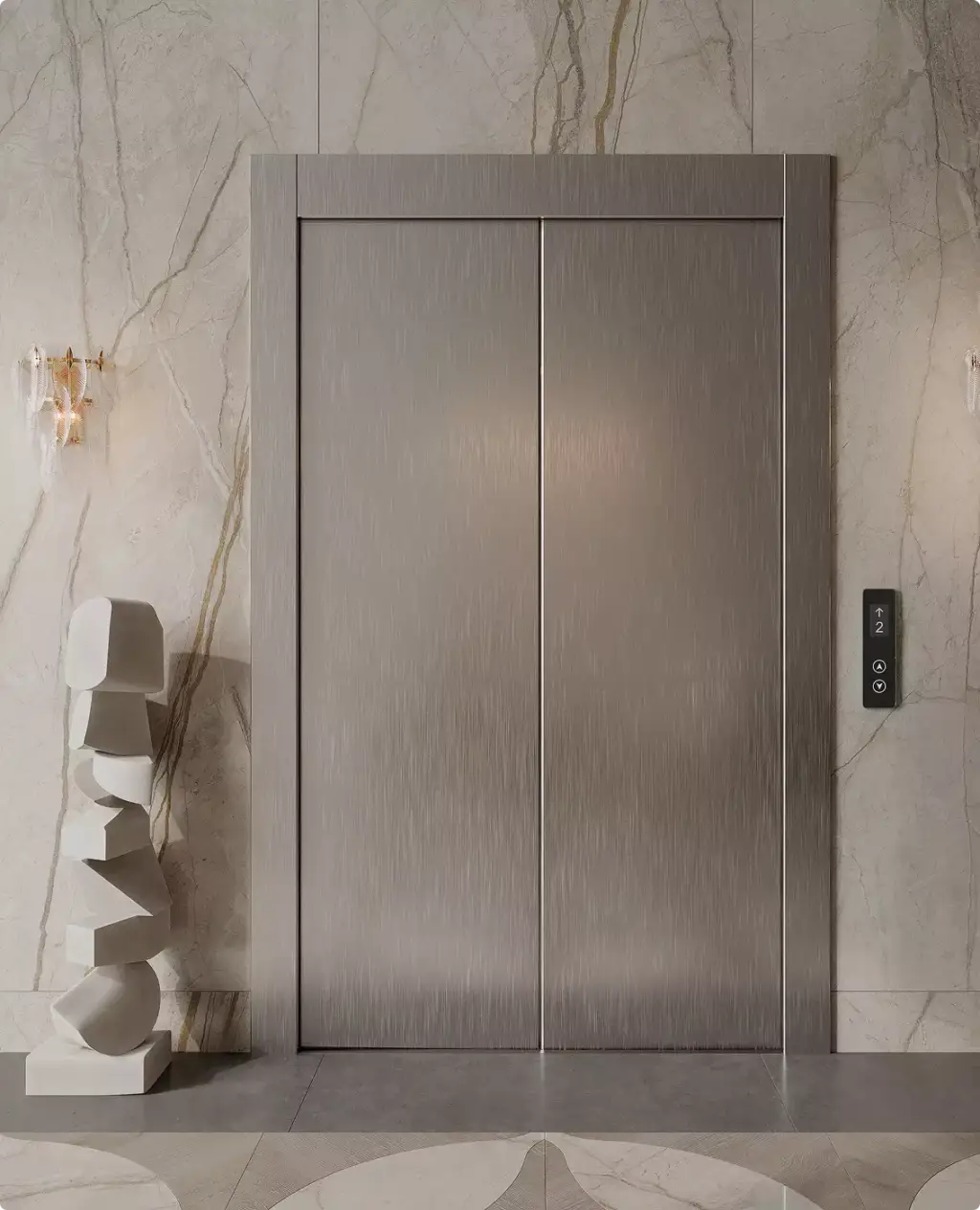
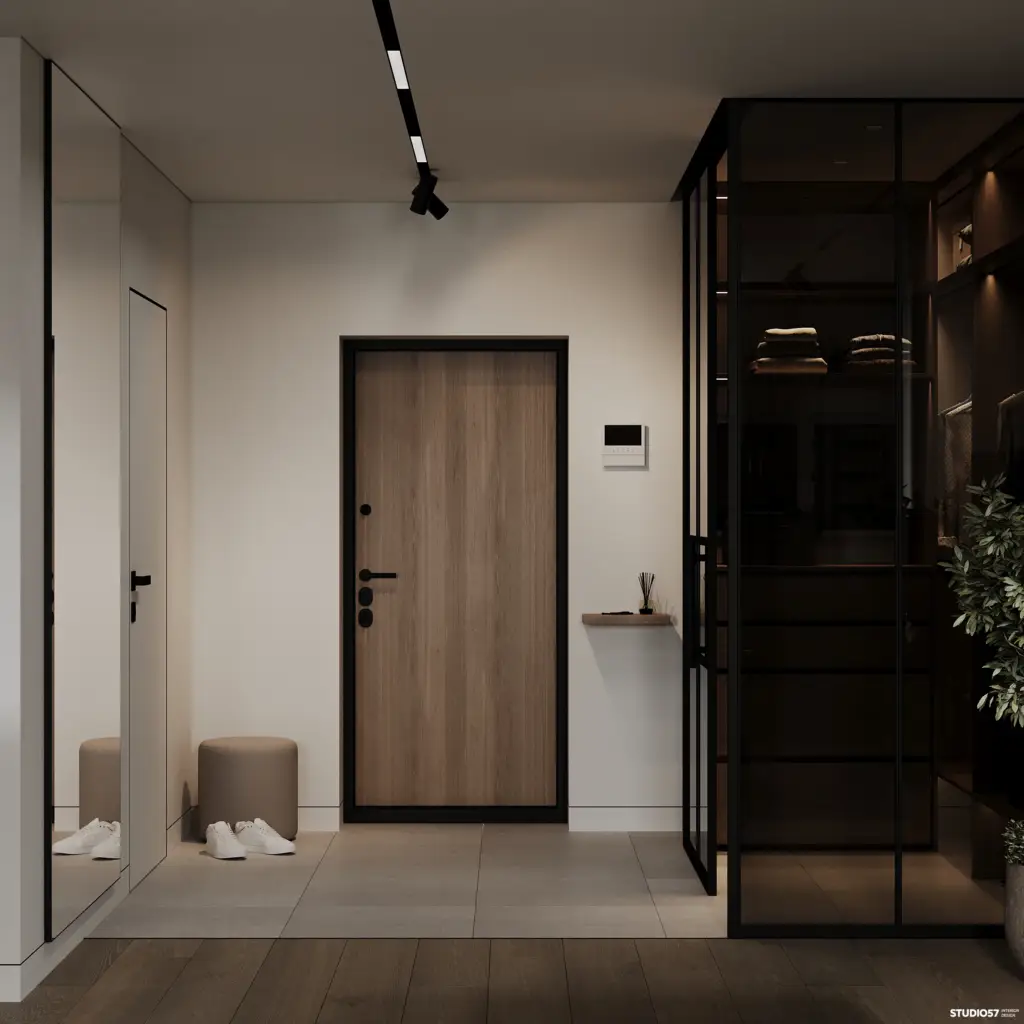
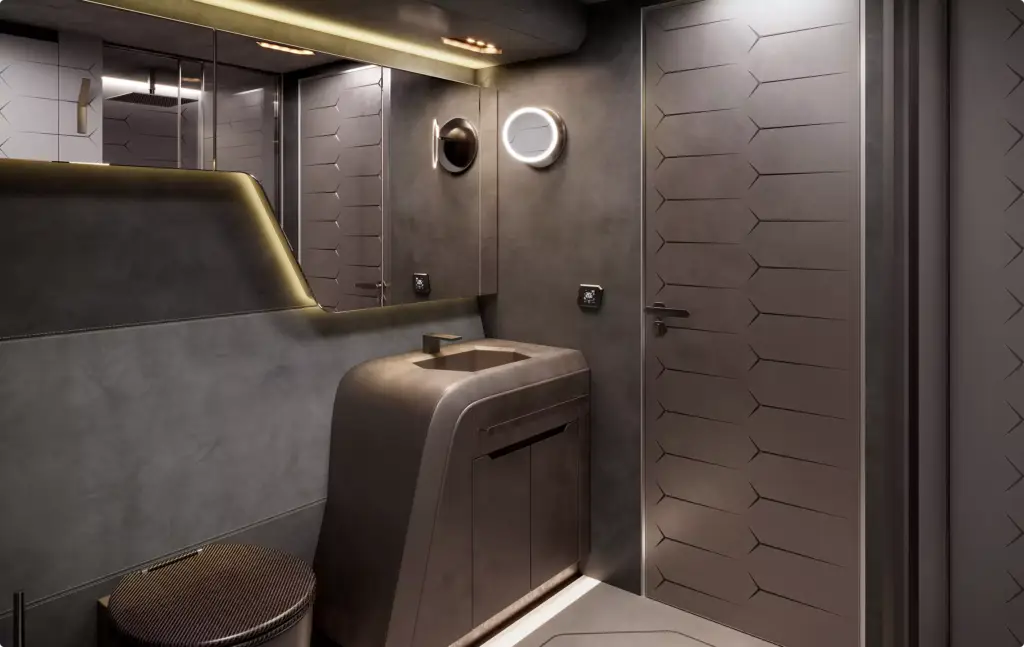
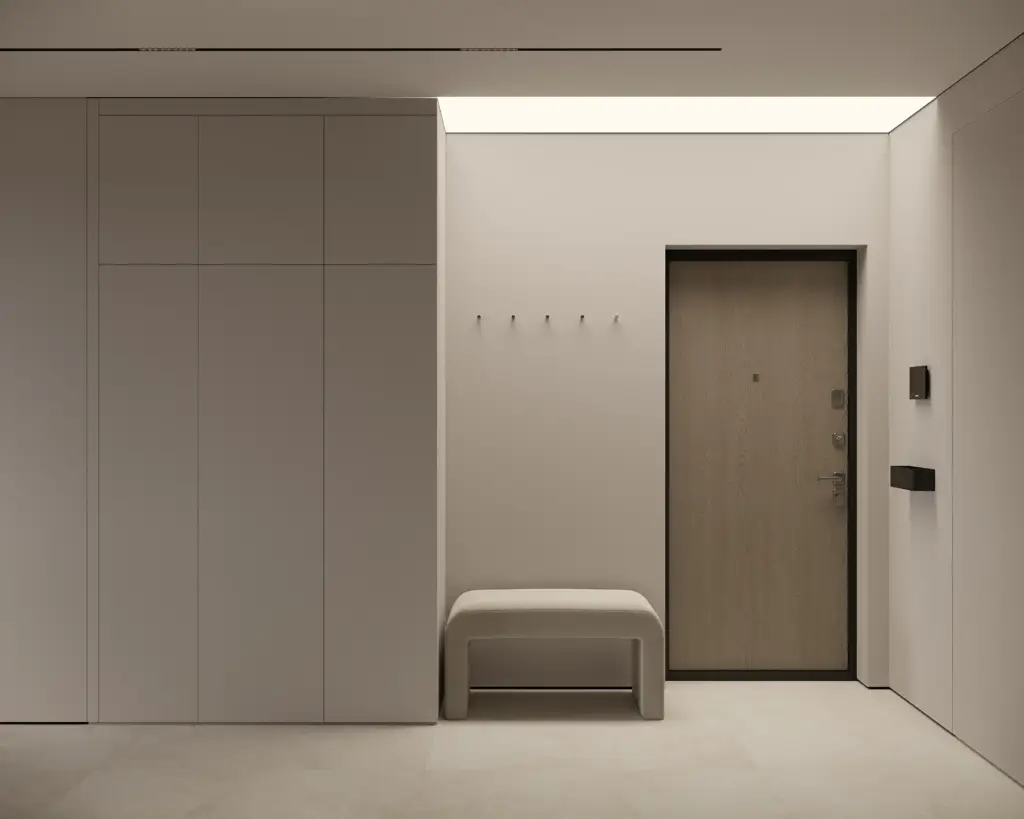
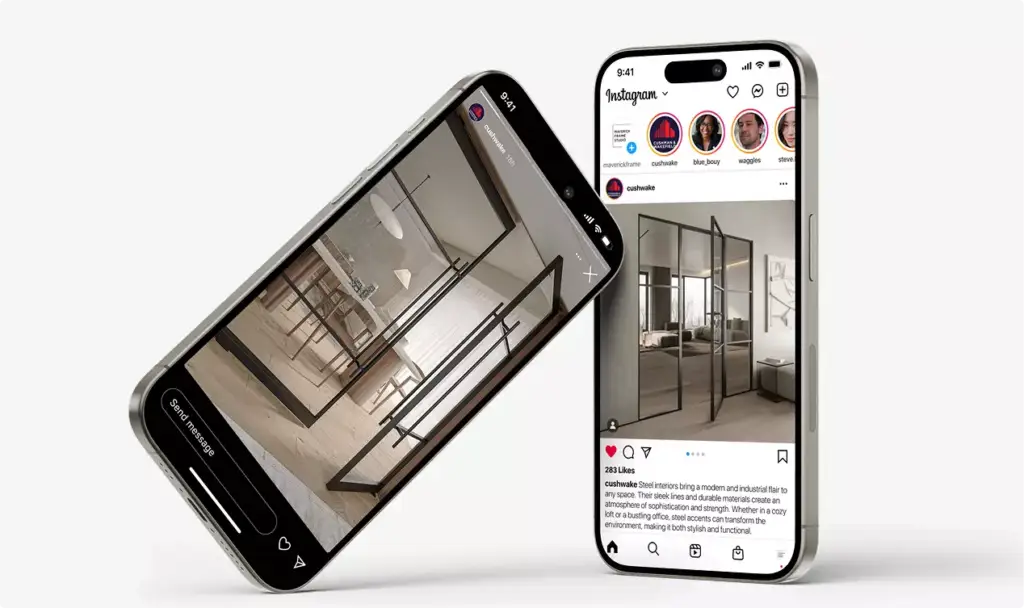
3D door visualization and window rendering for manufacturers, distributors and architects in Europe, the US, the Gulf and beyond: interior doors, glass partitions, entrance and garage doors, windows, lift doors and folding facade systems, from catalog close-ups to full room and facade scenes.
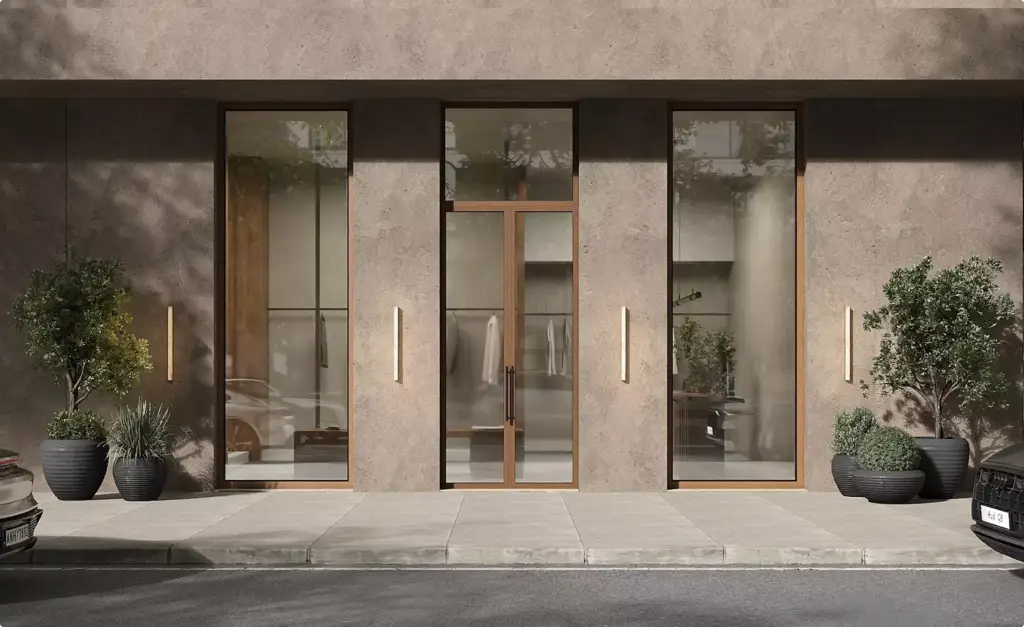
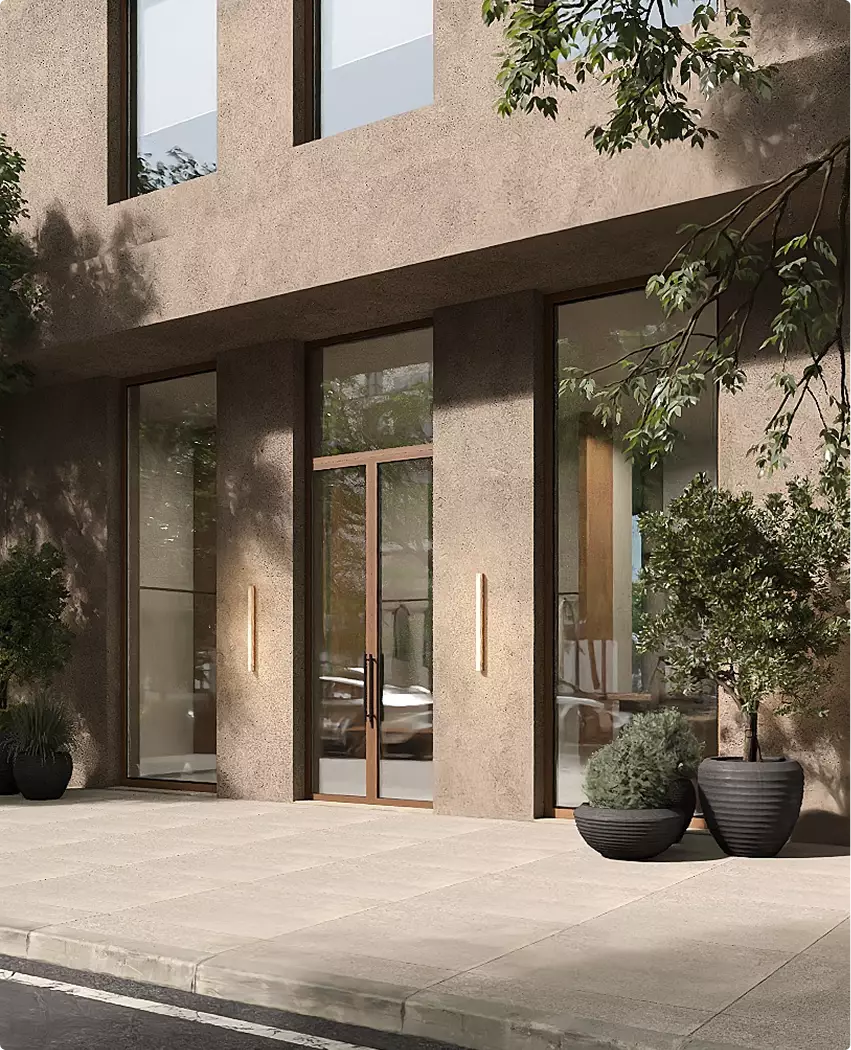
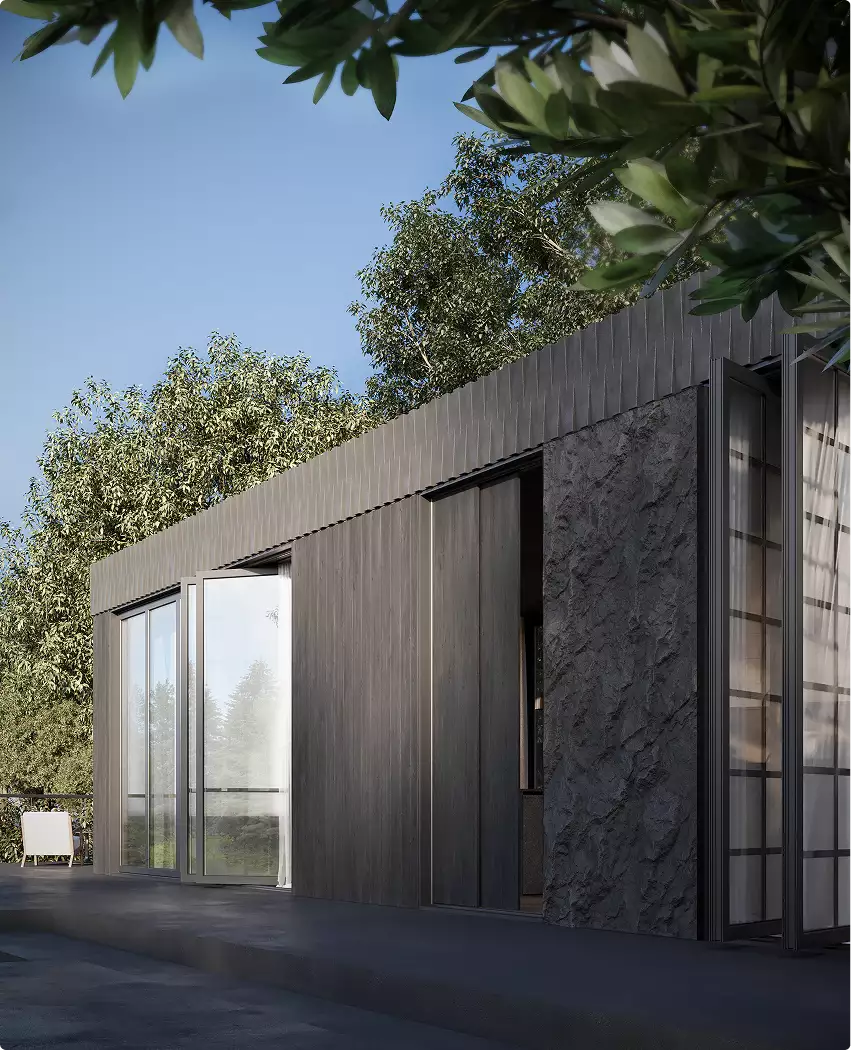
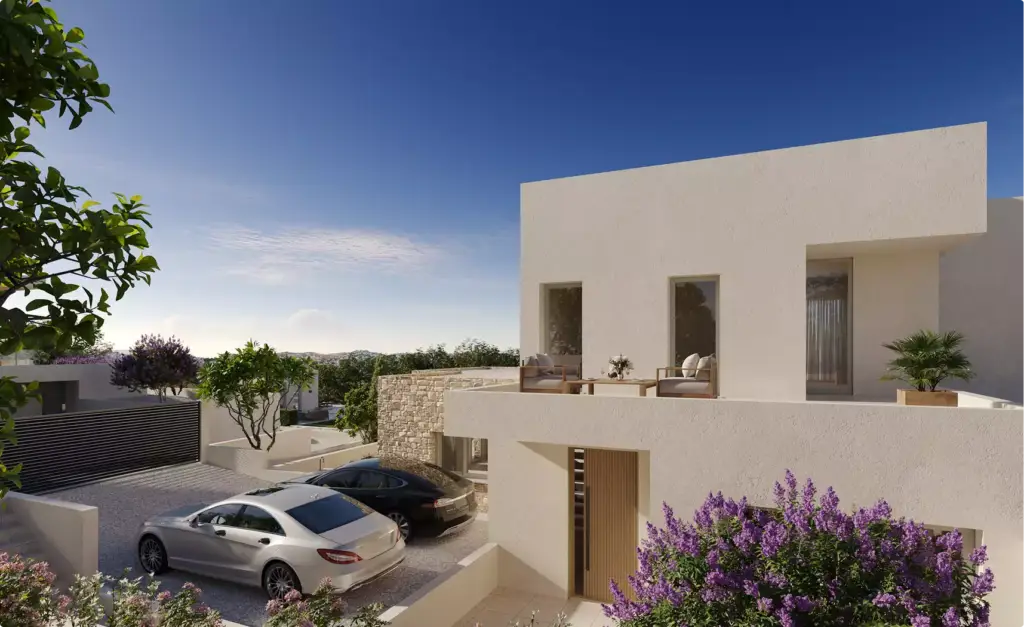
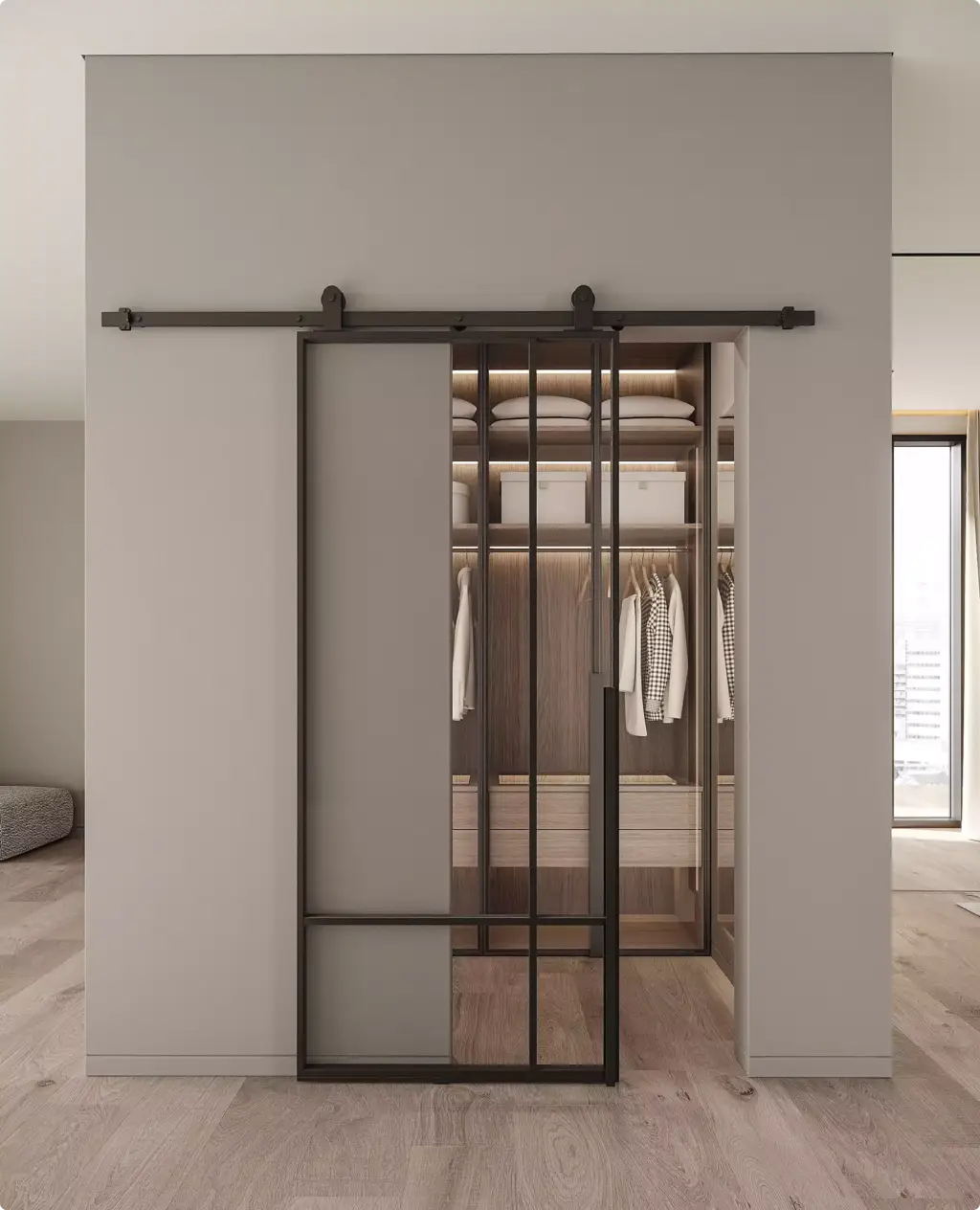
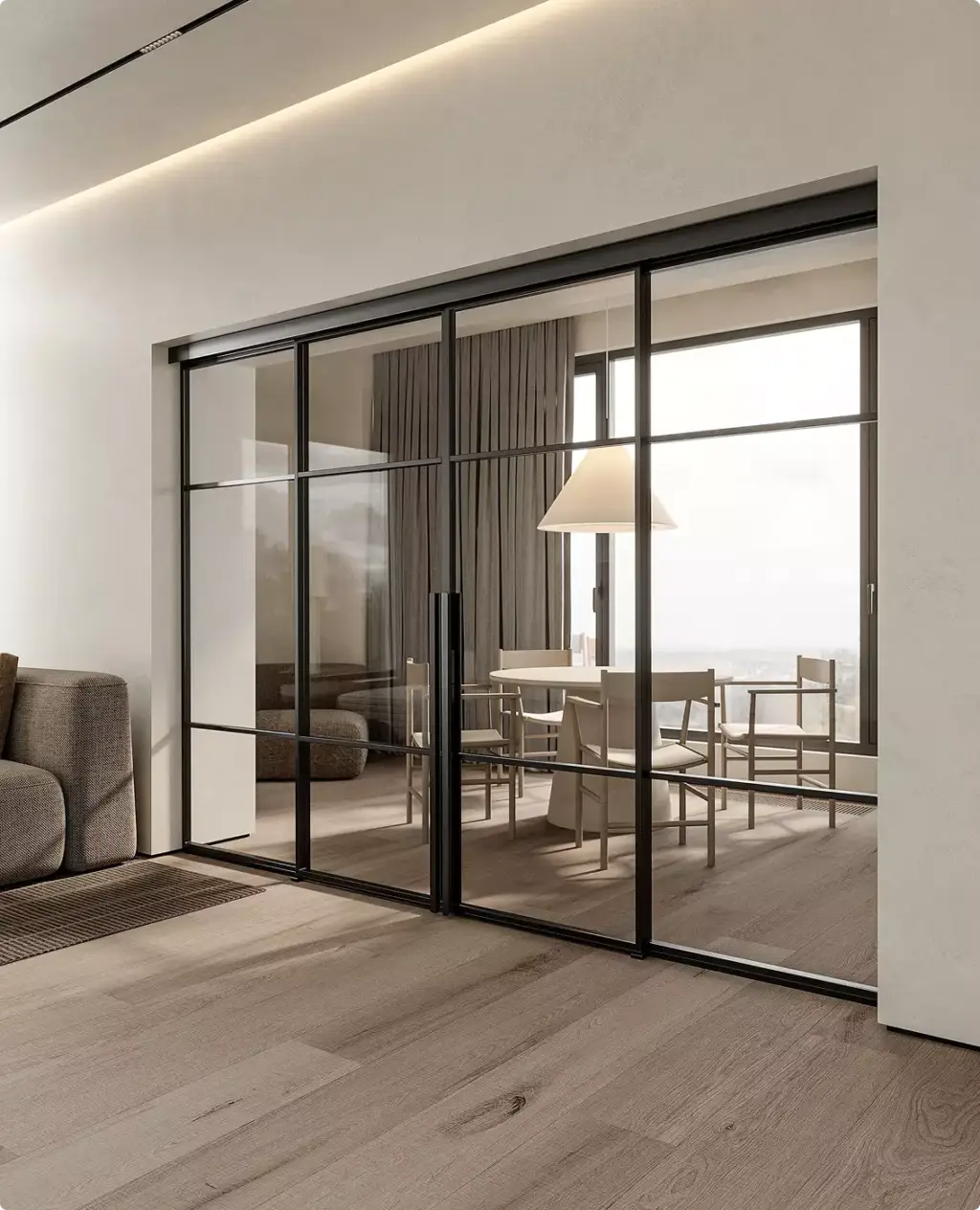
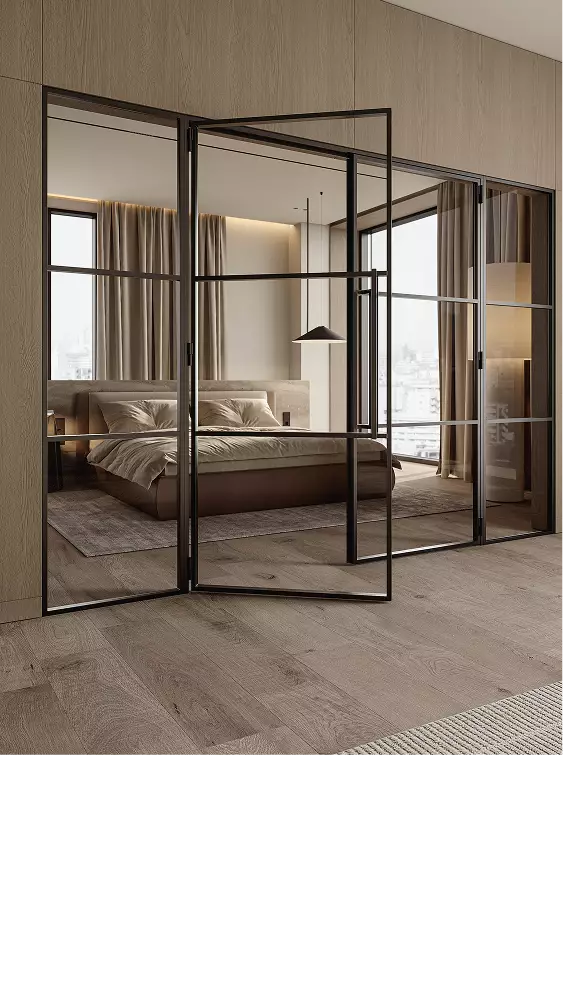
Free: the full portfolio
Pick your product line and we will send a hand-picked set of door and window projects in full resolution, matched to what you sell.
Your product line
- Free
- Sent within one business day
- No sales call
Trusted by leading teams











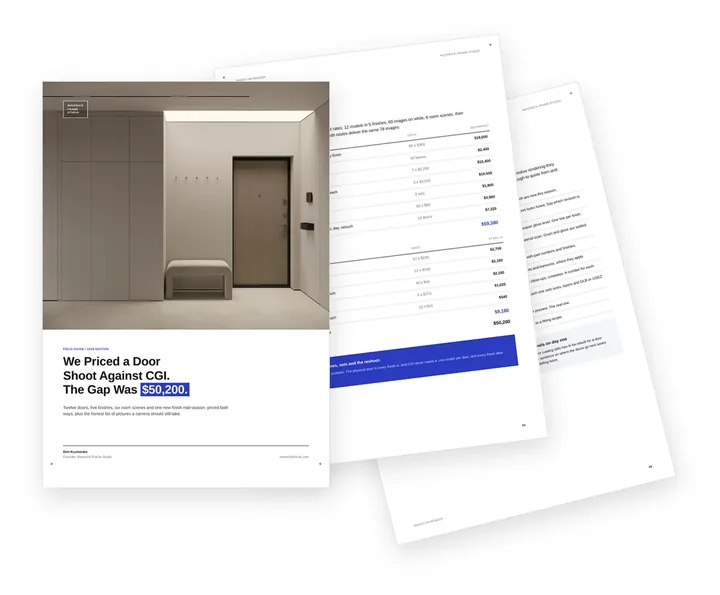
Free guide: shooting a door collection cost $50,200 more than rendering it
When the brands above commission product visuals, they send CAD and a finish list, not crates of samples. We priced a 12-door collection both ways: the shoot, with sample leaves in every finish, sets and a reshoot, came to $59,380; door rendering from the same CAD, $9,180. The guide shows both invoices line by line, where a camera still wins, and the short brief door brands send us.
- Free
- Instant download
- No sales call
If it didn't open, download it here.
Download the PDF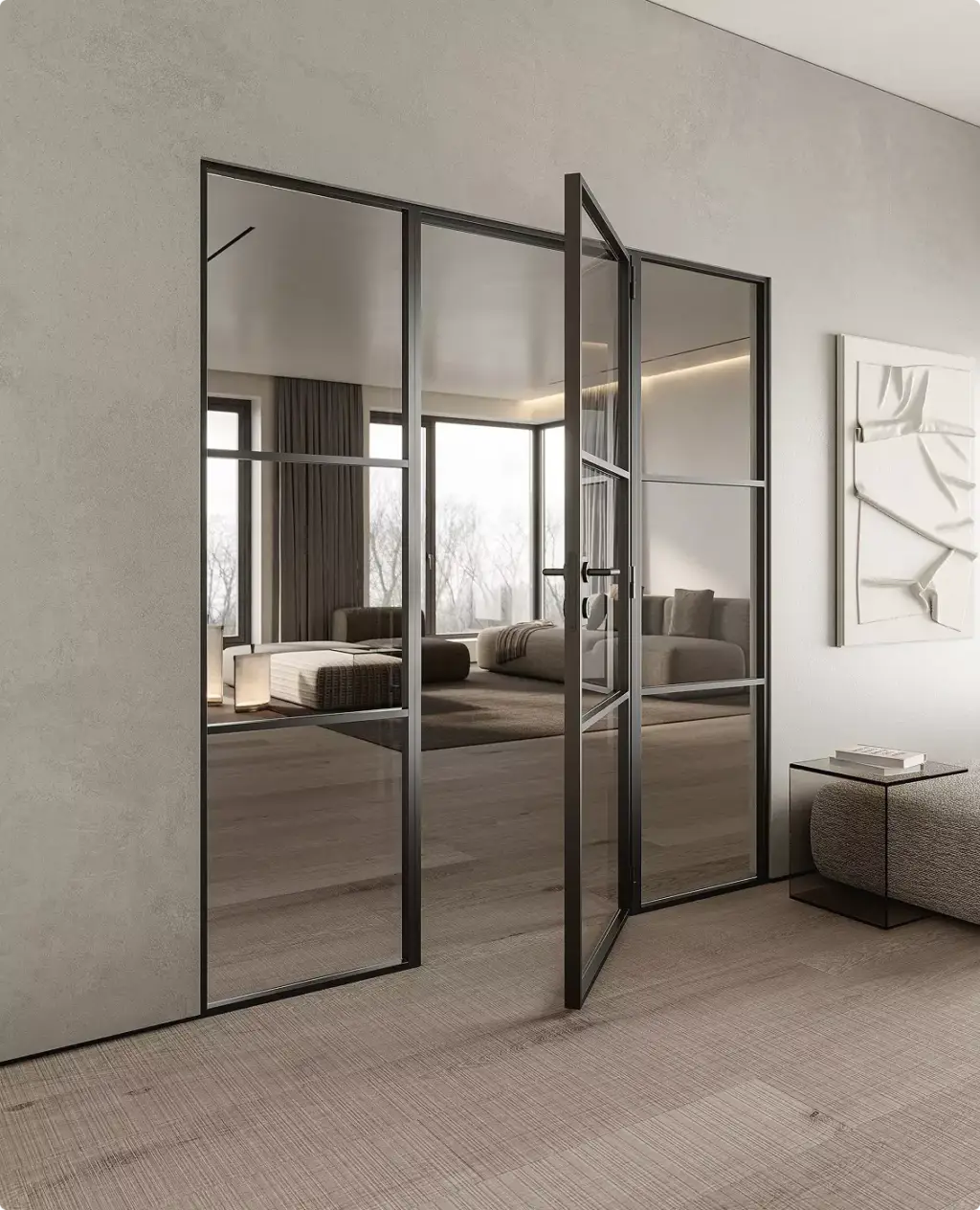
Common door rendering problems
Door and Window Rendering Challenges We Solve
-
01 Happened to us
Too many combinations to photograph
Models times finishes times glass times hardware quickly reaches thousands of SKUs, and a studio shoot covers a fraction of them.
Our fixWe model each door once and render the combinations your channels actually sell, so new finishes are added in days, not seasons.
-
02 Happened to us
Samples cost more than the photos
Sample doors, showroom displays and dealer kits are expensive to build and ship, and every new finish or handle makes them outdated.
Our fixOne 3D model replaces most of the sample program: in our door manufacturer case, physical sample production costs fell by 60%.
-
03 Happened to us
Finishes that look wrong on screen
Veneer grain, matte lacquer and brushed metal are the hardest surfaces to reproduce, and a wrong tone creates complaints and returns.
Our fixWe match materials to your physical samples and approve them on close-ups before any room scene is rendered.
-
04 Happened to us
Every dealer shows a different door
When dealers shoot or crop their own images, your range stops looking like one brand.
Our fixOne model, one lighting setup and one camera set for the whole range, delivered in every format your dealers need.
-
05 Happened to us
Visualizer images that do not match the catalog
Online door visualizers and configurators often run on simplified models or old photos that look nothing like the marketing images.
Our fixWe build the render model and the configurator assets from the same CAD, so the door a buyer configures online is the door in the catalog.
-
Had any of these? Tick them.
12 questions to ask before the collection launch
Your PDF is ready.If it didn't open, download it here.
Download the PDF
Door visuals by collection stage
What a door collection needs from 3D product visualization changes with its stage. Early views help approve and pre-sell the design, later ones sell it through every channel, so we scope the set to the decision in front of you.
The model built for the first stage is reused for the next, so each new set costs less than starting over.
Free: the door collection visuals roadmap
Which renders to order from design approval to the next finish refresh, what one 3D model carries over, and what share of the budget each stage takes.
Where is your collection now?
- Free
- Instant download
- No sales call
If it didn't open, download it here.
Download the PDFDesign
Design approval: clean renders of new models, finishes and hardware for internal review before tooling.
Pre-sell
Pre-sell: catalog shots and room scenes for dealer previews, trade shows and early orders before samples ship.
Launch
Launch: the full catalog on white, in-situ scenes and opening animation for the website, print and social.
Sell
Sell-through: configurator, door builder, home visualizer and AR assets, dealer kits and ad formats that keep every channel showing the same door.
Refresh
Refresh: new finishes, glass and seasonal scenes rendered from the same models, without a new shoot.
3D product configurator
3D Door and Window Configurator for Dealers and Buyers
We also build 3D product configurators for door and window brands. Buyers and dealers choose the style, glazing, colour, frame and hardware on your website or dealer portal, see the price for that version and send the exact configuration with the quote request.
- Styles. Panels, collections and models
- Glazing. Glass types and patterns
- Colours and finishes. Inside and outside
 Concept · door and partition configuratorSee the live demo
Pricing
Door and Window Rendering Pricing
Door and window rendering cost depends on the scope, number of views, level of detail, source files, the software required, and the intended use of the visuals. We stay flexible and offer options for every need — from a single one-off task to ongoing creative production support.
How many views?
What kind of view?
A guide from typical projects. The exact scope and price come with the quote.
Estimated work
~12h
Get the exact price
Tell us what you need. Within one business day we reply with a fixed price for your project.
Per Project
Pricing depends on project scope, complexity, number of views, level of detail, materials, revisions, and special requirements.
Best for: The easiest, no-risk way to test our workflow or handle a small task.
Hourly Most Popular
Pay only for the time actually spent on your task. A simple and flexible way to start without a long-term commitment.
Best for: One-time door and window rendering projects, large visualization tasks, or clearly defined internal or client work that needs full production support.
Subscription
Monthly production capacity for ongoing rendering, design, web, branding, and marketing assets. Options for 40, 80, or 160 hours per month. Save up to 30% compared with hourly or one-off pricing.
Best for: Teams with ongoing creative production needs who want predictable capacity, faster turnaround, and better monthly rates.
Why Choose Us
A Reliable Team for Door and Window Visualization
From one hero door to a full catalog of models, finishes and scenes, our door rendering services keep every image true to the product and your launch dates on track.
- 01
30+ in-house specialists
A larger team means fewer production risks. Your launch keeps moving when finishes change, models are added or dealers need more formats.
- 02
Parallel production teams
Catalog shots, room scenes, close-ups and animation run side by side, so the whole collection is ready for the same launch.
- 03
Dedicated project manager
One person knows your range, your CAD files and your launch dates, so you never re-explain the brief.
- 04
Immediate production start
We keep capacity on standby, so work starts as soon as the CAD files and finish samples are in.
- 05
Built from your production CAD
Every door is modeled from your engineering files and checked against them, so profiles, gaps and hardware are exactly what you manufacture.
- 06
One model for every online tool
The model built for the catalog also feeds your configurator, door builder, home visualizer and AR viewer, so every tool shows the same door and you pay for the modeling once.
Check a start date for your project
Tell us the scope and the deadline. Within one business day we reply with a start date, the team we would put on it and a price range.
Scope
Deadline
- Reply within one business day
- No obligation
Remote studio, your time zone
Door and Window Rendering Support Worldwide
We provide 3D rendering for door manufacturers, window makers, distributors and dealers in the US, Europe, the Gulf and Australia, so collections launch and sell through every channel without a photo shoot.
Multilingual communication
Discuss your door rendering project in English, Spanish, German, French, or another language supported by our team.
Remote workflow worldwide
Send CAD files and finish samples from anywhere; reviews, feedback and delivery all happen online.
Flexible schedule
Our team is structured to support different time zones, so launch, catalog and trade-show dates stay on track.
Book a 30-minute call
Which day suits you?
What time?
Where should we send the invite?
- 30 minutes
- Free, no obligation
- Invite by email
30-second door rendering quiz
Not sure which door render you need? Find your fit
Answer four quick questions about your range and we’ll match you with the right door and window rendering approach, plus a free, tailored next step for your collection.
Pick the view you need most
What do you make or sell?
Who needs to see it?
Where’s your collection now?
Almost there — where do we send it?
Your tailored plan and a free next step for your project.
No spam — we only email about your project.
Photoreal door rendering, built to sell
We’ll email your tailored door rendering plan shortly.
FAQ
Door and window rendering FAQ
Didn’t find your question?
Ask it here. A producer replies within one business day — with an answer, not a sales call.
Can you render our entire door and window range?
Yes. We model each product once from your production CAD, then render every model, size, finish, glass and hardware option your channels sell. A new finish or handle becomes a new render in days, so the full range is covered without a warehouse shoot or a new sample program.
What does a door configurator or door builder need from a 3D studio?
A 3D configurator needs a lightweight real-time model of each door with a separate material for every finish, glass and handle, built to your platform’s specs. An image-based builder needs a rendered image for every option, usually as layers that combine into any door. We produce both from the same production CAD, so the builder matches the catalog.
Can you produce assets for a see-it-on-your-home visualizer or an AR app?
Yes. For a window visualizer, a garage door visualizer or an exterior home visualizer we render each product as clean cutouts at several angles and lighting setups, so it sits naturally on a customer’s house photo. For augmented reality and 3D product viewers we deliver optimized USDZ and GLB models with real-scale dimensions and accurate materials.
Do you build the configurator software too?
No. We produce the 3D models, materials and images; the configurator, visualizer or quote tool runs on your developer’s or your platform’s software. We deliver to their file specs and naming, and update the assets when you add models or finishes.
Can you show the internal construction of a door or window?
Yes. Exploded and sectional renders show cores, reinforcements, seals, thermal breaks and locking hardware, and short animations explain how the door opens, seals and locks. For one door manufacturer this turned internal construction, which photography could not capture, into a selling point.
Do you render exterior, garage and patio doors and windows too?
Yes. We render entrance doors, garage doors, sliding and folding patio systems, impact-rated doors and windows, both as clean product shots and on real facades, with accurate frame colors, glass reflections and daylight or dusk lighting.
Can our dealers and distributors use the visuals?
Yes. We deliver every image in the crops and formats dealers need for their own websites, showrooms and ads, with or without your branding, so every dealer shows the same door in the same light instead of shooting or cropping their own.
How do you make finishes match the real product?
We match veneers, laminates, lacquers and metals to your physical samples or scans and approve each material on a close-up before any room scene is rendered. That keeps colors consistent from the catalog to the dealer site, so the door looks the same on screen and in person.
How long does door rendering take, and what do we receive?
A first door with its main finishes usually takes a few business days; a full collection is planned backwards from your launch date, with previews early enough for review. You receive 4K stills as JPG, PNG or TIFF, transparent cutouts where a tool needs them, MP4 animation and GLB or USDZ models for configurators and AR.
Can you build accurate 3D models from our 2D DWG sections and shop drawings?
Yes. We model frames, sashes, extrusion profiles and hardware from your DWG or DXF sections, elevations, shop drawings and detail drawings, in Rhino or 3ds Max, and check every dimension against the drawings, so a 25 mm sightline stays 25 mm. Each model goes into a reusable library of your systems, so the next render, comparison or manual starts from it, not from zero. If agreed in the project, we hand over the editable source models.
Do you render aluminum, steel and curtain wall systems for technical documents and trade shows?
Yes. Besides marketing images, we show aluminum and steel windows, doors, sliding systems and curtain wall, from the same accurate models, as technical and axonometric views, sections, exploded component views, step-by-step illustrations for installation and assembly manuals, trade-show boards and side-by-side comparisons of systems and design options. For moving explanations, see our 3D assembly animation.
What do you need from us to start?
Production CAD or STEP files, or dimensioned drawings, plus physical finish samples or scans and a few reference images are enough to start. If a model is still in development, we begin with the main door and add finishes and hardware as they are approved.
Free Test Render
Start With a Free Door Test Render
We prove our quality on your own product before you commit: send the CAD file of one door or window, and we render one view of it.
We reply by email within one business day with the conditions and next steps. By submitting, you agree to our Privacy Policy.