3D Product Configurator Development for Your Website
 4.8
4.8 4.9
4.9Live demo
Try a Live 3D Product Configurator
Three working demos, built by our team, one for each way to build a configurator. The modular sofa is real-time 3D: change the layout, fabric, legs and cushions, and the size and price update at once. On a phone, open it in your room with AR.
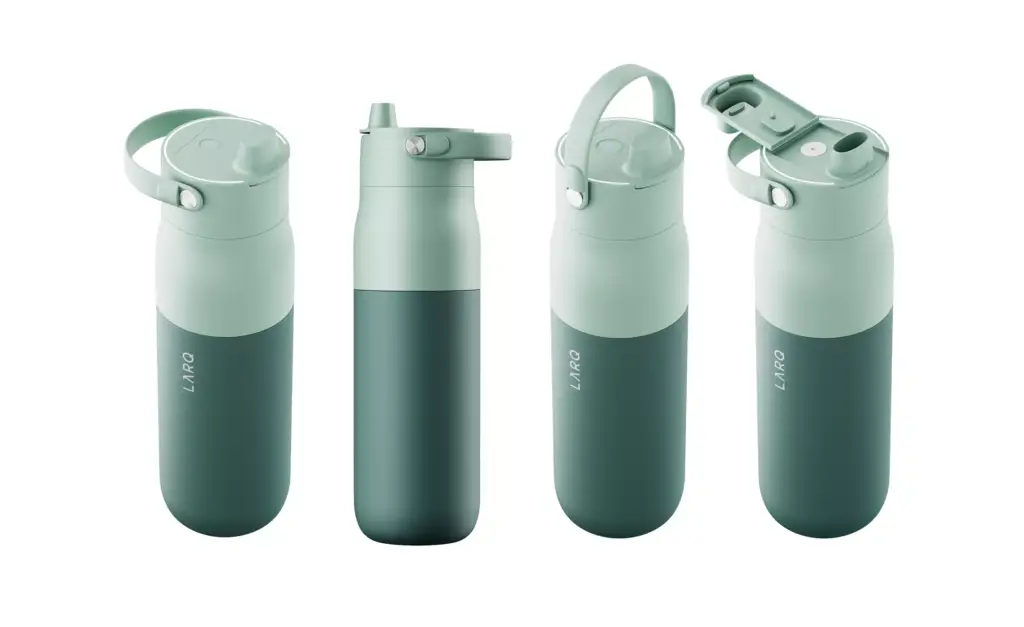
The bottle adds personalisation: type a name or upload a logo and see it engraved on the 3D model, with unit prices that drop with quantity. The armchair is render-based: every option is a photorealistic studio render, stacked as layers.
Your configurator works the same way, with your products, your options, your rules and your prices.
Want this configurator for your products?
You configured one of the demos on this page. Leave your email and we reply within one business day with a plan for your own configurator: the 3D models it needs, the options and rules, and a fixed quote.
Thank you – your request has been sent.
We will reply within one business day with a plan and a quote for your configurator.
Three ways to build it
Real-Time 3D, Render-Based or Hybrid Product Configurator
There are three ways to build a product configurator. We build all three and help you choose by your range, your website and your budget.
Real-time 3D
The product is a 3D model drawn in the browser. Buyers rotate it, zoom in and open it in AR at real size, and one model covers thousands of combinations.
- Best for
- Modular products, many options, personalisation.
- Trade-off
- Needs web-optimised models; the look is close to a studio render, not identical.
Render-based
Every option is a photorealistic studio render, saved as a transparent layer and stacked in the browser. Six fabrics and four leg finishes need 10 layers per view instead of 24 renders.
- Best for
- Premium products that must look like a photo shoot; fast on any phone.
- Trade-off
- Fixed camera angles and no AR; every new option means new renders.
Hybrid
Studio renders for the main views and real-time 3D for rotation, close-ups and AR, both made from the same 3D models, so a new option is added once.
- Best for
- Large ranges that need photo quality and interaction.
- Trade-off
- Two outputs to keep in sync, so it costs more up front.
What a custom 3D product configurator includes
A 3D product configurator is an interactive tool on your website that lets buyers change a product’s colours, materials, parts and size and see the result in real time. We build both parts of it: the 3D models of every option and the configurator itself, ready to embed on your site.
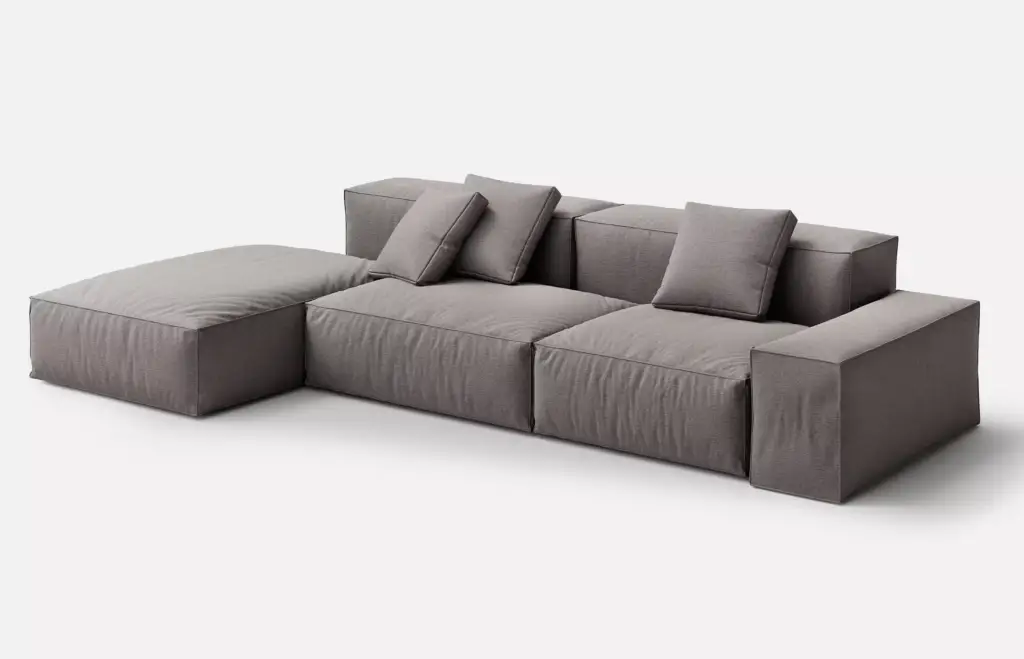
Modules, layouts and parts
Buyers add seats, swap arms, switch to a corner or a chaise; the configurator only allows combinations you can make.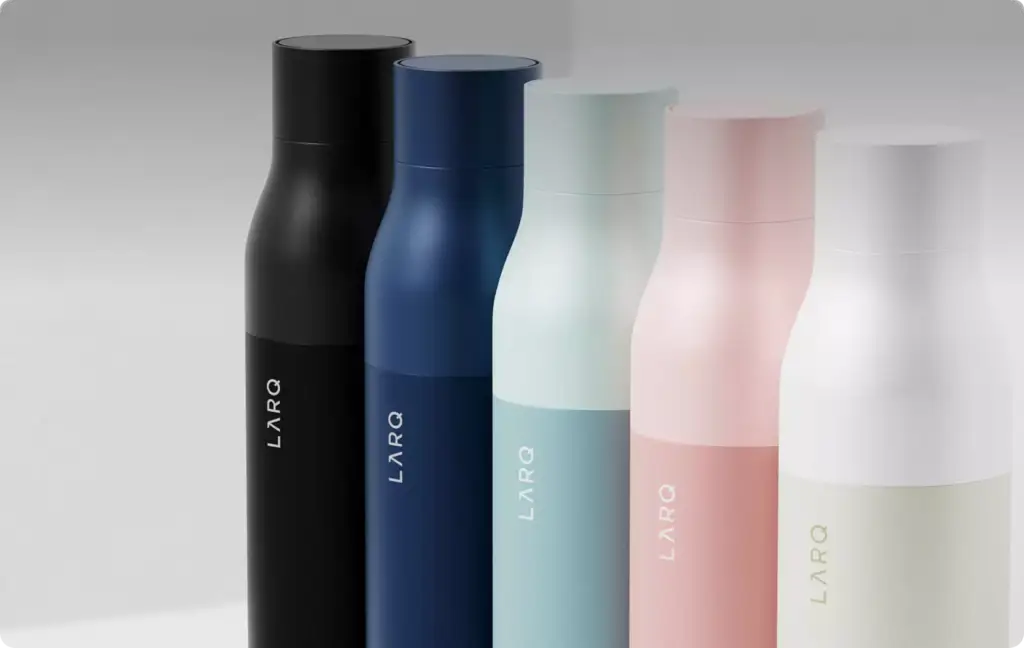
Colours and colourways
Every colourway comes from one 3D model, so a new colour is a new material, not a new photo shoot.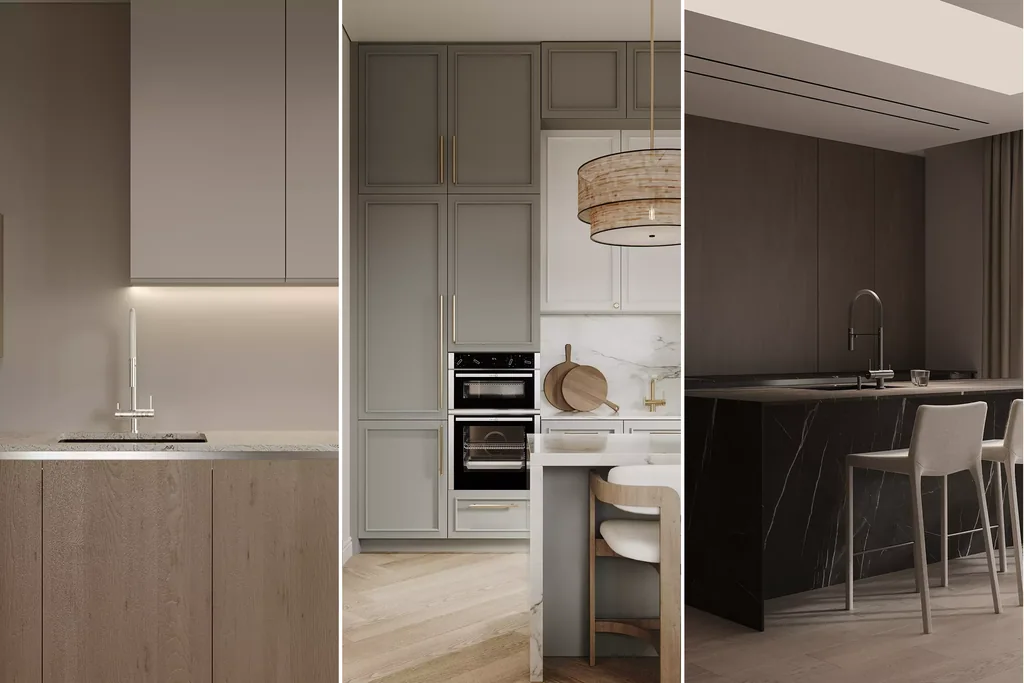
Finishes and room sets
Fronts, worktops, handles and wood or stone finishes change in place, in a full room or on the product alone.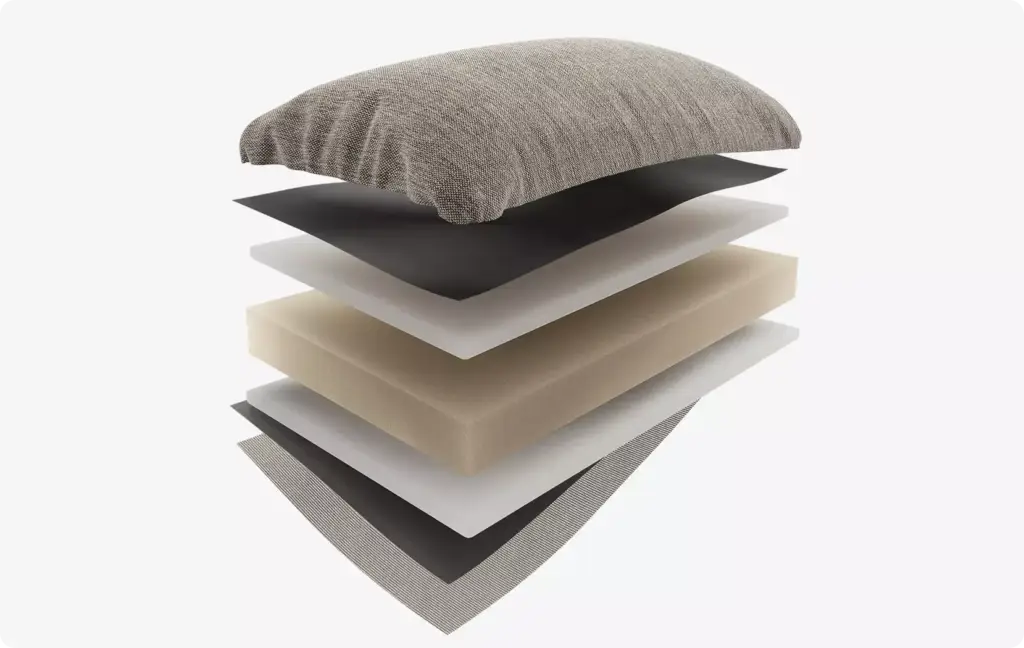
Materials, inside and out
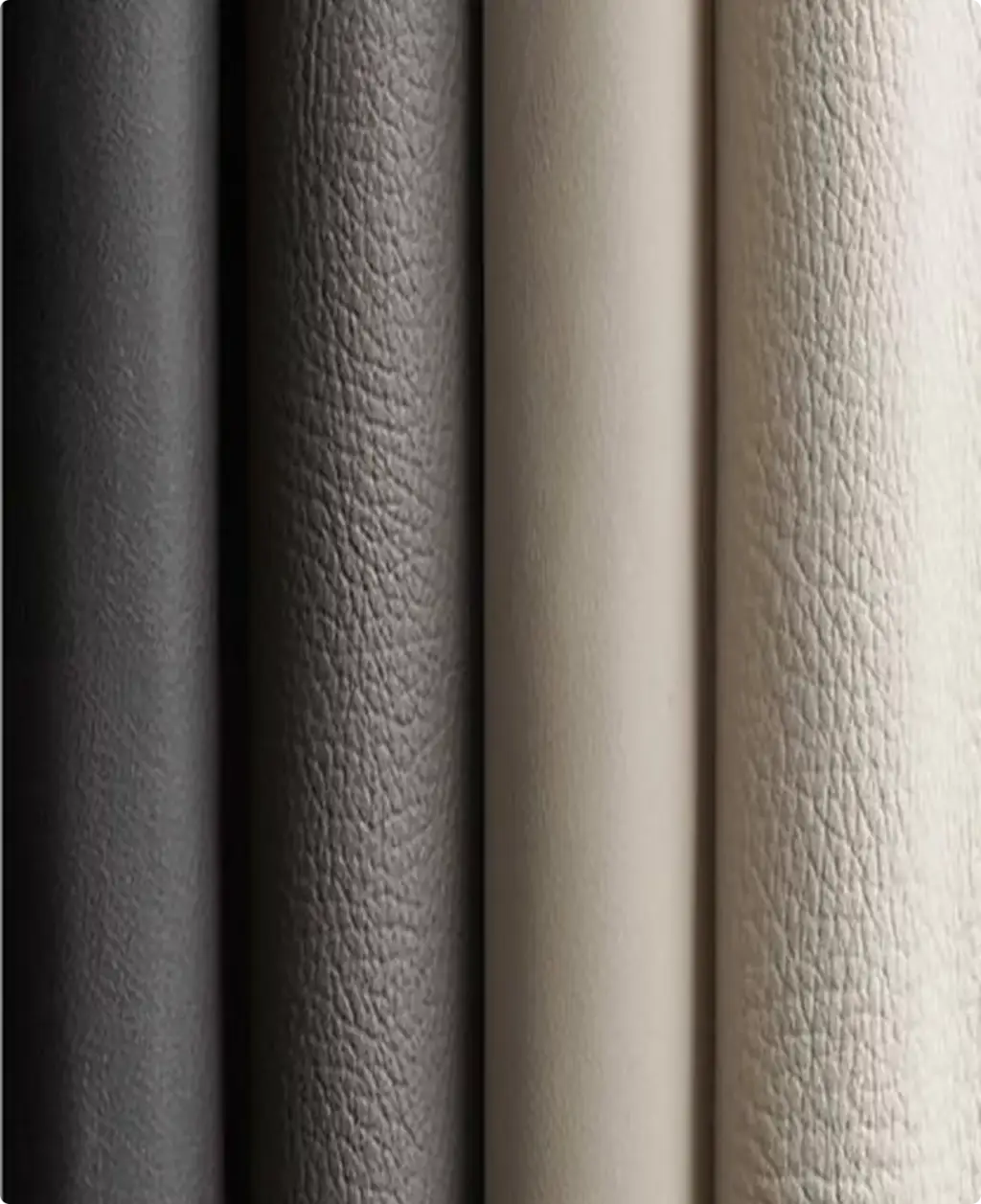
Fabrics, leathers and layers are real materials with their own texture, and can open up to show what is inside.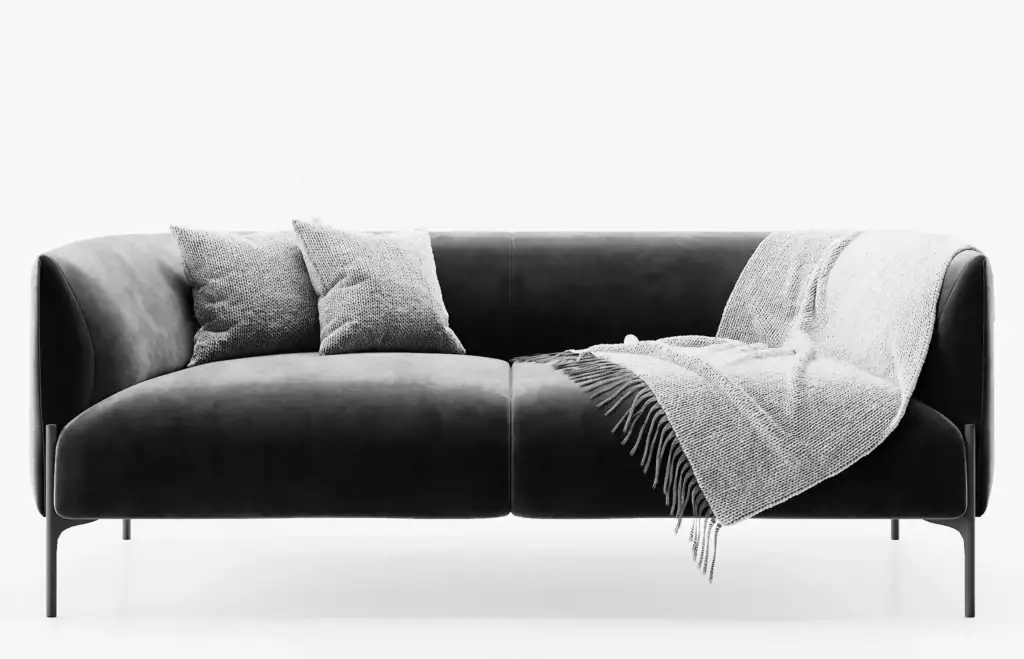
Real-time 3D viewer
Buyers rotate the product 360°, zoom into details and see the price and size change with every option.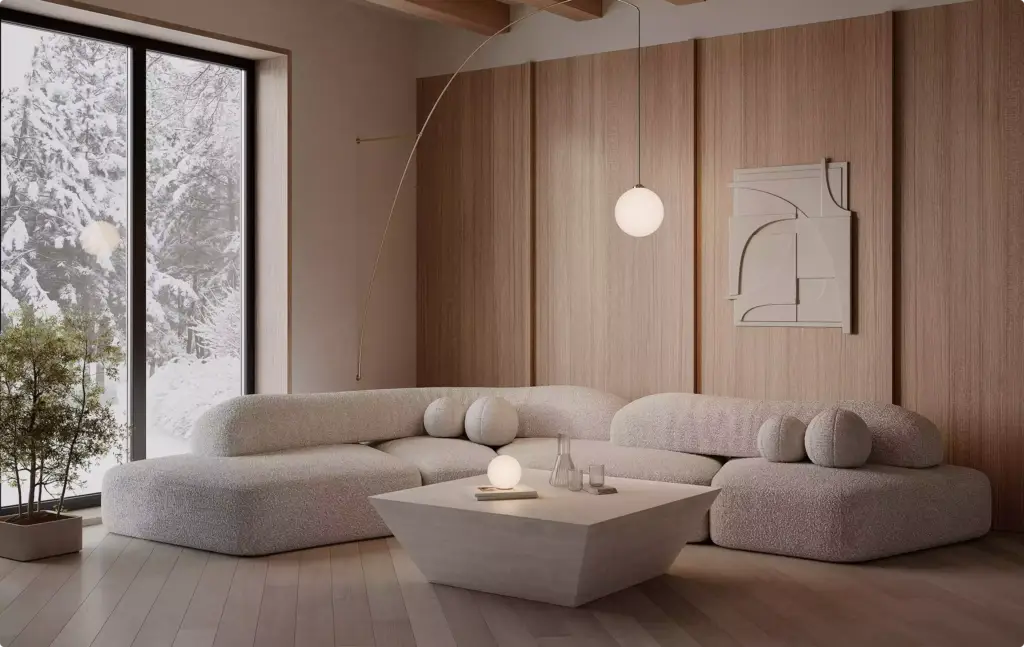
In the buyer’s room with AR
On a phone, the chosen version opens in augmented reality at real size, with no app to install.
Not sure what your configurator should do? Start with your best-selling product.
Tell us how you sell it today: the options, the rules, how prices are set and where buyers get stuck. We come back with a plan for the configurator, the 3D models it needs and a fixed quote.
- Free
- No obligation
- NDA on request
Most studios sell you renders. We work out what will actually move your project forward.
Ask a rendering studio what you need and you get a quote for renders. We start from the outcome you are paid for: a committee that signs off, enquiries on a scheme that does not exist yet, a buyer who stops comparing, an investor who commits.
Send one email and our 3D strategist replies with a commercial plan for the project: what to show, to whom, in what order, where it goes to work, and what it takes. The list of deliverables is the end of that plan, not the beginning.
Free, and yours to keep even if you never work with us.
Thank you – your request has been sent.
Our 3D strategist is reading the project now and will write back with the plan: what to show, to whom, and in what order.
Products built in every variant
Product models and variants we have built
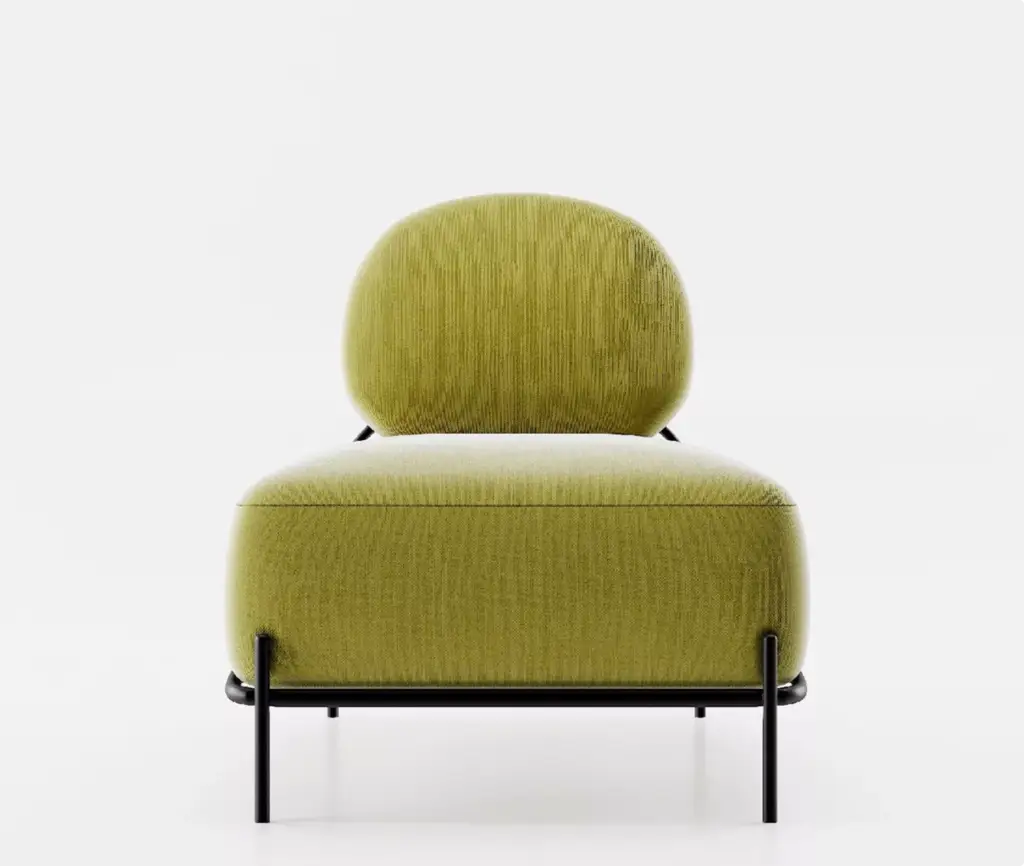
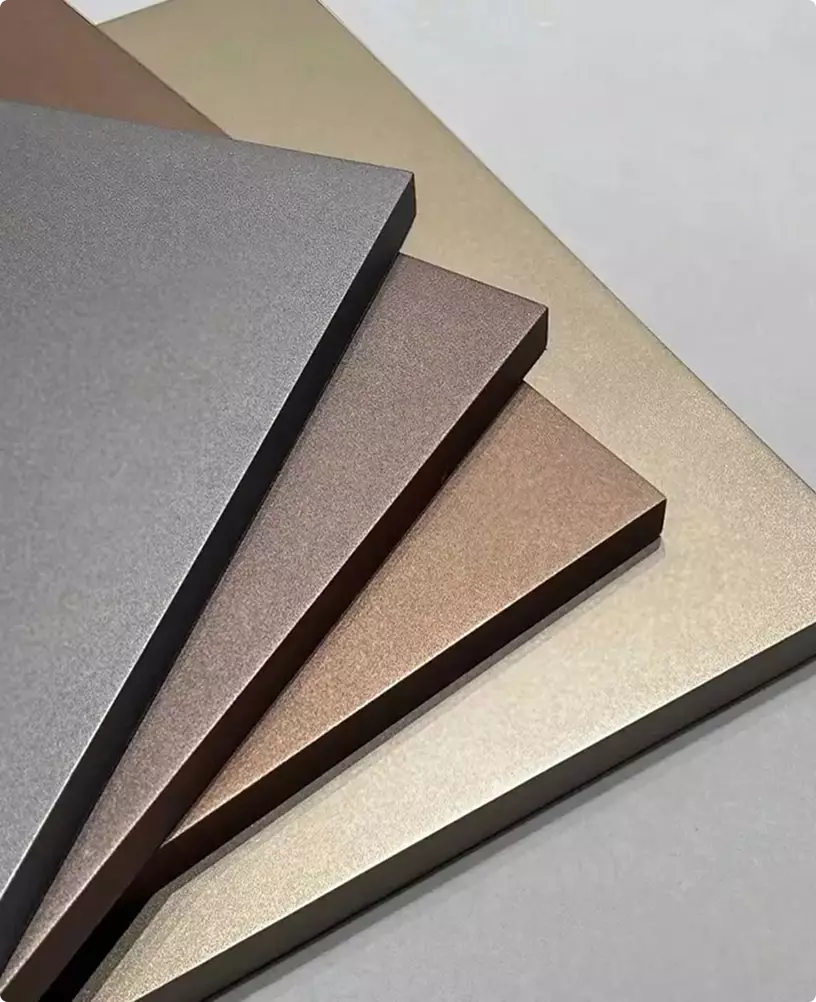
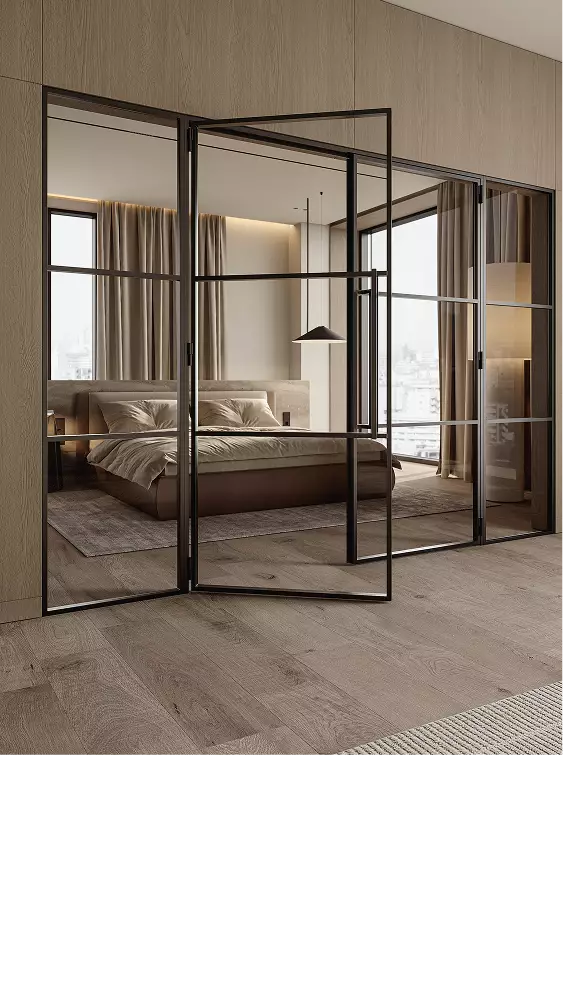
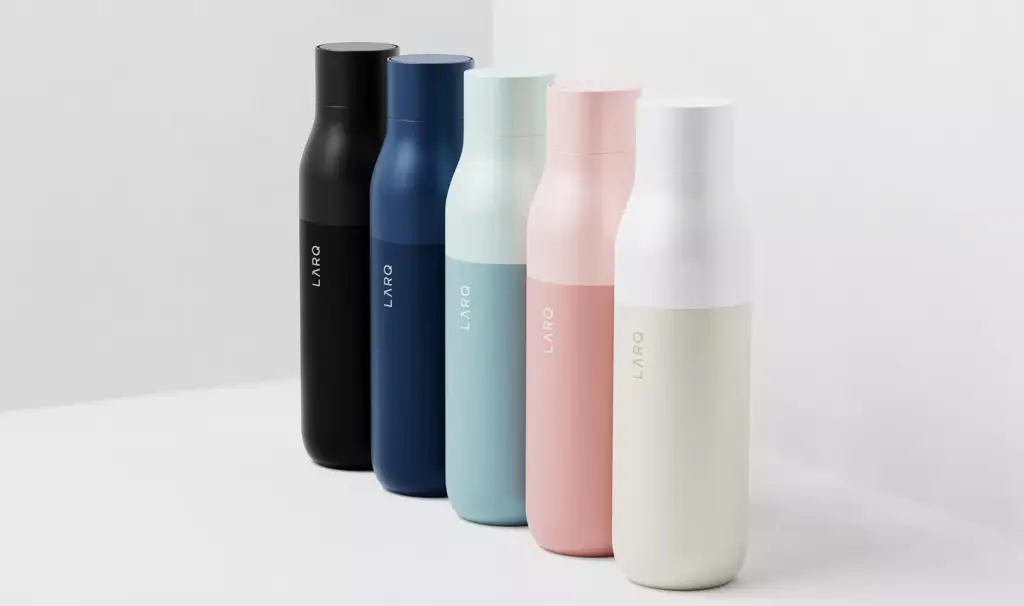
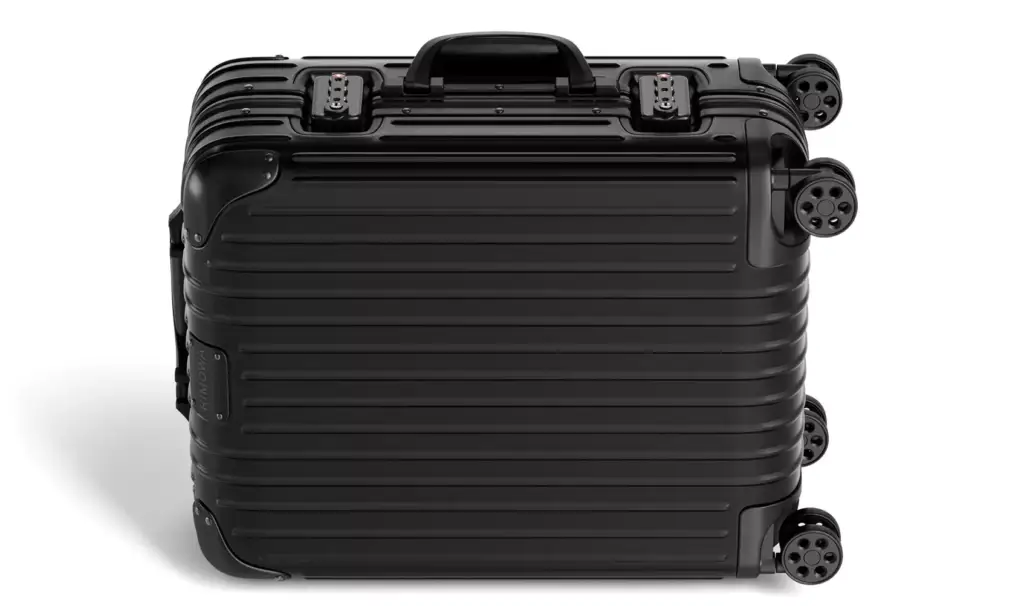
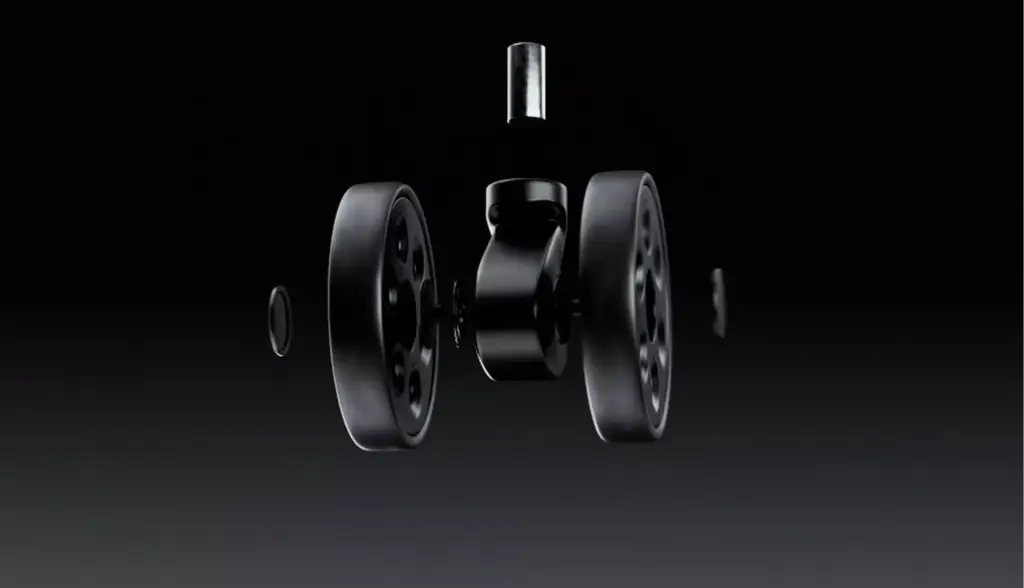
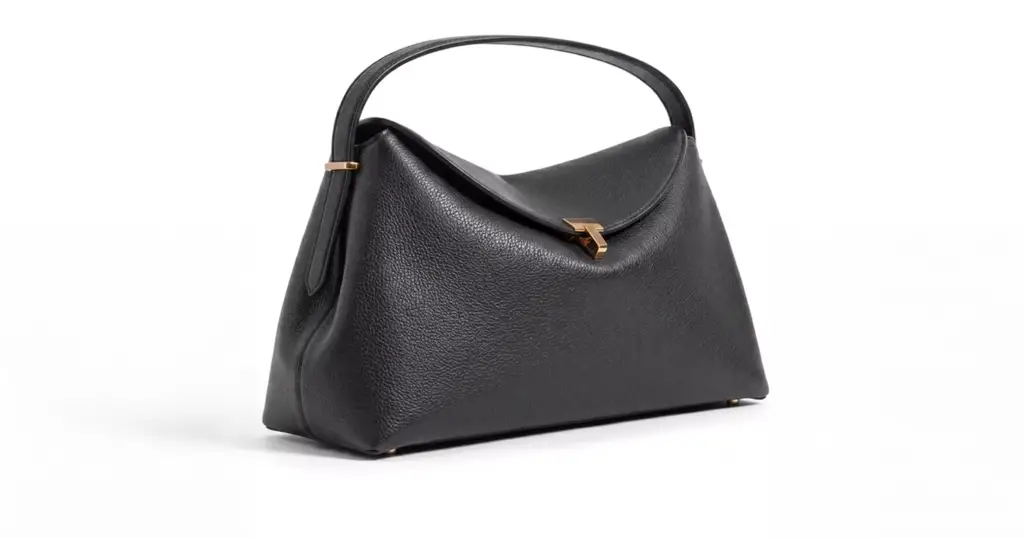
Every configurator starts with accurate 3D models. These are products we have modelled and rendered in every colour, finish and part for furniture, door, bottle, fashion and luggage brands.


Free: the full portfolio
Leave your email and we will send a hand-picked set of projects in full resolution, matched to your project.
- Free
- Sent within one business day
- No sales call
Trusted by leading teams











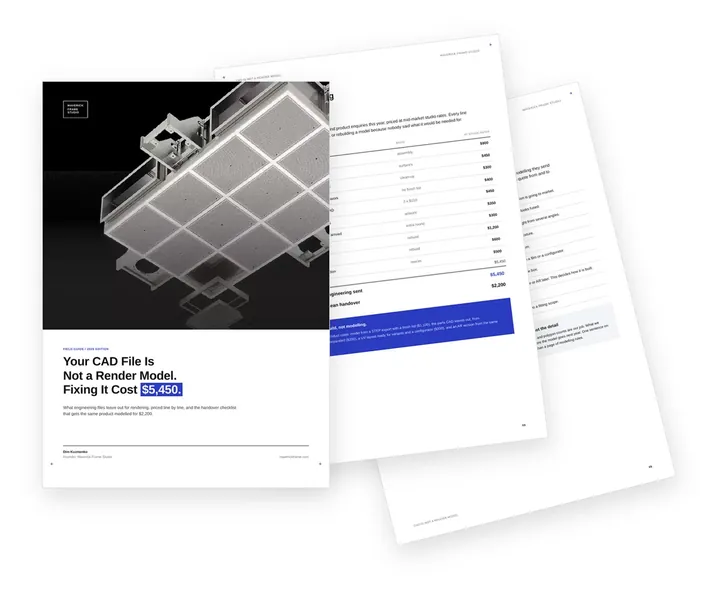
Free guide: your CAD file is not a render model, and fixing it cost $5,450
When the brands above commission 3D product modelling, they send one STEP export, a finish list and a sample. A raw engineering file with none of that took $5,450 of repair and rebuilding, against $2,200 for the same model from a clean handover. The guide prices what CAD leaves out and gives you the handover checklist to send from engineering.
- Free
- Instant download
- No sales call
If it didn't open, download it here.
Download the PDF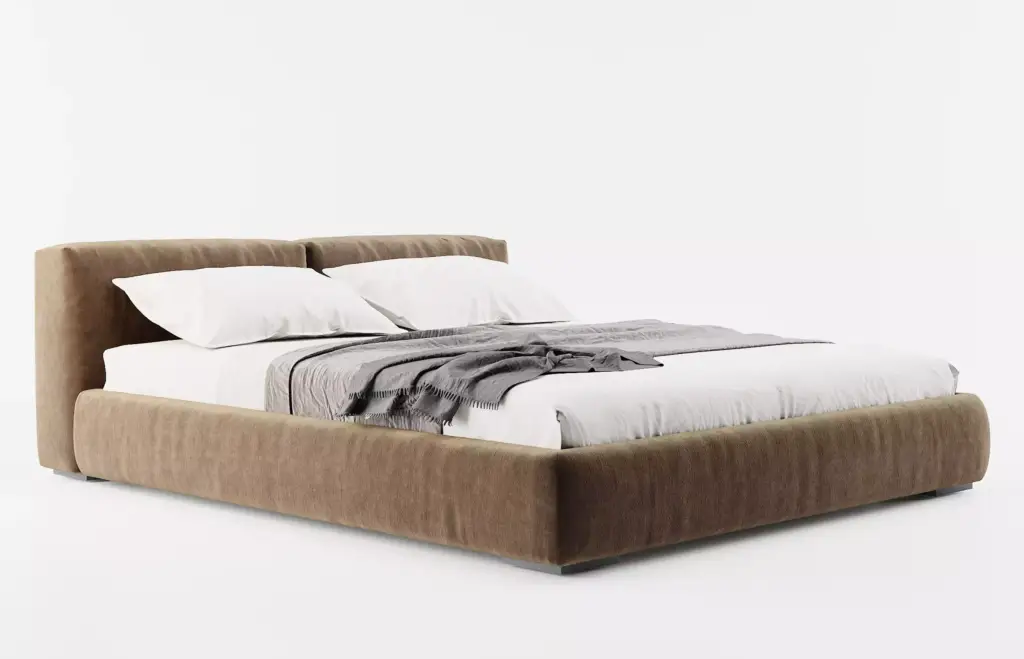


Pick your side of the configurator. Get the playbook written for it.
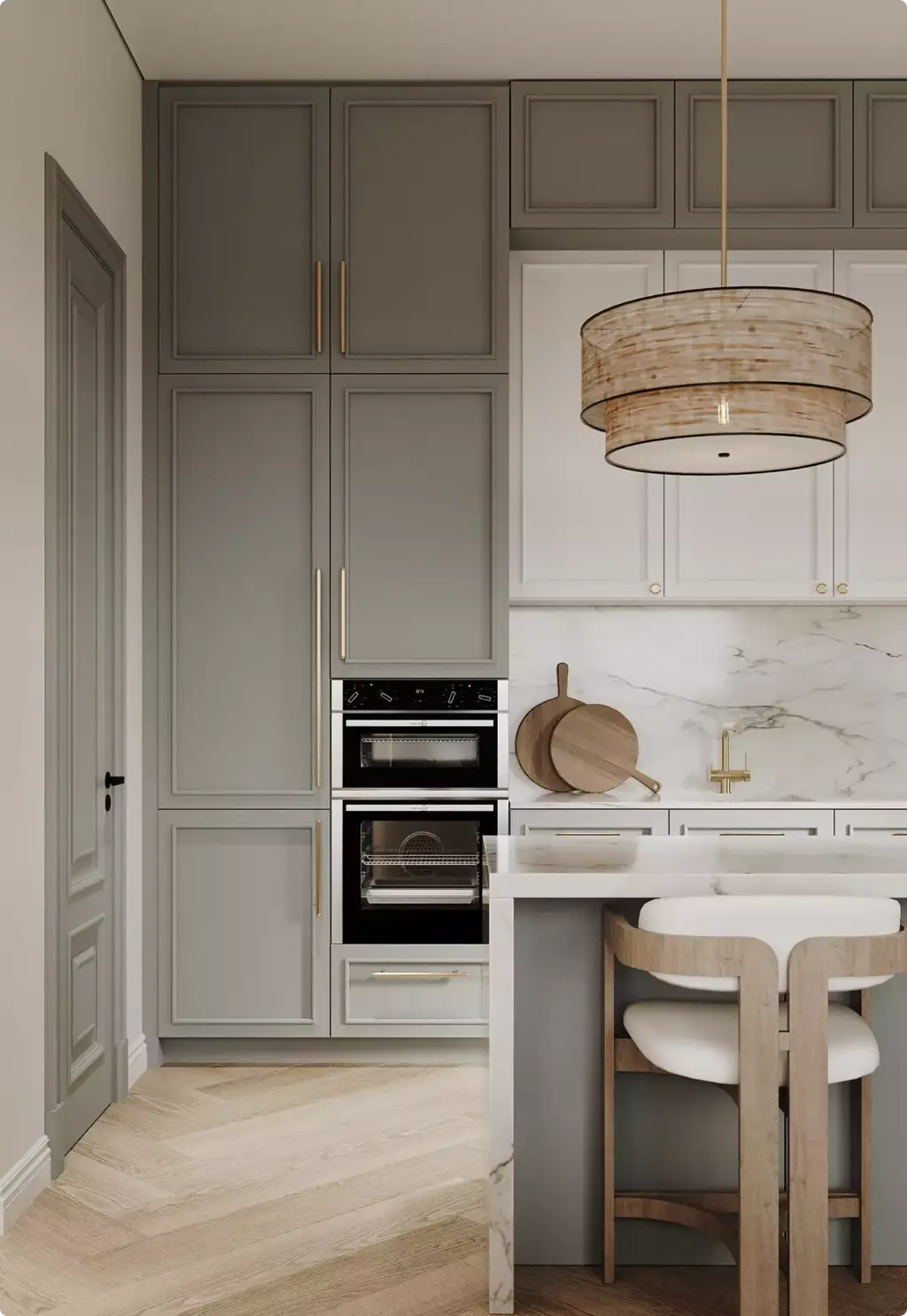
A furniture brand, a kitchen maker and a homebuilder build configurators for different reasons, and each overpays in a different place. Choose yours: the images and options that sell your range, what to prepare before the brief, and the mistakes we see most from your side.
- Free
- Instant download
- No sales call
If it didn't open, download it here.
Download the PDFCommon configurator problems
3D Product Configurator Challenges We Solve
-
01 Happened to us
The 3D model does not look like the product
Configurators built on rough models show colours and fabrics that do not match the real thing, and buyers stop trusting the price next to them.
Our fixWe are a rendering studio first: every material is matched to your samples and checked against photos before it goes live.
-
02 Happened to us
A SaaS subscription for one product line
Ready-made platforms charge every month and lock your models and logic into their editor.
Our fixWe build the configurator for your products, with no monthly platform fee; the code, the models and the rules can be handed over to you, as agreed in the contract.
-
03 Happened to us
Options that cannot be made
Buyers combine a fabric, a size and a module that the factory does not produce, and sales has to call them back.
Our fixYour rules run inside the configurator, so it only shows combinations you can deliver and price.
-
04 Happened to us
Slow on phones
Heavy models freeze mobile browsers, and most buyers leave before the product appears.
Our fixWe optimise geometry and textures for the web and test on real phones before launch.
-
05 Happened to us
Buyers cannot picture it at home
A product that looks right on a white background can feel too big, too dark or too bulky once it is in the room.
Our fixThe configurator opens the chosen version in AR at real size on the buyer’s phone, with no app to install.
-
Had any of these? Tick them.
12 questions that expose all five before you sign
Your PDF is ready.If it didn't open, download it here.
Download the PDF
How we build a 3D product configurator, step by step
Every configurator goes through the same five steps. You approve the options, the rules and the look before we build, so changes are cheap.
The demo on this page followed the same path: a list of options and prices, a 3D model for every part, then the viewer, the price and the quote request.
Free: the 3D product configurator roadmap
What to prepare at each step, what carries over to the next one, and what share of the budget each step takes.
Where is your configurator project now?
- Free
- Instant download
- No sales call
If it didn't open, download it here.
Download the PDFBrief
Products, options, rules, prices and where the configurator will live on your site.
Models
A 3D model and materials for every part and finish, matched to your samples.
Build
The viewer, options panel, price rules, AR and the quote request.
Embed
Added to your website with an embed code and tested on phones and desktops.
Update
New colours, sizes and products added as your range grows.
Why Choose Us
A 3D Studio Behind Your Product Configurator
Most configurators are built by software teams who buy the 3D models elsewhere. We make the models ourselves, so the product in the configurator looks like the product you sell.
- 01
350+ brands served
Since 2016 we have modelled and rendered products for furniture, kitchen, door, consumer and industrial brands.
- 02
Models and code from one team
The people who build the 3D model also build the viewer, so nothing is lost between two contractors.
- 03
Yours to keep
No platform fee and no lock-in: the configurator, the models and the rules belong to you.
- 04
Any website
The configurator is added to your site with an embed code, whatever the site is built on.
- 05
Renders from the same models
Catalogue images, marketplace sets and campaign renders come from the same 3D models.
- 06
Assets only, if you prefer
Already on a configurator platform? We deliver the optimised models and materials for it.
Check a start date for your configurator
Tell us how many products the configurator covers and when it has to go live. Within one business day we reply with a start date, the team we would put on it and a price range.
Products
Deadline
- Reply within one business day
- No obligation
Remote studio, your time zone
3D Product Configurator Support Worldwide
We build configurators and 3D models for brands in the US, the UK and Europe, the Gulf and Australia, working fully online from brief to launch.
Multilingual communication
Discuss your configurator in English, Spanish, German, French, or another language supported by our team.
Remote workflow worldwide
Send CAD files, product photos, fabric samples and price lists from anywhere; reviews and approvals happen online and under NDA.
Flexible schedule
Our team works across time zones, so your launch or new collection date stays on track.
Book a 30-minute call
Which day suits you?
What time?
Where should we send the invite?
- 30 minutes
- Free, no obligation
- Invite by email
Any product with options
3D Configurators for Any Product, Not Only Furniture
The sofa is only the demo. The same approach works for any product that comes in versions: one 3D model, or one set of renders, carries every colour, material and part.
Furniture and upholstery
Modules, fabrics, leathers, legs and sizes
Kitchens, bath and cabinets
Fronts, worktops, handles, finishes and layouts
Doors and windows
Styles, glazing, colours, frames and hardware
Lighting
Shades, finishes, sizes and fittings
Bottles, drinkware and packaging
Colours, caps, finishes, labels and engraving
Cosmetics and beauty
Packaging colourways, caps, sets and gift editions
Bags, fashion and accessories
Leathers, colours, hardware and monograms
Consumer electronics and gadgets
Colours, finishes, cases and accessories
Equipment and machinery
Modules, attachments, options and colours for dealers
Sales-ready
A Product Configurator That Works With Your Store and Sales Team
The configurator sits on the website you already have and hands every buyer straight to your sales process.
Embedded on any website
Added with an embed code to any website that accepts custom code: a store product page, a custom website or a dealer portal.
Your price rules
Surcharges for materials, sizes and parts and price breaks by quantity, calculated as the buyer clicks. The bottle demo shows quantity pricing.
Quotes with the exact configuration
The buyer’s choices, size and price arrive with the request, with a link that reopens the same version.
Share links and images
Buyers copy a link to their version or download an image to send to a partner, a client or a manager.
AR at real size
The chosen version opens in the buyer’s room on iPhone and Android, with no app to install.
Assets for your platform
Already on a configurator platform? We deliver the web-optimised 3D models, materials and renders for it.
Connections to a specific CRM, ERP or CPQ are scoped per project once we see its API.
FAQ
Questions about 3D product configurators
Didn’t find your question?
Ask it here. A producer replies within one business day — with an answer, not a sales call.
What is a 3D product configurator?
A 3D product configurator is an interactive tool on a website that lets buyers change a product’s colours, materials, parts and size and see the result in real time, often with a live price. It replaces a page of static photos with one product the buyer builds themselves.
Do you build the configurator or only the 3D models?
Both, and you can choose. We build the full configurator: 3D models, materials, viewer, options, price rules, AR and the quote request, embedded on your site. If you already use a configurator platform, we deliver only the optimised 3D models and materials for it.
Custom configurator or a SaaS platform like Threekit or Zakeke?
A SaaS platform is faster to start and charges a monthly fee for as long as you use it; your models and logic live in its editor. A custom configurator costs more up front, has no platform fee, and the code, models and rules can be handed over to you under the contract. If you prefer a platform, we can still make the 3D models for it.
Can it go on our Shopify or WooCommerce store?
The configurator is added to your site with an embed code, so it can sit on any website that accepts custom code: a store product page, a custom website or a dealer portal. We test it on phones and desktops before launch.
Can buyers see the product in their room?
Yes. The configurator can open the chosen version in augmented reality on iPhone and Android, at real size, without an app. Try it on a phone with the demo above.
Real-time 3D or render-based: which configurator do we need?
A real-time 3D configurator lets buyers rotate and zoom the product and open it in AR, and one model covers thousands of combinations. A render-based configurator shows photorealistic studio renders, one transparent layer per option, stacked in the browser: it looks like a photo shoot and loads fast on any phone, but only from fixed angles. Many ranges mix both. The sofa and bottle demos above are real-time 3D; the armchair is render-based.
Can buyers add a name, monogram or logo?
Yes. Buyers type text, pick a font or upload a logo and see it on the 3D model at real size, and the price updates with it. The bottle demo above shows laser engraving with prices that change with quantity.
Can it show prices and send quotes?
Yes. Your price rules run inside the configurator, so the price changes with every option, and the buyer can send the exact configuration with a quote request. Connections to a specific CRM, ERP or CPQ are scoped per project once we see its API.
What do you need from us to start?
A list of products and options, the rules for what can be combined, how prices are set, and whatever source files you have: CAD files, drawings, photos and material samples. If you have none, we can model a product from photos and measurements.
How much does a custom 3D product configurator cost?
The cost depends on the number of products and options, how complex the rules are and whether the 3D models already exist. We reply within one business day with a fixed quote for your range; send us one product and its options to start.
Fixed quote
Get a Quote for Your 3D Product Configurator
Send one product with its options and how you price it today. We reply within one business day with a plan for the configurator, the 3D models it needs and a fixed quote.
We reply by email within one business day with the conditions and next steps. By submitting, you agree to our Privacy Policy.