Home Appliance Rendering for Appliance and Smart Home Brands
 4.8
4.8 4.9
4.9Home appliance rendering for every place the product is sold
Home appliance rendering is the making of photoreal images and short animations of an appliance from its CAD files: clean product shots for retailers, room scenes for the brand website, cutaways that explain the inside and loops that show the product working. One 3D model of the appliance serves every image and every channel.
Room scenes that show the appliance at home
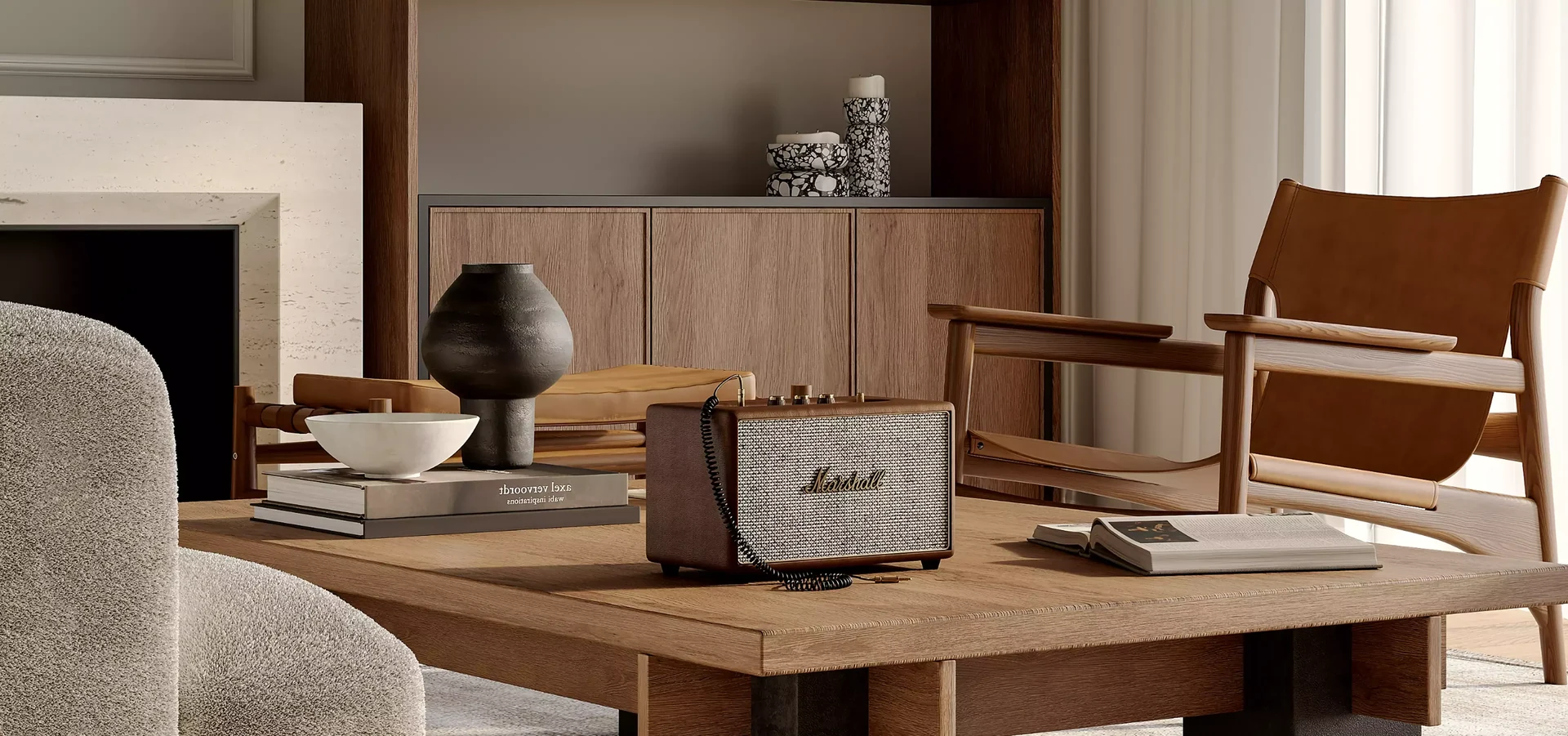
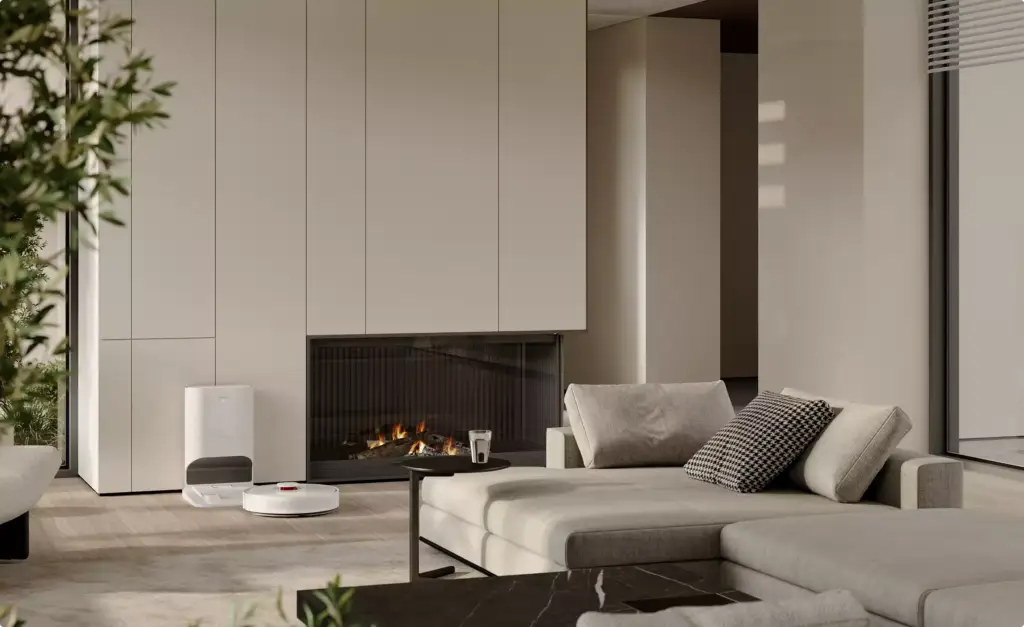
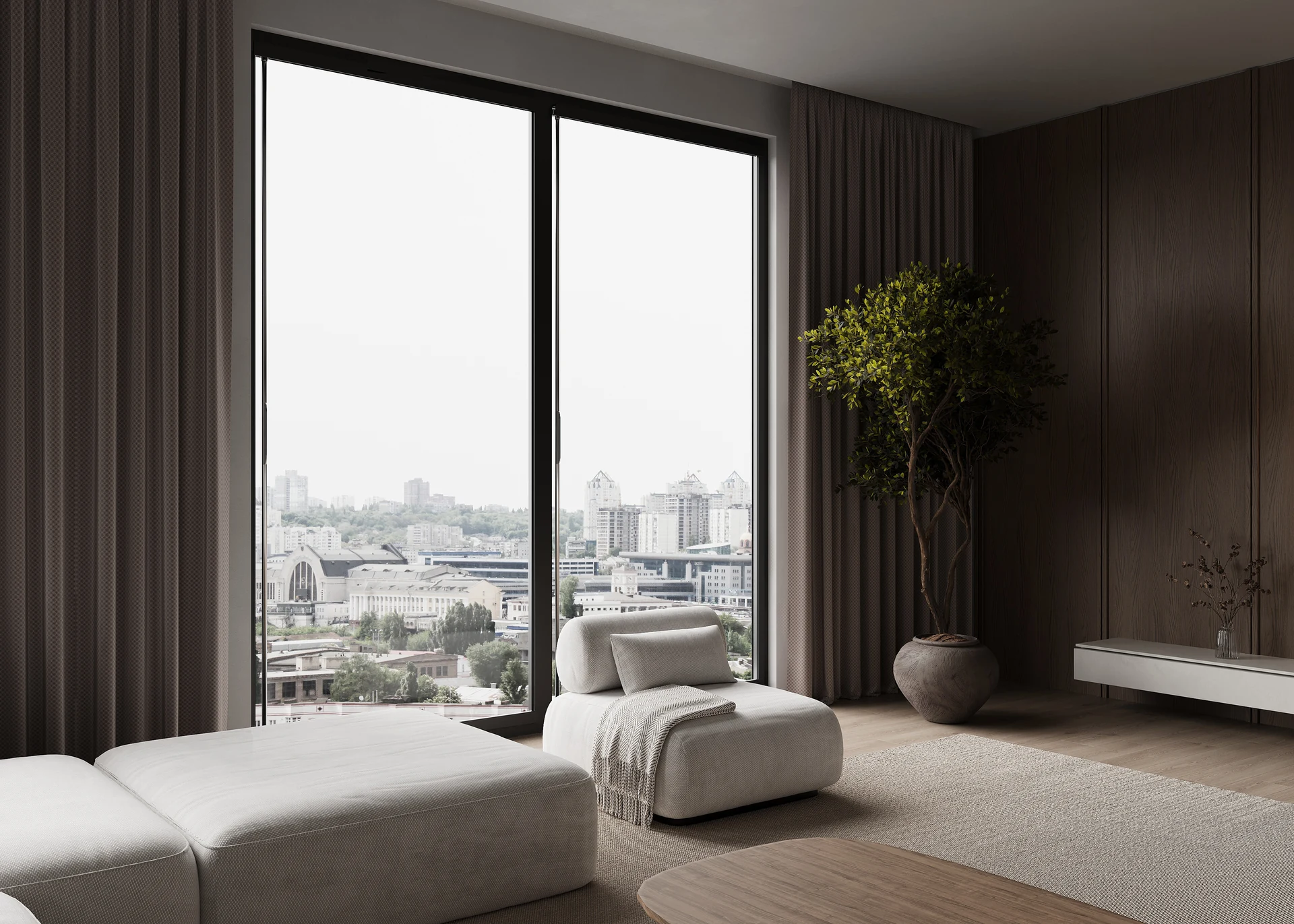
The appliance in the kitchen, living room, bathroom or bedroom it was made for, with the light, materials and scale of a real home. We build the room around the product, so you get website banners, ads and social images without a location, a set or a photographer.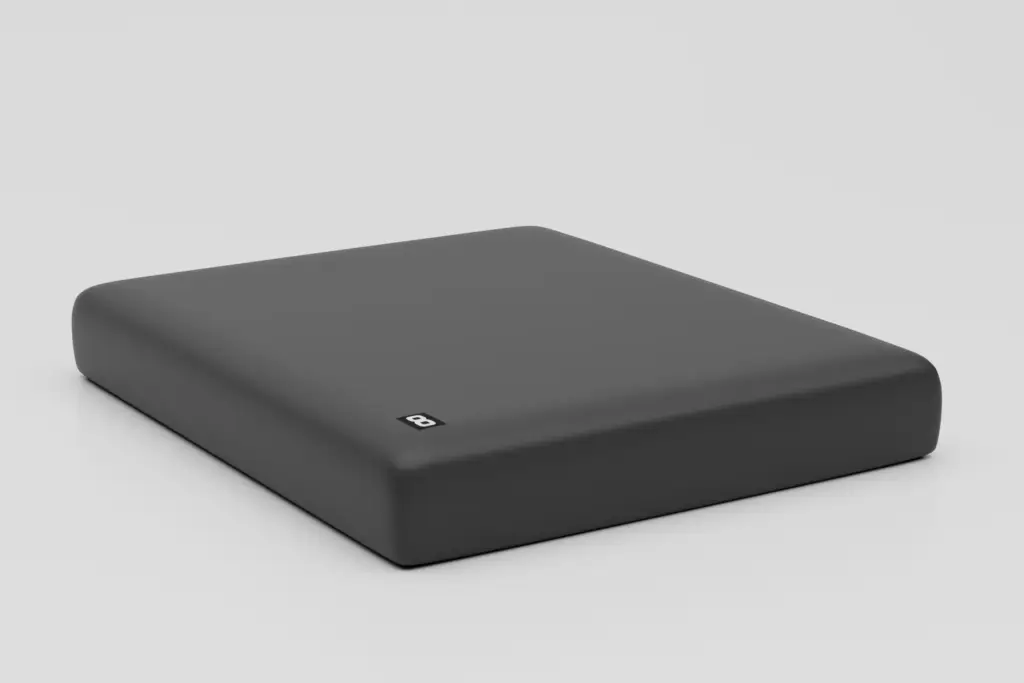
Product shots for retailers and Amazon
White-background and studio shots from every angle a retailer or Amazon listing asks for, with exact colours and finishes. The same model gives close-ups of controls and details and a short product video that plays without sound; more on rendering for e-commerce.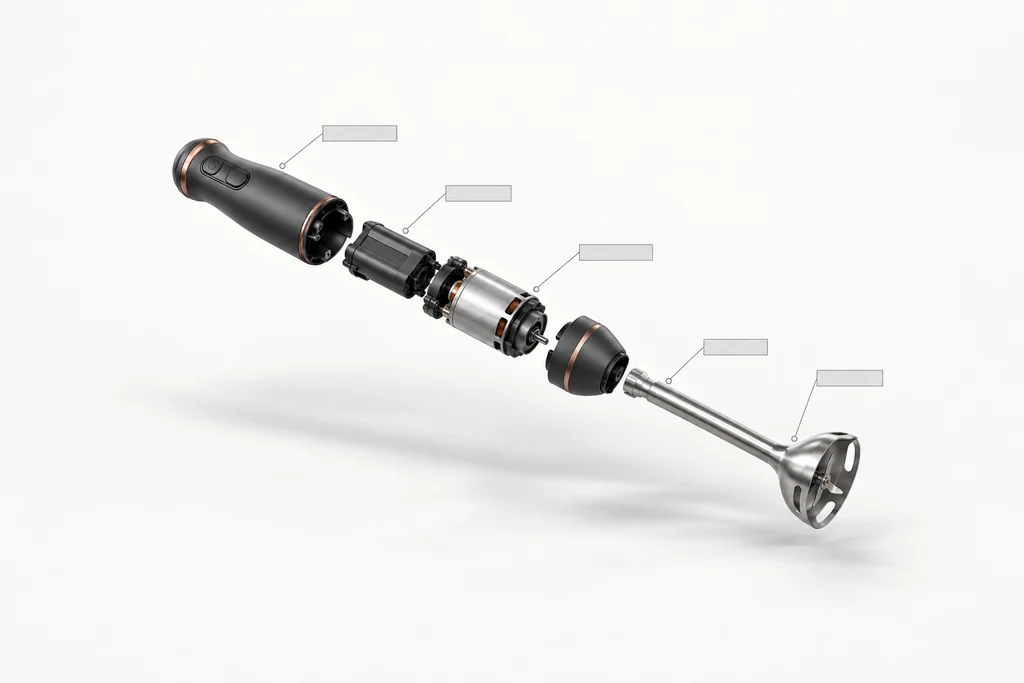
Cutaways and exploded views from CAD
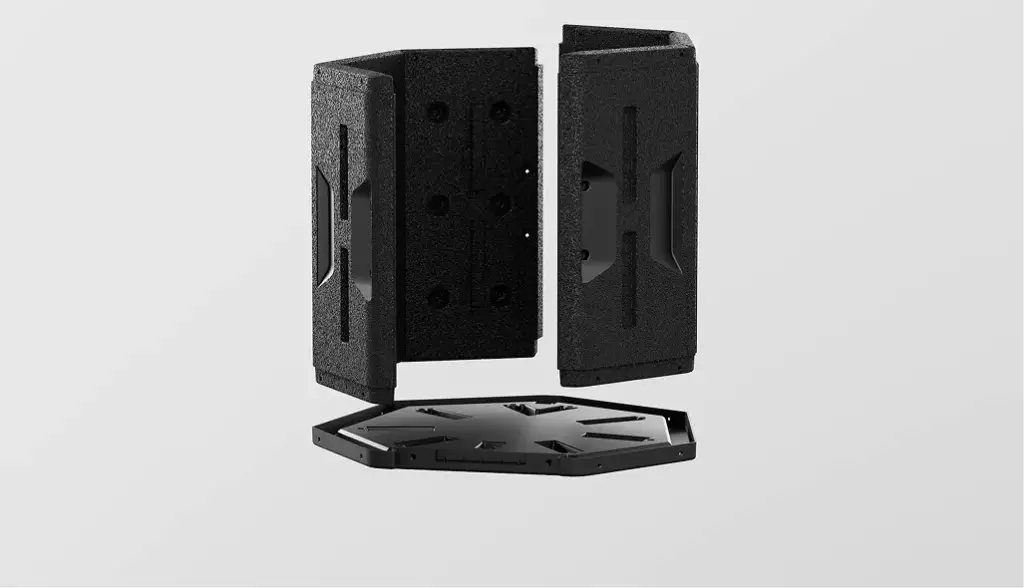
We open the housing and show the motor, filter, airflow or tank, or pull the appliance apart into an exploded view, straight from your STEP, SolidWorks or other CAD files. Buyers see why the product works, and the same views go into manuals and retail training.The appliance at work, before and after
The change your product makes, in one scene: a misted glass pane turning clear, a floor going from dusty to clean, air moving through a filter. Short loops of a few seconds made from the same scenes as the stills, for product pages, ads and social feeds.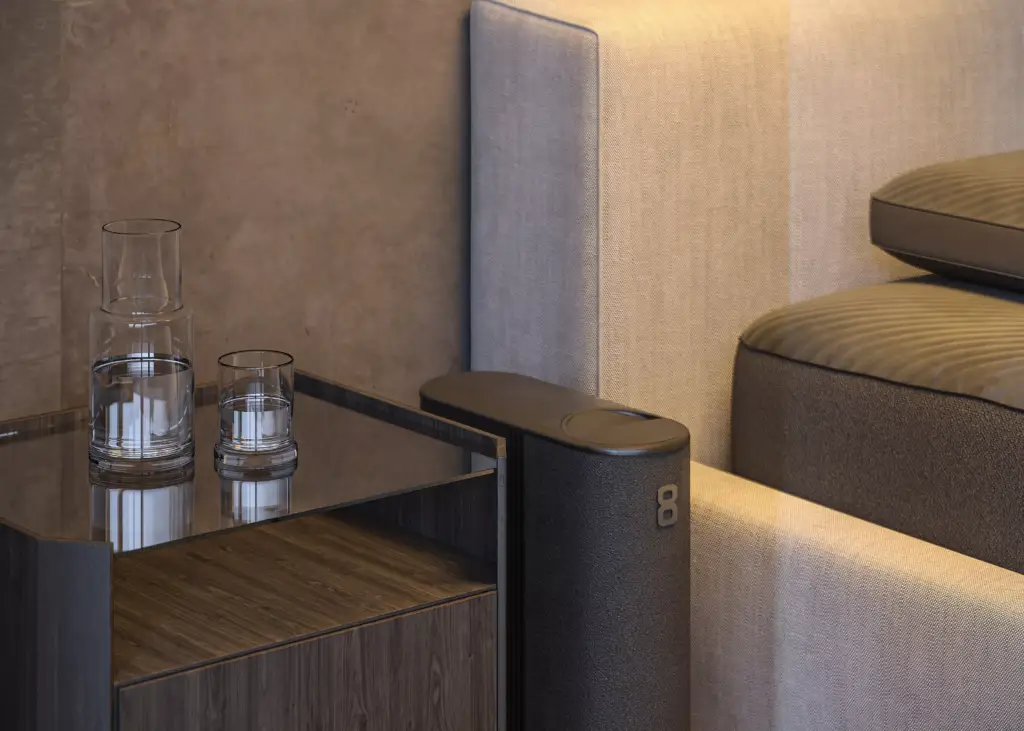
Smart home devices, lights and app screens
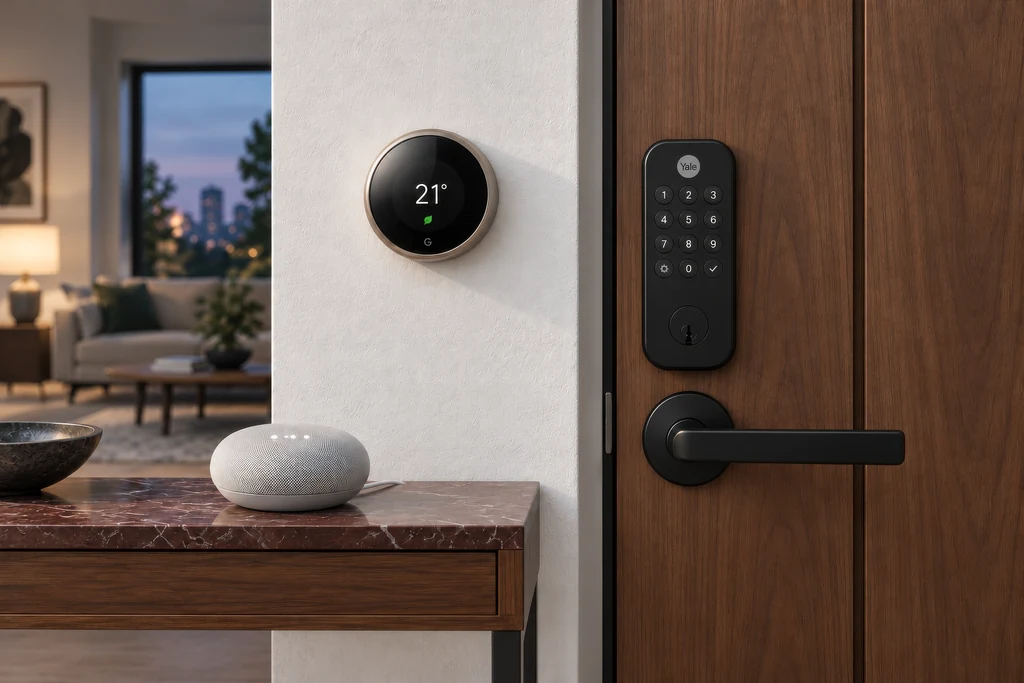
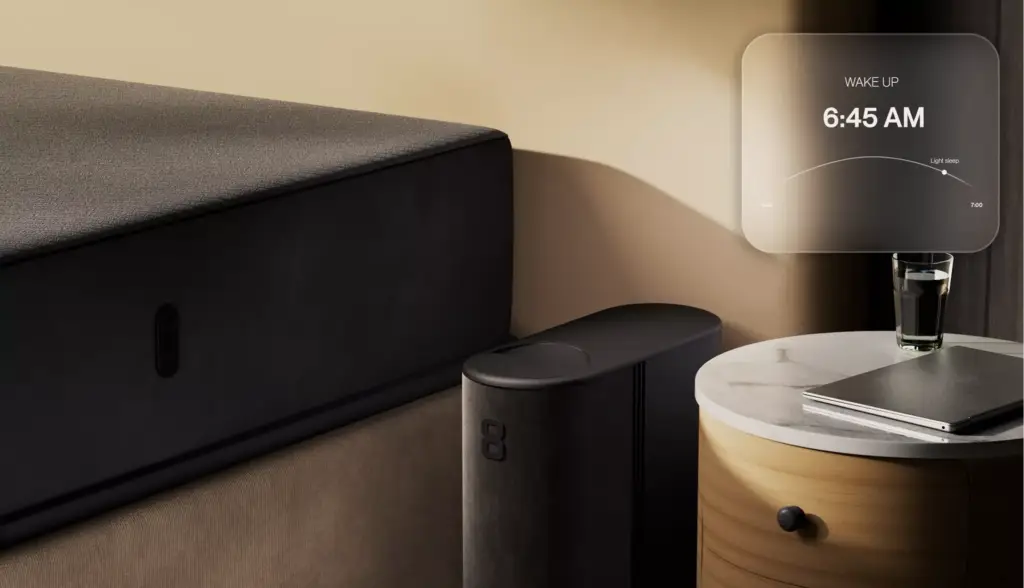
Status lights, displays and the companion app shown the way the user sees them, with the interface composited from your real screens. Hubs, sensors, locks, thermostats and sleep devices are placed in the room they control, so the buyer understands the system, not just the box.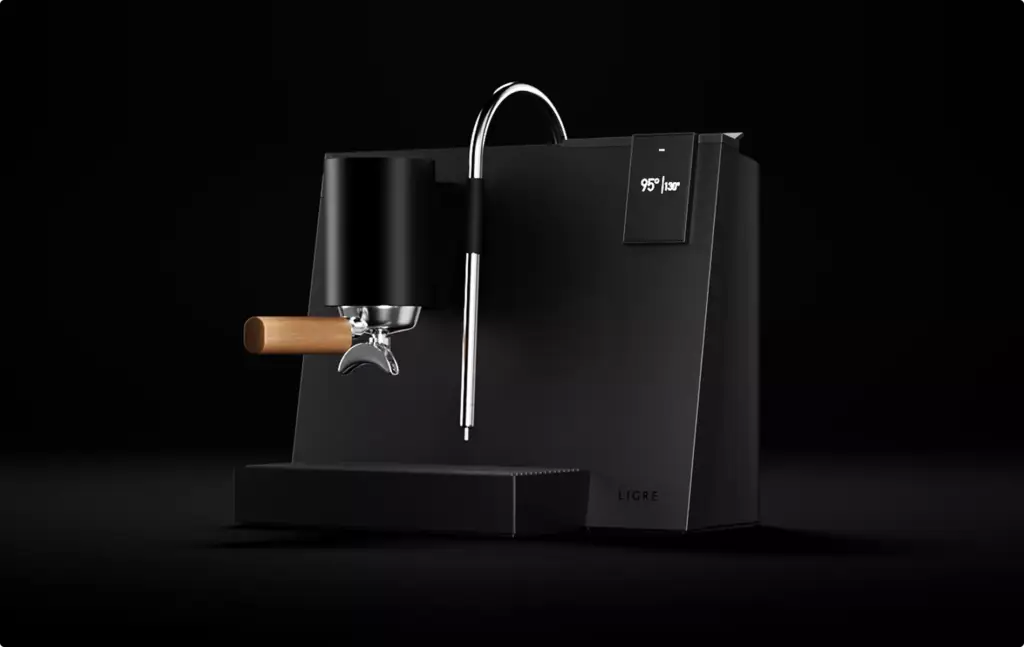
Launch films and how-it-works animation
A launch film for the website and ads, a 15-second loop for social media and a how-it-works animation for the product page, all from one 3D model. See our 3D product animation service for formats and lengths.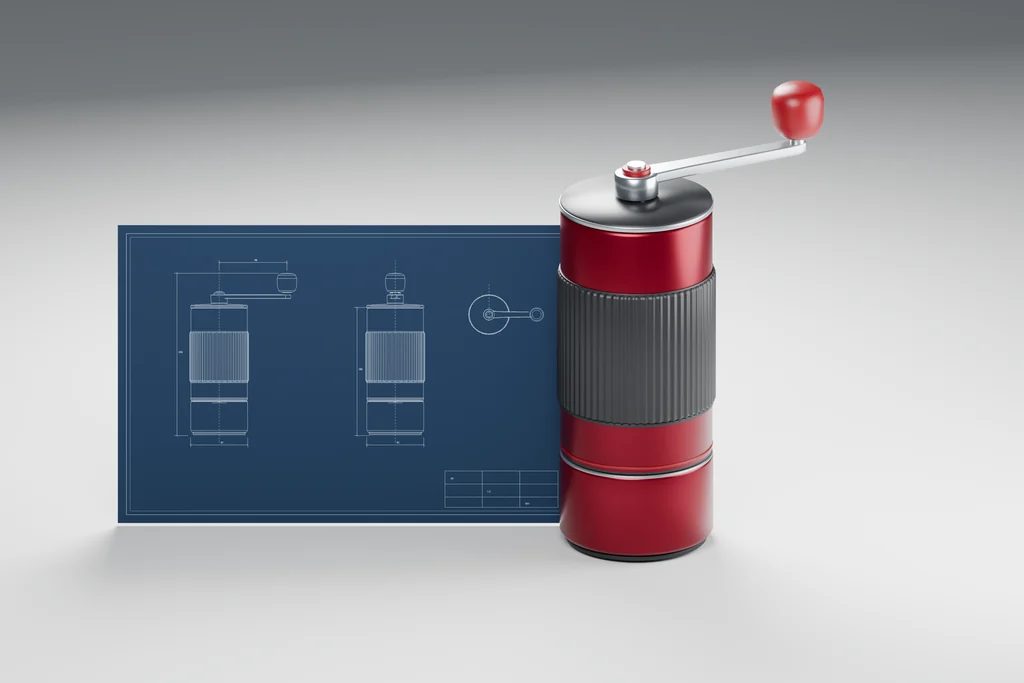
Visuals before the first production unit
Renders and animation from CAD files or a prototype, ready for a crowdfunding page, an investor deck, retail buyer meetings or a pre-launch website months before mass production. When the design changes, the model is updated and the images follow.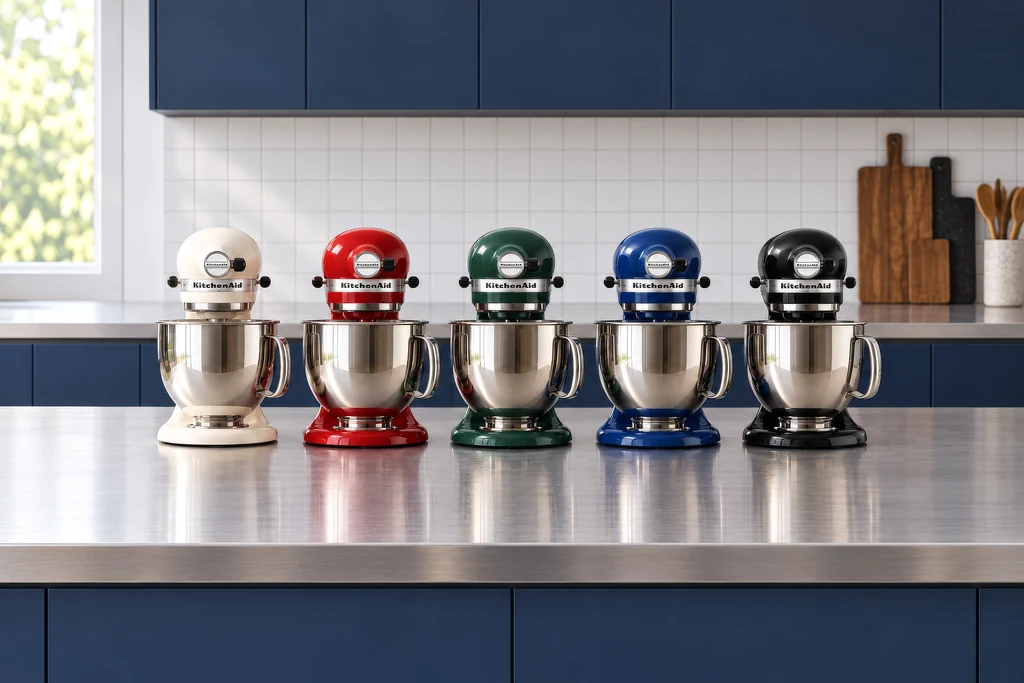
Every colour and finish of the range
Once the appliance is modelled, every colour, finish and trim is a material change rather than a new shoot. Stainless steel, matte black, pastel enamel and wood accents rendered with the same camera and light, so the variants sit side by side on your product page.
Which images you need first depends on who has to say yes next.
An investor, a retail buyer, an Amazon shopper and a hotel purchasing manager decide on different images. We start with that decision, then choose the scenes, the angles and the loops that win it.
- Free
- No obligation
- NDA on request
Home Appliance Rendering for Appliance and Smart Home Brands
Most studios sell you renders. We work out which images will move your launch.
Ask a rendering studio what you need and you get a quote for images. We start from the decision you need: an investor who commits, a retail buyer who lists the product, an Amazon shopper who adds it to the cart, a hotel that orders it for every room.
Send one email and our producer replies with a plan for your appliance: which images and loops, for whom, in what order, and what it takes. The list of renders is the end of that plan, not the beginning.
Free, and yours to keep even if you never work with us.
Thank you – your request has been sent.
Our producer is reading your request now and will write back with the plan: which images, for whom, and in what order.
The product at work
Before-and-After Appliance Renders and Loops That Show the Result
How do we show what our appliance does when the benefit is invisible?
Show the change in one scene. We render the same room before and after the appliance works, with nothing else moved, and turn the pair into a short loop of a few seconds. Buyers see the result, not just the housing. For an automatic glass wiper we made four such loops from its still scenes.
- Same camera, same light Only the effect changes between the two states, so the eye goes straight to the result.
- Glass and water Misted, streaked or dirty glass turning clear on a shower door or a high-rise window.
- Floors and surfaces Dust, crumbs or pet hair disappearing along the cleaning path of a robot.
- Air and temperature Airflow through a filter or a cooling layer under a mattress made visible with soft particles.
- Loops for every feed Seamless loops of a few seconds for product pages, how it works sections, a product demo video, ads, social media and in-store screens.
- Stills from the same scenes The before and after frames also work as two still images on the product page.
Appliance and home tech work
Home appliance and smart home renders from our studio
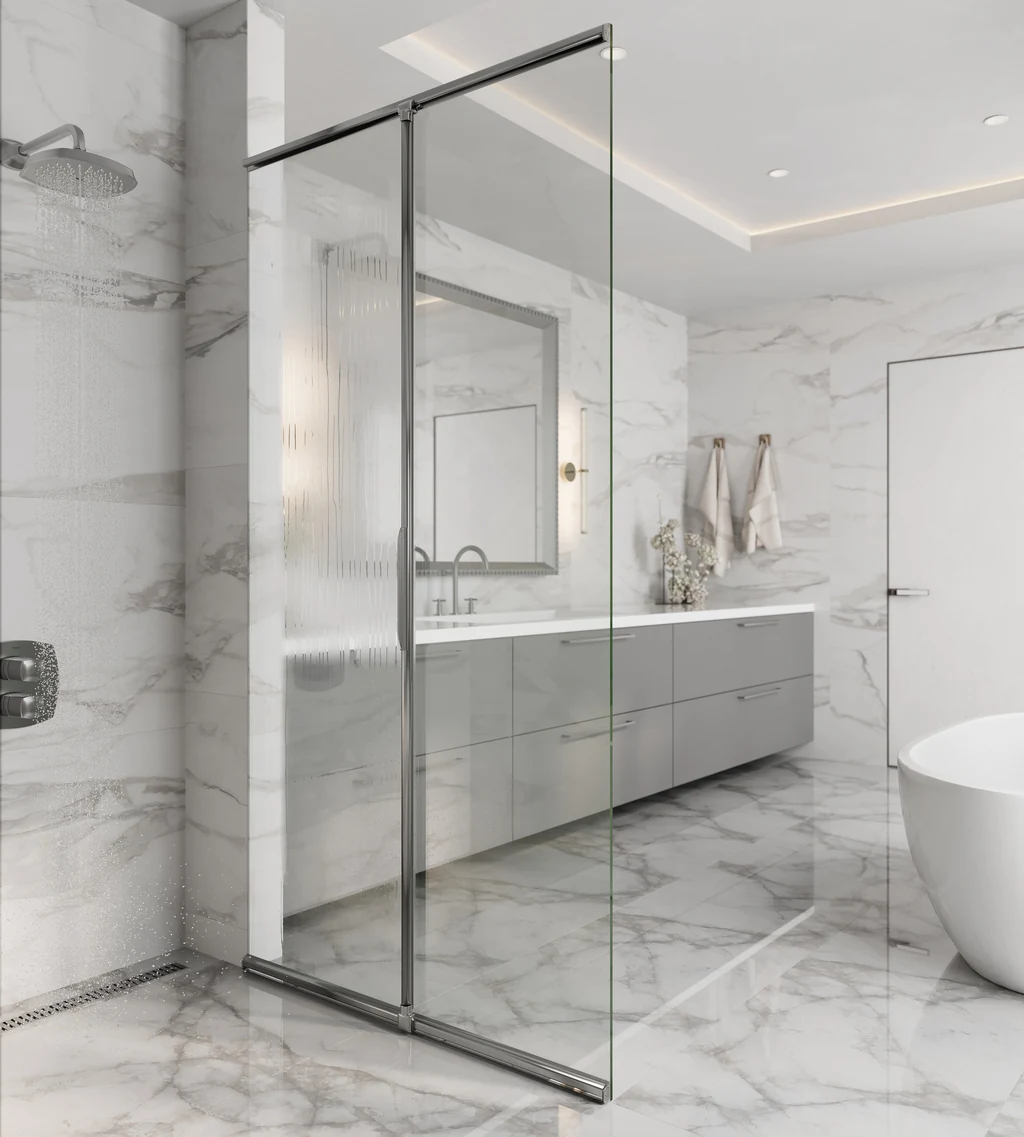
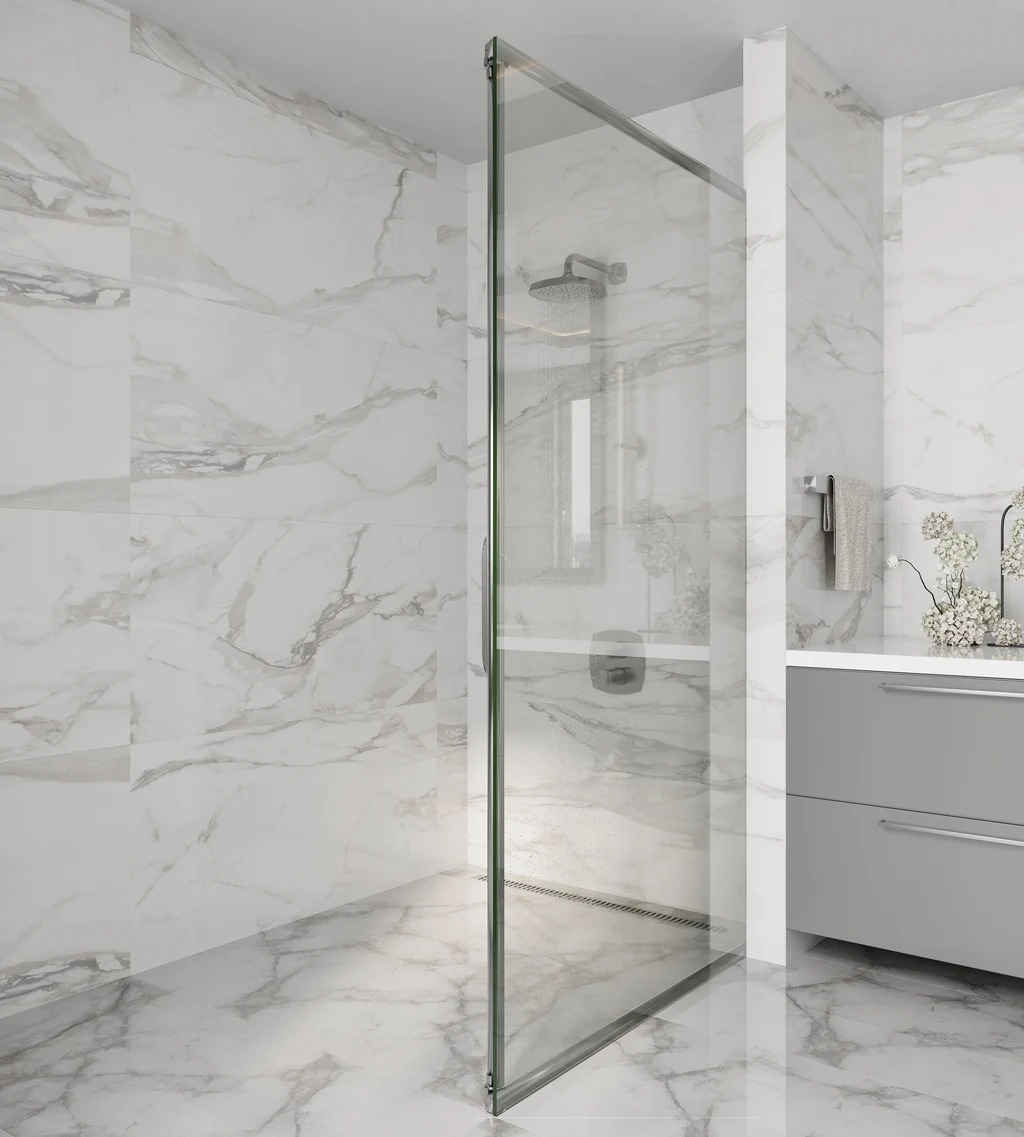
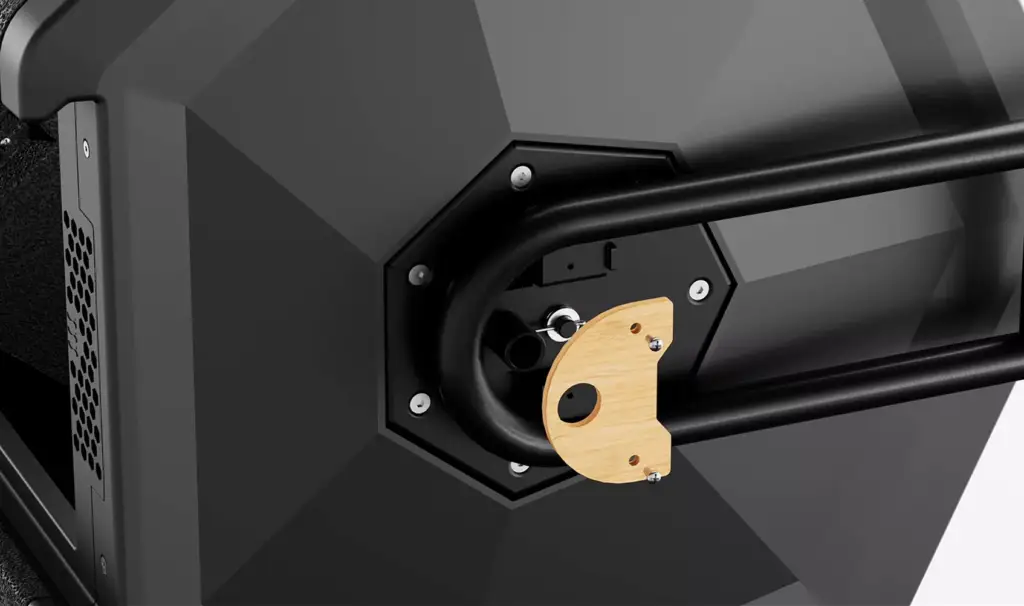
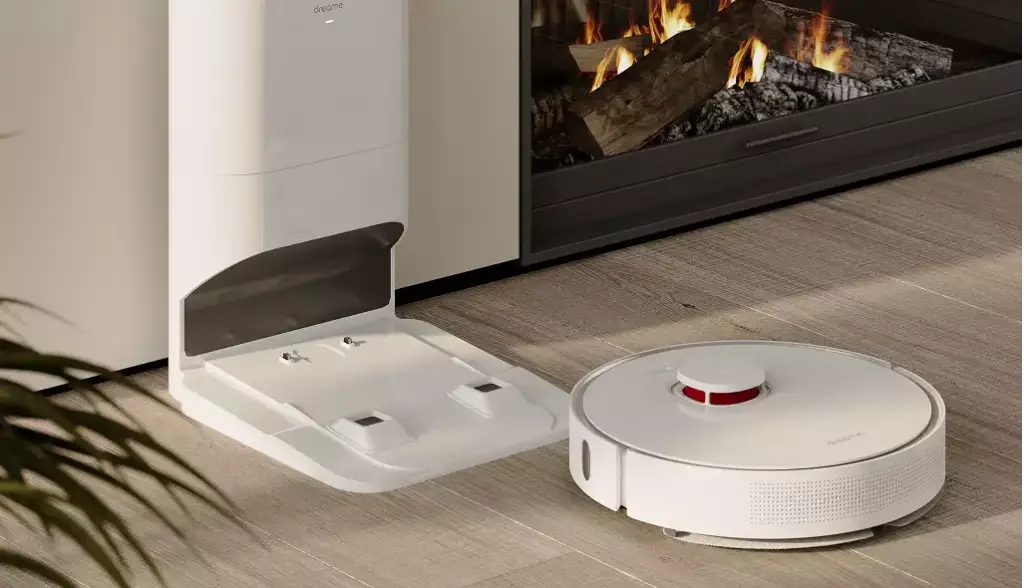
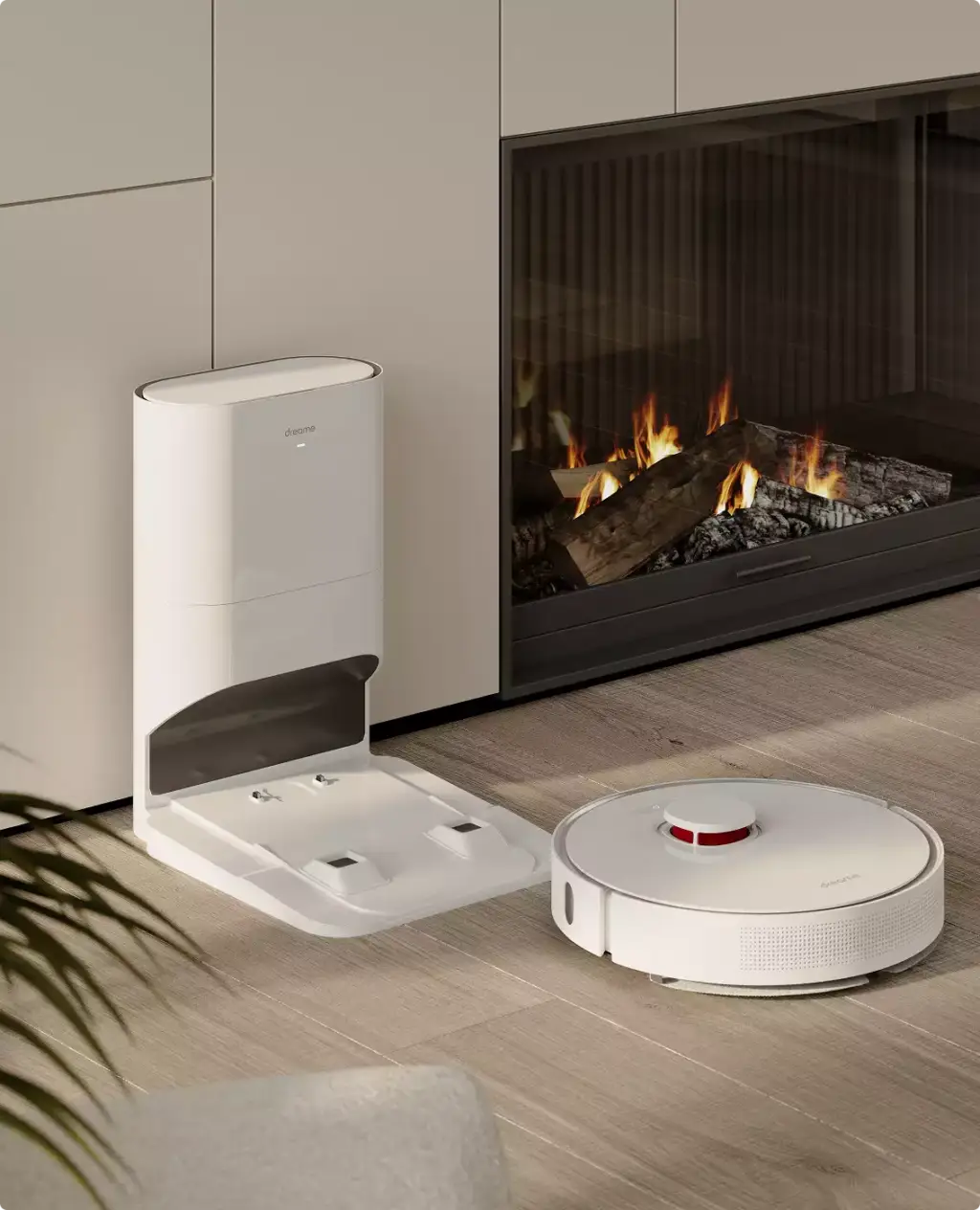
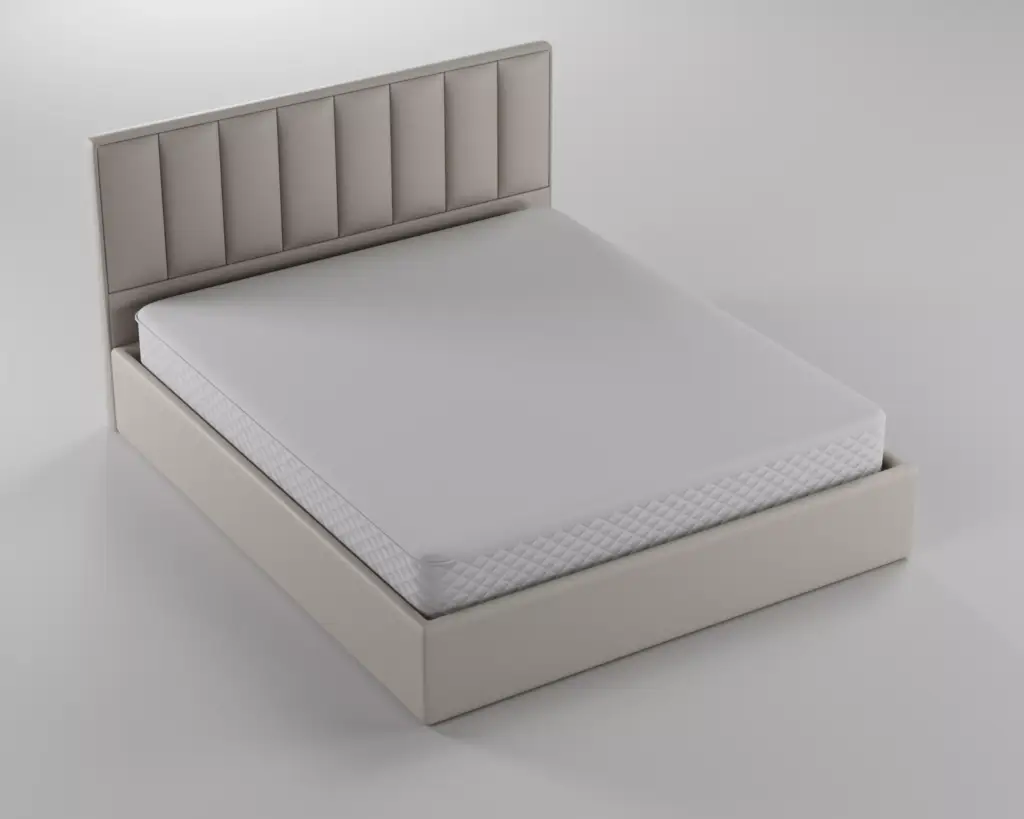
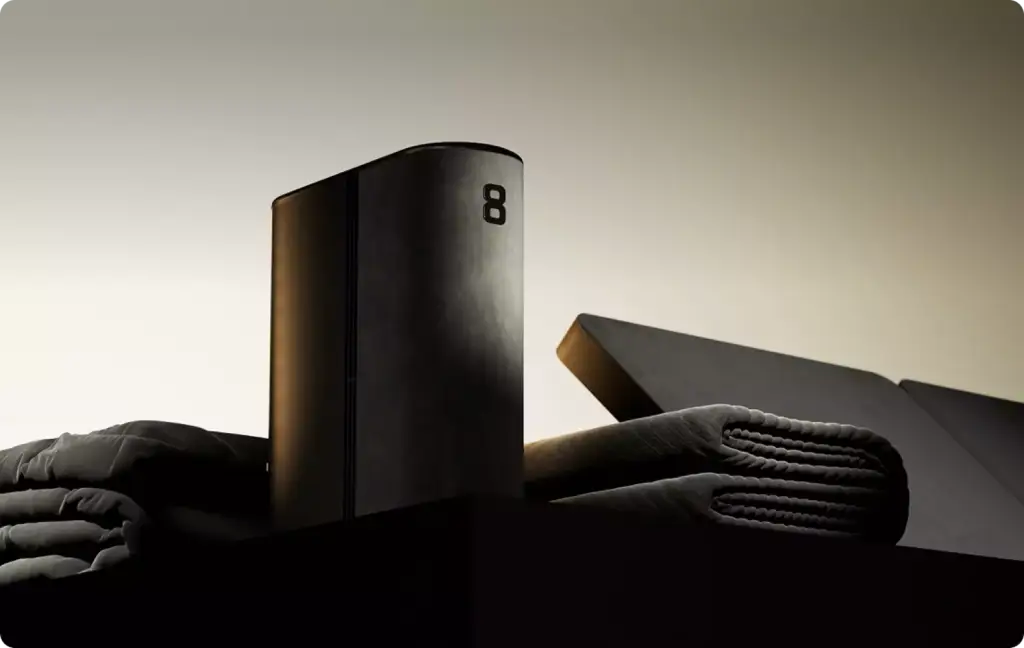
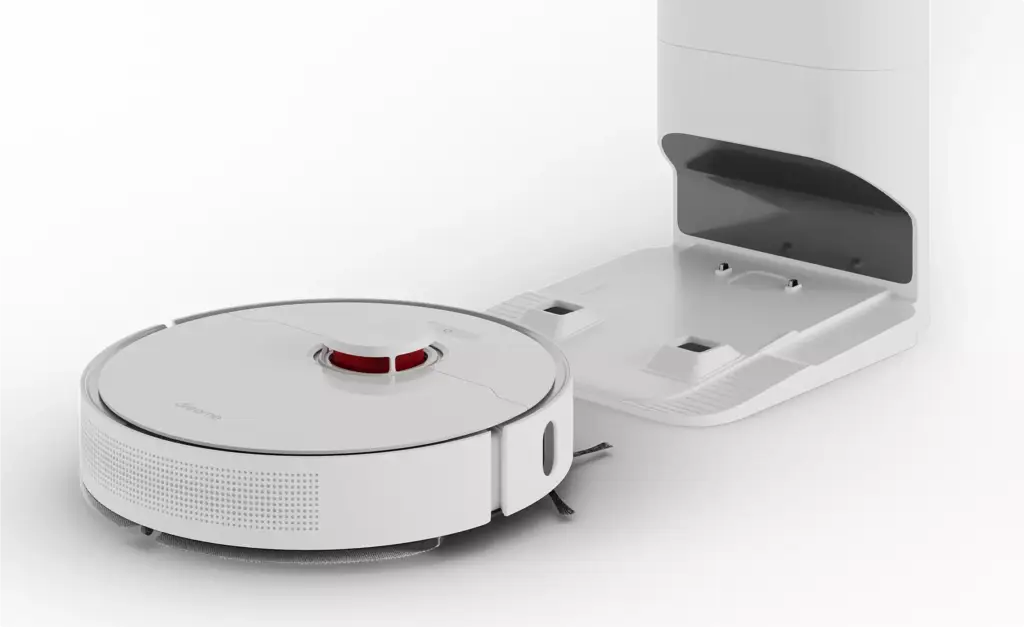
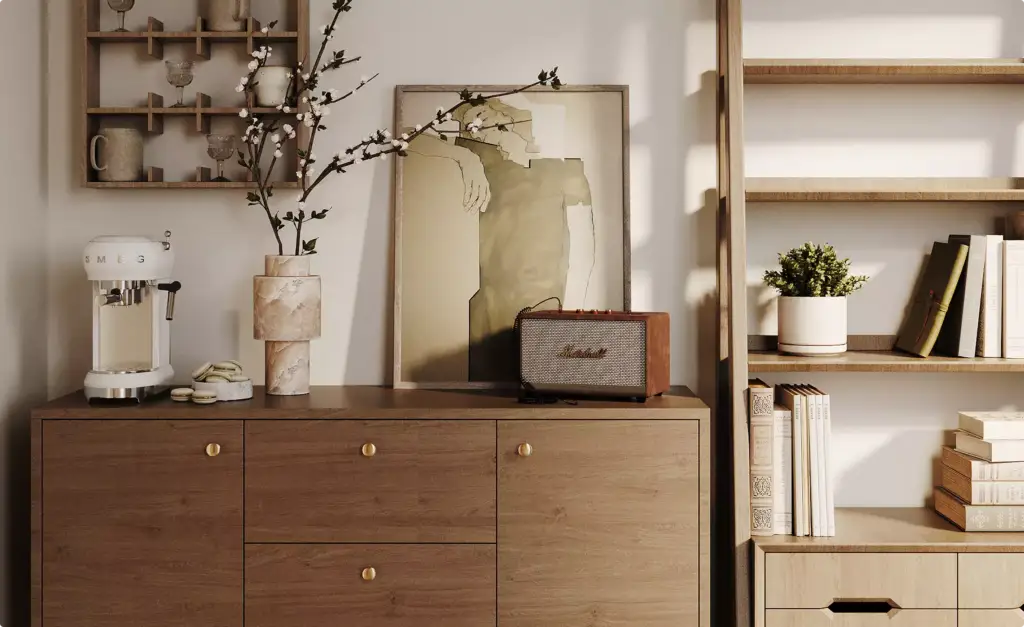
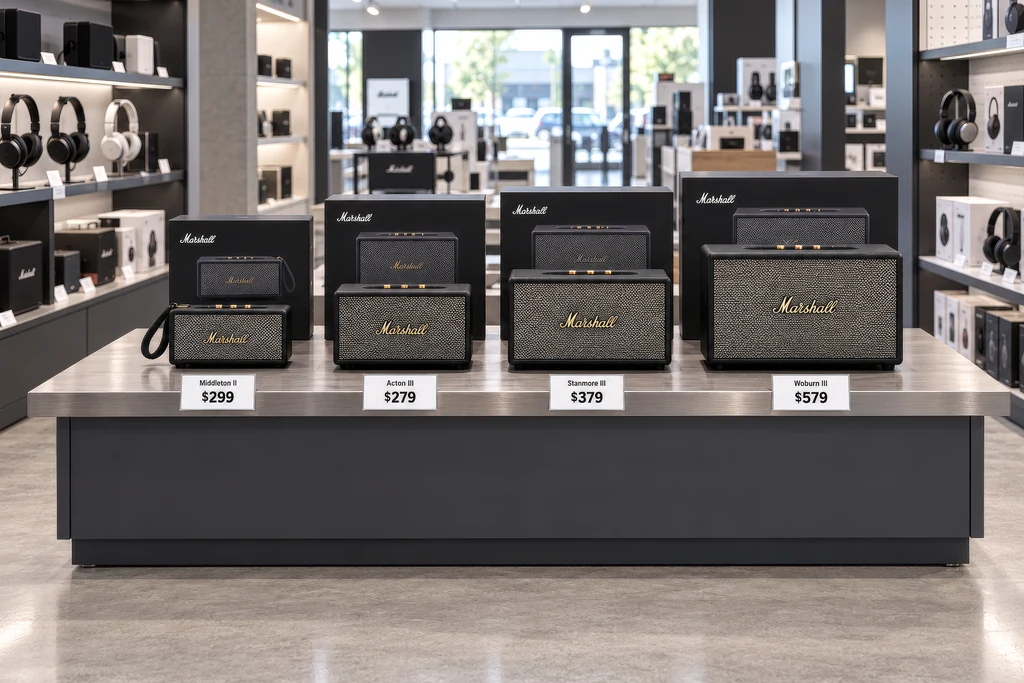
Renders and loops for an automatic glass wiper made for luxury hotel bathrooms and high-rise windows, a countertop composter before production, a robot vacuum, a smart sleep system and a Marshall speaker.
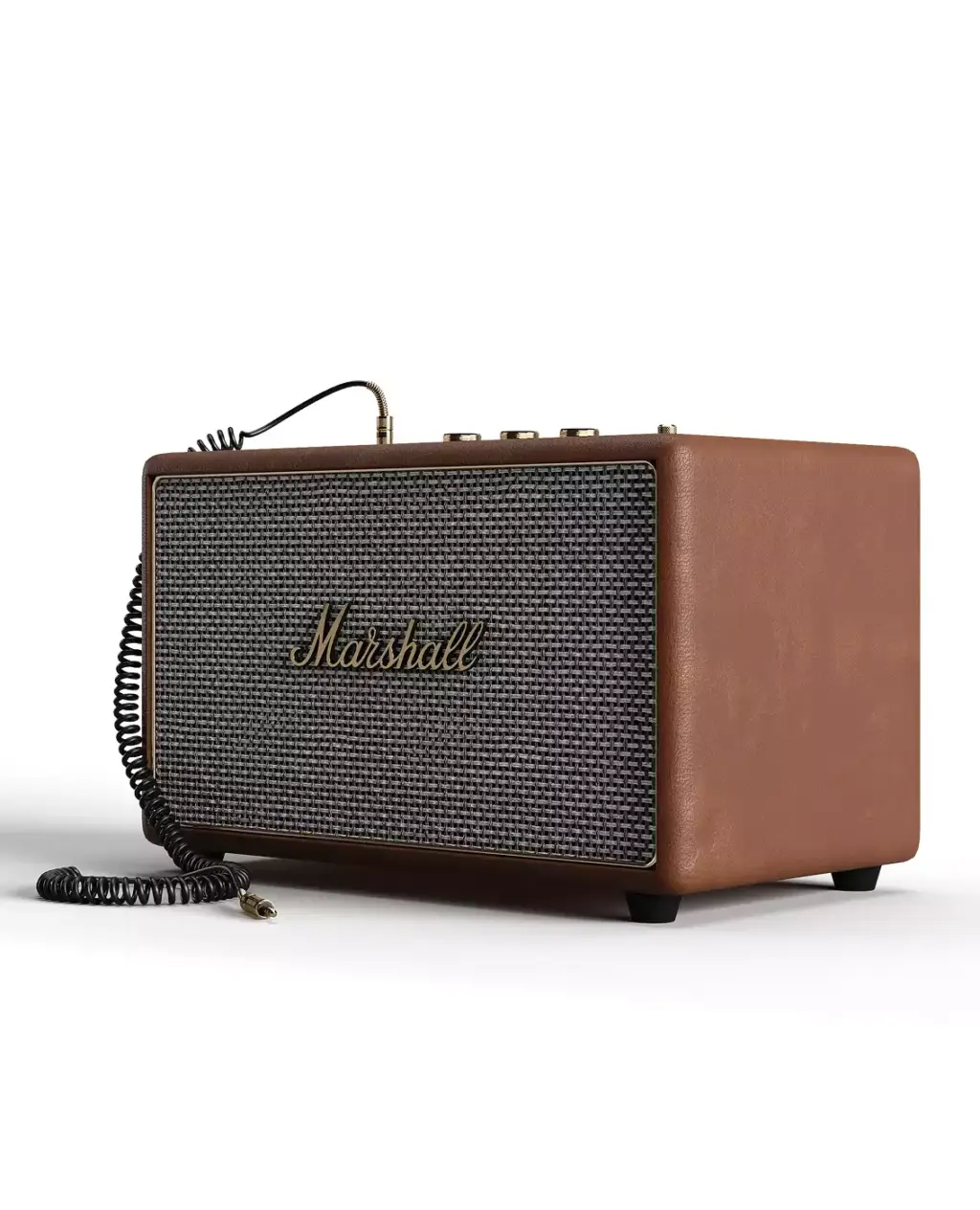
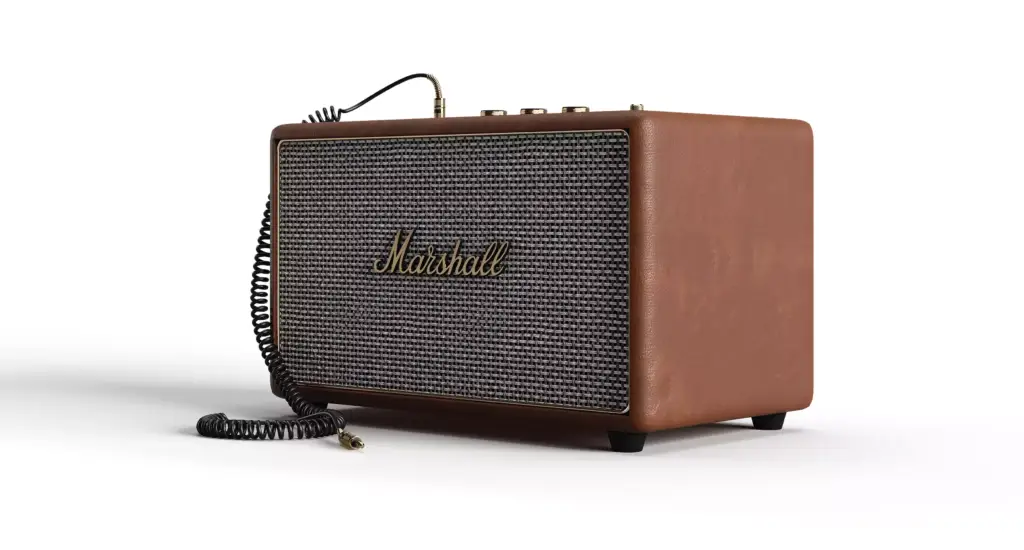
Free: the full portfolio
Pick your product and we will send a hand-picked set of appliance and home tech renders in full resolution, matched to what you make.
Your product
- Free
- Sent within one business day
- No sales call
Trusted by leading teams











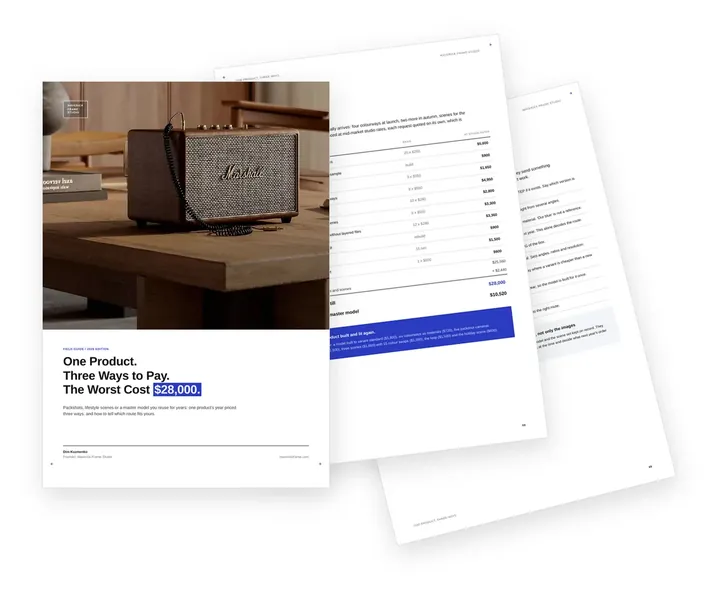
Free guide: one product, three ways to pay, and the one that cost $28,000
None of the brands above started with a forty-page specification. They started by choosing a route: packshots, lifestyle scenes or a master model for every colourway after. Bought still by still, one product's year of product rendering came to $28,000; from one master model, $10,520. The guide prices all three routes and shows which one fits your range.
- Free
- Instant download
- No sales call
If it didn't open, download it here.
Download the PDFAppliance film
CGI Product Film of a Countertop Composting Appliance
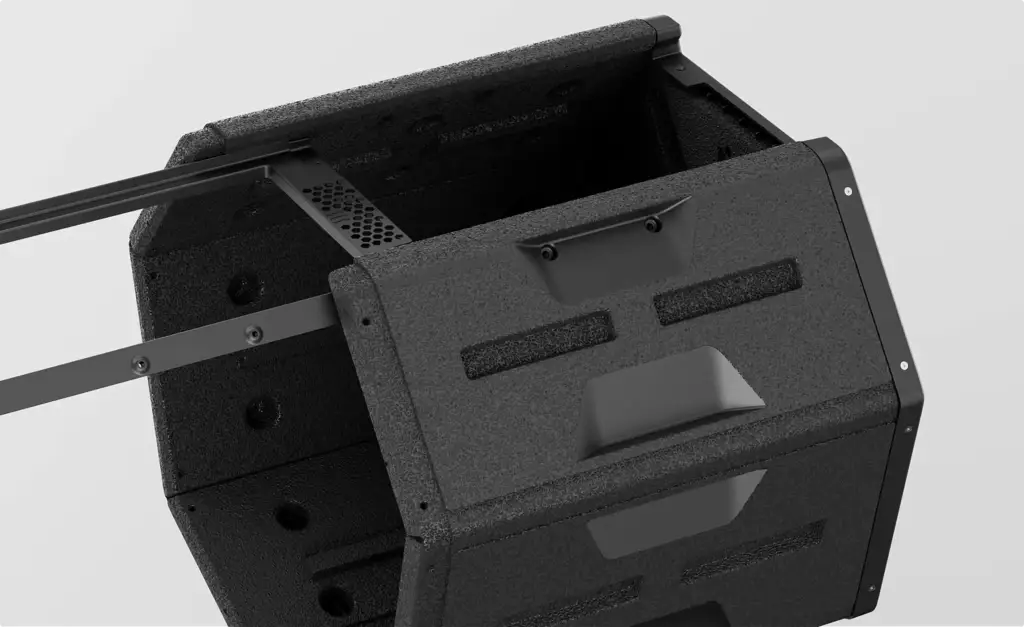
A CGI product film we made for a countertop composting appliance before final production: the rotating drum, the airflow and the modular panels explained in 3D, for the launch website, investors and the crowdfunding campaign.
Pick your side of the appliance launch. Get the playbook written for it.
A startup, a brand, an agency and a retailer order the same appliance renders for different reasons, and each loses time in a different place. Choose yours: the images that move your decision, a realistic scope and the brief mistakes we see most from your side.
- Free
- Instant download
- No sales call
If it didn't open, download it here.
Download the PDFBefore production
Appliance Visuals for a Pre-Launch Website, Investors and Retail Buyers
Can we start selling the appliance before the first production unit exists?
You can start showing it. We render the final design from CAD or a prototype, so the pre-launch website, the crowdfunding page, the investor deck and the retail buyer meeting all get the same finished-looking product. When the design changes, the model is updated and the images follow.
| Audience | What they decide | What to show them |
|---|---|---|
| Investors | Whether to fund the launch | Hero renders, a cutaway of the key technology and a how-it-works loop |
| Crowdfunding backers | Whether to pledge now | The product in a real home, the benefit as a before and after, and every colour |
| Retail and Amazon buyers | Whether to list the product | White-background angle sets, close-ups and a silent product video |
| Hotel and B2B buyers | Whether to order for every room | The product in their type of room, at scale, with the result shown |
| Early customers | Whether to join the waitlist | Room scenes and a short launch film for the pre-launch website |
Common appliance marketing problems
Appliance Rendering Challenges We Solve
-
01 Happened to us
There is no finished product to photograph
The launch date is set, but the factory has only CAD files or a single prototype with visible flaws.
Our fixWe render from CAD, so the images show the final design months before production.
-
02 Happened to us
Stainless steel and glass look fake
Brushed steel, gloss plastic, glass doors and chrome trims either turn grey and flat or reflect the photo studio around them.
Our fixWe set up every material and the reflections of the room it stands in.
-
03 Happened to us
The benefit is invisible
Cleaner air, a clear window or a cool mattress cannot be seen in a still product photo.
Our fixWe show the change in one scene, as a before and after or a short loop.
-
04 Happened to us
Every channel wants a different image
Amazon wants white backgrounds, the website wants rooms, retailers want angle sets and social media wants vertical video.
Our fixOne 3D model gives every format and size from the same files.
-
05 Happened to us
A new colour means a new shoot
Each colour, finish or regional version of the appliance would need its own photo session and retouching.
Our fixA new finish is a material change on the existing model and scene.
-
Had any of these? Tick them.
12 questions to ask before the next product drop
Your PDF is ready.If it didn't open, download it here.
Download the PDF
Appliance renders by launch stage, from CAD to the support page
Each stage of an appliance launch needs different images, and one 3D model serves all of them. Start with the stage you are in; everything rendered earlier carries over to the next one.
For the glass wiper launch, a pre-launch brand got still renders and four short loops for its new website and its pitch to luxury hotels.
Free: the product visuals roadmap
Which renders to order from design to support, what the product model carries over, and what share of the budget each stage takes.
Where is your appliance now?
- Free
- Instant download
- No sales call
If it didn't open, download it here.
Download the PDFConcept
Before tooling: colour, material and form options of the appliance rendered from CAD so the team picks one before the mould is made.
Funding
Crowdfunding and investors: hero renders, feature callouts and a how-it-works loop made before the first production unit exists.
Listings
Retailers and Amazon: white-background shots, angle sets, close-ups and a silent product video for listings and buyer meetings.
Launch
Launch: room scenes, a before-and-after loop and a launch film for the pre-launch website, ads, press and social media.
Support
After launch: exploded views, setup steps and how-to animation for manuals, help centres and QR codes on the box.
Selling to hotels and projects
Appliance Renders for Hotels, Developers and Other B2B Buyers
How do we show our appliance to a hotel or a developer rather than a home buyer?
Put it in their rooms. A hotel purchasing team needs the appliance in a guest bathroom or suite at their level of finish, and a developer needs it in the apartments they sell. We render those rooms around your product, so the buyer sees it as part of their project.
- Luxury hotel bathrooms Marble, glass and brass at the level of a five-star guest room, with your product in use.
- High-rise suites and apartments Floor-to-ceiling windows, city views and the device where a guest or tenant meets it.
- Several rooms, one product The same appliance shown in a bathroom, a living room and a bedroom for one pitch.
- Quantities and layouts Several units in a corridor, a kitchen line or a floor plan when the order is for a whole building.
- Brand and spec sheet Clean product shots and close-ups that drop into a tender document or a specification book.
Pricing
How Appliance Rendering Projects Are Quoted
Appliance rendering cost depends on the number of products and variants, whether the 3D model is built from CAD or from photos, the number of room scenes, cutaways and animation seconds, and the revisions. We quote every project for its exact scope after seeing your files and your brief.
Per Project
Pricing depends on the number of products and variants, room scenes, cutaways, animation length and revisions.
Best for: A launch set for one appliance with a fixed scope.
Hourly Most Popular
Pay for the hours spent on your appliance, from one new colour to a cutaway for the manual. A simple way to start without a long-term commitment.
Best for: One-off product shots, a new colour for an existing model and updates after a design change.
Subscription
Monthly production capacity, booked in hours, for a steady flow of new models, colours and listing images.
Best for: Appliance brands and retailers that add products every season and want the same team and predictable monthly capacity.
Why Choose Us
Why appliance and smart home brands choose us for product visuals
From one hero render to the visuals of a whole range, we keep the product exact to your CAD, the materials true and every image ready for the channel it goes to.
- 01
Built from your CAD files
STEP, IGES, SolidWorks, Inventor, Creo, Fusion 360, Rhino and other formats; the product on screen matches the product in the box.
- 02
Stills and animation from one model
Product shots, room scenes, cutaways and loops come from the same 3D model, so the whole launch looks like one campaign.
- 03
Confidential before launch
Unreleased products, CAD files and launch dates stay under NDA until you announce them.
- 04
Dedicated project manager
One person knows your product, your range and your deadlines, so you never re-explain the project.
- 05
White-label for agencies
We can work under your agency brand; your client sees your team, not ours.
- 06
The model is yours
On request, exclusive commercial rights to the finished 3D model and its source files pass to you under the contract.
Check a start date for your appliance renders
Tell us what you are launching and when the listings, campaign or trade show go live. Within one business day we reply with a start date, the team we would put on it and a price range.
Renders
Deadline
- Reply within one business day
- No obligation
Choosing the method
Product Photography, CGI or AI Images for an Appliance Range: How They Compare
Should we photograph our appliance, render it or generate the images with AI?
For a range that has to look identical in every image, CGI from the CAD model is usually the strongest base. Photography needs finished units and a set for every scene, and AI image tools do not keep the exact shape, logo and controls of a real product from one image to the next.
| Product photography | CGI from the CAD model | AI image generation | |
|---|---|---|---|
| What you need to start | Finished production units, a studio or location and props | CAD files or a prototype with drawings | Photos or renders of the product and a brief |
| Exact product in every image | Yes, if the units are final | Yes, from one model | Shape, logo and controls drift between images |
| New colour or finish | A new shoot | A material change on the existing scene | A new generation that may change the product |
| Inside the product | Not possible without a cut sample | Cutaways and exploded views from CAD | Not reliable |
| Before production | Not possible | Yes | Only as a rough concept |
Remote CGI team, your launch calendar
Home Appliance Rendering Support Worldwide
We help appliance brands, smart home startups, retailers and their agencies in the US and Canada, Latin America, the UK and Europe, Australia and the Gulf show their products before and after launch.
One manager for your range
Discuss your appliance in English with one project manager who knows your product, your range and your launch dates.
CAD and reviews online, under NDA
Send CAD files, prototype photos and brand files from anywhere; reviews, feedback and delivery all happen online and under NDA.
Dates set by your launch
We adapt to your time zone and plan the work around your trade shows, listing dates and campaign start.
Book a 30-minute call
Which day suits you?
What time?
Where should we send the invite?
- 30 minutes
- Free, no obligation
- Invite by email
Devices and their apps
Smart Home Device Renders With Real App Screens and Status Lights
Can you show our device together with its app so buyers understand the system?
Yes. We place the device in the room it controls and composite your real app screens onto a phone or a wall panel, so the interface is exactly the one buyers will use. Lights, displays and icons are lit as they look in use, from a soft night glow to a bright status ring.
- Real interface, never invented Screens come from your app or Figma files and are composited, not generated.
- Status lights and displays LED rings, digits and icons glowing at the brightness they have in a real room.
- The device where it works A sensor by the window, a hub on the shelf, a sleep device by the bed.
- The whole system in one frame Several devices and the app shown together, with the link between them made clear.
- Updates after an app release The screen layer is swapped when the app changes; the render stays as it is.
30-second appliance visuals quiz
Not sure which appliance renders you need first? Find your fit
Answer four quick questions about your product and we’ll match you with the right images, scenes and loops, plus a free, tailored next step.
What are you launching?
What do you need first?
What do you have today?
Who runs your campaigns?
Almost there — where do we send it?
Your tailored plan and a free next step for your appliance.
No spam — we only email about your product.
A visuals plan built from your CAD, ready for every channel
We’ll email your tailored appliance visuals plan shortly.
FAQ
Questions about home appliance rendering
Didn’t find your question?
Ask about your appliance, your CAD files or your launch date. A producer replies within one business day, with an answer, not a sales call.
What is appliance rendering?
Appliance rendering is the making of photoreal images and animation of a home appliance from its 3D model or CAD files. Brands use it instead of product photography for retailer listings, Amazon, websites, catalogs and ads, and before production, when there is no finished unit to photograph yet.
Can you render our appliance before it is manufactured?
Yes. We build the model from your CAD files or from a prototype and drawings, so the renders show the final design before mass production. Startups use them for crowdfunding, investor decks and pre-launch websites; brands use them for retail buyer meetings and trade shows months before stock arrives.
Can you show what the appliance actually does?
Yes. We show the result in one scene, as a before and after or as a short loop: a misted glass pane turning clear, a floor getting clean, air moving through a filter. For a glass wiper brand we made four short loops from the same scenes as its stills.
What CAD formats do you accept?
Any common format: STEP, IGES, SolidWorks, Inventor, Creo, Fusion 360, Rhino and others. If there is no CAD yet, we can model the appliance from drawings, dimensions and photos of a prototype. Your files and the unreleased design stay confidential under NDA until you announce the product.
Can you make Amazon images and product videos for an appliance?
Yes. We make white-background shots, angle sets, close-ups and short product videos for Amazon and other marketplaces, made to play without sound. They come from the same 3D model as your website and launch visuals, so every listing matches the rest of the campaign. See rendering for e-commerce.
How do you make stainless steel, glass and gloss plastic look real?
We set up each material separately, with the brushing, coating and edge wear of the real finish, and light the appliance inside the room it stands in, so steel and glass reflect that room rather than a grey studio. Close-ups are checked against your samples or photos before final rendering.
Can you show the inside of the appliance?
Yes. Cutaways and exploded views come straight from your CAD: the motor, filter, airflow path, tank or battery, shown in the order a buyer needs to understand them. The same views work in manuals, retail training and product pages, and in an assembly animation if parts have to move.
Can you show our smart home device with its app?
Yes. We render the device in the room it controls and composite your real app screens onto phones and displays, so the interface is never invented. Status lights, displays and icons are lit as they look in use, which helps buyers understand a hub, sensor, lock or sleep device in one image.
Do you design the appliance or only render it?
Both are possible. Our product designers can develop the form and construction of a new appliance and prepare a CAD model and 2D drawings for the factory; we do not calculate loads or handle certification. Most brands come with a finished design and order the renders and animation for its launch.
How long does an appliance rendering project take?
As a guide, the first draft of a still is ready in 3–5 business days after a complete brief, and a set of 5–8 views takes 2–3 weeks. An animation of up to a minute takes 4–6 weeks. Each still includes two rounds of revisions on the draft and one on the final.
Can you work white-label for our agency?
Yes. We produce the renders and loops under your agency brand, and your client deals with your team only. You get every image and video in the sizes your media plan needs, and we keep the client, the CAD files and the launch dates confidential under NDA.
Free Test Render
Start With a Free Test Render of Your Appliance
We show our quality on your own product before you commit: send the CAD file or photos of your appliance, and we render one test image of it.
We reply by email within one business day with what we need for the test render and the next steps. By submitting, you agree to our Privacy Policy.