Fashion CGI for Apparel, Bag and Accessory Brands
 4.8
 4.9
Fashion CGI and 3D apparel rendering for every piece in your collection
Fashion CGI is the making of photoreal images and animation of clothing, bags, footwear and accessories from 3D models instead of a photoshoot: garments cut and simulated from patterns with the weight and stretch of the real fabric, shown on a ghost mannequin or a 3D body, bags and small leather goods in every colourway, and campaign scenes with 3D or AI models. What fashion CGI is not: not a 3D mockup template, because the garment is cut from your own patterns and fabric data; not AI photo editing, because the product comes from a 3D model rather than a redrawn photo; and not fabric scanning, because each material is matched to your swatch by eye and approved before the range is rendered.
Ghost mannequin images without a photoshoot
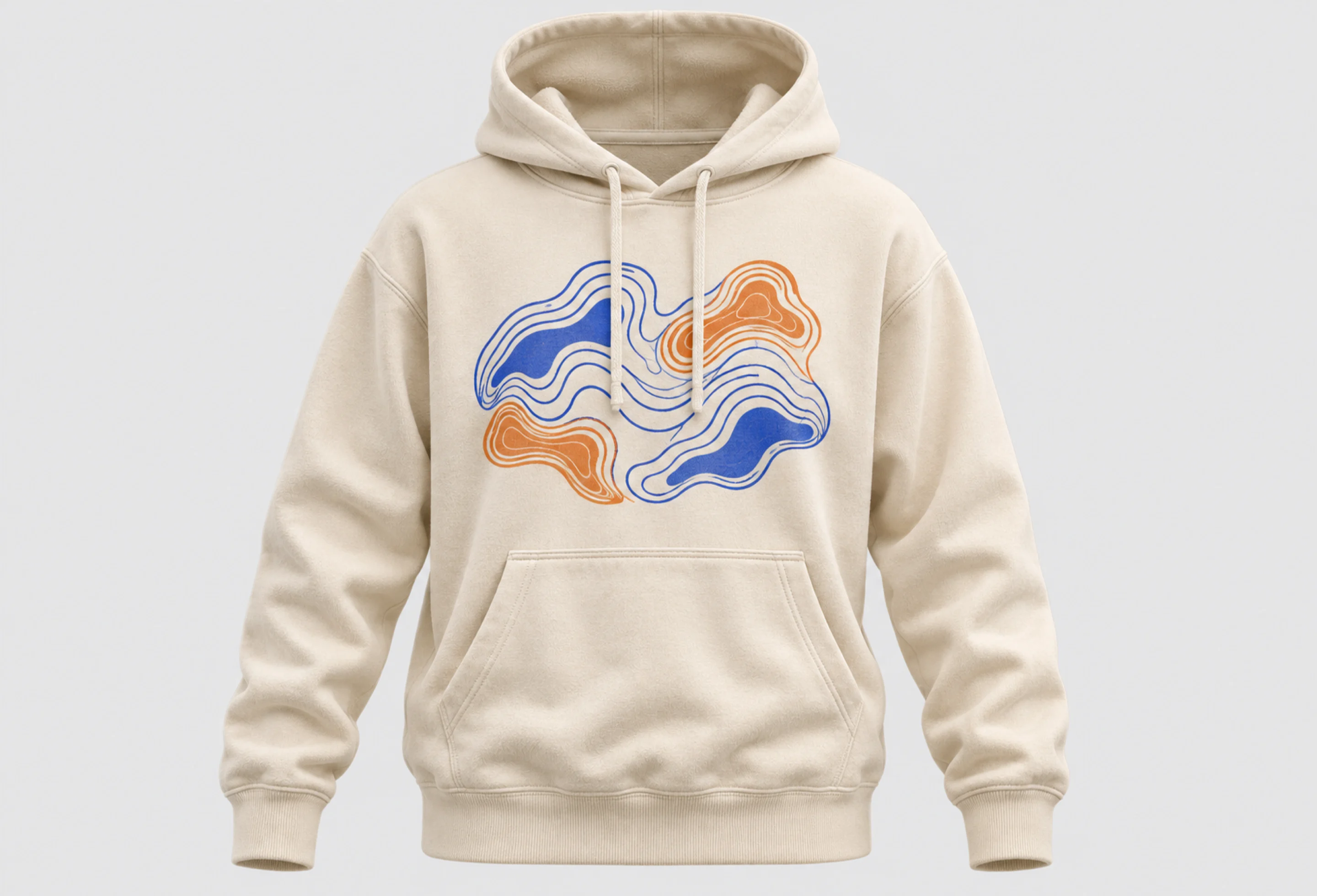
T-shirts, hoodies, jackets and dresses on an invisible mannequin, front and back, with the neckline and the inside of the collar showing, cut and simulated from your patterns with the weight and stretch of the real fabric.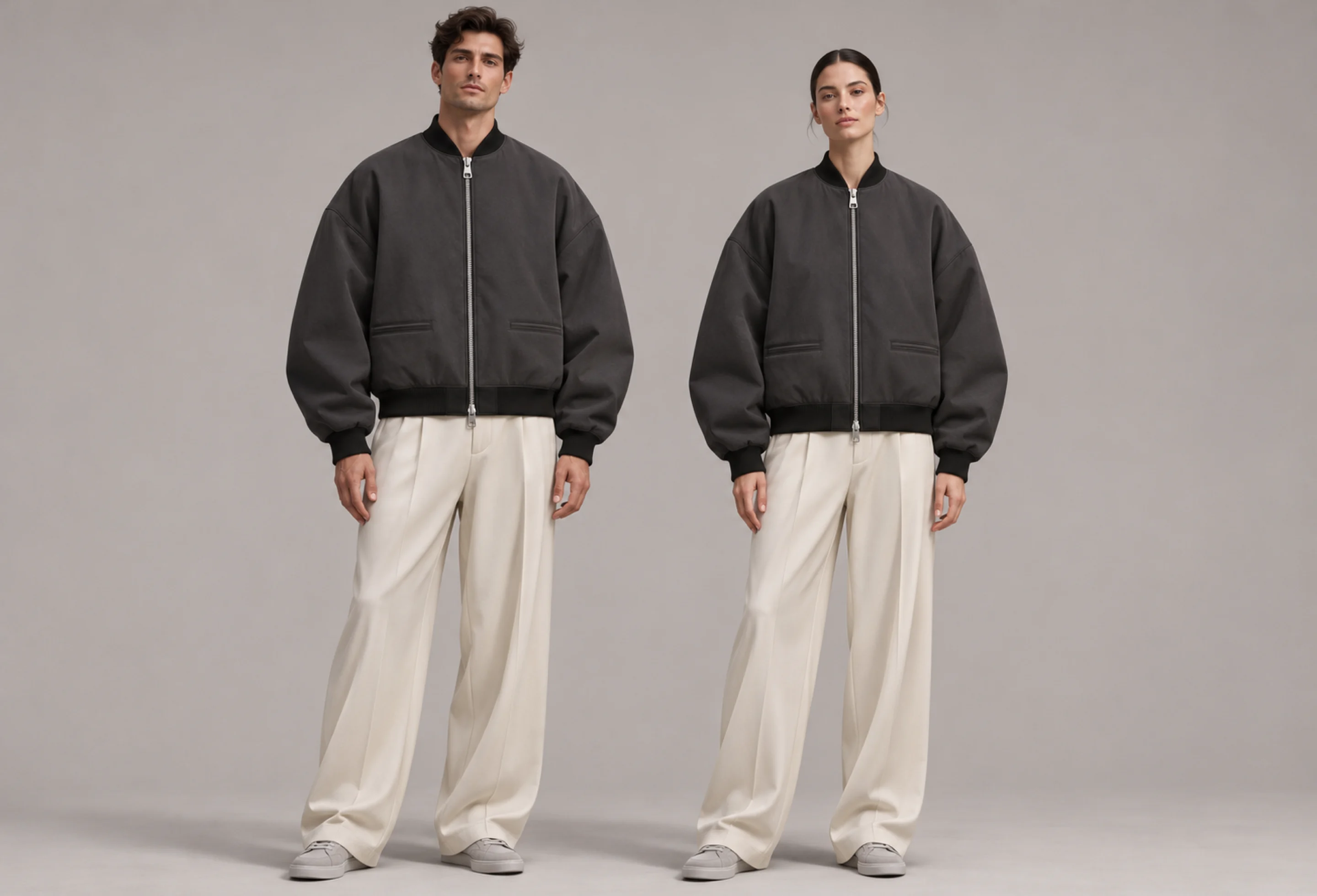
Clothes on male and female 3D bodies
The same garment on a male and a female 3D figure, standing or in a pose, so shoppers see the fit, the length and how the fabric falls. CLO3D and Marvelous Designer simulate the cloth.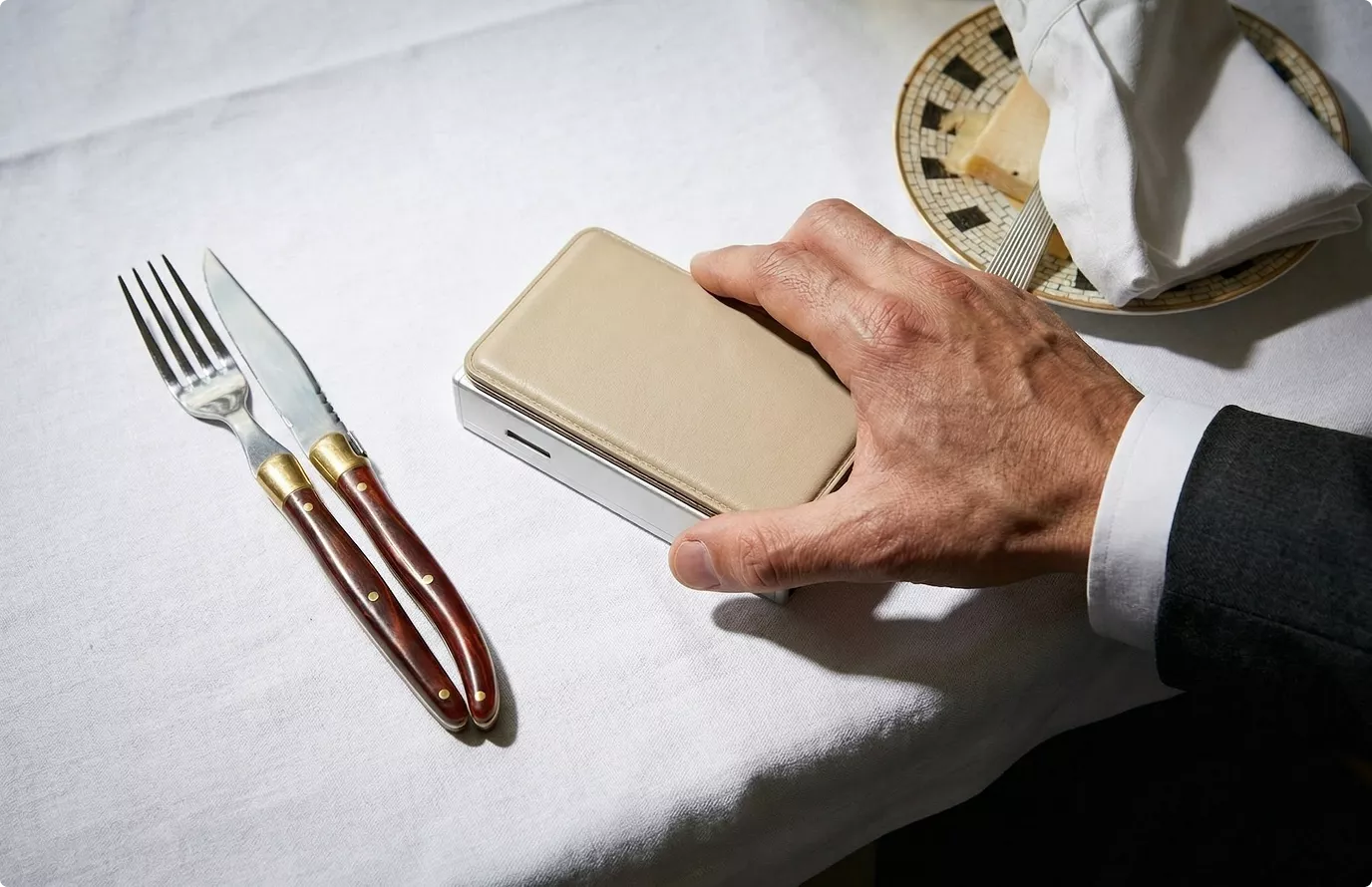
Bags, wallets and small leather goods
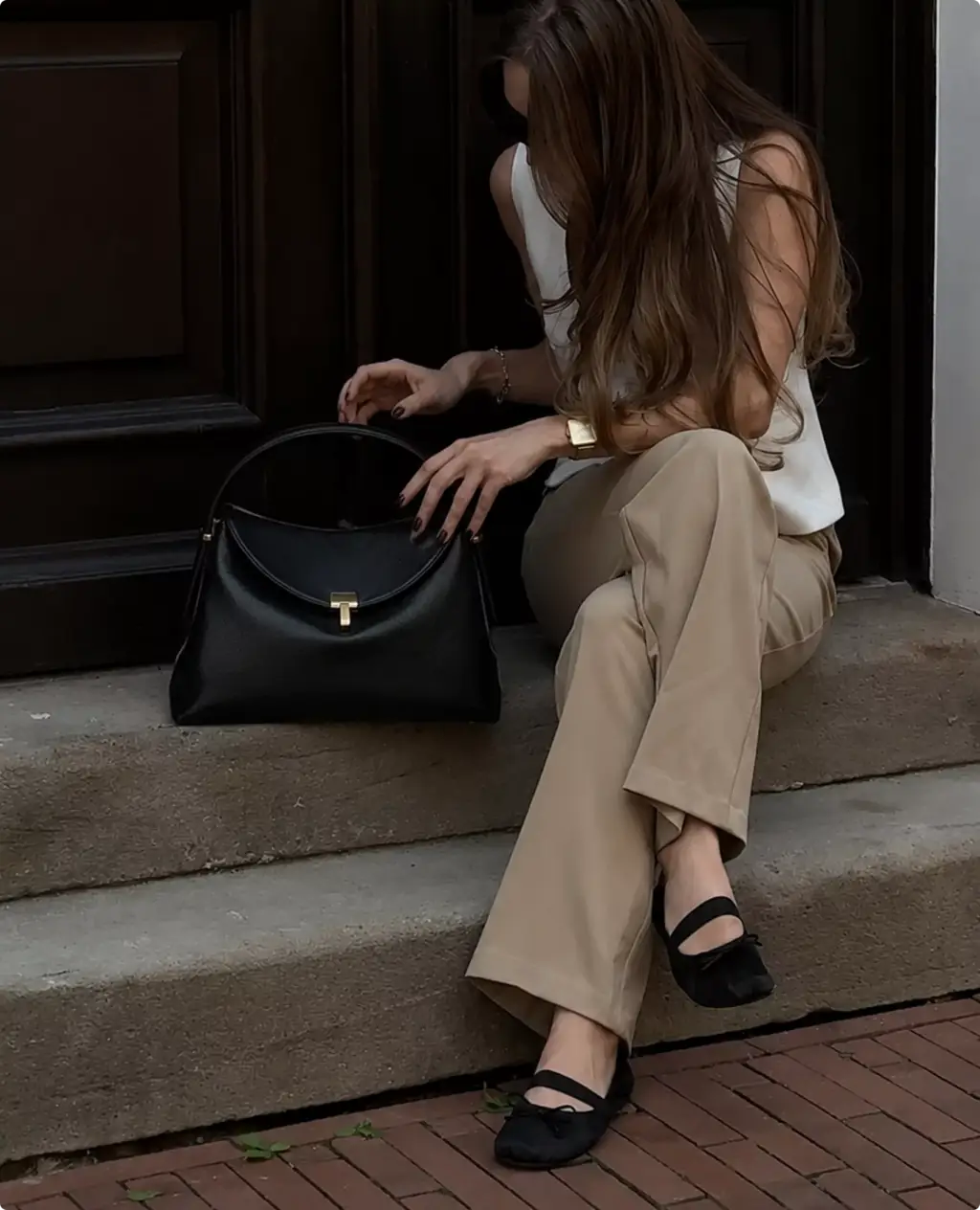
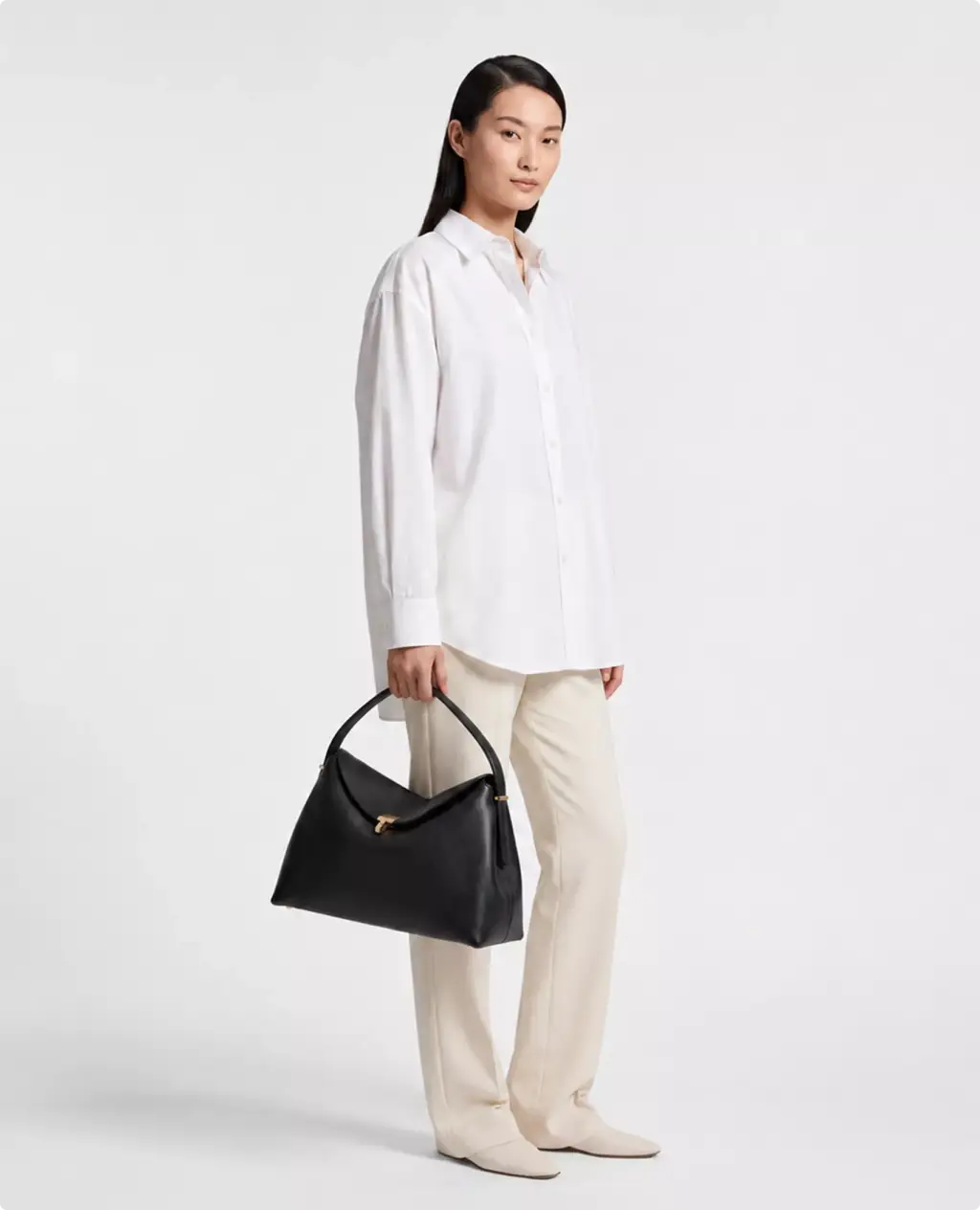
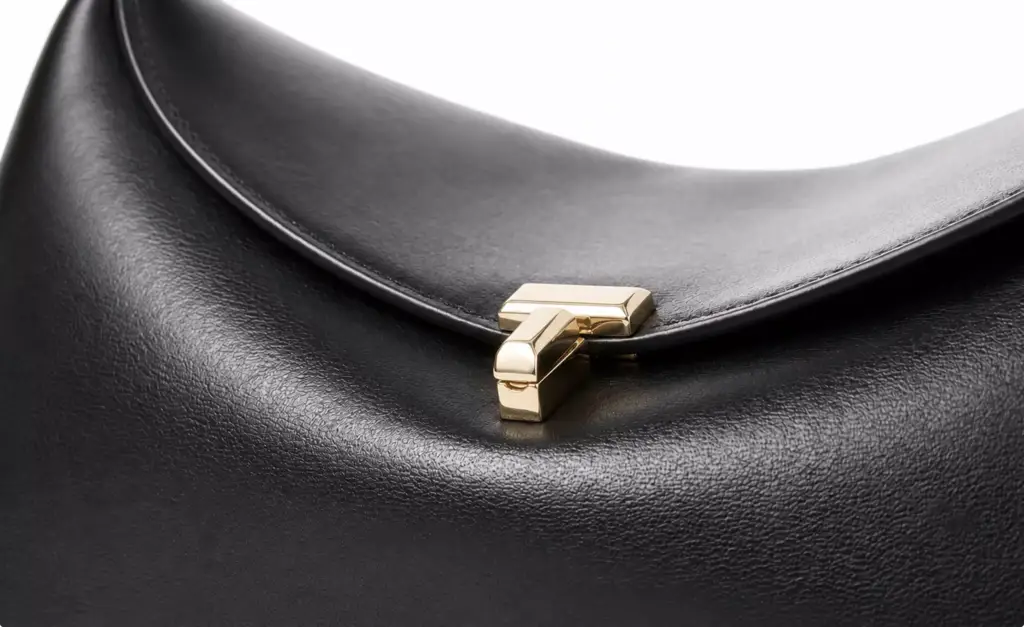
Totes, shoulder bags, wallets, card holders and belts modelled once and rendered in every leather, colour and hardware finish, on white and in a lifestyle scene, as in our Toteme handbag campaign.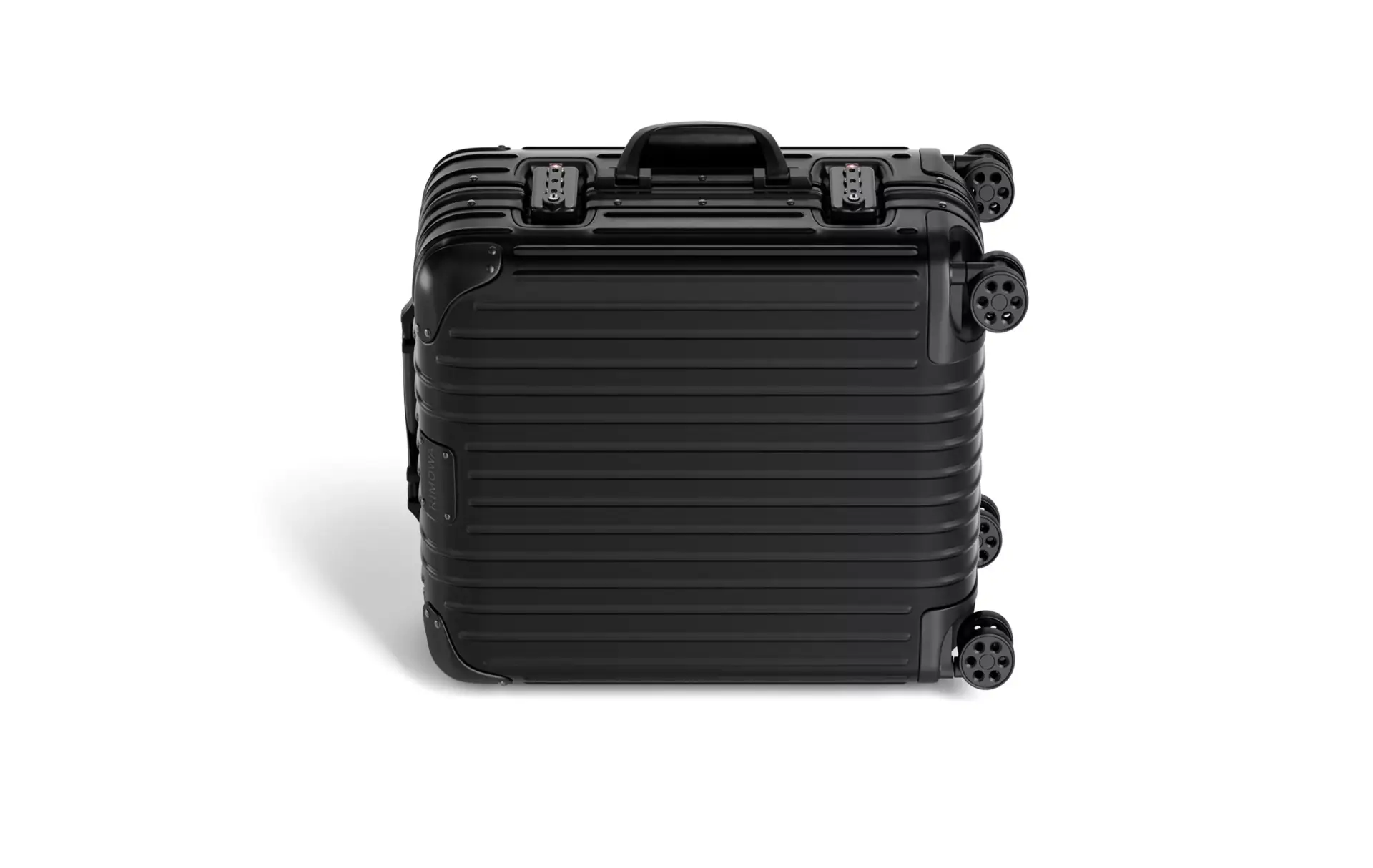
Luggage, footwear and accessories
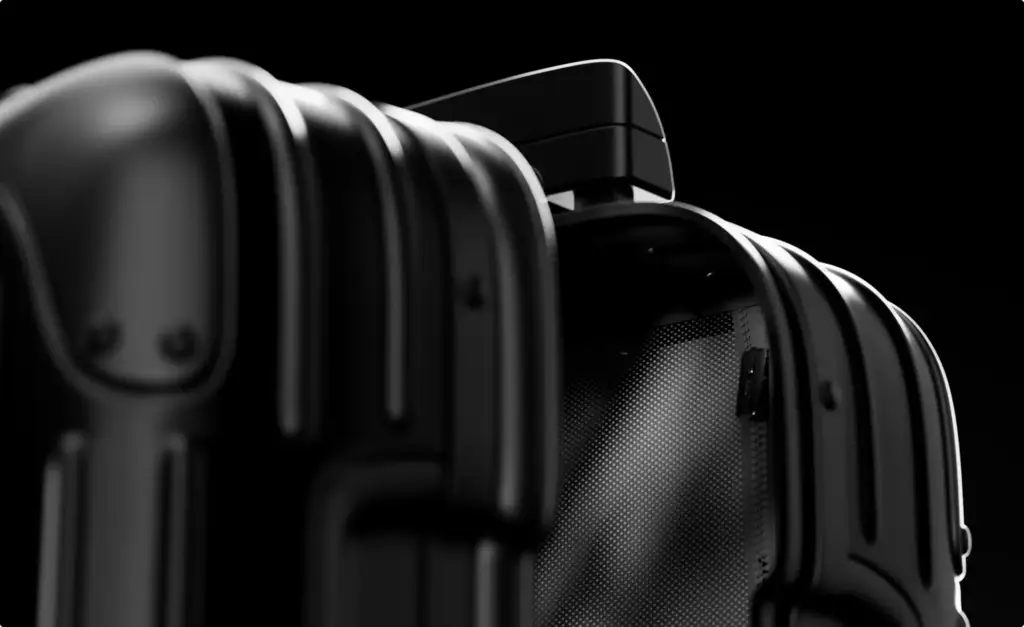
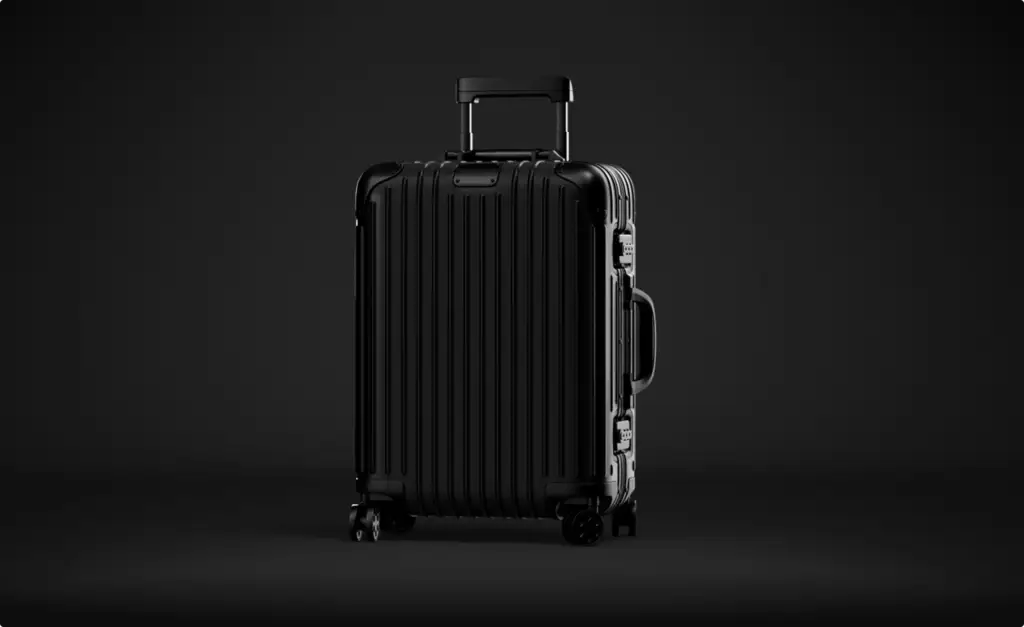
Suitcases, backpacks, sneakers, boots and sunglasses rendered from CAD, a sample or photos with dimensions, in every colourway and as hero shots for a drop. See the suitcase launch case.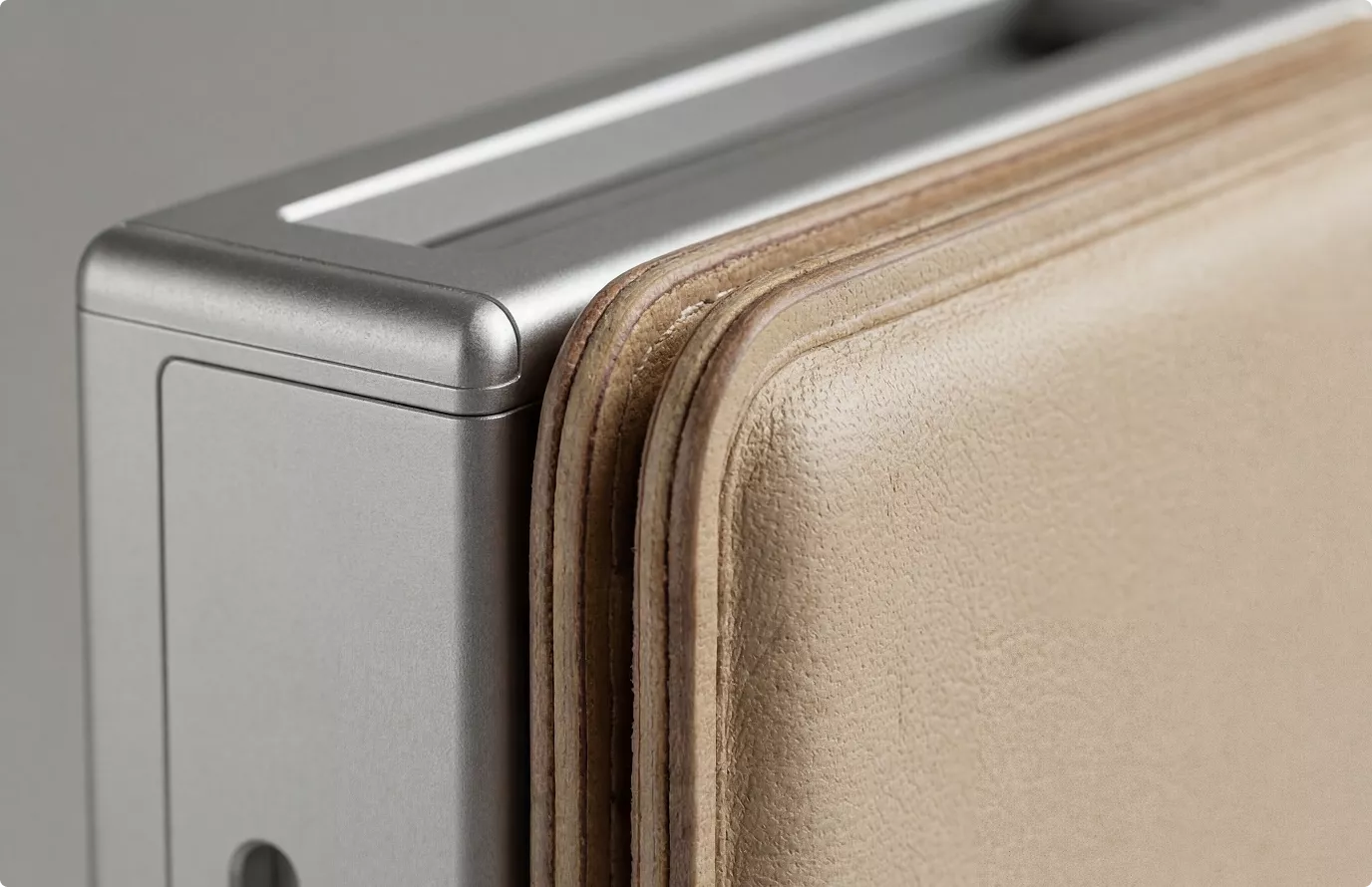
Fabric, leather and hardware close-ups
Weave, knit, grain, stitching, edge paint, zips and metal hardware in macro, checked against your swatch for colour, texture scale and shine before the whole range is rendered.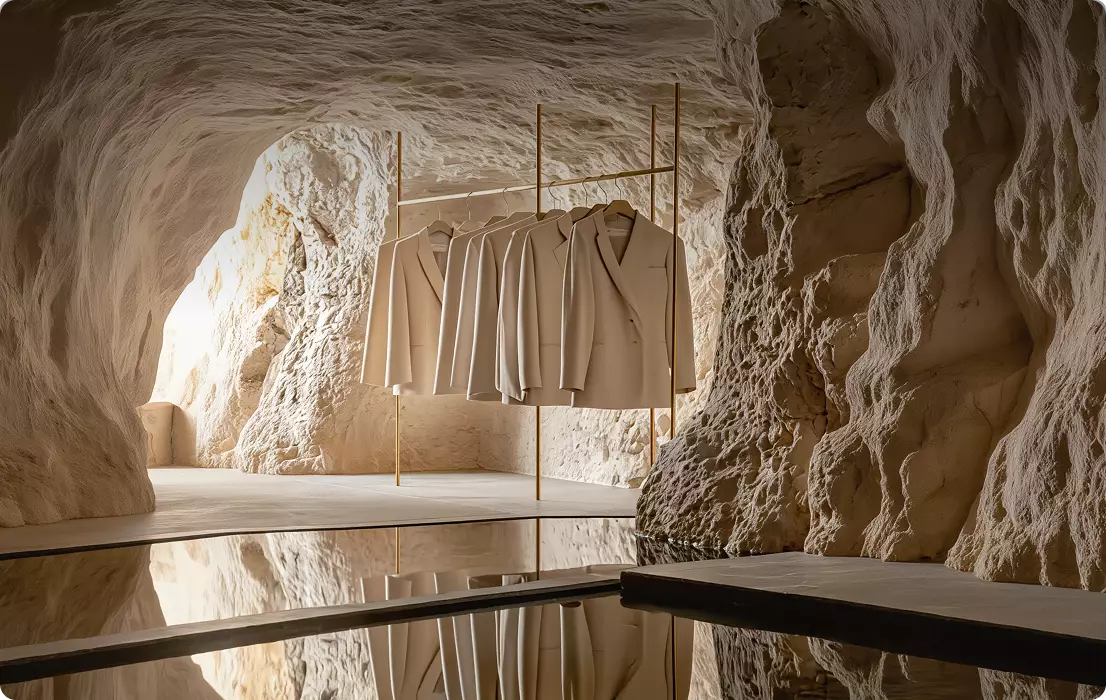
Campaign visuals, FOOH and social content
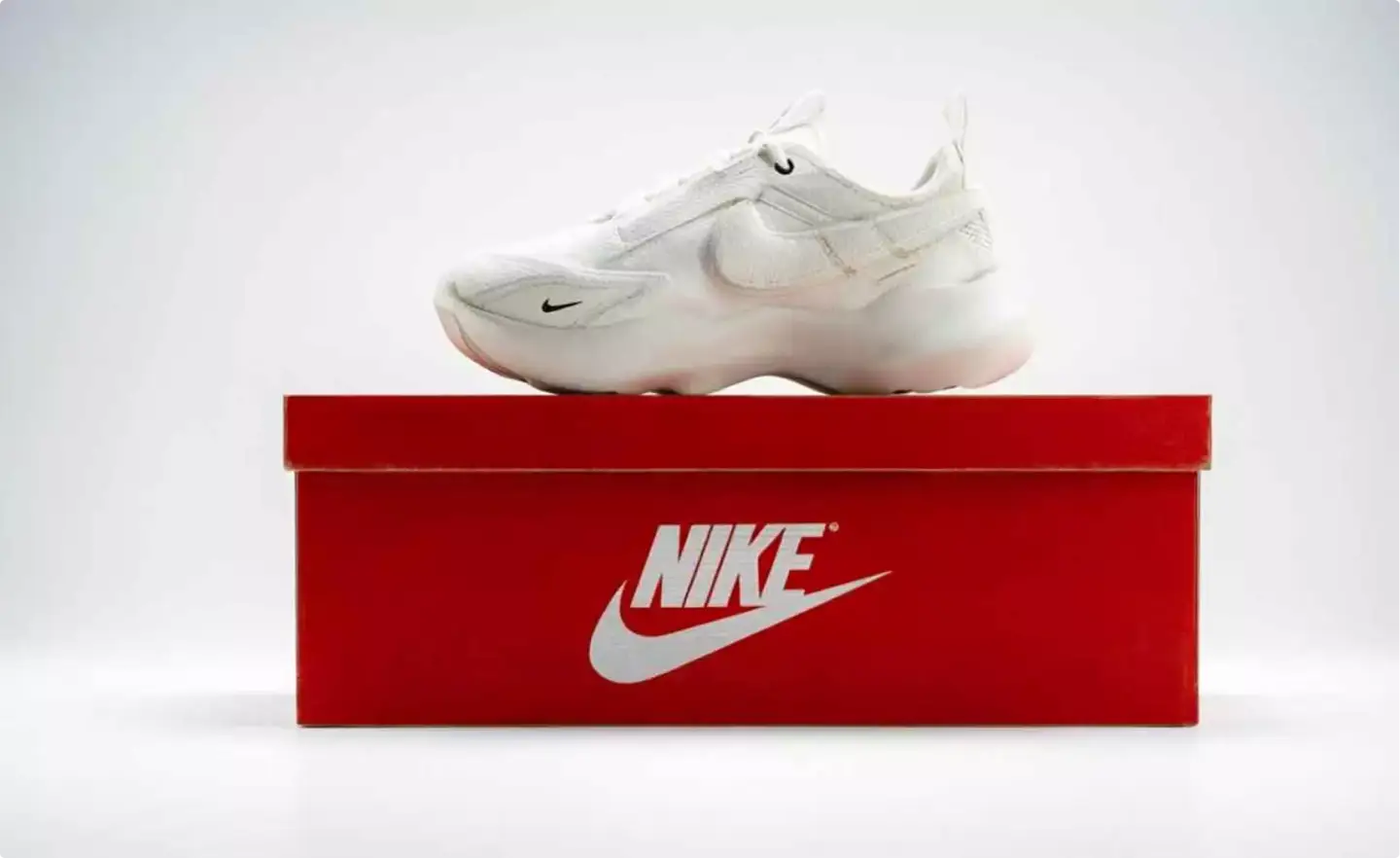
Lookbooks designed end to end, campaign images, fake out-of-home (FOOH) clips and social media visuals built around the exact pieces. See FOOH CGI advertising and our Nike FOOH case.
Which images you need first depends on where the collection sells next.
A shopper on your product page, a wholesale buyer with your line sheet, a follower on Instagram and an editor with your press kit decide on different images. We start with that decision, then choose the pieces, the views and the scenes.
- Free
- No obligation
- NDA on request
Fashion CGI for Apparel, Bag and Accessory Brands
Most studios sell you renders. We work out which images will sell your collection.
Ask a rendering studio what you need and you get a quote for images. We start from the sale you need: a shopper who buys the coat from the product page, a buyer who orders the bag for a department store, a follower who saves the campaign post.
Send one email and our producer replies with a plan for your collection: which pieces and colourways, which views and scenes, for whom, in what order, and what it takes. The list of renders is the end of that plan, not the beginning.
Free, and yours to keep even if you never work with us.
Thank you – your request has been sent.
Our producer is reading your request now and will write back with the plan: which images, for whom, and in what order.
Fashion work
Fashion CGI from our studio
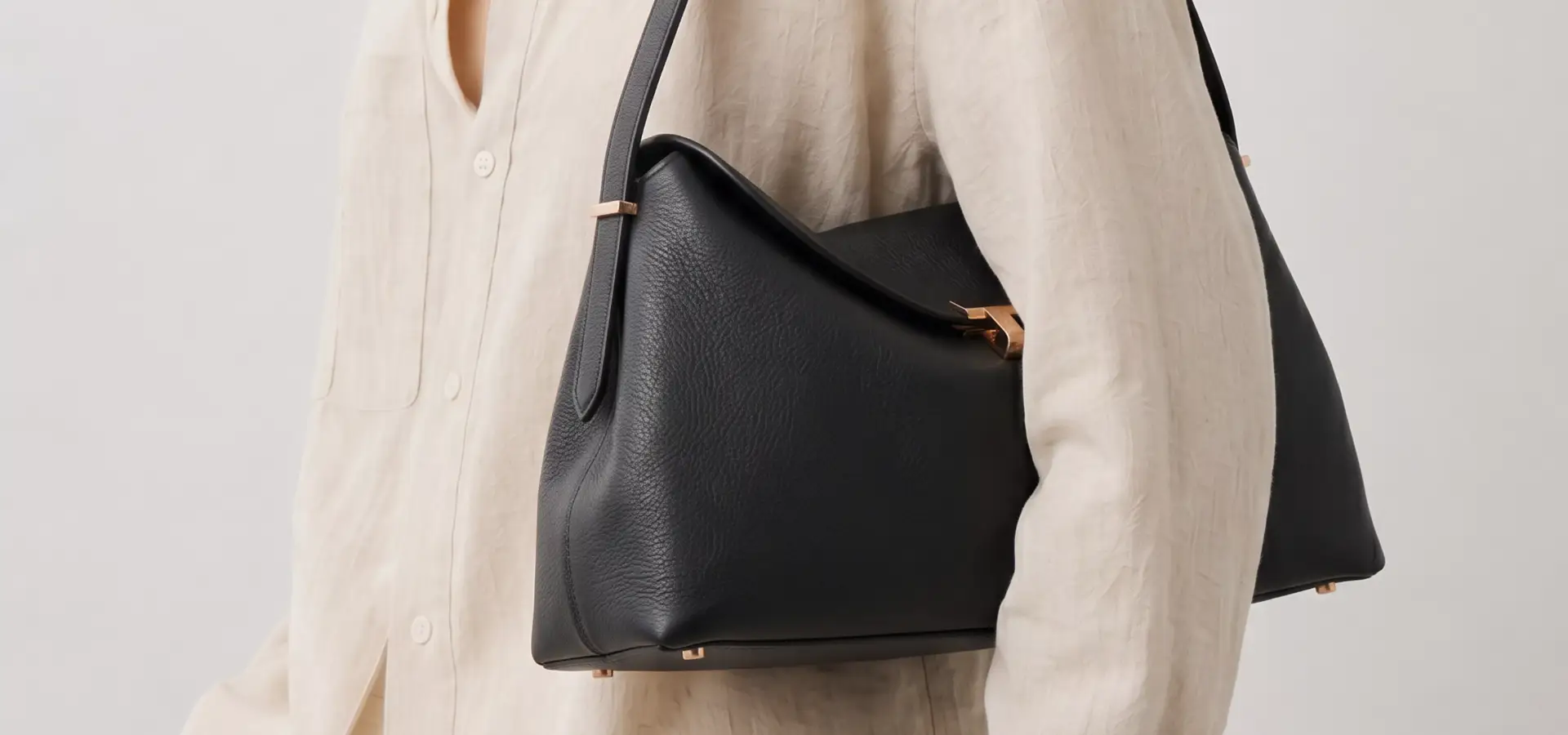
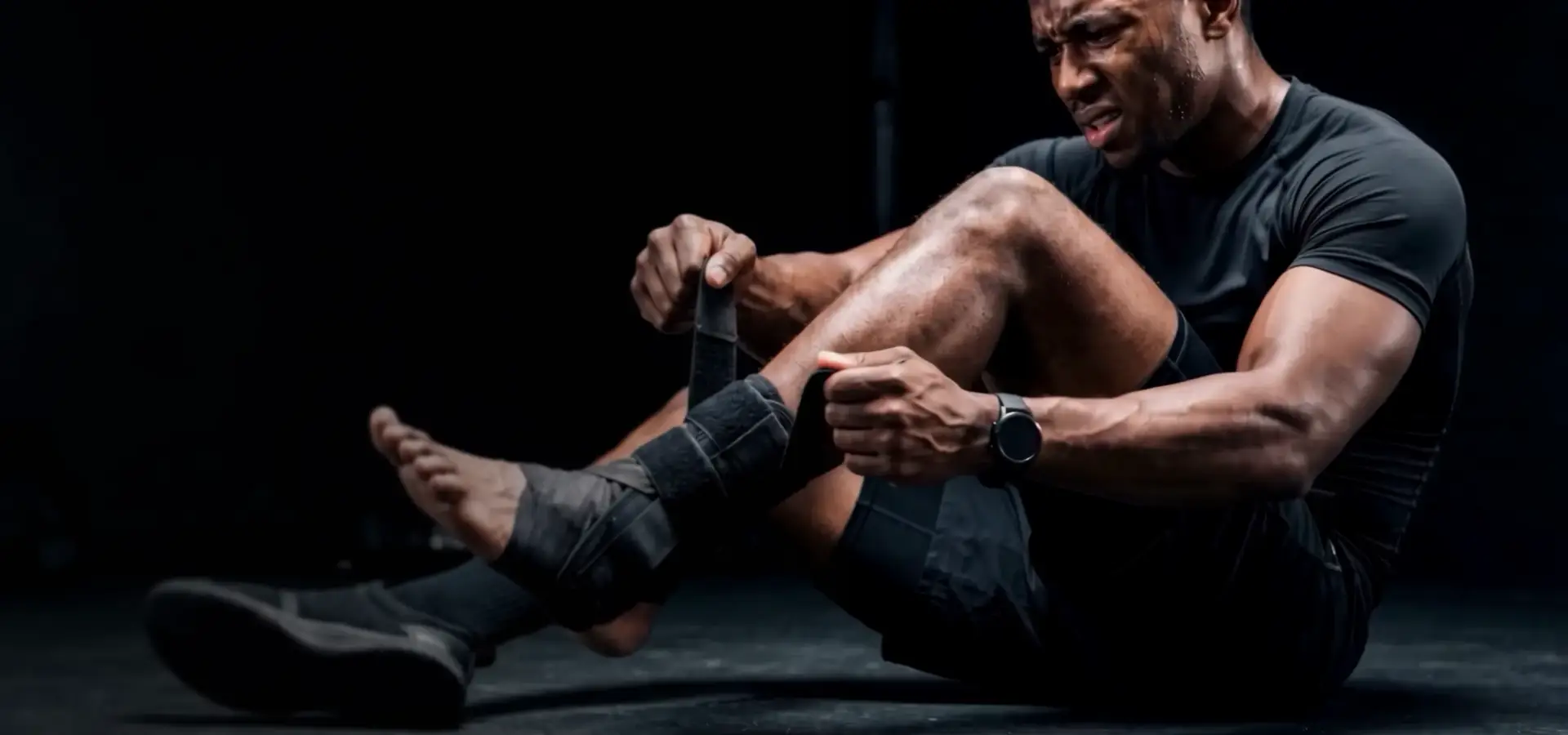
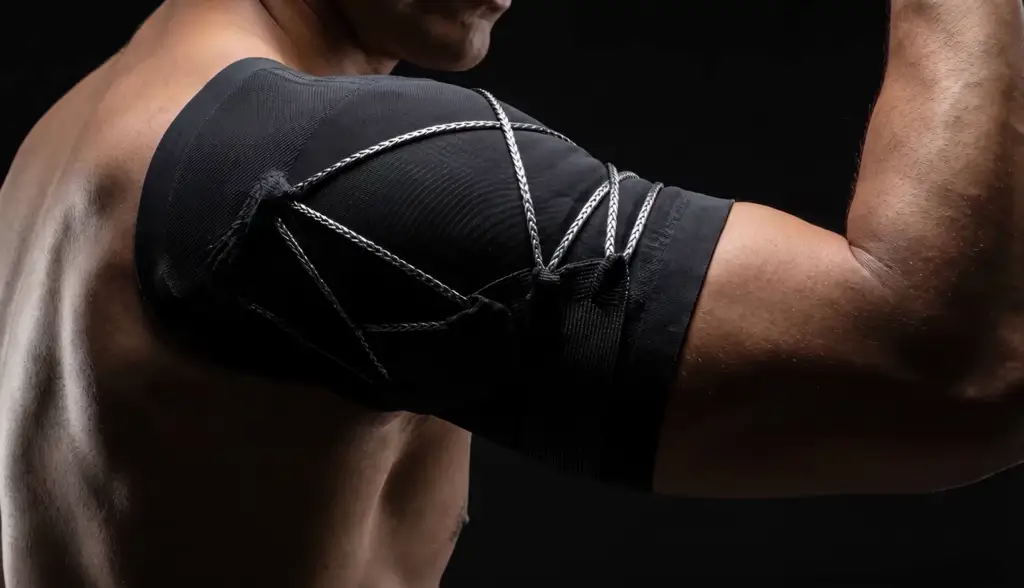
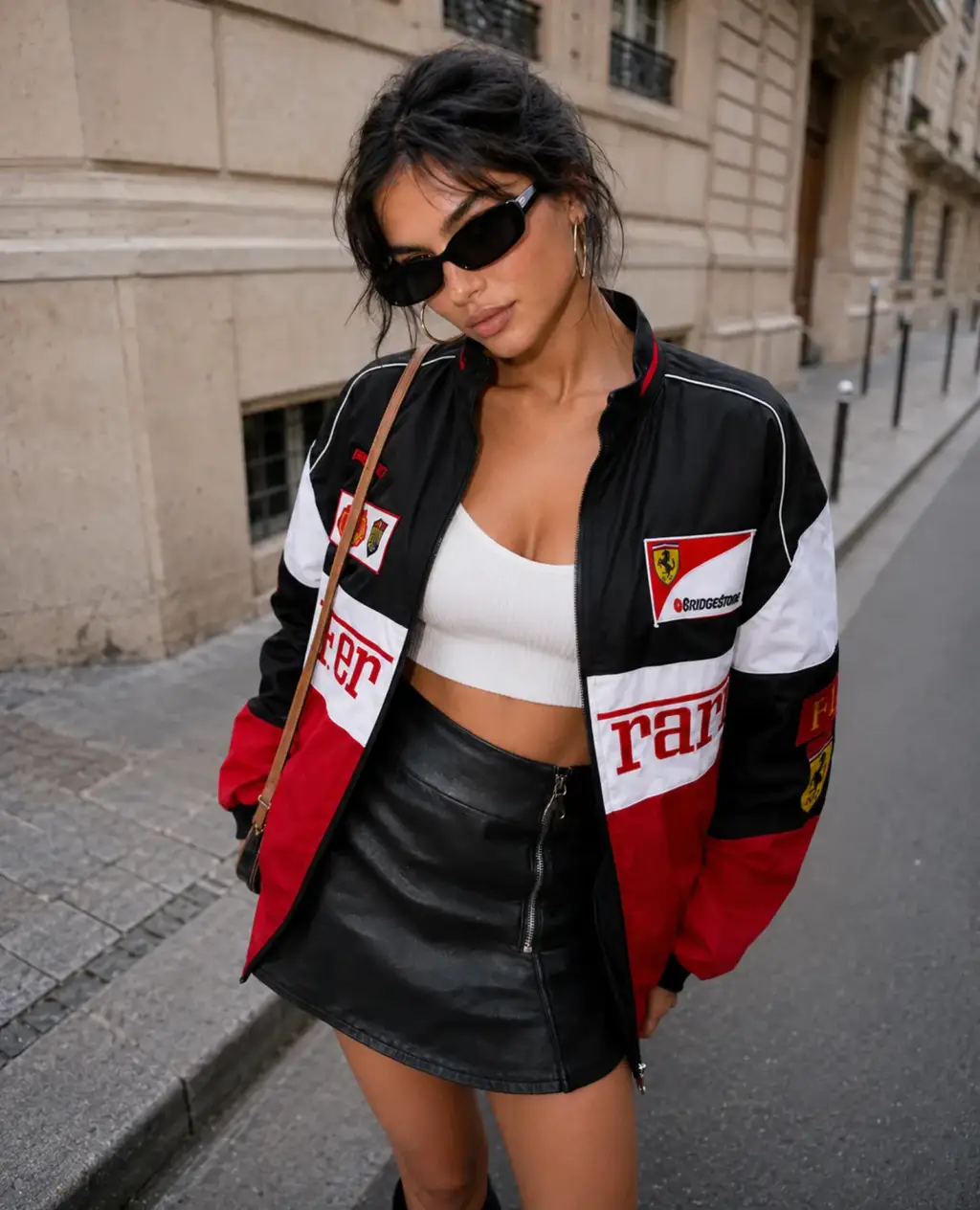
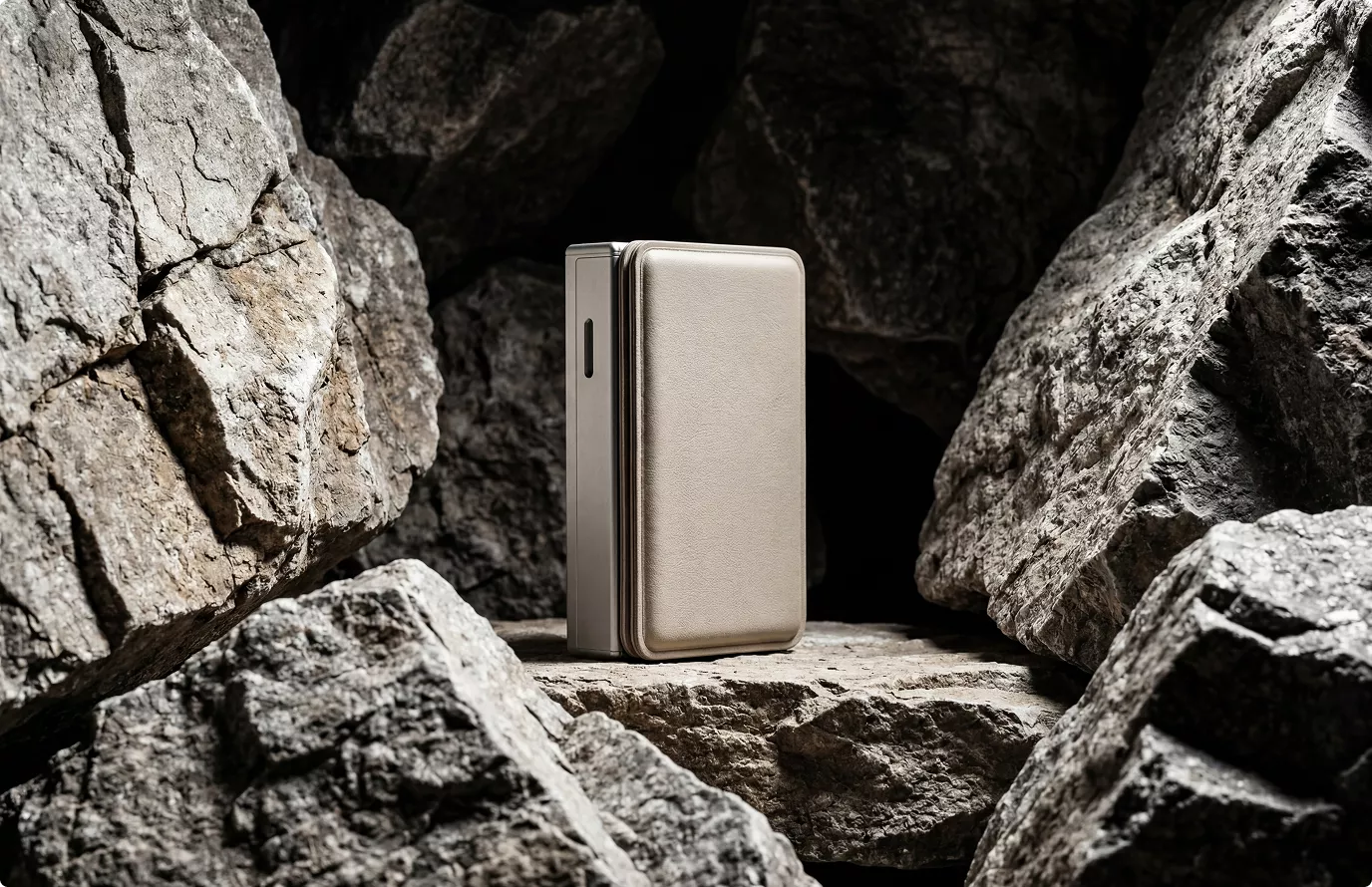
Campaign renders of Toteme handbags, compression supports on athletes for a sports brand, AI models in chosen outfits and locations, FOOH visuals for Nike, a suitcase launch and renders of wallets.
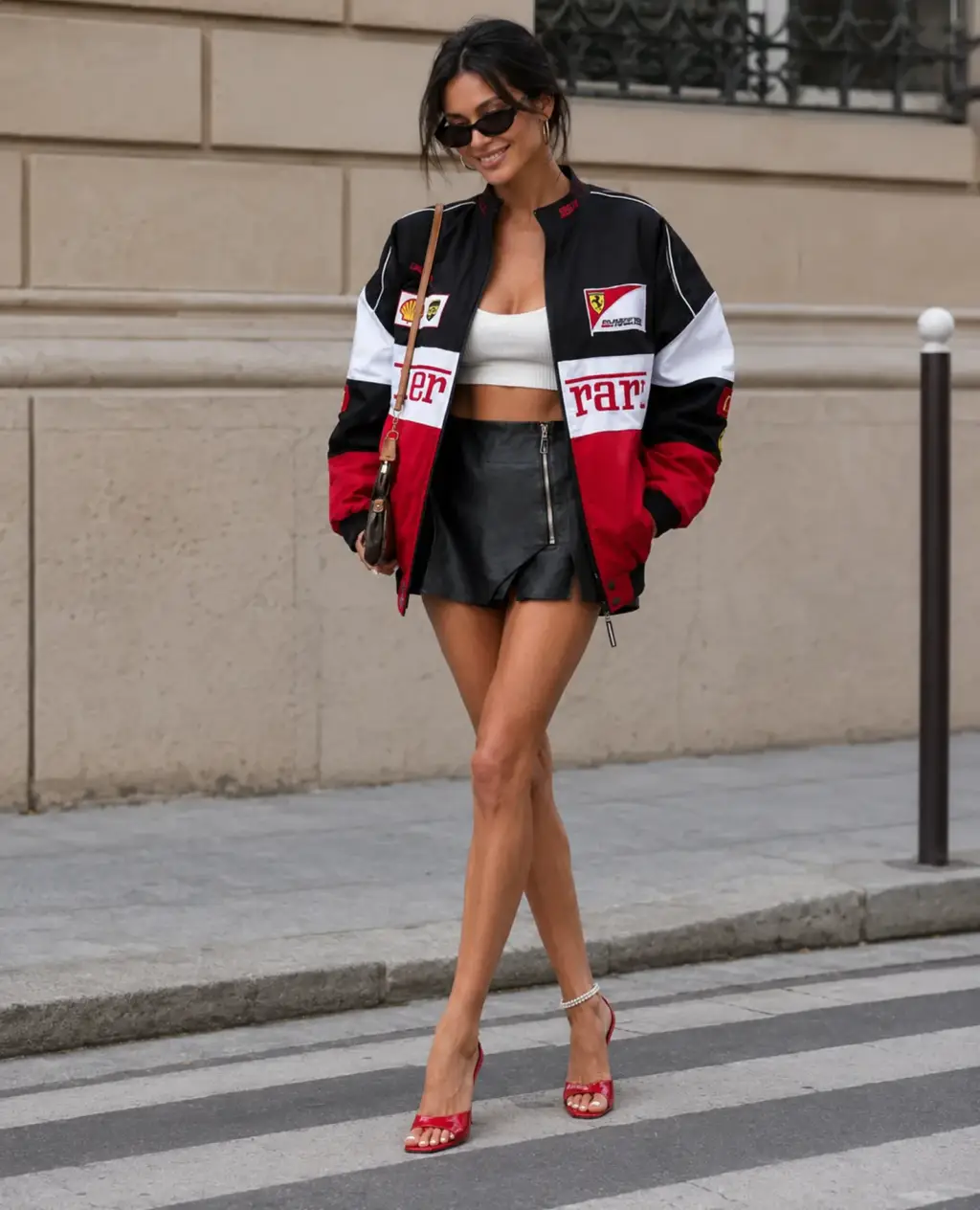
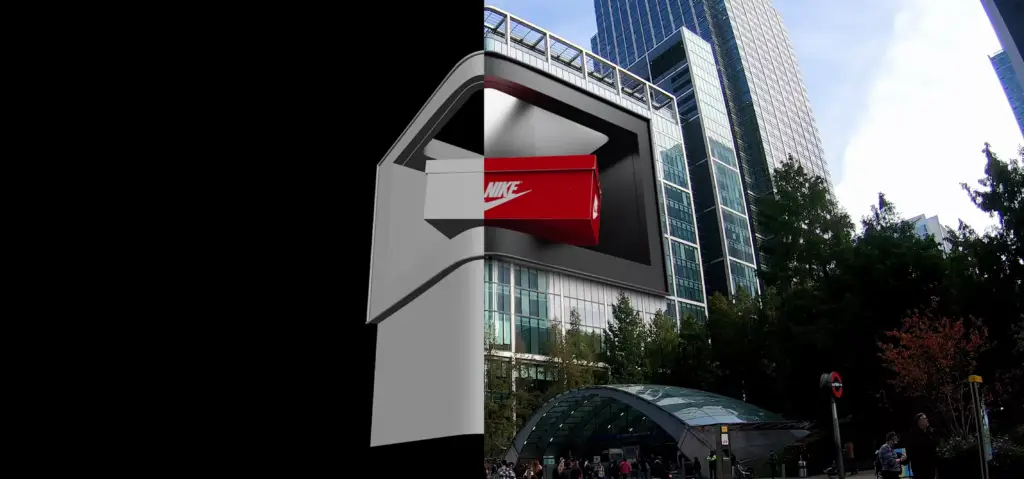
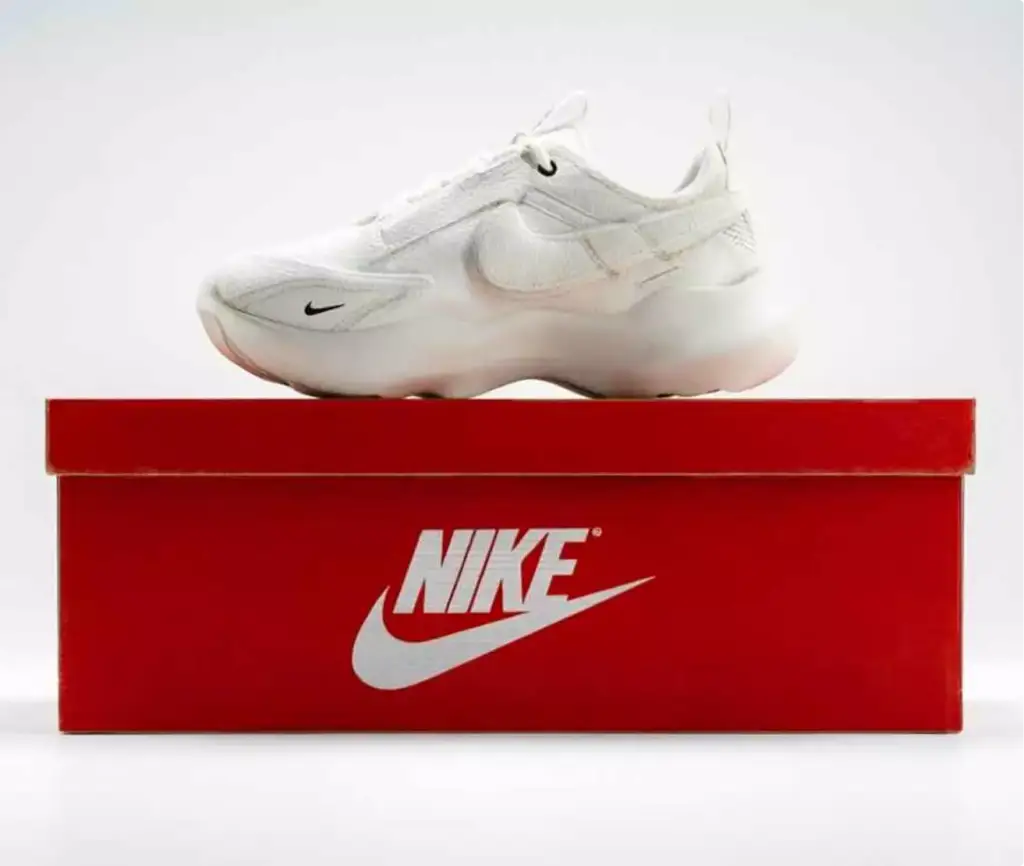
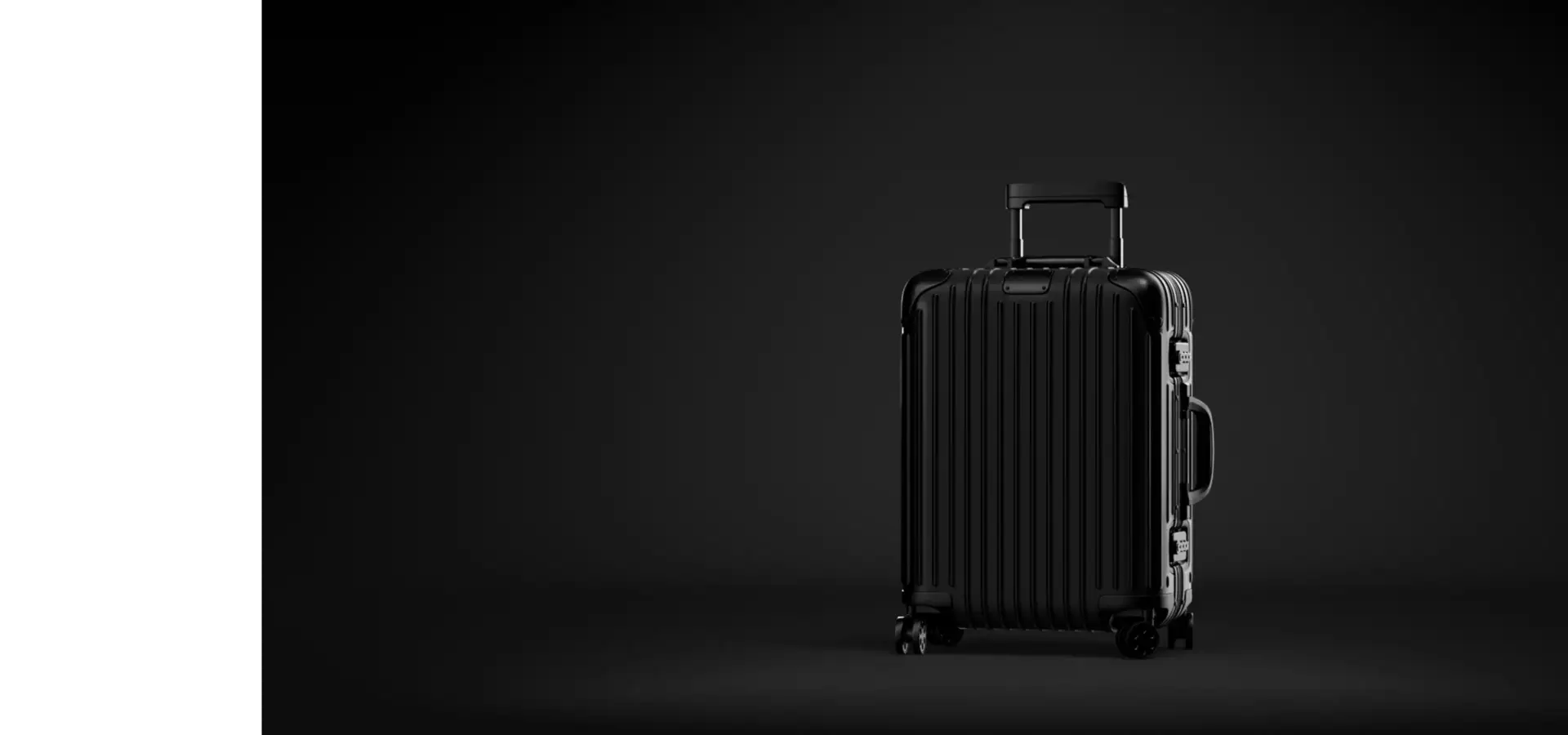
Free: the full portfolio
Pick your product line and we will send a hand-picked set of fashion CGI in full resolution, matched to what you make.
Your collection
- Free
- Sent within one business day
- No sales call
Trusted by leading teams










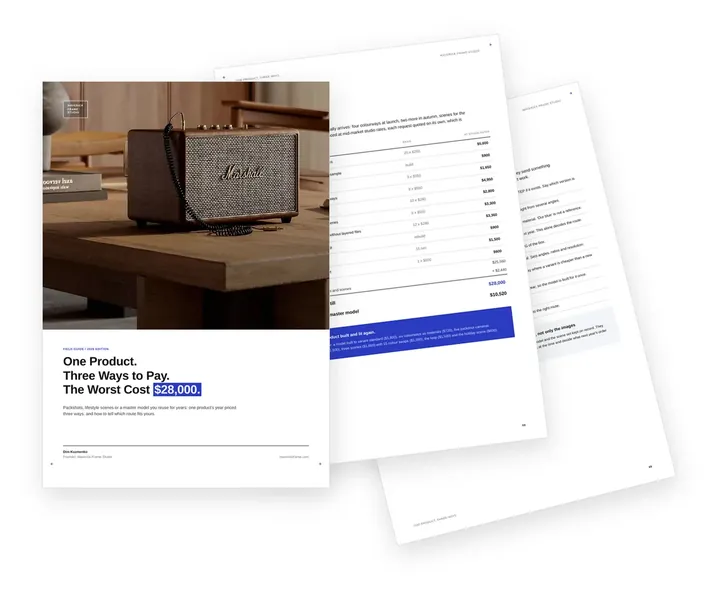
Free guide: one product, three ways to pay, and the one that cost $28,000
None of the brands above started with a forty-page specification. They started by choosing a route: packshots, lifestyle scenes or a master model for every colourway after. Bought still by still, one product's year of product rendering came to $28,000; from one master model, $10,520. The guide prices all three routes and shows which one fits your range.
- Free
- Instant download
- No sales call
If it didn't open, download it here.
Download the PDF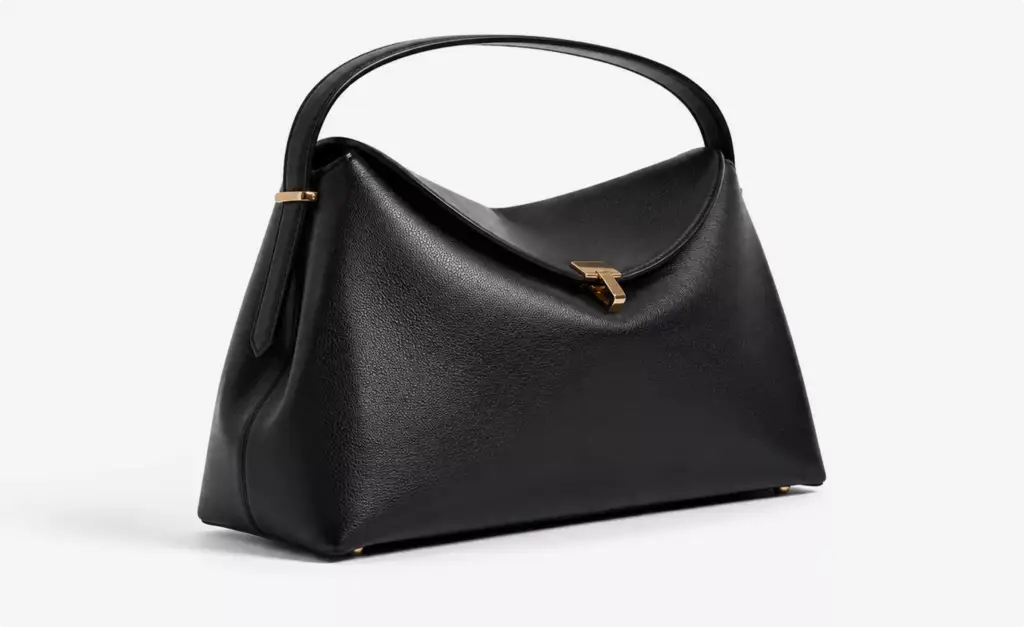
Ghost mannequin
Ghost Mannequin Images Without a Photoshoot: Apparel Photography, CGI and AI Compared
Should we shoot our ghost mannequin images, render them or generate them with AI?
For a drop with many colourways, CGI from your patterns is usually the strongest base. Ghost mannequin photography needs a finished sample of every colour, a mannequin, a studio and retouching to remove it, and AI image tools redraw seams, logos and prints differently in every image, so the garment stops matching the one you ship. For one item already in stock, a ghost mannequin photo or a retouching service is often enough.
| Ghost mannequin photography | CGI from patterns | AI image generation | |
|---|---|---|---|
| What you need to start | A finished sample of every colour, a mannequin and a studio | Patterns or a tech pack, fabric data and a swatch | Photos of the product and a brief |
| Same garment in every image | Yes, after retouching | Yes, from one simulated garment | Seams, logos and prints drift |
| A new colourway or print | A new sample and a new shoot | A change on the existing model | A new generation that may change the garment |
| Inside of the neckline | Two shots combined in retouching | Rendered with the garment | Often invented |
| Before the samples arrive | Not possible | Yes | Only as a rough concept |
Images per piece
The Apparel Image Set: Front, Back, Side, Three-Quarter and Detail
How many images does one garment or bag need?
Usually five to seven: front, back and side views, a three-quarter view, one or two close-ups of fabric or hardware, and one on-body or lifestyle image. Every view comes from the same 3D piece, so a new drop reuses the camera set and only the garments change.
| Image | What it shows | Where it is used |
|---|---|---|
| Front view | Silhouette, print and colour on a ghost mannequin, as a flat lay or on white | Product page, marketplaces, line sheet |
| Back and side views | Back print, seams, length and pockets | Product page, wholesale buyers |
| Three-quarter view | Volume, drape or bag depth | Product page, ads |
| Fabric or hardware close-up | Knit, weave, grain, stitching, zips and clasps | Product page, social media, press |
| On a 3D or AI model | Fit, length and how the piece is worn | Product page, campaign, social media |
| Colourway line-up | The same piece in every colour and material | Colour switcher, line sheet, wholesale |
| 360° spin | The piece turning on a mannequin or a turntable | Product page, marketplaces that accept video |
Common fashion visual problems
Fashion CGI Challenges We Solve
-
01 Happened to us
The drop is ready before the samples
The product pages, the lookbook and the ads have to go live with the launch, but the samples arrive weeks later or not in every colour.
Our fixWe build each piece from the tech pack, patterns or a single sample and render every colourway before stock arrives.
-
02 Happened to us
Photoshoots for every colourway
A bag in six leathers or a hoodie in eight colours means samples, models, a studio and retouching for each one.
Our fixEach piece is built once and rendered in every colour and material with the same camera and light.
-
03 Happened to us
3D clothes look stiff and plastic
Garments from a library or a quick mock-up hang like plastic, with no weight in the fabric and no real folds.
Our fixWe cut and simulate the garment in CLO3D or Marvelous Designer with the weight and stretch of your fabric.
-
04 Happened to us
Colours and textures drift
The knit, the leather grain or the print looks different on the product page and in the ad, and shoppers return the piece.
Our fixEvery material is checked against your swatch for colour, texture scale and shine before the range is rendered.
-
05 Happened to us
AI images change the product
AI image tools redraw the logo, the hardware and the seams differently in every image, so the bag no longer matches the one you ship.
Our fixThe piece comes from one 3D model; AI, if used at all, only builds the location and the model around it.
-
Had any of these? Tick them.
12 questions before your launch images go live
Your PDF is ready.If it didn't open, download it here.
Download the PDF
Fashion CGI by stage, from the first sample to the next season
Each stage of a collection needs different images, and one 3D model of each piece serves all of them. Start with the stage you are in; garments, bags and colourways built earlier carry over to the next one.
A garment simulated for the first sample becomes the ghost mannequin set, the lookbook page and the campaign image, so each later stage reuses the model instead of paying for a new shoot.
Free: the fashion visuals roadmap
Which images to order from the first sample to the next season, what each 3D garment and bag carries over, and what share of the budget each stage takes.
Where is your collection now?
- Free
- Instant download
- No sales call
If it didn't open, download it here.
Download the PDFSample
Before the sample: a new garment or bag built from the tech pack, patterns or sketches, so the team approves the look, colour and drape on screen before the factory sews it.
Wholesale
Wholesale and pre-orders: images of new styles in every colourway for line sheets, buyer meetings and pre-order pages before the bulk order.
E-commerce
Product pages: front, back, side and three-quarter views on a ghost mannequin, on a 3D body or as a flat lay, with fabric and hardware close-ups.
Campaign
Launch: a lookbook designed end to end, campaign images, social media visuals, ad creatives and FOOH clips for the drop, around the exact pieces.
New season
Next season: new colours, prints and materials on the existing models, so the next drop is ready before the samples arrive.
3D bodies and AI models
Clothes on 3D Bodies and AI Models: Fit Without a Model Shoot
How do we show the fit of a garment without booking models?
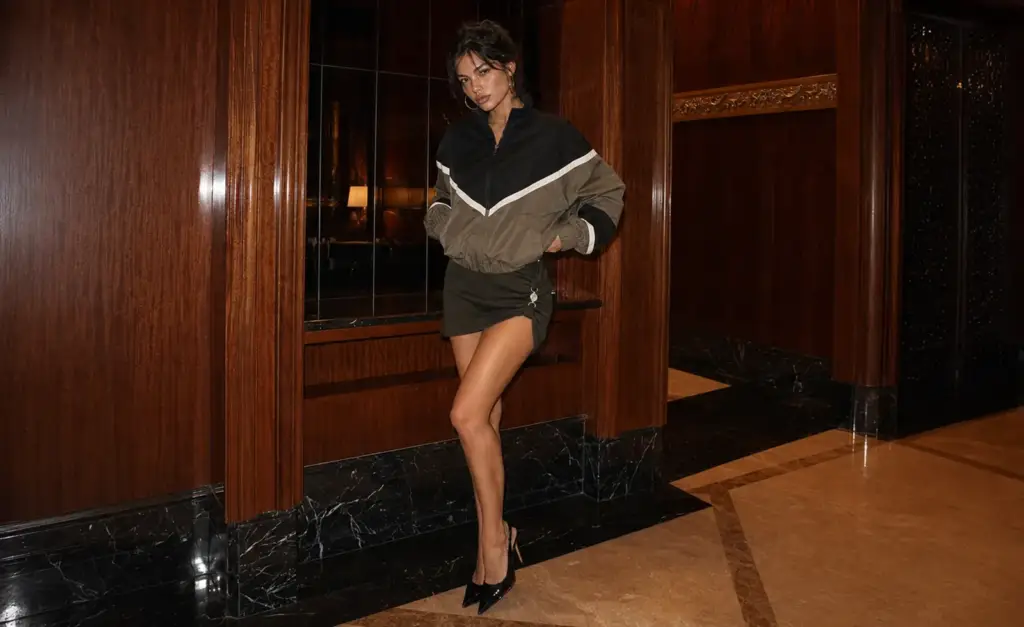
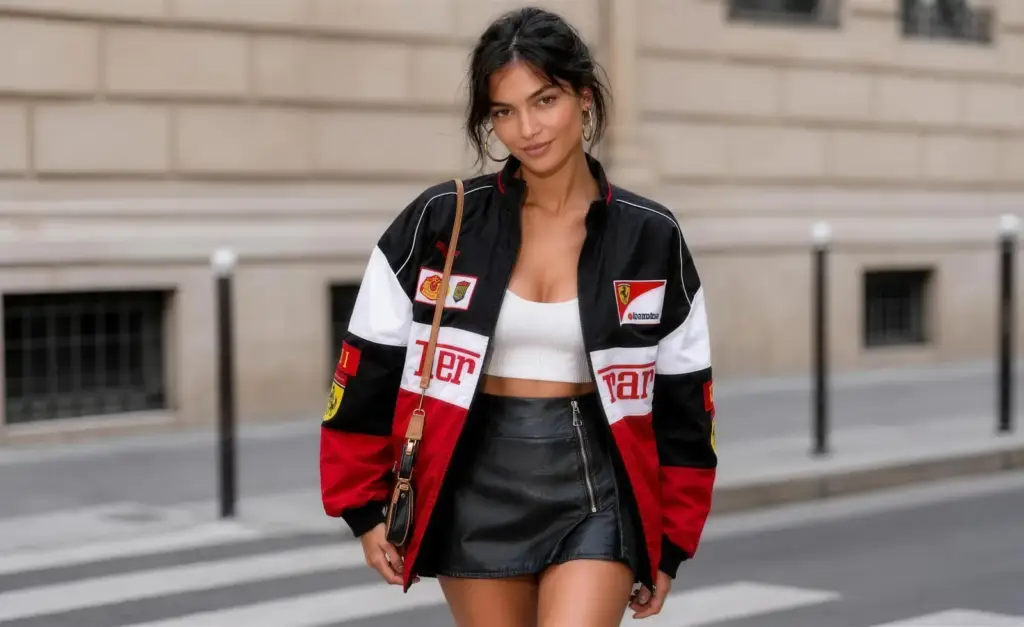
Dress a 3D figure or a photoreal AI model in the exact garment. We simulate the piece on male and female 3D bodies in the size you choose, so the length and the fit read correctly, and for campaign images we place an AI model with the face, pose and location your brand needs around the same garment.
- Male and female figures The same garment on both bodies, standing or in a pose.
- Real drape and stretch Fabric weight and stretch from your data, not a painted texture.
- AI models for campaigns Faces, poses and locations chosen with you, the garment unchanged; films on AI video production.
- Sportswear on athletes Compression panels and technical fabric shown in motion.
- One look across the drop The same bodies, cameras and light for every piece.
Pricing
How Fashion CGI Projects Are Quoted
Fashion CGI cost depends on the number of pieces and colourways, whether garments are simulated from patterns or built from a sample or photos, the number of views, models and scenes, and any 360° spins or animation. We quote every project for its exact scope after seeing your files and your brief.
Per Project
Pricing depends on the number of pieces, colourways, views, scenes, animation and revisions.
Best for: A new drop, a campaign or a full colourway set with a fixed scope.
Hourly Most Popular
Pay for the hours spent on your collection, from one new colourway to a scene for the next campaign. A simple way to start without a long-term commitment.
Best for: A new colour of an existing piece, single images and updates after a design change.
Subscription
Monthly production capacity, booked in hours, for a steady flow of new pieces, colourways and campaign images.
Best for: Brands and agencies that release new pieces every season and want the same team and predictable monthly capacity.
Why Choose Us
Why fashion brands choose us for their CGI
From one hero image to a full drop, we keep each garment and bag exact to your sample and in one look across the collection.
- 01
Cloth simulated like real fabric
Our 3D garment artists cut garments from patterns and simulate them in CLO3D or Marvelous Designer with the weight and stretch of your fabric, so folds and drape look sewn, not modelled.
- 02
Materials matched to your swatch
Colour and undertone, weave or grain, texture scale and shine are checked against your swatch; the first piece is approved next to it before the range is rendered.
- 03
One look across the collection
The same mannequin or body, cameras and light for every piece of a drop, so the product grid reads as one shoot.
- 04
Every colourway from one model
Leathers, colours, prints and hardware finishes come from the same 3D model, so a new colourway is a change, not a new shoot.
- 05
White label for agencies
Agencies and photo studios resell our fashion CGI to their clients under their own name; we stay invisible and work to their brief and deadlines.
- 06
Models and files you can reuse
The same 3D models feed 360° spins, GLB files for your store and animation; on request we hand over the models, render passes and the rights to use them.
Check a start date for your fashion CGI
Tell us which pieces, colourways and views you need and when the drop, the lookbook or the campaign goes live. Within one business day we reply with a start date, the team we would put on it and a price range.
Images
Deadline
- Reply within one business day
- No obligation
Bags and leather goods
Bag and Leather Goods CGI: Every Leather, Colour and Hardware Finish
Can you show a whole bag range without photographing each piece?
Yes. Each bag is modelled once from CAD, a sample or photos with dimensions, and rendered in every leather, colour and hardware finish with the same light, from product shots on grey to campaign scenes on a model, as we did for Toteme.
- Grain and stitching Leather grain, edge paint, stitch length and embossed logos matched to your samples.
- Hardware in metal Clasps, feet, buckles and chains in gold, silver or gunmetal, in macro.
- Every colourway One model in each leather and colour for the product grid and wholesale.
- On a model The bag worn or carried in a street, a café or a studio for the campaign.
- New bag designs Shape, compartments and hardware worked out before the first sample, see 3D product modeling.
Remote CGI team, your drop calendar
Fashion CGI Support Worldwide
We help fashion, bag and accessory brands and their agencies in the US and Canada, Latin America, the UK and Europe, Australia and the Gulf show their collections online, in campaigns and to wholesale buyers.
One manager for your collection
Discuss your pieces in English with one project manager who knows your collection, your colourway names and your drop dates.
Tech packs and reviews online, under NDA
Send tech packs, patterns, swatch photos and brand files from anywhere; unreleased pieces stay under NDA, and reviews and delivery happen online.
Dates set by your drop calendar
We adapt to your time zone and plan the work around the drop, the lookbook and the wholesale season.
Book a 30-minute call
Which day suits you?
What time?
Where should we send the invite?
- 30 minutes
- Free, no obligation
- Invite by email
30-second fashion CGI quiz
Not sure which fashion images you need first? Find your fit
Answer four quick questions about your collection and we’ll match you with the right pieces, views and scenes, plus a free, tailored next step.
What do you make?
What do you need first?
What do you have today?
Who runs your marketing?
Almost there — where do we send it?
Your tailored plan and a free next step for your range.
No spam — we only email about your collection.
A visuals plan built from your tech pack or sample, ready for every colourway
We’ll email your tailored fashion visuals plan shortly.
FAQ
Questions about fashion CGI
Didn’t find your question?
Ask about your collection, your tech packs or your drop dates. A producer replies within one business day.
What is fashion CGI?
Fashion CGI is the making of photoreal images and animation of clothing, bags, footwear and accessories from 3D models instead of a photoshoot: garments cut and simulated from patterns with the weight and stretch of the real fabric, shown on a ghost mannequin or a 3D body, bags and small leather goods in every colourway, and campaign scenes with 3D or AI models. What fashion CGI is not: not a 3D mockup template, because the garment is cut from your own patterns and fabric data; not AI photo editing, because the product comes from a 3D model rather than a redrawn photo; and not fabric scanning, because each material is matched to your swatch by eye and approved before the range is rendered. Brands use it instead of, or alongside, apparel product photography for product pages, lookbooks, campaigns, marketplaces and wholesale.
What do you need to render a garment?
The tech pack or patterns, measurements and the size you want shown, the fabric composition and weight, close-up photos of the fabric next to a swatch, and the print or logo files. A physical sample or photos of it help us match the fit; if there are no patterns, we work from the sample and its measurements.
Can you make ghost mannequin images without a photoshoot?
Yes. We cut and simulate the garment from your patterns with the weight and stretch of the real fabric and render it on an invisible mannequin, front, back and with the inside of the neckline, in every colourway and with the same light. We do not retouch photos of mannequins; the image comes from the 3D garment.
Can you show our clothes on 3D models of men and women?
Yes. We dress male and female 3D figures in your garments, standing or in a pose, so shoppers see the fit and how the fabric falls. For campaign images with faces and expressions we can also use photoreal AI models built around the exact garment; films with AI models are covered on our AI video production page.
Which software do you use for clothing?
Garments are cut and simulated in CLO3D or Marvelous Designer; lighting, cameras and rendering run in Cinema 4D with Redshift, and bags and accessories are modelled in 3ds Max, Rhino or Blender. If your team already works in CLO3D, send the project files and we start from them.
How do you keep colours and fabrics accurate?
Every material is checked against your swatch for colour and undertone, weave or grain direction, texture scale, finish and shine. The first piece is approved next to the swatch before we render the rest of the range, so the knit or leather on the product page matches the one shoppers receive.
Can you render every colourway of a bag or a garment?
Yes. Each piece is built once and rendered in every leather, colour, print and hardware finish with the same camera and light, so the images line up in the product grid and on the colour switcher. A new colourway next season is a change on the existing model.
Can we take pre-orders or sell to wholesale buyers before production?
Yes. Images of new styles from the 3D model are ready before the bulk order, so you can open pre-orders, use them in your line sheets and wholesale catalogs and show buyers every colourway; the line sheet itself, with prices and order terms, stays with your team. Approve the look, colour and drape on screen; fit, grading and the production sample still go through your sample maker.
Why not use an AI ghost mannequin app?
AI ghost mannequin apps edit a photo you already took, so they need a finished sample of every colour and they can redraw seams, labels and prints. We build the garment in 3D from your patterns, so the images exist before the sample and stay identical across colourways. For one item already in stock, a photo and an app can be the faster choice.
Can you create fashion marketing content: social media, ads and campaign videos?
Yes, the visuals: we design the lookbook itself, page by page, and make campaign stills, social media images, ad creatives, FOOH clips and short product films around the exact pieces. Your marketing team or agency runs the campaigns. See FOOH CGI advertising and AI video production.
Do you put our exact product into AI-generated scenes?
Yes, when the brief calls for it. We choose one of three approaches per project: AI only, CGI only, or a 3D model of your product with AI for the location, the light and the model. With the hybrid approach the garment, the print and the logo come from the 3D model, so they stay exact in every image.
Can you make 360° spins and 3D models for our online store?
Yes. The same 3D models become 360° spins and GLB files for Shopify, AR and web viewers. For apparel teams that launch many prints, we can set up a reusable 360° spin template your team updates with new designs, with step-by-step instructions. See 3D product animation.
Can you render compression wear and sportswear on the body?
Yes. We show compression garments, supports and kits on 3D or AI athletes with the panels, seams and technical fabric visible, and add close-ups and animation that explain how the piece works, as in our sports equipment case.
Do you deliver files our retouchers and designers can edit?
Yes. We deliver high-resolution images in the sizes your store, marketplaces and print need, and on request render passes such as reflections, shadows and masks, layered files and the 3D models with the rights to use them.
How long does a fashion CGI project take?
As a guide, a first draft image takes 3–5 business days from a complete brief, and a set of 5–8 views 2–3 weeks. A full drop is delivered piece by piece, so the first product pages go live while the rest are in production; urgent work is possible about twice as fast at extra cost.
Test Render
Start With a Test Render of Your Garment or Bag
See our quality on your own product before you commit: send the tech pack, patterns or photos of one garment or bag and a swatch photo. We agree the test image and its terms with you on a short call.
We reply by email within one business day with what we need for the test render and the next steps. By submitting, you agree to our Privacy Policy.