An explainer video costs about $1,000 to $3,000 per finished minute from a freelancer and about $3,000 to $8,000 per minute from a studio, based on the 2026 market ranges we use to check quotes. Flat 2D motion graphics sit at the lower end; character animation, 3D product scenes, voice-overs in several languages and tight deadlines push the price up.
Explainer Video Cost at a Glance
The table below shows typical market ranges for one 60-second explainer, not quotes. The freelancer and studio bands are the ones we use to sanity-check any quote, including ours.
| Provider | Typical price for 60 seconds | What is usually included |
|---|---|---|
| DIY tool or AI generator | A monthly subscription | Templates and stock scenes; the script, the edit and the time are yours |
| Freelancer | $1,000 to $3,000 | One person for the script, design and animation; quality depends on the portfolio |
| Studio | $3,000 to $8,000 | Script, storyboard, style frames, animation, sound and versions from one team |
| Large agency | From about $5,000 well into five figures | Strategy, research and campaign work around the film |
Published guides from US explainer agencies quote anything from $1,500 to $50,000 and more for a single film. The spread is real: it reflects how much of the work happens before the first frame is animated, not only the seconds on screen.
What Drives the Cost of an Explainer Video
- Length. The price follows the finished seconds, but not in a straight line: the script, the style and the first scenes are paid once, so 90 seconds rarely costs half as much again as 60.
- Style. Flat 2D motion graphics and interface animation cost the least per second; character animation and 3D product scenes take more hours per shot. See a concept launch film for a blockchain platform built entirely from 3D motion graphics.
- Your interface. Rebuilding real product screens in motion takes longer than generic icons, and it is what makes a software film believable.
- Script and storyboard. A studio that writes the script from your documentation charges for that time; a short script you bring saves some of it.
- Sound. Music, sound design and a voice-over each add a line to the quote, and every extra voice-over language adds another.
- Versions. Vertical and square cuts, 15- and 6-second edits and captions cost less when they are planned before animation starts.
- Revisions and deadlines. Our standard is two revision rounds on the draft and one on the final; rush delivery in half the time costs about 40% more when the schedule allows.
Explainer Video Pricing per Minute vs per Project
Per-minute pricing is a shorthand for comparing quotes, not a rate card. A 30-second film still needs a script, a style and its first scenes, so it usually costs more than half of a 60-second one, and a two-minute film costs less than double. Ask every provider for a fixed quote on the same scope: length, style, number of scenes, versions, voice-over and revision rounds. Then compare the quotes line by line rather than by the headline number.
How Much a SaaS Explainer Video Costs
A SaaS explainer usually lands in the same studio band, with one extra variable: how much of your interface has to be rebuilt in motion. A film that shows three screens with demo data costs less than one that animates a full workflow across ten. What you pay for once, the script, the style frames and the interface scenes, becomes the base for demo videos, feature videos and ad cuts later, and that is where a planned set saves money. In a launch film for an AI CFO platform, for example, the interface scenes show dashboards and an AI finance chat on laptop and phone.
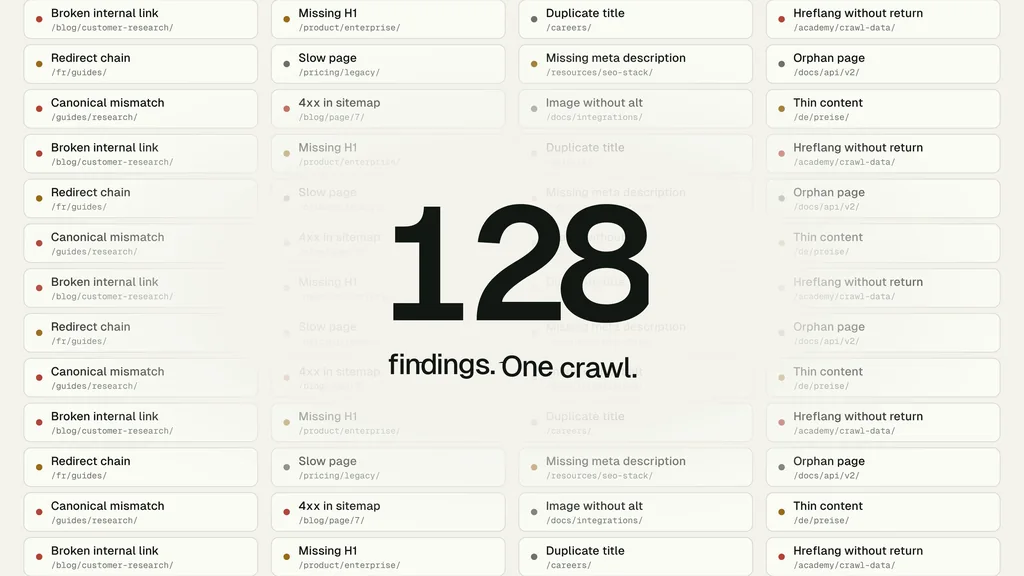
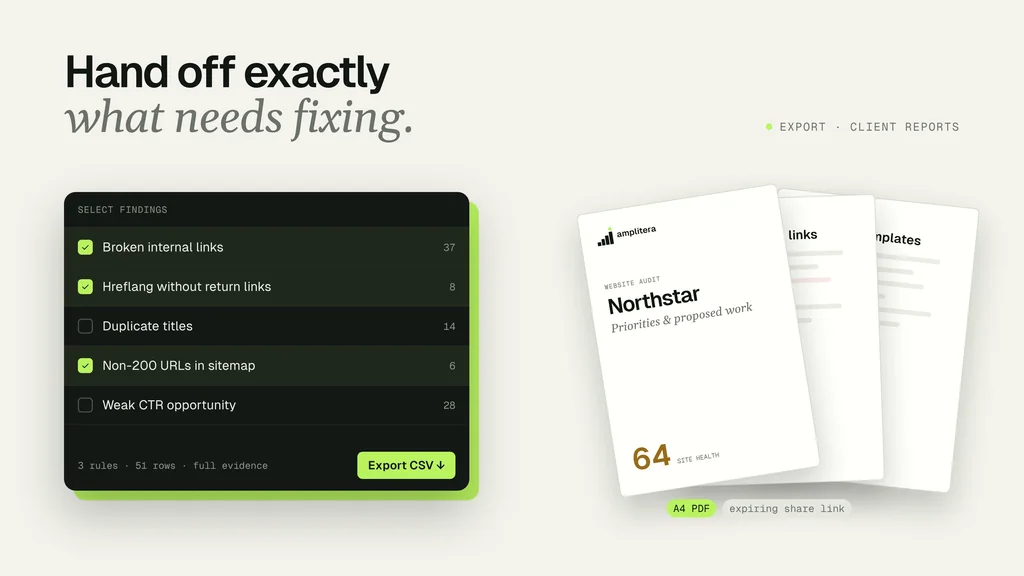
For our motion graphics explainer for the Amplitera SEO crawler, a 22-second pilot fixed the style before the 66-second film went into production, so the expensive decisions were made on a short piece rather than on the full film.
How to Budget an Explainer Video Without Paying Twice
- Write the one message the film must deliver and the one action you want after it.
- Pick the length from the channel: 60 to 90 seconds for a homepage, 6 to 15 seconds for social cuts.
- Choose the style from the product: interface motion graphics for software, 3D animation for hardware.
- Ask for style frames or a short pilot before full animation starts.
- List every version you will need, from vertical cuts to captions, before the quote is final.
- Ask for the project files to stay on file, so the next feature video starts from existing scenes.
Freelancer, Studio or AI Tool: Which Fits the Budget
| AI tool | Freelancer | Studio | |
|---|---|---|---|
| Price per minute | Lowest | $1,000 to $3,000 | $3,000 to $8,000 |
| Timeline | Hours to days | Depends on availability | Up to one minute in 4 to 6 weeks |
| Script and storyboard | You write them | Often extra | Included |
| Revisions | Unlimited, by you | Agreed per project | Fixed rounds |
| Look over several videos | Template look | Depends on the person | One team keeps the scenes |
If you would like a fixed quote for your product, our explainer video production team starts from a short call about the goal, the audience and the deadline.

Turn Ideas Into Visual Stories