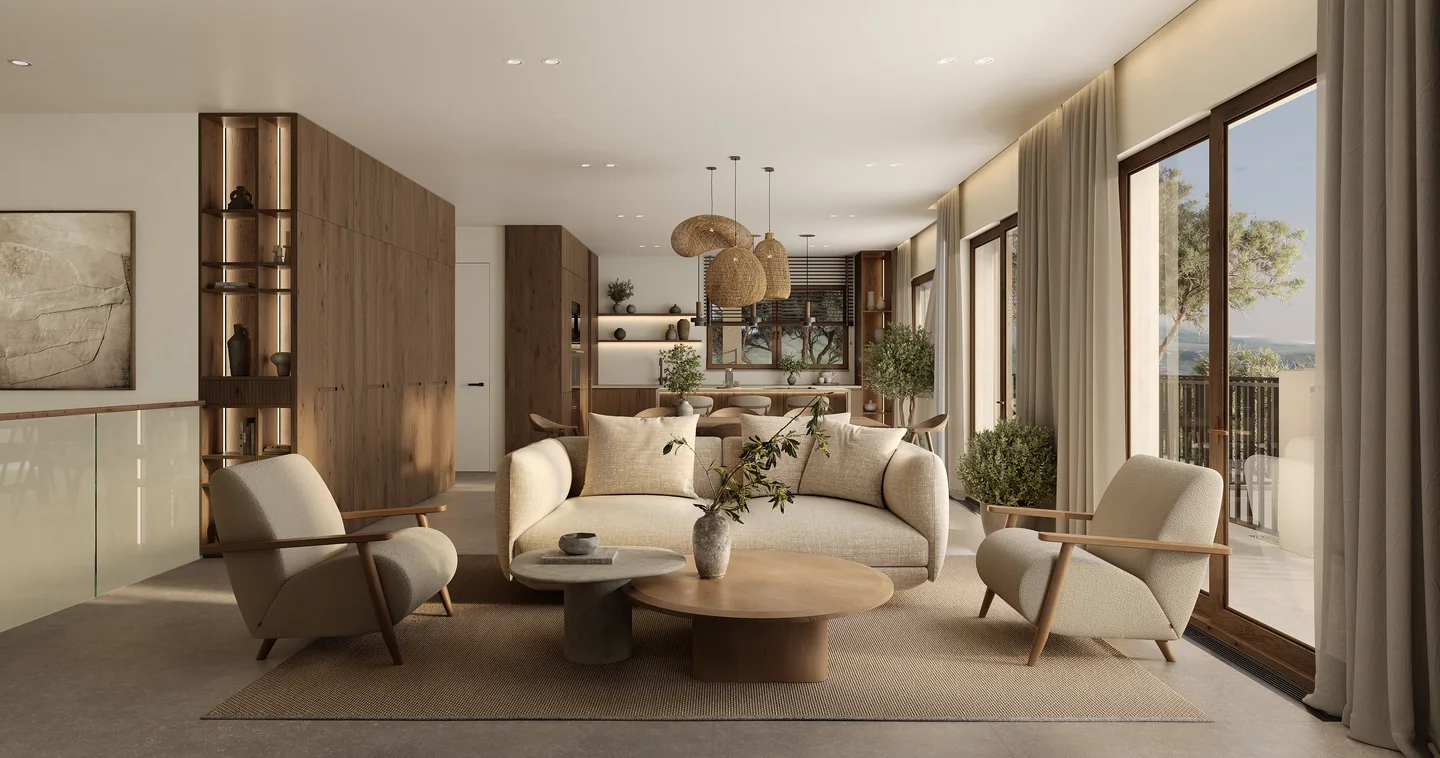
A virtual renovation app lets you upload a photo of a room or house and preview a redesign — new finishes, a different layout, or a fresh exterior — before you spend a dollar on the real thing. The best options split into three groups: fast AI photo tools, DIY design software, and done-for-you services. Below we compare the leaders and where each one actually fits.
If you first want the plain-English version of the concept, see what virtual renovation actually is. This guide is the tool shortlist: what to use, what it costs, and where consumer apps stop being enough. For a closer look at this related topic, see our guide: Virtual Kitchen Remodel: How to Preview Your Renovation Before You Build.
How we compared these virtual renovation tools
We run a 3D rendering studio, so we judged each tool the way a client would judge a finished render: does the output hold up, and can it show a real change rather than a filter. We rated every app on five measurable axes.
- Input — a single photo, or a manual model you build from scratch.
- Output realism — how photoreal and consistent the result looks.
- Structural changes — can it move a wall or change a roofline, or only re-skin surfaces.
- Free tier — whether you can produce a usable result without paying.
- Best for — the job it genuinely does well.
Best AI virtual renovation apps (photo-to-render)
These are the fastest way to see an idea. You upload one photo, pick a style, and get a redesigned image in seconds. They excel at surface changes — paint, flooring, cabinetry, furniture — and struggle with anything structural.
Remodel AI
Remodel AI turns one room photo into a photorealistic redesign across 30+ styles in about ten seconds, with a free tier of roughly three full-quality designs before a paywall. It is the most complete consumer AI option right now: widest style range, most sub-tools, and output good enough to plan a cosmetic renovation around. It is best for quickly testing a look, not for spec-accurate plans.
HomeGPT
HomeGPT is a free tool weighted toward exteriors — front elevations, curb appeal, yard and garden concepts from a single photo. It is a strong starting point for "what could the outside look like" ideas, though results vary and it is aimed at early concepting rather than construction-ready visuals.
Canva AI Interior Design
Built into Canva, this feature restyles an interior photo into a new look and drops the result straight into your design workflow. It is convenient if you already use Canva and want a fast mood-board render, but it is a styling tool, not a renovation planner — expect no structural editing.
RenovateAI
RenovateAI produces before-and-after previews from a room or exterior photo across a range of interior and exterior styles. It is handy for a fast side-by-side to share with a partner or contractor, with the same ceiling as the category: it re-skins what is already in the frame rather than re-engineering the space.
Best DIY virtual renovation and design software
When you need to actually change the space — move a wall, redraw a floor plan, test a real layout — you build a model instead of filtering a photo. These tools take longer but give you control the AI apps cannot.
Homestyler
Homestyler offers free floor planning and 3D design with a large furniture catalog, so you can lay out a room and furnish it without paying. It sits at an easy entry point for homeowners who want more than a photo filter but do not want a steep learning curve.
Planner 5D
Planner 5D lets you draw a home in 2D and view it in 3D with drag-and-drop furnishing and some AI assistance. It is one of the friendliest tools for beginners planning a single room or a whole floor, with a free tier and paid upgrades for higher-quality renders.
Cedreo
Cedreo is aimed at builders, remodelers, and designers who need presentable 3D home plans fast. It trades some artistic control for speed and a workflow built around client-facing proposals, which makes it a better fit for professionals than casual homeowners.
SketchUp
SketchUp is full 3D modeling software with the most control on this list and the steepest learning curve. You can model any structural change precisely, then render it, but reaching a photoreal result usually means a rendering plugin and real time invested. It is the power-user's choice.
Best done-for-you virtual renovation services
If you want a clean, listing-ready result and would rather not touch software, done-for-you services handle it. You send a photo and a brief; a human editor (increasingly with AI assistance) returns the finished image. This is the route real-estate agents and sellers usually take.
BoxBrownie
BoxBrownie offers human-edited virtual renovation and virtual staging from your photos, priced per image. The human touch means cleaner, more believable edits than most one-click apps, at a per-photo cost and turnaround measured in hours rather than seconds. It is best when the output has to look convincing to a buyer.
Styldod
Styldod pairs human editors with AI for virtual staging and renovation aimed squarely at real estate. It covers the practical listing jobs — restyle, declutter, refresh dated finishes — at service pricing rather than a subscription, which suits agents processing many properties.

Virtual renovation apps compared
| Tool | Type | Input | Realism | Structural changes | Free tier | Best for |
|---|---|---|---|---|---|---|
| Remodel AI | AI photo app | Room photo | High | Limited | Yes (≈3) | Quick style concepts |
| HomeGPT | AI photo app | Exterior photo | Medium–High | Limited | Yes | Curb-appeal ideas |
| Canva AI Interior | AI photo tool | Room photo | Medium | No | Yes | Restyling inside Canva |
| RenovateAI | AI photo app | Room/exterior photo | Medium–High | Limited | Trial | Fast before/after previews |
| Homestyler | DIY 3D software | Manual model | Medium | Yes | Yes | Free floor plans + 3D |
| Planner 5D | DIY 3D software | Manual model | Medium | Yes | Yes | Beginner 2D/3D design |
| Cedreo | Pro 3D software | Manual model | High | Yes | Trial | Builders & remodelers |
| SketchUp | 3D modeling | Manual model | High | Full | Limited | Full design control |
| BoxBrownie | Done-for-you | Photo + brief | High (human) | Yes (edited) | No | Listing-ready edits |
| Styldod | Done-for-you | Photo + brief | High (human) | Yes (edited) | No | Real-estate staging |
Where consumer AI apps fall short (and when you need pro CGI)
Photo-based AI apps are excellent at one job: re-skinning a surface you can already see. Ask them to remove a load-bearing wall, add a second storey, hold a material consistent across ten angles, or match a real product spec, and the cracks show. The AI invents plausible pixels rather than modelling the actual space, so measurements drift and details that must be accurate — a specific tile, a real cabinet line, a true window size — cannot be trusted.
In our studio, the ceiling of these apps is clearest on structural work and on anything a buyer or contractor will hold you to. When the visual has to survive scrutiny — a renovation you are financing, a listing that has to match the finished home, a design a builder will quote from — you need a modelled render, not a filtered photo. That is the line between a quick concept and a decision-grade image.
If you have reached that point, professional 3D interior rendering services build the space to spec and give you images that hold up across angles, materials, and lighting — the accuracy the consumer apps trade away for speed.