
A virtual kitchen remodel is a digital preview of a renovation, made by editing a photo of your kitchen or building a 3D model, so you can test cabinets, countertops, layout, and lighting before any demolition starts. Free tools generate fast concepts; professional studio CGI delivers photorealistic, contractor-ready visuals you can build from.
What a virtual kitchen remodel actually changesWhat a virtual kitchen remodel actually changes
A virtual kitchen remodel changes the built-in fabric of the room, not just the decor. Unlike a staged photo, it lets you replace cabinets, counters, backsplash, flooring, and even walls or the layout itself, then see the result on your own space. It is the kitchen-specific case of a broader virtual renovation, where the goal is to visualize permanent structural and surface changes before committing budget.
Three terms get mixed up, and the difference decides which tool you need:
- Virtual kitchen remodel — changes the structure and finishes: cabinets, counters, islands, flooring, walls, and layout.
- Virtual staging — adds furniture and decor to an existing or empty room, but leaves the built-ins untouched.
- 3D kitchen render — a photorealistic image built from a design, usually from scratch rather than a photo edit, produced for marketing, sales, or construction.
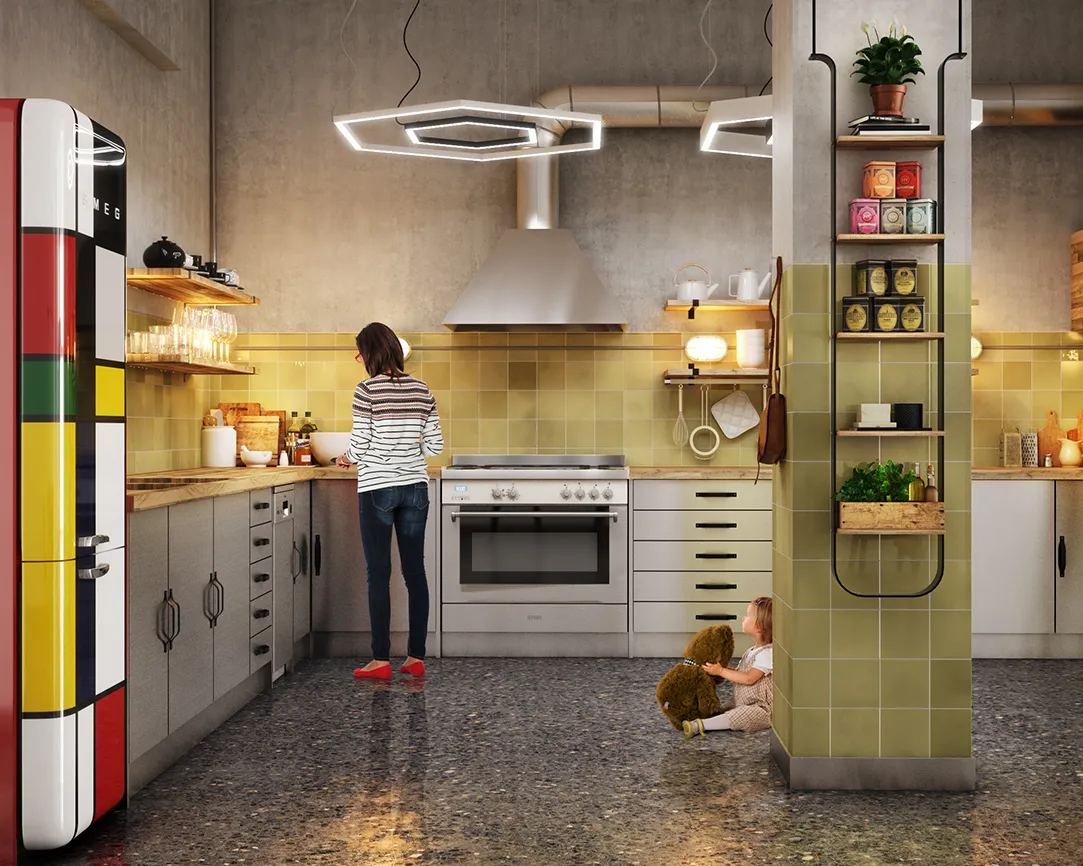
How to remodel your kitchen from a photo, step by step
Yes, you can remodel a kitchen from a single photo. Most free visualizers and AI apps let you upload one straight-on picture of the room, then swap finishes on top of it. A studio follows the same intake but rebuilds the scene in 3D for accuracy. The core workflow is the same either way:
- Photograph the kitchen straight on, in even daylight, with the full run of cabinets in frame.
- Pick your path: a free DIY visualizer for quick ideas, or a studio for a build-ready result.
- Mark what stays and what changes, so appliances or plumbing you are keeping stay in place.
- Swap the surfaces: cabinet style and color, countertop material, backsplash, and flooring.
- Adjust layout and lighting, including island placement, window changes, and fixtures.
- Export the preview and share it with your contractor or designer for pricing.
Free virtual kitchen remodel tools vs professional CGI
Free tools and paid studio CGI solve different problems. DIY visualizers from cabinet and retail brands (IKEA, Lowe's, KraftMaid, Cabinets.com, Block Renovation, and similar AI apps) are fast and cost nothing, which makes them ideal for early inspiration. They break down on the details that matter once you are actually spending money: exact material behavior, physically accurate lighting, and structural changes such as moving a wall or reworking the layout. That is where a modeled, studio render earns its cost.
| What matters | Free tools / AI apps | Professional studio CGI |
| Cost | $0 to about $30/month | Per-image fee, typically low hundreds |
| Speed | Minutes | A few days per set |
| Material accuracy | Approximate, template finishes | Exact species, stone, and finish matched to spec |
| Lighting realism | Flat or filtered | Physically based, true to time of day |
| Layout and wall changes | Limited or not supported | Fully rebuilt in 3D |
| Contractor-ready | Rarely | Yes, dimension- and spec-aligned |
| Best for | Early ideas, quick comparisons | Bids, pre-construction, marketing, sales |
If your goal is a polished visual rather than a rough concept, browse a set of studio kitchen renders to see the accuracy gap in practice.

When a virtual kitchen remodel needs a professional render
Move from a free preview to a professional render when money or trust is on the line: a contractor bid, a pre-construction sale, a structural change, or marketing where the image represents a real product. In those cases an approximate preview creates disputes, because what the client approved is not what gets built.
In our studio, a single interior kitchen render takes roughly eight working hours to model, light, and finish, and that time is what buys spec-exact cabinetry, true material response, and lighting that holds up under scrutiny. A free tool skips those hours, which is exactly why it cannot commit to what the finished room will look like. The rule we use: if someone will make a purchase or sign a contract off the image, it needs to be modeled, not filtered. For that level, a dedicated 3D interior rendering service is the right tool.
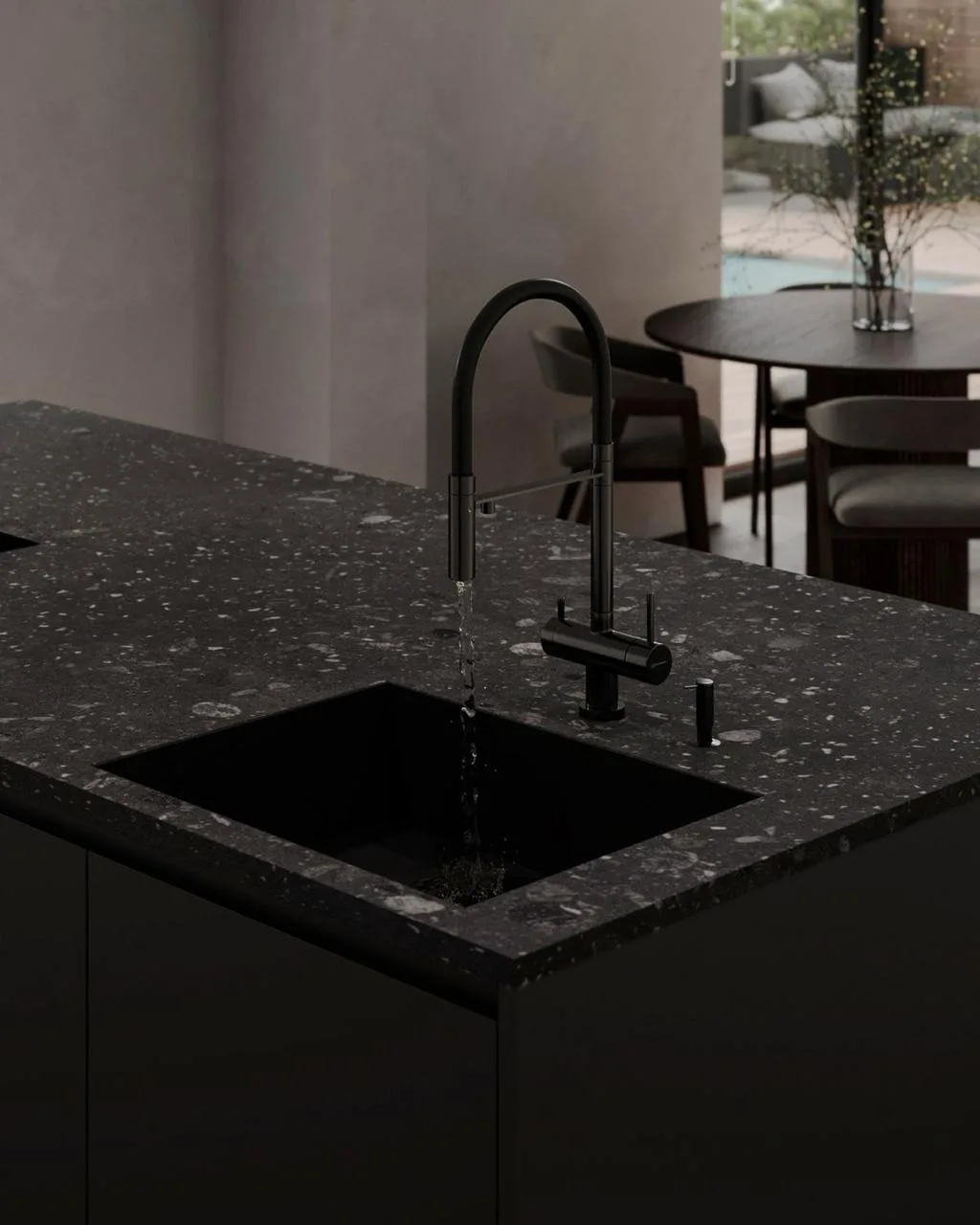
How much a virtual kitchen remodel costs
A virtual kitchen remodel ranges from free to a few hundred dollars, depending on how build-ready you need it. DIY visualizers from cabinet and retail brands are free; subscription AI photo apps run roughly $10 to $30 a month; a professional, photorealistic studio kitchen render is usually priced per image in the low hundreds, with the exact figure driven by scene complexity, number of angles, and revisions. For a full breakdown of what drives the number, see our 3D rendering pricing guide.