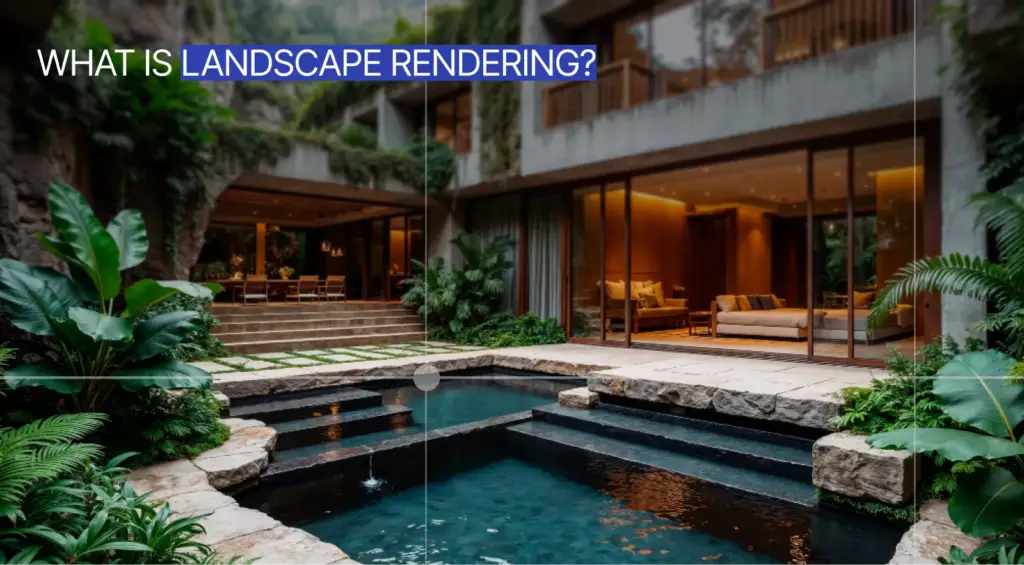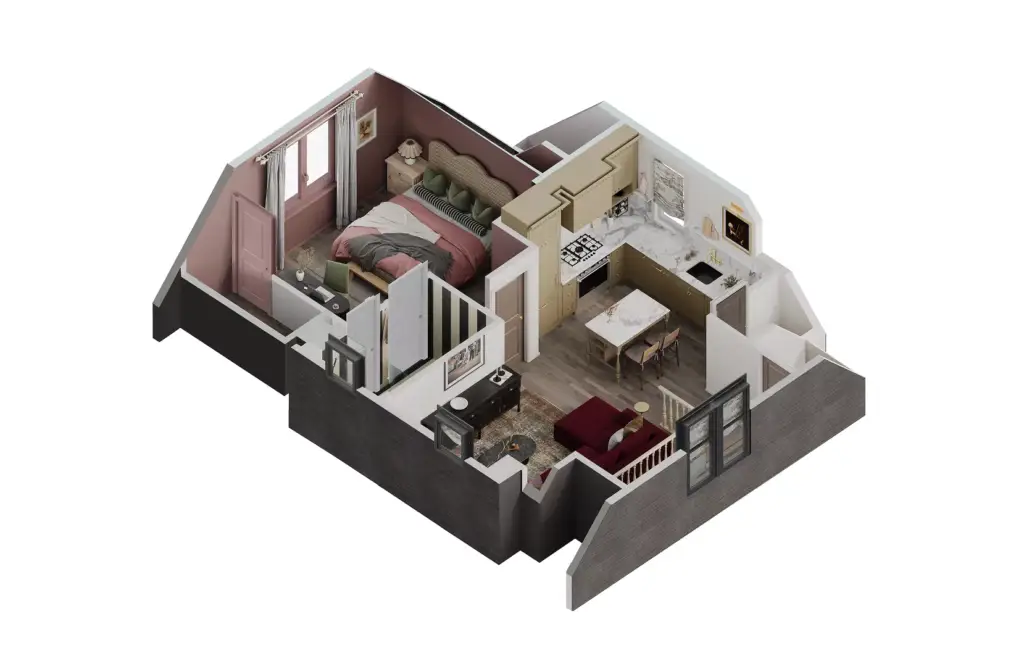

Virtual renovation is the digital editing of a real property photo to preview structural and finish changes — new walls, floors, cabinetry, fixtures, or a reworked layout — as a photorealistic image, before any physical demolition happens. Unlike virtual staging, which only adds furniture to a room, virtual renovation alters the space itself.
What is virtual renovation?What is virtual renovation?
Virtual renovation takes an existing photo of a room or building and digitally rebuilds parts of it to show what a remodel could look like. Where the original shows dated oak cabinets and vinyl flooring, the renovated image shows white shaker cabinets, an engineered-stone countertop, and wide-plank oak — the same room, credibly transformed. Because the edit changes the property's actual fabric rather than its contents, it answers a different question than staging: not "how would this space feel furnished?" but "what could this space become?"
Typical changes a virtual renovation covers include:
- Wall finishes, paint, and cladding
- Flooring, tile, and ceiling treatments
- Kitchen cabinetry, countertops, and backsplashes
- Bathroom fixtures, vanities, and surfaces
- Removing or adding walls to change the layout
- Exterior facades, roofing, and landscaping
Virtual renovation vs virtual staging: the difference that matters
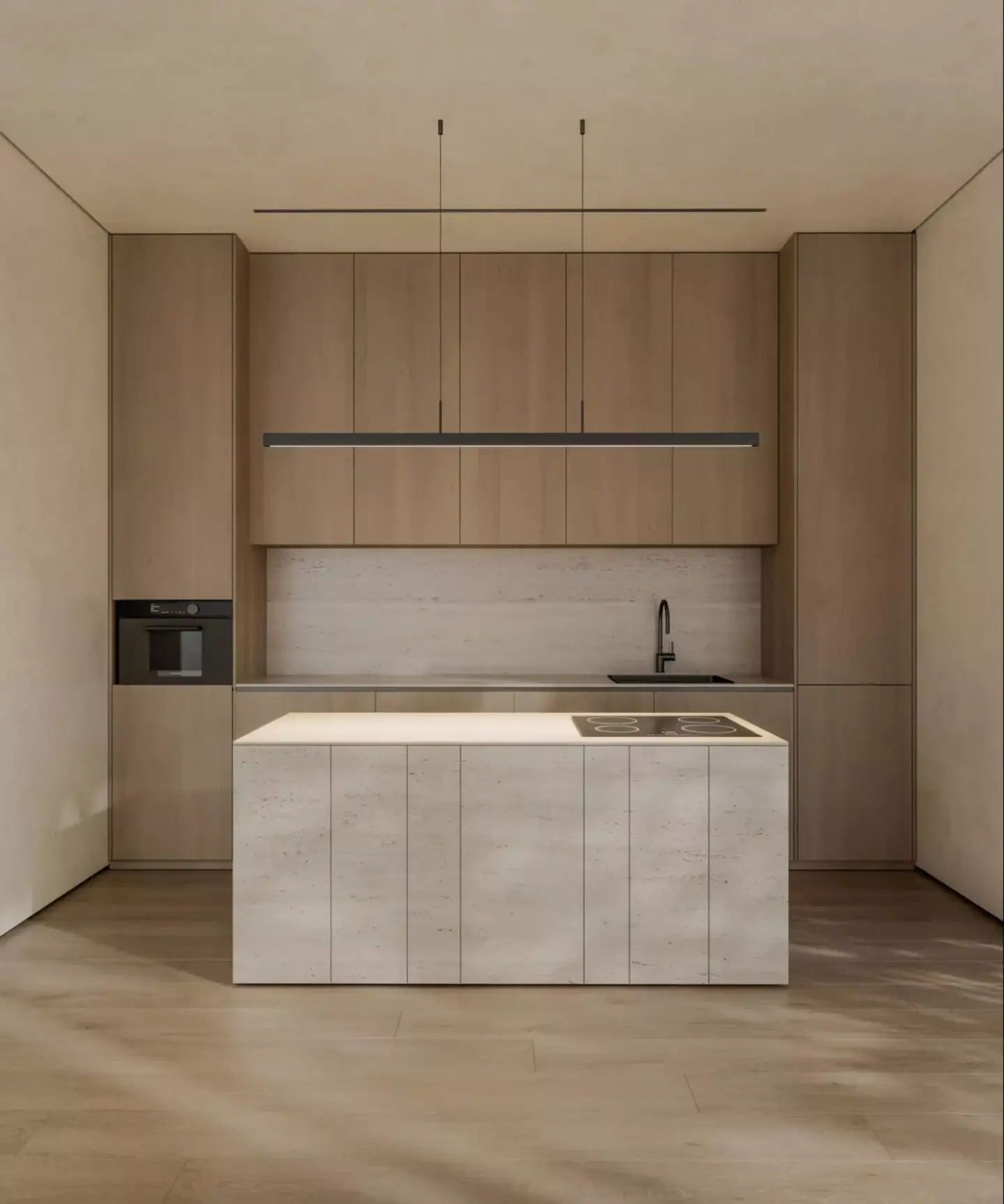
The two are often sold under one label, but they do opposite jobs. Virtual staging leaves the room intact and adds furniture and decor so buyers can read scale and lifestyle. Virtual renovation leaves the contents aside and changes the room itself — surfaces, fixtures, and structure. That distinction drives everything downstream, including how much you must disclose.
| Aspect | Virtual staging | Virtual renovation |
| What changes | Furniture and decor added to the room | The space itself — walls, floors, cabinetry, layout |
| Property fabric | Untouched | Digitally altered |
| Typical listing | Empty or occupied homes | Dated or fixer-upper homes, pre-construction |
| Buyer question answered | How would it feel furnished? | What could it become after a remodel? |
| Disclosure stakes | Lower — furniture clearly isn't included | Higher — implies work that hasn't been done |
How virtual renovation works, step by step
- Supply a clear, well-lit photo of the existing room or exterior, ideally shot straight-on.
- Brief the target finishes and layout — name specific materials, colors, and fixtures, and flag any wall or structural change.
- An editor or AI model generates a photorealistic render of the renovated space.
- Review and request variations — swap finishes, test a layout, or compare options side by side.
- Publish the final image with a clear disclosure label so buyers know it's a concept, not the current state.
When to use AI apps vs professional CGI renovation
Both routes produce a renovated image, but they trade speed against control. One-click AI apps return a result in seconds and cost little to nothing; professional CGI rendering takes longer and costs more, but every material and dimension is set deliberately. The right choice depends on how much accuracy the project demands.
| Axis | One-click AI apps | Professional CGI |
| Speed | Seconds to a minute per image | Hours to days per scene |
| Control | Limited — the model interprets your prompt | Precise — the artist sets every finish and measurement |
| Accuracy | Approximate; geometry can drift | True-to-plan; holds real dimensions and structure |
| Typical cost | Free to roughly $2–$64 per image | Higher, quoted per project |
| Best for | Quick cosmetic swaps, idea exploration | Pre-construction, developer marketing, brand-consistent finishes |
In our studio, we reach for AI when a client wants to test a paint color or a countertop overnight. But the moment a renovation moves a wall, changes a ceiling height, or has to match a developer's real spec sheet, an approximate guess becomes a liability — that is where controlled CGI earns its cost. The image stops being a mood board and becomes something a buyer or lender can rely on.
Virtual renovation for real estate listings
For agents and developers, virtual renovation sells potential that a photo of the current state hides. It works hardest in three situations:
- Fixer-uppers: show buyers the upside instead of asking them to imagine it, widening the pool beyond investors.
- Dated interiors: preview a modern finish on a structurally sound home so it competes with renovated stock.
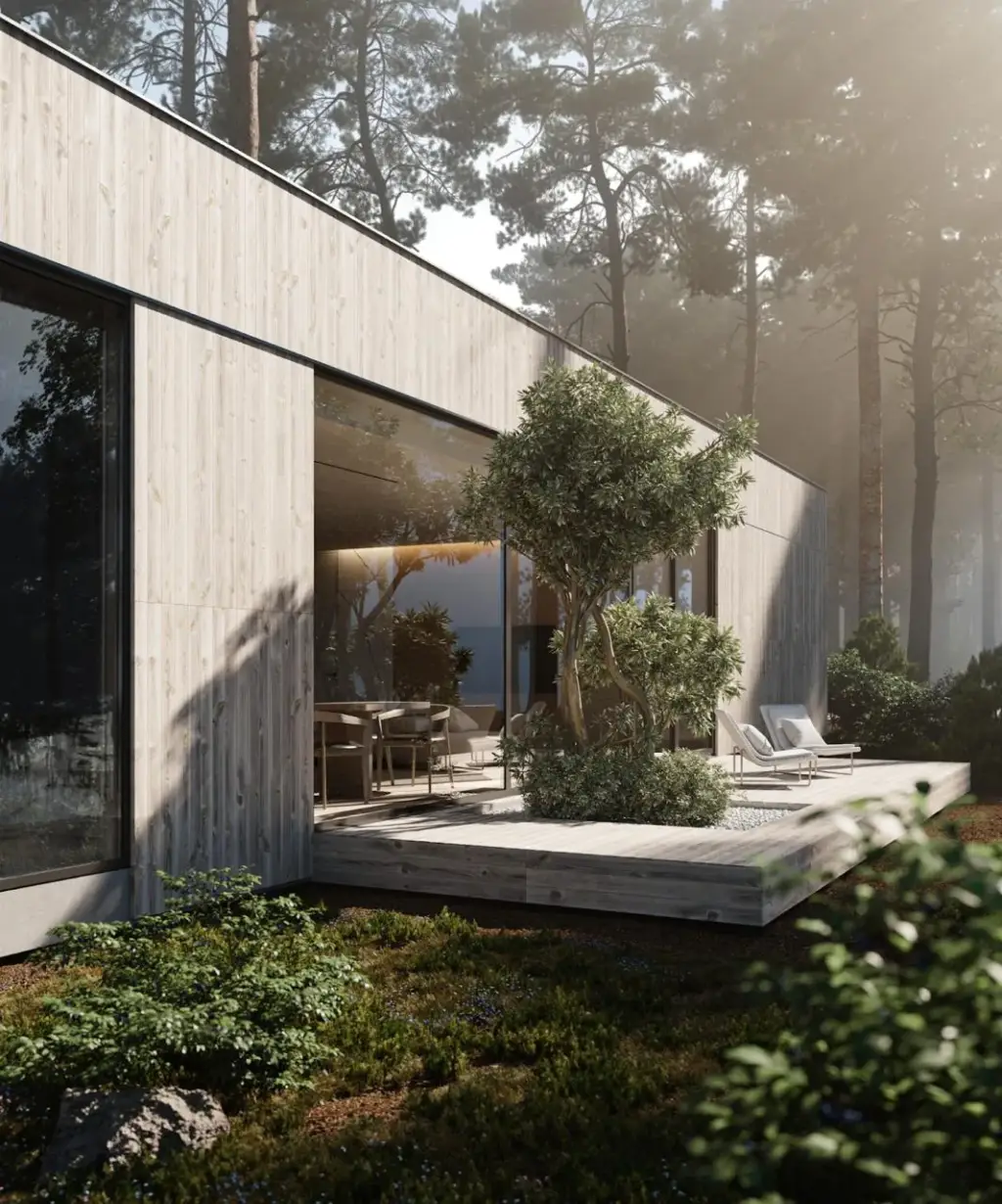
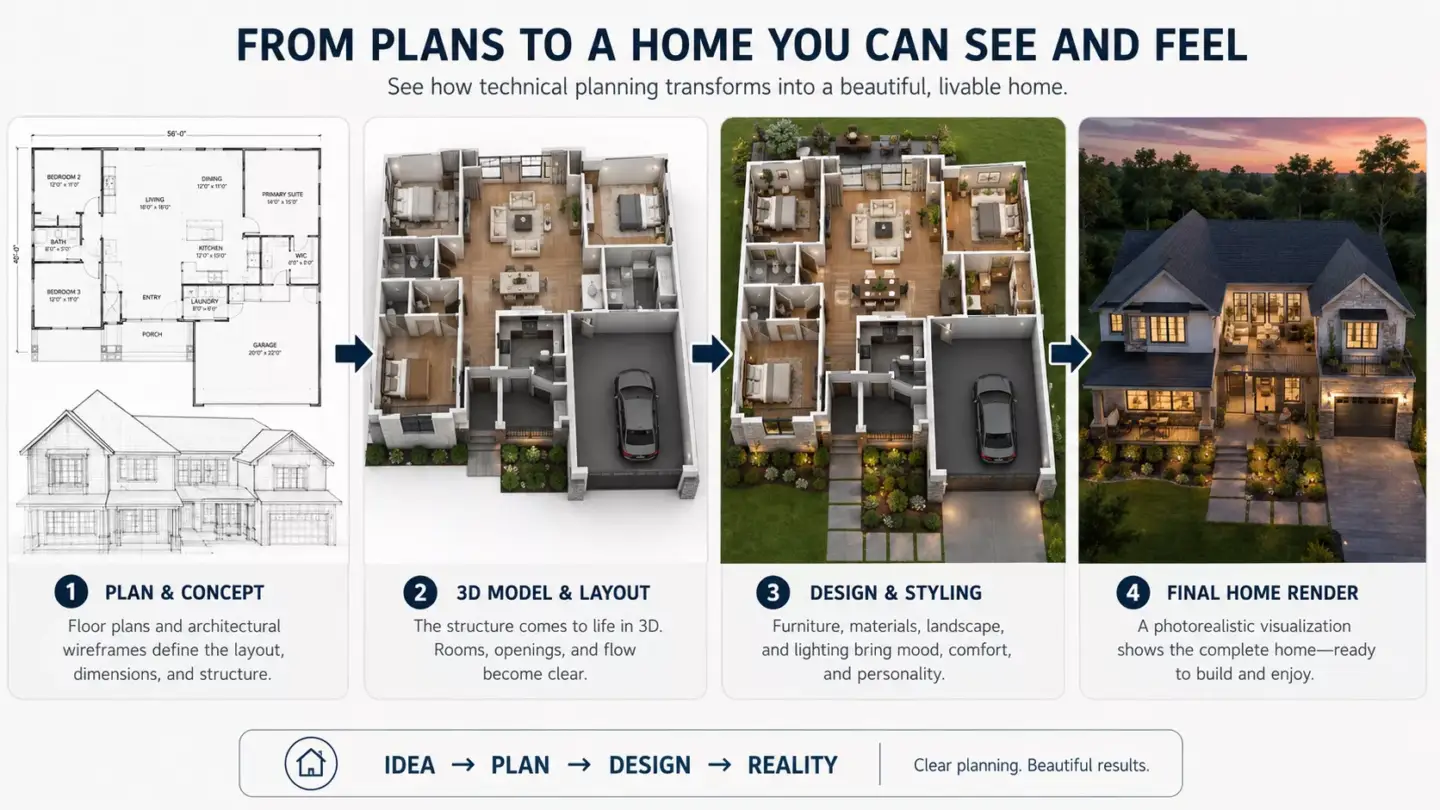
- Pre-construction: market units and layouts before they physically exist, using true-to-plan residential rendering.
Used this way, a renovation preview shortens the imagination gap that stalls buyers on properties needing work — provided the image is clearly labeled as a concept.
Disclosure and compliance for virtual renovations
You should clearly disclose any virtually renovated image, because it depicts work that has not been done to the actual property. Label it directly on the photo — for example "Virtually renovated" or "AI-generated concept" — and keep the original, unedited image in the listing so buyers can compare. The stakes are higher than with staging: staging obviously adds removable furniture, while a renovation edit changes the property's fabric and can imply completed upgrades that don't exist, which risks misleading buyers.
Disclosure norms and rules vary by market and platform, and this is general guidance rather than legal advice — check your local real estate board and advertising rules before publishing. As a working standard, if a reasonable buyer could mistake the render for the home's current condition, it needs a label.