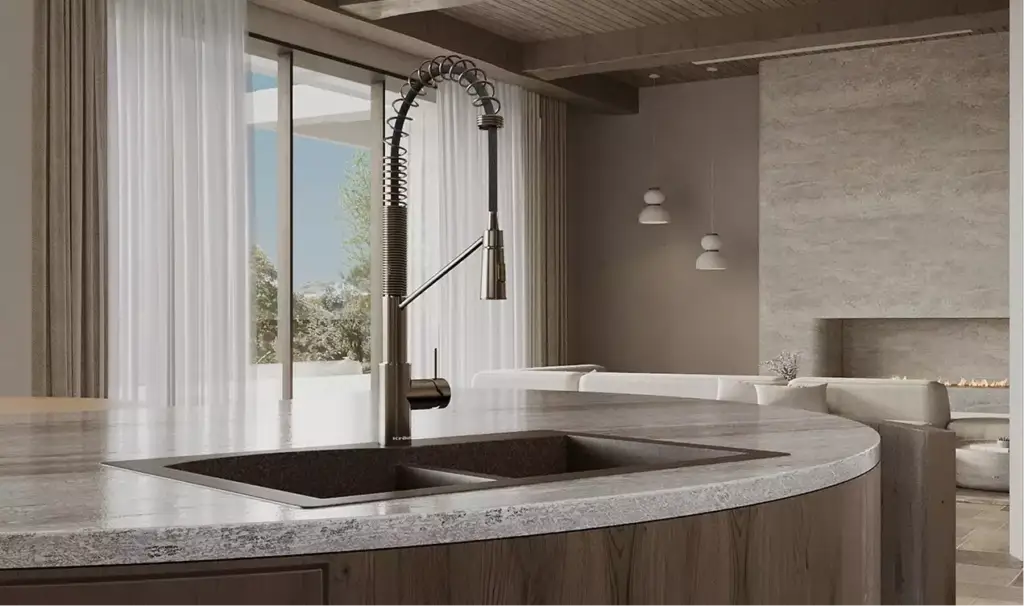
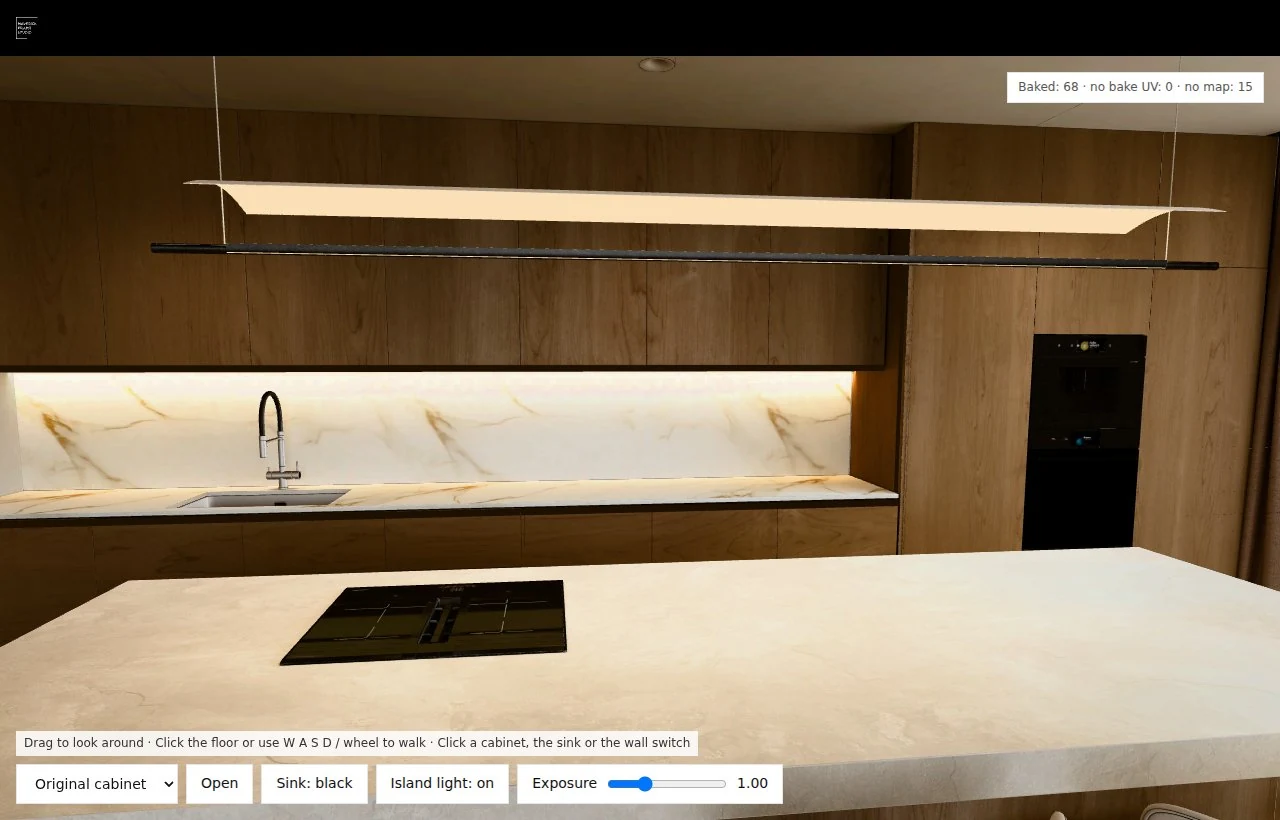
Baked lighting means the light, shadows and bounce light of a scene are calculated once, offline, and stored in textures, so the viewer reads them instead of computing them. Between November 4 and 17, 2026 we used it to move a kitchen from 3ds Max and Corona into three.js: a walkable browser tour with 8 opening storage groups, a pendant light switch and a 3D courtyard. This is the build log, with the numbers we measured and the mistakes we made.
Most guides to baked lighting are written for Unity and Unreal Engine games. A web archviz scene differs in three ways: the source lighting comes from an offline renderer like Corona, the result has to download over the web, and buyers will open doors you baked shut. Each section below covers one of those problems.
How Baked Lighting Works in a three.js Scene
Game engines usually bake a separate lightmap and multiply it with the material's own texture at runtime. We baked differently: Corona wrote the complete appearance of each surface, colour, light and shadow together, into a texture laid out on the object's second UV channel (UV2). In three.js every surface then gets an unlit material that simply shows that texture.
That choice has three consequences:
- The picture matches the render. There is no runtime lighting to drift away from what the visualizer approved in Corona.
- The device does little work. No shadows or global illumination are computed in the browser.
- Nothing relights itself. A door that opens does not change the shadow it casts. Every state a visitor can reach has to be baked in advance.
| Approach and date | What it gives | Our decision |
|---|---|---|
| Direct GLB export from 3ds Max (Nov 5) | One file, no extra tools | Rejected: two exports lost or mixed up UV2 |
| FBX to Blender to glTF (Nov 5) | Keeps the second UV channel | Chosen |
| Full-colour bake in Corona plus three.js (Nov 4–17) | The look of the source renders, with interaction | Chosen; moving objects do not recompute bounce light |
| Unreal Engine with pixel streaming | Live lighting | Deferred; not built in this project |
| Gaussian splats (earlier apartment test, 9.7 MB) | Free movement through a captured scene | Not used: soft blobs up close |
The Pipeline From 3ds Max and Corona to the Browser
The route that survived two weeks of fixes has eleven steps:
- Receive FBX, EXR maps, alpha masks and a list of replacements and states. Keep the untouched originals.
- Check every archive: file count, full object names, UV2 and dimensions. Read the exit code and the log, not just the folder.
- Import the FBX into Blender on a server. Never assign maps by numeric prefix alone.
- Match replaced assemblies and remove duplicates. Keep open states and material variants as separate objects.
- Check problem fronts both in an isolated render and in the assembled scene.
- Export glTF, compress it for transport and write an explicit manifest of objects and maps.
- Assign materials, states, light pairs and movement limits.
- Take before and after screenshots from the same camera. Check edges, the underside of furniture, glass and plants separately.
- Upload binary files to object storage and verify their sizes and checksums.
- Change the text files through a pull request and wait for a successful deploy.
- Check the public page, every interaction and the console. Write down what is still open.
Export: Why FBX Beat GLB From 3ds Max
Our first two exports were GLB files straight from 3ds Max, 148 MB and 522 MB. Both lost or scrambled the second UV channel, and the baked maps landed on the wrong parts of the mesh. Switching to FBX, importing it into Blender and exporting glTF from there kept UV2 intact. After the import we assigned each EXR through UV2 and flipped the V axis. On the first pass the maps fitted 38 of 39 objects; the next corrected set covered 42.
What to Ask the Visualizer For
Most of our fixes traced back to the delivery, not to the browser. This is the brief we now send before a bake:
- A unique full name for every object and its map. A number on its own is not an identifier.
- UV2 without overlaps on every baked object, with enough space and padding for narrow edges.
- Corona Render to Texture with BASE COLOR, the full colour with light. No LUT, bloom or vignette.
- EXR in half float. As a guide: 4096 px for large surfaces, 2048 px for furniture, 1024 px for small items.
- A closed and an open version of every door, each with its own map, and a list of surfaces whose light changes.
- ON and OFF versions of every switchable light, with identical geometry, UVs, camera settings and exposure.
- For plants, a beauty map and a real alpha mask for each unique UV set. The alpha must not be a copy of the beauty map.
- Every object whose shadow is already in the bake, including planters, plants, posts and fences.
- After the bake, remove the Shell Material with Clear Shell Material, Original. Deliver FBX with UV channels, EXR, alpha and the .max file through Resource Collector.
Seams Between Fronts: Geometry or Lightmap?
Thin bright lines between cabinet fronts were the longest-running defect. They looked identical but had different causes, so one fix never covered all of them.
We reworked 43 fronts and 45 gaps: each gap became 1.2 mm wide with a recessed opaque strip behind it, so the background could no longer show through. On our control images the thin bright pixels in the upper section dropped from 298 to 4, and in the lower section from 56 to 0. Those counts come from the selected control images and one comparison script, not from every seam in the scene.
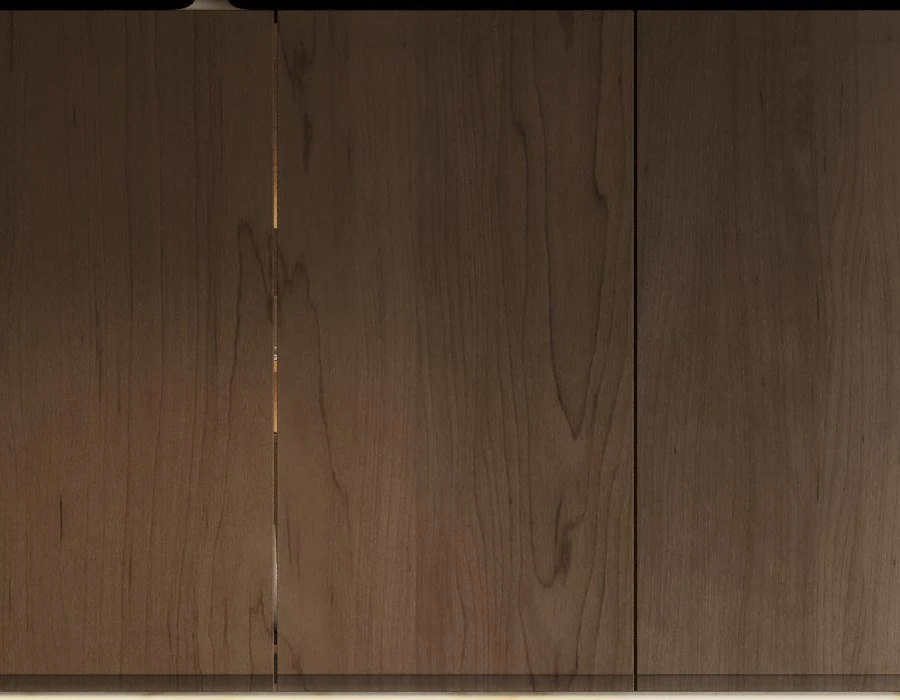
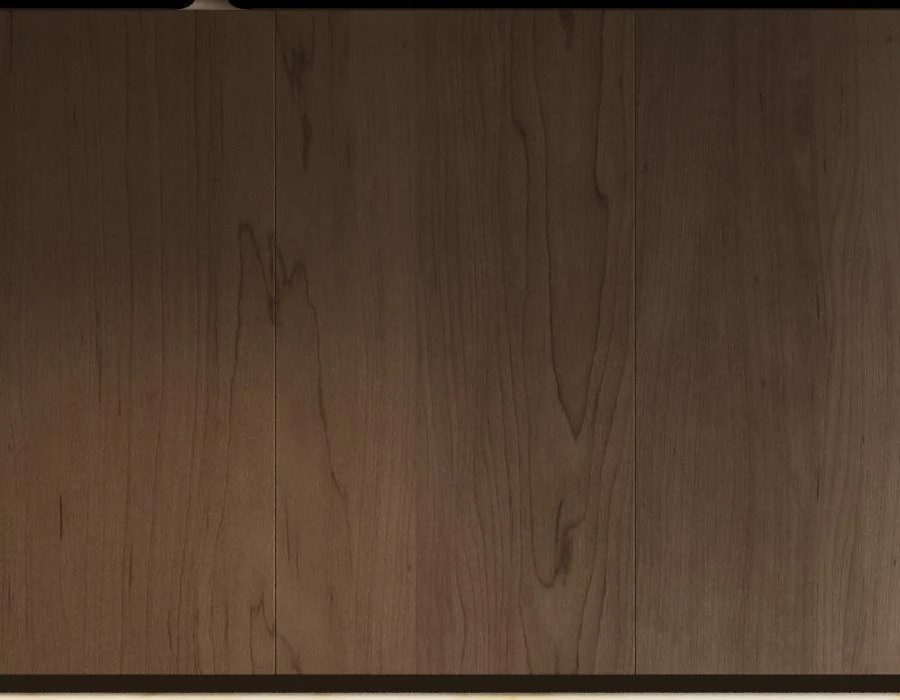
The lower cabinets kept one bright stripe. We swapped the background behind the scene to magenta: had the stripe been a hole, it would have turned magenta too. It stayed white, so the cause was an overexposed area in the baked map, not a gap. For three panels we re-projected the edge UVs onto the wood area of the map within 4 mm of the front, and left the open states untouched.
The Regression We Shipped and Reverted
Our first edge fix went too far. We extended the projection to the full depth of the tall side panels, and the wide side of one unit turned into horizontal smeared stripes instead of wood grain. The next fix limited the projection to 4 mm from the front and to faces pointing the right way, and split shared vertices before editing. The original UVs of the wide side came back with an accuracy of 1e-7, and no vertex moved.
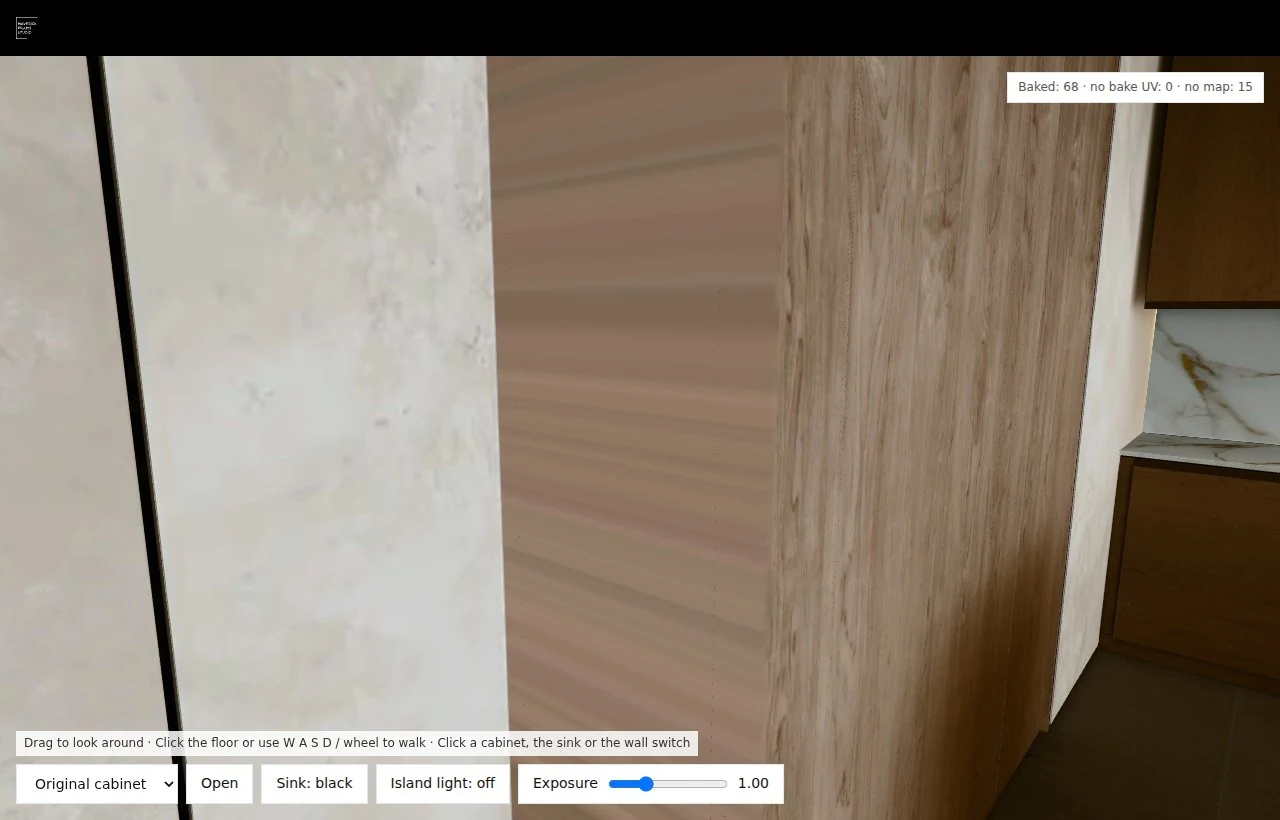
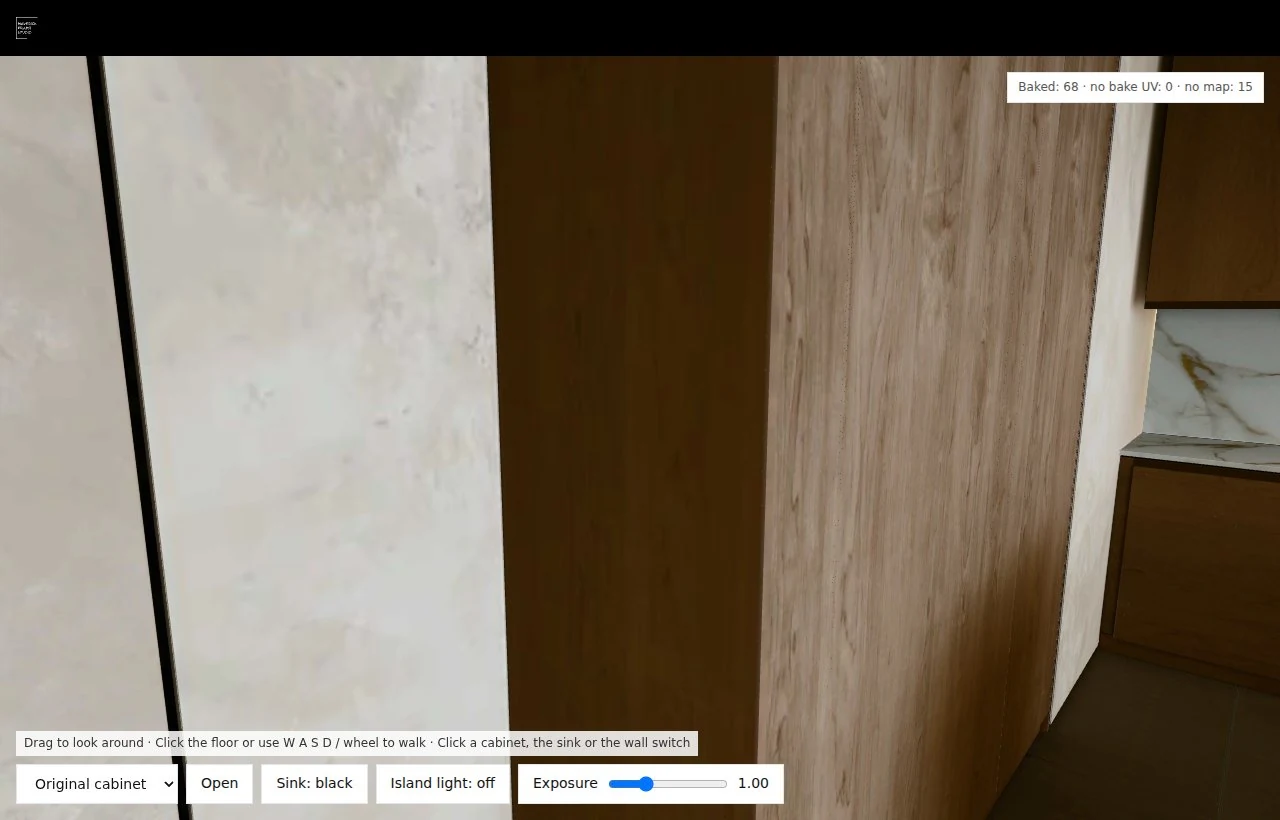
The lesson went into our checklist: any edge correction is checked from the side and from below, not only from the front.
A Light Switch With No Wait
The first light switch downloaded the ON maps on click, and the pause was obvious. We converted the maps to 88 HDR-companded WebP files and compressed the geometry with Meshopt and gzip. The kitchen asset set went from 1,140,998,711 bytes to 41,435,960 bytes. Both lighting states now download in advance and are uploaded to the GPU before the visitor reaches the switch.
The conversion is not mathematically lossless. The mean colour error on screen is 0.00294, and the worst mean on a single map is 0.00891. The original EXR files are kept.
Swapping maps alone did not make the lamp look switched on, because the diffuser itself stayed grey. We separated 525 triangles of the diffuser into their own emitting surface. We have not measured the switch delay in milliseconds on a visitor's device, so we do not call it instant.
One deployment trap: serving the gzip files with a Content-Encoding header made our edge worker decompress them a second time. We now ship plain .bin.gz files and unpack them in the browser with DecompressionStream.
The Courtyard: a 45.8% Smaller Download With Identical Triangles
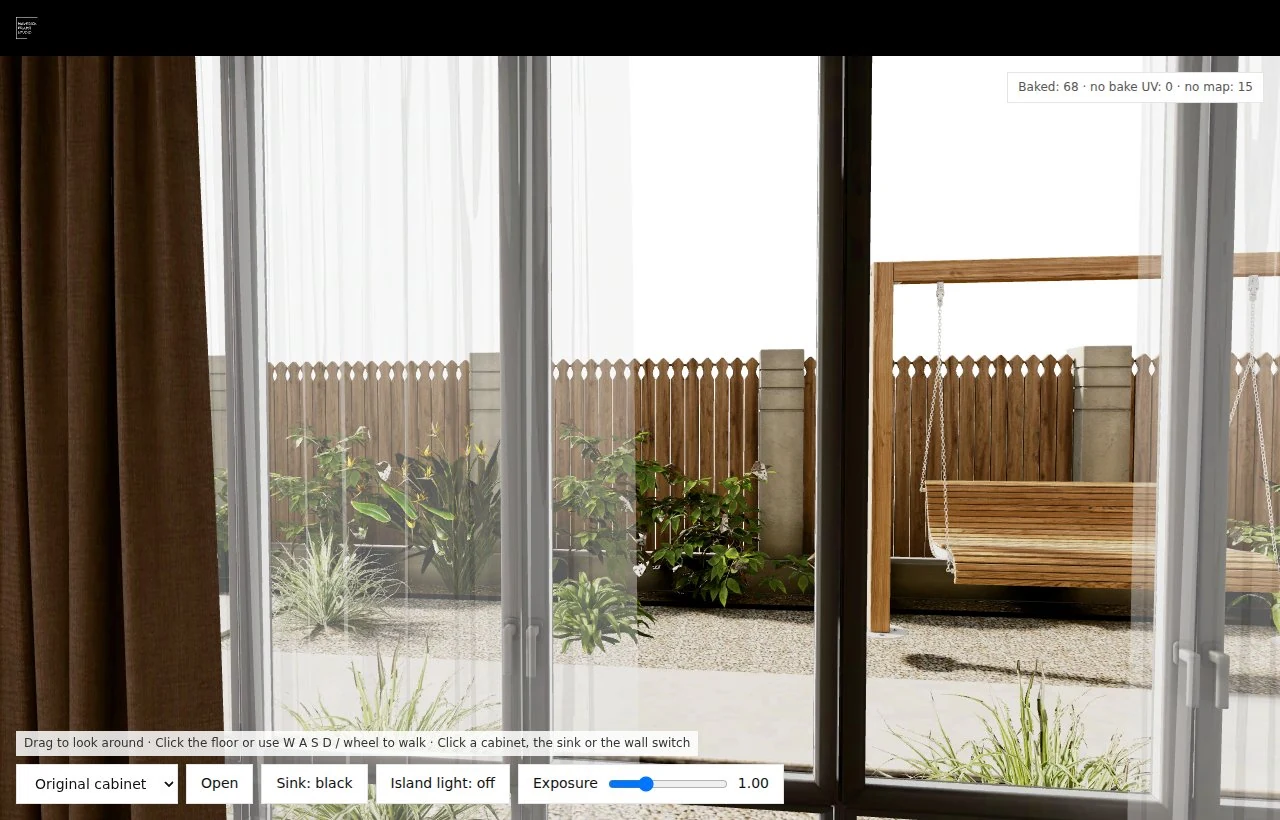
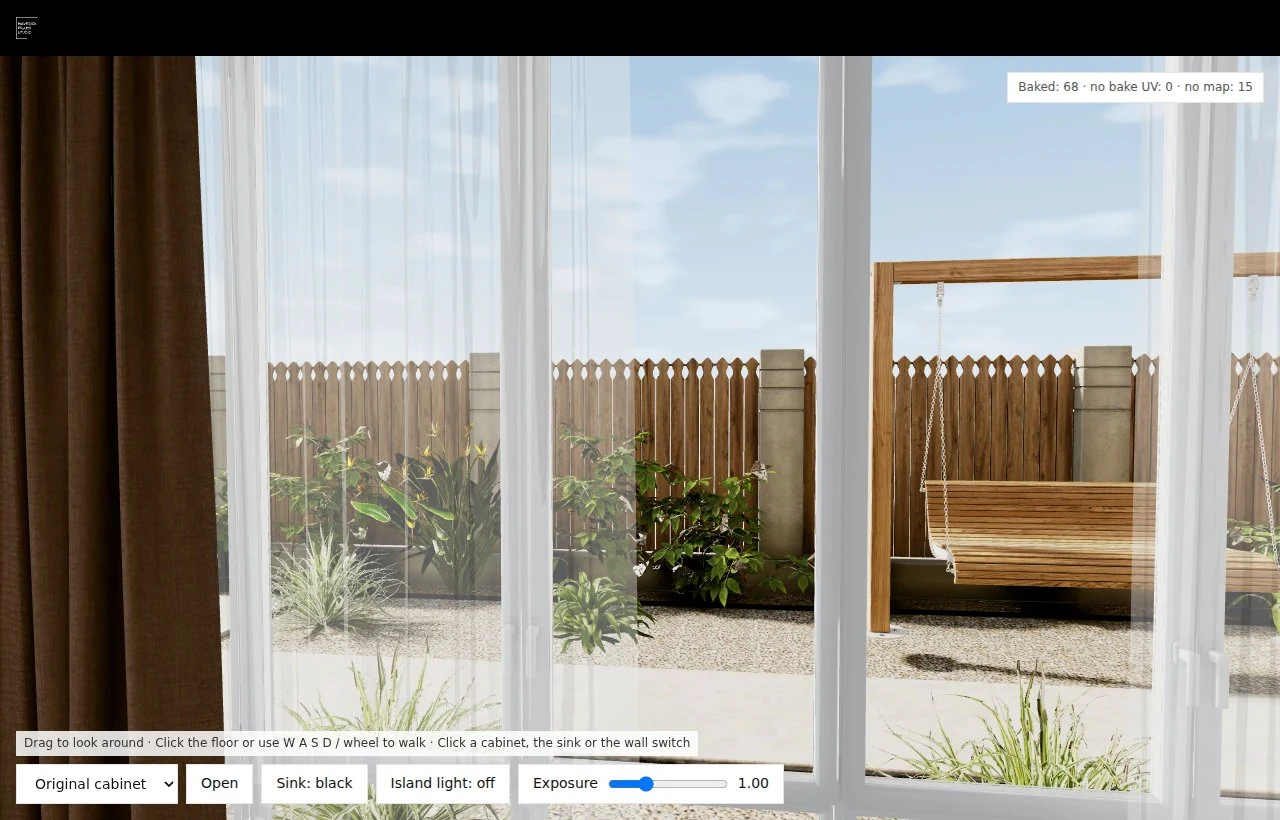
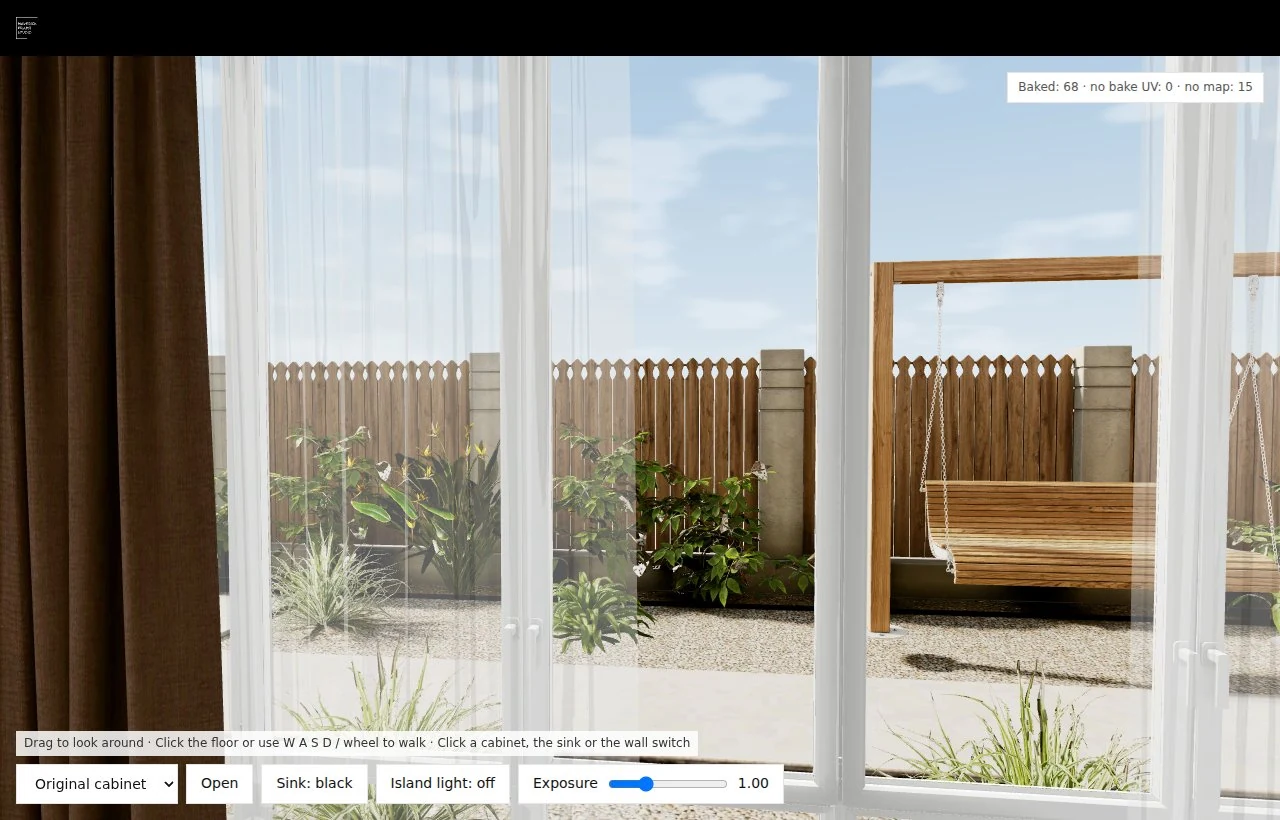
On November 17 our 3D artist delivered the courtyard behind the windows: 63 meshes, each with two UV channels, from the same 3ds Max project. Because the courtyard uses unlit materials, several exported attributes were never read. We removed normals, the first UV set and two vertex colour sets, merged only vertices that were identical in every remaining attribute and reordered the indices.
| Metric | Before | After | How we checked |
|---|---|---|---|
| Compressed geometry | 21,483,604 bytes | 11,645,286 bytes | File size |
| Vertices in the exported file | 2,974,426 | 1,909,827 | Accessor count |
| Triangles | 2,471,315 | 2,471,315 | Position and UV signature of every triangle |
| Courtyard textures | 63 WebP files | The same 63 files | Same URLs, unchanged files |
We also moved the courtyard downloads behind the large kitchen models. A first version with 8 early requests slowed the kitchen itself, so the final one starts 6 low-priority requests. In a paired test the page load fell from 18.74 to 13.37 seconds, with 169 requests in both runs and total transfer down from 125,028,970 to 115,212,032 bytes. That was one run per version in Chromium with the SwiftShader software renderer on our server. A later fully public run took 19.7 seconds, so network and shader compilation move the number; treat it as a direction, not a benchmark.
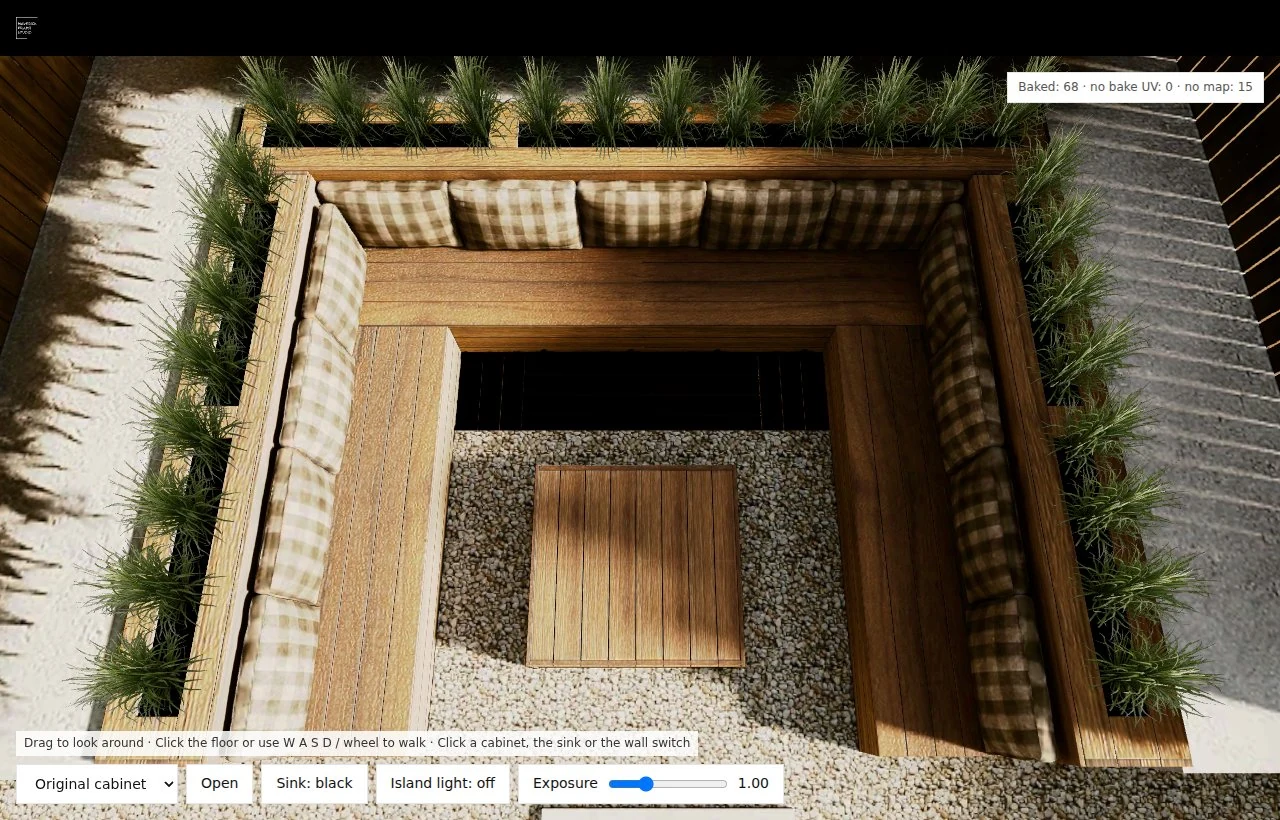
The delivery itself hid two errors. Two plant alpha masks were copies of the beauty maps, which turned leaves into rectangles; we replaced them with masks from instances that share the same UVs and rebuilt a missing one. And the fence group floated 1.206 m above the ground.
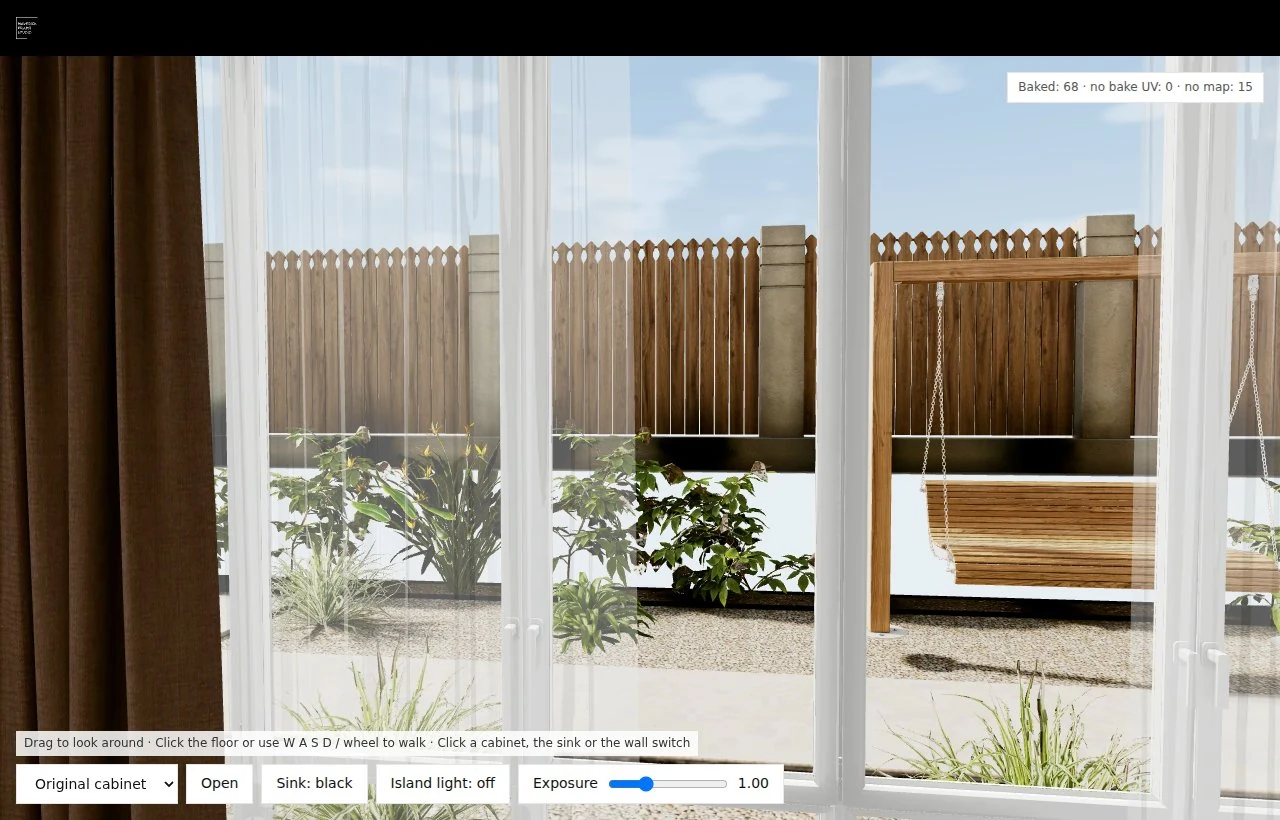
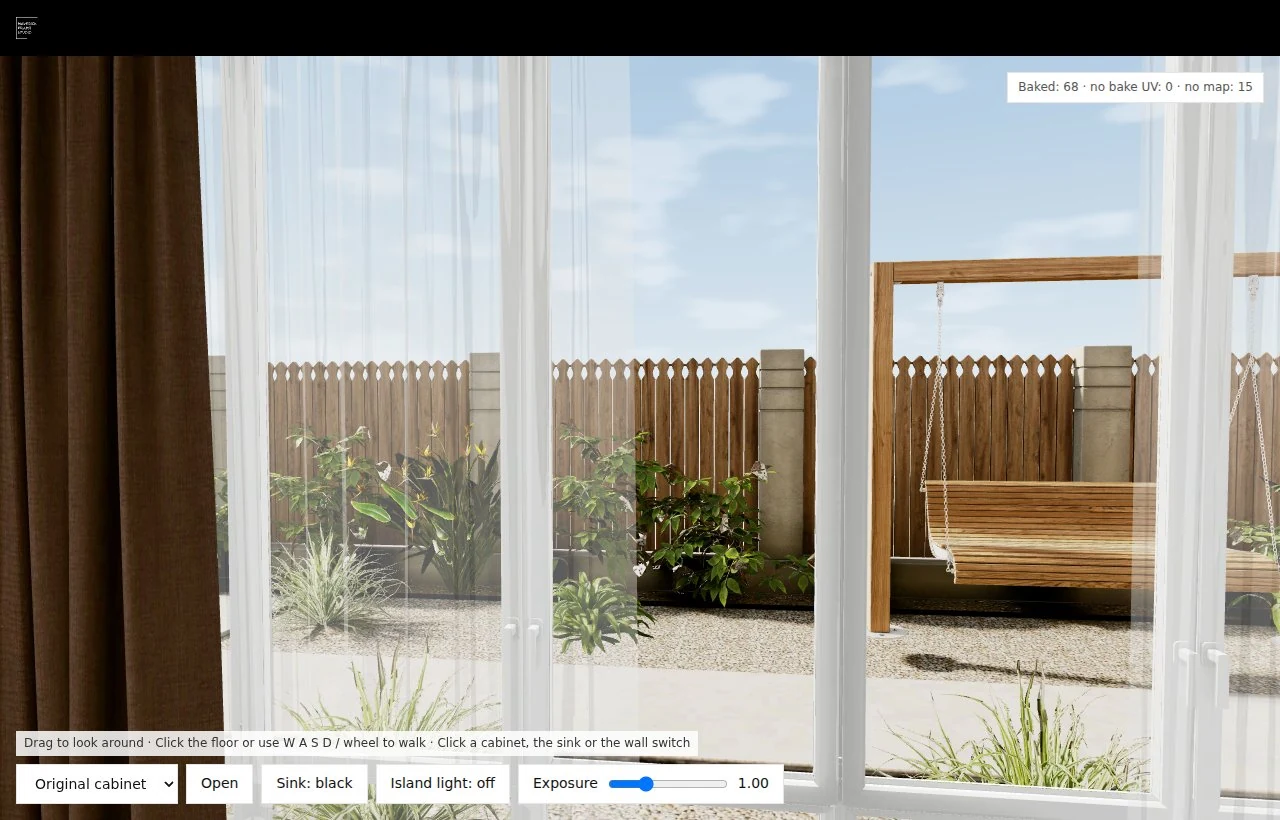
Four planters arrived empty, although the bake already contained the shadows of their plants. We filled them with 28 instances of a grass model from the same courtyard set, drawn as one InstancedMesh with no new textures. That is a reconstruction: the original planting layout is unknown.
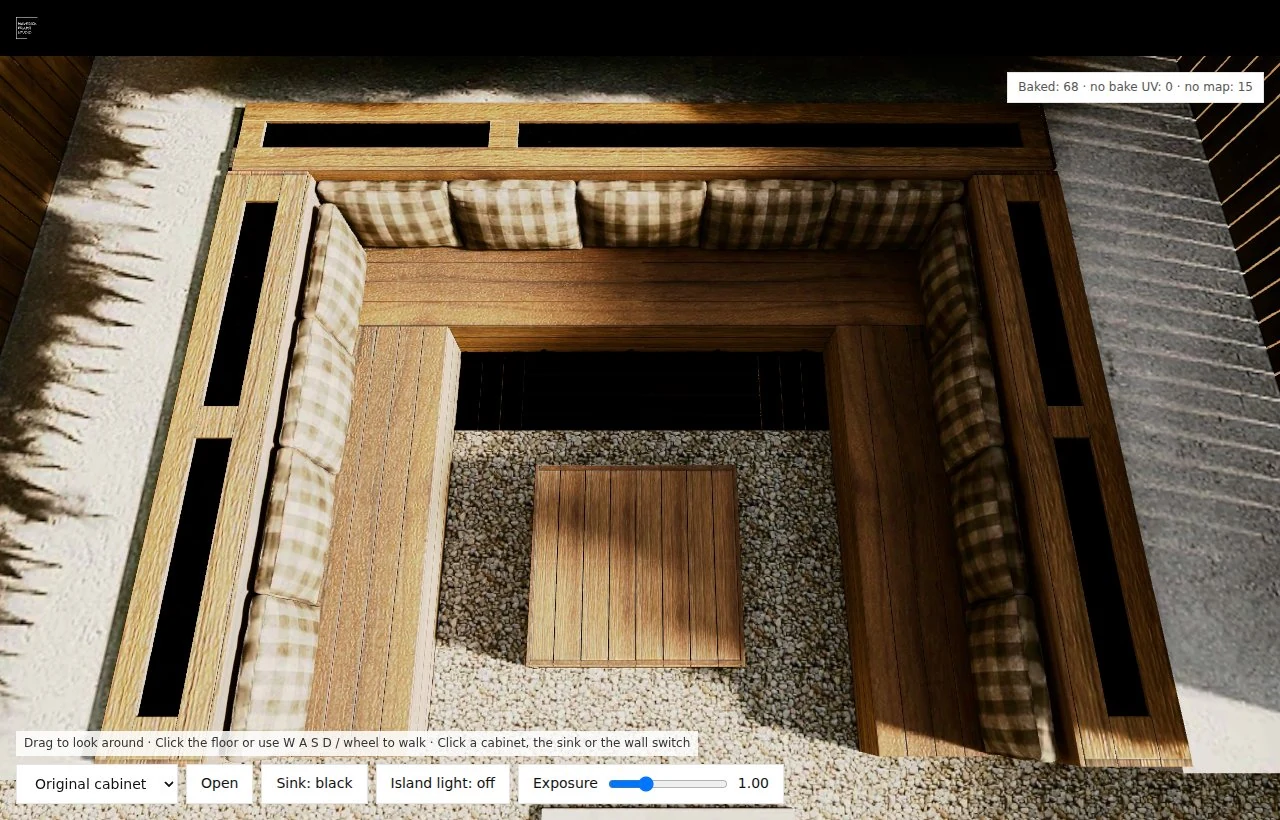
What Did Not Work Behind the Windows
Before the courtyard model arrived we tried to fill the windows ourselves, and three approaches failed:
| Attempt | What we built | Result |
|---|---|---|
| Flat image (Nov 11) | A picture behind the glass | Rejected: quality, and it slid wrongly as the camera moved |
| Grounded 360° (Nov 12) | A CC0 garden panorama from Poly Haven, 8192 px, 8,496,120-byte WebP | Rejected: distorted away from its capture point |
| Procedural 3D yard (Nov 12–13) | Geometry and plants, then a terrace, pergola and furniture | Parallax worked; the look was rejected twice |
We showed a white background until the courtyard from the original 3ds Max project arrived. Every one of those attempts passed its technical checks and still failed on looks.
Window Frames: When to Break the Bake
The window profiles were baked as black acrylic. Brightening that map removed the black but flattened the profile into a white strip, and the result was rejected. The fix broke the bake on purpose for two objects only: the two profile meshes got a MeshStandardMaterial, white, roughness 0.55 and envMapIntensity 0.22, with normals and a one-time 2048 px shadow map. The old baked map now only darkens the recesses. The rest of the kitchen stayed fully baked.
Lessons for a Baked-Lighting Web Scene
- A full name beats a number. Four replaced objects on November 11 only worked once geometry, UVs and maps matched by name.
- A white line is not always a hole. The magenta background test told a lightmap defect from a gap in one look.
- Measure speed apart from quality. The courtyard got 45.8% lighter with every triangle and UV unchanged.
- Passing checks is not approval. Two procedural yards passed every test and were still rejected on looks.
- Check a local fix from the side. One edge correction damaged a wide panel; the revert restored UVs to 1e-7.
- A bake needs the whole scene. Four empty planters only showed up when someone looked at the courtyard.
What We Have Not Measured Yet
All timings above come from server-side Chromium with a software renderer. That renderer is good for screenshots and functional checks, but it says nothing about frame rate on a visitor's hardware. Still open: frame rate, memory and switch response on a desktop GPU, loading and heat on phones, and a full 24-view walkthrough of the latest version. We will add those numbers here when we have them.
For the buyer's side of the same project, what visitors can open and when an interactive tour is worth building, see our guide to the interactive virtual tour.
Turn Ideas Into Visual Stories