Ergonomic Mouse, Keyboard and Chair in Studio and Desk Scenes
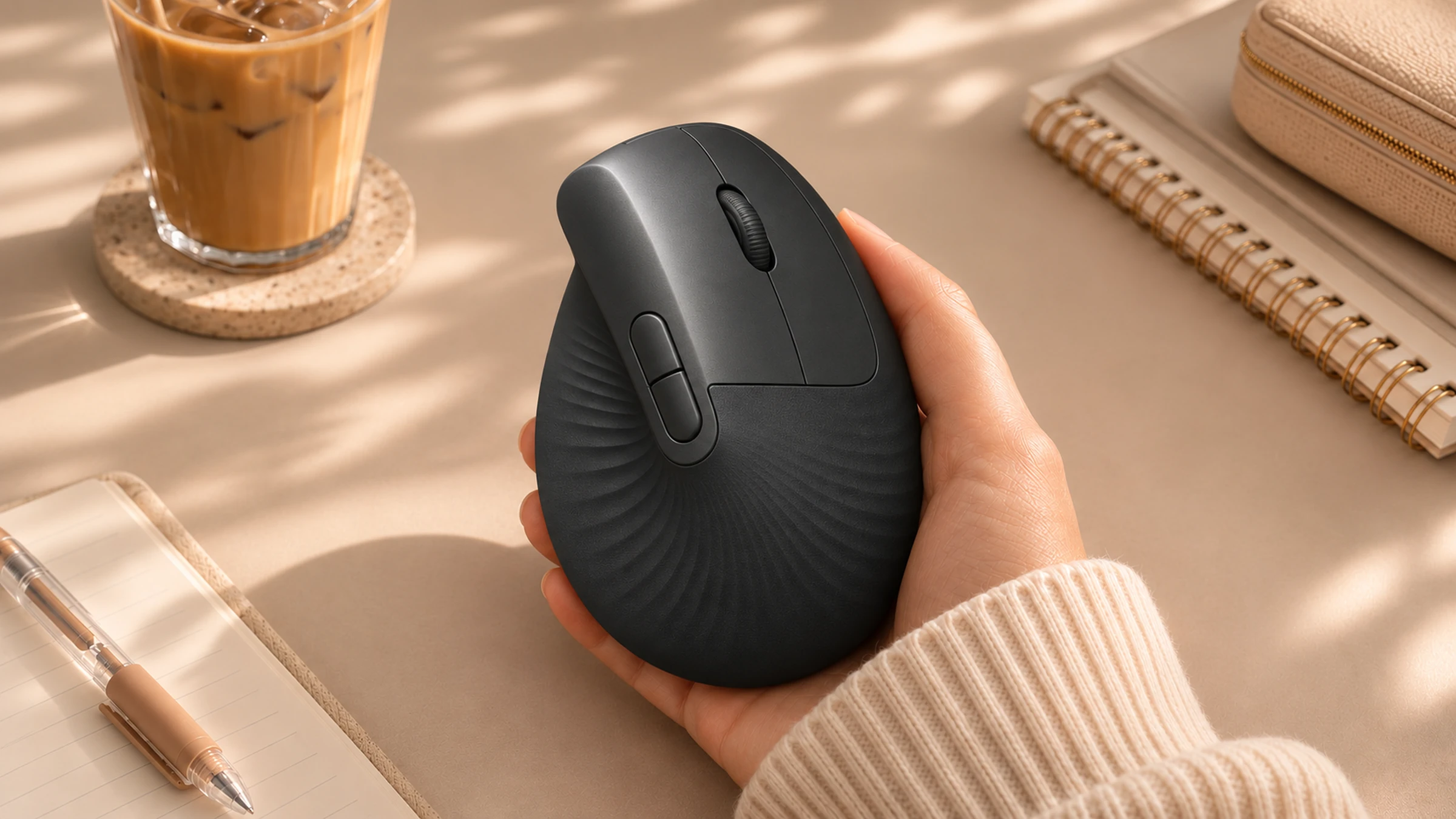
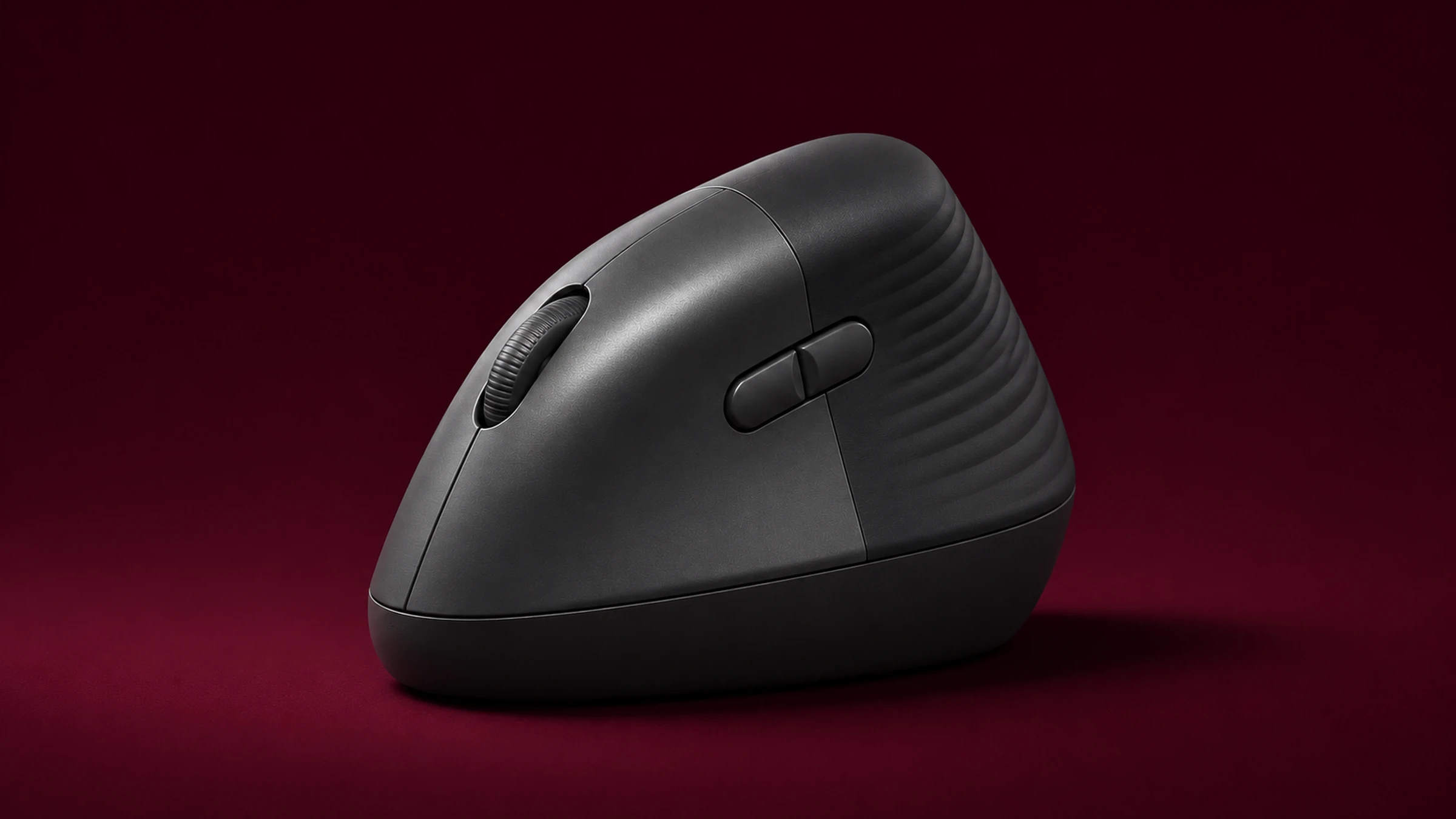
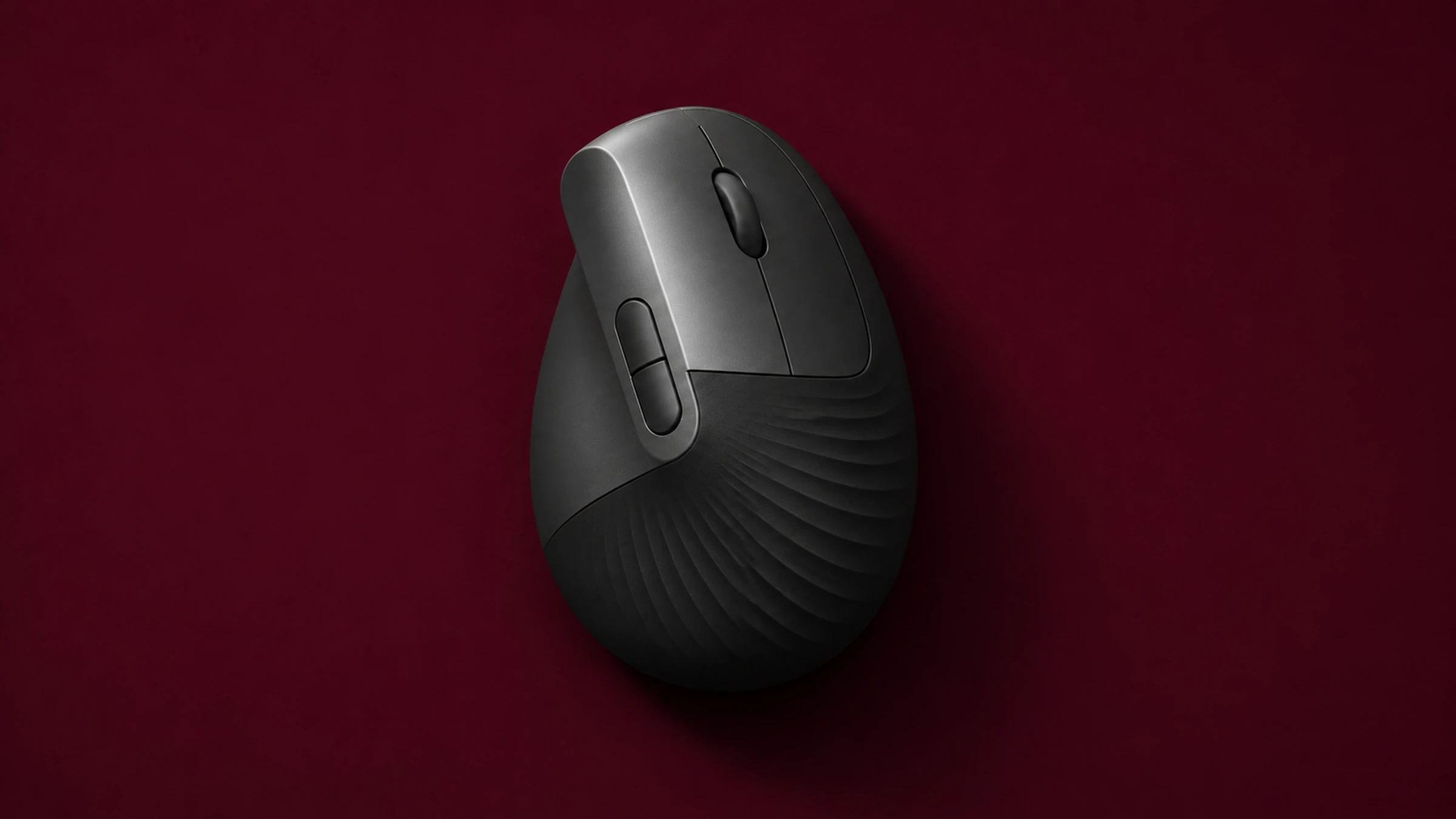
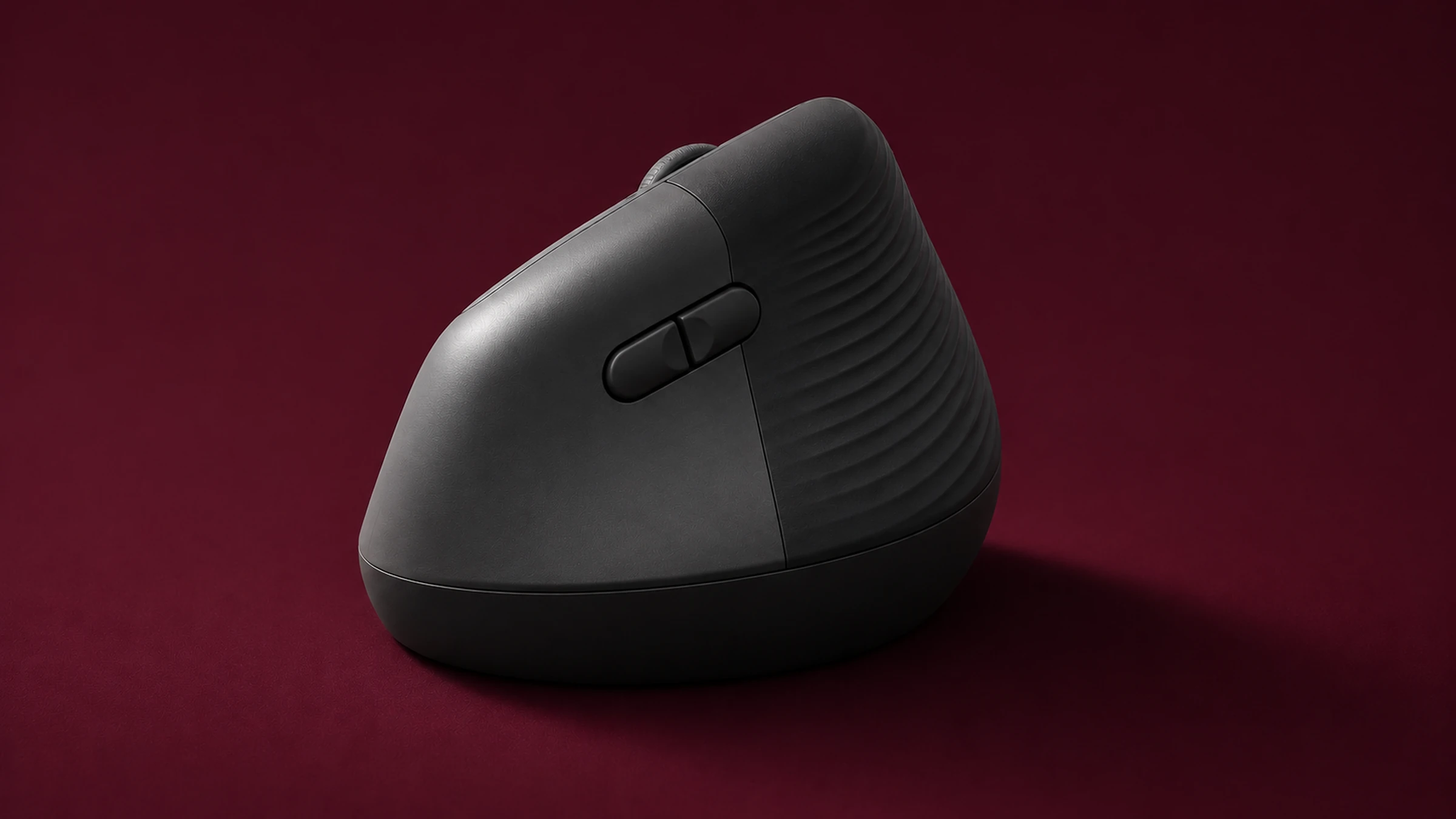
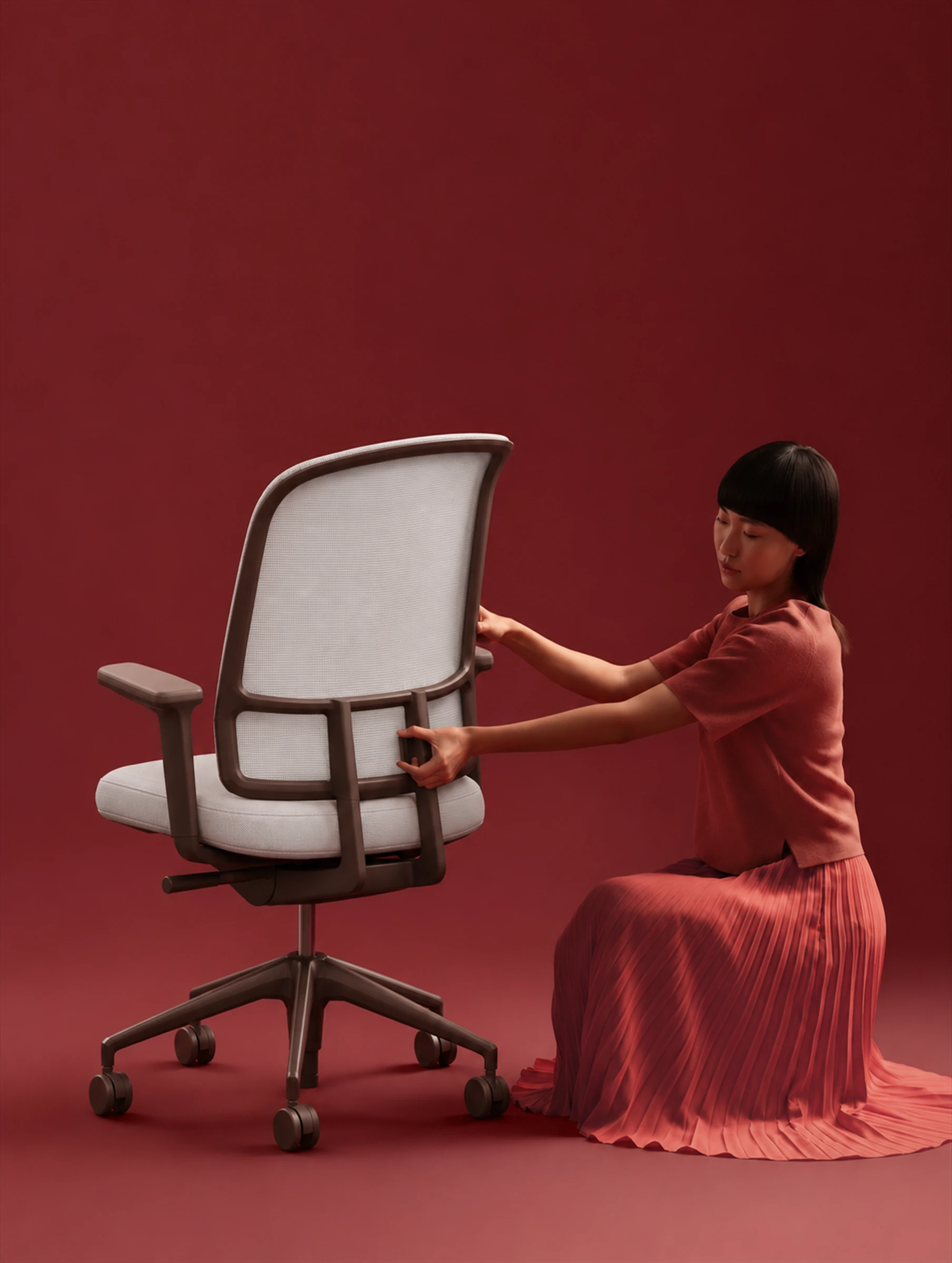
A product image series for three desk objects: a vertical mouse, a split keyboard and a mesh-back task chair. Burgundy studio views show shape and finish, while scenes with hands and people show grip and scale.
The products
A Vertical Mouse, a Split Keyboard and a Task Chair
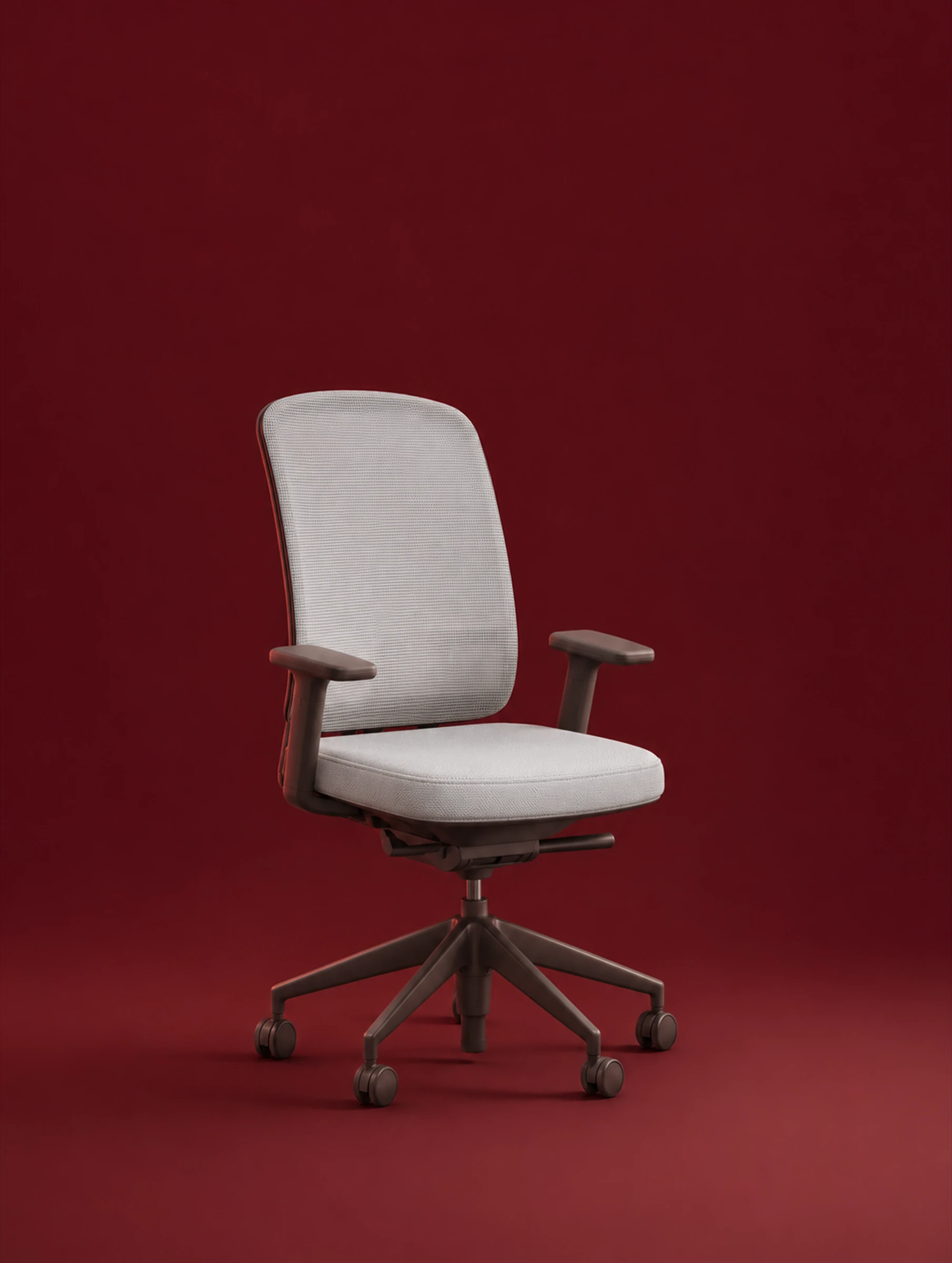
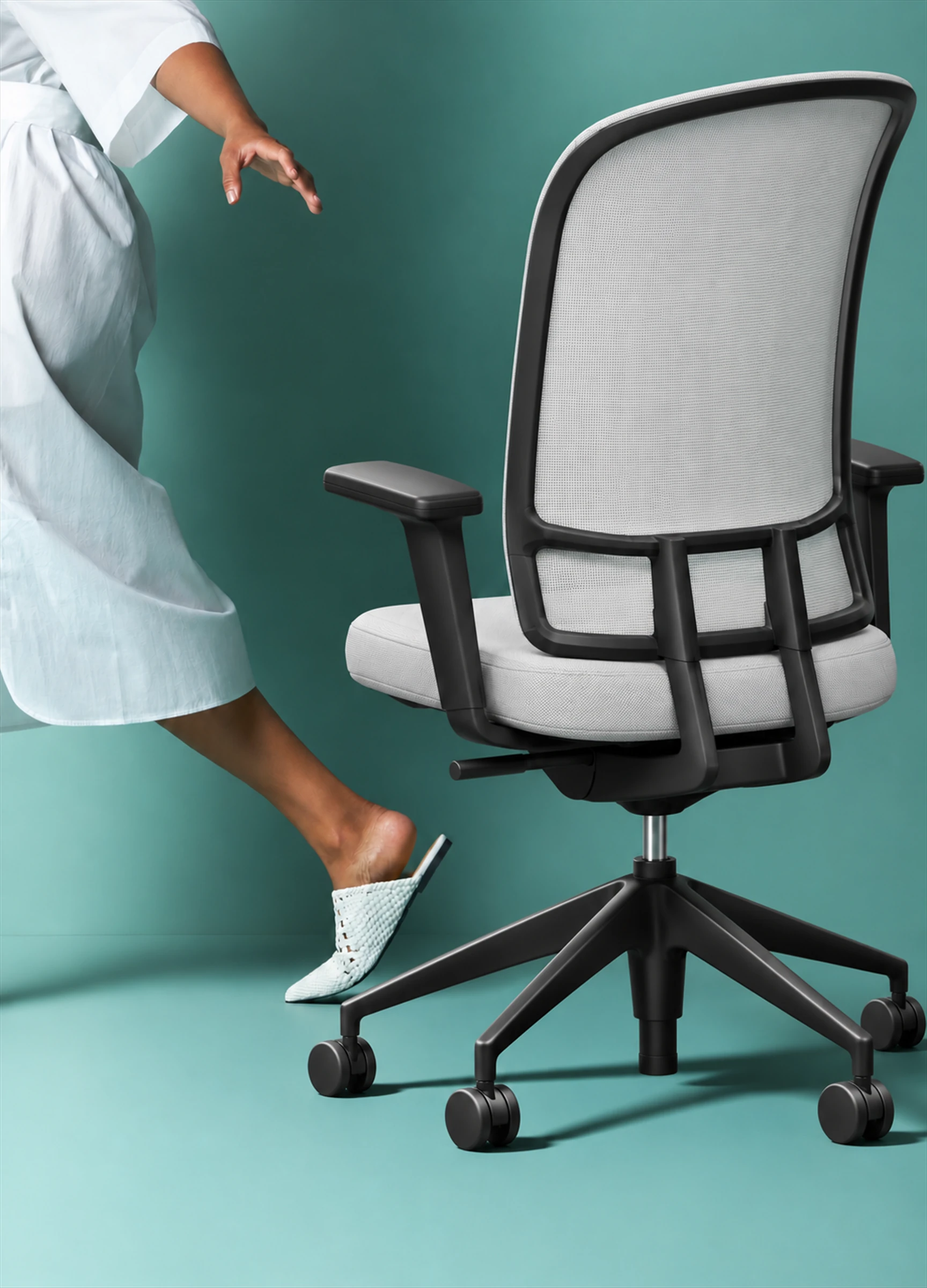
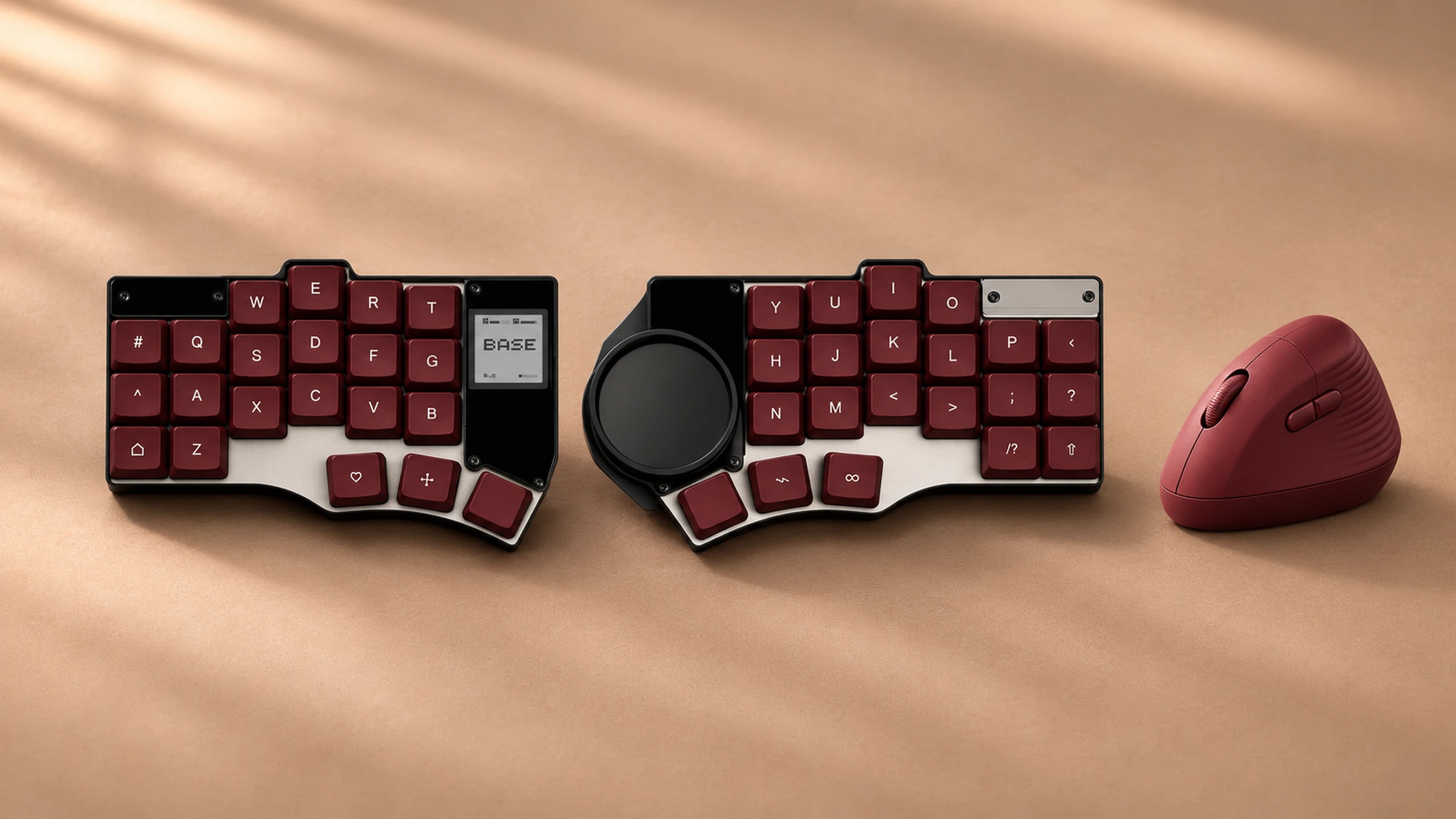
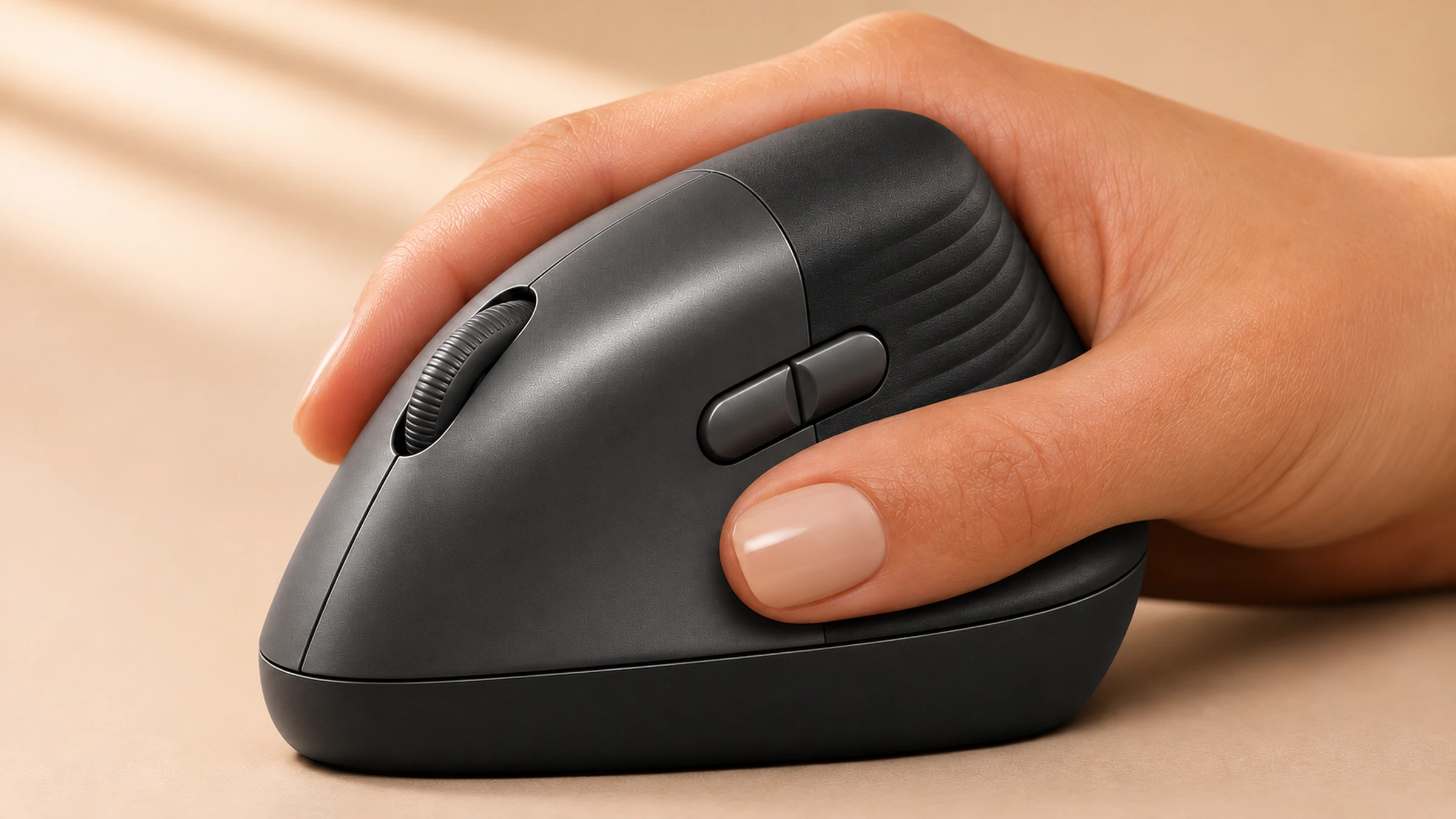
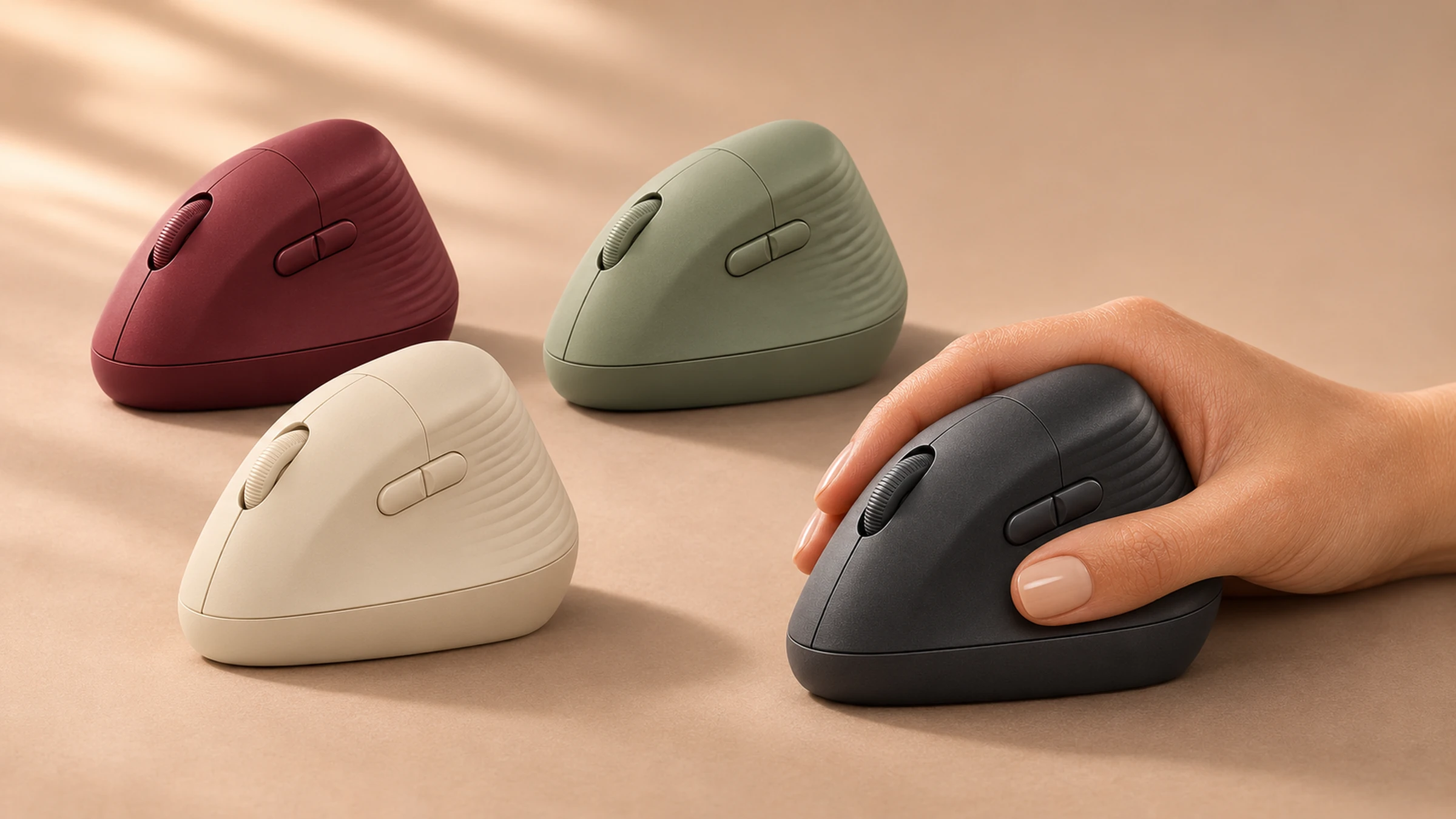
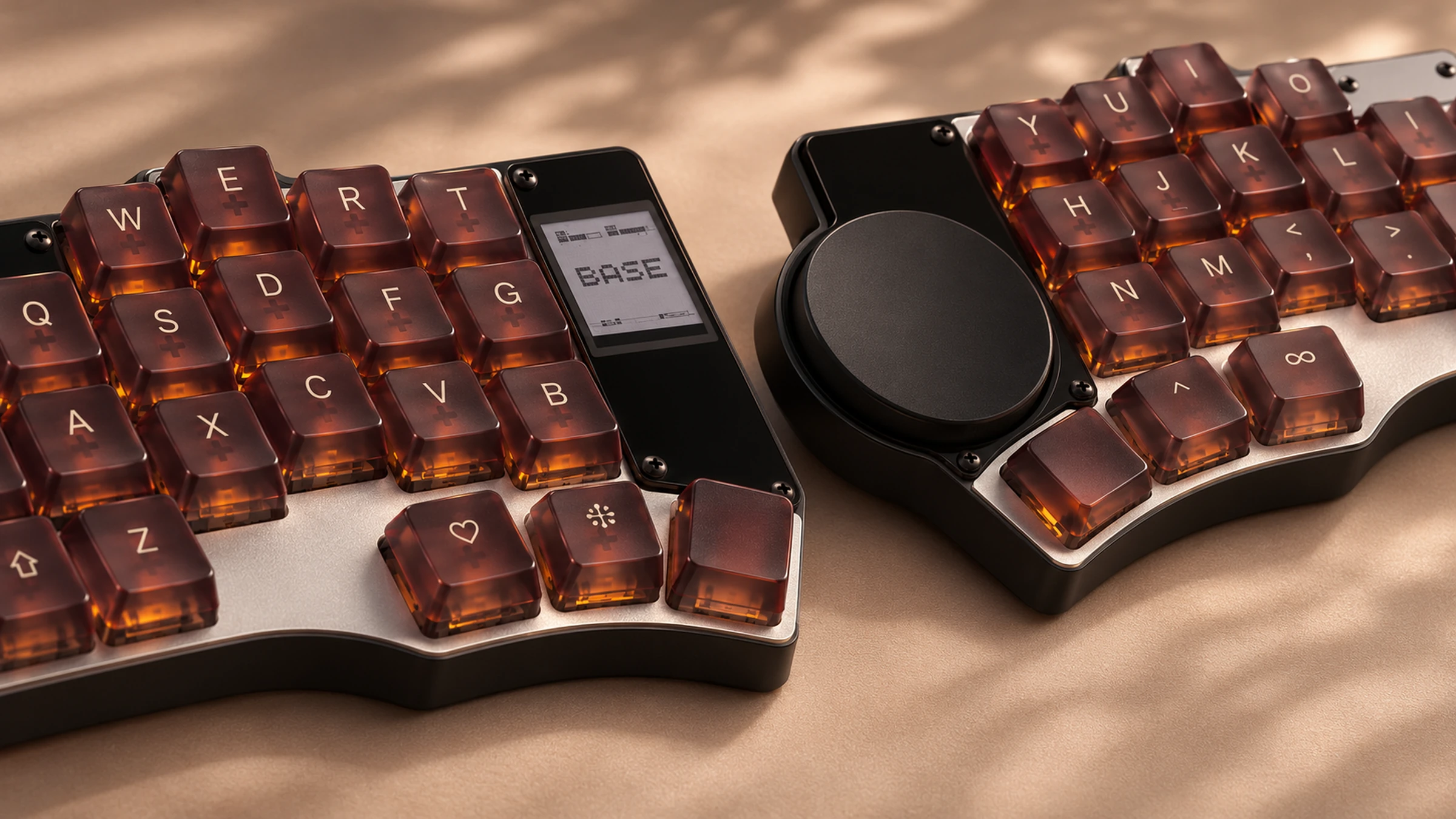
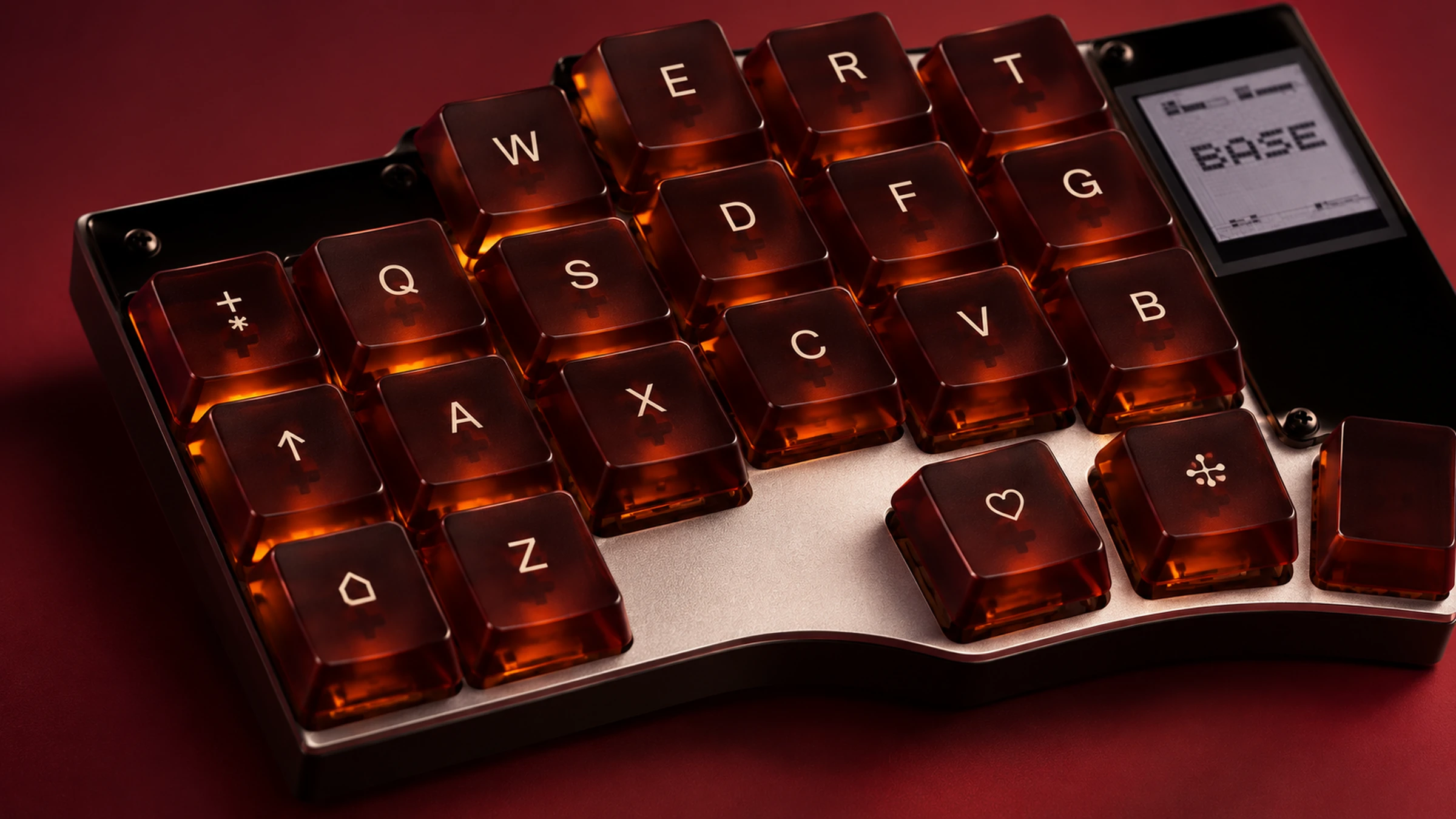
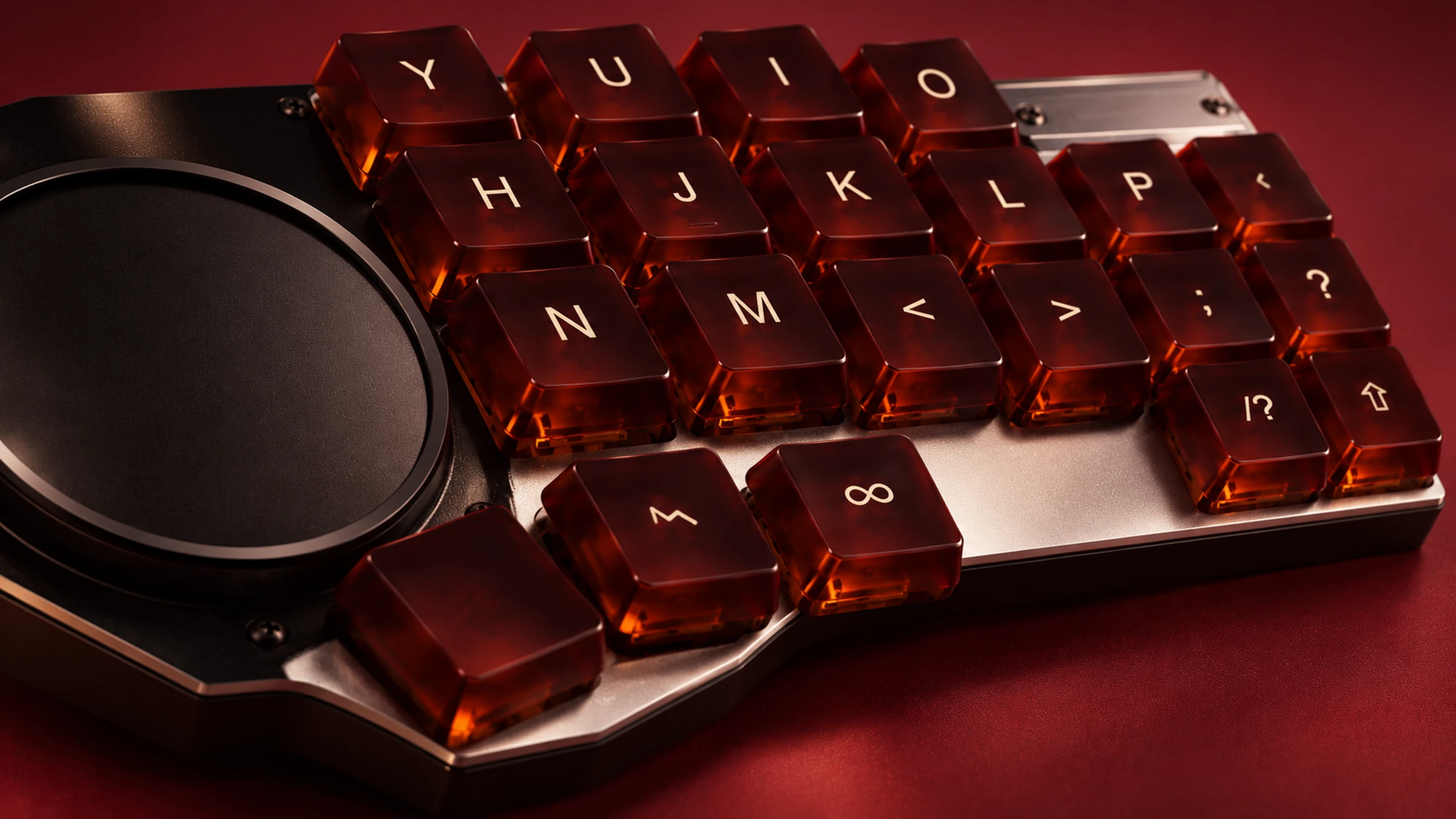
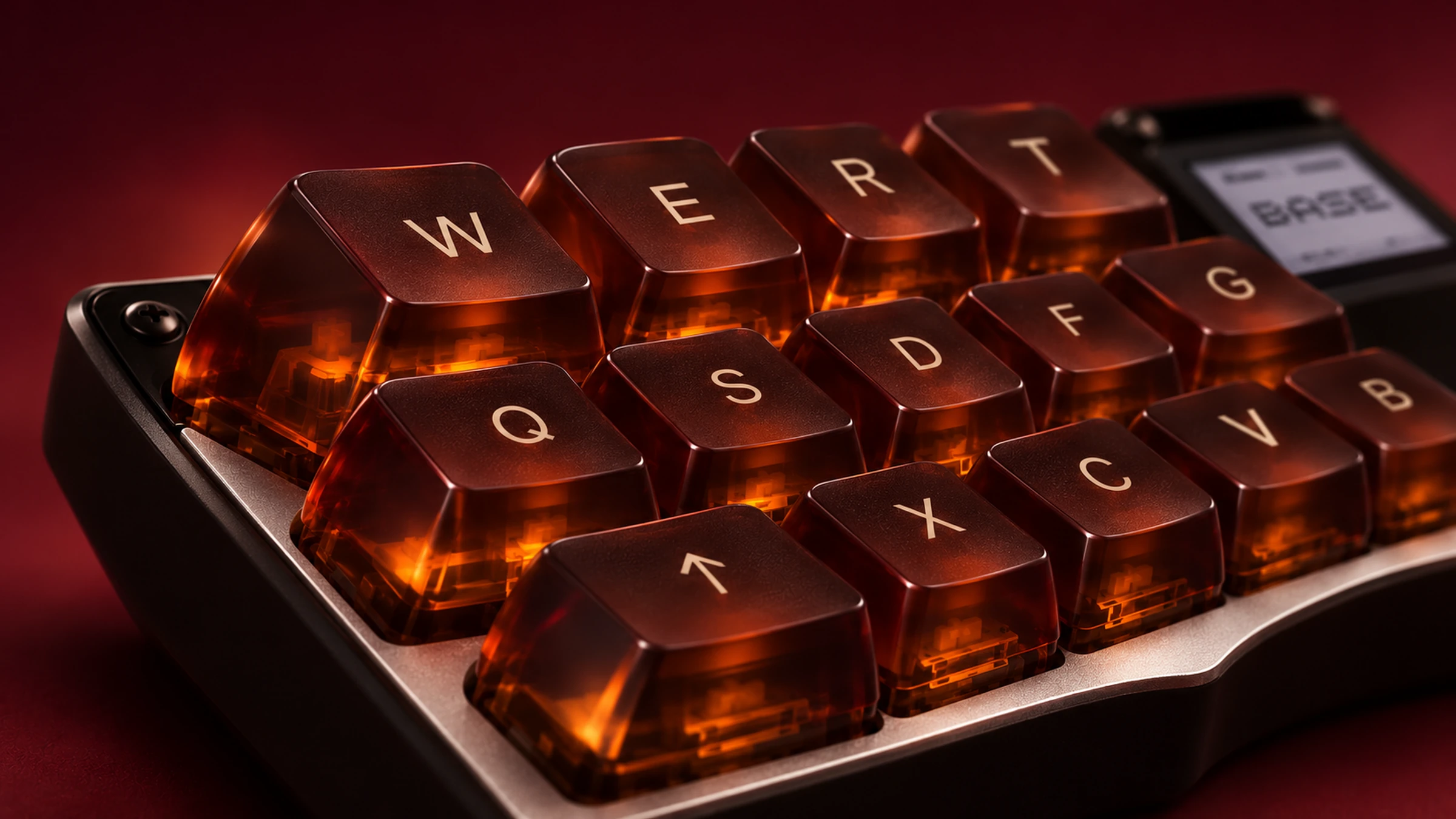
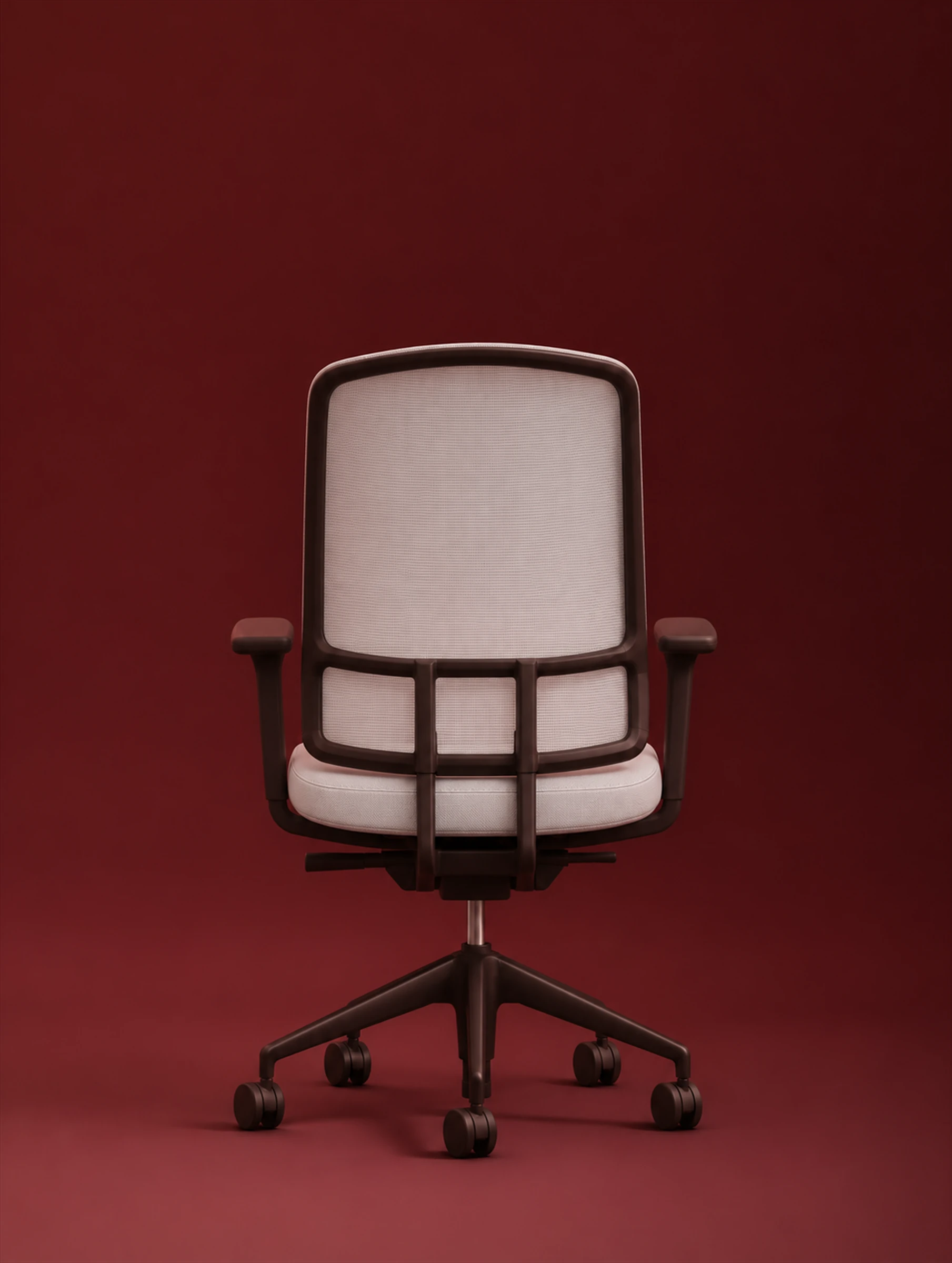
The vertical mouse has an angled profile, side thumb buttons and a ridged grip, and comes in burgundy, sage, cream and charcoal. The split keyboard has two halves with translucent keycaps, a small display on the left half and a circular control on the right. The task chair has a mesh back, back supports and a caster base.
Show How Each Object Meets the Body
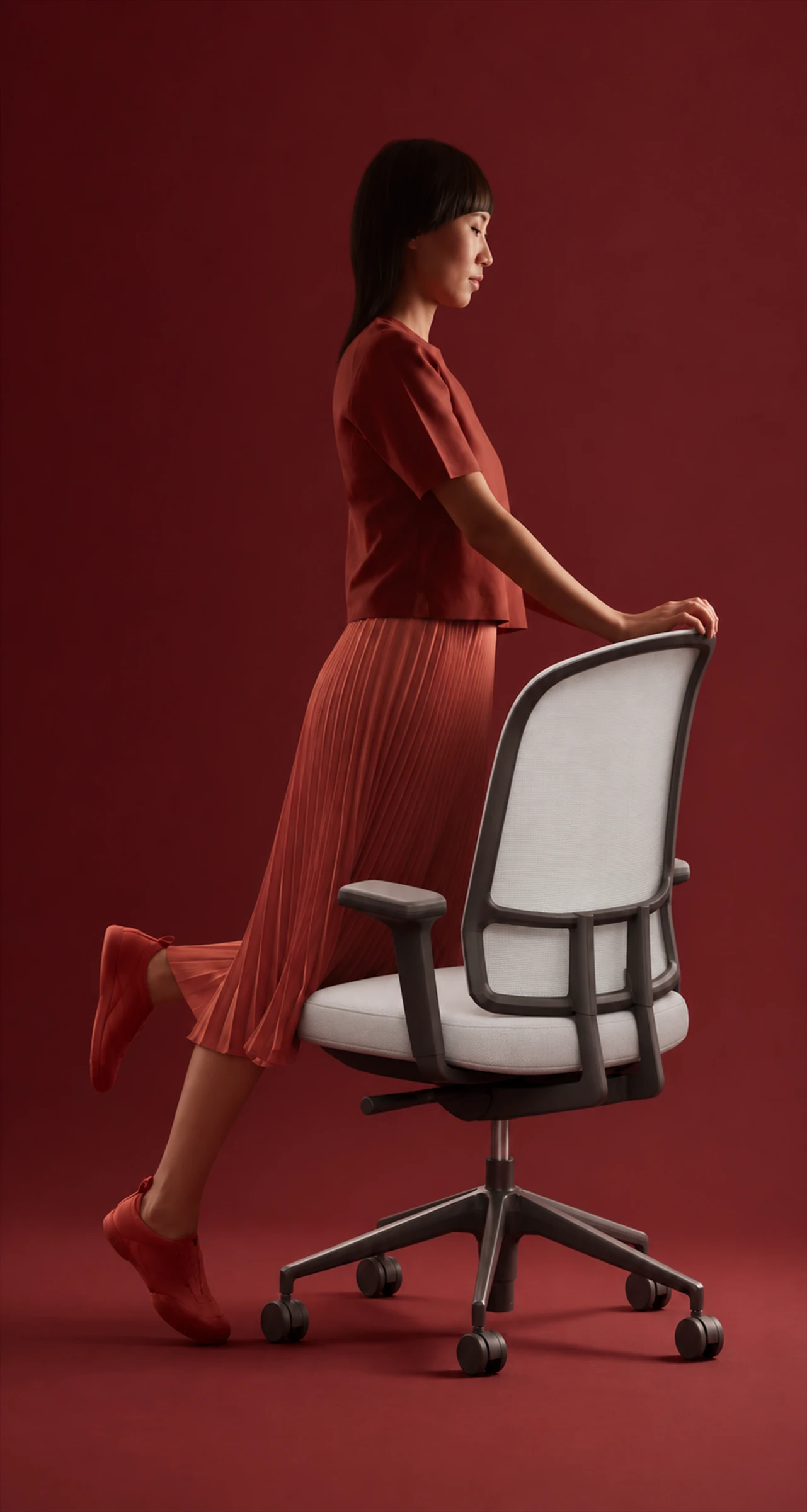
Ergonomic products are chosen for how they fit a hand or a back, so a clean packshot alone is not enough. The series pairs burgundy studio views of shape and finish with warm desk scenes where a hand holds the mouse, and portraits where a person stands or kneels beside the chair.
Mouse, Keyboard and Chair Sequences
Fourteen frames in three sections: the mouse from overhead, in profile and from the rear, in a hand and in four colors; the keyboard as a pair, each half up close and its keycaps in macro; the chair from the rear and with a person standing or kneeling beside it.
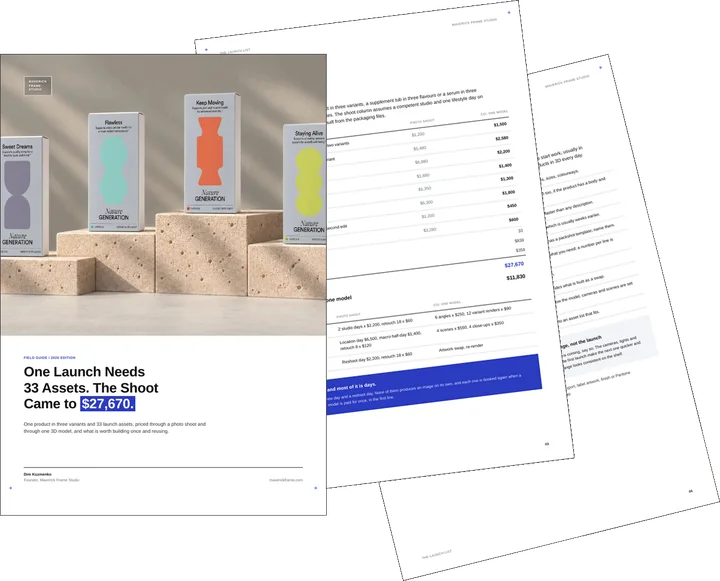
Free guide: a 33-asset launch cost $27,670 shot and $11,830 from one model
The images above are one part of what a product needs to go on sale. A full launch runs to thirty-odd assets: packshots for every retailer, lifestyle, texture close-ups, a 360 spin and a short film. We priced 33 of them both ways, $27,670 through a photo shoot and $11,830 as product CGI from one model. The guide gives you the side-by-side, what to build once and the brief to send.
- Free
- Instant download
- No sales call
If it didn't open, download it here.
Download the PDFRemote studio, your time zone
Planning a similar project?
Book a 30-minute call. Tell us about the project, and we will tell you which views it needs, how long it takes and what it costs.
Estimate on the call
A price range on the call, not a follow-up questionnaire.
Any stage of the project
From concept sketches to a finished model: we start from what you have.
Book a 30-minute call
Which day suits you?
What time?
Where should we send the invite?
- 30 minutes
- Free, no obligation
- Invite by email
The image set
- 16imagesStudio views, desk scenes, macro details and portraits with people.
- 3productsA vertical mouse, a split keyboard and a mesh-back task chair, each with its own sequence.
- 4mouse colorsBurgundy, sage, cream and charcoal versions of the vertical mouse on one desk.
A vertical mouse makes sense only in a hand, and a chair shows its size only next to a person. The scenes with people follow the studio views, so each product appears first as an object and then in use.
Burgundy backdrops and accents tie the three products together, so the mouse, the keyboard and the chair read as one family across studio and desk scenes.
Services for this project
FAQ
Questions about the Ergonomic Product Images
Didn’t find your question?
Ask it here. A producer replies within one business day — with an answer, not a sales call.
What does the ergonomic product series include?
Why is the series built around burgundy?
How do still images show ergonomics?
Which details of the split keyboard are shown?
What sizes are the ergonomic product images?
Explore More Product Rendering Projects
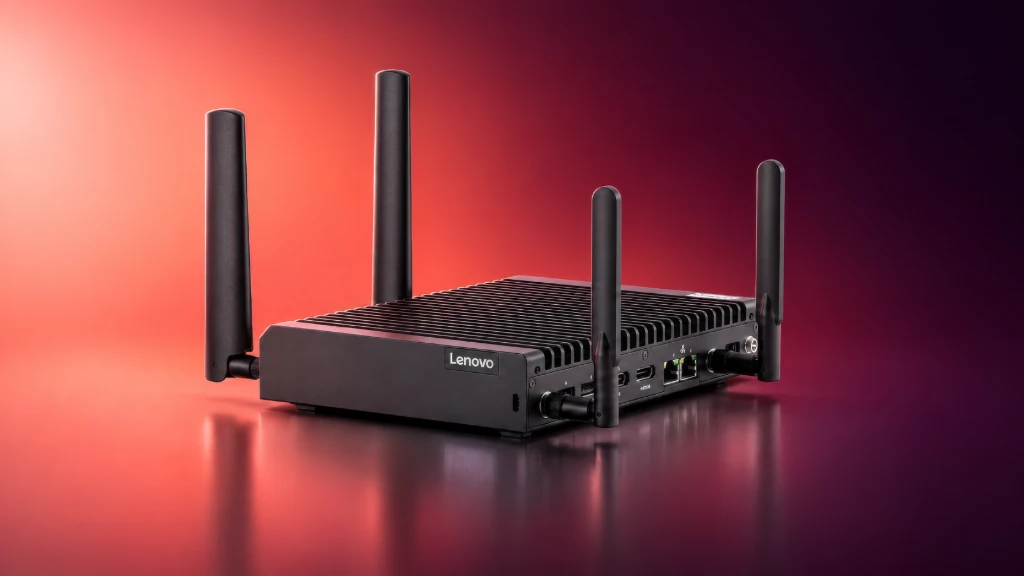
Lenovo Product Rendering and 3D Animation
Computer hardware gets the same studio care in the Lenovo product renderings and 3D animation, where studio views of the devices lead into a 15-second product film.

Electric Moss Grapefruit Juice Bottle in Studio and Campaign Images
A grapefruit juice bottle in 12 studio, macro and campaign images built on citrus color, clear glass and light.
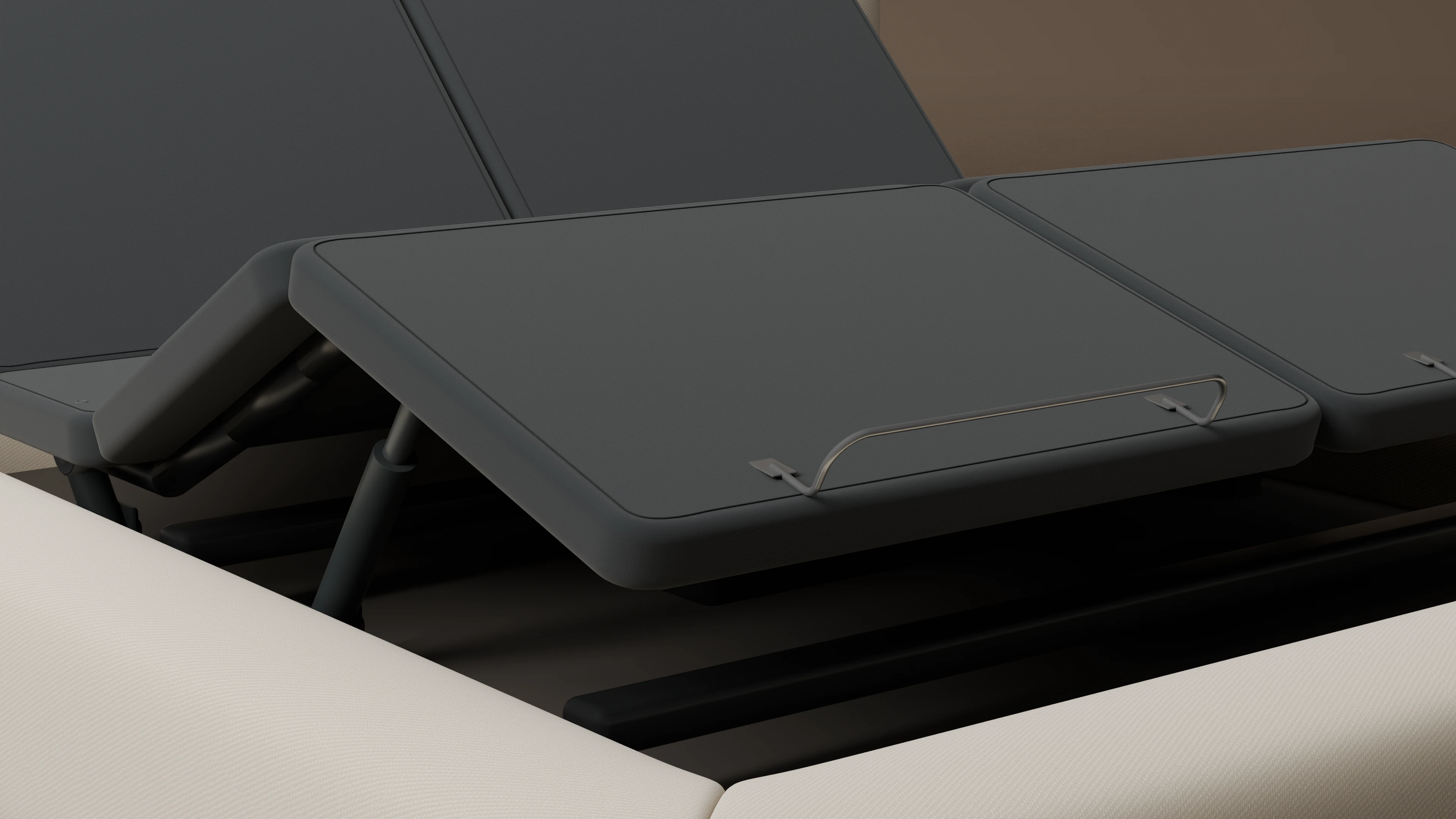
Adjustable Bed Base Visualization Flat, Raised and Split
An adjustable bed in 16 images: flat and raised positions, the exposed split base, lift details and bedding close-ups.