Lenovo Product Rendering and 3D Animation
Studio product renderings reveal Lenovo hardware from every side, while a 15-second SE50 3D animation shows it in motion.
The hardware
Lenovo Hardware, Seen From Every Side
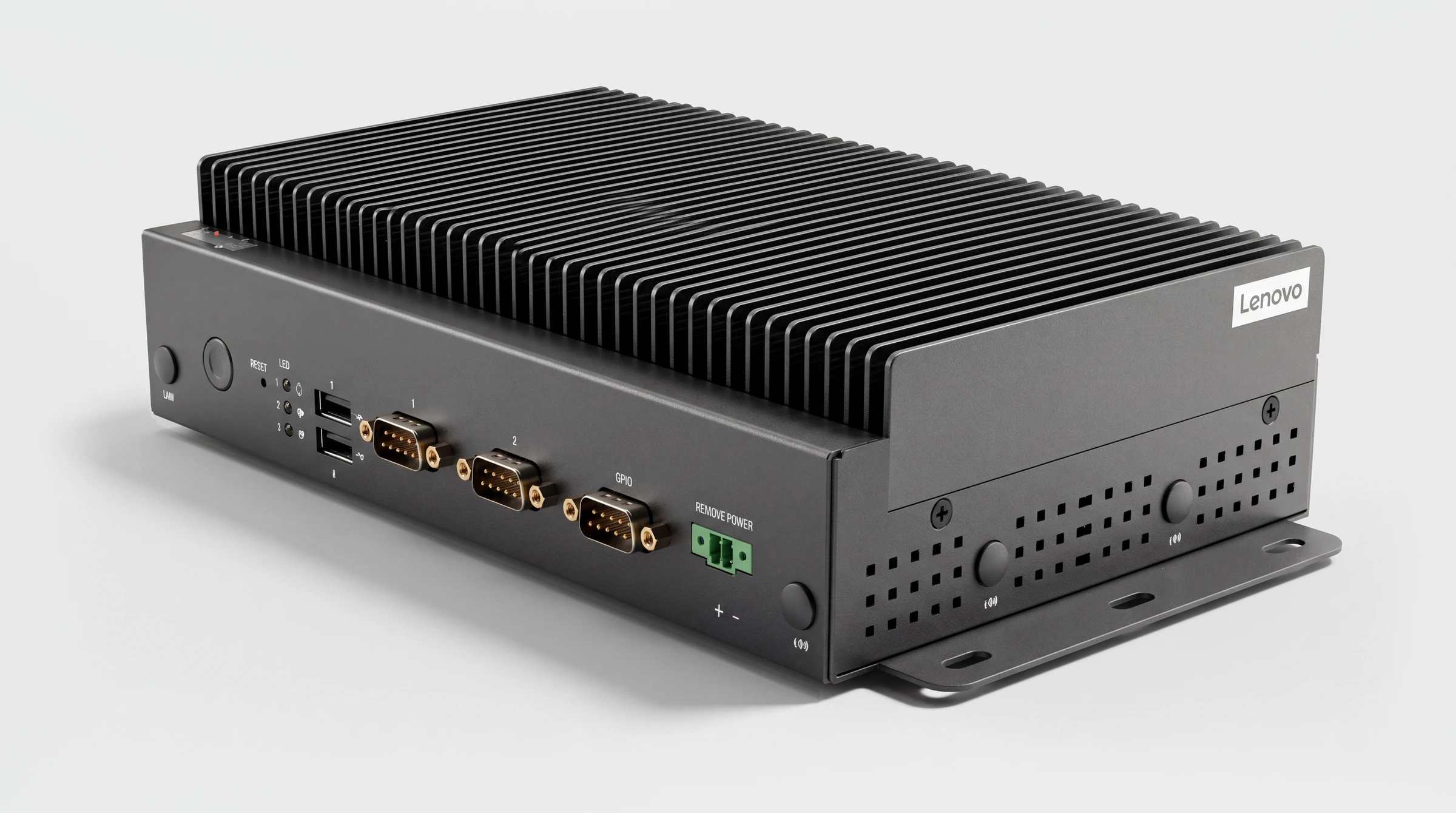
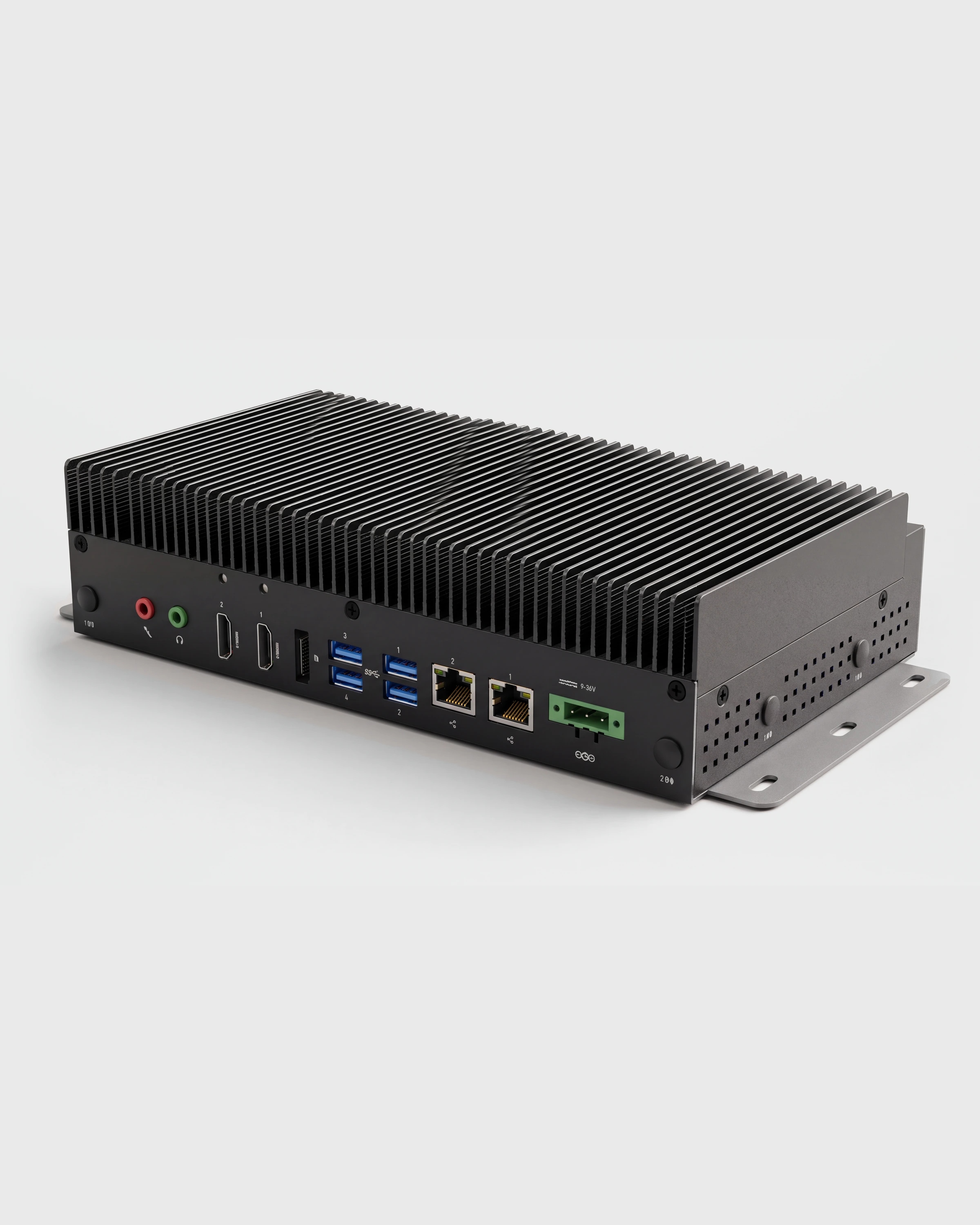
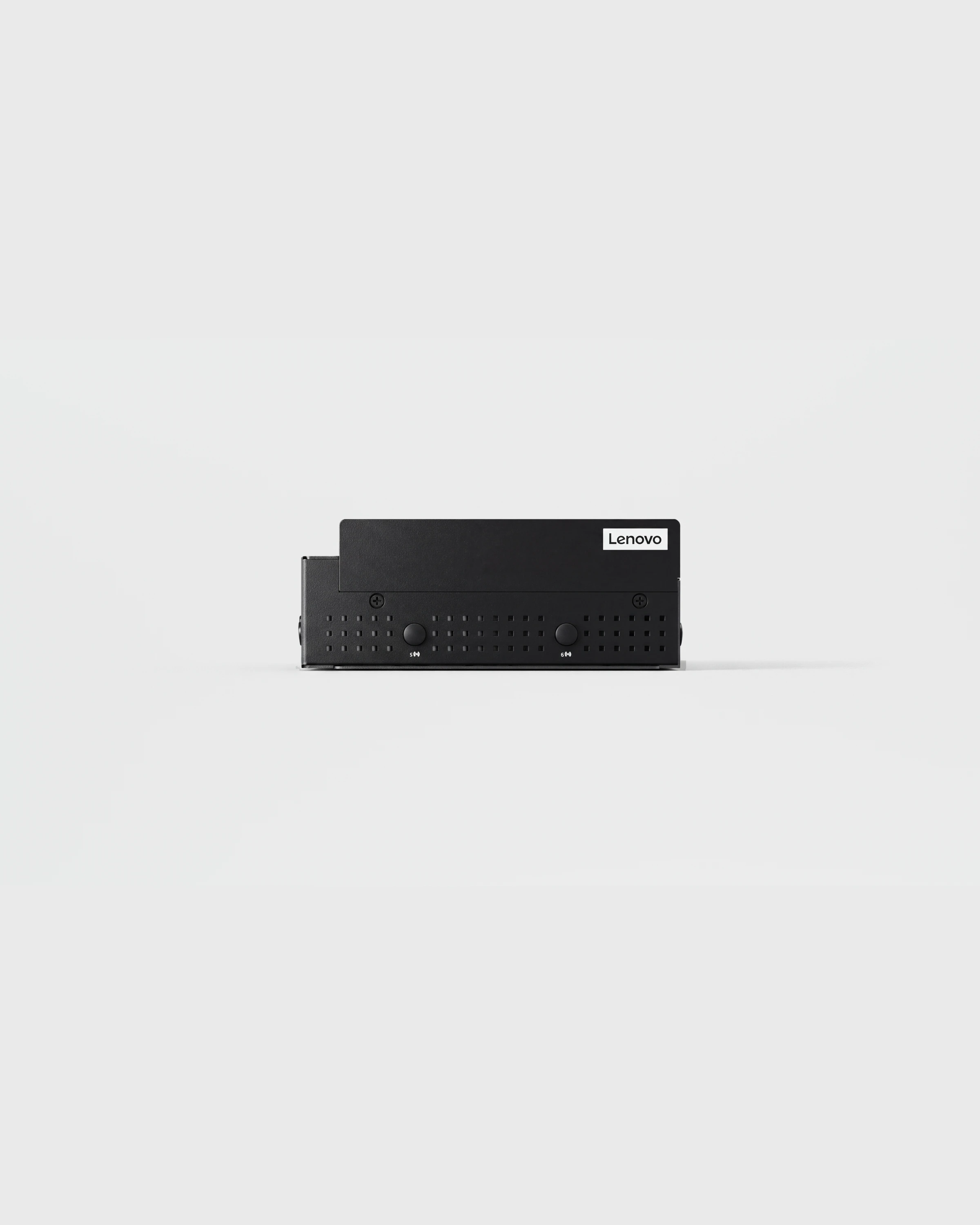
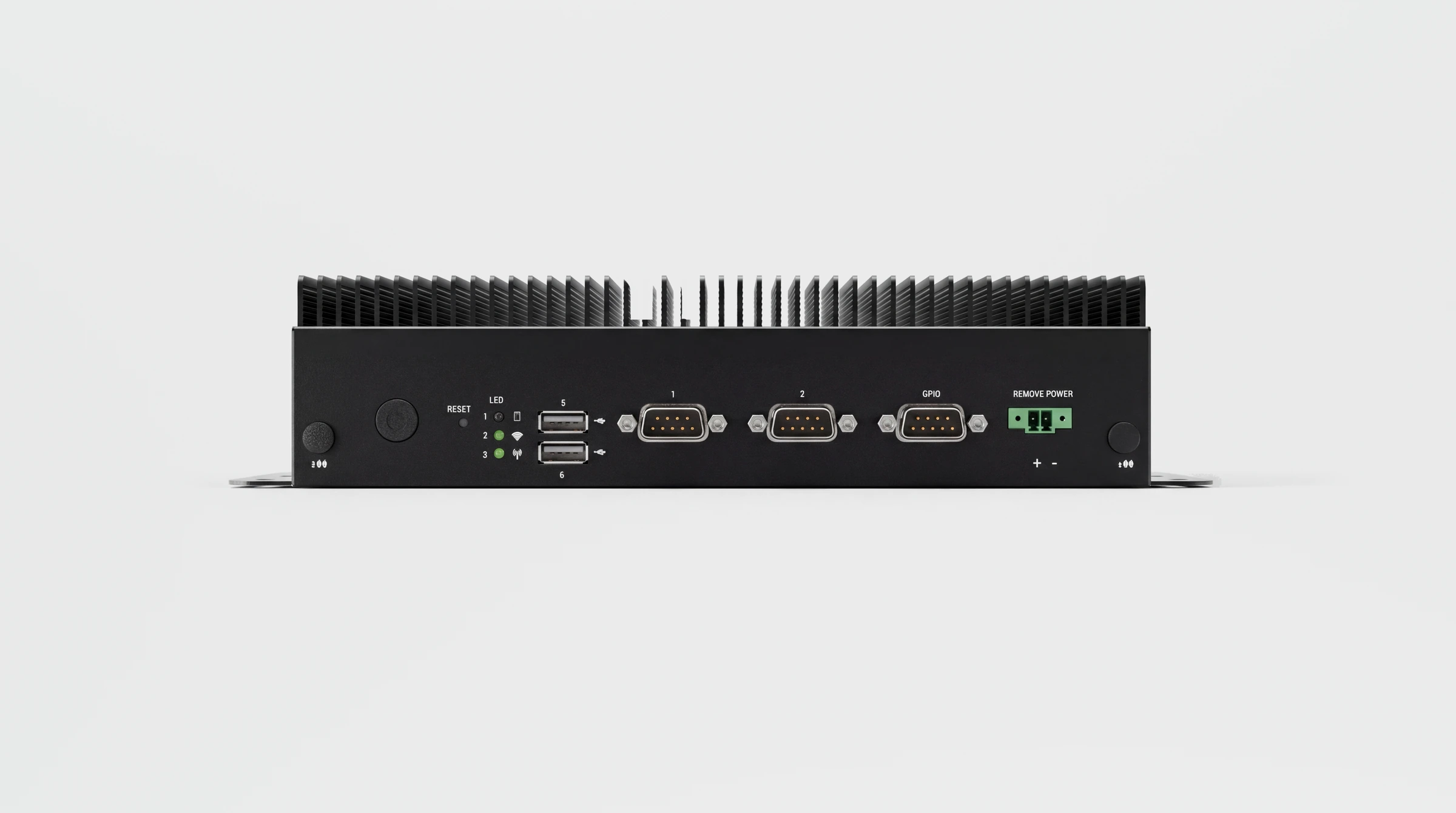
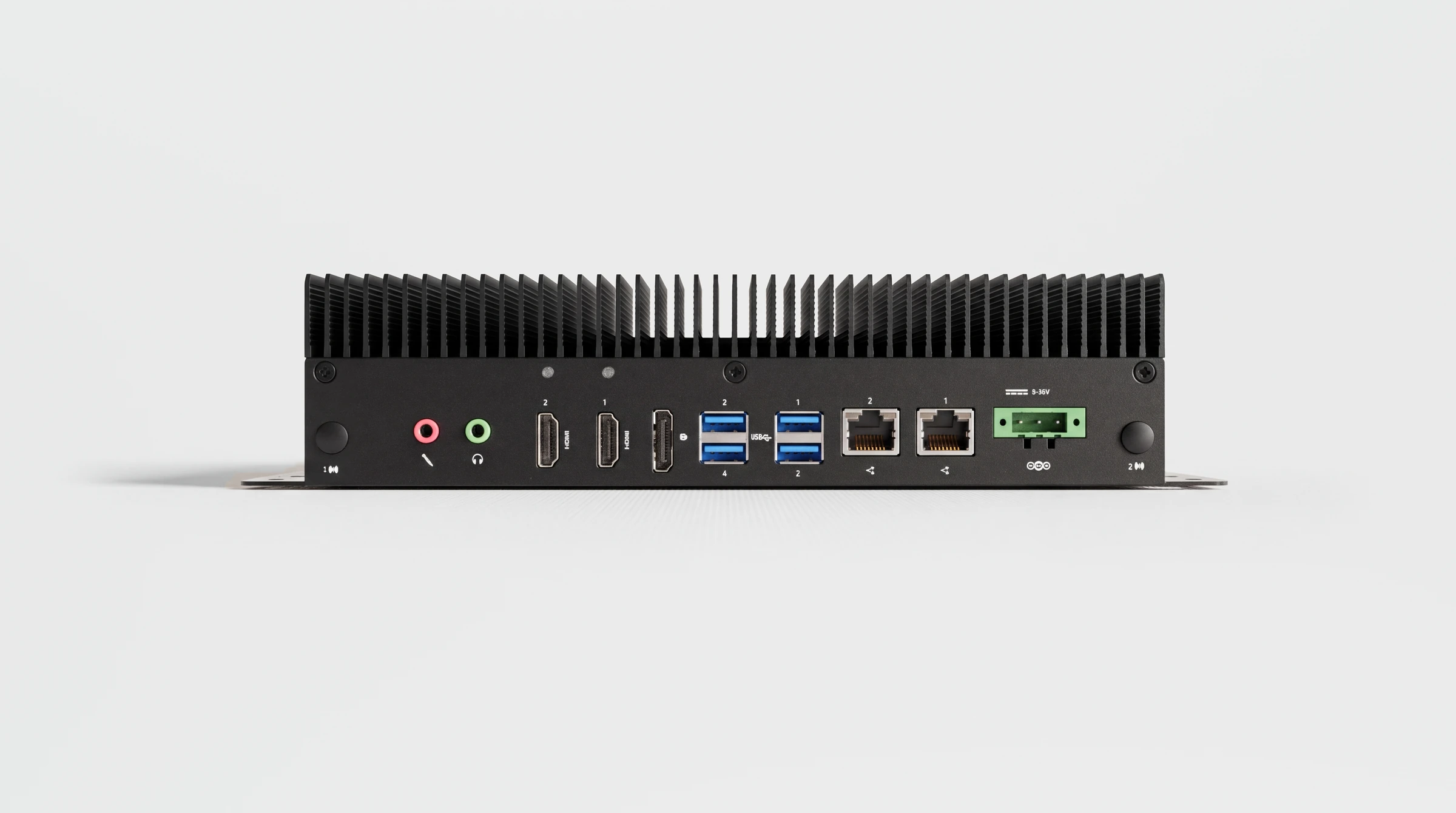
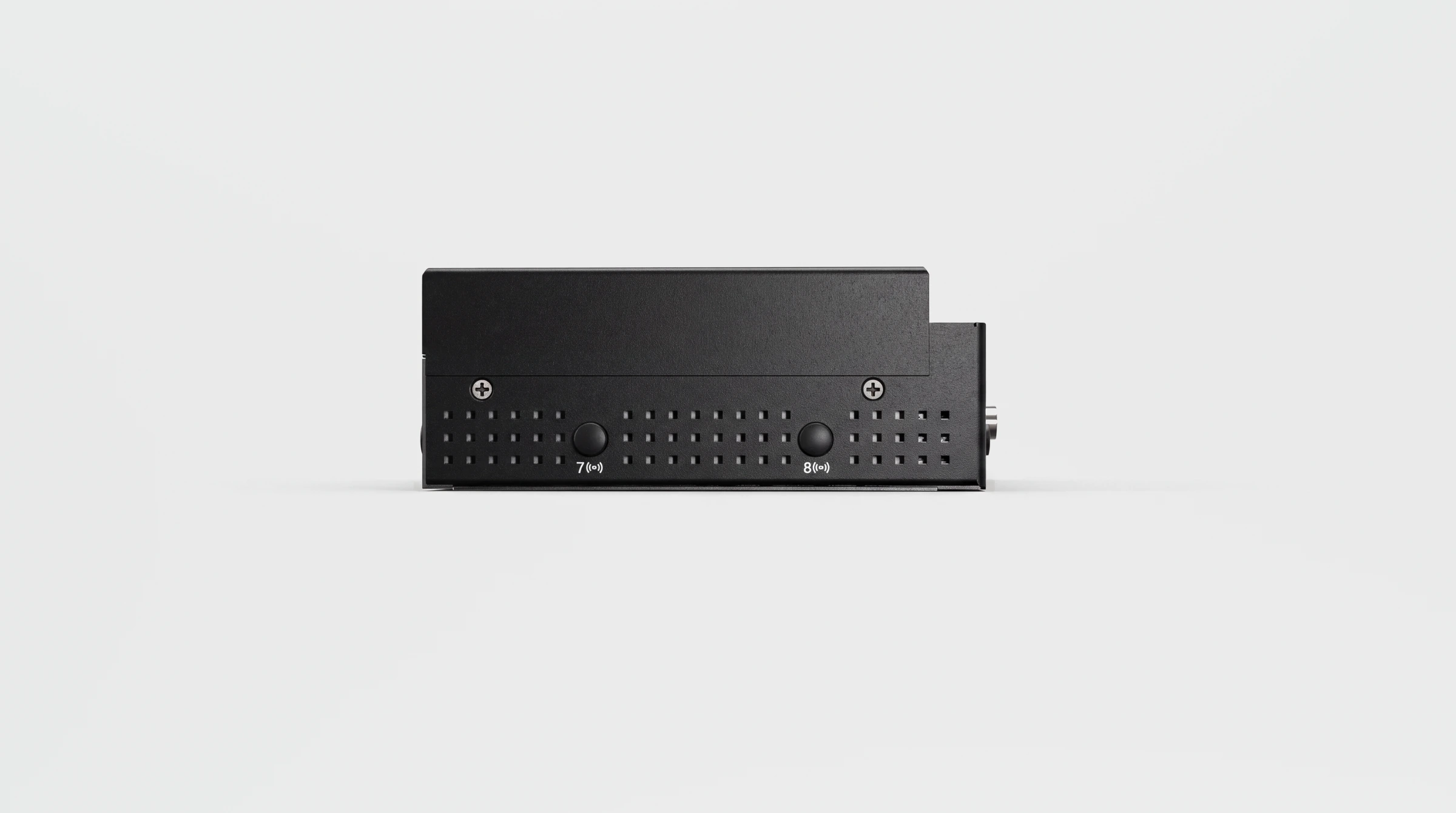
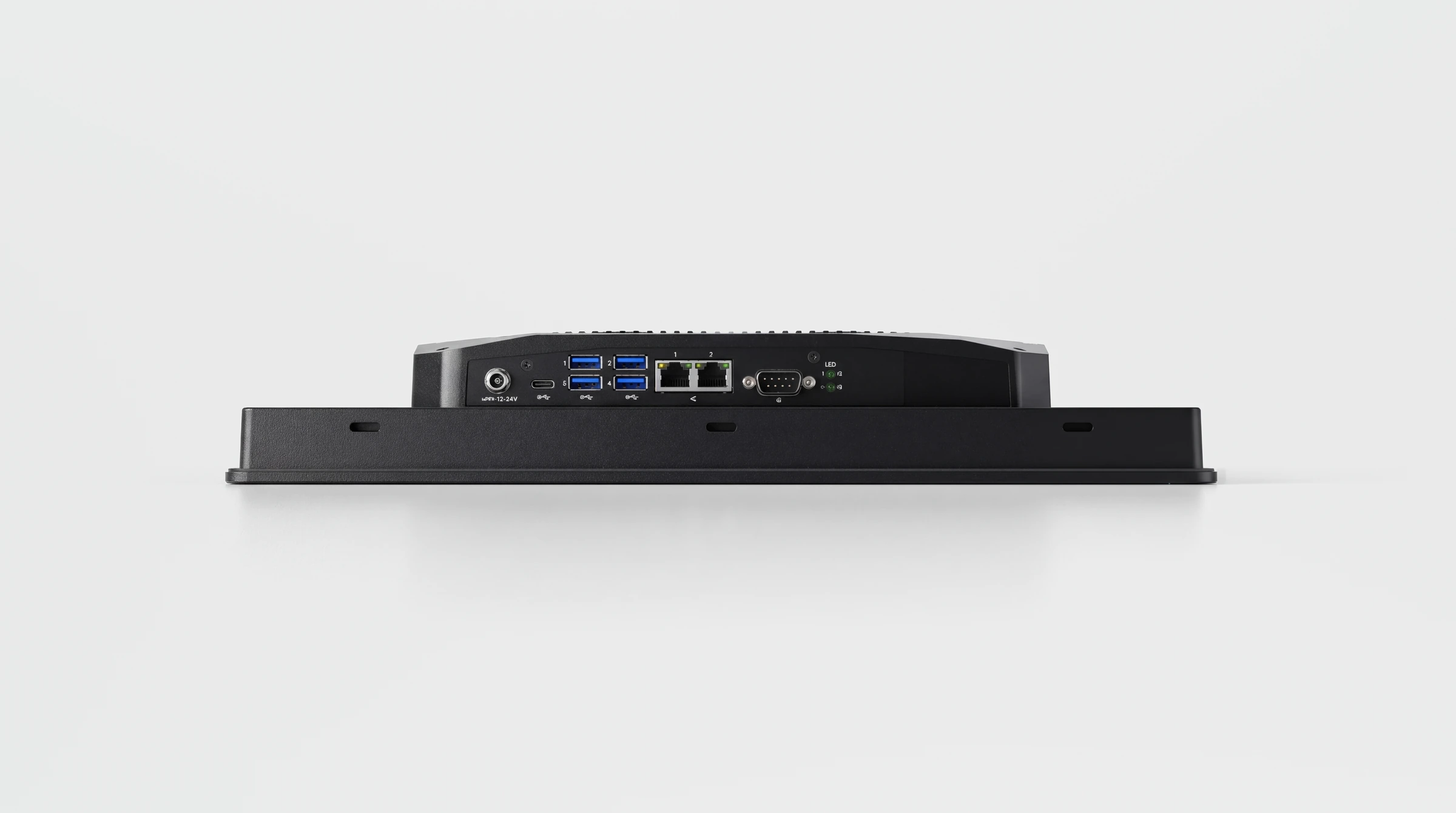
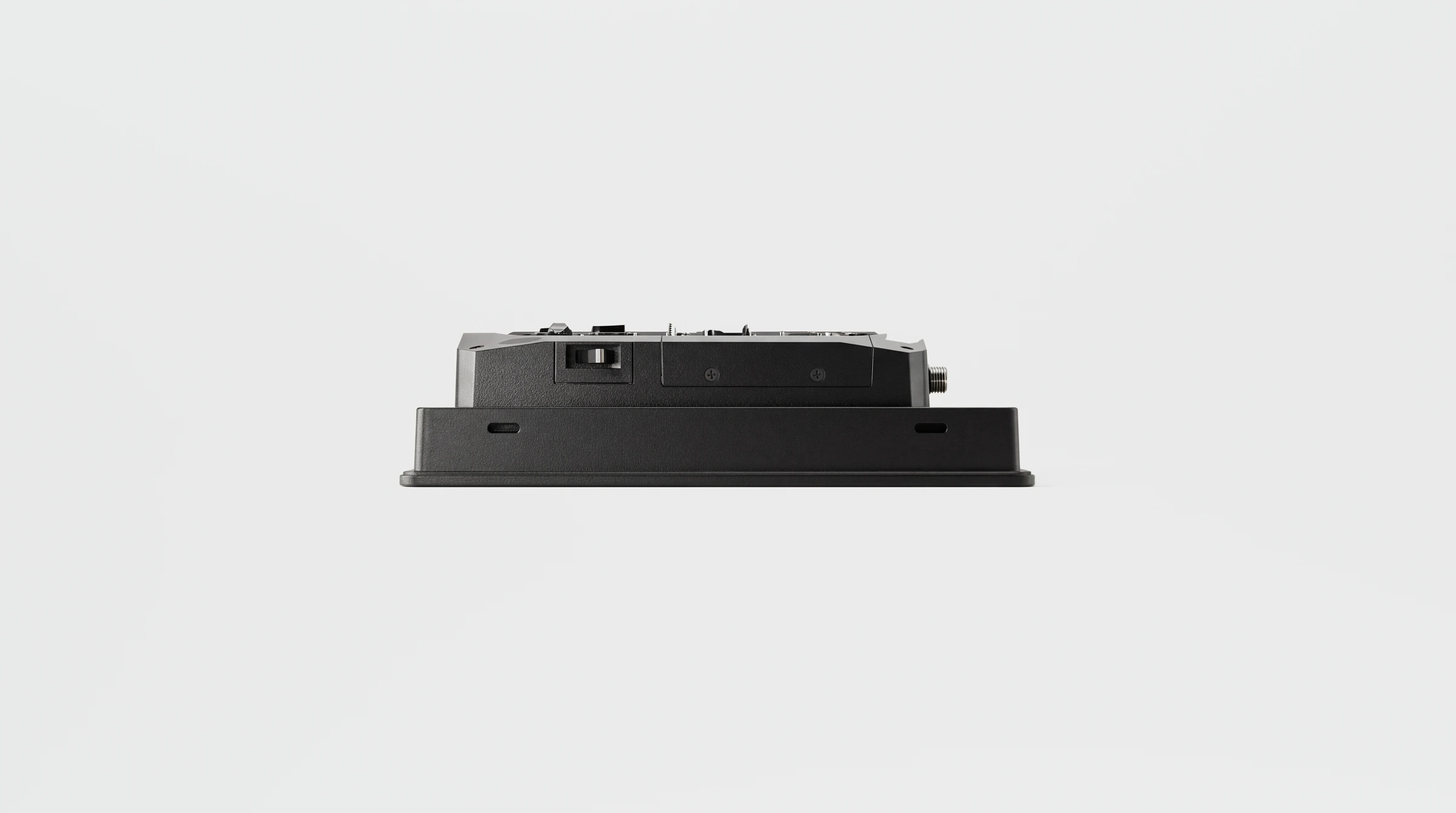
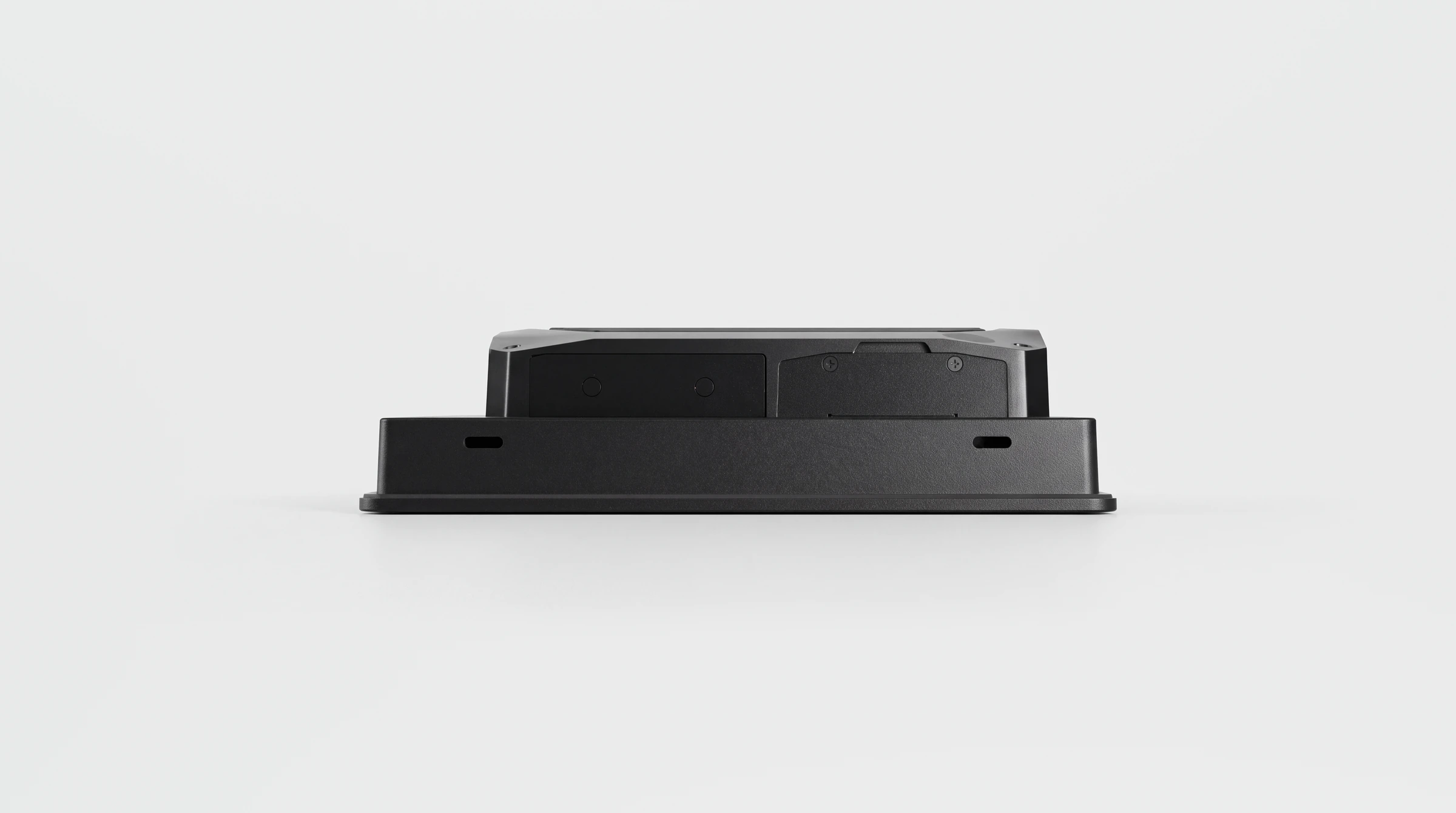
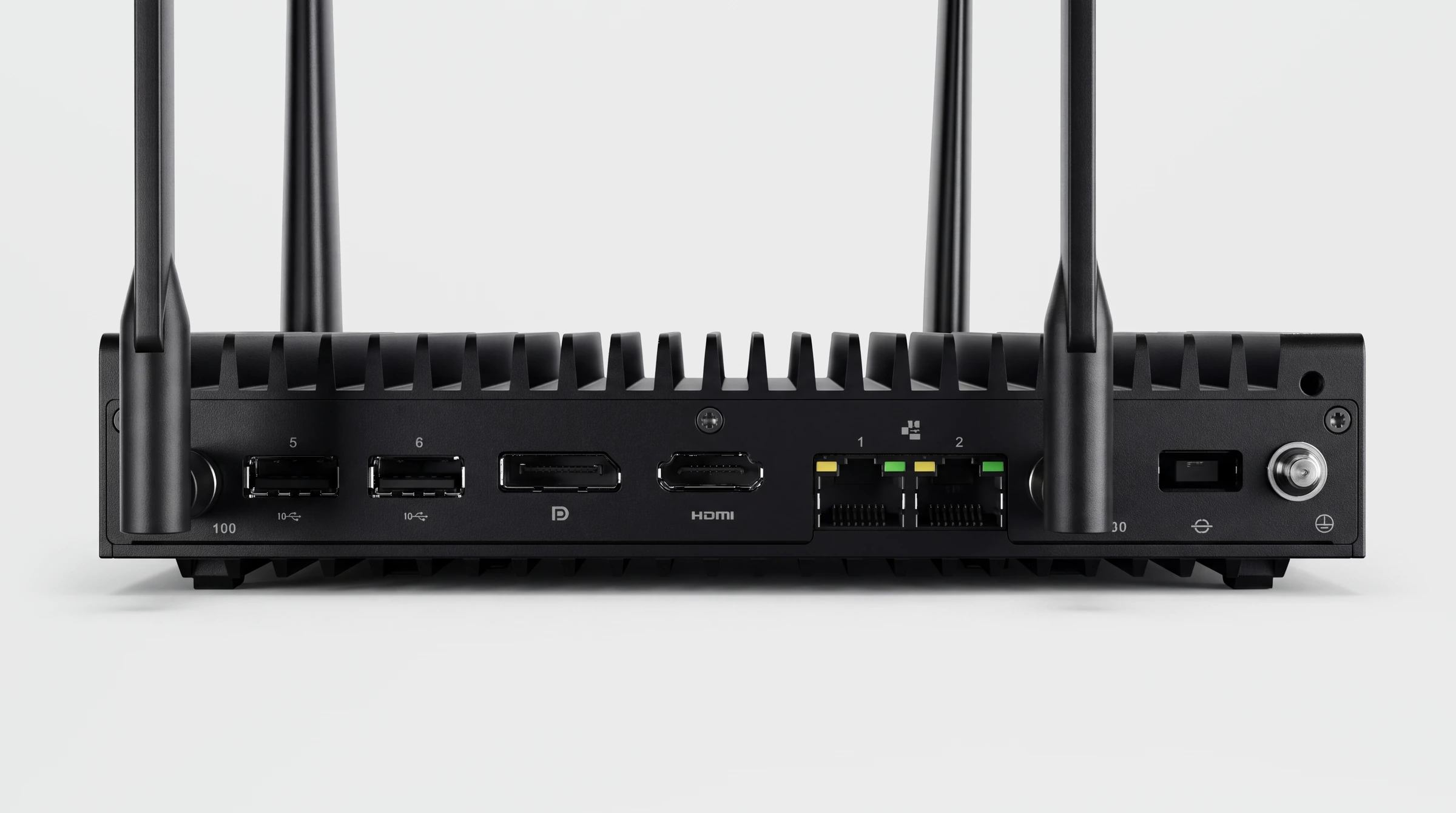
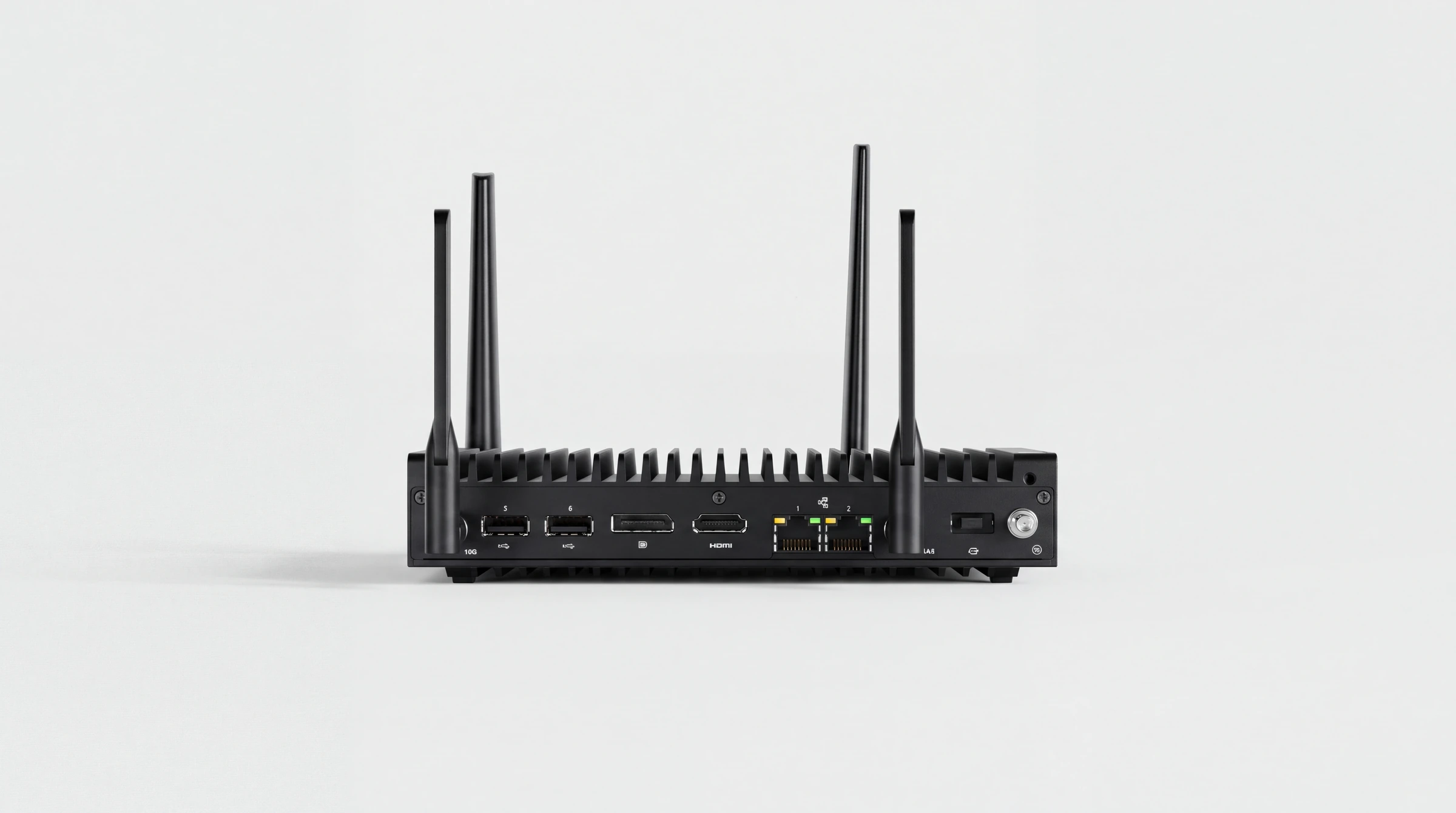
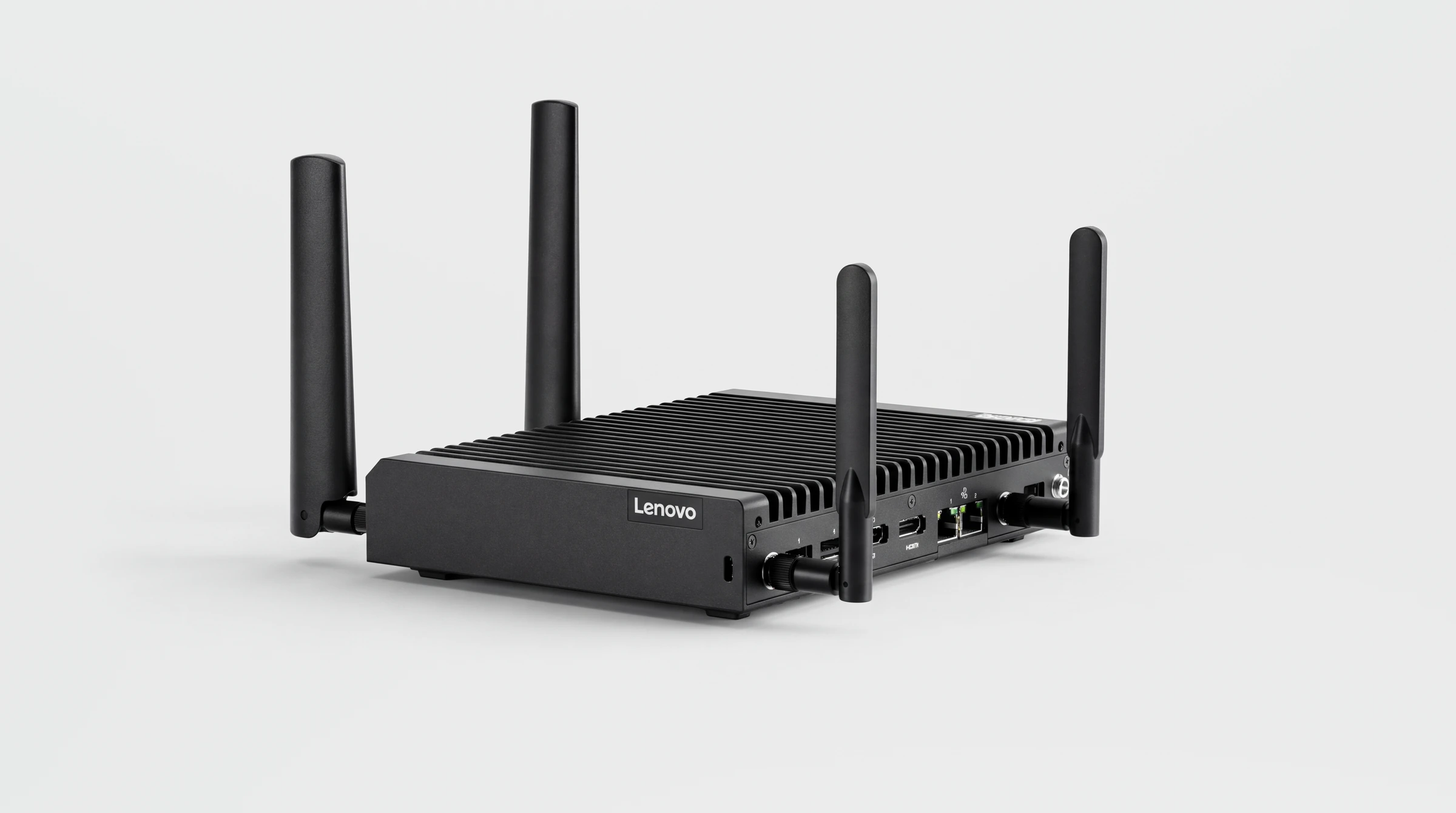
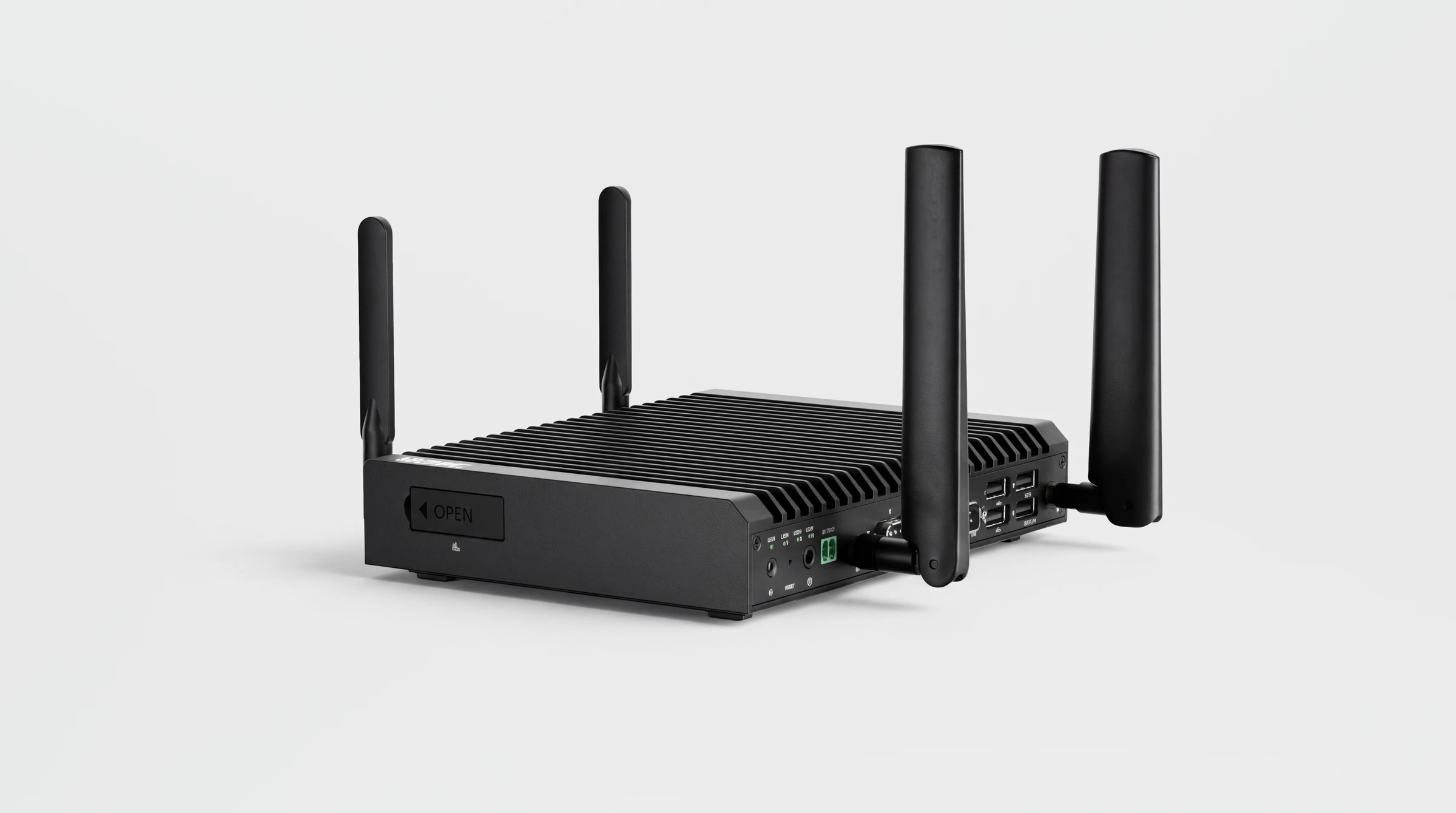
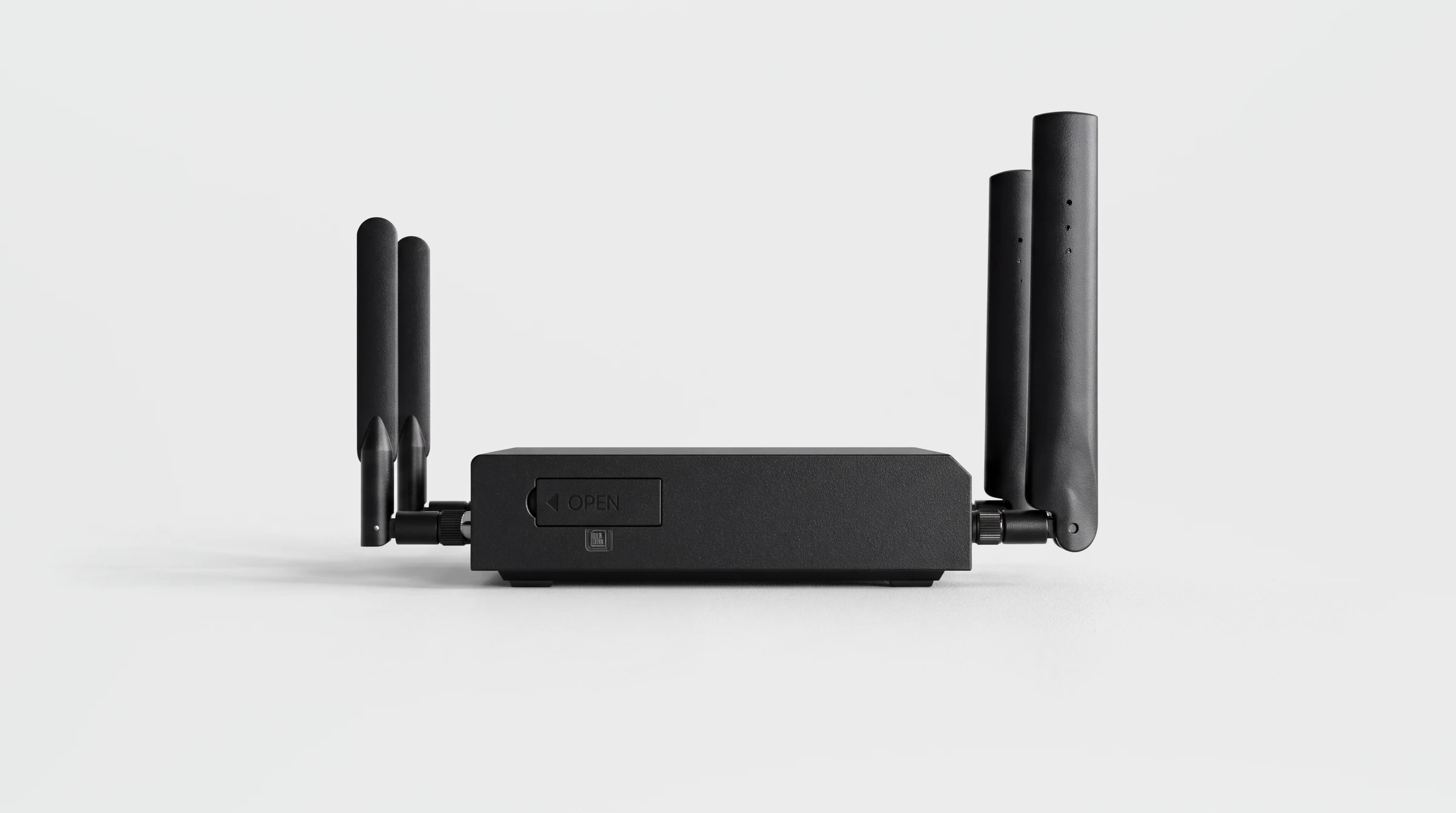
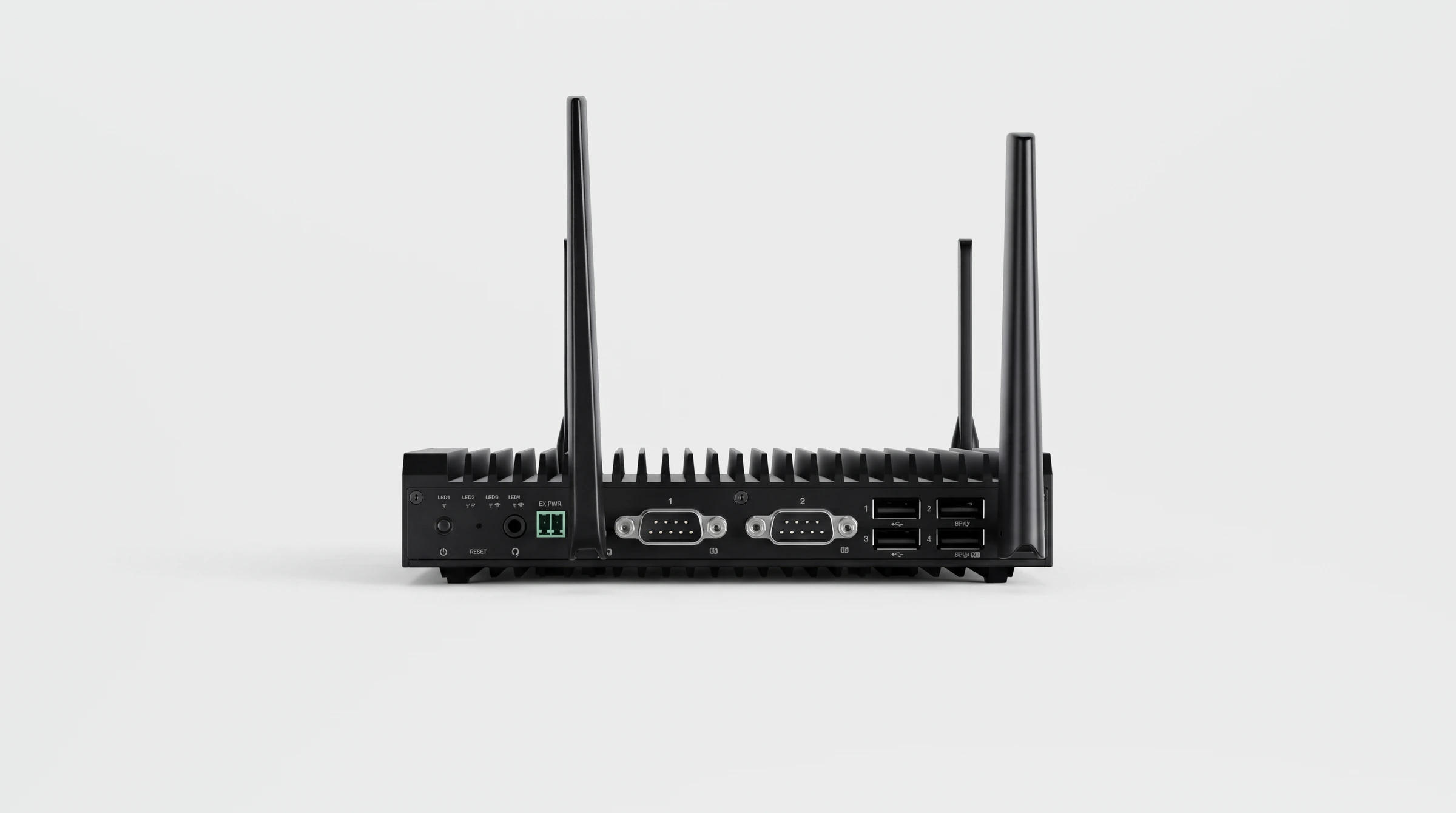
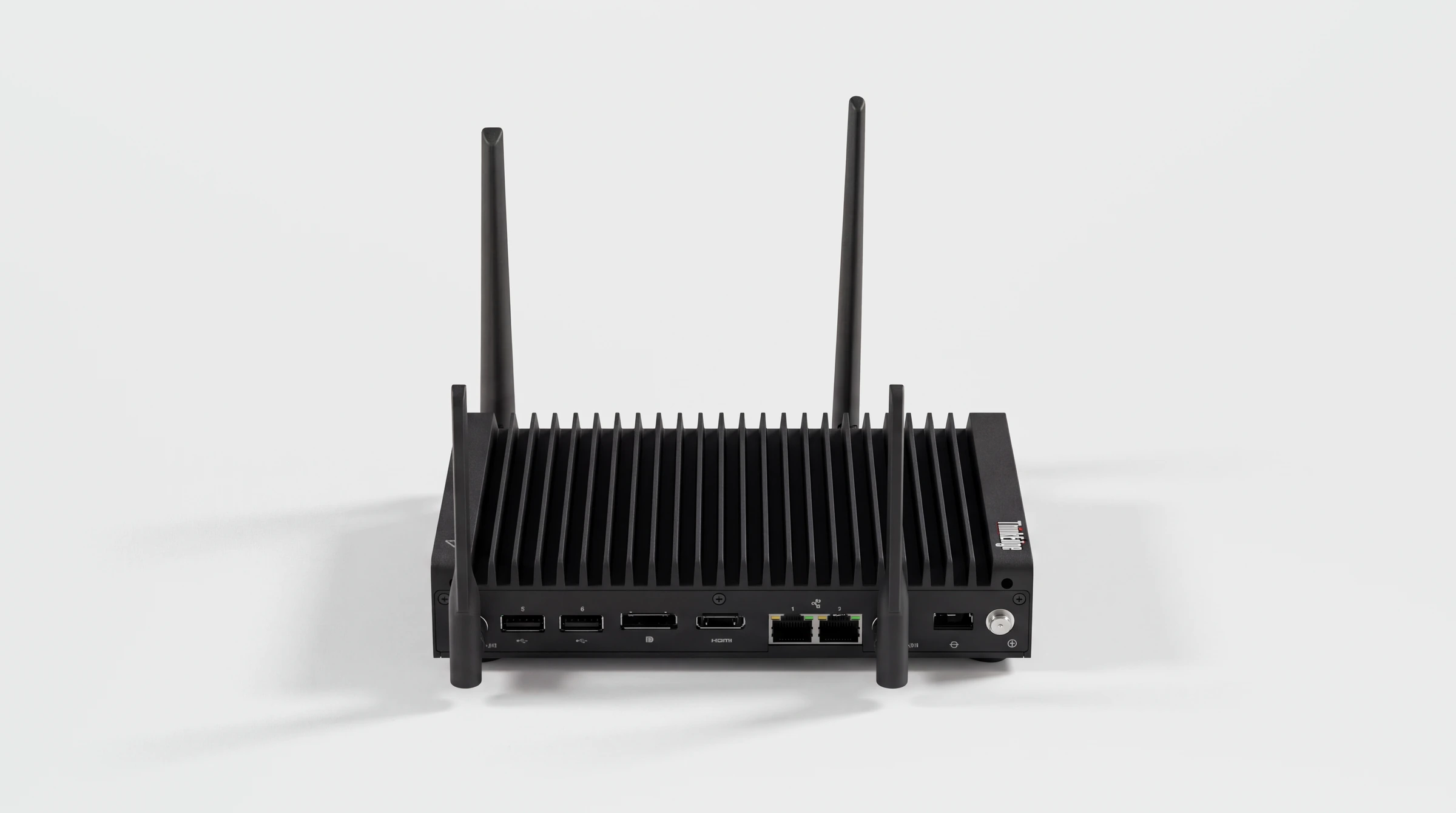
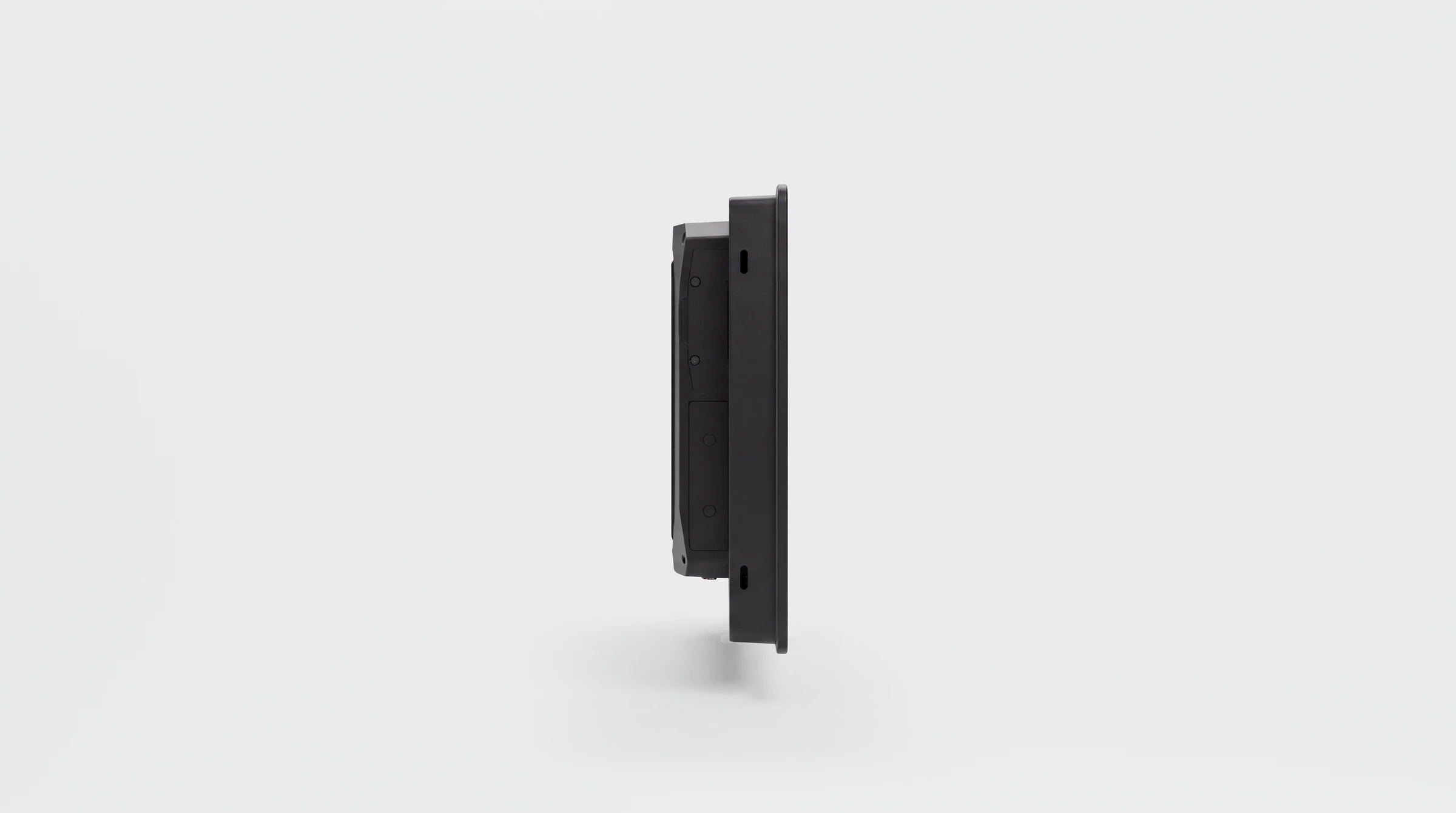
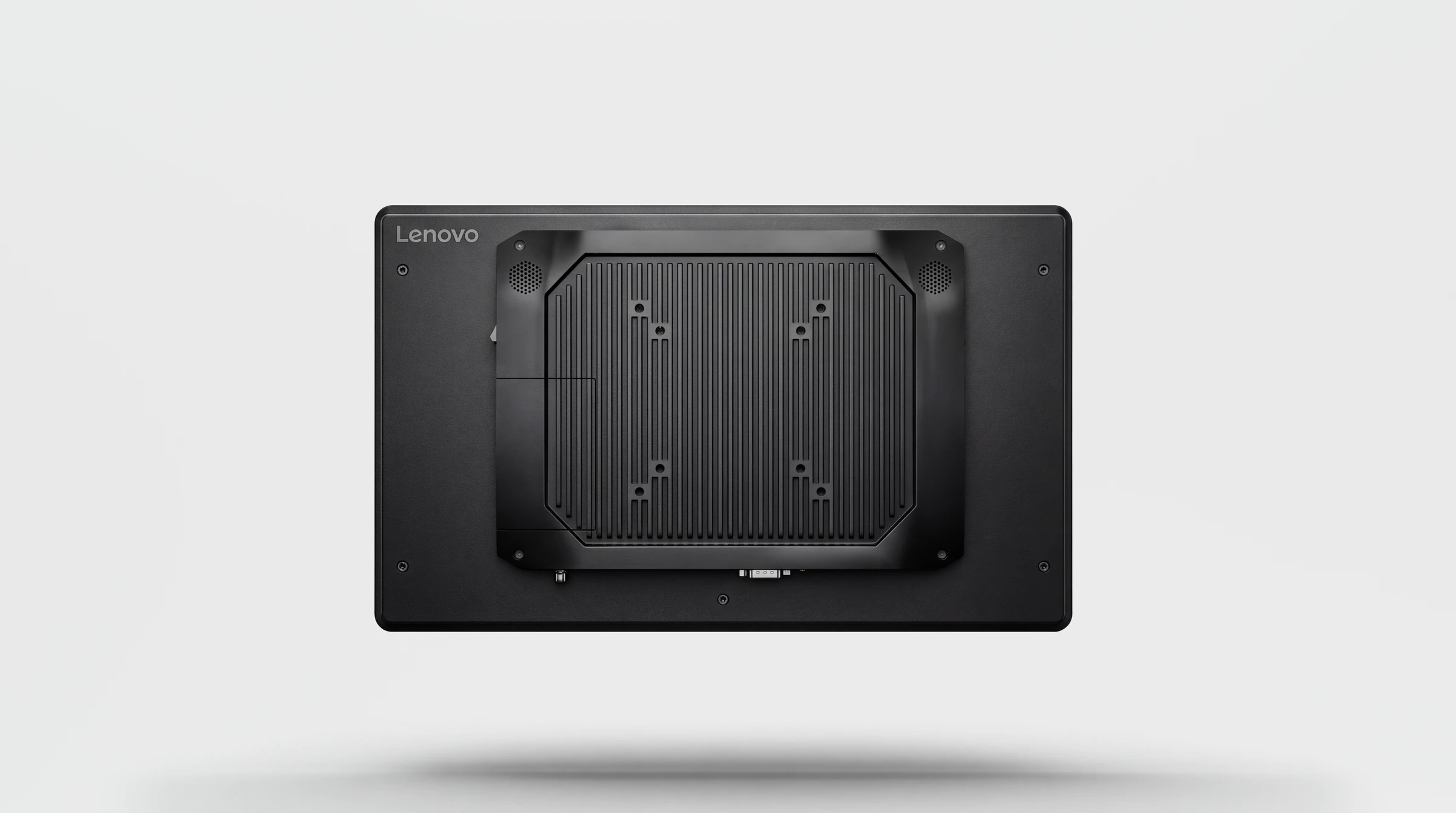
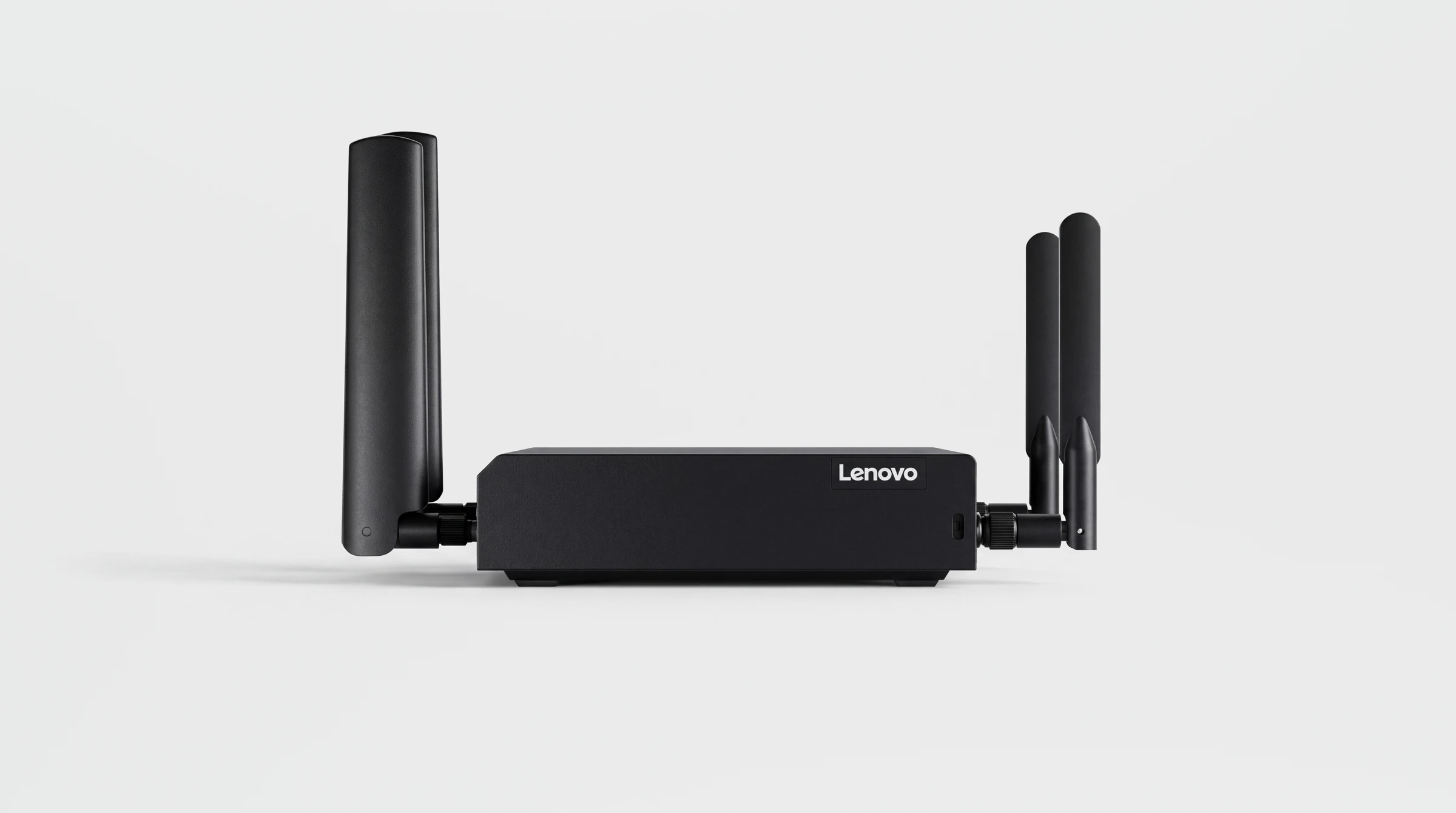
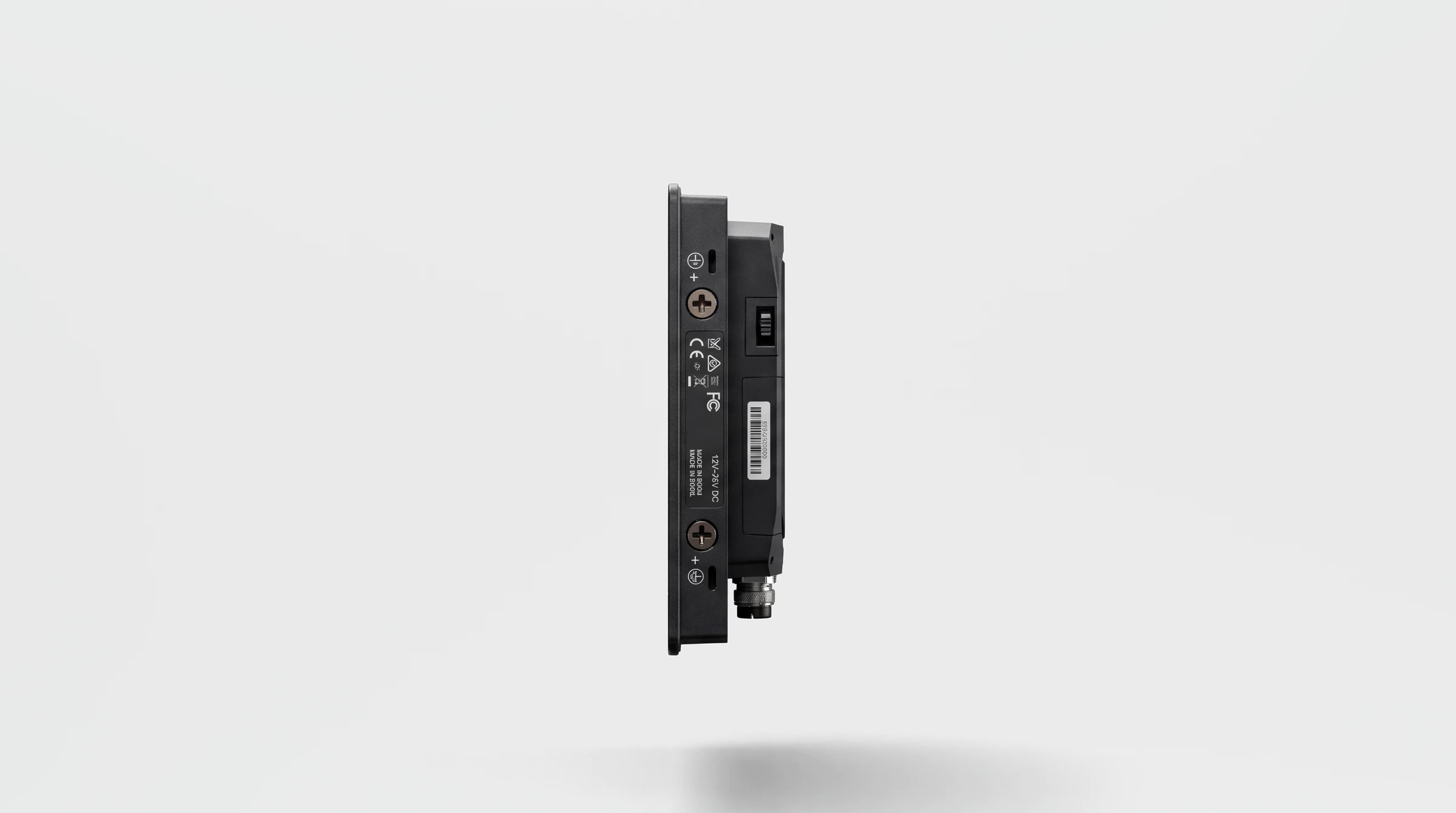
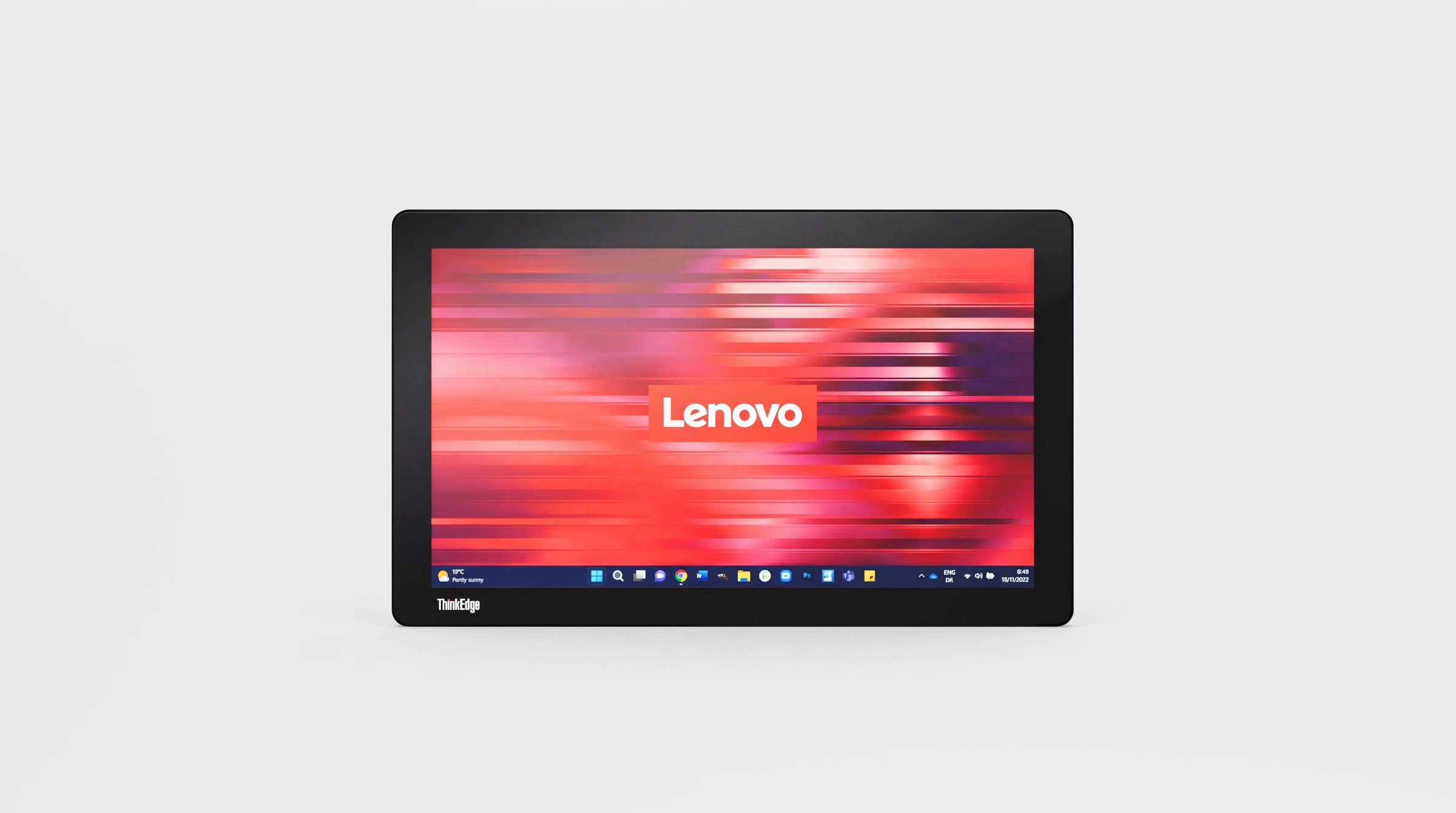
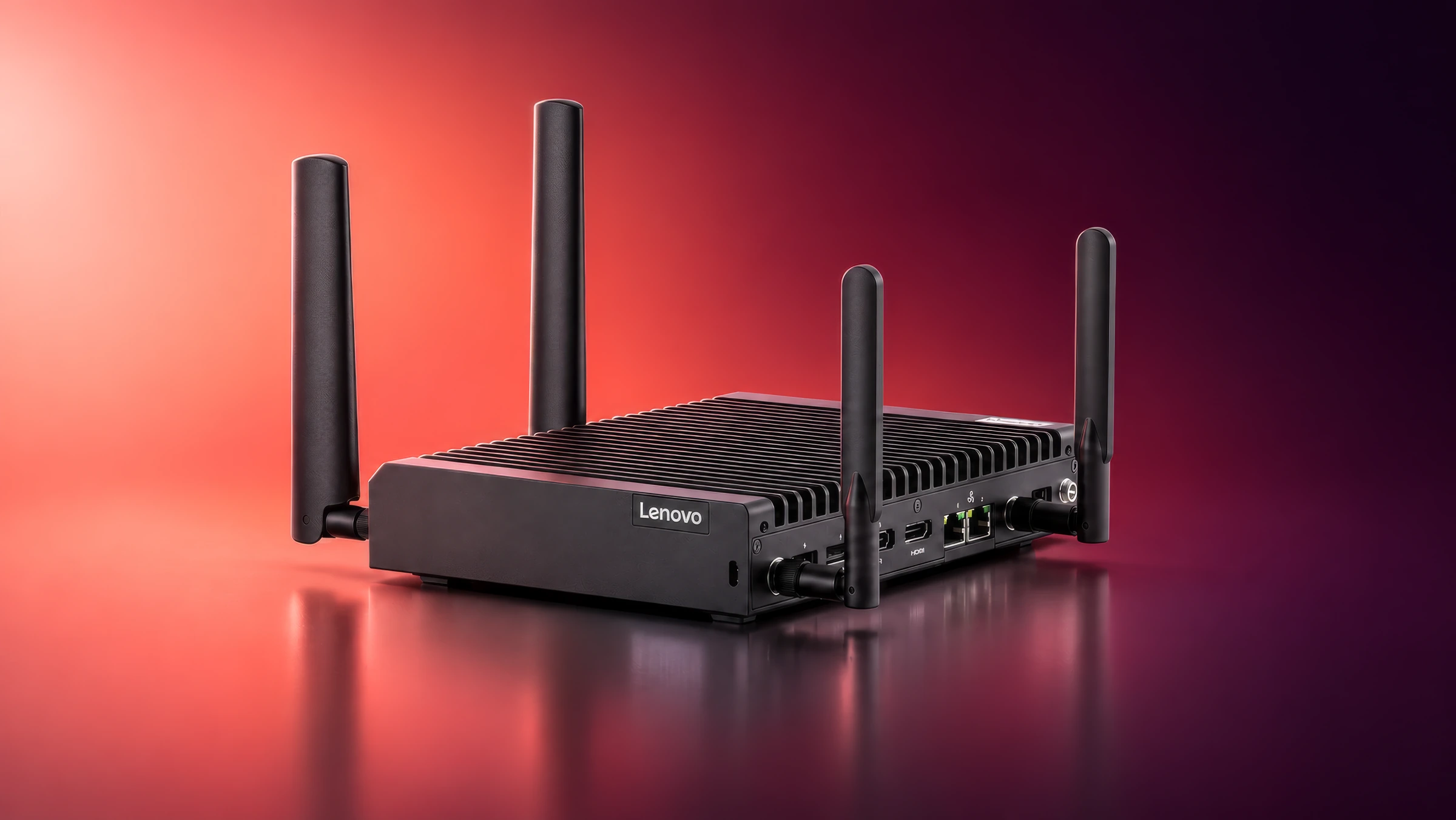
Different pieces of Lenovo hardware share one studio presentation. A finned computer enclosure, antenna-equipped devices and a display unit are shown through their overall form, front and rear faces, connection panels and side profiles. The views make their physical differences easy to compare. Alongside the still renders, a 15-second SE50 product animation presents the hardware in motion.
Making Dark Hardware Read Clearly in Studio Views
One front view cannot explain every product. The image set turns the hardware around, giving connection panels, cooling fins, antennas and the back of the display their own views. A consistent background keeps attention on the equipment.
Product renders and animation
Lenovo Hardware in Still Images and Motion
Studio renderings show the hardware, panels and profiles. The 15-second SE50 3D product animation opens the gallery.

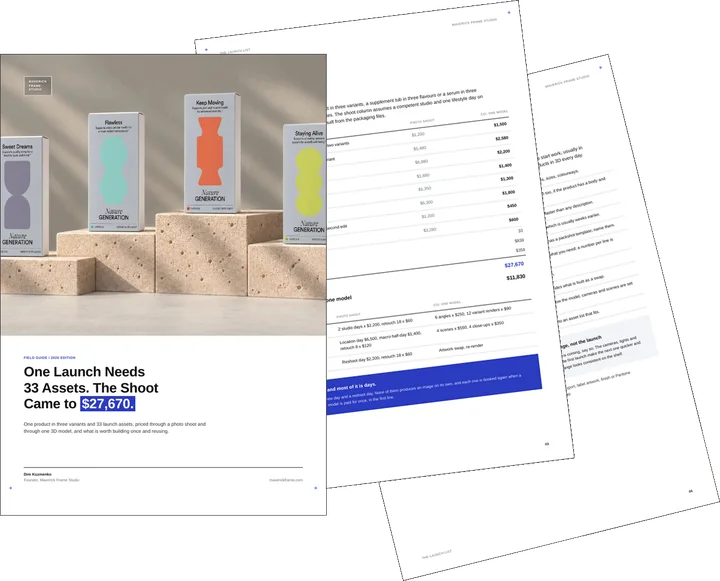
Free guide: a 33-asset launch cost $27,670 shot and $11,830 from one model
The images above are one part of what a product needs to go on sale. A full launch runs to thirty-odd assets: packshots for every retailer, lifestyle, texture close-ups, a 360 spin and a short film. We priced 33 of them both ways, $27,670 through a photo shoot and $11,830 as product CGI from one model. The guide gives you the side-by-side, what to build once and the brief to send.
- Free
- Instant download
- No sales call
If it didn't open, download it here.
Download the PDFRemote studio, your time zone
Planning a similar project?
Book a 30-minute call. Tell us about the project, and we will tell you which views it needs, how long it takes and what it costs.
Estimate on the call
A price range on the call, not a follow-up questionnaire.
Any stage of the project
From concept sketches to a finished model: we start from what you have.
Book a 30-minute call
Which day suits you?
What time?
Where should we send the invite?
- 30 minutes
- Free, no obligation
- Invite by email
The image set
- 21views
Numbered studio renderings of Lenovo hardware.
- 3formats
Finned enclosures, antenna-equipped hardware and a display unit.
A consistent studio setting lets the differences between hardware products stay visible, from enclosure shape to connections and display profile.
FAQ
Questions About the Lenovo Hardware Renderings
Didn’t find your question?
Ask it here. A producer replies within one business day — with an answer, not a sales call.
What Lenovo hardware is shown in these renderings?
What does the Lenovo hardware rendering set include?
Why use several angles for technical hardware?
How does lighting help show a dark metal enclosure?
Where can industrial computer renders be used?
Can a similar CGI set be made for another hardware product?
More Product Hardware Visualization Projects
Glass Wiper Product Renders and Animation for Luxury Bathrooms and High-Rise Windows
A device shown in use appears in glass-wiper renderings and animation, moving the product presentation from a studio to bathrooms and high-rise windows.
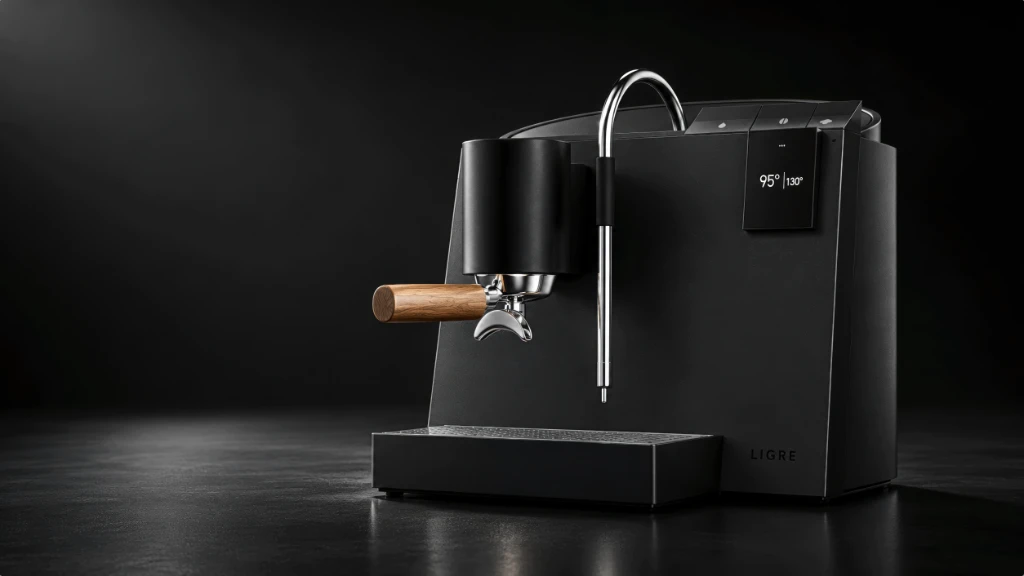
3D Product Animation and Rendering for a Premium Product Launch in Germany
The espresso-machine rendering and animation show how another technical product can be presented through still images and a product film.
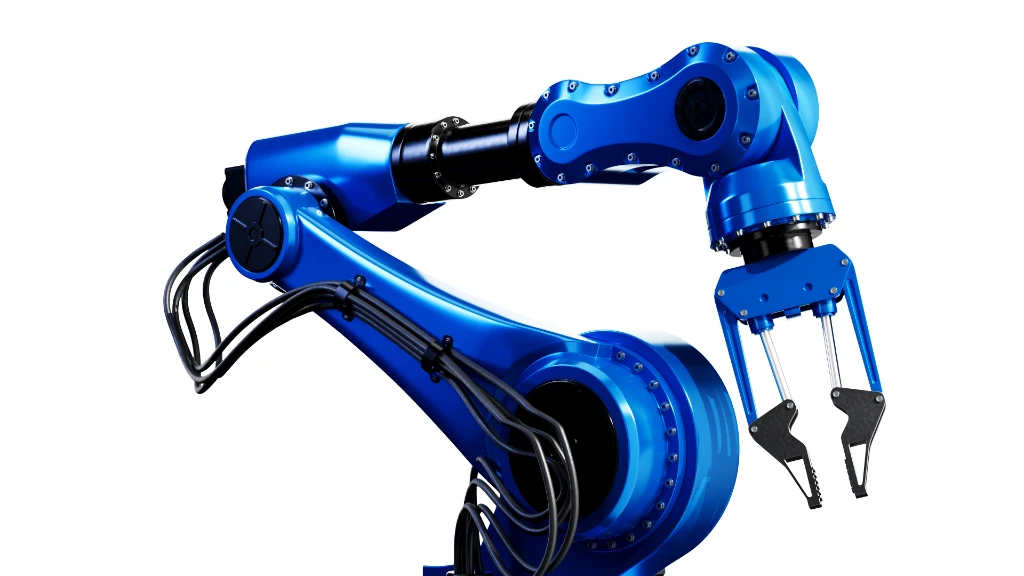
Robotic Arm 3D Rendering That Elevates Industrial Product Presentation
The robotic arm rendering case moves from computer enclosures to articulated equipment, keeping technical geometry at the centre of the product presentation.