Kling Image 4.0 is the new image generation model from Kling AI, the generative arm of Kuaishou, launched on the evening of November 17, 2026 (China time). It generates natively at 2K, 4K and 8K, sets up to 2,000 characters of text in one image with 70+ preset fonts, takes up to 10 reference images, builds series of up to 10 consistent images from one prompt and can lay out a whole e-commerce detail page or web page as one long image.
For brands and studios that sell physical products, two details matter more than the 8K headline. The long-page mode runs at 1K or 2K, not 8K, and accepts only one to three product photos. And the text engine is good enough for posters and mockups, but not a source of truth for a printed label. Below are the verified specs, prices and access routes as of November 18, 2026, and how we would fit the model into a packaging and product workflow.
Kling Image 4.0 at a Glance
| Spec | Kling Image 4.0 |
|---|---|
| Launched | November 17, 2026, by Kling AI (Kuaishou); the video model Kling 4.0 came out on October 15, 2026 |
| Resolution | Native 2K, 4K and 8K; Kling calls it the first image model with native 8K generation |
| Aspect ratios | Auto, 1:1, 3:4, 4:3, 2:3, 3:2, 9:16, 16:9, 21:9 |
| Text in image | Up to 2,000 characters; English, Chinese (Simplified and Traditional), Japanese, Korean, Spanish, Portuguese; 70+ commercially licensed preset fonts or a font reference image |
| References | Up to 10 images per request, addressed in the prompt as @Image1, @Image2… |
| Series mode | Up to 10 related images from one generation with the same subjects and style |
| Long images | E-commerce detail pages and web page designs, 1K or 2K, with layer editing |
| Prompt length | Up to 15,000 tokens |
| Variants | Kling Image 4.0 and Kling Image 4.0 Flash on the Kling API price list |
| Weights | Closed; hosted by Kling and its API partners only |
What Is New in Kling Image 4.0
Native 8K Instead of an Upscaler
Kling Image 3.0 Omni, released in February 2026, already rendered native 4K and introduced Series Mode. Version 4.0 doubles the long side: 8K is generated by the model itself rather than by an upscaler pass. For a billboard, a trade-show wall or a crop from a wide hero shot, that means detail that holds up when you zoom in. Native resolution does not guarantee correct detail, though: an 8K frame can still invent a seam, a screw or a reflection that the real product does not have, and there is simply more surface to check.
2,000 Characters of Text and 70+ Fonts
The headline feature for marketing work is typesetting. According to the Kling Image 4.0 user guide, the model renders up to 2,000 characters in a single image, handles small print and multi-block layouts, ships 70+ licensed preset fonts and can copy a type style from a reference image. That moves posters, social cards and packaging mockups with real copy from “fix the gibberish in Photoshop” to “proofread and adjust”.
Series Mode and 10 Reference Images
Series Mode returns up to 10 images from one generation with the same characters, objects and visual style, and every request can take up to 10 reference images. In ComfyUI’s partner nodes the same control appears as series_amount, and references are cited in the prompt as @Image1, @Image2 and so on. For a campaign this is the practical upgrade: one product, one look, ten placements, instead of ten separate prompts that drift apart.
Long Images: E-commerce Detail Pages and Web Pages
A separate long-image mode generates a full product detail page or a website design as one tall image. The partner documentation on Comfy Router shows its real limits:
- Two skills. “ecommerce” for product detail pages and “webpage” for site designs.
- Resolution. 1K or 2K only. The 8K claim applies to regular images, not to long pages.
- Inputs. The e-commerce skill takes one to three product photos and a page length of short, medium or long; the webpage skill takes at most one style reference and one subject reference.
- Editing. Kling splits long images into layers, so a single block can be regenerated without redoing the page.
So the mode is a fast way to draft a page layout around your product, not a way to produce final 8K page assets.
Where to Use Kling Image 4.0 and What It Costs
- Kling AI web and app. The model sits in Kling’s own creation page next to the Kling 4.0 video model, so a still can go straight into image-to-video.
- Kling API. Kling bills in units: 16 units per 2K image, 24 units per 4K image, plus 0.8 units per input reference image. The dollar value of a unit depends on the resource pack you buy.
- ComfyUI. Partner nodes for text-to-image, image edit and long image are documented; they run through Comfy’s paid API, not locally.
- Third-party apps. ChatImg added it on launch day at 63 credits for 2K and 125 for 4K; Krea lists 2K, 4K and 8K output; Runware and Morphic still showed “coming soon” on November 18.
Artificial Analysis lists the model at $63 per 1,000 text-to-image generations, about $0.063 per image, which is in the same range as the other launch-week models. It was not in the Higgsfield model catalog when we checked on November 18, 2026.
How Kling Image 4.0 Ranks at Launch
On the Artificial Analysis leaderboards, the preview build was reported at an Elo of about 1,180 in text-to-image (around 7th place) and 1,183 in image editing (around 6th). Those are preference votes on generic prompts, not a test of label accuracy or product fidelity, so treat them as a shortlist signal, not a verdict for commercial work.
What It Means for Packaging and Product Visuals
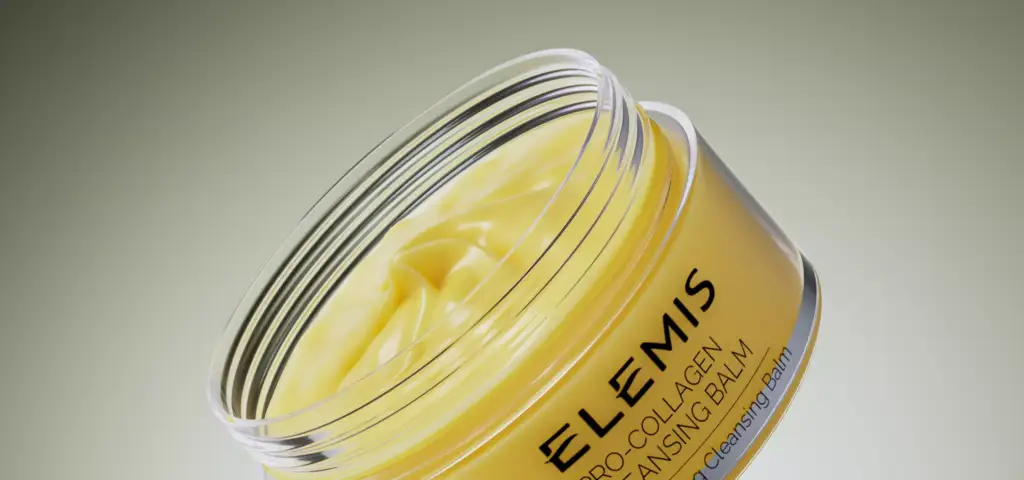
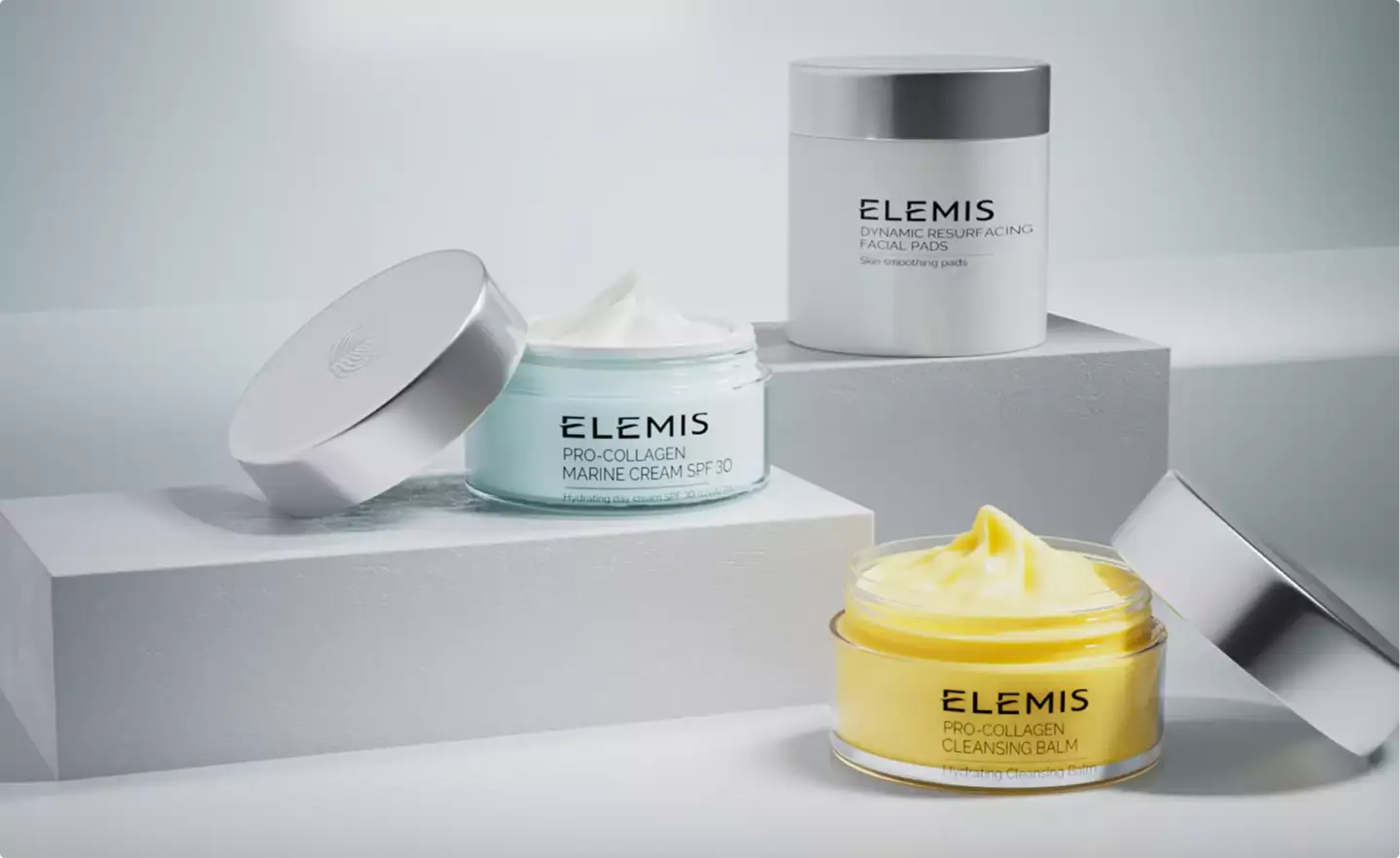
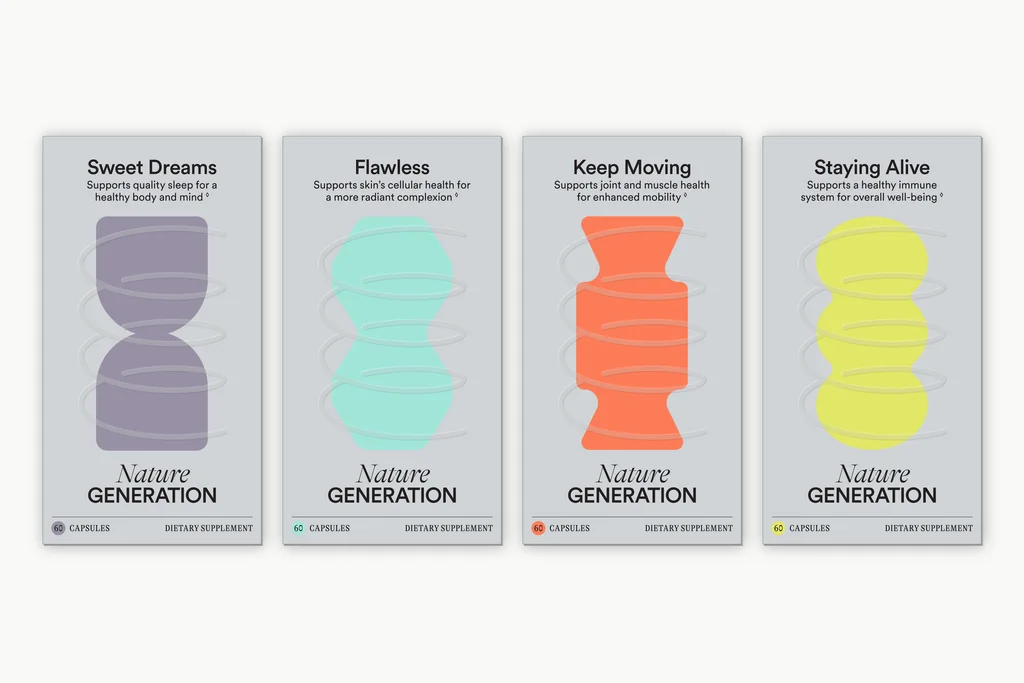
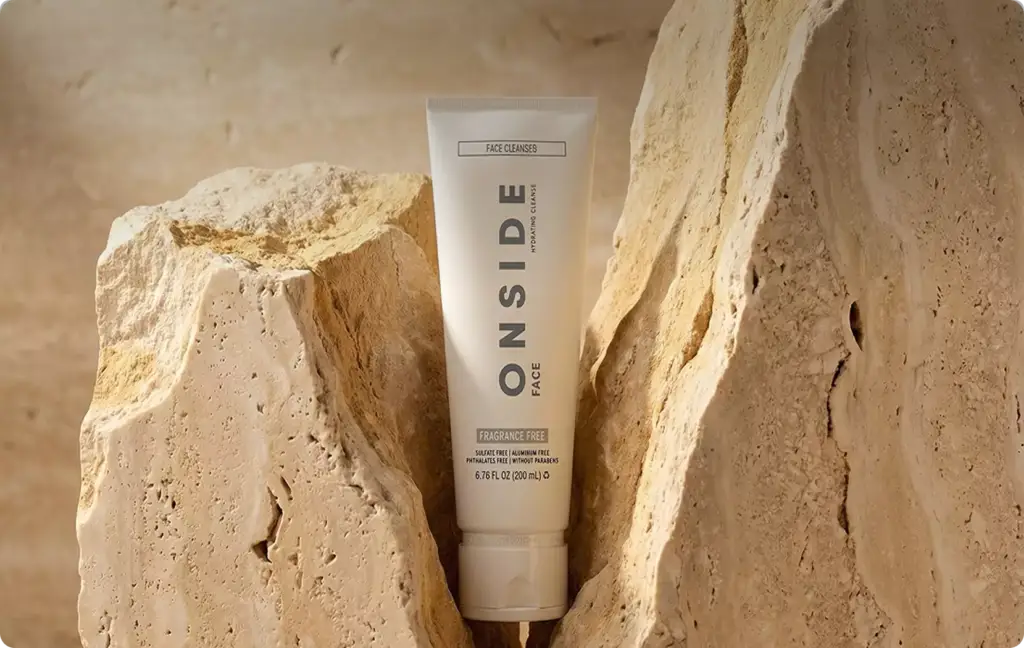
Glass, cream, liquids and dense label copy are exactly where image models used to fail, so Kling Image 4.0 is worth testing for packaging concepts, social sets and page mockups. In our studio we would use it at the front of a job, before the 3D scene exists, and for the backgrounds and layouts around an approved packshot.
CGI still wins where accuracy is the deliverable:
- Label artwork from the print file. A generated label is a new drawing of your text. Ingredient lists, nutrition panels, barcodes and legal copy must match the approved dieline exactly, and a 3D render maps that file pixel for pixel.
- Exact geometry across SKUs. A bottle, jar or carton built once in 3D stays identical in every size, flavor and angle; a series of generated images stays only stylistically consistent.
- Real materials. Refraction through a specific glass thickness, a cap’s exact finish or the color of a liquid under studio light come from physically based shading, not from a likely-looking guess.
- Print size and reuse. A 3D scene re-renders at any resolution, angle or crop months later; a generated 8K frame is one fixed picture.
A practical split: the product, label and camera come from the 3D model; Kling Image 4.0 explores moods, props, backgrounds and page layouts around it, and a retoucher checks every word that stays in the final image. This is how we approach 3D packaging rendering for brands that need both speed and exact labels.
Kling Image 4.0 vs Seedream 5.5, GPT Image 2.6 and MiniMax H3-Image
| Kling Image 4.0 | Seedream 5.5 | GPT Image 2.6 | MiniMax H3-Image | |
|---|---|---|---|---|
| Released | Nov 17, 2026 | Nov 9, 2026 | Nov 4, 2026 | Nov 10, 2026 |
| Max resolution | Native 8K | 2K | Not stated at launch | About 16 MP (4K class) |
| Strongest point | Long text, series, long pages | 100-round editing, transparent PNG | Speed, GIF and SVG output | Open weights, 16 references |
| References | Up to 10 | 1 to 10 | Saved references in ChatGPT | Up to 16 |
| Weights | Closed | Closed | Closed | Open, with territorial license limits |
Pick Kling Image 4.0 when a frame must carry a lot of readable text or be printed large; Seedream 5.5 when you need transparent cut-outs and many small edits; GPT Image 2.6 for quick iterations inside ChatGPT; and MiniMax H3-Image when you want to self-host the weights where the license allows.
How to Test Kling Image 4.0 on a Real Brief
- Start from approved assets. Feed a clean packshot or 3D render as @Image1 rather than describing the product in words.
- Write the copy yourself. Put the exact headline and claims in quotes in the prompt and keep legal text out of the generated layer.
- Test the hard materials. Run one glass, one cream and one liquid product; these show quickly whether the model respects your shapes and labels.
- Use Series Mode for a set. Ask for 4–6 placements of the same product and check that the label, cap and proportions stay identical.
- Proof at 100%. Zoom into every word and edge at 8K before anything goes to print or a marketplace.
Treat launch-week impressions, including the leaderboard, as a reason to test on your own products rather than as proof. We will update this page as Kling publishes new versions of its image model.
Turn Ideas Into Visual Stories