GPT Image 2.6 is the OpenAI image model released on November 4, 2026 as ChatGPT Images 2.6. It adds animated GIF output, saved reference images, SVG export and markup-guided edits, and ships in the API as two models: Flare, built for speed, and Sunburst, built for detail and consistency across edits.
This is a first look from the production side. We make 3D product and architectural renders, and every project now mixes CGI with AI tools, so we read the release with one question: what can it take off a visual brief, and what still has to come from a 3D model? We have not run client work on 2.6 yet. The figures below come from OpenAI’s announcement, model pages, pricing and image guide as published on November 4–5, 2026, and we will update this page after our own tests.
GPT Image 2.6 at a Glance
| Spec | GPT Image 2.6 |
|---|---|
| Released | November 4, 2026, in ChatGPT and Codex on every plan (web, desktop and mobile) and in the API |
| API models | gpt-image-2.6-flare and gpt-image-2.6-sunburst, no dated snapshots yet |
| Speed | OpenAI says 50% faster generation; Flare can return an image in as little as 6 seconds at low quality |
| New outputs | Animated GIF and static SVG |
| Editing | Markup layer to point at the exact area to change; saved reference images of people, pets and characters in ChatGPT |
| Controls | quality low, medium, high, xhigh, max; complexity low, medium, high (default high) sets how much the model plans a scene |
| API price | Per 1M tokens: text input $5, image input $8, image output $30, the same standard rates as GPT Image 2.5 |
| Benchmarks | No independent score at launch; OpenAI says Sunburst ranked first on Design Arena but published no Elo. For reference, GPT Image 2.5 Sunburst scored about 1,220 on the Artificial Analysis text-to-image board |
OpenAI also says people now make more than 4 billion images a week across ChatGPT and the API, up from 3 billion in September. That is a usage figure, not a quality score.
What Is New in ChatGPT Images 2.6
ChatGPT Images 2.6 is an incremental release: the model that reasons before drawing arrived with Images 2.0 in April, and the Flare and Sunburst split arrived with 2.5 in September. The new parts are mostly about output types and control, which is what matters in production:
- Animated GIFs: a prompt or an uploaded image becomes a short loop; in ChatGPT you can change the speed and edit single frames.
- Saved references: a likeness of a person, pet or character is stored once and reused without uploading it again, which helps keep a mascot or presenter the same across a campaign.
- Markup editing: you draw on the image to show where the edit goes, now in the API as a transparent PNG layer on the first input image.
- SVG export: the model can write a vector file for icons, simple illustrations and layouts.
- Complexity setting: low for quick edits, medium or high for scenes with many objects and constraints.
- Speed: 50% faster generation, according to OpenAI, without a breakdown by workload.
Early user reports are mixed: some say noise artifacts improved, others say 2.6 looks worse than 2.5 on their prompts. Treat launch-day impressions, including ours, as a reason to test on your own shots rather than a verdict.
GPT Image 2.6 Flare vs Sunburst: Which Model for Which Job
Flare and Sunburst cost the same and take the same controls, so the choice is about speed versus how well the image holds up over repeated edits.
| Criterion | GPT Image 2.6 Flare | GPT Image 2.6 Sunburst |
|---|---|---|
| Positioned for | Speed and clean layouts: posters, product imagery, quick variations | Detail and consistency across edits at medium or high quality |
| Speed | As little as 6 seconds per image at low quality | Slower; OpenAI gives no figure |
| API price | $30 per 1M image output tokens | $30 per 1M image output tokens |
| Where we would use it | Moodboards, layout options, social variations before a shoot or a render | A product or character that must survive five or more edits without drifting |
Because both models bill output tokens, the cost of one image depends on size and quality. OpenAI has not published a flat per-image price for 2.6; at $30 per million output tokens, every 1,000 output tokens costs $0.03, so read the usage field of the response rather than assuming a number. A forum test shared on launch night reported more output tokens at medium quality on 2.6 than on 2.5 for the same prompt, so the same job can cost more even at identical rates.
GPT Image 2.6 GIF and SVG Output: Limits to Know
GIF and SVG are the headline features, and both come with limits that decide whether they fit a client deliverable:
- GIF frames: 2 to 64 frames, each shown for 20 to 2,000 ms. The default is 9 frames at 200 ms, a 1.8-second loop.
- GIF size: all frames share the size and pixel limits, so a long GIF is a small GIF; the maximum frame count and the maximum size cannot be combined.
- GIF in the API: made on the generation endpoint, not the edit endpoint.
- SVG: one static file per request, generation only, with no reference images, no scripts and no embedded raster images.
The SVG limit is the one to note. Because SVG output takes no reference image, GPT Image 2.6 cannot vectorize your existing logo, packaging artwork or render. We ran into exactly this job in late October: an AI-generated ship illustration had to become a print-ready vector with straight, clean lines and none of the generator’s wobble. A text-only SVG from 2.6 would be a new drawing, not that drawing, so tracing or redrawing is still the route for artwork you already approved.
The GIF loop is short. For product spins and motion that has to match the real object, a turntable rendered from the 3D model stays exact frame to frame, which is how we build loops for AI video ads when the product has to stay on-brand.
GPT Image 2.6 for Product Rendering: Where CGI Still Wins
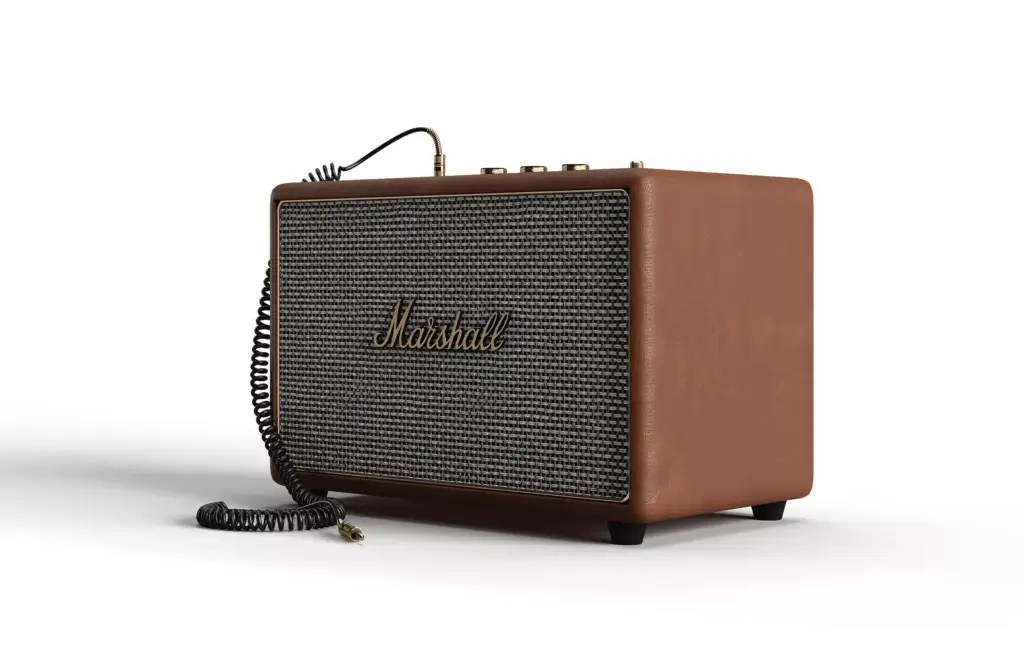
GPT Image 2.6 is useful for product work wherever the image can be approximate: concepts, mood, backgrounds, lifestyle variations. It is weak wherever the product must be exact: proportions, label text, logos, materials. OpenAI’s own image guide says that when a product must stay identical, you should composite the approved edit into the original image rather than rely on prompting alone. That is the workflow a studio already runs: the product comes from a 3D model built from CAD, and AI fills the scene around it.
| Criterion | GPT Image 2.6 alone | CGI product render | CGI model + GPT Image 2.6 |
|---|---|---|---|
| Product geometry and logo | Approximated; can drift between edits | Exact, from CAD or a measured model | Exact product, generated surroundings |
| Time to first image | Seconds | 3–5 working days for a first draft still | The render time, then seconds per variation |
| Cost per image | Token-billed; $0.03 per 1,000 output tokens | $45 per hour; about 4 hours for a white-background view of a simple product, 6 for lifestyle | The render once, then API cost per variation |
| Revisions | Unlimited prompts, no guarantee of control | 2 rounds on the draft and 1 on the final | Fixed product, free scene variations |
| Outputs | Raster, short GIF, static SVG | Any resolution, render passes, 360° spins, animation | Both |
The hour figures are our own norms for a simple packaged product with an existing model; modeling from scratch and complex scenes add time. Seen this way, 2.6 does not replace a 3D product rendering master. It lowers the cost of everything around it: background options for a marketplace, seasonal variations of one hero shot, a quick GIF for a social post.
GPT Image 2.6 for Architectural Visualization
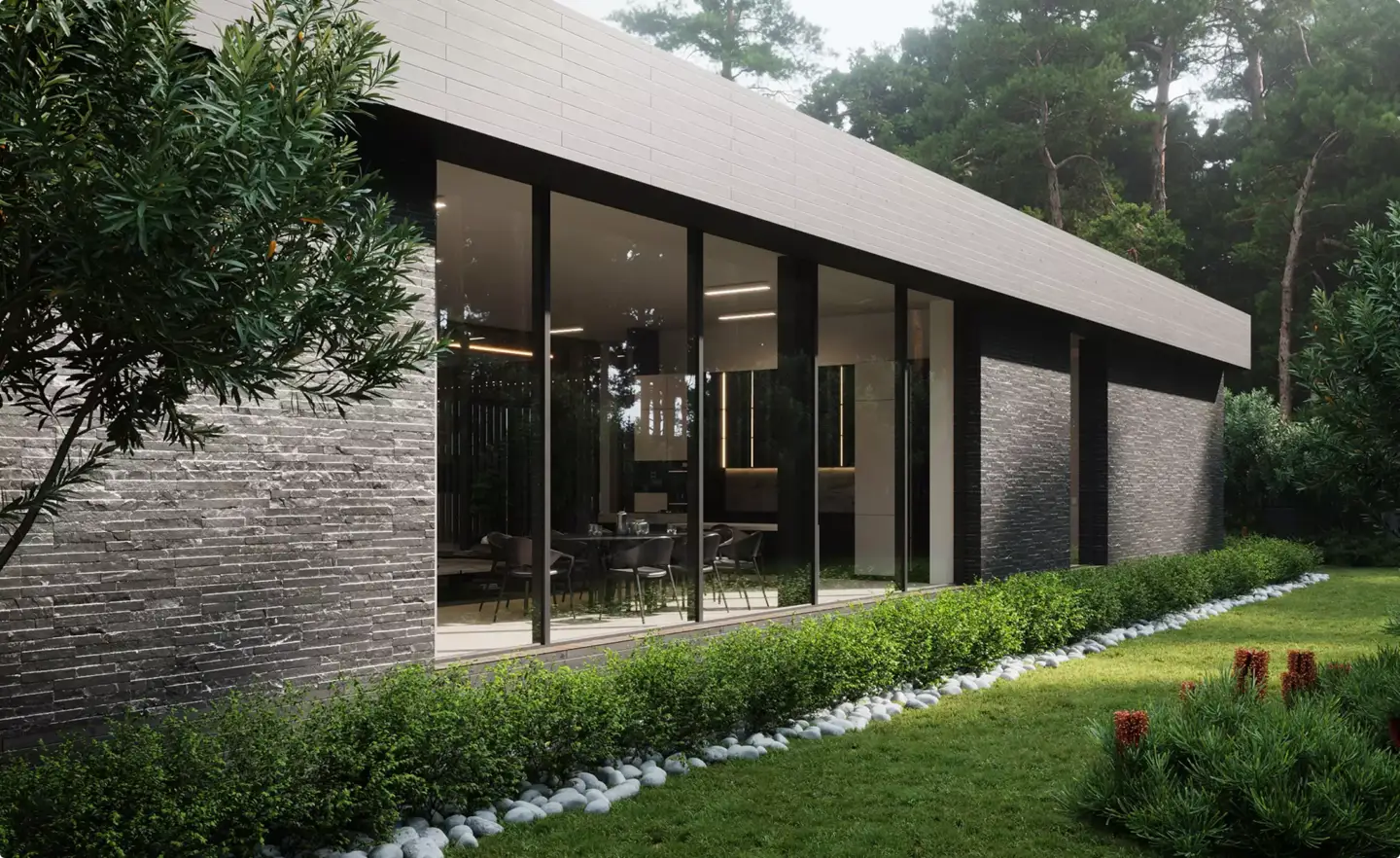
Architecture is where the gap between hype and production is widest. Image models still read construction drawings badly, and none of them builds a usable 3D model from plans. In our projects, AI helps most where nature carries the frame, such as greenery, water, planting, seasons and weather, and far less on bare city blocks where every window has to line up.
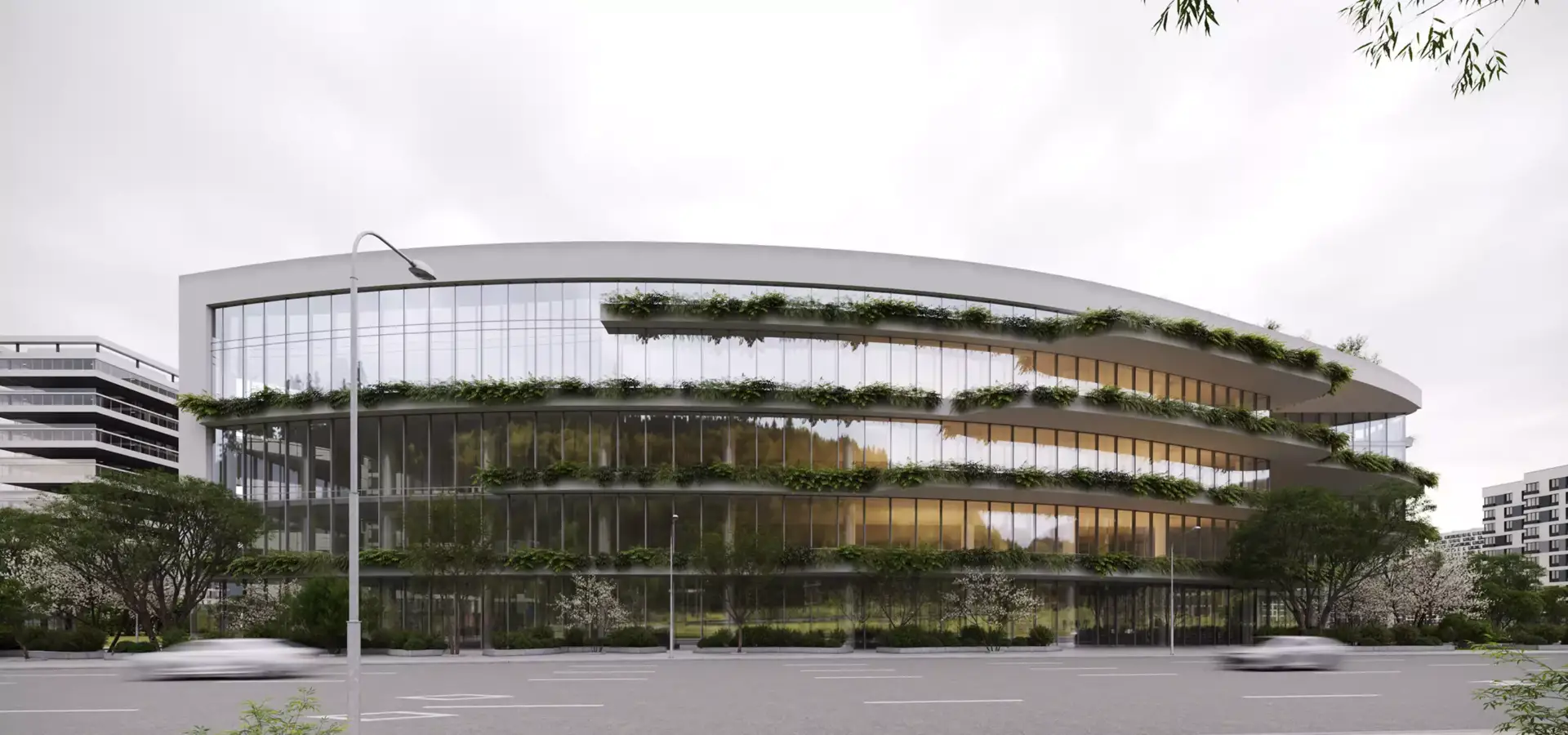
Two features of 2.6 fit architectural work. Markup editing lets a designer circle a facade panel or a planter and change only that area, and Sunburst’s consistency across edits makes a round of client comments on a still faster to try. The GIF feature fits less: more than 40% of our commissions now include animation, 360° tours or panoramas, and a 1.8-second loop is a teaser for social media, not a walkthrough. For approval sets and planning, architectural rendering from a model is still the base; 2.6 is a tool for options on top of it.
How to Test GPT Image 2.6 on a Client Brief
Vendor demos show the best case. Before 2.6 goes into a paid job, run it on a real brief and measure the parts that break client work:
- Start from an approved master. Take one CGI render the client already signed off, so you have a reference for every pixel that must not change.
- Use Sunburst at medium or high quality with a markup layer on the area to edit, and leave complexity on high for scenes with many objects.
- Chain five edits. After each one, compare the logo, label text and proportions with the master; note the edit where they first drift.
- Make one GIF at the default 9 frames and check whether the product shape holds in every frame.
- Read the token usage of each call and multiply by the rates; do not budget from a per-image figure in a blog post.
- Composite the result back into the master if anything on the product moved, as OpenAI’s own guide suggests.
We will run this sequence on the Marshall speaker and the office exterior above and add the results here. If you are weighing a new image model against an existing pipeline for video too, our first look at Pika H3 Flex uses the same method for AI video, and our guide to diffusion models explains why generated geometry drifts in the first place.
Turn Ideas Into Visual Stories