The Enscape November 2026 update is the Chaos release of November 4, 2026, which Chaos lists as Enscape 4.22. It adds a beta tool that turns a reference image into a custom 3D asset, a beta Chaos AI Assistant inside Enscape, image-based search in the Cosmos library, and the Veras 2.0 interface with new AI video models.
Below we cover each feature, what is still in beta, what the 500 extra Chaos Credits cover, and what the update changes for architectural visualization: which jobs move into the architect’s own Enscape session and which still need a rendered set from a studio.
What’s New in the Enscape November 2026 Update
Chaos groups the release around three goals: turning 2D inspiration into 3D assets, using AI for workflow tasks, and moving Enscape output into Chaos Cloud. Here is every feature with its status and cost as Chaos states them on November 4, 2026.
| Feature | What it does | Status | Credits |
|---|---|---|---|
| 3D Model Generation | Creates a custom 3D asset from a reference image | Beta | No Chaos Credits while in beta |
| Chaos AI Assistant | Answers questions inside Enscape and suggests Cosmos assets from a prompt, an image or the active viewport | Beta | Not stated |
| Image-based search in Cosmos | Finds visually similar library assets from a reference image | Not marked beta | Not stated |
| Veras in Enscape | Veras 2.0 interface, smoother Enscape-to-Veras handoff, new AI video models | Not marked beta | Uses Chaos Credits; 500 extra for eligible users |
| Chaos Cloud uploads and PDFs | Renders, panoramas, scenes and web standalones managed in one place; PDFs shared next to them | Not marked beta | — |
| Cosmos content | 1,500+ new real-time assets, including Globe Plants vegetation and Evermotion content; library now over 13,000 assets | Not marked beta | — |
| Composition gridlines | Viewport guides, such as rule of thirds, for framing shots | Not marked beta | — |
In Enscape Envision, Chaos added Guided Camera Viewpoints, Asset Placement & Scatter, Critique, a Combined Object Gizmo and an improved Section Tool, plus access to 800+ assets and 1,500+ 4D Anima assets. The release post does not list changes to system requirements.
Enscape 3D Model Generation From an Image (Beta)
3D Model Generation creates a custom 3D asset from a reference image: you supply a photo or picture of an object, and Enscape builds a model you can place in the scene. It works next to the new image-based search, so the usual order is to look for a close match among Cosmos assets first and generate only what the library does not have.
Chaos says the feature does not use Chaos Credits while it is in beta. It does not publish polygon counts, texture resolution, accuracy targets or the export format of generated assets yet, so treat it as a fast way to fill a scene, not as a source of exact geometry.
- Context objects: a planter, a bench, a sculpture or a specific chair in a design review scene, where the shape only needs to read right from a few metres away.
- Not for specified products: a lamp, faucet or furniture piece the client is buying should come from the manufacturer’s BIM or 3D model, with real dimensions and finishes.
- Not for hero shots: close-ups where the object fills the frame show the limits of a single-image reconstruction first.
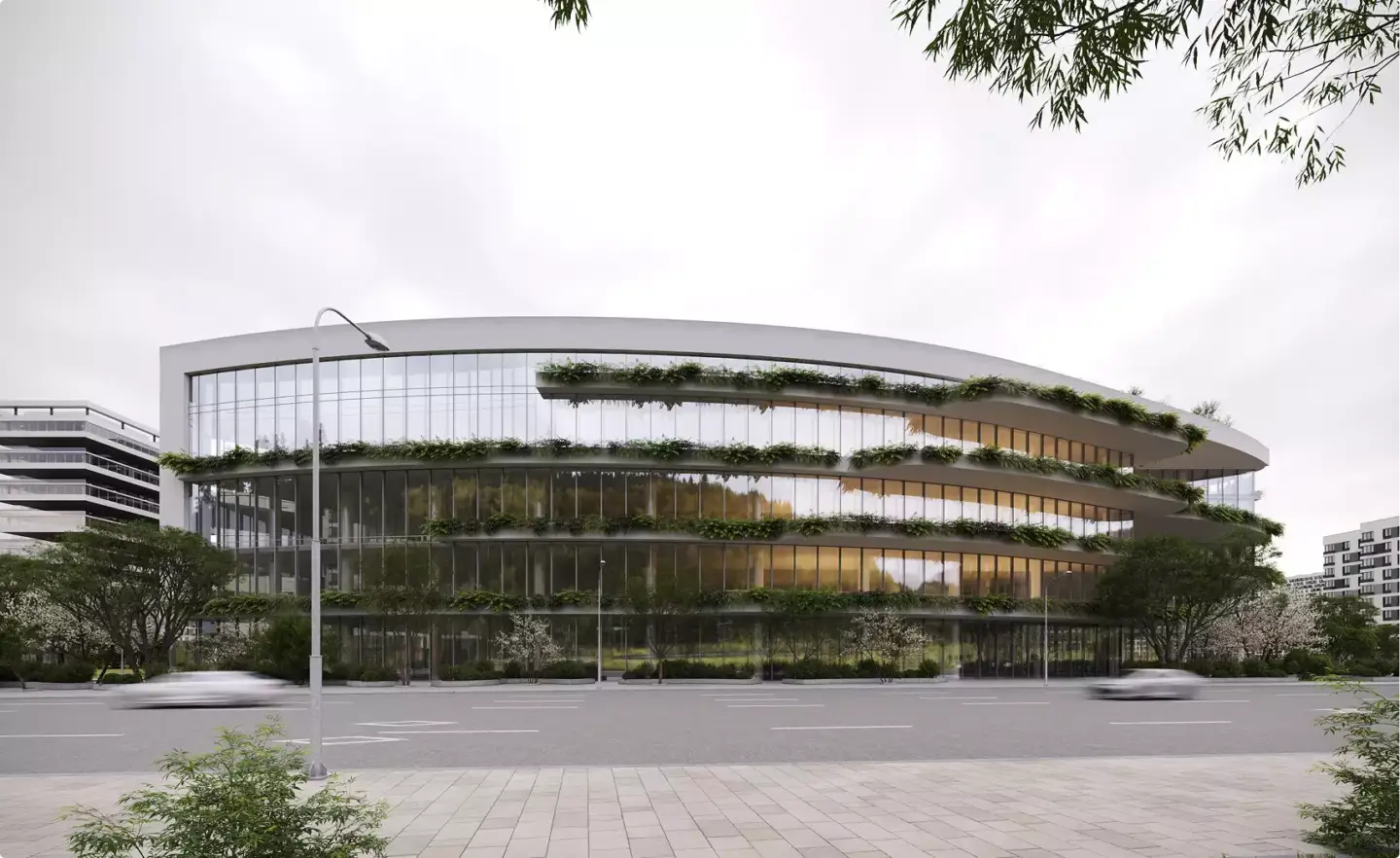
Chaos AI Assistant and Image Search in Cosmos
The Chaos AI Assistant is a beta assistant inside Enscape. It answers questions about the software, gives guidance in context, and recommends Cosmos assets based on a text prompt, a reference image, or what is in the active viewport.
Image-based search does the same job without a prompt: drop in a reference picture and Cosmos returns visually similar assets. For a team furnishing a lobby from a mood board, that replaces scrolling through 13,000 assets by category. Neither tool changes the render engine itself; they shorten the time between a design idea and a populated scene.
Veras 2.0 in Enscape: AI Video for Concept Reviews
Veras is the Chaos AI tool that restyles a 3D model view with prompts. In this release Enscape gets the updated Veras 2.0 interface, a better Enscape-to-Veras workflow for ideation, image exploration and video, and new AI video models. Chaos positions the video output for concept reviews and client communication.
The video side is not new to Veras as a product: image-to-video arrived in the standalone Veras 3.0 release in September 2025. What changes now is that the video models sit in the same loop as the live Enscape model, so a designer can go from a viewport to a short moving clip without exporting stills first.
Veras runs on Chaos Credits. Enscape users get 500 extra credits to try the update, but Chaos limits the offer to new trials started between November 4 and 15, 2026 and to new 1-year licenses. For 1-year license holders the credits go straight to the subscription and can be used for one month.
What the Enscape Update Changes for Archviz
The update moves more early-stage work into the architect’s own session: populating a scene, testing a mood, and showing a client a moving concept. It does not change what a marketing set needs, which is accuracy to the drawings, controlled lighting and materials, and consistency across every image and frame.
| Criterion | Enscape + Veras (design stage) | Studio CGI (marketing and sales) |
|---|---|---|
| Who works on it | The architect or designer, inside Revit, SketchUp, Rhino, Archicad or Vectorworks | A visualization team working from the same model |
| Assets | Cosmos library plus image-generated objects | Modeled or manufacturer models checked against the specification |
| Video | AI clips from the viewport for concept reviews | Animation rendered frame by frame from the 3D scene, every frame matching the design |
| Speed | Minutes per view or clip | First draft still in 3–5 business days; a set of 5–8 views in 2–3 weeks |
| Changes | Unlimited, at the cost of the designer’s time and credits | Two revision rounds on the draft and one on the final |
| Best use | Design reviews, internal options, early client meetings | Brochures, websites, pre-sales, investor and planning material |
Studio timelines above are our own typical ranges for a full brief; urgent work runs about twice as fast at roughly 40% extra. An animation of up to one minute usually takes 4–6 weeks.
In our studio, final stills run in 3ds Max with Corona and animation in D5, so an architect’s Enscape scene arrives as the starting point rather than the deliverable. The saved Enscape views become the camera list for our first draft, which is why we ask for them with every brief.
How to Hand an Enscape Scene to a Visualization Studio
You do not need to rebuild anything when the project moves from design review to marketing visuals. We take scenes from Enscape, V-Ray, Lumion, Twinmotion and other tools, check them and convert what is needed, even where we do not render in that software ourselves.
- Send the host model. The Revit, SketchUp, Rhino, Archicad or Vectorworks file is the source; Enscape materials and assets travel with it as reference.
- Export your Enscape views. Screenshots or saved views give the studio your camera angles and time of day, so the first draft starts from your composition.
- Flag AI-generated assets. Objects made with 3D Model Generation are fine as placeholders; tell us which ones must be replaced with real product models.
- Share Veras clips as mood reference. They show the atmosphere you want; the final animation is then rendered from the 3D scene so every frame matches the design.
- Agree on the set and dates. One brief covers stills, animation and any 3D tour, with the timelines from the table above.
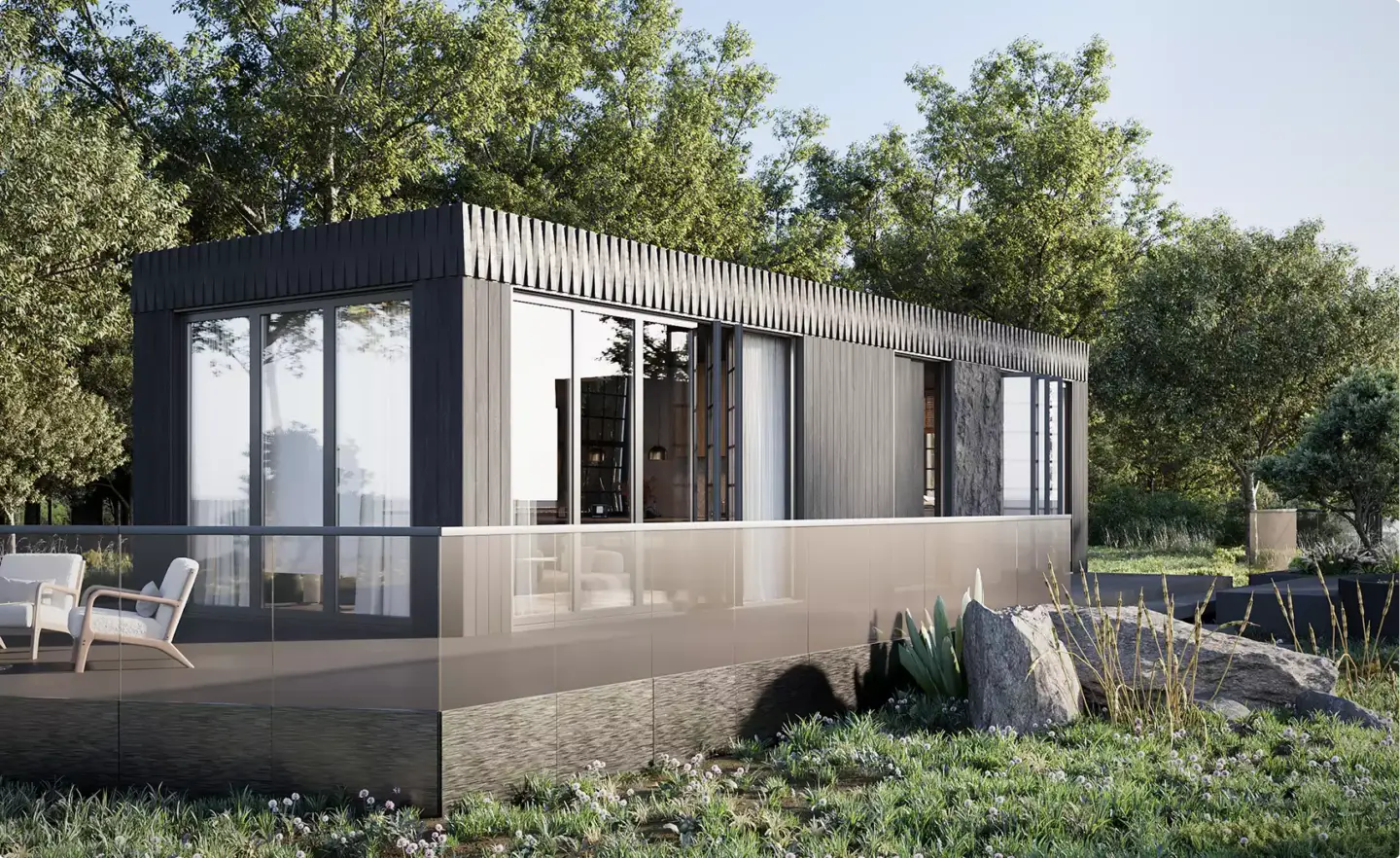
If you need the marketing-grade version of your Enscape views, our architectural rendering services start from your existing model, and projects such as this exterior rendering in Australia show the finish level.
Turn Ideas Into Visual Stories