Blender 5.3 is the latest Blender release, scheduled by the Blender Foundation for November 10, 2026. It imports and renders 3D Gaussian splats, adds an NVIDIA DLSS denoiser to the Cycles viewport, dispersion for glass in the Principled BSDF, six Material Lighting nodes and panoramic cameras in EEVEE, makes Vulkan the default graphics backend on Windows and Linux, and brings ripple editing and initial OpenTimelineIO support to the Video Sequencer.
Release status, updated November 10, 2026: Blender 5.3 is released on November 10, 2026, after its release candidate. It is a regular release, not a Long-Term Support one. Until the download page switches to 5.3, the stable build offered there is Blender 5.2.3 LTS from October 22, 2026. We update this page with every new Blender release.
Below: the release timeline and support windows, every headline feature, what changes for architectural and product visualization, and when to move a live project to the new version.
Blender Latest Version and Release Timeline
Blender ships three releases a year. In the 4.x and 5.x series they landed in March, July and November, and the July release is the Long-Term Support (LTS) version, which receives fixes for two years. The other two are regular releases that the next version replaces.
| Version | Release | Type | Support |
|---|---|---|---|
| Blender 5.4 | In Alpha, listed for 2027 | Regular | — |
| Blender 5.3 | November 10, 2026 | Regular | Replaced by 5.4 |
| Blender 5.2 LTS | July 14, 2026 (5.2.3 on October 22, 2026) | LTS | Until July 2028 |
| Blender 4.5 LTS | July 15, 2025 | LTS | Until July 2027 |
Interest follows this calendar. In US Google data from DataForSEO, “blender latest version” draws about 1,000 searches a month and reached 1,600 in September 2026, the month Gaussian splat support landed in the 5.3 development builds.
What’s New in Blender 5.3
These are the headline changes from the official 5.3 release notes and release page, with what each one means for visualization work.
| Feature | What it does | Where | Matters for visualization |
|---|---|---|---|
| Gaussian splats | Imports PLY and SPZ splat files and renders them; no export | Import, point clouds, Geometry Nodes | High: captured context around modeled buildings |
| Dispersion | Splits white light into rainbow colors in glass and gems, in the Principled BSDF Transmission panel | Cycles | High: jewelry, perfume bottles, glassware |
| Rough anisotropic glass | Roughness anisotropy for the Glass BSDF and Principled transmission | Cycles | Medium: brushed and frosted glass |
| DLSS denoising | Viewport denoiser for NVIDIA GPUs that upscales and reuses samples from earlier frames; needs driver 620 or newer | Cycles viewport | Medium: faster look development |
| Panoramic cameras | Seven projections, including equirectangular and fisheye | EEVEE | High: 360° panoramas from the real-time engine |
| Sun disc in Sky Texture | The sun disc now lights the scene | EEVEE | Changes the look of existing daylight scenes |
| Material Lighting nodes | Six nodes that set how a material responds to each light | EEVEE | Low for photoreal work, high for stylized |
| Vulkan by default | Default backend on Windows (non-ARM) and Linux, Vulkan 1.1 minimum | Viewport | Check drivers on every workstation |
| Ripple editing, Blade 2.0, OpenTimelineIO | Timing edits that move later strips; rewritten blade tool; initial OTIO support | Video Sequencer | Medium: editing animation inside Blender |
| NVIDIA RTX Spark | Support for RTX Spark devices on Windows 11, with unified memory optimizations | Cycles | Low for now |
Gaussian Splats in Blender 5.3: Import and Render, No Export Yet
Blender 5.3 treats a splat as a point cloud of a new type, 3D Gaussian Splats. Each point stores position, scale, rotation and a radiance attribute that combines color and opacity, plus spherical harmonics for color that changes with the viewing angle. PLY files are recognized as splats from their attributes, SPZ files load up to version 4, and USD import reads the OpenUSD Gaussian splat schema. The integration was merged on September 16, 2026.
By default a splat renders in Workbench, EEVEE and Cycles with an emission shader driven by its radiance, so it shows the light it was captured with. Plugging the radiance into a Diffuse BSDF instead makes it react to scene lights, which gives basic relighting. Geometry Nodes can read and write the splat attributes, and two nodes are new: Set Point Cloud Type and Import SPZ.
The release notes are direct about the limits: there is no export, performance is not yet where the developers want it, the pipeline assumes sRGB, so splats with low opacity and high radiance can render incorrectly, and Apply Transform corrupts a splat because it does not update scale, rotation or spherical harmonics.
We tested splats on a real interior this autumn. An apartment trained from 368 of our renders came out as a 9.7 MB .spz file, the format Blender 5.3 now imports. From a distance it read well; close up, surfaces broke into soft brush strokes. That points to the best use of splats in Blender today: captured context around a modeled building or product, not the hero surface. For how AI tools now generate splats, see our look at World Labs Marble splats.
Cycles and EEVEE in Blender 5.3: Glass, Daylight and 360° Panoramas
Dispersion. The Principled BSDF now supports dispersion in its Transmission panel, so white light splits into rainbow colors in glass and diamonds. For product renders of jewelry, perfume bottles and crystal, this is the effect that makes a gem read as a gem.
Rough anisotropic glass. The Glass BSDF and the transmission part of the Principled BSDF now take roughness anisotropy, the same control that stretches highlights on brushed metal.
DLSS in the viewport. On NVIDIA GPUs, Cycles gets a DLSS denoiser for the viewport. It upscales and reuses samples from previous frames, so a clean preview appears sooner. It needs NVIDIA driver 620 or newer, and the release notes list it for the viewport only.
Sun disc in EEVEE. Sky Texture now fully supports the sun disc in EEVEE, and with Sun Disc enabled the sun contributes to lighting. Daylight scenes made in earlier versions will look different in 5.3; turning Sun Disc off restores the previous look.
Panoramic cameras in EEVEE. EEVEE now renders seven panoramic projections: equirectangular, equiangular cubemap face, fisheye equidistant, fisheye equisolid, fisheye lens polynomial, central cylindrical and mirror ball. Equirectangular is the format of a 360° panorama, the building block of 3D virtual tours, so panoramas can now come out of the real-time engine. Depth of field, raytracing and viewport temporal reprojection of volumetrics do not work with panoramic cameras yet, which matters for interiors that rely on raytraced reflections.
Material Lighting nodes. Six EEVEE nodes (Light Accumulation, Light Info, Light Evaluation, Shadow Raycast, and light modes for the Attribute and Vector Transform nodes) let a material decide how it responds to each light. They target toon shading and effects such as iridescence rather than photoreal work.
Vulkan by default. Vulkan is now the default graphics backend on Windows (except ARM) and Linux, with Vulkan 1.1 as the minimum. Workbench can also use hardware raytraced shadows on Metal and Vulkan.
Video Sequencer and OpenTimelineIO in Blender 5.3
The Video Sequencer gets a full ripple editing framework: later strips move forward or back automatically when you trim, delete or move a strip, and R, S and V switch between ripple, shuffle and overwrite while dragging. The blade tool was rewritten as Blade 2.0, with a live preview of the split frame. Initial support for OpenTimelineIO, an open interchange format for editorial timelines, opens a path for moving a cut between Blender and other editing software.
For product and architectural animation, this keeps more of the edit inside Blender. The release notes do not yet detail how far OpenTimelineIO goes in 5.3, so test a round trip before building a pipeline around it.
Should You Move a Live Project to Blender 5.3?
Usually not in the middle of a project. Blender 5.3 is a regular release that 5.4 will replace, while 5.2 LTS gets fixes until July 2028. A practical rule: start new jobs on 5.3 when you need its features, and finish running jobs in the version they began in.
- Open a copy. Keep the production file untouched until the switch is final; a file saved in a newer version may not open fully in an older one.
- Recheck daylight. EEVEE scenes that use Sky Texture with Sun Disc enabled are lit differently in 5.3.
- Update GPU drivers. Vulkan is now the default on Windows and Linux, and DLSS needs NVIDIA driver 620 or newer.
- Test add-ons. Add-ons and extensions can lag a new release, so check the ones the scene depends on.
- Review Grease Pencil timing. Frame Duration is disabled, and end frames are converted to regular frames by adding an empty drawing.
- Leave splat transforms alone. Apply Transform corrupts Gaussian splat attributes in 5.3.
What Blender 5.3 Changes for Clients Who Order Renders
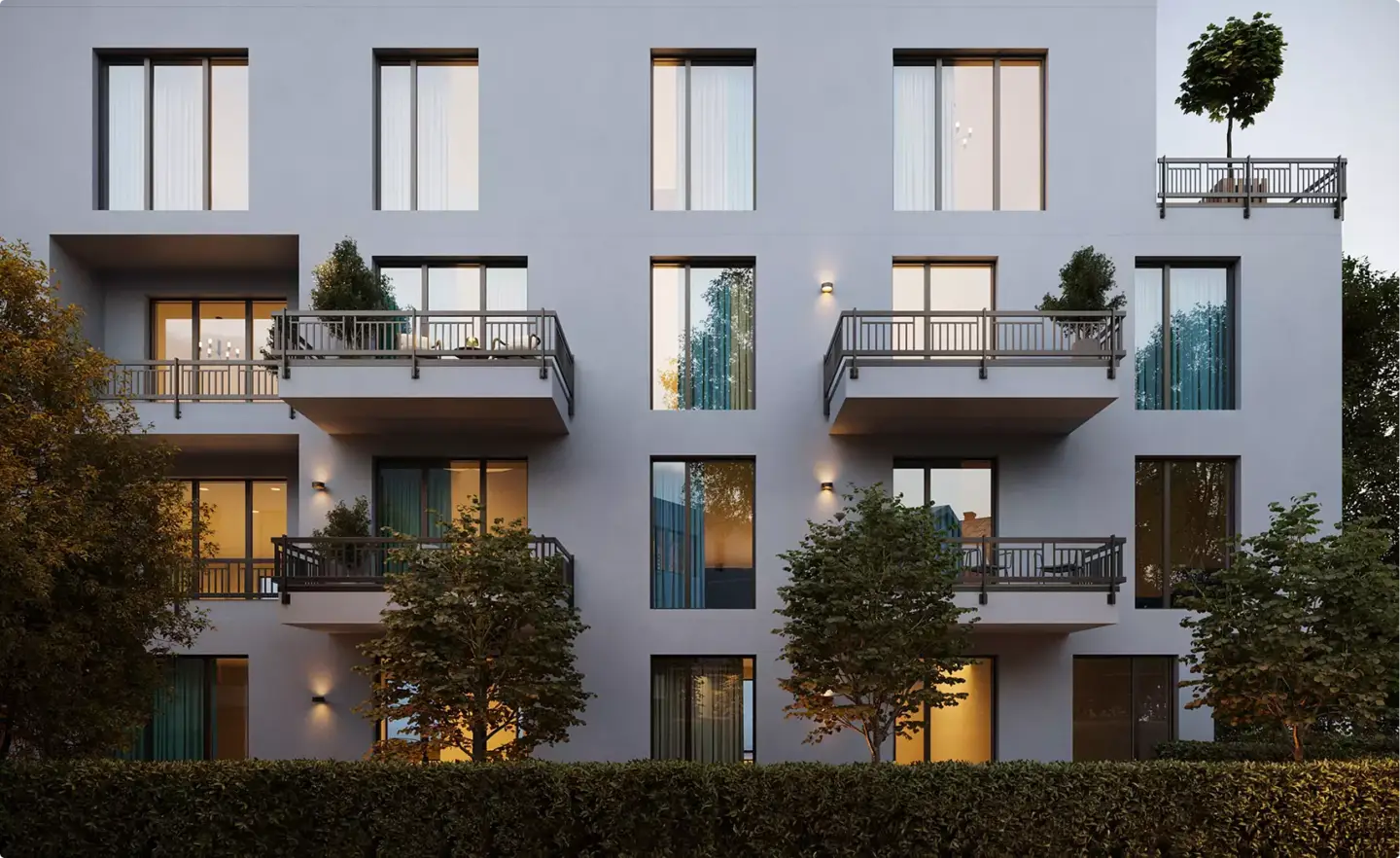
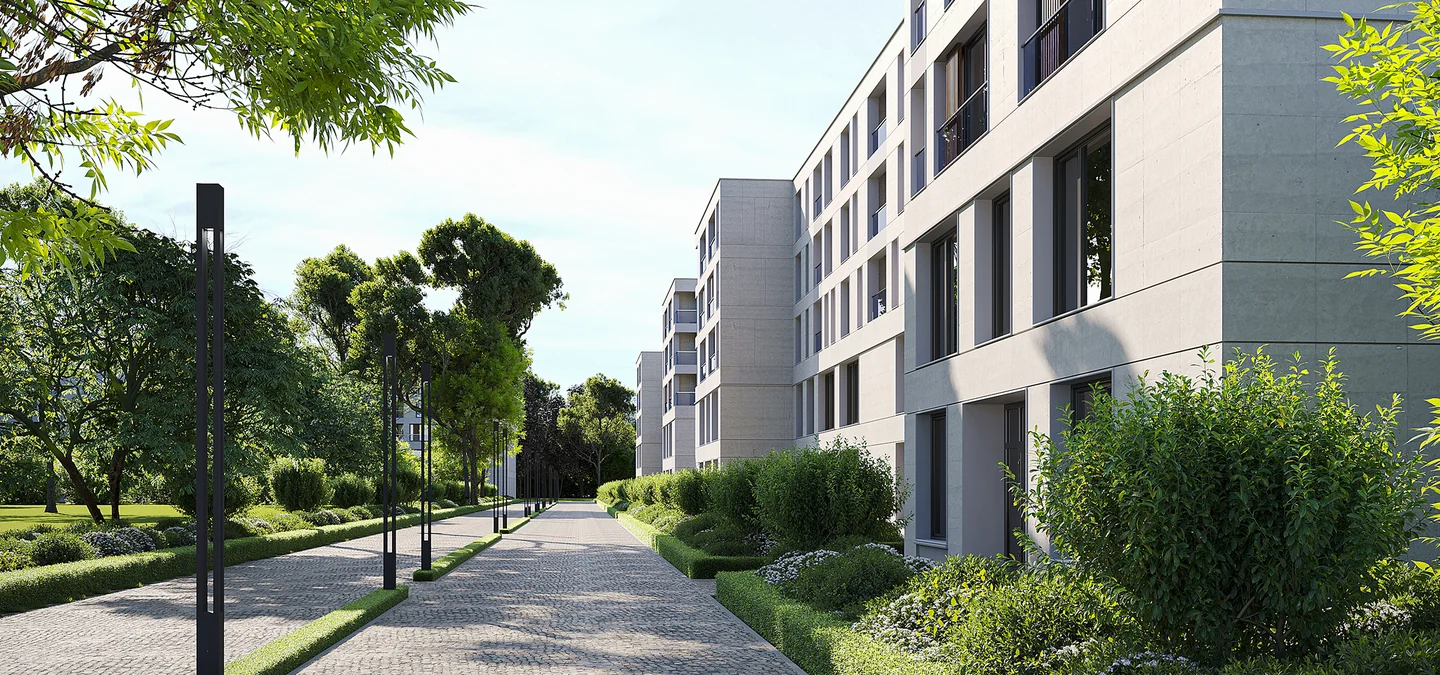
If you order renders or animation, the Blender version is the studio’s decision and should not change your brief. What 5.3 adds is room for new deliverables: captured sites placed around a modeled building, glass and gem products with true dispersion, and 360° panoramas rendered in real time.
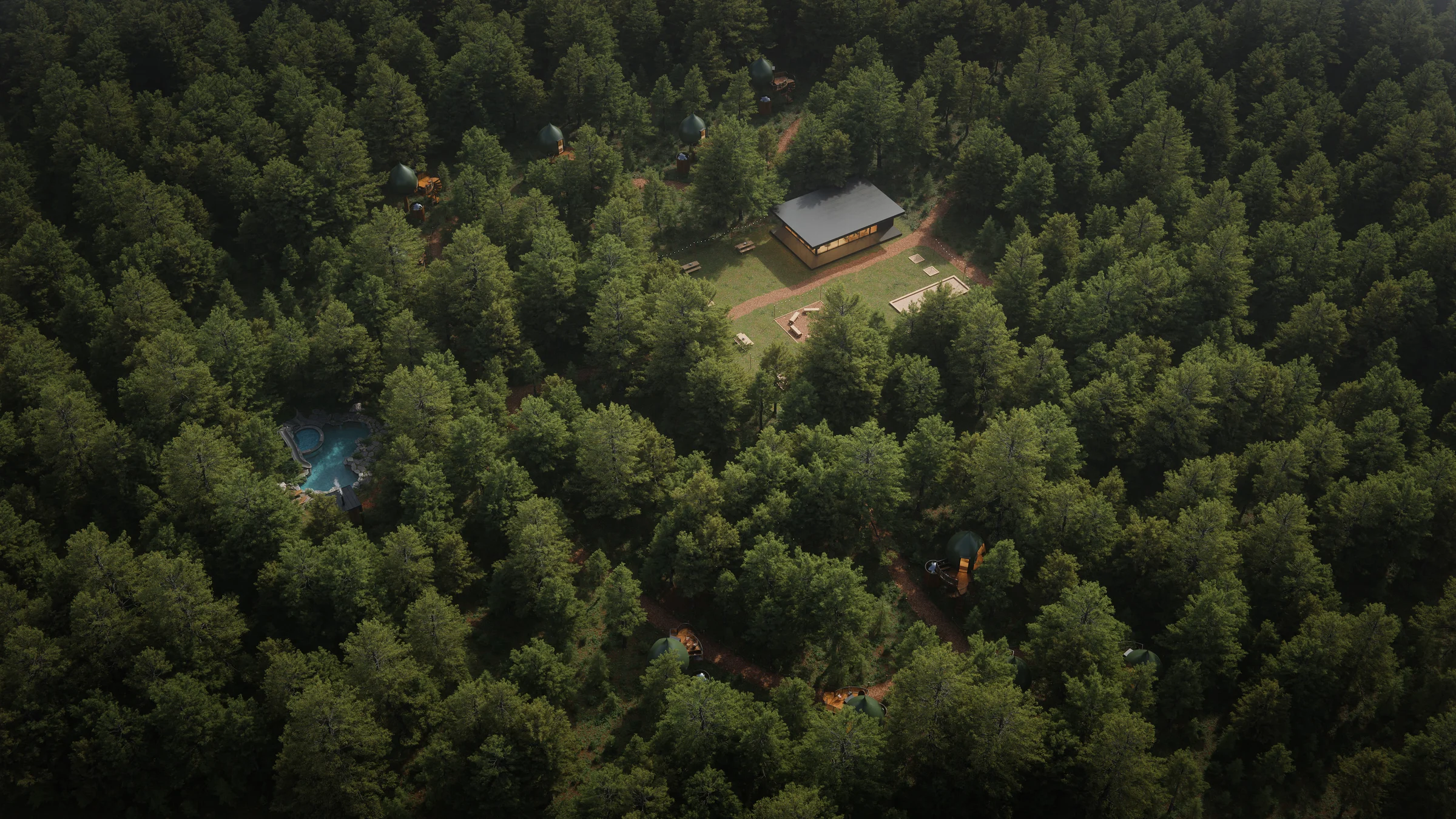
We render in Blender with Cycles and EEVEE. Our Tree Pod Village renderings for a forest retreat were produced in Blender, with the interiors and the forest setting in one coordinated scene. If you have a .blend file or need a team to model, render or animate in Blender, see our Blender 3D services. For how Blender compares with the archviz standard, read our 3ds Max vs Blender comparison.
Turn Ideas Into Visual Stories