Corona 16 is the Chaos release of Corona Renderer for 3ds Max and Cinema 4D, announced on November 4, 2026. It adds a beta AI Assistant, parallax interiors that put lit, furnished rooms behind windows without modelling them, Gaussian splats that receive scene lighting, a Lighting Analysis render element, a Render Selection mask that keeps reflections and shadows, and support for Cinema 4D 2027.
3ds Max with Corona is the base of our own production stack, so below we go through each feature with its status, what Chaos has and has not stated yet, and what the release changes in day-to-day archviz work: which features save time on exteriors, which are still beta, and what to check before moving a live project to the new version.
What’s New in Corona 16
Here are the headline changes as Chaos lists them in the release announcement of November 4, 2026. Most apply to both hosts; host-specific items are marked.
| Feature | What it does | Hosts | Status |
|---|---|---|---|
| AI Assistant | Answers product questions, suggests render improvements, matches the mood of a reference image and helps with scattering | 3ds Max, Cinema 4D | Beta |
| Parallax interiors | Shows furnished, lit 3D rooms behind windows on a flat plane with a Parallax map; sample scenes in Chaos Cosmos | 3ds Max, Cinema 4D | New |
| Parallax displacement | New option in the Corona Physical material that can use less memory than geometry displacement | 3ds Max, Cinema 4D | New |
| Gaussian splats | Splats receive scene lighting, get a clipping mask and support the compressed SPZ format | 3ds Max, Cinema 4D | Updated |
| Lighting Analysis | New render element (a multipass element in Cinema 4D) | 3ds Max, Cinema 4D | New |
| Render Selection | The render mask can include reflections, refractions and shadows of the selected objects | 3ds Max, Cinema 4D | Updated |
| CoronaSky | Reworked atmospheric volume effect; scenes from earlier versions load in legacy mode | 3ds Max, Cinema 4D | Updated |
| Corona Image Editor | Collaboration, AI Enhancer and Veras are built into the editor | 3ds Max, Cinema 4D | Updated |
| Vantage live link | More Corona materials, including Slicer and Legacy, transfer to Chaos Vantage; scatter exports without every instance | 3ds Max, Cinema 4D | Updated |
| Chaos Scatter | Presets link a bitmap to the density map, edge trimming can follow the X, Y or Z axis, bulk on/off for Areas lists | 3ds Max | Updated |
| Host support | Cinema 4D 2027; ICC color profiles introduced in 3ds Max 2027.2 | 3ds Max, Cinema 4D | New |
A few smaller changes matter in production too: denoising now applies to alpha elements for cleaner compositing, material previews render faster, and adaptivity in 3ds Max is now deterministic, so noise stays the same regardless of how many CPU cores render the frame.
Parallax Interiors: Lit Rooms Behind the Glass Without Modelling Them
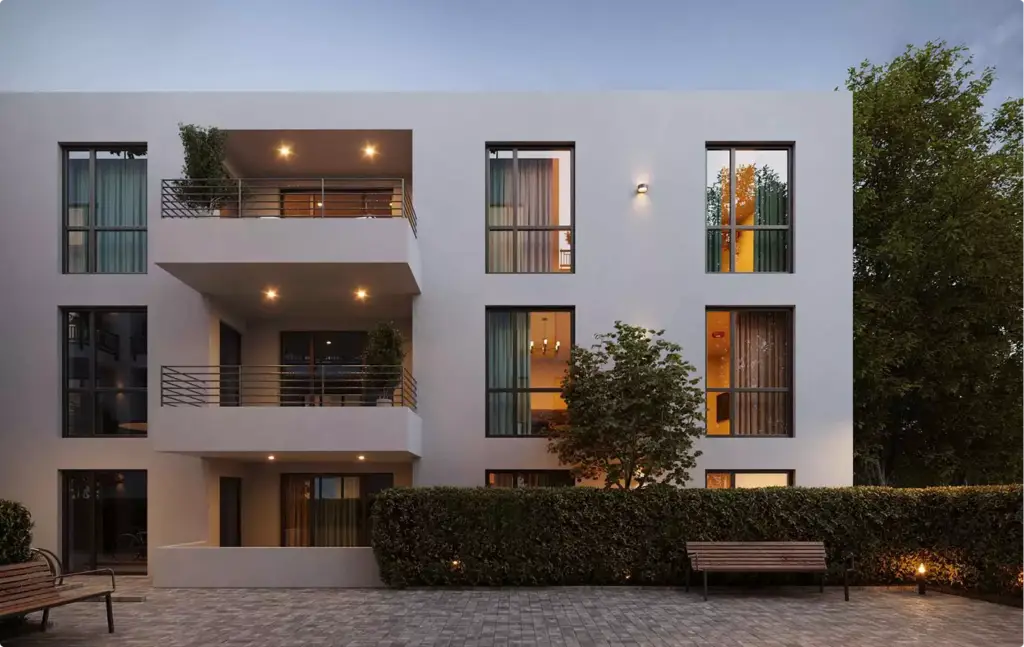
Parallax interiors are the Corona 16 feature with the most direct effect on exterior work. A flat plane with a Parallax map sits behind the glass and fakes a furnished, lit room in depth: as the camera moves, walls, furniture and light shift in perspective as if the room were really there. Game engines have used this trick, usually called interior mapping, for years; Corona 16 brings it into a production path tracer, with sample scenes in Chaos Cosmos.
Where it helps most:
- Towers and multifamily facades at dusk. Hundreds of windows, each needs a believable lit room, and none is seen up close.
- Aerials and masterplan views. Whole districts where modelled interiors would only add scene weight.
- Animation. The depth holds up when the camera moves, which a flat photo texture on the glass does not.
Where it does not replace modelling: a hero window close to the camera, a show-apartment view through the glass, or any image where a buyer reads the real layout of the unit. There the room has to be the actual design, built in 3D.
Corona 16 AI Assistant and AI Enhancer
The AI Assistant is the headline AI feature of Corona 16, and it is labelled beta. Chaos lists four jobs for it: help with using the product, suggestions to improve a render, matching the mood of a reference image, and help with scattering. The announcement does not state credit costs, cloud requirements or usage limits, so treat it as a preview until Chaos publishes them.
The Corona Image Editor changes as well: Collaboration, the AI Enhancer and Veras now sit inside the editor. Veras, the Chaos AI ideation tool, was already included with Corona 15; Corona 16 makes it part of post-production instead of a separate step.
In our Corona vs V-Ray comparison, Dim Kuzmenko called the built-in Veras a convenience win that still loses on quality to a dedicated AI tool, and noted that AI tools have already taken over much of the scatter work Forest Pack used to do. The new assistant targets exactly these two areas, so the test that matters is whether it closes that quality gap.
Gaussian Splats That Take Scene Lighting
Corona 15 let Gaussian splats receive bounce light from global illumination. Corona 16 goes further: splats now receive scene lighting, can be cut with a clipping mask, and load from the compressed SPZ format. In 3ds Max, native 3ds Max Gaussian splats can now be rendered and get an exposure (EV) control next to intensity.
In practice this matters for context. A splat captured from a real street or site can sit around a modelled building and pick up the same sun, so the scanned surroundings and the CGI no longer look lit by two different skies. The clipping mask trims the splat to the area the shot needs, which should make edge cleanup easier. For background on the technique and where it still falls short, see our guide to Gaussian splatting.
Lighting Analysis, Render Selection and Other Production Changes
- Lighting Analysis render element. A new pass for reading light levels in the frame. The announcement does not state its units or calibration, so check the Chaos documentation before using it in a daylight study for a planning submission.
- Render Selection with reflections and shadows. Re-rendering one changed object now carries its reflections, refractions and shadows into the patch, which makes small revision fixes cleaner to composite.
- Parallax displacement. A lighter alternative to geometry displacement on the Corona Physical material for surfaces such as brick, paving and tiles; in Cinema 4D it falls back to regular displacement with layered materials or decals.
- VFB background image. A background in the frame buffer that post-processing no longer affects.
- Vantage live link. More Corona materials and maps transfer to Chaos Vantage, and scatter exports without every instance, which Chaos says makes export and live link much faster.
Corona 16 Price and Supported Versions
Corona is sold as a subscription in two license types. These are the annual prices Chaos lists:
| License | Type | Price, billed annually |
|---|---|---|
| Corona Solo | One dedicated license for one user | $414 per year |
| Corona Premium | One floating license for a team | $562.80 per year |
Prices are from chaos.com on November 9, 2026, exclude taxes and may change. Corona 16 adds Cinema 4D 2027 support and raises the minimum Windows version for Cinema 4D to Windows 10; in 3ds Max it supports the ICC color profiles introduced in 3ds Max 2027.2. Check the Chaos system requirements for the full list of host versions before upgrading.
What to Check Before Upgrading a Live Project
A new major version in the middle of a project can change how an approved image looks. These Corona 16 changes are worth testing on a copy of the scene first:
- Sky and atmosphere. CoronaSky was reworked. Older scenes load in legacy mode to keep their look, but a sky created in Corona 16 may not match an image approved in Corona 15.
- New cameras. New Corona cameras no longer copy tone mapping, post-processing and bokeh from existing cameras, so check the settings of any camera added after the upgrade.
- Cinema 4D specifics. The legacy VFB 1 is gone, Chaos notifications do not work on Intel Macs, and parallax displacement falls back to regular displacement with layered materials or decals.
- Render nodes. Every workstation and render farm node on a job should run the same Corona version.
The safe pattern is to finish approved jobs on the version they started in and move new projects to Corona 16 once the scene templates are tested.
What Corona 16 Changes for Clients Who Order Renders
For a developer, architect or brand ordering images, nothing changes in the brief. Our base stack stays 3ds Max with Corona, alongside D5 Render and Cinema 4D with Redshift, and we accept scenes from almost any software, including V-Ray, Lumion, Enscape and Twinmotion, then convert them for production. The differences show in the output:
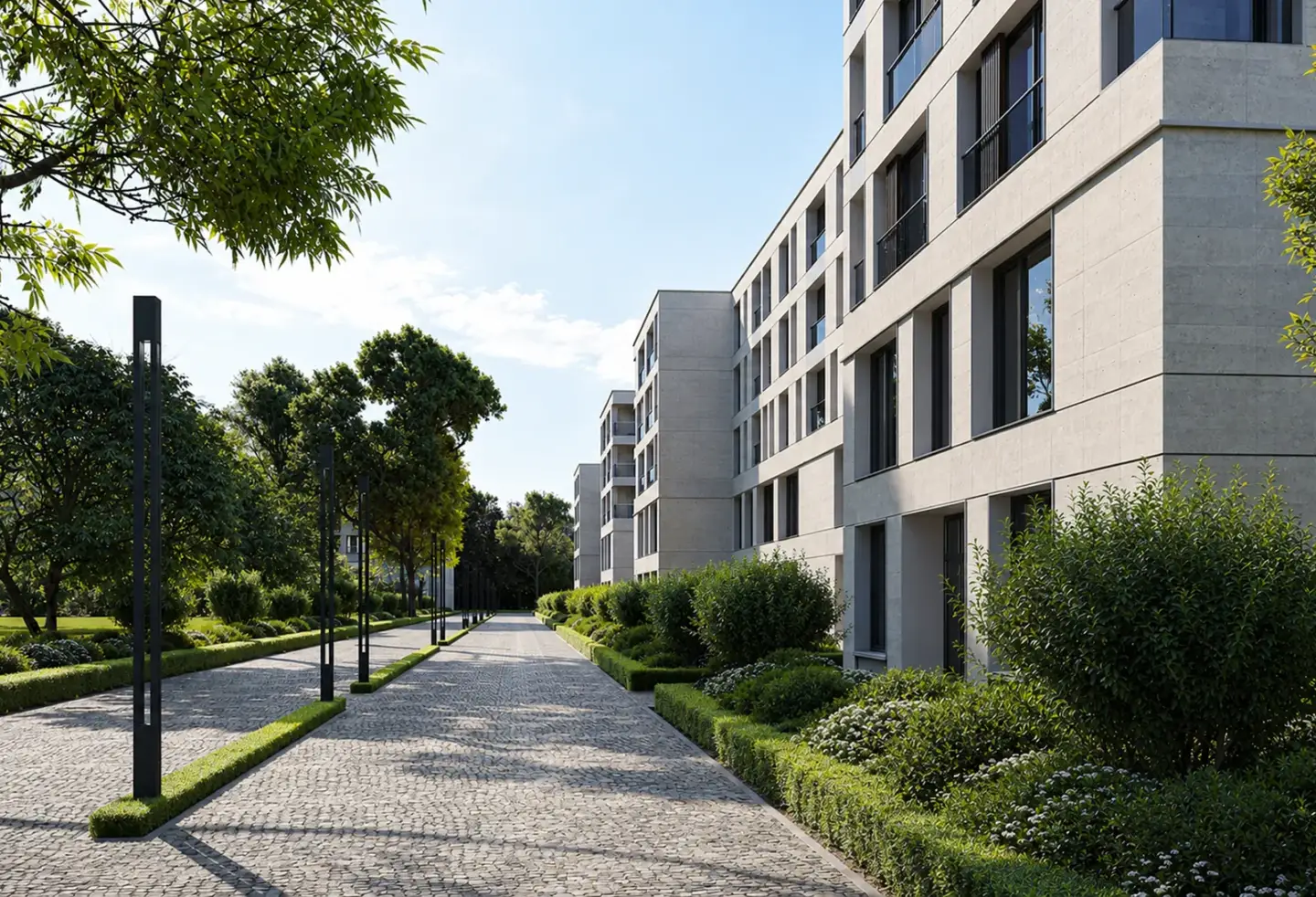
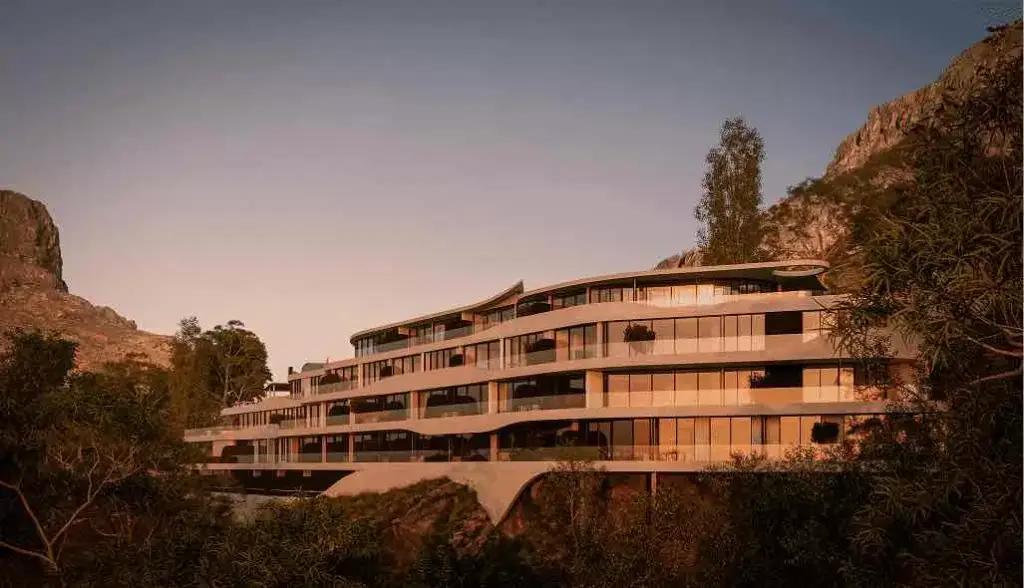
- Dusk and night views of towers and residential blocks can show lit rooms in far more windows without extra modelling.
- Scanned site context can share the lighting of the modelled building.
- A revision on one object can be patched cleanly together with its reflections and shadows.
Timelines stay as they are: a draft still takes about 3–5 working days from a complete brief, a set of 5–8 views about 2–3 weeks, with two revision rounds on the draft and one on the final. If you are planning evening views of a residential building, our 3D exterior rendering services start from your model or drawings, and the residential complex project shows the dusk finish level.
Turn Ideas Into Visual Stories