Release status, updated November 12, 2026: Midjourney V9 is not out yet. At its November 11 Office Hours, Midjourney said V9 is “aiming to ship within 30 days, maybe sooner,” which points to mid-December 2026 at the latest. The latest released version of Midjourney is V8.2, the default model since July 24, 2026. We will update this page on the day V9 ships.
Midjourney V9 is the next major version of Midjourney’s image model. What the team has confirmed so far: a new base model, a new upscaler, an improved Weird mode, a Thinking mode for better prompt adherence, and a possible doubling of the cost per image. Below is what that means if you use Midjourney for concept frames, mood boards or campaign ideas next to 3D rendering, and what stays a 3D job no matter how good V9 turns out.
Midjourney V9 at a Glance
| Item | What is known on November 12, 2026 |
|---|---|
| Status | Not released; internal testing |
| Expected | “Within 30 days, maybe sooner” (Office Hours, November 11, 2026); no separate preview planned |
| Confirmed changes | New base model, new upscaler, improved Weird mode, Thinking mode |
| Cost | “V9 images could cost double”; not final |
| Where it will run | Midjourney’s website, likely a redesigned site; the current site stays as a legacy version |
| Current default | V8.2 (default since July 24, 2026) |
| Niji | A new Niji model is in testing and could ship separately from V9 |
| Plans today | Subscriptions from $10 to $120 per month, billed monthly |
What Midjourney Has Confirmed About V9
A new base model and a new upscaler
V9 is a new base model, not a tune of V8.2, and it ships with a separately built upscaler. For anyone who prints or uses large hero frames, the upscaler matters as much as the model: it decides how fabric, stone and foliage hold up at full size.
Thinking mode
Thinking mode spends extra compute on reading the prompt. Midjourney says it currently improves prompt adherence but slightly hurts aesthetics, and the team is tuning it to become the default. A stronger version could cost about ten times as much to run, and there is no plan yet to offer it.
An improved Weird mode
Weird mode returns with V9 in an improved form. It is a creative-exploration control, useful early in a campaign and rarely in final client frames.
Cost per image
The team said V9 images “could cost double,” preferring a large jump in quality over keeping the price. Nothing is final, but if you run Midjourney on a fixed monthly plan, plan for fewer V9 images per month than you get with V8.2.
Midjourney V9 Release Date: What the Timeline Looks Like
| Version | Released | Days since previous |
|---|---|---|
| V6 | December 20, 2023 | — |
| V6.1 | July 30, 2024 | 223 |
| V7 | April 3, 2025 (default from June 17, 2025) | 247 |
| V8 (alpha) | March 17, 2026 | 348 |
| V8.1 | April 30, 2026 | 44 |
| V8.2 | Preview June 25, 2026; default July 24, 2026 | 56 to the preview |
| V9 | Expected by mid-December 2026 | — |
Point releases have arrived every one to two months in 2026, while V7 to the V8 alpha took 348 days. A December V9 would land about nine months after the V8 alpha. Office Hours targets are plans, not commitments, so treat “30 days” as a target, not a date.
What V9 Could Change for Architectural and Product Visuals
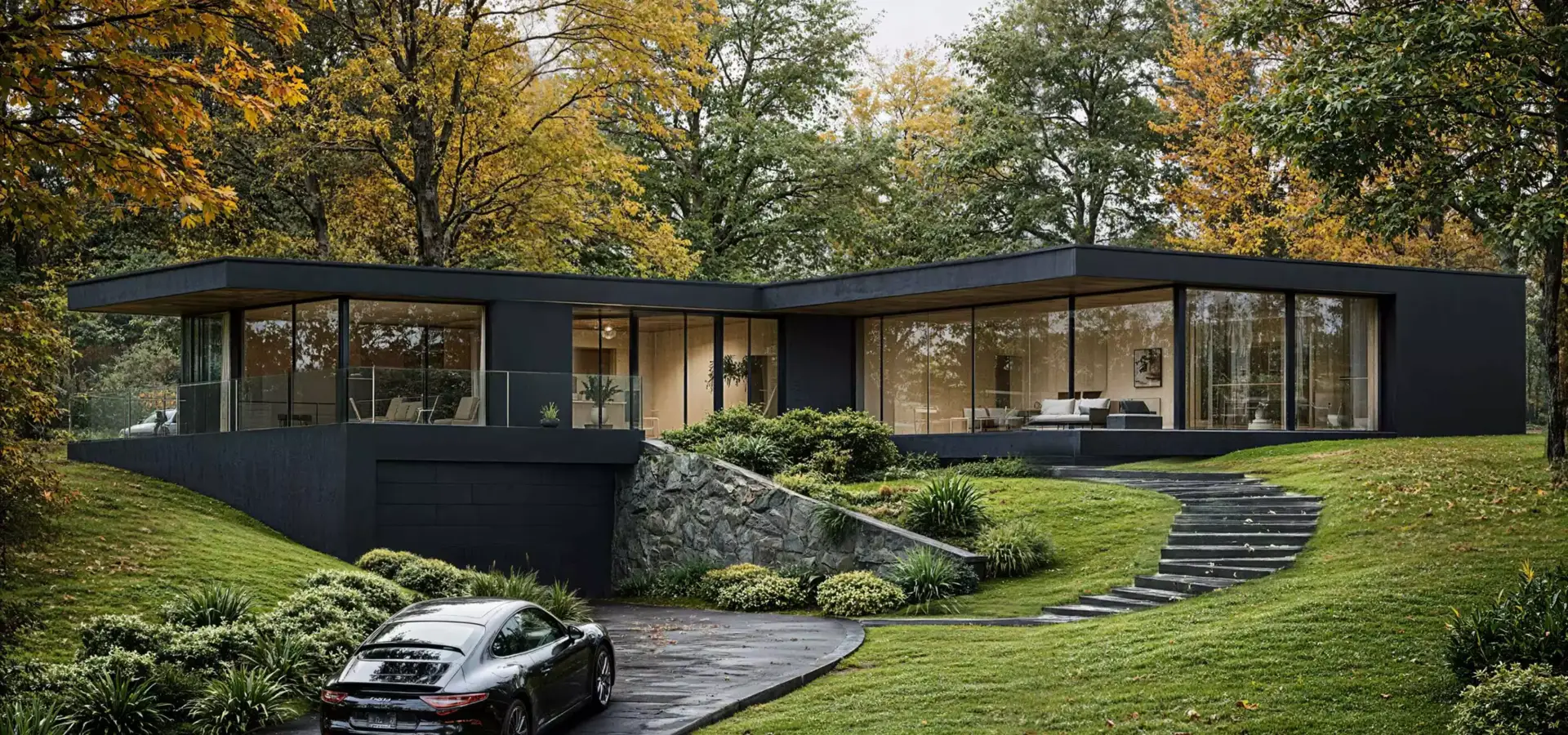
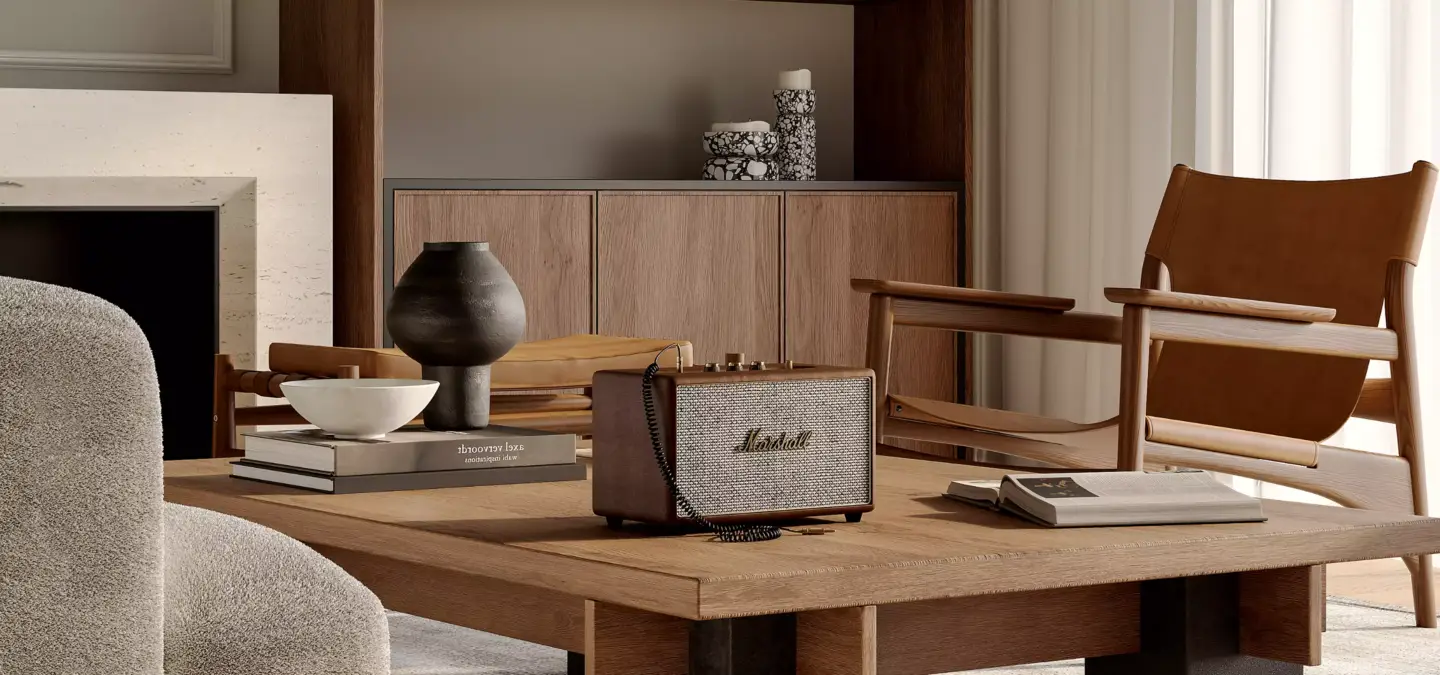
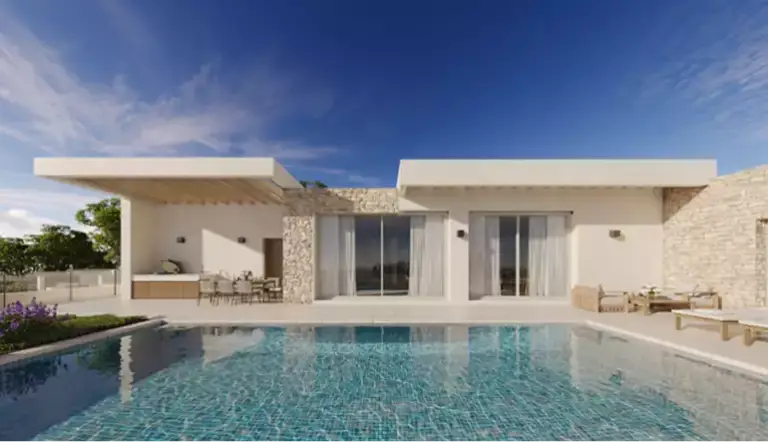
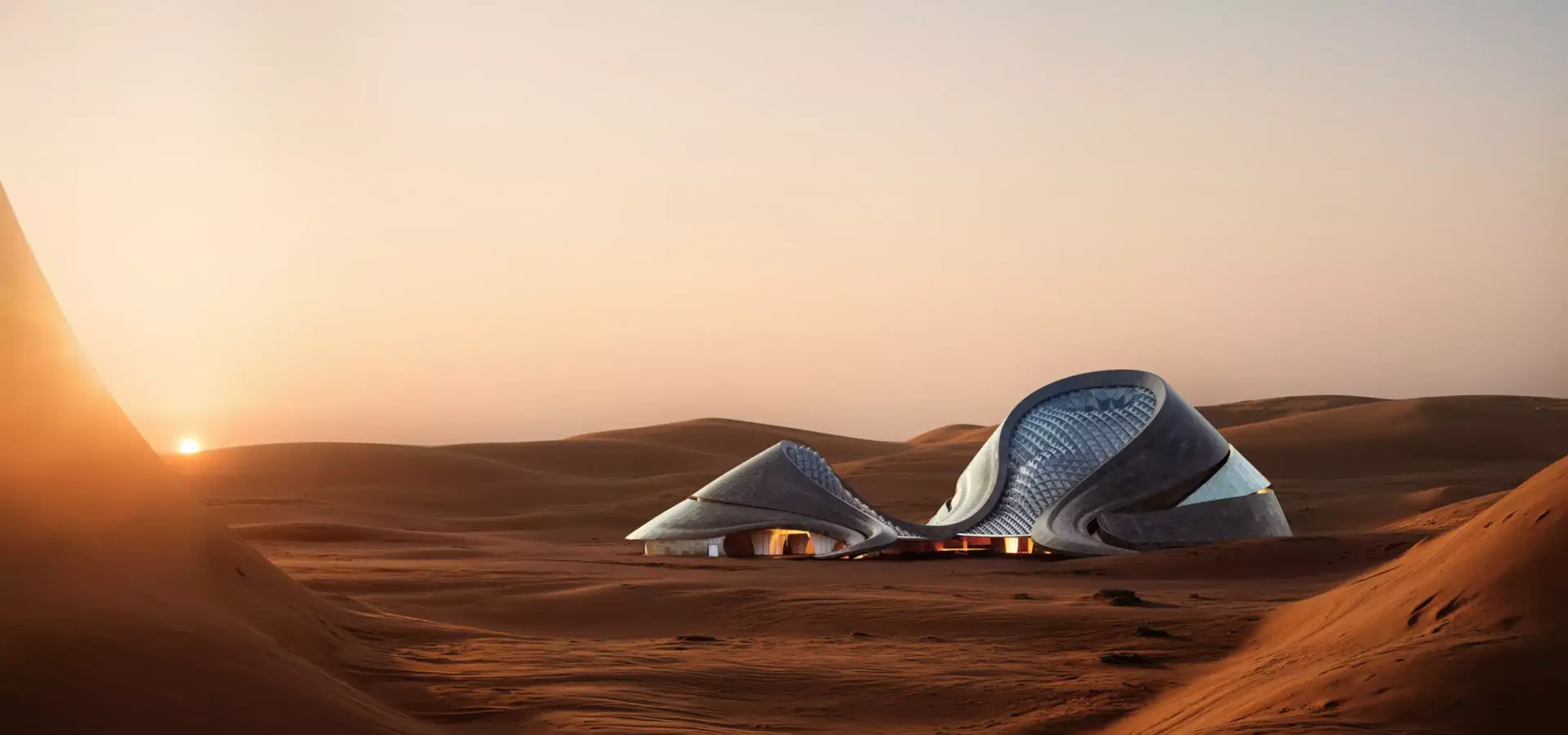
Midjourney is one of the AI tools we use in production next to 3D. In architectural and product work its natural place is before modeling starts: mood boards and concept frames that settle the light, the season and the atmosphere a client is reacting to. Three of the confirmed changes touch that stage directly:
- Prompt adherence. If Thinking mode delivers, briefs with several constraints (“late afternoon, timber soffit, wet stone, no people”) should need fewer rerolls.
- Detail at size. A new upscaler could make Midjourney frames usable as larger mood panels and pitch boards, not only as thumbnails.
- Cost discipline. At double the cost per image, it pays to explore in V8.2 or draft modes and switch to V9 for the frames you will actually show.
What Will Not Change: Where 3D Still Carries the Job
A better Midjourney does not turn a concept frame into a deliverable for a developer or a product brand. These stay 3D work:
- The real design. A rendered building matches the architect’s drawings; a generated one invents windows, spans and materials.
- Exact products. A catalog or Amazon listing needs the real SKU in every frame, with correct proportions and finishes.
- Consistent sets. Multiple camera angles, day and night versions, animations and 3D tours need one scene, not separate generations.
- Edits weeks later. When a façade color or a handle changes, a 3D scene is updated and re-rendered; a generated image has to be made again.
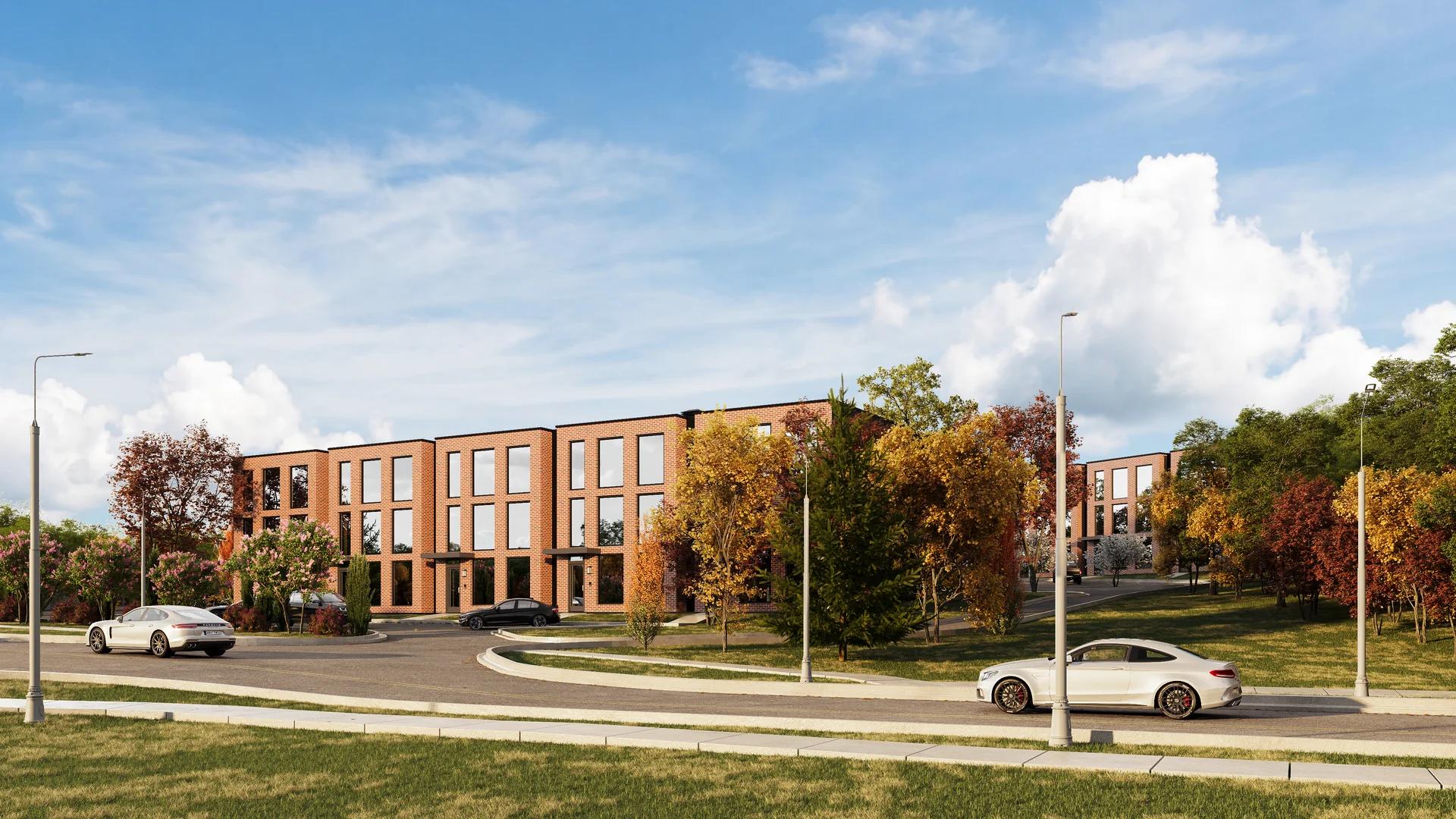
The practical split we recommend: Midjourney for direction, 3D for the approved design, and AI tools again on top of the render for variants. For how Midjourney compares with other AI tools for architects, see our guide to the best AI rendering tools. For the second half of that pipeline, see our 3D architectural rendering services and 3D product rendering services.
How to Prepare Your Midjourney Workflow for V9
- Save five reference prompts now. Pick prompts you reuse for real projects and keep their V8.2 results with seeds and settings for a fair comparison.
- Note your style references and personalization profile. New base models often change how --sref and profiles behave; check them first.
- Budget for the cost change. If V9 does cost twice as much, decide which stages stay on V8.2.
- Test the upscaler at 100%. Judge textiles, stone and foliage at full size, not on a phone screen.
- Keep the 3D master as the reference. When a concept frame is approved, the design moves to the 3D scene, and AI variants are checked against it.
Turn Ideas Into Visual Stories