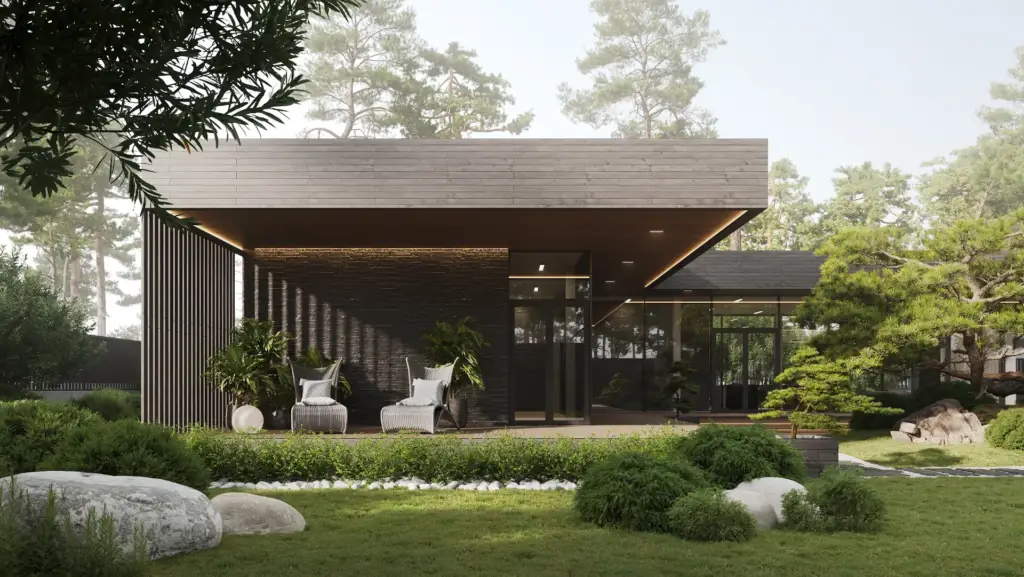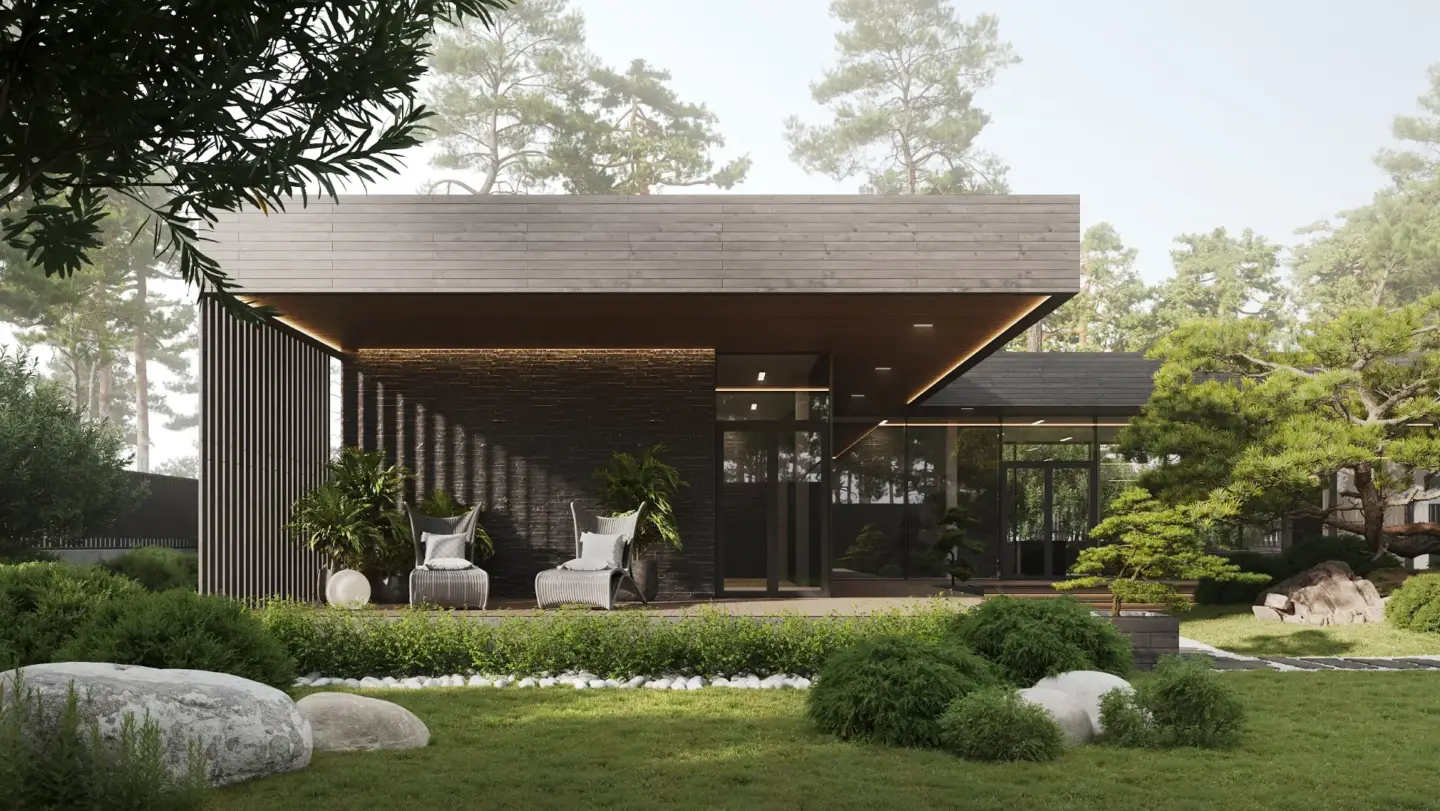
Lumion vs Twinmotion comes down to output versus workflow. Lumion produces cinematic, atmospheric stills straight out of the box on Windows, while Twinmotion — built on Unreal Engine — is cheaper, runs on both Mac and PC, and excels at real-time VR walkthroughs and BIM-linked iteration. Neither is objectively "better"; the right pick is set by your deliverable.
Lumion vs Twinmotion at a Glance: The 60-Second VerdictLumion vs Twinmotion at a Glance: The 60-Second Verdict
Both are real-time archviz renderers that turn a CAD or BIM model into photoreal images, films, and walkthroughs in minutes rather than hours. The split is simple: choose Lumion when the deliverable is a polished marketing still and you work on Windows; choose Twinmotion when you need interactive walkthroughs, Mac support, tight Revit or SketchUp sync, or a smaller budget.
| Factor | Lumion | Twinmotion |
| Engine base | Proprietary GPU real-time | Unreal Engine |
| Platform | Windows only | Windows + macOS |
| Best for | Cinematic stills & marketing films | VR walkthroughs, fast iteration, budgets |
| Out-of-box visuals | Atmospheric, minimal post-production | Clean; Path Tracer for accuracy |
| Asset library | ~9,500 built-in objects | Smaller native + Fab / Quixel Megascans |
| Learning curve | Very fast (a usable render in ~15 min) | Fast, drag-and-drop |
| Price (2026) | $229–$1,499 / year | Free tier; $445 / year per seat |
| Free version | No | Yes (students / under $1M revenue) |
How Lumion and Twinmotion Differ in a Production Workflow
Most comparisons rank these tools on raw image quality. In a working studio the more useful question is where each one costs you time. That answer flips depending on the deliverable, which is why we keep both in the pipeline rather than standardising on one.
Lumion earns its keep on hero stills and marketing films. Its built-in library and one-click sky, weather, and volumetric-light effects mean scene dressing and mood are done inside the app, so the render leaves with almost no compositing. Twinmotion earns its keep on projects that change often. Because it sits on Unreal Engine with Datasmith live sync, a revised Revit or Archicad model updates in the scene without a full re-import — the hours you would otherwise lose to reloading geometry disappear on iterative jobs.
In our studio the decision is set by the deliverable and the pipeline stage, not by which engine wins a side-by-side. We reach for Lumion when the client wants a single cinematic image with minimal post; we reach for Twinmotion when they want to walk the space, or when the design is still moving and re-renders will be frequent. If your work leans toward offline photorealism instead of real-time, the trade-offs look different again — we cover those in our Corona vs V-Ray comparison.
Visual Quality: Cinematic Atmosphere vs Path-Traced AccuracyVisual Quality: Cinematic Atmosphere vs Path-Traced Accuracy
Lumion is known for rich, atmospheric output out of the box. Its strength is emotive still images and films — skies, fog, sunlight, and seasonal effects are built for client pitches and produce a finished look with little manual tuning. This is why Lumion dominates competition boards and marketing renders.
Twinmotion closes the quality gap with its Path Tracer, which generates physically accurate indirect lighting and reflections that approach traditional offline engines like V-Ray. Its real edge, though, is interactivity: Twinmotion is the stronger choice for VR walkthroughs and 360° panoramic tours, where the viewer moves through the scene in real time rather than looking at a fixed frame.
- Pick Lumion for a single cinematic hero image or a mood-driven marketing film.
- Pick Twinmotion for interactive walkthroughs, VR, or when path-traced accuracy matters more than atmosphere.

Real-Time Workflow and BIM Integration (Revit, SketchUp, Archicad)
Both tools sync live with the CAD and BIM software architects already use, but they get there differently. Twinmotion uses Datasmith to connect natively with Revit, Archicad, SketchUp, and Rhino, and it runs on Windows and macOS — a decisive advantage for Mac-based studios. Lumion uses its LiveSync plugins, which preserve material and layer hierarchies cleanly, but it is Windows-only, so macOS users are ruled out before the comparison even starts.
For teams whose models are in constant flux, Twinmotion's Unreal-based sync usually means less friction across revisions. For teams that finalise a design and then produce marketing imagery, Lumion's workflow is more than fast enough and the platform limitation rarely bites.

Asset Libraries: Lumion's 9,500 Objects vs Twinmotion Plus Megascans
Lumion ships with an extensive built-in library — roughly 9,500 objects including cars, animated people, and high-fidelity vegetation — so you can dress an entire scene without leaving the app. That all-in-one catalogue is a big reason stills come together so quickly.
Twinmotion's native library is smaller, but it integrates directly with Epic Games' Fab marketplace and Quixel Megascans, opening a practically unlimited, high-quality asset ecosystem. The difference is convenience versus reach: Lumion gives you a curated set instantly; Twinmotion gives you access to far more if you are willing to source it.
Lumion vs Twinmotion Pricing in 2026Lumion vs Twinmotion Pricing in 2026
Twinmotion is the cheaper option by a wide margin. A Twinmotion seat is $445 per year, and it is free for students and for professionals or studios earning under $1 million in annual revenue. Lumion has no free tier and runs on annual subscriptions only: roughly $229/year for Lumion View, $1,149/year for Pro, and $1,499/year for Studio (a three-year plan cuts about 20%). Figures are 2026 list prices in USD and vary by region — confirm current rates with each vendor before you buy.
- Twinmotion: free under $1M revenue; $445/year per seat; bundled in the $1,850/year Unreal Subscription.
- Lumion: View $229/year, Pro $1,149/year, Studio $1,499/year; no free version.
Software licences are only part of a project's real cost. If you are budgeting a full visualization package rather than a subscription, our 3D rendering pricing guide breaks down what studios actually charge per image and per animation.
Which Real-Time Renderer Should You Choose for Your Project?Which Real-Time Renderer Should You Choose for Your Project?
Match the tool to your constraints rather than chasing a single winner:
- Choose Twinmotion if you are a student, on a tight budget, use a Mac, or need fast design iteration, VR, and interactive client presentations.
- Choose Lumion if you work on Windows, want an easy learning curve, and need high-end cinematic stills and films with minimal post-production.
- Run both if you deliver a mix of interactive walkthroughs and marketing imagery — they complement each other more than they compete.
If licences, learning curves, and render time are more than your team wants to take on, it is often faster to hand the work to a studio that already runs these engines daily. Our architectural 3D modeling services cover the full pipeline from model to final visual, so you get the output without owning the software or the workflow. And if you are weighing a third contender, see how the categories shift in our D5 Render vs Lumion comparison.