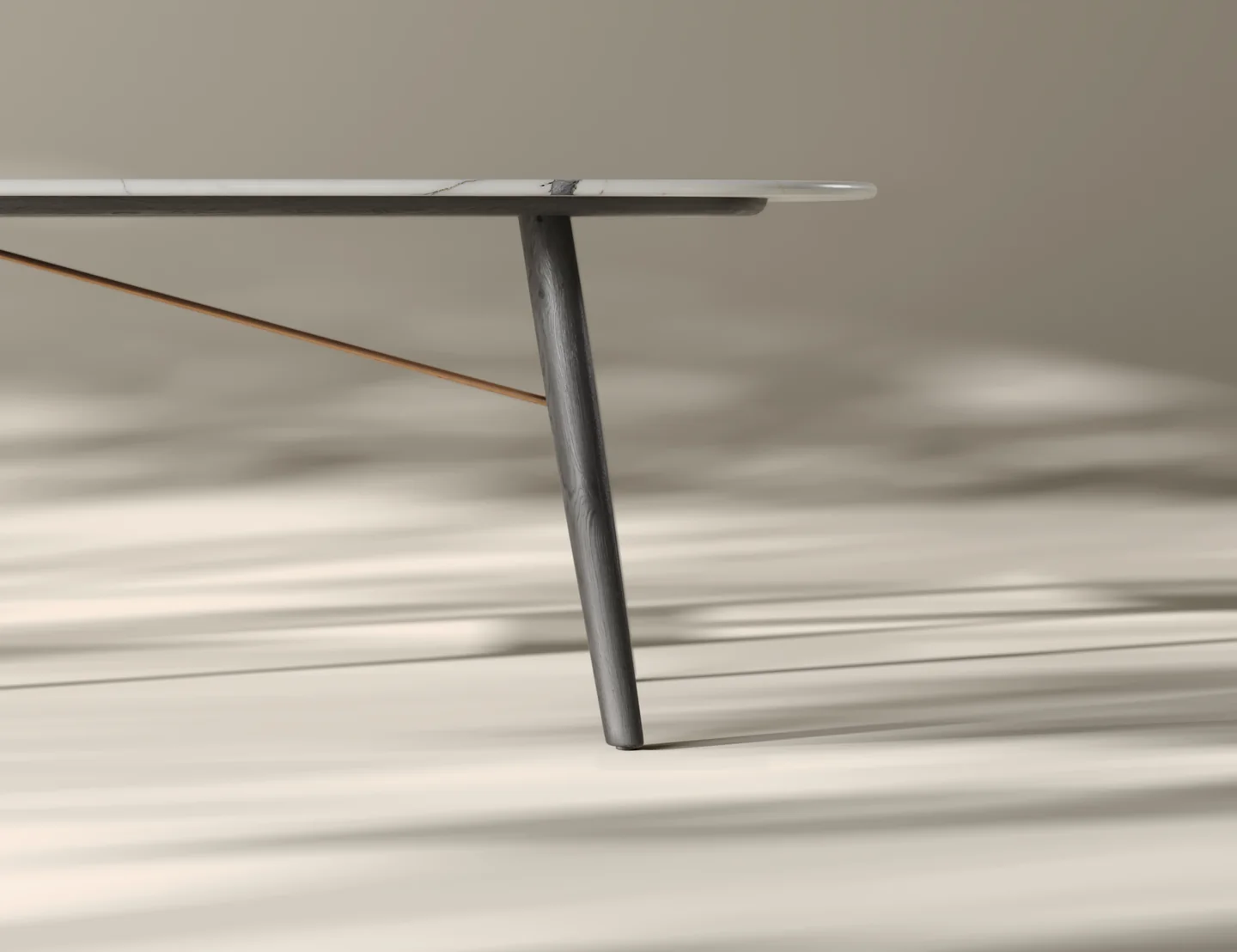
A CGI furniture catalog is a seasonal catalog whose product images are rendered from 3D models of the range instead of photographed. The models are built once, lit in a single master scene, and re-rendered for every finish, size and styling variant the season needs. That is why a late SKU change costs a render, not a reshoot.
The practical difference is not the pictures. It is the calendar. A photoshoot fixes your range on the day the samples ship to the studio. A rendered catalog keeps the range editable until the print file locks, which on most seasonal cycles is several weeks later. This guide covers how that production timeline actually works, and how a studio holds light consistent across two hundred catalog images.
What a CGI Furniture Catalog Is, and What “Catalog Design” Usually Means
Two different jobs share the word catalog, and search results mix them constantly. Knowing which one you are buying saves a lot of confused briefs.
- Catalog design is the layout half: grid, typography, page flow, cover, print specification. Search for the phrase and you mostly get InDesign and Canva templates, because that is where the demand sits.
- Catalog production is the imagery half: getting a correct, consistent picture of every SKU in the range, in every finish you are selling this season.
This article is about the second one. CGI replaces the photoshoot, not the designer. Your layout still needs a designer, and a good one will thank you for images that are already square to the grid, on a consistent background, and at the same scale relative to the frame.

The Production Timeline: CGI Catalog vs Photoshoot
The number that matters is the last safe change. On a photographed catalog, the range is effectively frozen when production samples ship to the studio, which is typically several weeks before the print file is due. On a rendered catalog the freeze point moves to the print deadline itself, because adding a SKU means rendering a model into a scene that still exists.
| Stage | Photographed catalog | CGI catalog |
| Range locked | Week 1 | Week 1 |
| Physical samples | Production samples required for every SKU | Not required; CAD, drawings and material references instead |
| Asset build | Set build, prop sourcing, studio booking | 3D modelling and material setup from the technical pack |
| Image capture | Concentrated in a booked shoot window of a few days | Rendered in batches, any time after models are approved |
| Retouch and colour | Separate pass after the shoot | Corrections are re-rendered from the source scene |
| Last safe SKU change | Before samples ship to the studio | Until the print file locks |
| Adding one SKU after capture | Re-shoot: restage, relight, rebook the studio | Render the new model in the existing scene |
| Adding one finish to an existing SKU | New sample, new shot | Swap the material, re-render the same camera |
Treat the stage names as the structure, not the durations. Every brand runs a different season length, and a range of thirty SKUs and a range of three hundred are not the same project. The ordering, however, holds: the photographed route puts the physical sample on the critical path, and the rendered route does not.
Why a Late SKU Swap Breaks a Photoshoot but Not a Render
Marketing decides in week nine that the walnut version replaces the oak, or that a chair is dropped and a new stool goes in. On a shoot, three things have already gone away.
- The sample. A photograph needs the physical object. A production sample of a new finish is weeks of factory time before it can even be couriered.
- The set. The cyclorama has been repainted, the props returned, the rented rug gone back. Rebuilding it is a second set build.
- The light. Even the same studio on a different day gives a slightly different result: a moved flag, a different diffusion panel, a lamp with more hours on it. A single reshot card sits visibly apart from its neighbours on the spread.
In a rendered catalog none of the three go away. The scene file is the set, and it is persistent. The lighting rig is a saved asset, not a memory of where the softbox stood. The product is a model, so a new finish is a material assignment rather than a manufacturing run. The cost of a late change collapses to render time on the frames that changed.
The honest caveat: this only holds if the new SKU already has usable geometry. A product nobody has modelled yet still needs modelling, and that is real lead time. What disappears is the sample, the set and the studio booking, not the asset build. That asset build is the backbone of 3D rendering for manufacturers, where one model feeds catalog, packaging and trade-show frames.
How to Keep Light Consistent Across 200 Catalog Images
Consistency in a catalog is not achieved image by image. It comes from rendering every card out of one lighting scene and refusing to touch that scene per product. The moment a SKU gets its own lighting because it looked dark, the set stops matching, and the mismatch is far more visible in a printed grid of thumbnails than it ever is on a monitor.

The working method most studios converge on:
- Build one master lighting scene per card type and version it as a file. Silo cards, detail crops and lifestyle scenes each get their own, and each stays frozen for the season.
- Define camera rules rather than framing by eye: fixed focal length, fixed camera height, fixed distance ratio to the product bounding box. This is what makes a sofa and a side table look like they belong on the same page.
- Lock the environment and colour temperature. The HDRI or light rig is an asset with a version number, not something an artist nudges.
- Keep one linear colour pipeline with a single output transform for every render. Mixed transforms are the most common cause of a catalog that looks subtly warm on one signature.
- Calibrate materials against a shared reference rendered in the same scene, so fabric white is the same white on page 12 and page 96.
- Render the whole set from one build. If the rig changes mid-season, re-render everything that came out of the old one rather than patching.
- Review as a contact sheet at final size, never as single full-screen images. Inconsistency is a comparison problem and only shows up in comparison.
What actually breaks consistency, in the order we see it happen:
- Per-product relighting, usually well intentioned, to rescue one dark upholstery.
- Exposure or curve adjustments applied in retouch to individual cards.
- Renders split across machines or farm nodes on different renderer versions or sample settings.
- Fabric and wood scans captured at different white points and never normalised.
- Products floating at different heights above the ground plane, so contact shadows read differently across the grid.
In our studio the fix is boring and it works: the lighting scene is owned by one person, it is checked into version control with the models, and an artist who needs a different look for one product has to justify changing it for all of them. Catalogs fail on the twentieth exception, not on the first.
Silo Cards and Lifestyle Scenes: What a Catalog Actually Needs
A seasonal catalog is two image types doing two jobs, and mixing up the ratio is a common brief error.
- Silo cards on a clean background carry the range. They are the ones the buyer compares, and they are also the assets that go straight to your product pages and marketplace listings afterwards.
- Lifestyle scenes carry the season. They open a chapter, set the story, sell the mood, and almost never need to show every SKU.
Because the silo cards are reused far beyond the catalog, they justify the tighter production discipline: consistent camera, consistent light, generous resolution, clean edges. Lifestyle scenes tolerate more art direction because there are ten of them, not two hundred.

A useful planning ratio is one lifestyle scene per chapter opener plus a small set of hero spreads, with everything else as silo cards. Budgeting the reverse is how brands end up with beautiful room sets and an incomplete range. A short test set shows the balance quickly: for premium furniture renders for Sobha Furniture in Dubai, two pieces were shown as studio shots, material close-ups and one living room scene. The same mix works for a website: the dining table lifestyle renderings for a solid wood furniture brand paired twelve styled room views made for home page banners with twelve close-ups made for the collection pages.
The Asset Pipeline From CAD to a Print-Ready Catalog Page
A catalog render is not a website render at a bigger size. Print has requirements that need to be set before the first frame is queued, not discovered at prepress.
- Modelling from the technical pack: dimensioned drawings or CAD, plus fabric and finish references. Modular ranges are built as one parametric base with variant configurations rather than as separate models.
- Materials and finishes, calibrated once per material library so the same oak is the same oak on every SKU that uses it.
- Resolution planned against final placement size at 300 ppi, with headroom for the crop. A full-bleed spread crops harder than anyone estimates in week two.
- Render in 16 bit and keep a linear master. Deliver derived files, never only a flattened sRGB JPEG.
- Soft-proof to the press profile before sign-off, so saturated upholstery does not arrive as a surprise on coated stock.
- Naming and versioning tied to SKU codes, so the layout team can drop images in without a lookup table and reruns overwrite predictably.
Everything above is standard practice in a studio that does 3D furniture rendering at range scale, and it is worth confirming explicitly in the brief, because a supplier set up only for e-commerce imagery will default to web resolution and sRGB.

What to Hand a Studio Before the Season Starts
The single biggest cause of catalog overruns is an incomplete technical pack arriving in pieces. Assemble this before kickoff:
- The final SKU list with codes, including every finish and size combination that will appear in the catalog.
- Dimensioned drawings or CAD for each product. Photographs of a prototype are a supplement, never a substitute.
- Physical or scanned references for fabrics, leathers and wood finishes, plus the finish names as they will be printed.
- The page plan or at least the intended shot list: which SKUs need silo cards, which need detail crops, which appear in scenes.
- The print specification: trim size, bleed, press profile, and the largest placement any single image will get.
- Your existing brand imagery, if the new season has to sit next to older photographed pages without a visible break.
- The genuine deadline for the print file, and the date after which no SKU changes are possible on your side.
If you are also selling the range on marketplaces, decide at this point whether the same master assets will feed those listings, because the platform 3D model requirements shape how the geometry is built from the start.
Where a Photoshoot Still Wins for a Catalog
CGI is not the answer for every range, and pretending otherwise damages the argument.
- One-off and artisan pieces where every unit genuinely differs. Rendering an idealised version misrepresents what arrives.
- Macro material shots of a fabric hand or a distressed leather when no scan of that material exists. Building the scan can cost more than shooting the swatch.
- A finished range already sitting in the warehouse with no CAD and no drawings. If the products exist and the data does not, photography is the shorter path.
- Editorial pages with people, or a location that is part of the brand story and cannot be reconstructed convincingly.
The cost comparison and the breakeven point by SKU count are a separate question, covered in our guide to 3D rendering versus photography rather than repeated here. For catalog work specifically, the deciding factor is usually not price per image. It is whether your range will still be changing in the last six weeks before print, and for most seasonal furniture brands it will be.
The same catalogue logic applies to building products, as in this 3D door visualization.
Turn Ideas Into Visual Stories