Augmented reality furniture is a 3D model of a real product that a shopper places into their own room, at true scale, through a phone camera. The technology behind it is now standard and free to use. Whether AR sells the product or embarrasses the brand is decided by the asset, not by the app.
Most guides on this topic describe apps. This one describes the file. Below are the actual production requirements — polygon budgets, texture rules, scale units and pivot placement — that separate a furniture model that anchors cleanly to a customer’s floor from one that floats, sinks, arrives the size of a building or takes twelve seconds to load.
What Augmented Reality Furniture Is — and Why the App Is Not the Hard Part
An AR furniture experience has three parts: a viewer built into the phone, a surface-detection layer that finds the floor, and a 3D model of the product. Brands spend most of their budget worrying about the first two. Both are solved problems shipped by Apple and Google at no cost. The third part is the only one a furniture brand actually owns, and it is where every failure originates.
It also helps to separate AR furniture from three things it is routinely confused with:
- A 3D product configurator changes the product — fabric, finish, module count. An AR viewer places a fixed product into a room. A furniture configurator can feed AR, but it is a different build.
- A virtual showroom is an entire environment modelled in 3D that the customer walks through on screen. AR does the opposite: it uses the customer’s real room and adds one object.
- VR replaces the room entirely and needs a headset. AR runs on the phone already in the shopper’s hand, which is why furniture retail adopted it and VR retail did not.
How AR Furniture Placement Works on ARKit, ARCore and the Web
On iOS, tapping an AR link opens AR Quick Look, which reads a USDZ file. On Android and in mobile browsers, the equivalent is Scene Viewer, which reads a glTF 2.0 or GLB file. Both use the phone camera and motion sensors to detect a horizontal plane, then anchor the model to it and hold it in place as the shopper walks around.
No brand needs to build an app for this. A product page with a correctly formatted model and a viewer embed gives every visitor AR on their own device. What the brand supplies is the file — and the platforms are unusually explicit about what that file must contain.
3D Asset Requirements for AR Furniture: Format, File Size and Polycount
The three destinations most furniture brands publish to — Google Scene Viewer, Shopify (through its 3D model checklist) and Apple AR Quick Look — each publish their own limits. Build to the strictest column and the asset works everywhere.
| Requirement | Google Scene Viewer / web AR | Shopify 3D model checklist | Apple AR Quick Look |
| File format | glTF 2.0 or GLB | GLB (USDZ also accepted on upload) | USDZ |
| File size | 10 MB recommended, 15 MB hard maximum | about 4 MB in total | no published hard cap — inherit the strictest target |
| Geometry budget | 100,000 triangles recommended limit; 30,000–50,000 optimal | polycount “as low as possible”, no fixed number | inherit the GLB budget |
| Textures | 2048 × 2048 maximum, sRGB, JPG or PNG | no larger than 2048 × 2048, optimised JPG | same source maps |
| Materials | 10 recommended maximum, two of which may use alpha | one material unless the product requires more | matches the source |
| Meshes | one UV set per mesh (hard limit) | all objects combined into a single object | matches the source |
| Scale | 1 unit = 1 metre | built to real-world scale in correct units | real-world scale |
| Origin / axes | +Y up, front of the model faces +Z | origin centred at the base of the product | base sits on the floor plane |
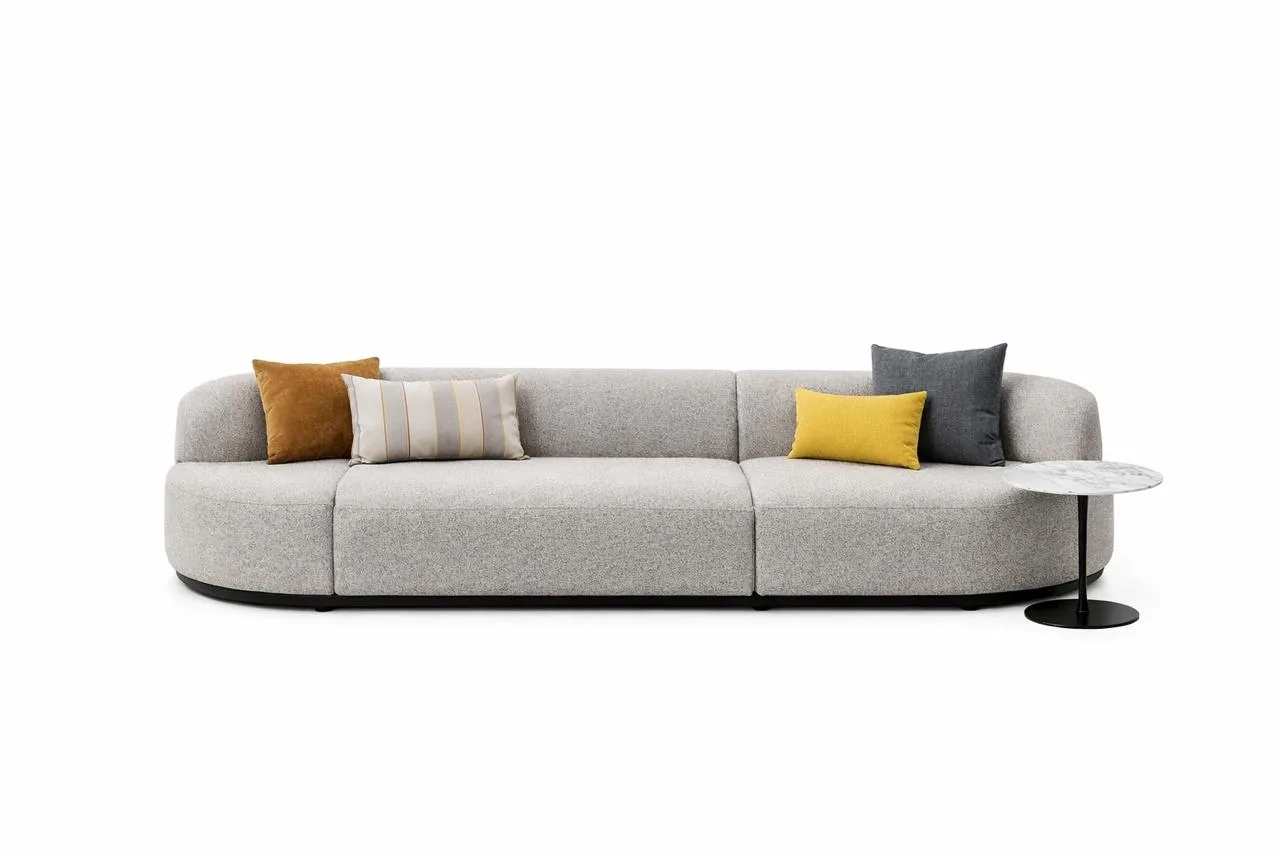
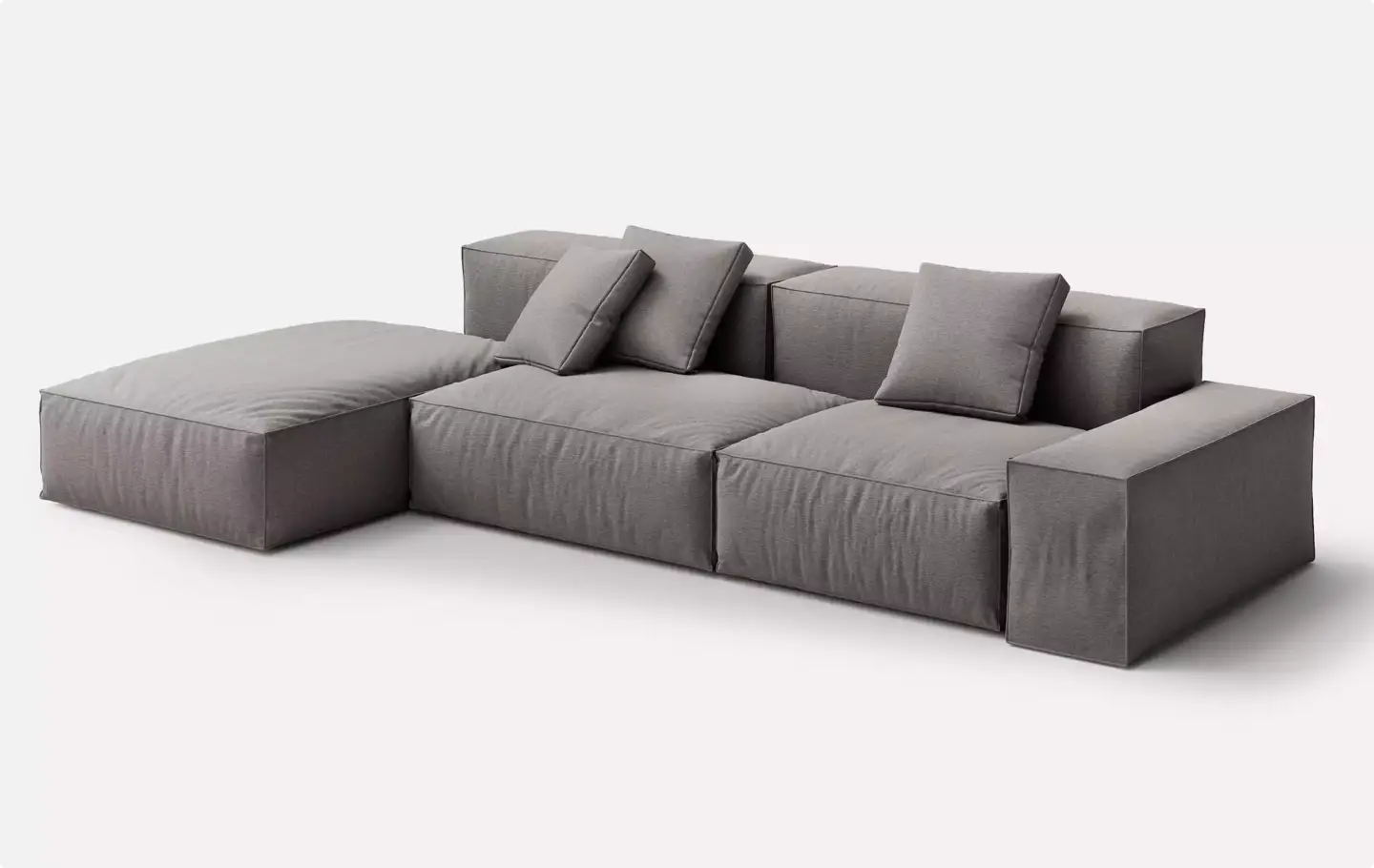
Two numbers in that table do most of the work. A 4 MB target and a 30,000–50,000 triangle target are far below what a furniture catalogue render uses. A studio-quality sofa asset built for still imagery routinely carries several million polygons and 4K texture sets. It cannot be uploaded to AR as-is, and decimating it automatically produces exactly the pinched corners and collapsed cushion seams that make AR furniture look cheap.
The practical consequence: an AR programme is not a conversion job on existing assets. It is a second, derived deliverable produced from the same master model.
PBR Texture Rules That Keep AR Furniture Looking Like the Real Product
AR viewers render with a metallic-roughness PBR workflow and image-based lighting taken from the phone’s estimate of the room. That has direct consequences for how furniture textures must be authored.
- No baked lighting in the base colour map. Shadows and highlights painted into albedo fight the real room lighting and give away the model instantly.
- Ambient occlusion baked to its own channel, not multiplied into base colour, so the viewer can weight it correctly.
- Fabric weave belongs in the normal map, not in geometry. Modelling a bouclé texture is the fastest way to blow a triangle budget on detail nobody sees at phone resolution.
- 2K maps, optimised JPG, packed into as few materials as possible. Four 2K maps at one material beat sixteen at four.
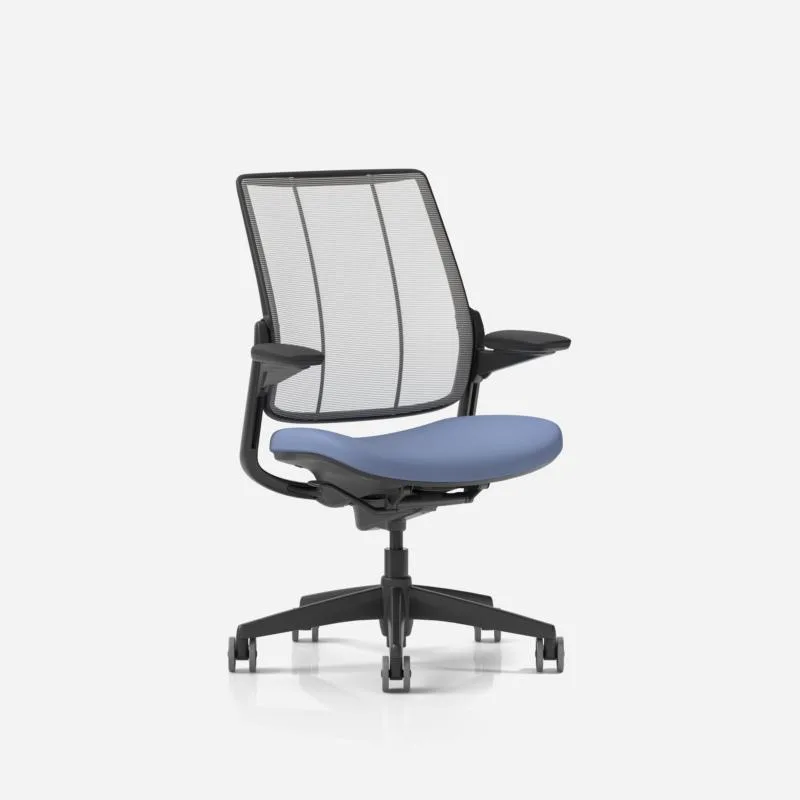
- Alpha is expensive. Mesh chair backs, cane weave and perforated panels are the main reason a chair model outweighs a sofa model. Both Scene Viewer’s ten-material budget and its two-alpha allowance run out fast on these products.
The efficient production route is one high-detail master model that serves catalogue imagery and 3D furniture rendering, with the AR version baked down from it. Building the two independently doubles the cost and guarantees that the AR product and the hero image will not match.
Real-World Scale and Pivot Placement: The Two Errors That Kill AR Furniture
Almost every visibly broken AR furniture experience traces back to one of two mistakes, and neither is a modelling-skill problem.
Scale: the model must be authored at 1 unit = 1 metre
The glTF specification defines one unit as one metre, and AR placement depends on it absolutely. A sofa modelled in centimetres arrives one hundred times too large and fills the customer’s street. A model built in inches lands roughly 39 times off. The fix is to set scene units correctly before modelling — rescaling an exported file leaves normals, physical dimensions and any measurement UI inconsistent.
Pivot: the origin belongs at the centre of the base, not the centre of the object
Shopify’s standard is explicit: the product’s origin is centred at the product’s base, and the base sits on the origin of the grid. Default 3D software behaviour is to put the origin at the world centre or the bounding-box centre, which places the pivot roughly at the middle of a sofa’s height. The AR viewer anchors the pivot to the detected floor, so the sofa sinks halfway into the carpet. Shoppers do not report this as a bug. They close the tab.
Front orientation is the quiet third case. The glTF specification defines the front of an asset as facing +Z, so a model authored facing the wrong axis will spawn with its back to the customer on every placement.
In our studio, the corrections we make most often on client-supplied furniture models are not about geometry at all. They are unit scale and origin placement — two fields in an export dialog that decide whether the AR view reads as real or as a toy. — Dim Kuzmenko
AR Furniture Asset Checklist Before You Publish a SKU
Run every SKU through the same sequence. It takes minutes once the pipeline exists and prevents the entire class of failures above.
- Model to the real product dimensions with scene units set to metres.
- Keep the working mesh quadrangulated and clean; triangulate only on export.
- Combine objects into a single mesh and reduce to one material wherever the product allows it.
- Bake PBR maps at 2048 × 2048, export as optimised JPG, keep ambient occlusion on its own channel.
- Set the origin at the centre of the base and orient the front of the product toward +Z.
- Export GLB, apply mesh compression, and check the result against the strictest platform target — about 4 MB if you follow Shopify’s checklist.
- Convert the same source to USDZ for AR Quick Look on iOS.
- Test on a real phone in a real room. A model that looks correct in a desktop viewer can still land at the wrong height or scale on a floor.
What AR-Ready Furniture 3D Assets Cost to Produce
Typical market ranges run from roughly $150 to $600 per SKU for an AR-ready GLB and USDZ pair built from reference photos and drawings, and higher for modular systems, upholstered products with complex seams, or ranges with many fabric variants. These are market ranges observed across studios, not quotes — almost no studio publishes fixed per-SKU pricing, and any real figure depends on the source material you can supply.
Three factors move the number more than anything else:
- Whether a master model already exists. Deriving an AR asset from an existing production model is a fraction of the cost of modelling from scratch.
- Variant count. Ten fabrics on one frame is a texture job. Ten frames is ten modelling jobs.
- Reference quality. CAD or technical drawings cut modelling time sharply; a set of catalogue photos does not.
The return side is easier to anchor: Shopify reports that merchants using 3D commerce see an average 94% increase in conversions. That figure is a merchant-wide average rather than a guarantee for any one catalogue, but it explains why the format keeps expanding across furniture retail.
AR Furniture Apps and Tools Brands Are Measured Against
Shoppers arrive with expectations set by the largest catalogues. The ones that define the category are IKEA Place, Amazon’s View in Your Room, Houzz View in My Room 3D, Wayfair’s View in Room 3D, and Crate & Barrel’s View in My Room. All of them run on the same underlying phone technology any brand can use.
What separates them is not the viewer. It is catalogue coverage — how many SKUs actually have an AR-ready asset behind them. Crate & Barrel advertises the feature across thousands of items; most furniture brands have it on a handful of hero products. Closing that gap is an asset-production problem, which is why AR programmes usually stall in the 3D pipeline rather than in engineering.
For brands extending beyond furniture into a wider catalogue, the same specification applies across categories — the constraints come from the viewer, not the product type, and the same 3D product modeling pipeline covers both.
AR product views solve one half of the problem; the other half is a branded space a customer can move through. That is covered in our guide to virtual showrooms.
Turn Ideas Into Visual Stories