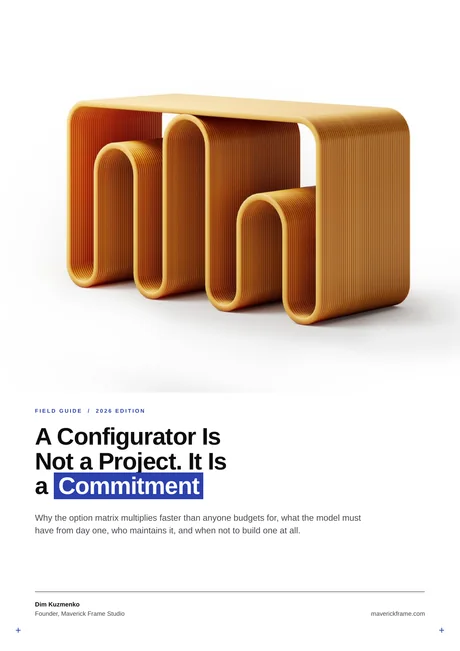
A 3D furniture configurator is an interactive tool that lets shoppers customize a piece of furniture — its size, materials, colors, and layout — and see every change rendered in real time before they buy. Furniture brands use it to sell made-to-order and modular products online with fewer returns and no per-variant photo shoots.
Behind that smooth, click-to-customize experience sits a layer most software vendors gloss over: the 3D models. A configurator is only as convincing as the assets running inside it. This guide covers how furniture configurators work, what brands actually use them for, the 3D asset pipeline that makes them look real, and what one costs to build. (For the same tool across every product category, see our guide to the 3D product configurator.)
How a 3D furniture configurator worksHow a 3D furniture configurator works
A 3D furniture configurator works by loading a real-time 3D model of a product into the browser, then swapping predefined option sets — fabrics, finishes, dimensions, hardware — on demand. Each choice re-renders instantly using WebGL, so the customer sees an accurate preview without waiting for a studio to shoot a new image. The tool doesn't generate the visuals; it displays and recombines assets that were built in advance.
Five moving parts sit under every configurator:
- The 3D model — an optimized, game-ready mesh of the product, light enough to load fast in a browser yet detailed enough to look real.
- Option sets and rules — the catalog of valid choices (which fabrics pair with which frames, which legs fit which base) plus the logic that blocks invalid combinations.
- The material system — physically based (PBR) materials so a linen weave, a matte oak, and a brushed-metal leg all react correctly to light.
- The real-time engine — a WebGL or GPU renderer that redraws the scene the instant an option changes.
- Optional AR — a "view in your room" mode that places the configured piece in the shopper's space through a phone camera.
What furniture brands use a 3D configurator for
Furniture brands use 3D configurators to sell customizable and modular products online, cut sampling and photography costs, and give B2B buyers a self-serve quoting tool. The strongest use cases all share one trait: too many product variations to photograph individually. Common applications include:
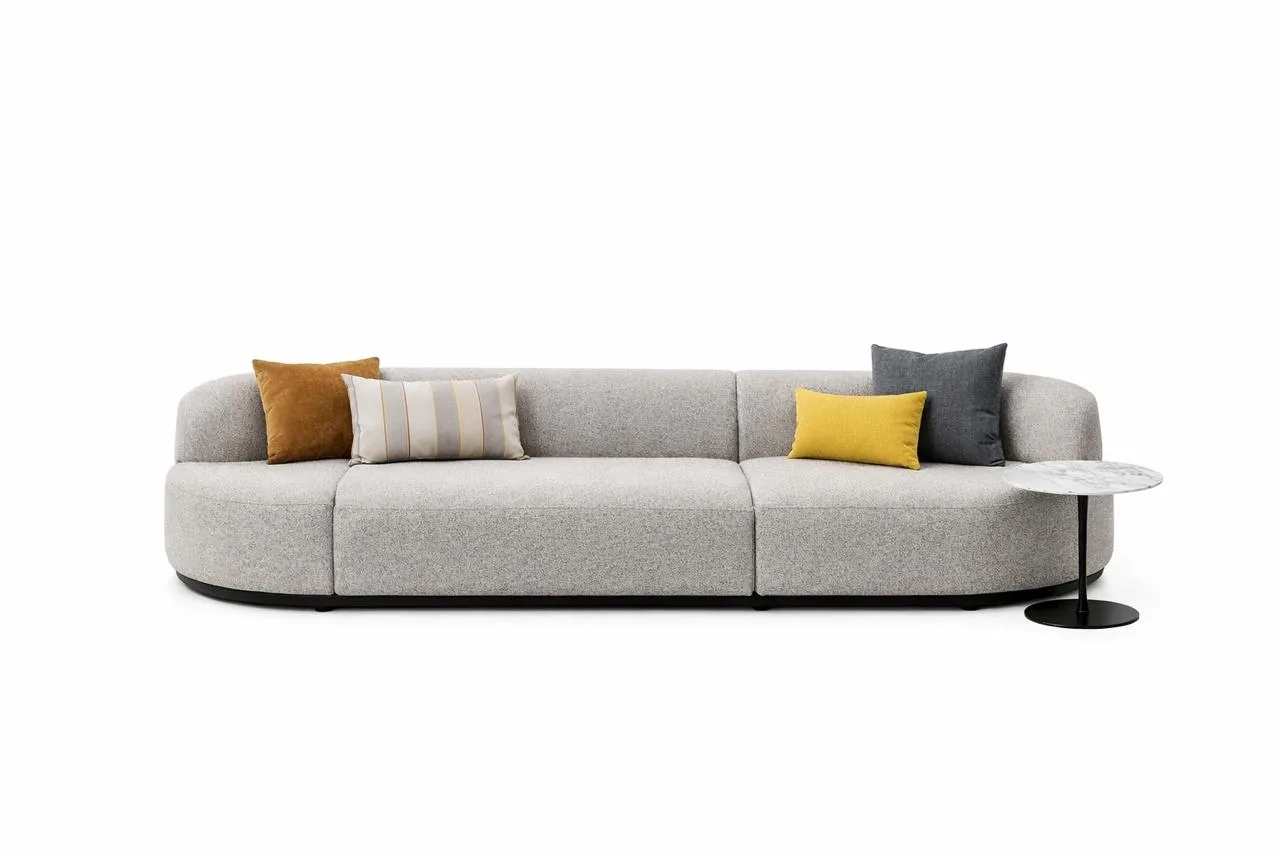
- Modular seating — sectionals and sofas where customers combine modules into a layout that fits their room.
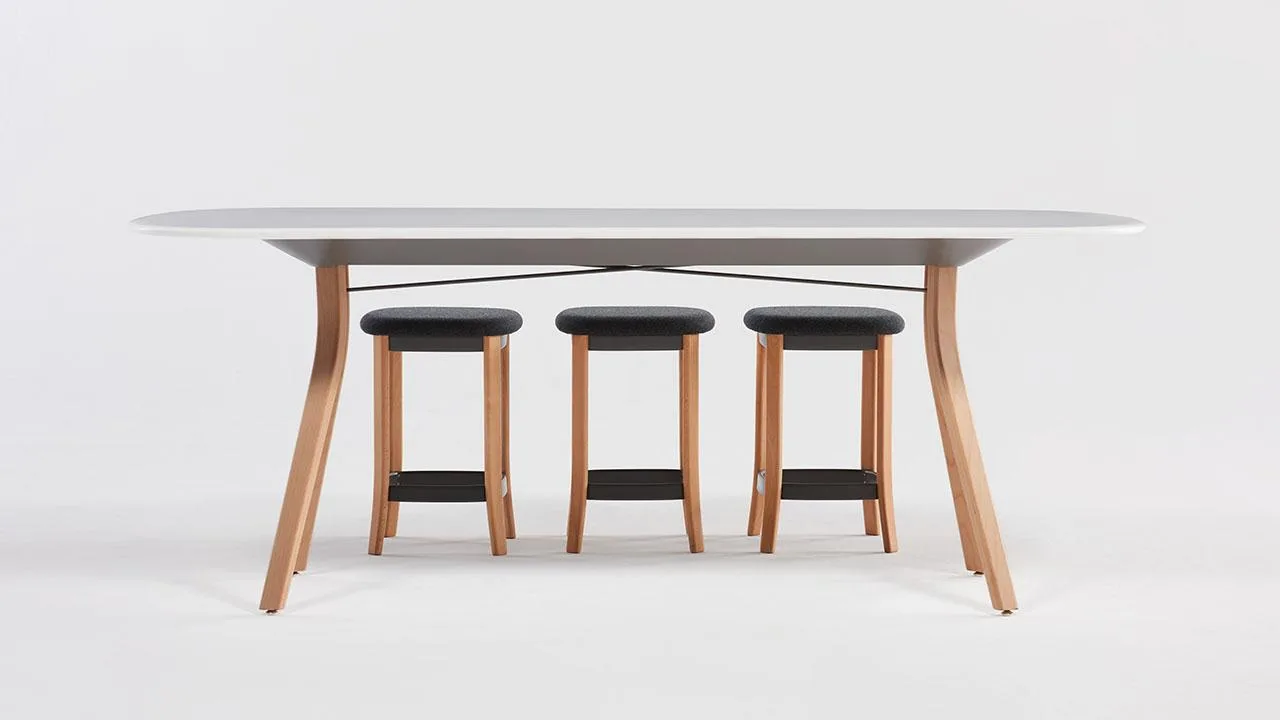
- Made-to-order dimensions — tables, shelving, and wardrobes built to a shopper's exact width, height, and depth.
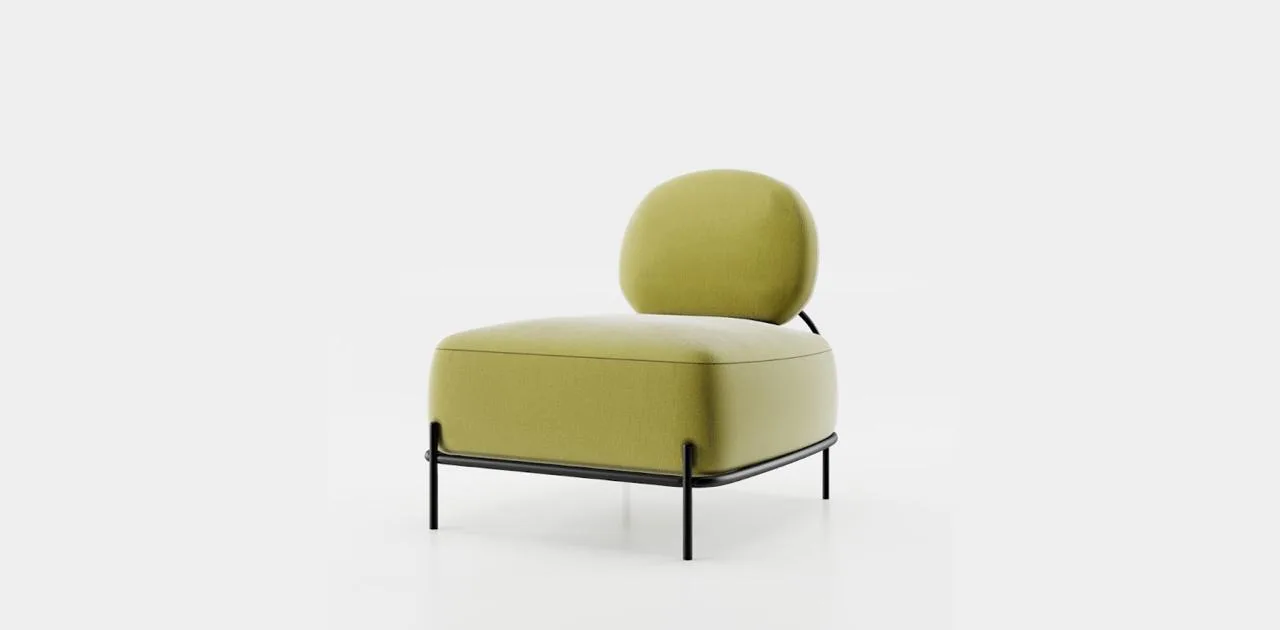
- Material and finish selection — swapping fabrics, woods, stains, and hardware across a single frame.
- Room and layout planning — AR "view in room" previews that show scale and fit before purchase.
- B2B configure-price-quote — letting dealers and contract buyers spec an order and get pricing without a sales call.
- Return reduction — giving buyers an accurate preview so the delivered piece matches what they expected.
The 3D asset pipeline behind a furniture configurator
Here is what configurator software companies rarely spell out: the platform doesn't create your 3D content — it displays it. The realism and consistency of every configuration depend entirely on how the underlying models and materials were built. A brand can license the best configurator software on the market and still ship a flat, plasticky experience if the assets feeding it were modeled as one-offs.
A production-ready furniture asset set is built modularly from the start, in four disciplined steps:
- Modular modeling — one clean base model split into rule-based components (seats, arms, legs) that snap together, rather than a separate model per variant. This is where 3D product modeling quality is won or lost.
- A shared master-material library — PBR materials authored once at real-world scale, so a fabric tiles correctly on a 3-seat sofa and a footstool alike.
- Real-time optimization — polygon counts and texture budgets tuned so the model loads in seconds on a mid-range phone.
- Naming and rules — consistent component and material naming so the configurator can assemble valid combinations automatically.
The payoff of that structure is combinatorial. One modular sofa system — say 6 seat modules, 12 fabrics, and 4 leg options — can produce thousands of valid configurations from a single asset set, not thousands of separate models. Get the foundation wrong, though, and materials tile incorrectly, load times balloon, and every new variant becomes a manual rebuild.
In our studio, we treat the asset layer as the real product. We build furniture models modularly and standardize materials before a single configuration is wired up, whether the configurator is ours or a platform's — because a configurator inherits the quality of its assets, and that is the part a software subscription can't fix for you. The same asset discipline drives our 3D furniture rendering services.
3D furniture configurator software vs a custom build
Most furniture brands choose between two paths: a SaaS configurator platform (such as VividWorks, Simplio3D, Roomle, or Threekit) or a custom-built configurator. Off-the-shelf software is faster and cheaper to launch; a custom build gives full control over the experience, the data, and the checkout flow. Either way, you still supply the 3D models.
| Factor | SaaS software | Custom build |
| Launch time | Weeks | Months |
| Upfront cost | Lower (subscription) | Higher (one-time dev) |
| Customization | Within platform limits | Fully bespoke |
| 3D assets | You provide them | You provide them |
| Best for | Faster time-to-market | Large catalogs, unique UX |
For most brands starting out, SaaS software is the pragmatic choice, and the effort shifts to preparing clean, modular 3D assets. Custom builds pay off when the catalog is large, the buying journey is unusual, or the configurator has to plug deep into an ERP or CPQ system.
How much a 3D furniture configurator costsHow much a 3D furniture configurator costs
A 3D furniture configurator typically costs between $5,000 and $50,000+ to launch, depending on whether you use SaaS software or a custom build — and, critically, how many 3D models your catalog needs. The software layer is often the smaller line item; producing accurate, optimized 3D furniture assets is usually the larger and more variable cost. Rough ranges:
- SaaS subscription — a recurring monthly or annual platform fee, scaled to catalog size and traffic.
- Custom development — a one-time build cost that climbs with the complexity of the UX and back-end integrations.
- 3D asset production — a per-model cost; modular product families are cheaper per configuration than modeling each variant separately.
Treat these as directional. The real driver is your product range: a single customizable sofa is a modest project, while a full catalog of modular systems is a program of work. Building assets modularly is the main lever for keeping cost per configuration down.