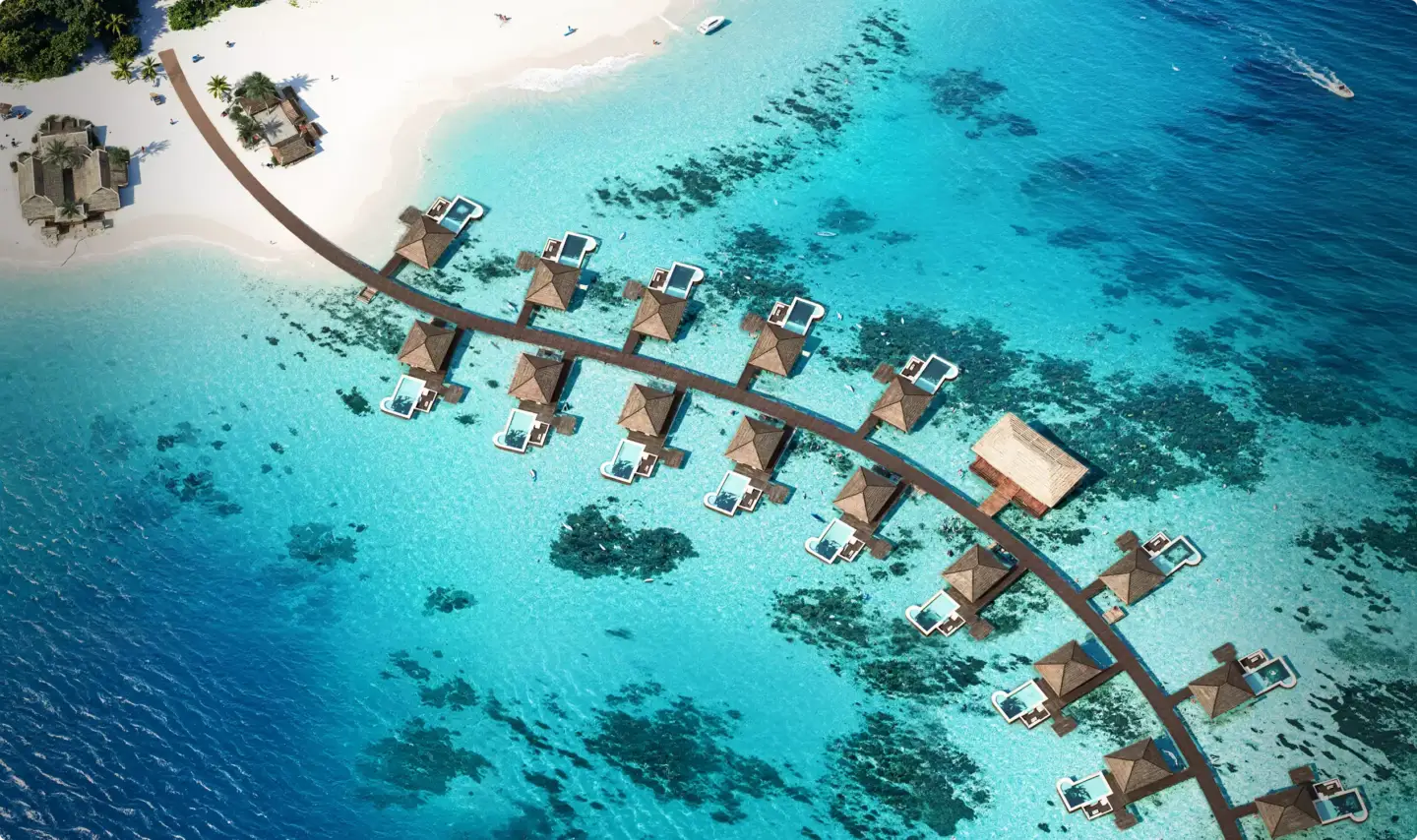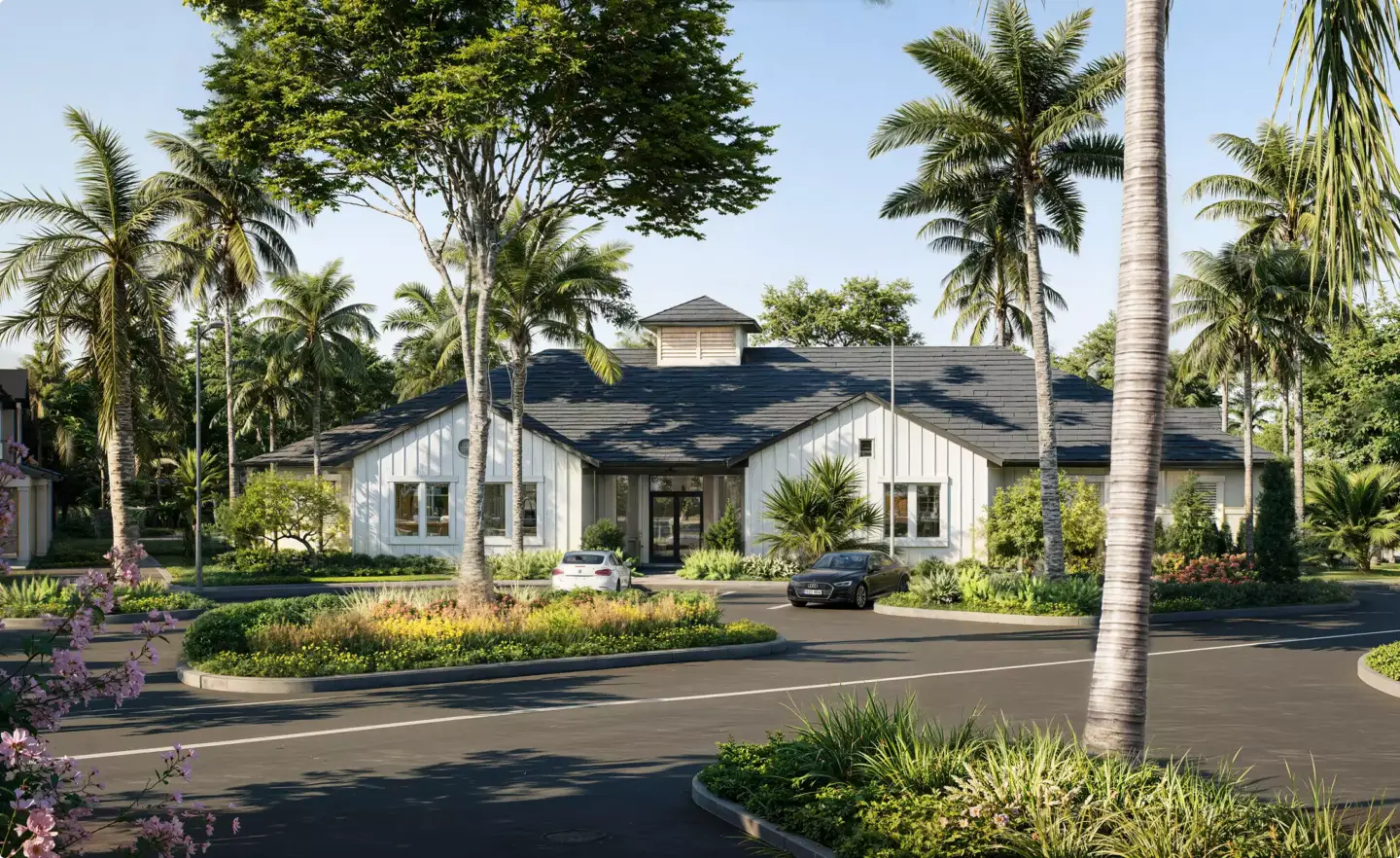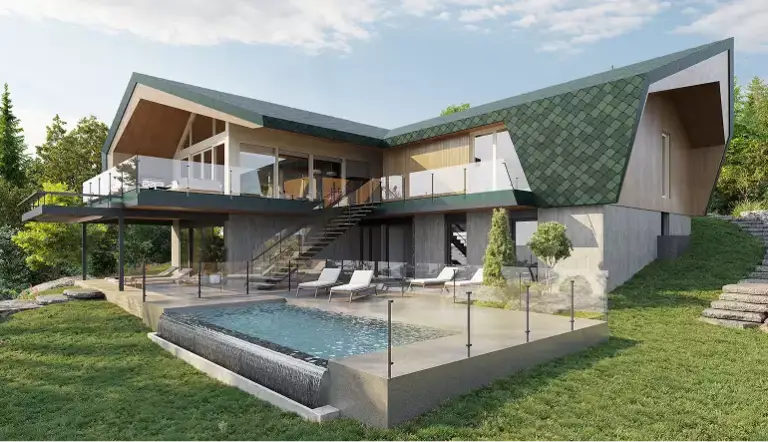
3D rendering usually takes anywhere from a few hours for a single interior image to several weeks for a full architectural animation. A simple still can be ready the same day, while a complex commercial scene or a 30–60 second walkthrough runs one to several weeks. The exact turnaround depends on scope, scene complexity, and how many revisions come in.
How Long Does 3D Rendering Take at a Glance
Most 3D rendering projects land in predictable bands once you know the asset type. A single still image is the fastest deliverable; animation is the slowest because it multiplies every frame by the length of the clip. Here is the quick view before we break it down by project type below.
- Single still image (interior or exterior): same day to a few working days.
- Set of stills for one project: several days to about a week.
- Architectural animation or walkthrough: one to several weeks.
- Large commercial scene with many revisions: two to six weeks.
One thing trips up almost every first-time client: there are two different clocks running on a render project. We separate them later in this guide, because confusing the two is the main reason people overestimate or underestimate how long their renders will take.
3D Rendering Turnaround Time by Project Type
Turnaround is easiest to estimate by asset type and scope. The ranges below reflect typical studio delivery in working days, from a clean brief to a final image. “Simple” means an existing or straightforward model with clear references; “complex” means heavy modeling, custom materials, or detailed scenes that need several review rounds.
| Project type | Simple scope | Complex scope |
| Single interior image (one room) | Same day – 2 days | 3–5 days |
| Single exterior image (one building) | 1–3 days | 4–7 days |
| Aerial / bird’s-eye view | 2–4 days | 5–8 days |
| Floor plan rendering | 1–2 days | 3–5 days |
| Product rendering | 1–2 days | 3–6 days |
| Architectural animation (walkthrough) | 1–2 weeks | 3–6 weeks |
These bands assume the model and references are ready when work starts. If a 3D model has to be built from scratch, add modeling time on top, because building the scene is often a larger share of the job than the render itself. Interior work tends to move fastest, which is why studios can sometimes turn a still around in a single day.

We periodically deliver an interior render the same day, sometimes even a few of them. But it depends entirely on what you are rendering. A bedroom still and the interior of an industrial swimming pool are two completely different jobs, and treating them as the same timeline is where estimates go wrong.
— Dim Kuzmenko, Maverick Frame
Render Time vs Project Turnaround: Two Different Clocks
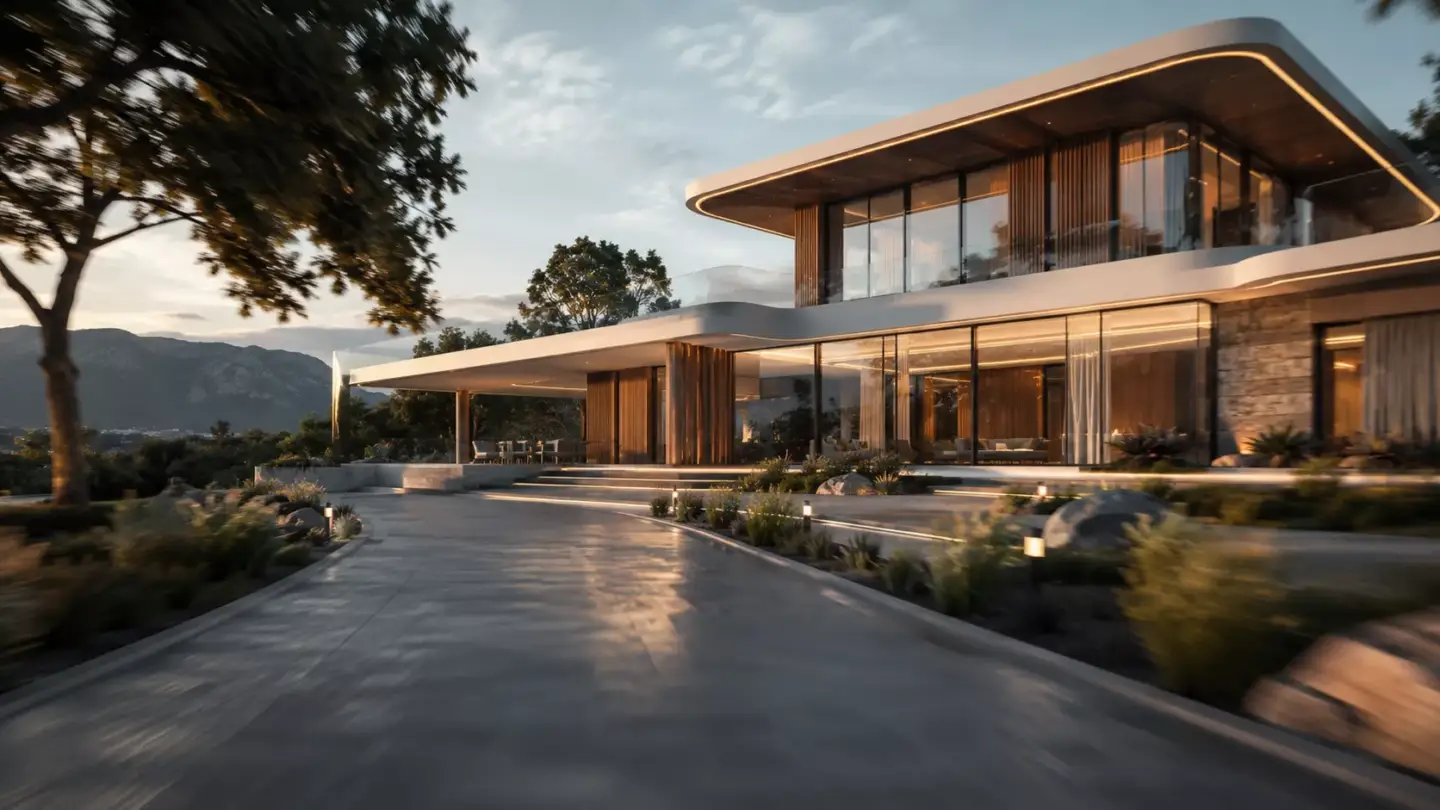
When people ask how long 3D rendering takes, they usually mean one of two different things. Mixing them up is why answers online range from “a few minutes” to “several weeks.” Both are correct, because they measure different clocks.
- Compute (render) time is how long the computer or render farm needs to calculate the final image once the scene is finished. A single still can compute in minutes to a few hours; one frame of high-end animation can take hours, and a clip has hundreds or thousands of frames.
- Project turnaround is the full timeline you actually wait as a client: briefing, modeling, materials and lighting, draft review, revisions, and the final render. This is the number that matters for your deadline.
For most architectural and product work, compute time is a small slice of the schedule and disappears into the pipeline, often running overnight. The exception is animation, where raw render time can genuinely dominate. A render farm helps here by computing many frames in parallel instead of one machine grinding through them in sequence. If you want to understand what drives the final number, see the pricing side of the equation in our guide to 3D rendering pricing.
What Affects 3D Rendering Timelines
Two projects of the same type can have very different timelines. These are the factors that move the needle the most, in roughly the order they tend to cause delays.
- Revisions, especially out-of-scope ones. Changes that were never in the original brief are the single biggest timeline killer.
- Reference quality. Clear photos, drawings, and material samples speed everything up. AI-generated references do the opposite and can multiply the work.
- Scene complexity. How much has to be modeled from scratch versus reused. Scene creation can be 30% of the job, or well over half.
- Model availability. An existing, clean model saves days compared with building geometry from nothing.
- Animation length. Every extra second of footage multiplies frames, render time, and review.
- Team capacity. Whether your project can run in parallel or has to queue behind others.
What stretches a timeline most often is revisions, and usually the ones that came from nowhere: “let’s swap the green for red, then the red for blue.” Things that were never in the original brief just add hours on hours. The second one is bad references, and references generated by neural networks are the worst of all, they multiply development time by an absurd amount.
— Dim Kuzmenko, Maverick Frame
The 3D Rendering Process Step by Step and How Long Each Stage Takes
Understanding where the time goes makes the total turnaround far less mysterious. A typical still-image project moves through these stages, each with its own rough share of the schedule.
- Briefing and references (a few hours): aligning on scope, angles, materials, and mood before any work starts.
- Modeling (hours to days): building or adapting the 3D geometry. The biggest variable in the whole timeline.
- Materials and lighting (hours): applying textures, setting up light, and dialing in the look.
- Draft render and review (same day to 1 day): a first version for client feedback.
- Revisions (hours per round): applying feedback. Tight, in-scope notes keep this short.
- Final render and delivery (minutes to hours of compute): the high-resolution output, often run overnight.
For animation, the same stages apply but the render and review steps expand dramatically. Interestingly, AI-assisted workflows have flipped part of this equation, which we cover in the next section.
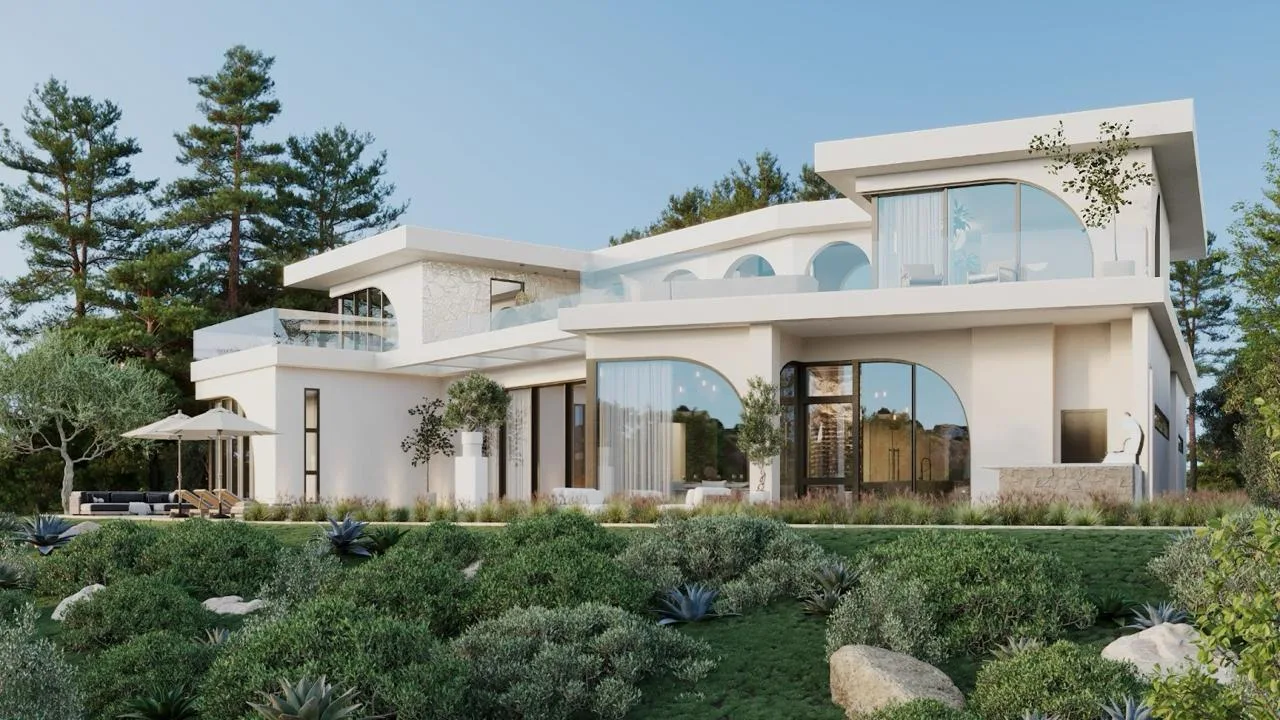
Short animation loops are now often made with AI, and when the renders are already done you can put one together in a few days, really 10 to 30 hours of work. The funny part is that these days the renders themselves often take longer to produce than the AI animation built on top of them.
— Dim Kuzmenko, Maverick Frame
How to Speed Up Your 3D Rendering Timeline
Most of the schedule is in your hands as the client. These habits consistently shave days off a project without cutting quality.
- Lock the brief upfront. Decide angles, materials, and mood before work begins so revisions stay in scope.
- Send real references. Photos, drawings, and product specs, not AI-generated images that distort the work.
- Batch your feedback. One consolidated round of notes beats a trickle of small changes.
- Provide existing models. CAD files or prior 3D assets remove the longest stage entirely.
- Flag the deadline early. A studio can sequence work and parallelize a set of images when it knows the target date.
If your interior project is the priority, sharing a clean layout and clear material direction is what makes a same-day 3D interior rendering realistic rather than wishful.
Does Outsourcing Change Your Rendering Turnaround
Outsourcing to a dedicated studio usually shortens turnaround rather than extending it, for one structural reason: a specialized team runs projects in parallel and has the hardware and pipeline already in place. An in-house generalist juggling renders between other tasks is almost always slower than a studio whose entire day is rendering.
The trade-off is coordination. You add a briefing and review loop with an external partner, which is exactly why a tight brief matters so much. For larger or recurring work, that overhead is tiny next to the speed of a team that can render exteriors, interiors, and an architectural animation at once. If you are weighing the model, our guide on how to outsource 3D rendering covers what to expect, and exterior-heavy projects are detailed on our 3D exterior rendering page.
Turn Ideas Into Visual Stories