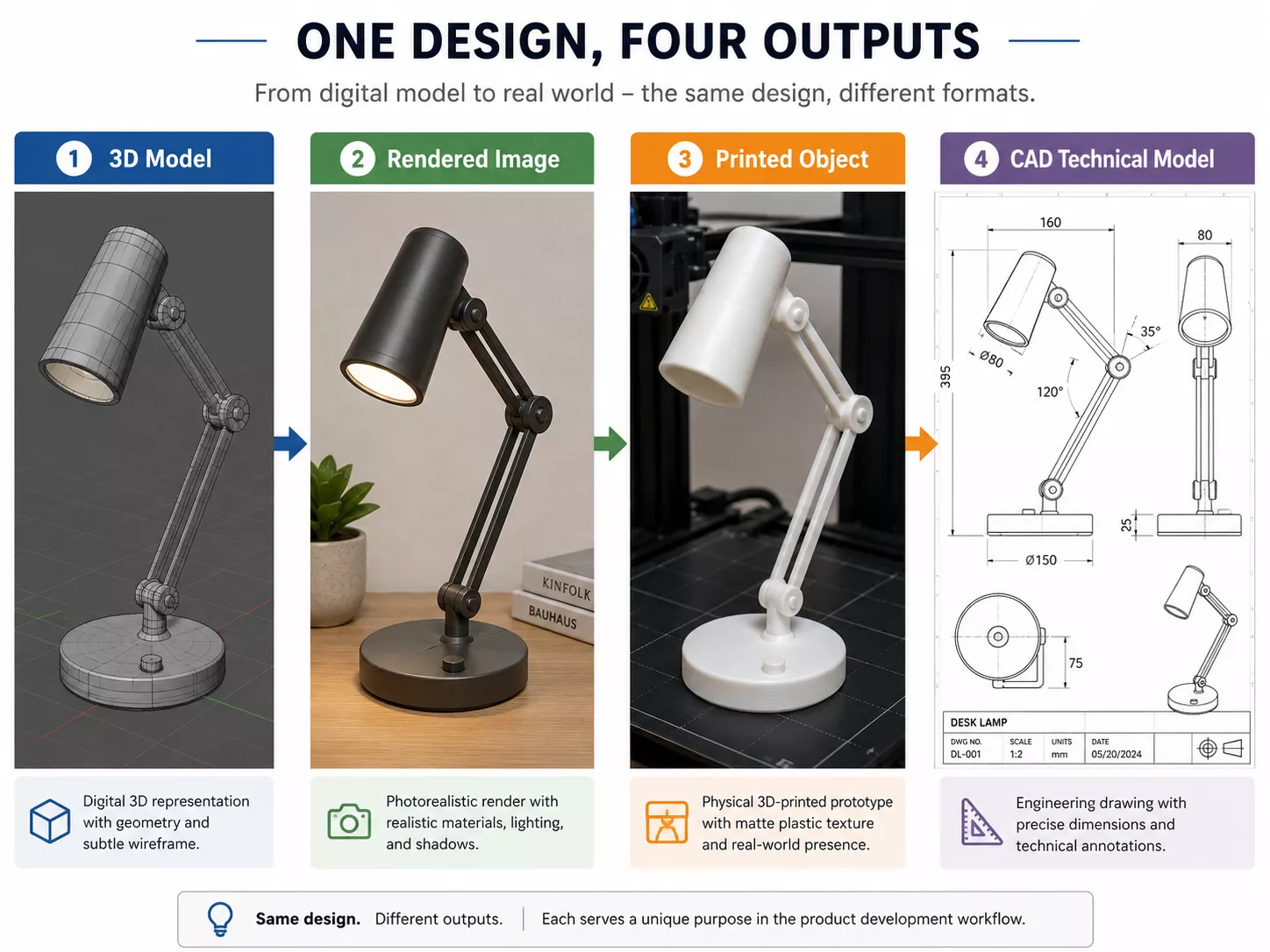
3D modeling and 3D rendering are two different stages of the same pipeline, not competing services. 3D modeling builds the digital geometry — the shape, structure, and mesh of an object. 3D rendering turns that finished model into a photorealistic image or animation by adding materials, light, and a camera. Modeling always comes first.
3D Modeling vs 3D Rendering: The Core Difference3D Modeling vs 3D Rendering: The Core Difference
The simplest way to tell them apart: modeling makes the object, rendering makes the picture of it. A 3D model is an asset you can rotate, edit, and reuse. A render is a flat, final image produced from that asset. You can have a model without a render, but you can never have a render without a model. The table below breaks down where each one fits.
| Aspect | 3D Modeling | 3D Rendering |
| What it creates | The 3D object — geometry, mesh, topology | A 2D image or animation of that object |
| Main focus | Shape, scale, proportion, structure | Light, materials, texture, mood |
| Output | An editable 3D model file | A finished picture or video |
| Order in the workflow | First — the foundation | After the model is built |
| Typical software | Blender, Maya, 3ds Max, SketchUp | V-Ray, Corona, KeyShot, Unreal Engine |
| Share of a studio project | Around 30% of the work | Around 70% — look-dev, lighting, post |
| You need it when | You need an accurate, reusable asset | You need a photoreal visual to show |
3D Modeling: Building the Geometry
3D modeling is the process of building an object's geometry from vertices, edges, and faces. The result is a mesh — a wireframe cage that defines shape and structure but carries no color, lighting, or realism yet. Good modeling is about clean topology and accurate proportions, because every later stage inherits whatever the model gets right or wrong.
A finished model is a flexible asset, not a single picture. The same geometry can feed several outputs:
- A photoreal render for marketing
- A 3D print or physical prototype
- A CAD file for engineering or manufacturing
- A game or AR/VR asset
- An interactive product configurator
For buildings and interiors, this stage is a service in its own right — see our architectural 3D modeling services for how a render-ready model is built before any lighting begins.
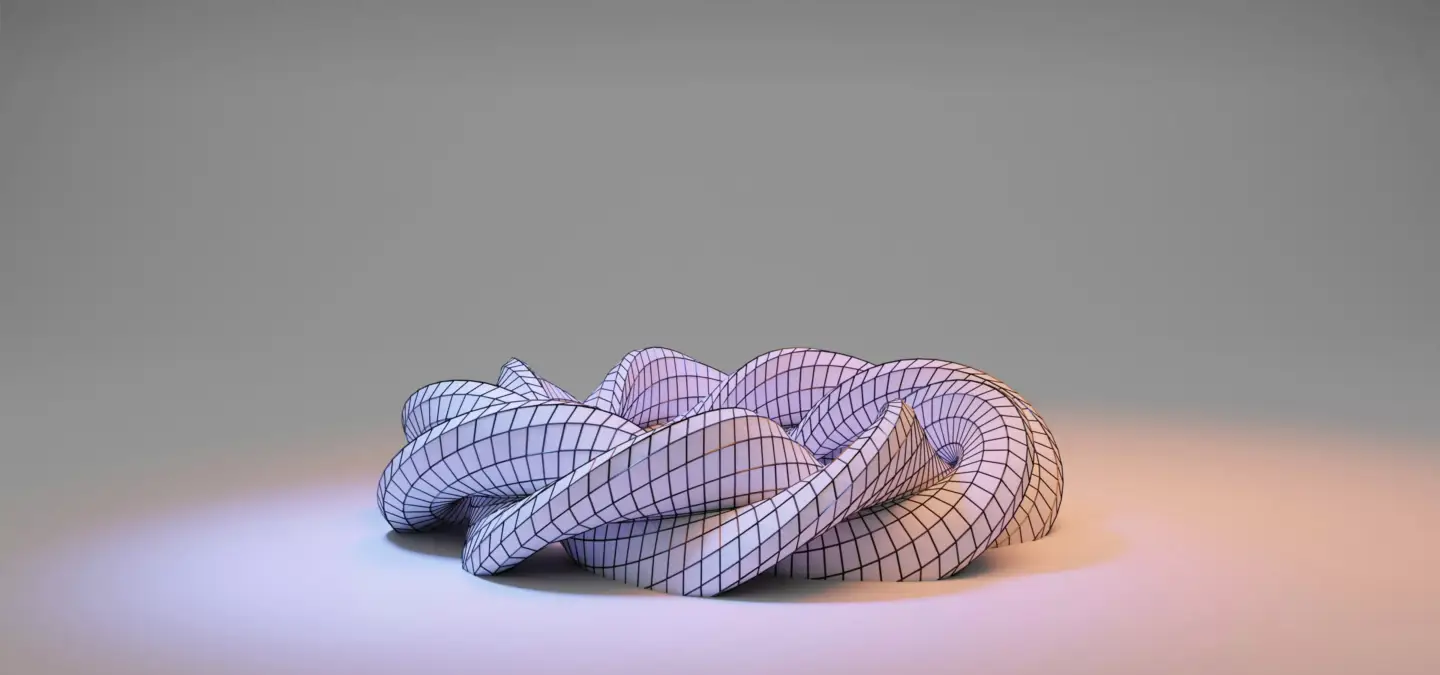
3D Rendering: Turning the Model Into a Photoreal Image
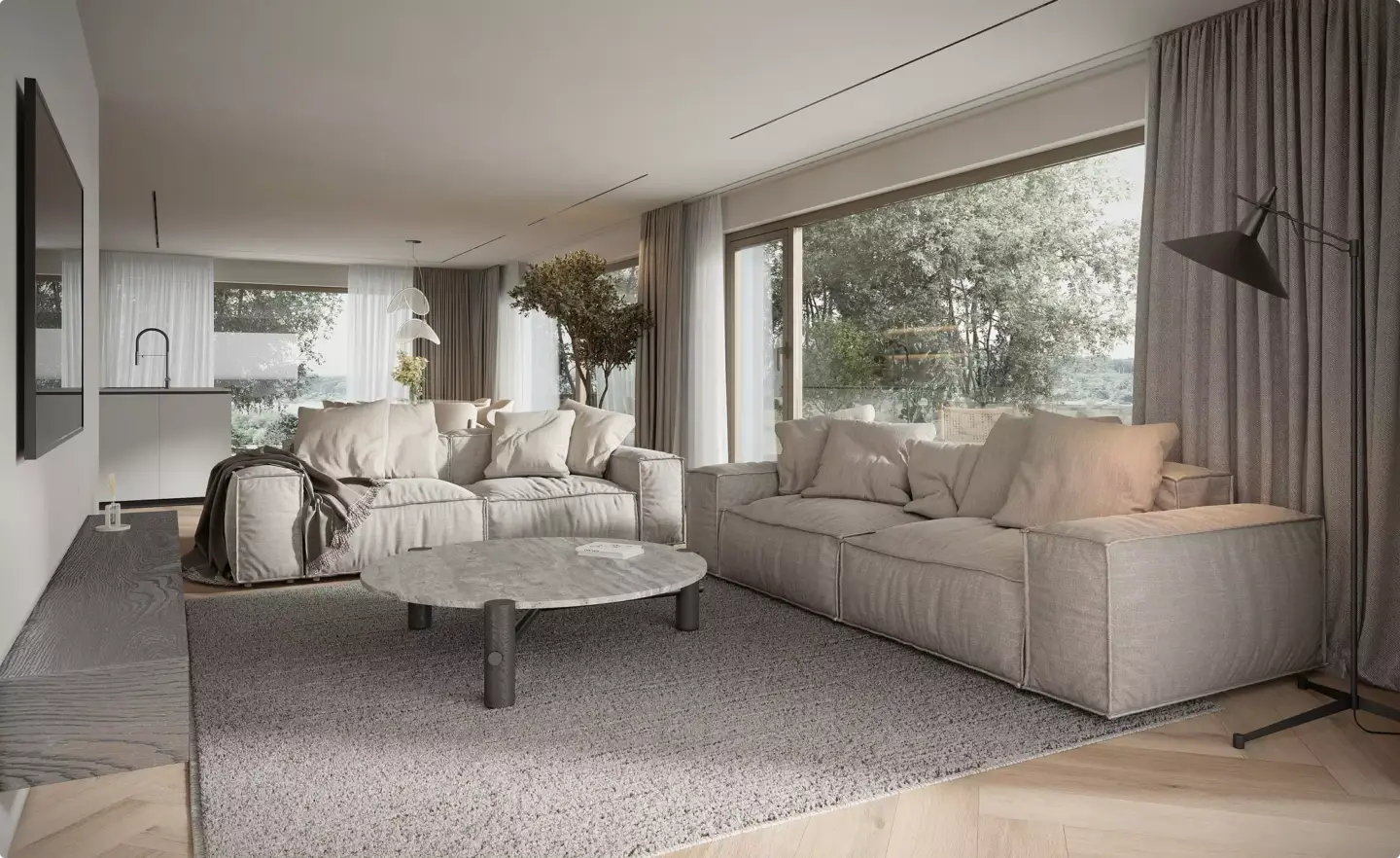
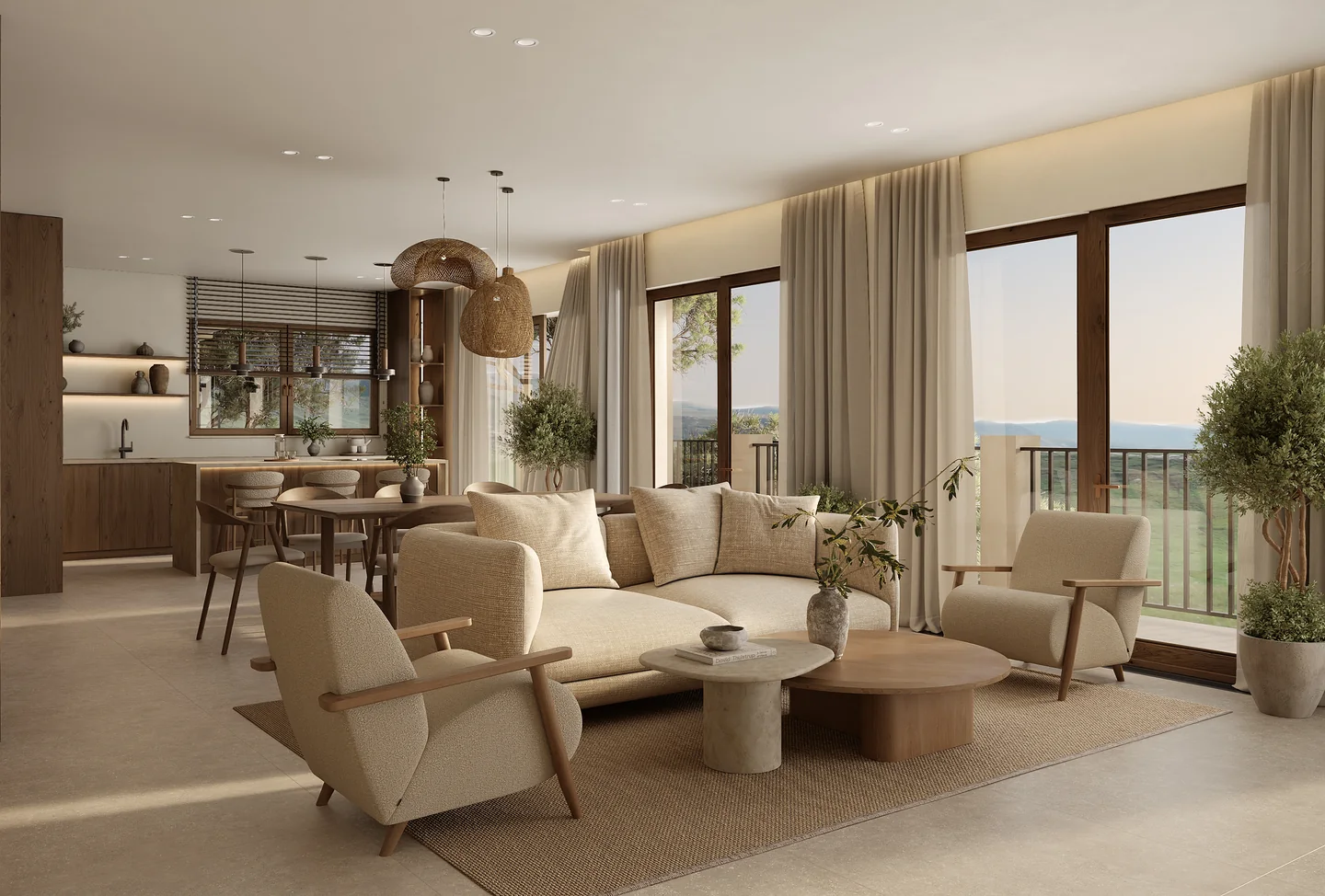
3D rendering is the process of generating a final 2D image from a 3D model by simulating light. Artists apply materials and textures, place virtual lights and a camera, and the render engine calculates how light bounces off every surface to produce a realistic result. This is where a plain grey mesh becomes glass, brushed metal, fabric, or polished wood.
Rendering is more technical and art-directed than most people expect. Realism comes from decisions about reflection, roughness, shadow softness, and exposure — the same craft that separates a snapshot from a studio photograph. This is the stage our 3D architectural rendering services focus on once a model is ready.
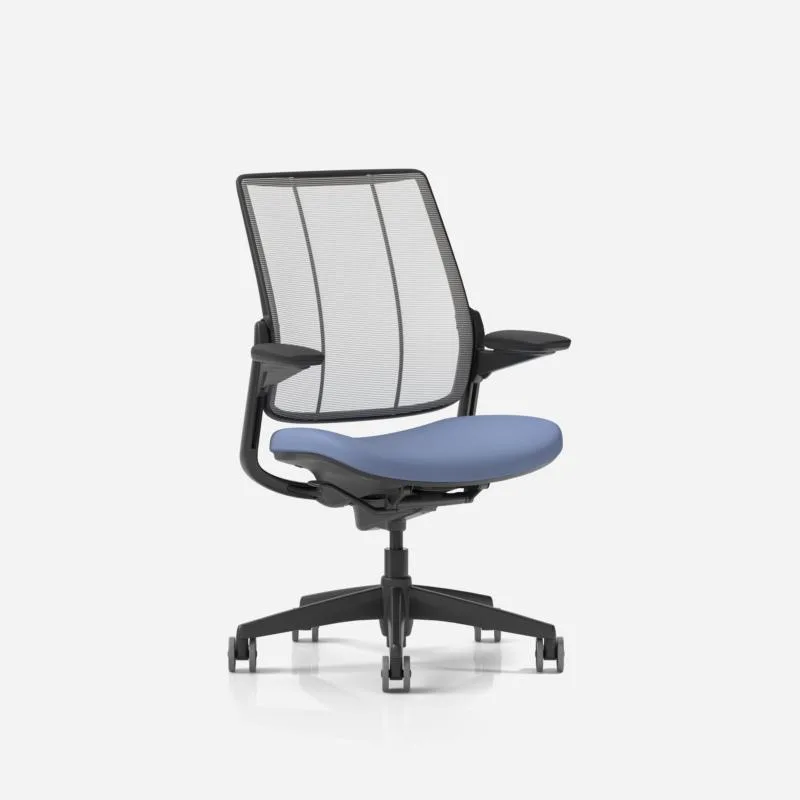
How 3D Modeling and 3D Rendering Work Together
The two stages run in sequence, never in parallel. A typical project moves from modeling to the final picture in five steps:
- Model the geometry — build clean, accurate mesh
- Apply materials and textures to the surfaces
- Set up lighting and camera angles
- Render the scene into a final image or animation
- Post-process for color, contrast, and final polish
Because rendering depends entirely on the model, any error in geometry shows up magnified once light and reflections are added. That is why studios treat the model as render-ready from day one, rather than fixing it later.
Do You Need 3D Modeling, 3D Rendering, or Both?In our studio, modeling is only about 30% of a typical project's hours. Building clean, accurate geometry is the foundation — but the remaining ~70%, spent on materials, lighting, camera work, and post-production during rendering, is what actually makes an image sell. Because we own both stages in-house, the model is built render-ready from the start, which avoids the rework that happens when modeling and rendering are split across separate teams.
Dim Kuzmenko, Maverick Frame
Do You Need 3D Modeling, 3D Rendering, or Both?
Most commercial projects need both, because a render can't exist without a model. The deciding factor is what you plan to do with the result. Use this quick guide:
- Modeling only — when you need an accurate, editable asset: a prototype, a 3D print, a CAD file, or a base model for a configurator.
- Rendering only — rare, and only possible when a usable model already exists and just needs new materials, lighting, or angles.
- Both — the default for marketing visuals, real estate imagery, product shots, and animations, where you start from geometry and finish with a photoreal picture.
Because most deliverables bundle the two stages, pricing usually covers modeling and rendering together rather than as separate line items. Our 3D rendering pricing guide shows typical ranges and what drives cost up or down.