Product animation is a short CGI video that puts a product in motion — showing how it works, what’s inside it, and how it looks from every angle. Instead of a static photo, brands use animated 3D models to explain features, reveal hidden components, and make products stand out in ads, launches and online stores.
How Product Animation WorksHow Product Animation Works
Every product animation starts with a 3D model and ends with a rendered video clip. The workflow mirrors a film pipeline, scaled down to a single product, so the same digital asset can drive dozens of shots and motion sequences.
- 3D modeling — build an accurate digital twin of the product from CAD files, drawings or reference photos.
- Texturing and materials — apply real surface finishes such as brushed metal, glass, soft-touch plastic or fabric.
- Lighting and camera — set up a virtual studio and plan the camera moves that sell the product.
- Rigging and animation — define how parts rotate, open, assemble or move over time.
- Rendering — calculate every frame into photoreal images.
- Compositing and sound — add motion graphics, captions and music, then export the final clip.

Types of Product Animation
Most product animation falls into five formats. Each one answers a different buyer question — how it works, what’s inside, how it looks, why it matters, or where it fits in real life.
- Explainer animation — shows how a product works, step by step.
- Exploded view — separates a product into its parts to reveal internal components.
- 360° spin (turntable) — rotates the product so buyers see every angle.
- Feature highlight — zooms into a single detail or benefit.
- Hero / lifestyle loop — places the product in a styled scene for ads and social.

Product Animation vs. Product Rendering
The difference is motion. A product rendering is a still image of a 3D model; a product animation is a video of that same model moving. Rendering shows how a product looks, while animation shows how it works and looks. Many projects build one 3D asset and use it for both.
| Aspect | Product Rendering | Product Animation |
| Output | Still image | Video clip |
| Best for | Catalogs, listings, print | Explainers, ads, launches |
| Shows | How a product looks | How a product works and looks |
| Production time | Faster | Longer (frames × motion) |
| Typical cost | From USD 150–300 / image | From USD 1,500 / clip |
If you only need static visuals, start with product rendering instead — it covers when stills are enough and how that pipeline differs.
Where Brands Use Product AnimationWhere Brands Use Product Animation
Product animation works wherever a static image leaves questions unanswered. Because one 3D model can be reused across every channel, a single project often feeds an entire marketing funnel.
- E-commerce and product pages — 360° spins and feature clips lift conversion and cut returns.
- Paid ads and social — short loops stop the scroll on Meta, TikTok and YouTube.
- Product launches — reveal a product before it physically exists.
- Trade shows and sales decks — loop on a booth screen or embed in a pitch.
- Instructions and onboarding — show assembly or use without a physical demo.
How Much Does Product Animation Cost?
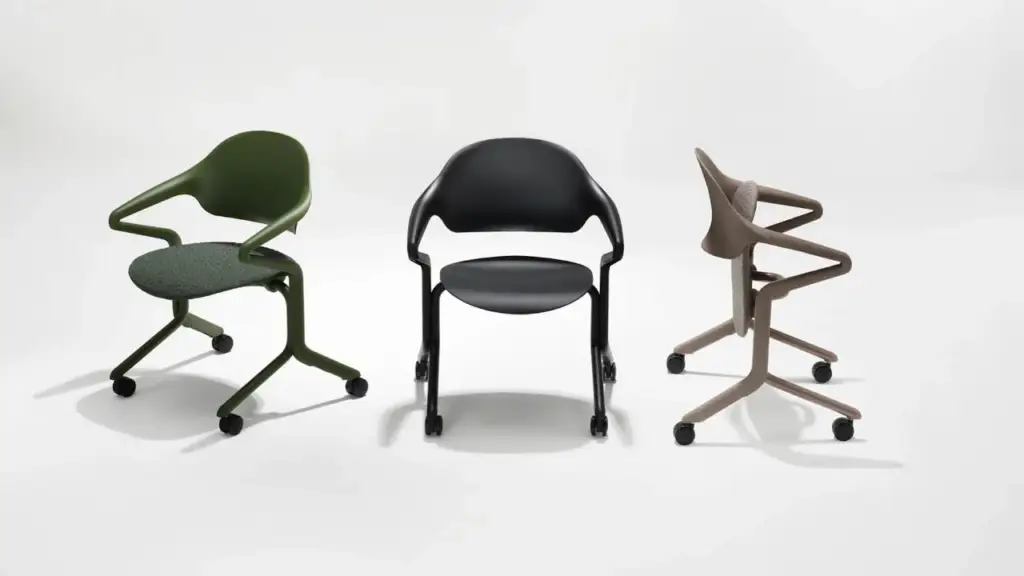
Product animation typically starts at around USD 1,500 for a short clip and rises with length, complexity and the number of motion sequences. A simple 360° spin sits at the lower end; a multi-scene explainer with exploded views and custom environments costs more. For a full breakdown across stills and video, see our 3D rendering pricing guide.
When you’re ready to put a product in motion, our 3D product animation services cover explainer clips, exploded views, 360° spins and hero loops from a single 3D asset. For an example, see our exploded-view animation of a wall system, which takes a wall apart layer by layer.
The same animation pipeline reaches far beyond consumer goods, as in this 3D surgery animation for healthcare training.
Turn Ideas Into Visual Stories
Free field guide
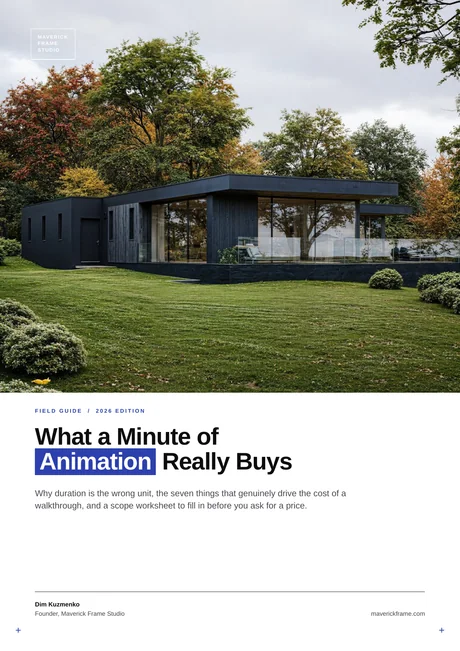
What a Minute of Animation Really Buys
Why duration is the wrong unit, the seven things that genuinely drive the cost of a walkthrough, and a scope worksheet to fill in before you ask for a price.
If it didn't open, download it here.
Download the PDF