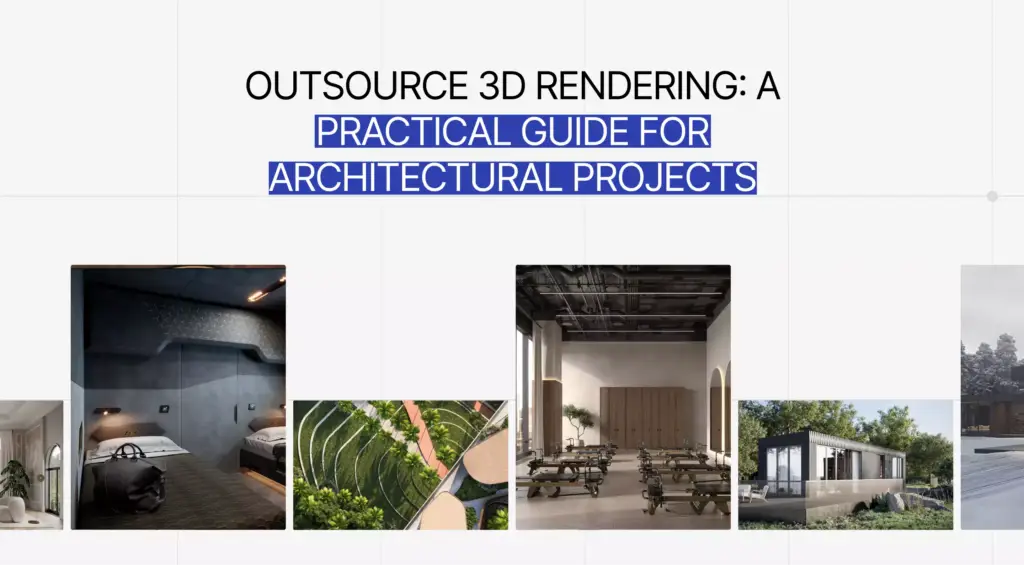
Photorealistic rendering is the reason a computer-generated image of a house, a sofa, or a perfume bottle can look exactly like a photograph of the real thing. It is now the backbone of how buildings get sold before they exist and how products get advertised before they are manufactured. This guide explains what photorealistic rendering actually is, the five things that make an image believable, where AI already wins, and how a working studio hits photorealism on a real deadline.
What Is Photorealistic Rendering?What Is Photorealistic Rendering?
Photorealistic rendering is the process of generating a 3D image so realistic it is hard to tell apart from a photograph. It works by simulating how light, materials, and cameras behave in the real world — using physically based lighting, accurate textures, and detailed geometry — to produce lifelike visuals for architecture, interiors, products, and film.
The word “photorealistic” sets the bar: the goal is not a pretty 3D picture, but one a viewer would accept as a real photo. That distinguishes it from stylized or diagrammatic 3D, where realism is not the point. Photorealism is measured by a single test — does it read as a photograph at a glance? Everything below is in service of passing that test.
How Photorealistic Rendering Works: The Five PillarsHow Photorealistic Rendering Works: The Five Pillars
A render looks real when five things are right at the same time: lighting, materials, geometry, the camera, and post-processing. No single one carries the image — they reinforce each other, and one wrong setting is usually enough to break the illusion.
From our studio — there is no single dial that gives away a fake render. It is always the combination. Think of a combination lock: there is no one main number that opens it, you have to enter the whole sequence correctly. Same here — materials, geometry, light, people, shadows all have to be right together for the image to come out photorealistic.
Dim Kuzmenko, Maverick Frame
| Pillar | What it does | Most common mistake |
| Lighting & global illumination | Simulates how light bounces and fills a scene | Flat, single-source light with no bounce |
| Materials (PBR) | Defines how surfaces reflect, absorb, and scatter light | Reflections and roughness set by eye, not by physics |
| Geometry & detail | Gives objects real-world shape, thickness, and wear | Perfect, sharp edges that real objects never have |
| Camera & composition | Frames the shot like a real lens would | Wrong focal length and impossible perspective |
| Post-processing | Final color, contrast, and grade | Over-editing until it looks like CGI again |
Physically based lighting and global illumination
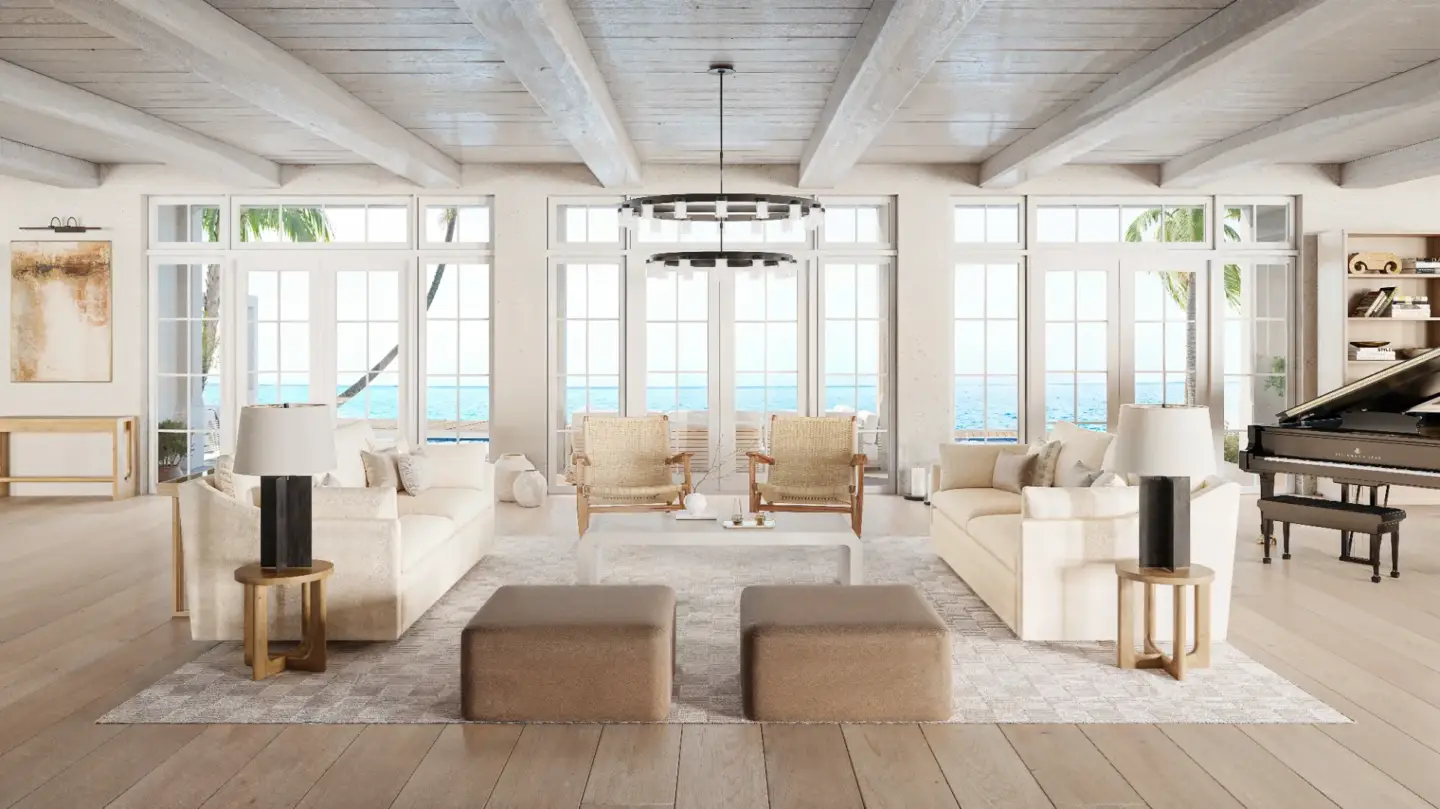
Light is what the eye reads first. Photorealistic engines use global illumination (GI) to calculate how light bounces between surfaces — the soft fill under a table, the color a red wall throws onto a white ceiling, the glow of a lampshade. Without bounced light, a scene looks flat and computer-made no matter how good the models are. Real-world references — sun angle, time of day, the warmth of an interior lamp — keep the lighting honest.
PBR materials and textures
Physically based rendering (PBR) materials describe a surface the way physics does: how rough it is, how reflective, how much light passes through it. A correctly built PBR material reacts to any lighting condition automatically, which is why it survives the move from a sunny exterior to an overcast one. Get roughness and reflectivity wrong and even a great model reads as plastic.
Geometry, detail and imperfection
The real world is not perfect, and perfect geometry is a giveaway. Slightly rounded edges (real edges catch light), fabric that drapes with weight, a rug that is not perfectly flat, faint wear on a floor — these “imperfections” are what the brain expects from a photo. Beginners often build everything crisp and clean, and the result looks like a showroom render, not a room.
Camera, depth of field and composition
A photorealistic render is shot like a photo, not assembled like a 3D scene. That means a believable focal length (interiors are rarely shot at extreme wide angles), eye-level framing, and subtle depth of field so the focus falls where a real lens would put it. Composition — the rule of thirds, leading lines, a clear subject — is what separates a technically correct render from one that looks like it was taken by a photographer.
Post-processing the final image
The raw render is the starting point, not the finished image. Post-processing handles final color balance, contrast, exposure, and small clean-ups — the same grade a photographer applies in Lightroom. The skill is restraint: push it too far and the image swings back into looking obviously computer-generated. For a deeper look at this stage, see our guide to post-processing in architectural visualization.
Photorealistic vs Non-Photorealistic Rendering
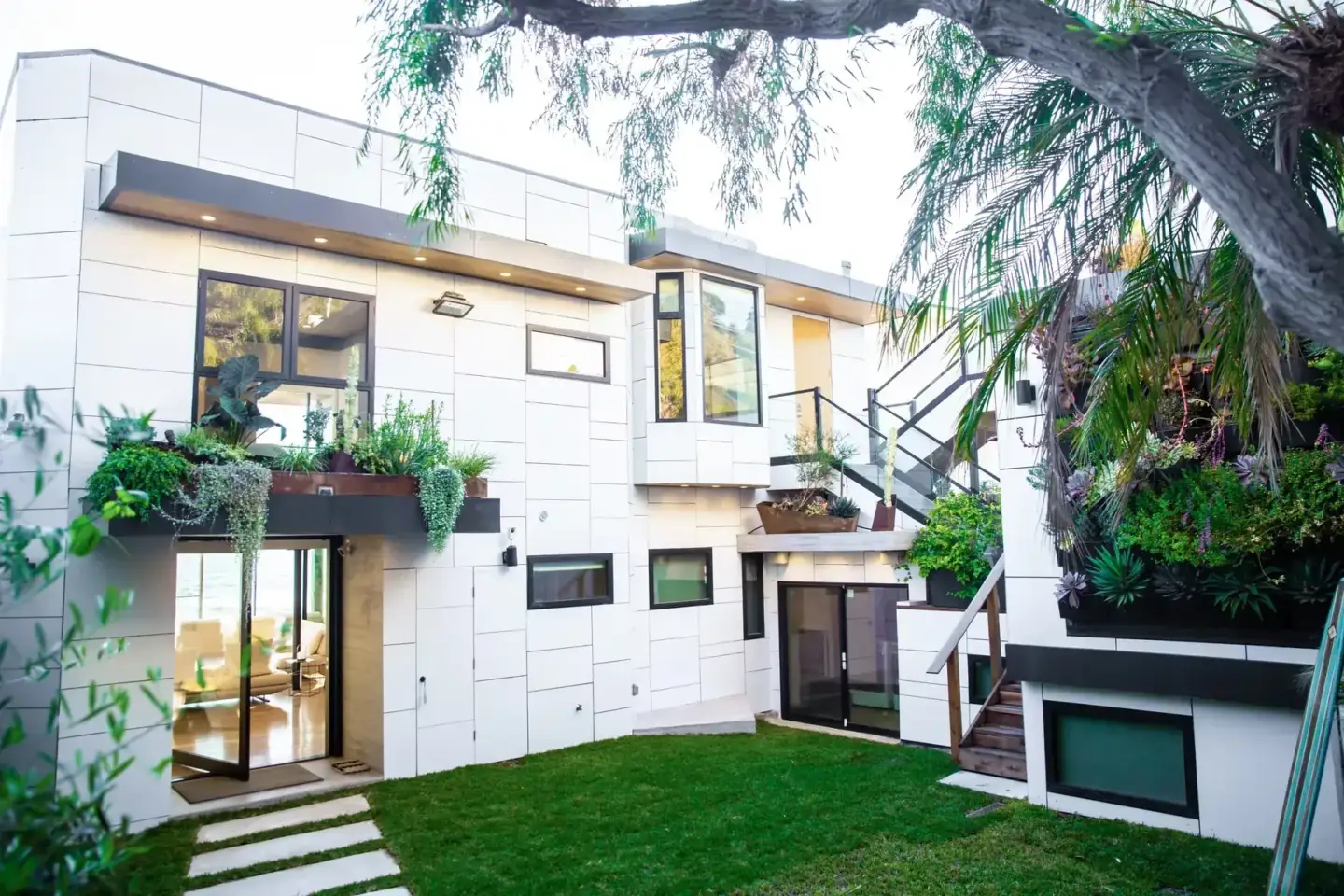
Photorealistic rendering tries to look like a photograph; non-photorealistic rendering (NPR) deliberately does not. NPR covers everything from architectural sketch styles and watercolor passes to cartoon shading and technical diagrams. Neither is “better” — they serve different jobs. You choose photorealism to sell a finished look, and NPR to communicate an idea, a concept, or a mood.
| Photorealistic rendering | Non-photorealistic rendering (NPR) | |
| Goal | Look indistinguishable from a photo | Stylize, abstract, or explain |
| Typical use | Marketing, sales, final visuals | Concept stage, diagrams, artistic work |
| Look | Real light, materials, imperfection | Sketch, flat color, cartoon, blueprint |
| Effort | High — physics must be right | Often faster, style-driven |
| Best when | The thing must look finished and real | The idea matters more than the realism |
Can AI Create Photorealistic Renders?
Yes — and in some areas AI already beats traditional rendering. AI is strongest at organic environment and atmosphere: grass, fields, forests, skies, and the messy natural detail that is slow to build by hand. For controlled, accurate scenes — a specific interior, a real product, a building that must match the plans — physically based 3D still leads, because AI does not yet give precise control over exact geometry and materials.
From our studio — AI renders don’t just reach production photorealism in some areas, they clearly beat it. Mostly environment and atmosphere — forests, fields, grass. For exteriors there is nothing better than AI for making grass look real. But inside, for a real interior, 3ds Max still wins. The honest split today is: AI for the natural environment and for details like adding people, traditional 3D for the controlled scene.
Dim Kuzmenko, Maverick Frame
In practice the two are merging. A studio might render a building and its interior in a physically based engine, then use AI to populate the surroundings, add believable people, or speed up specific details. If you want to see where the tools stand, we keep an updated list of the best AI rendering tools.
What Makes Rendering Software “Photorealistic”What Makes Rendering Software “Photorealistic”
Software is “photorealistic” when its engine can physically simulate light — ray tracing or path tracing, accurate GI, and PBR material support. The tool matters less than the hands using it: the same engine produces a flat render for a beginner and a believable one for an experienced artist. What separates the top engines is render speed, material libraries, and how forgiving they are, not whether photorealism is possible.
The familiar names — Corona, V-Ray, Unreal Engine, D5 Render, Blender Cycles — are all capable of photorealistic output. The right pick depends on your scene, your deadline, and what you already know. For a working comparison, see our breakdown of the best 3D rendering software.
Where Photorealistic Rendering Is UsedWhere Photorealistic Rendering Is Used
Photorealistic rendering shows up anywhere something needs to look real before it exists. The four biggest fields are real estate and architecture, interior design, product and e-commerce, and film and games.
- Real estate & architecture — selling buildings and developments off-plan with images that look like finished photos. This is the core of architectural rendering services.
- Interior design — showing a furnished, lit space before a single item is bought, a job for 3D interior rendering.
- Product & e-commerce — catalog and ad imagery built in 3D instead of a photo studio, easy to recolor and restage.
- Film, TV & games — environments and assets that have to sit next to live footage without being noticed.
How We Hit Photorealism in Production
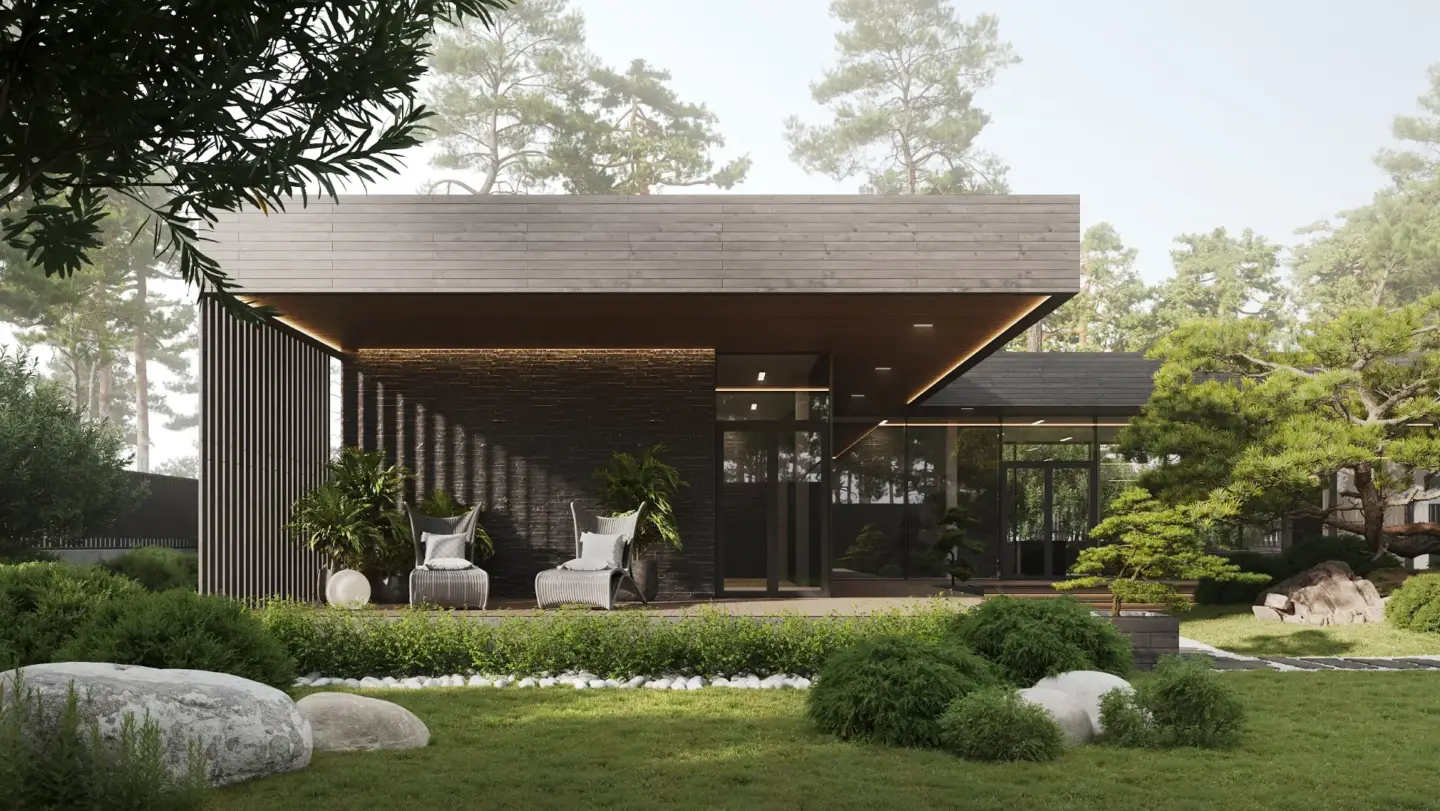
On a real project, photorealism is a question of time and judgment, not endless tweaking. There is a point where the image is convincingly real, and effort past that adds taste, not realism. Knowing where that point is — and stopping there — is what keeps a studio profitable without cutting quality.
From our studio — a photorealistic interior can be made photorealistic in about 8 hours, and super-photorealistic in maybe 16. After that, everything else is just taste — it won’t add any real extra photorealism. Our stack for interiors and archviz is still 3ds Max plus Corona, with AI for specific details, like dropping in people. That combination is what we trust on a deadline.
Dim Kuzmenko, Maverick Frame
The workflow is consistent: build accurate geometry, apply PBR materials, set physically based lighting, frame the camera like a photographer, render, then grade with restraint. Cost follows the same logic as time — more detail and more frames cost more, but past the realism threshold you are paying for polish. For how that maps to budgets, see our 3D rendering pricing guide.
Photoreal CGI usually competes with a photo shoot for the same budget line. We compared cost, turnaround and creative control in 3D rendering vs photography.

Turn Ideas Into Visual Stories

Free field guide
You Probably Do Not Need Photoreal
What actually creates the perception of realism, why the last ten per cent costs the most, and a table matching image treatment to the job it has to do.
If it didn't open, download it here.
Download the PDF