Mobile App Design & Visualization for a Premium Brand Experience
End-to-end mobile app UI/UX design and photoreal 3D device mockups — turning an early concept into a polished, launch-ready experience for marketing and the App Store.
- Mobile App
- UI/UX Design
- App Visualization

Client & Market Context
The Product Team Behind the Premium Mobile App
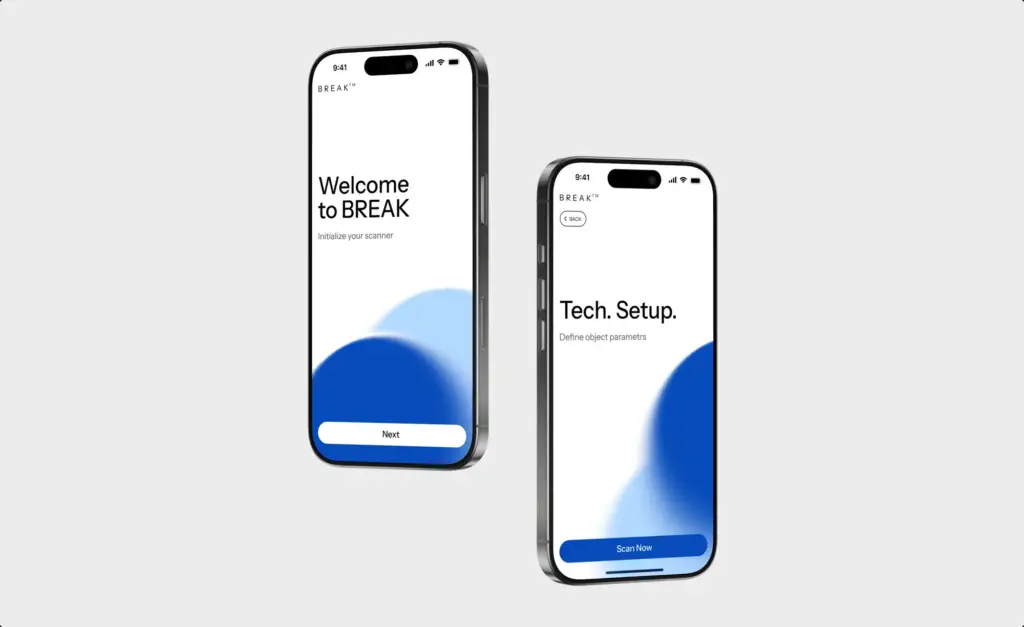
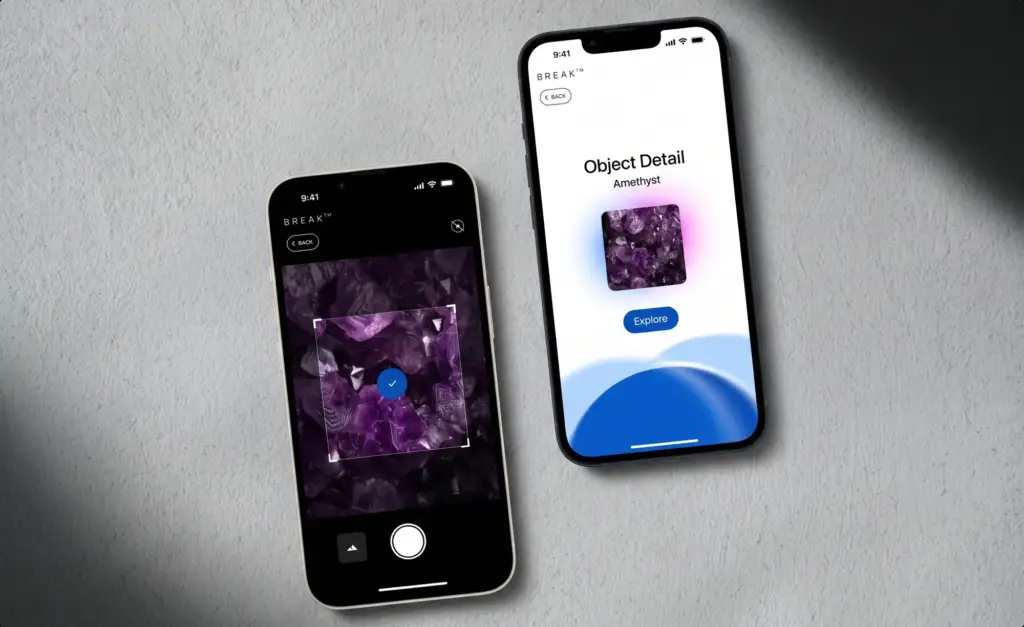
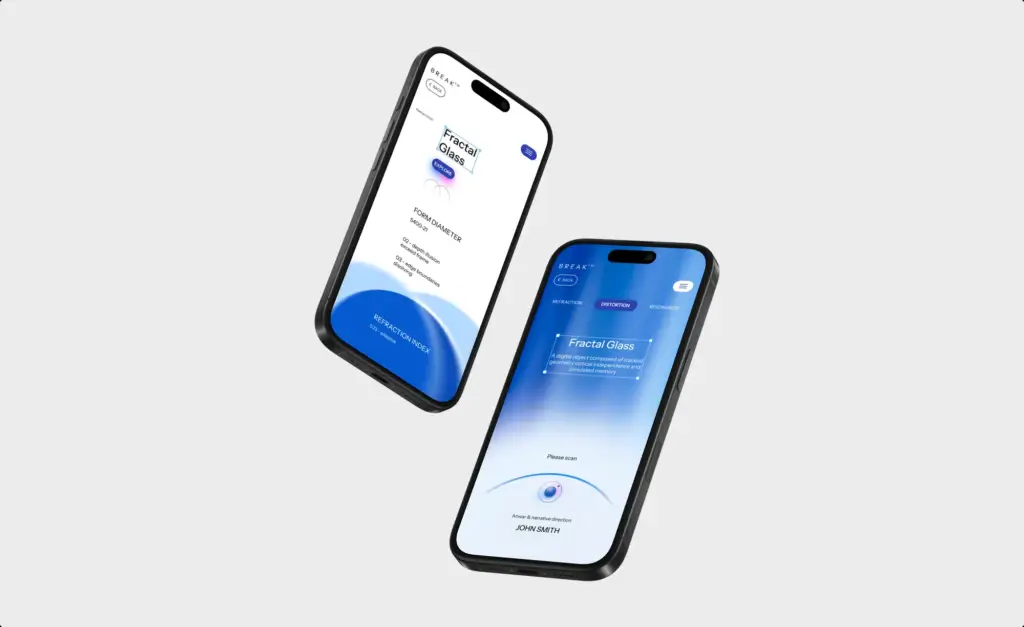
The client was a product team launching a premium consumer mobile app, and needed a complete visual identity — from first wireframes to a polished, branded interface. They wanted the product to feel considered and high-end from the very first screen.
Turning an Early Concept Into a Launch-Ready Product
The client needed mobile app design and visualization that could present the product convincingly before launch.
Visual Results
Visuals That Resonate With Emotion
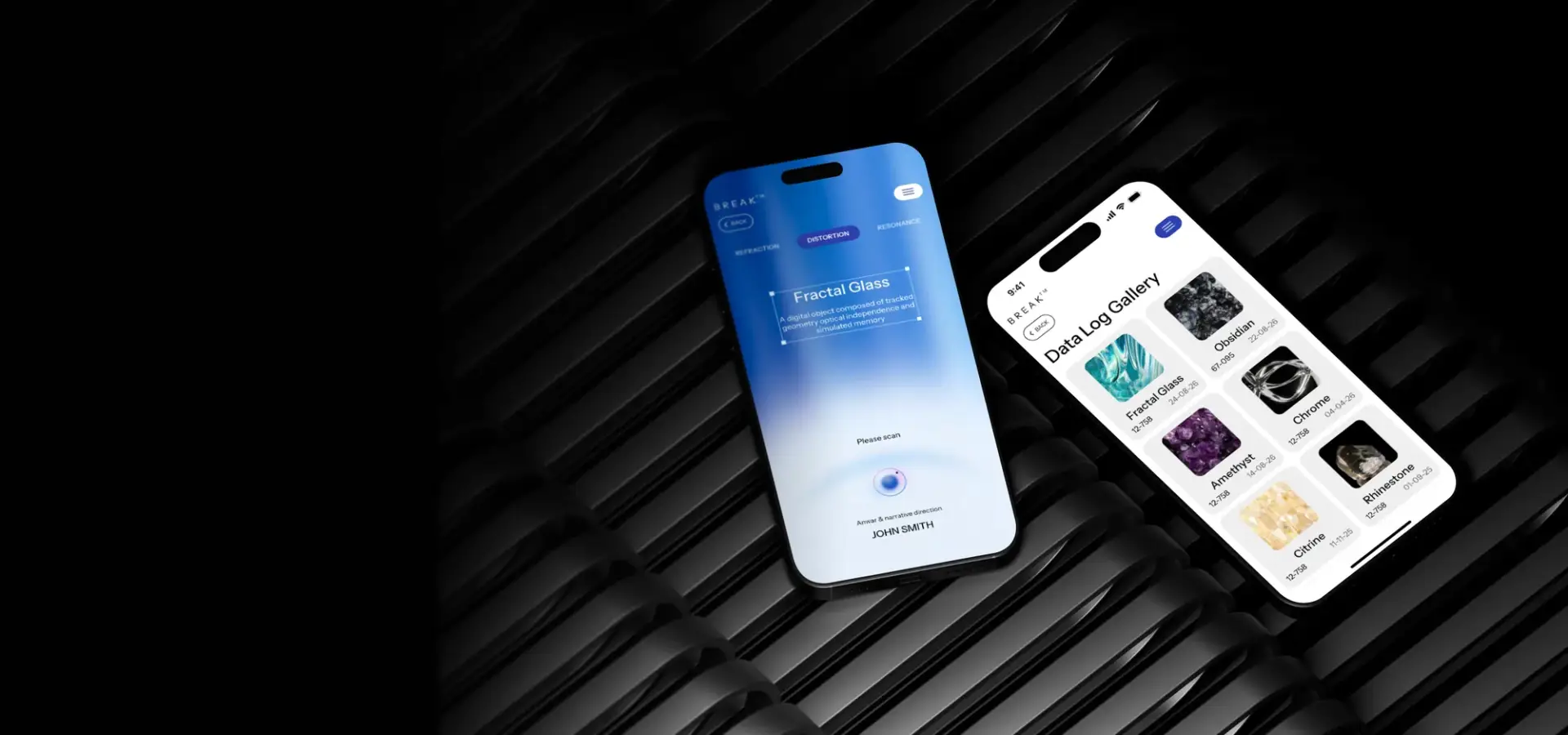
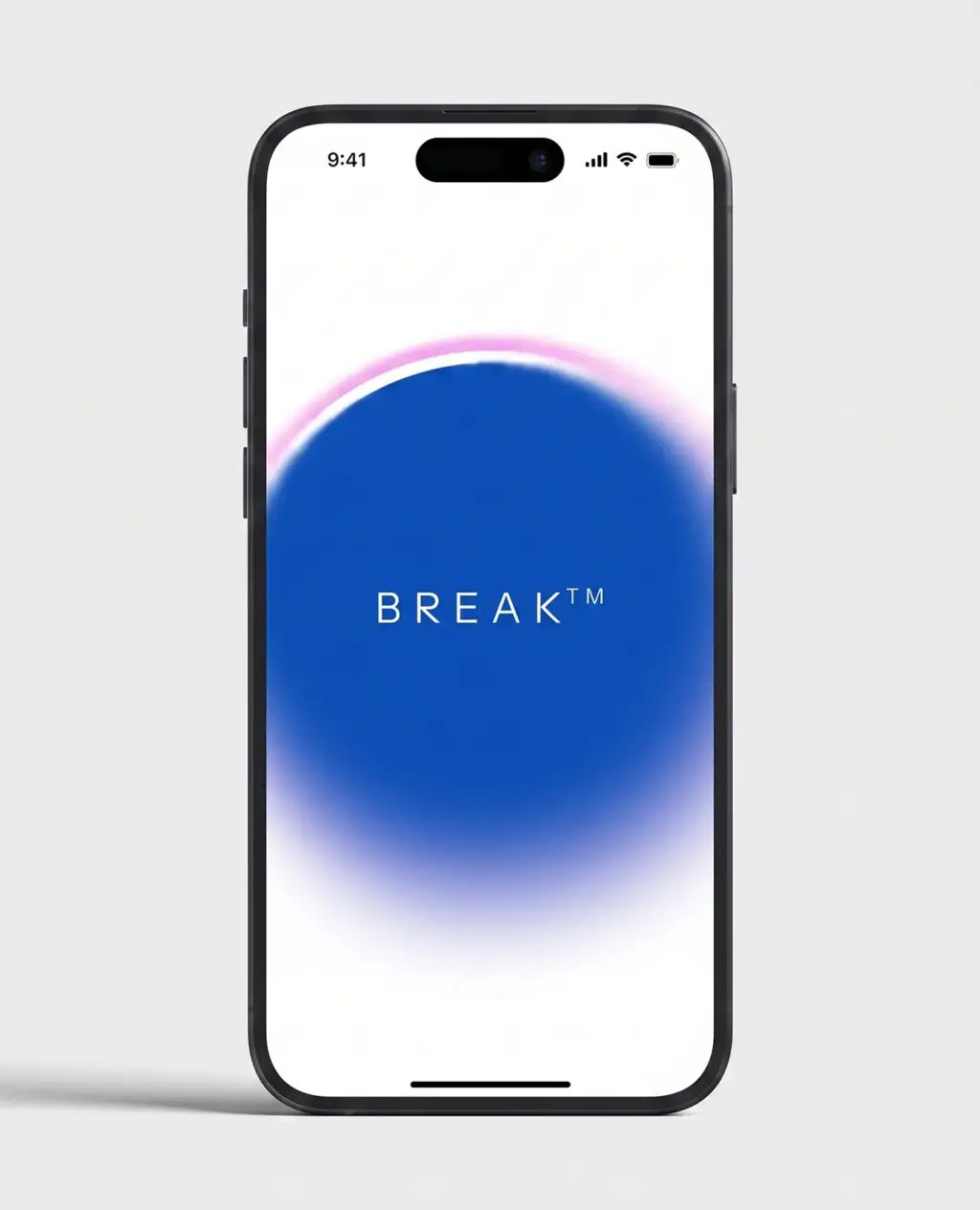
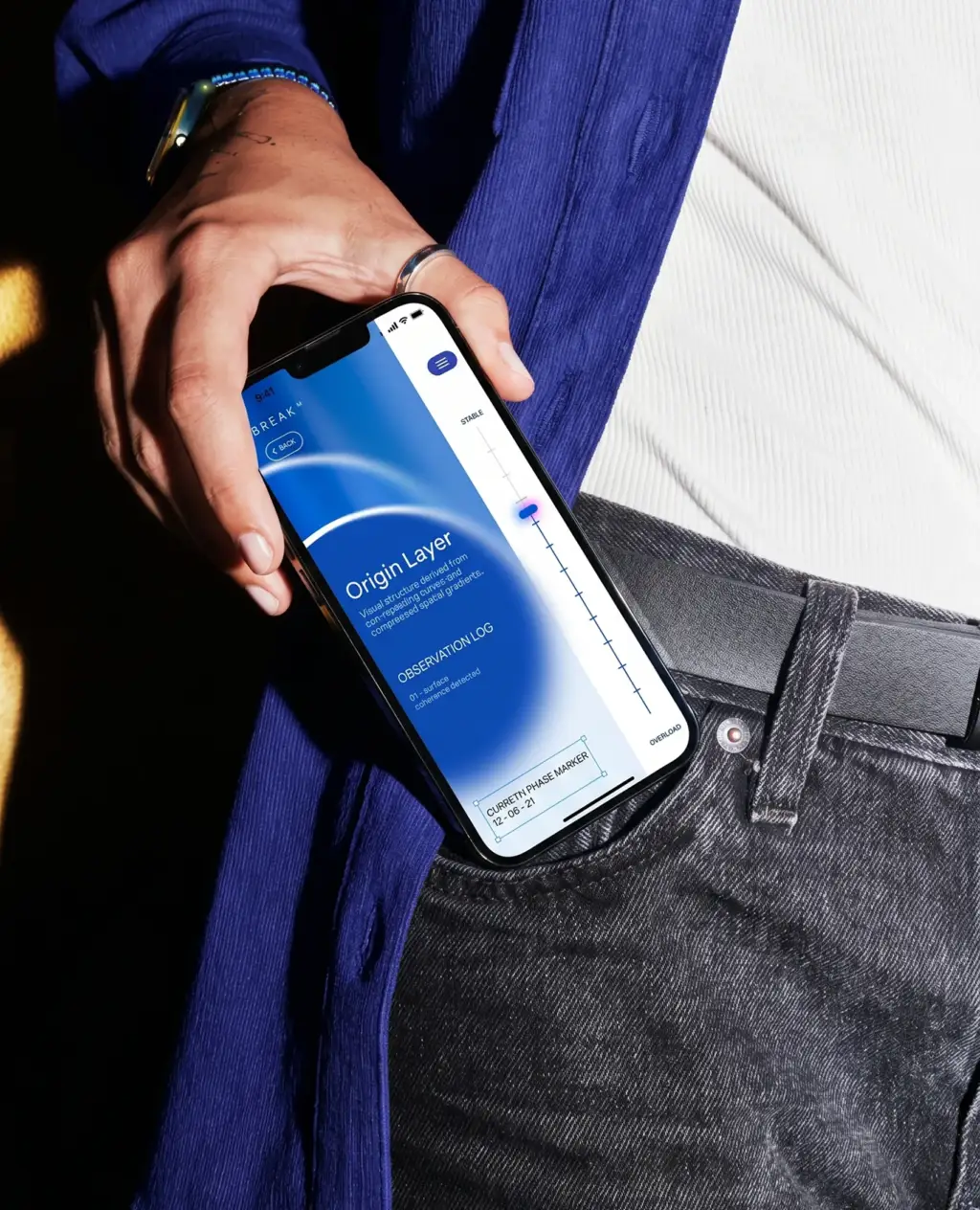
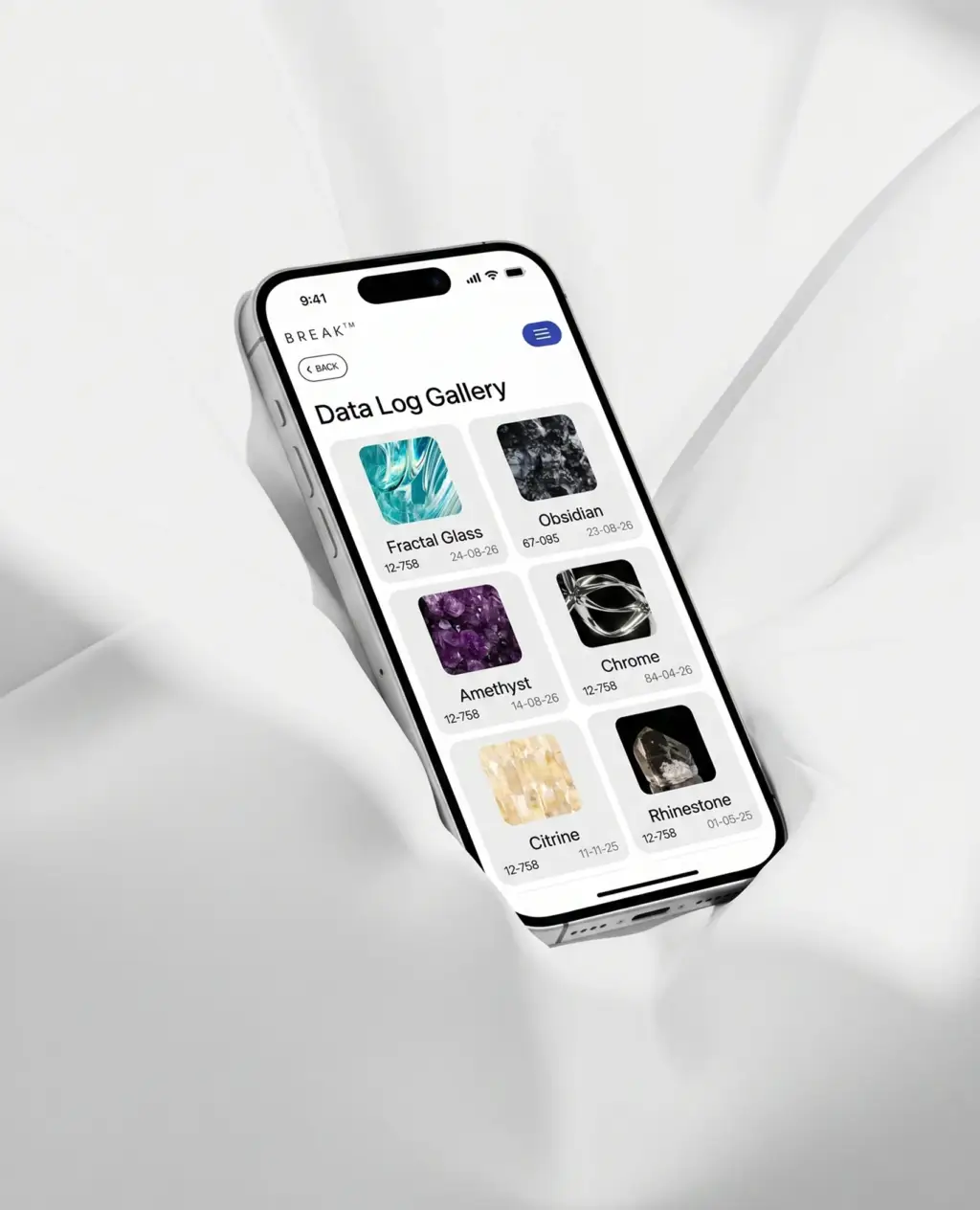
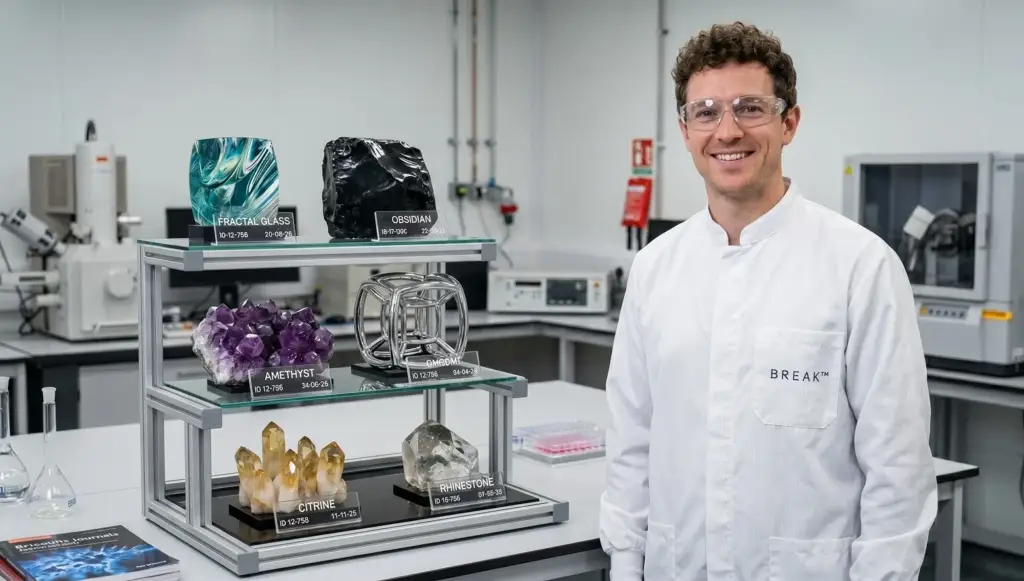
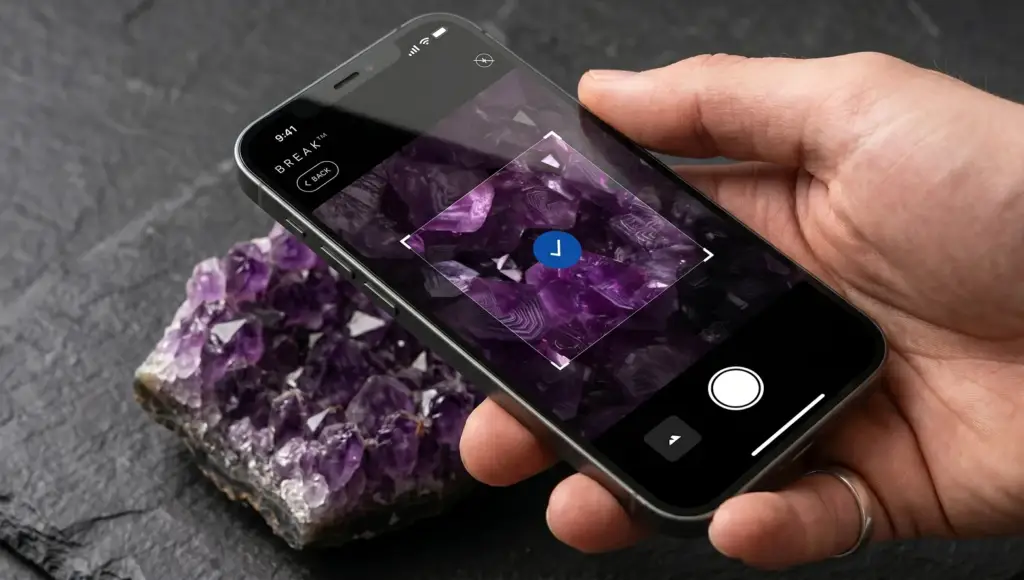
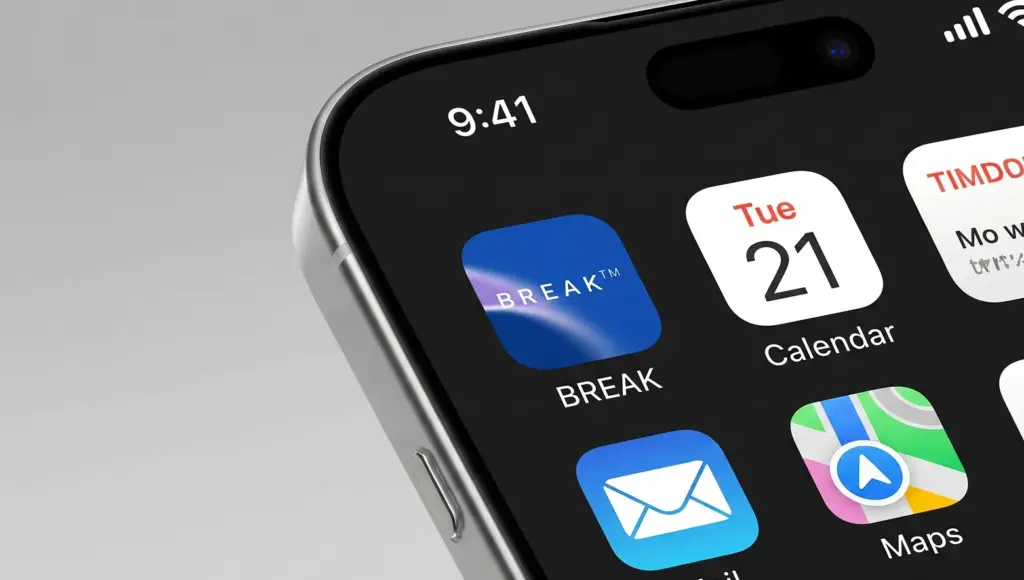
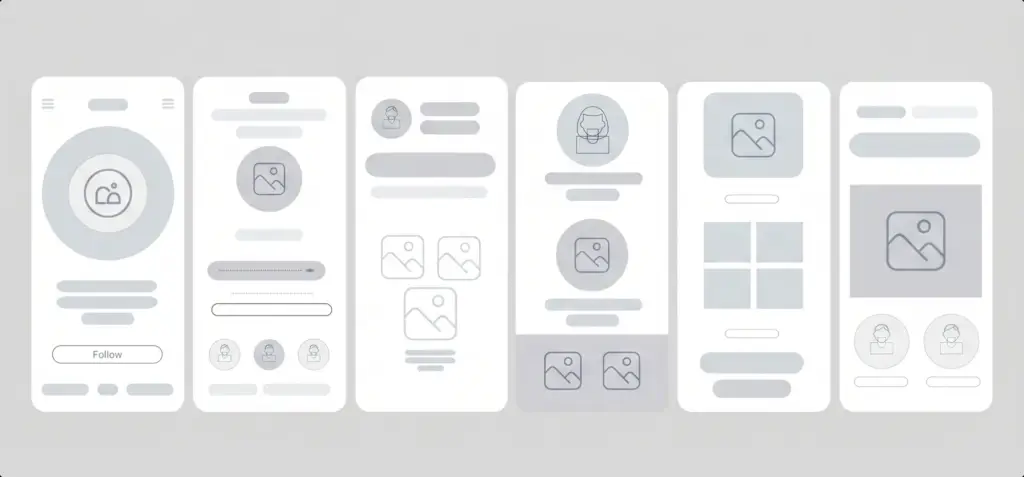
A curated set of app screens and photoreal device mockups — onboarding, gallery, brand moments, and marketing compositions — crafted for launch, the App Store, and investor presentations.

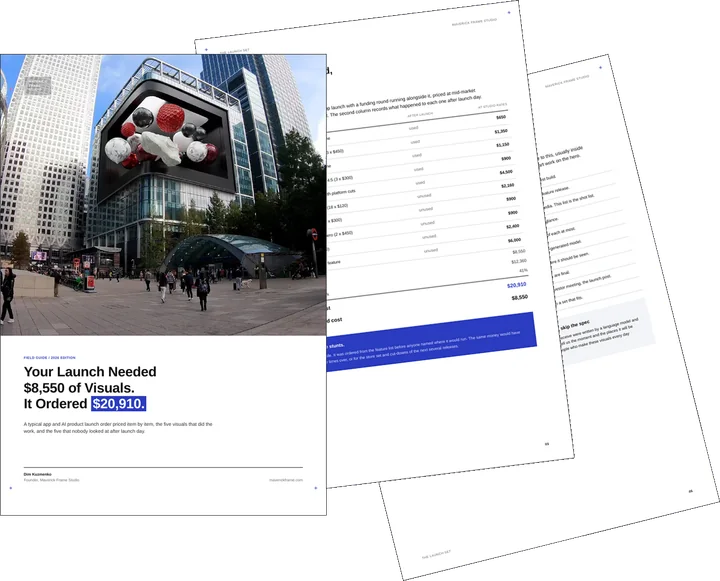
Free guide: a launch uses $8,550 of visuals and orders $20,910
The visuals above were made for a launch, a campaign or a funding round. Orders like these tend to grow from the feature list: every screen, every device, a long explainer. In our priced composite the order came to $20,910, while the visuals that did the work cost $8,550. The guide gives you the priced order, the five items worth making, including one CGI advertising stunt, and the short brief to send.
- Free
- Instant download
- No sales call
If it didn't open, download it here.
Download the PDFRemote studio, your time zone
Planning a similar project?
Book a 30-minute call. Tell us about the project, and we will tell you which views it needs, how long it takes and what it costs.
Estimate on the call
A price range on the call, not a follow-up questionnaire.
Any stage of the project
From concept sketches to a finished model: we start from what you have.
Book a 30-minute call
Which day suits you?
What time?
Where should we send the invite?
- 30 minutes
- Free, no obligation
- Invite by email
Results & Business Impact
- 40+
production-ready UI screens across the core flows
- 100%
consistent design system from onboarding to gallery
- 3x
faster stakeholder sign-off with photoreal mockups
- 4K
marketing-grade device mockups ready for launch
A polished UI and photoreal mockups turn an early app concept into a product people trust — before launch.
Services Provided
FAQ
FAQ about this premium mobile app design and visualization
Didn’t find your question?
Ask it here. A producer replies within one business day — with an answer, not a sales call.
What does mobile app design and visualization include?
Why use 3D device mockups instead of flat screenshots?
Can you design the UI from just an idea or early wireframes?
Are the designs ready for developer handoff?
Can the visuals be used for the App Store and marketing?
How realistic are the device mockups?
Explore Similar Product Design Cases
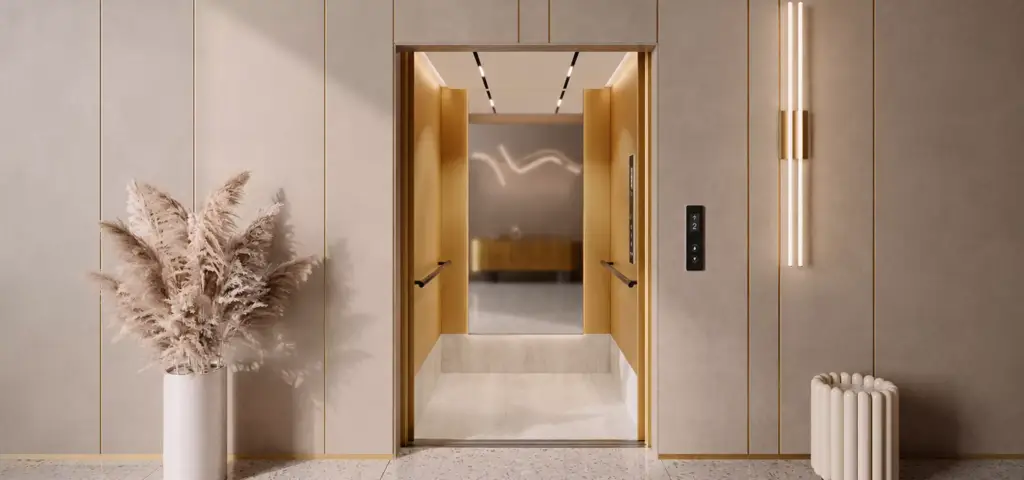
Premium Elevator CGI Designed to Elevate Luxury Brand Perception
Photoreal mockups do for hardware what they did here for screens, as premium elevator CGI for luxury lift systems shows by cutting traditional photoshoot production costs 68 percent while covering 92 percent of launch assets.
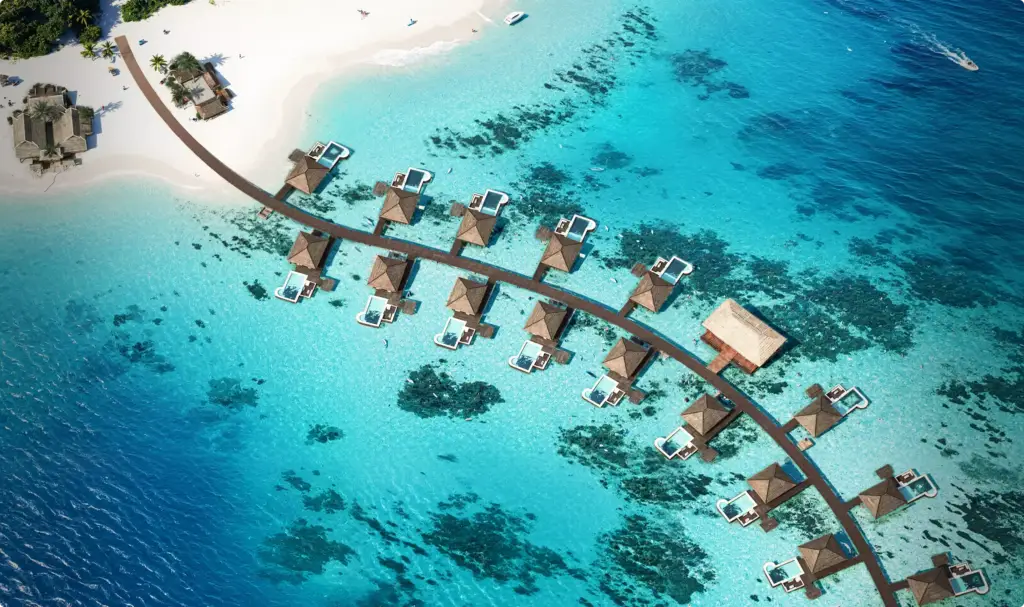
Design Hotels Maldives: How CGI Drove 53% Faster Modern Resort Sales
Stakeholder alignment scales up badly once the money gets serious, which is why CGI for a Maldives resort masterplan leaned on spatial clarity to bring in $48.3M of pre-opening commitments and a 53 percent faster sales cycle.
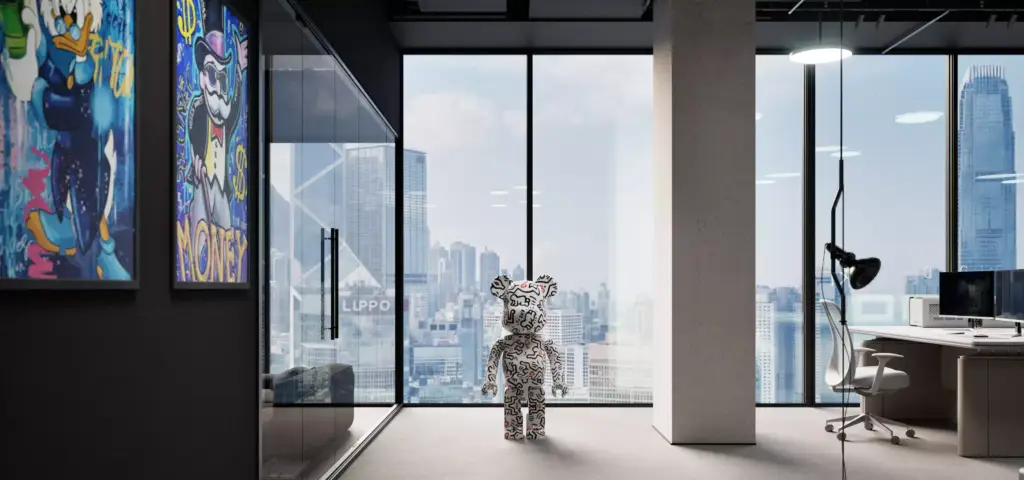
How Visualization Accelerated Design Approval for a Lamborghini Logistics Office
Brand consistency is not only a screen problem, and renderings for a Lamborghini logistics office show the same identity discipline applied to a physical workspace, cutting the design approval timeline by 40 percent.