Virtual reality lets clients walk through a building at true 1:1 scale before it is built. For complex spaces and live design reviews that immersion is genuinely valuable. But for most client-facing presentation, a 360° render or a walkthrough animation does the job faster, cheaper, and without a headset. Here is where VR earns its place in architecture — and where it does not. Much architectural VR today is built in Unreal Engine and Twinmotion.
What Virtual Reality for Architecture Actually IsWhat Virtual Reality for Architecture Actually Is
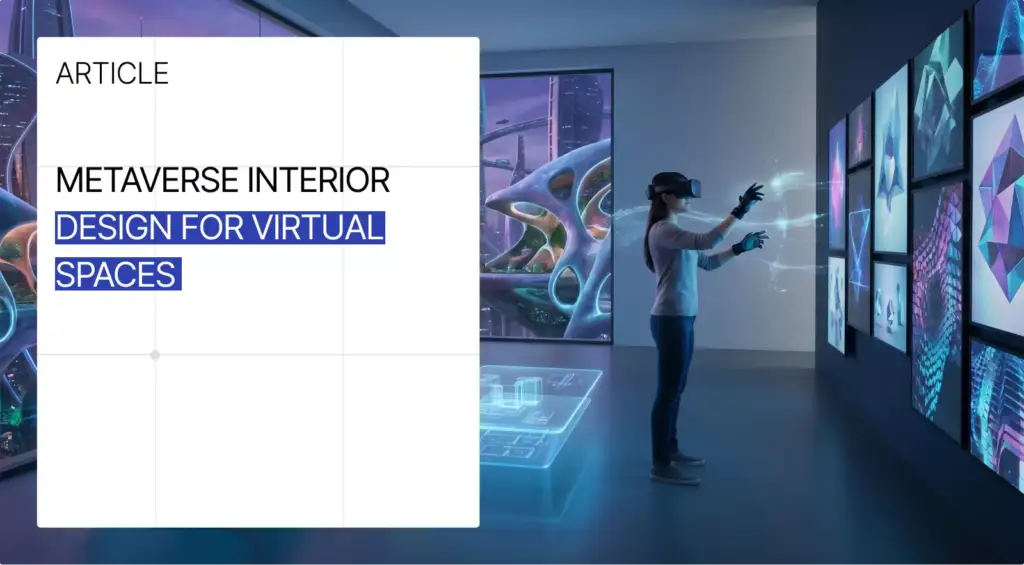
Virtual reality in architecture means viewing a 3D model of a building through a headset as a fully immersive, real-time space you can move around in. Instead of looking at a flat render or a 2D plan, you stand inside the design at real scale — turning your head to see ceiling height, sightlines, and how rooms connect. It is built from the same 3D models architects already use, exported to a real-time engine.
Where VR Genuinely Helps in ArchitectureWhere VR Genuinely Helps in Architecture
VR earns its keep when true scale and spatial feel actually change a decision. The clearest cases:
- Immersive client walkthroughs. Clients feel wall heights, room flow, and proportions without translating a floor plan in their head — useful for buyers who struggle to read drawings.
- Real-time design review. Teams in different cities meet inside the same model to review a space and agree on changes live.
- Clash detection and prototyping. Spotting spatial, structural, or material conflicts early — before they become expensive site fixes.
- Big or unusual spaces. Atriums, stadiums, and complex volumes where a still image simply cannot convey the scale.
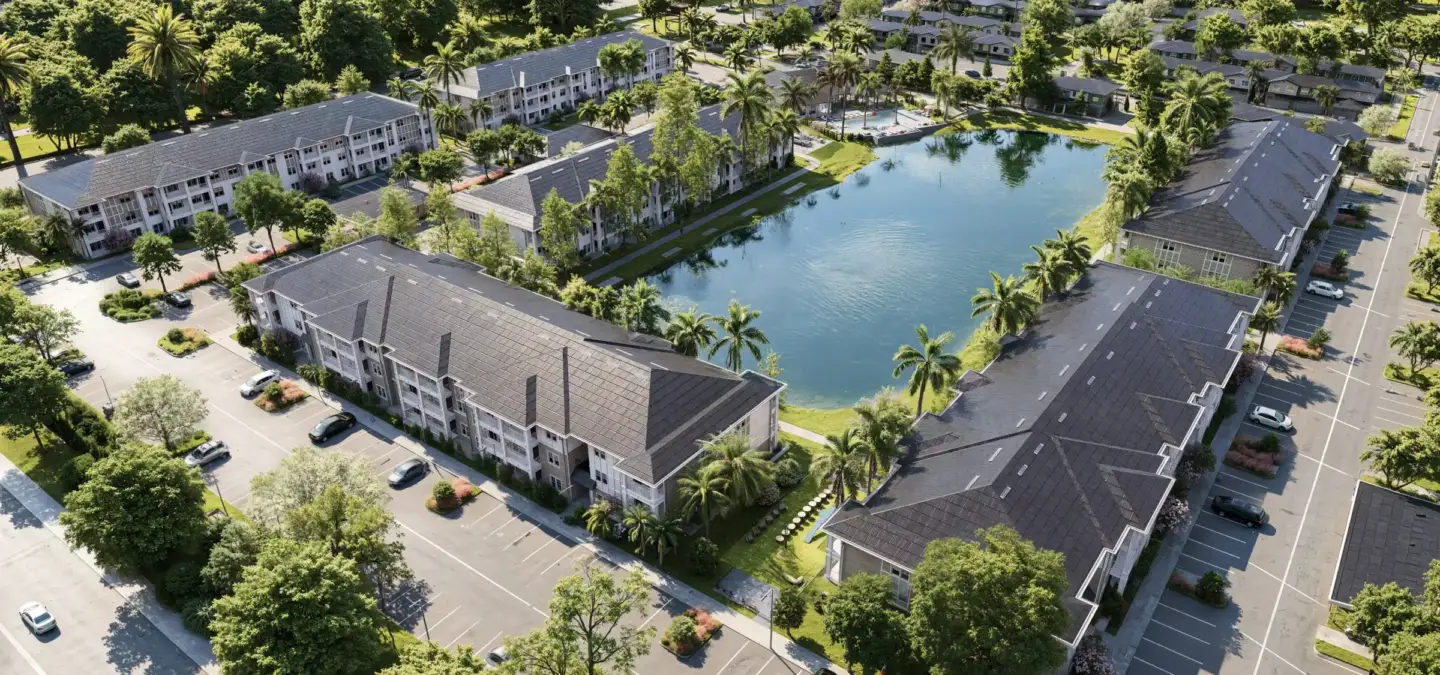
Where VR Is Overkill — and What Works Better
Here is the honest part most vendors skip: for the majority of architectural presentation and marketing, full VR is more friction than it is worth. Headsets need setup, a capable GPU, and a willing client — and plenty of clients simply do not want to put goggles on. Add motion sickness, hygiene concerns at in-person meetings, and the cost of building a polished VR scene, and the effort rarely pays off for a routine sales conversation. Many architects reach the same conclusion: most of the time, a 360° render delivers the spatial sell without any of the hardware.
For those cases, lighter-weight visuals usually win. Our 3D virtual tours and 360° panoramas give clients an immersive feel from a phone or browser, and a walkthrough animation guides them through the space as a polished film — no headset, no setup, shareable in one link.
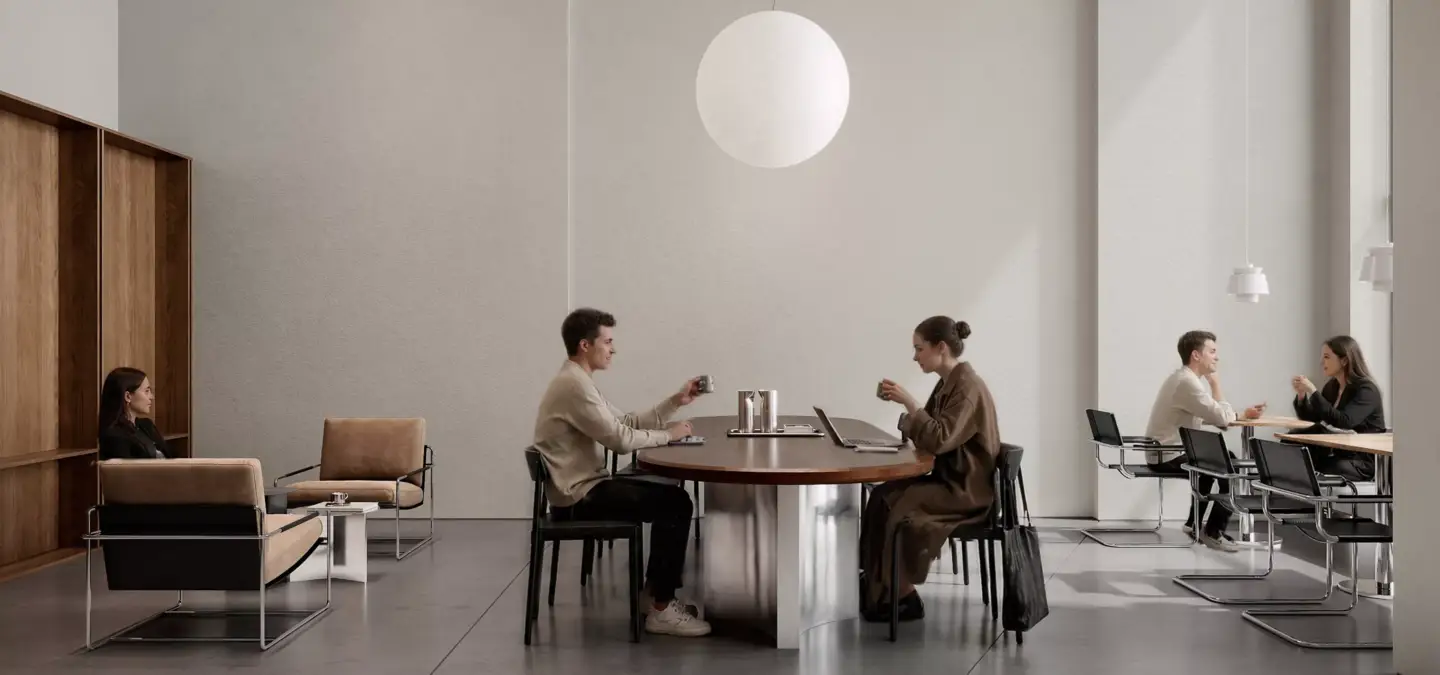
VR, 360° Renders, or Walkthrough Animation: Which to Use
A quick way to choose the right format for the job:
- Use full VR for in-depth design reviews of large or complex spaces, where 1:1 scale and free movement change the decision — and the client is on board with a headset.
- Use a 360° render or virtual tour for most client presentations and listings: immersive enough, viewable on any phone or browser, zero hardware friction.
- Use a walkthrough animation for marketing, investor decks, and social — when you want a guided, cinematic journey through the space rather than free exploration.
Software and Hardware for Architectural VR
If you do go the VR route, the pipeline starts with the 3D tools you already use — SketchUp, Revit, or Rhino — then exports to a real-time engine. The common platforms:
- Enscape, Twinmotion — plug into Revit and SketchUp and turn models into interactive, photoreal VR with minimal extra work; Lumion exports 360° panoramas you can view in a headset.
- IrisVR, The Wild — built for AEC collaboration, with multi-user meetings and native 3D file support.
- Unreal Engine — for high-end, fully custom interactive experiences when you need maximum control.
On hardware, most studios use a standalone headset like the Meta Quest 3 for portability and easy client use, or a PC-tethered headset (such as an HTC Vive model) plus a powerful GPU when a scene needs maximum fidelity. The Apple Vision Pro adds high-resolution mixed-reality viewing at a premium price.
How to Start With VR Without Overcommitting
You do not need to buy headsets to get most of the value. A sensible, low-risk path:
- Start with 360° panoramas. Export them from your render engine; clients view on a phone — the spatial feel, none of the setup.
- Add live-sync plugins. Tools like Enscape sync with Revit and SketchUp so a client can explore while you edit the model in real time.
- Move to full VR only when it pays off. Reserve headsets for the big design reviews where immersion genuinely changes the outcome.
Is VR Worth It for Architects?
For specialized work — complex-space design reviews, remote team collaboration, early clash detection — VR is worth it and hard to replace. For everyday client presentation, sales, and marketing, it usually is not: a 360° render, virtual tour, or walkthrough animation delivers most of the impact at a fraction of the cost and with zero hardware friction. Match the tool to the job, and for most projects the lighter, headset-free visual is the smarter call. If you want help deciding what fits your project, our team can point you to the right format.

Turn Ideas Into Visual Stories
Free field guide
What We Look For in a Freelance Artist
A collaboration pack for 3D artists: what a studio reads in a portfolio, how to present one for studio work, what a paid test brief is, and the file habits that get you rehired.
If it didn't open, download it here.
Download the PDF