

3D Furniture Rendering & Visualization Services
Furniture Rendering That Covers Every Detail
We create high-end furniture renders that showcase form, materials, and functionality with clarity and precision. From clean catalog imagery to complex configurations, every render is designed to improve product understanding and drive conversions.
-
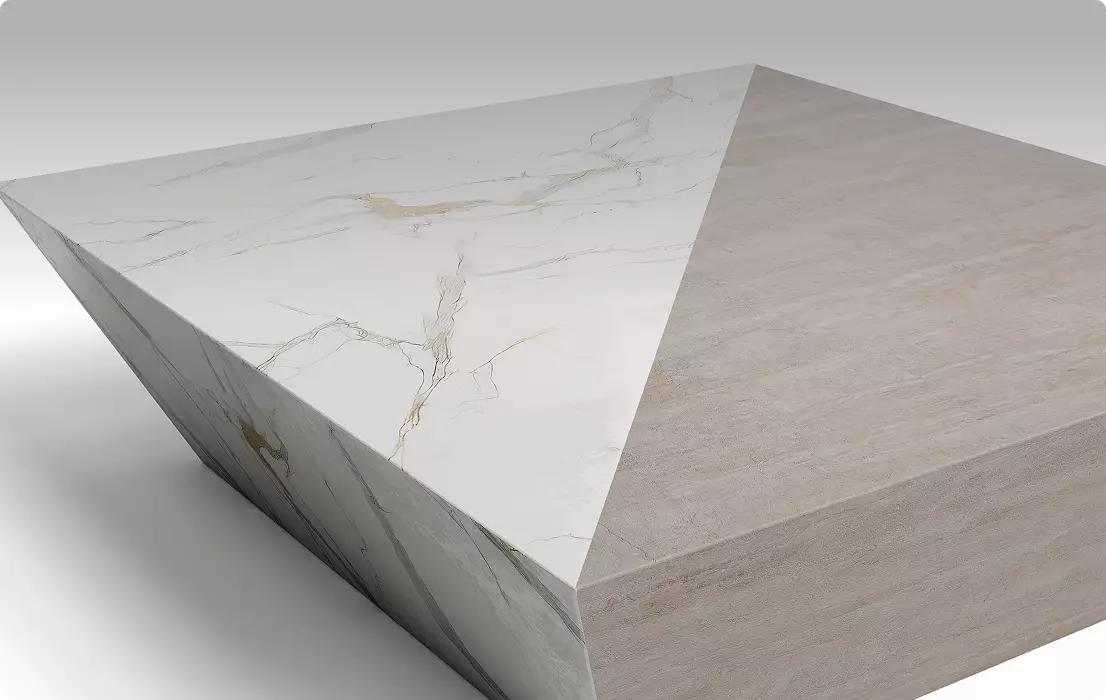
Furniture Modeling for Custom Configurations / Variations
Flexible 3D models that allow quick generation of color, material, and configuration variations without the need for repeated production. -
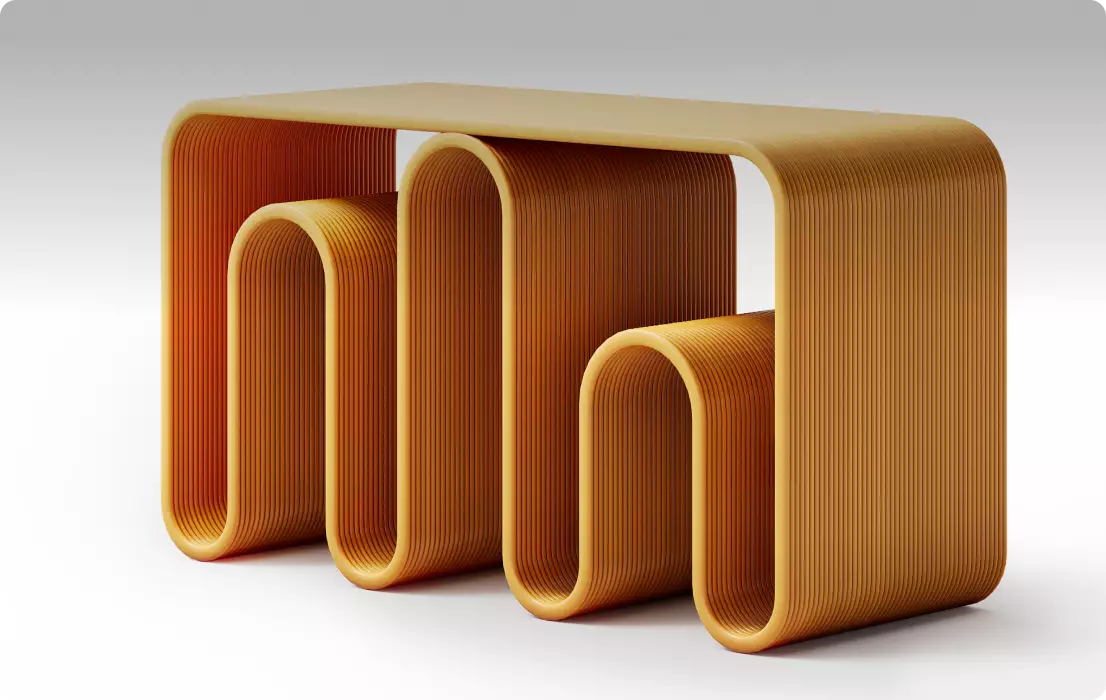
Hero Shots / 360 Product Views
High-impact visuals and interactive 360 views that present the product from every angle, helping customers explore it with confidence and increasing engagement. -
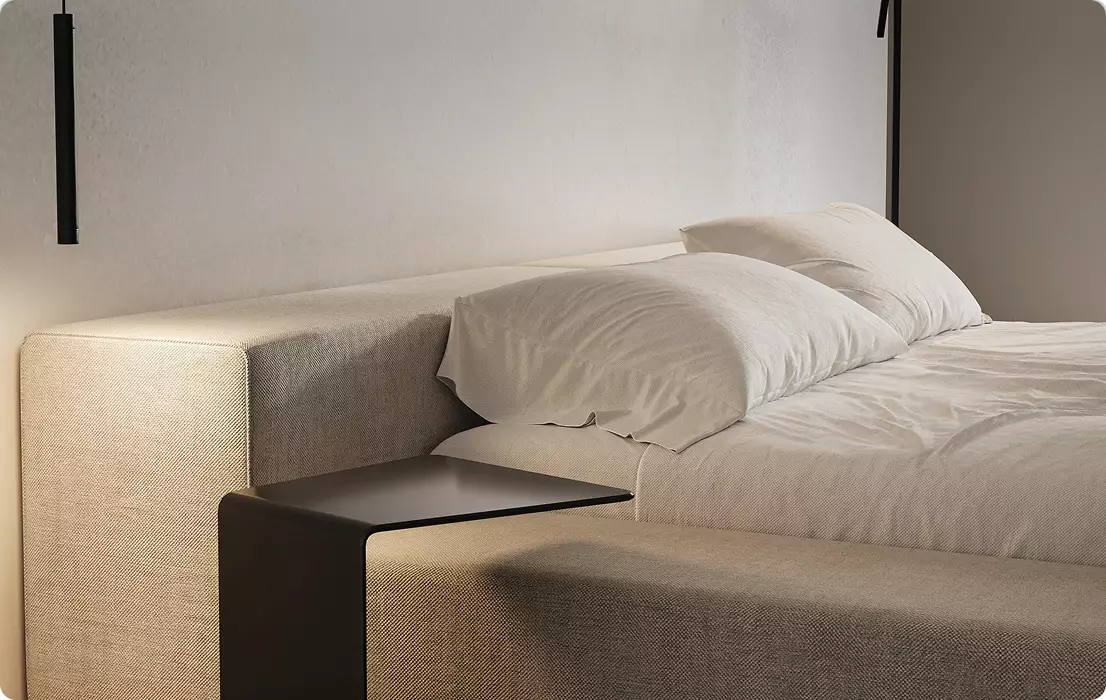
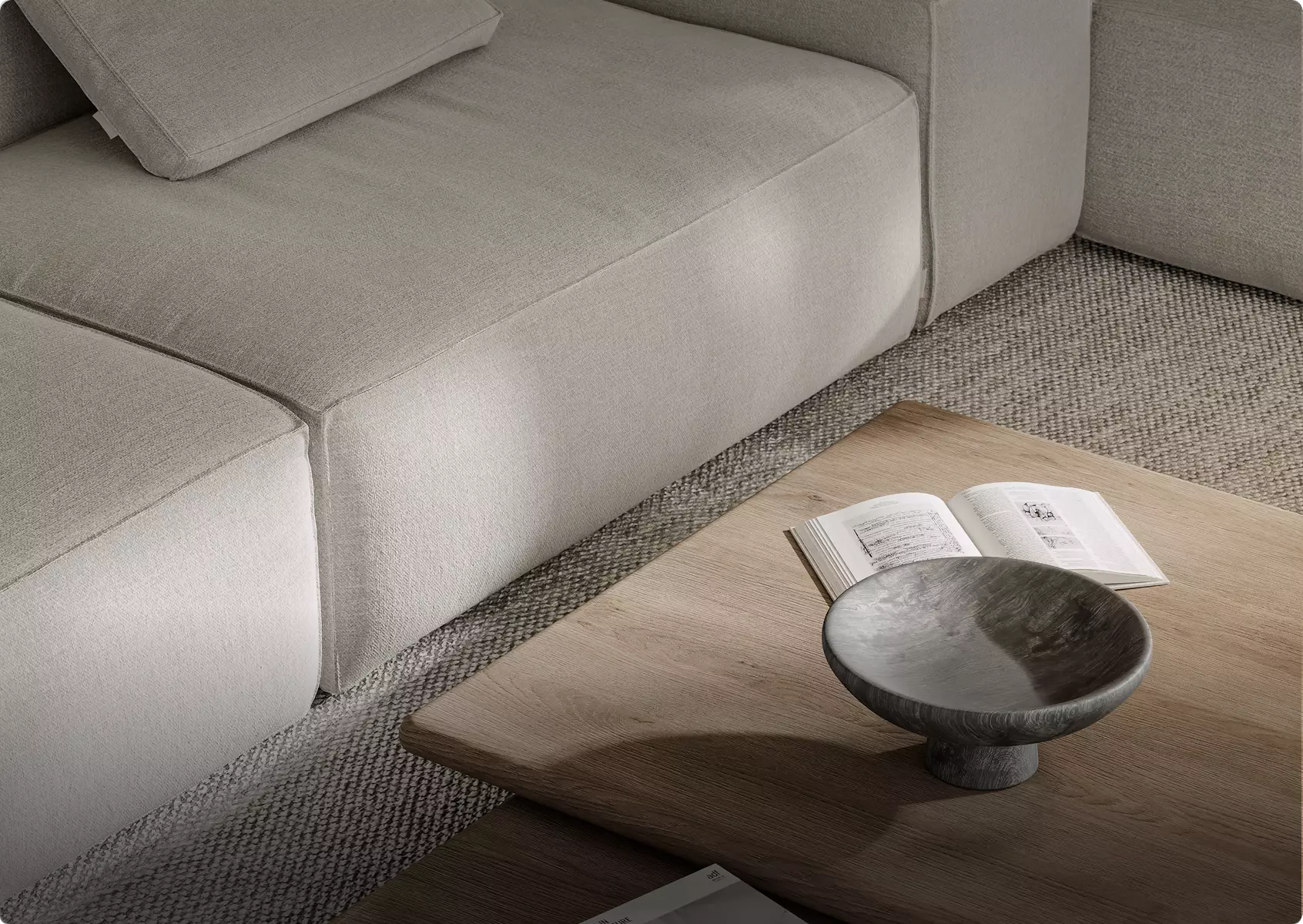
Close-Up Renders / Feature Highlight Renders
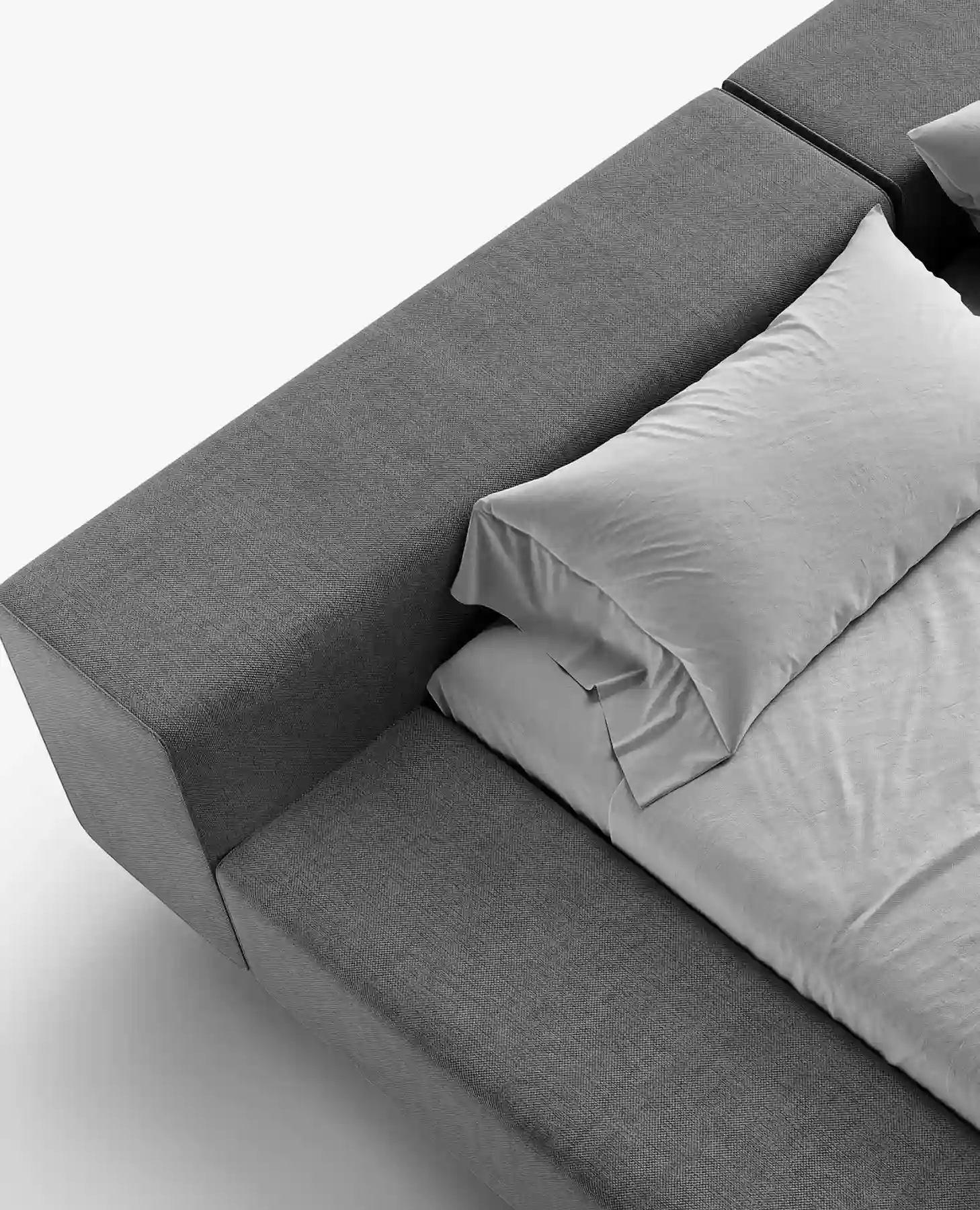
Detailed shots that highlight materials, textures, and key features — one of the most important render types for driving sales by reinforcing product quality and craftsmanship. -
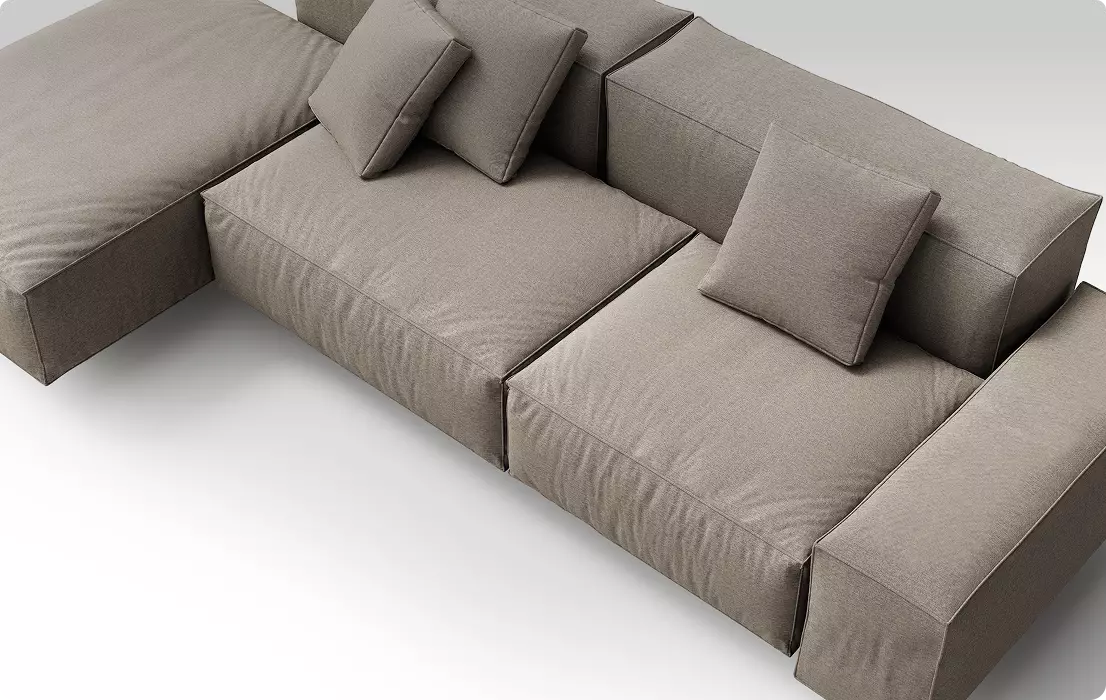
Studio Packshots / White Background Renders
Clean, distraction-free renders on white or neutral backgrounds, perfectly suited for e-commerce, marketplaces, and product catalogs. -
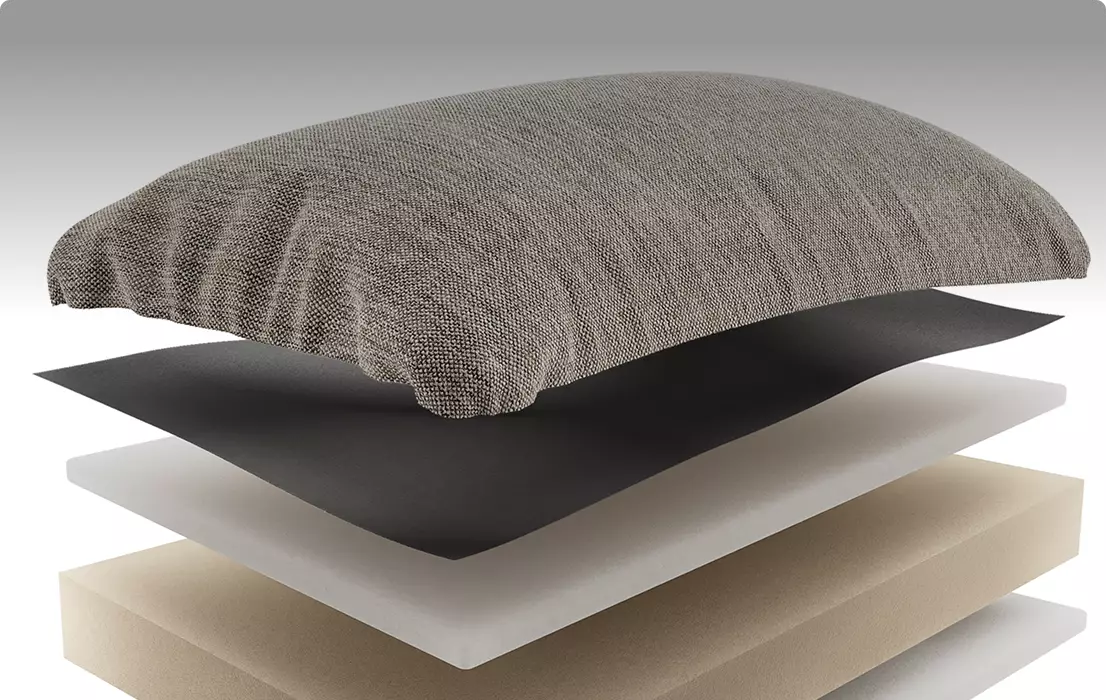
Exploded Views / Cutaway / Section Views
Technical-style visuals that reveal internal structure and construction, making complex products easier to understand and trust. -
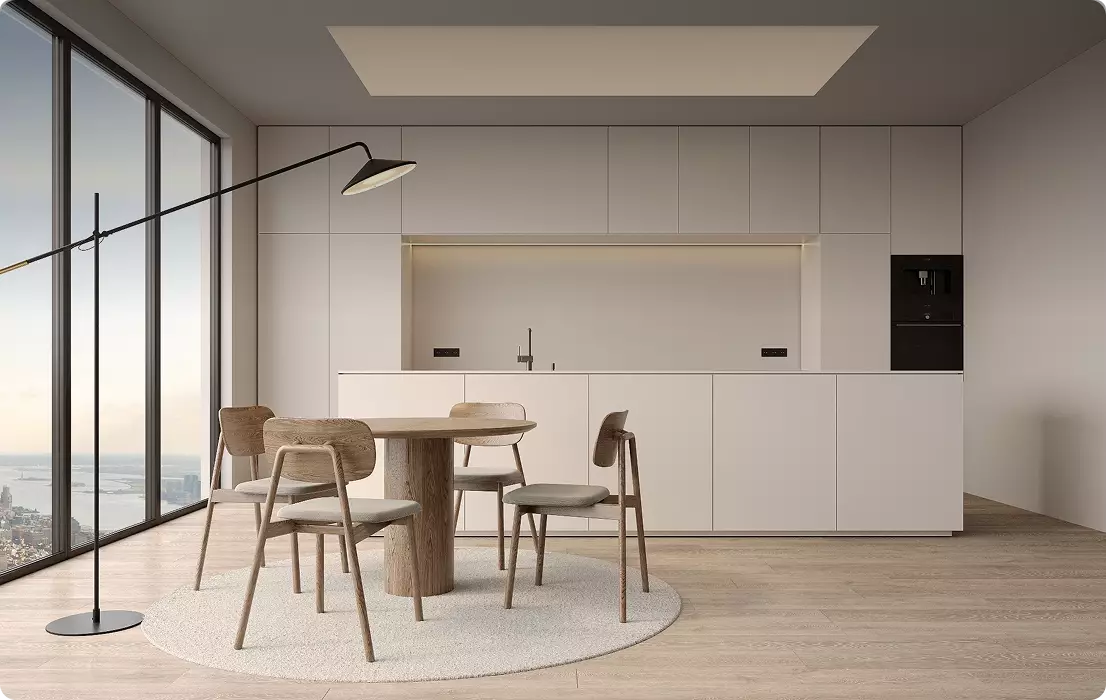
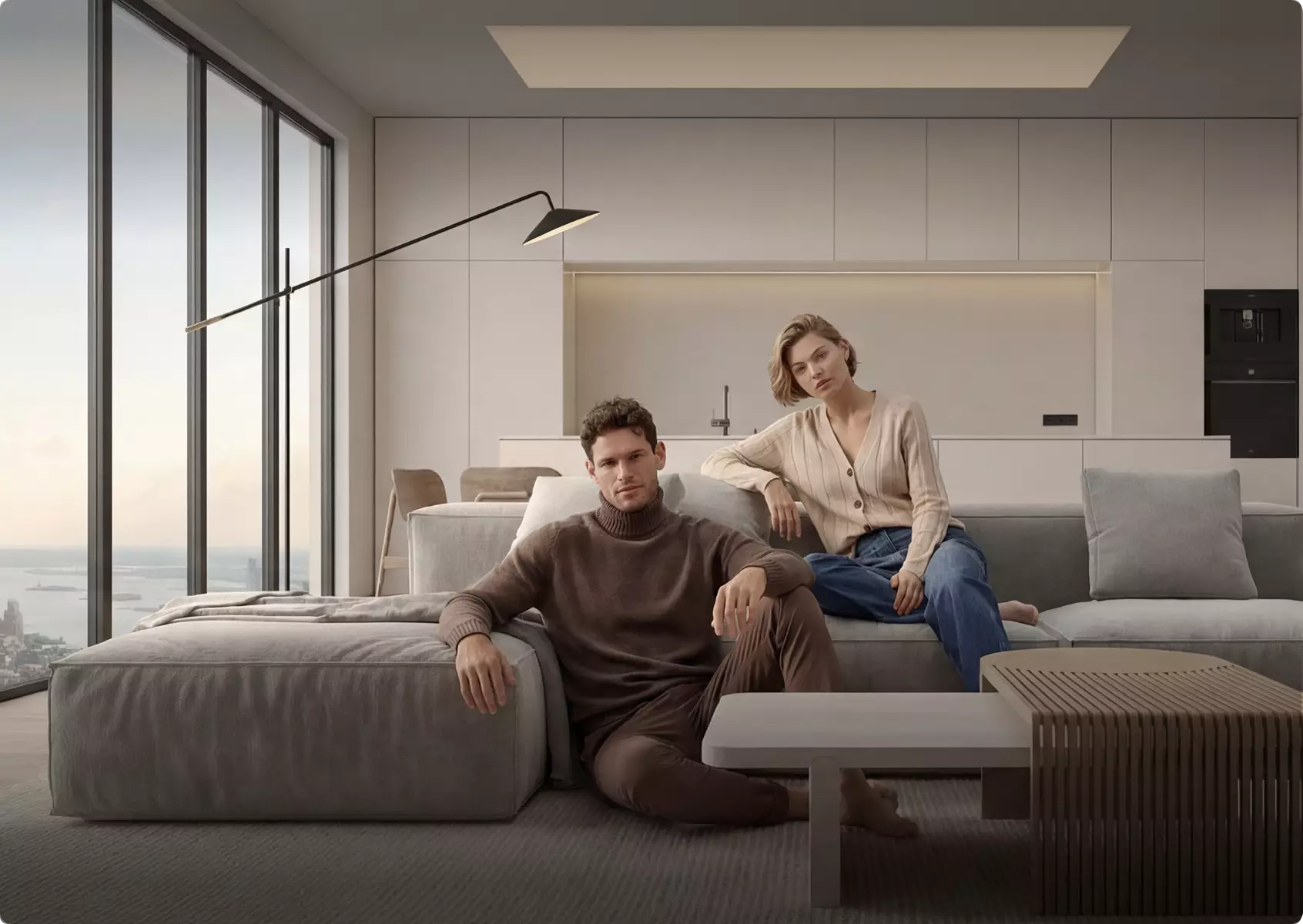
Lifestyle Interior Scenes / Furniture-in-Room Renders
Realistic interior scenes that place furniture in context, helping customers visualize how it fits into their space and lifestyle.
Trusted by Leading Teams: 3D Furniture Rendering and Visualization Services
















Production Process
Furniture Rendering Production Process
-
Project Review & Visual Strategy
The product range, design intent, and commercial goals of the furniture collection are analysed. All provided materials such as CAD files, technical drawings, sketches, references, and material samples are reviewed to define how each piece should be presented, positioned, and visually communicated across marketing and sales channels. -
3D Furniture Model Creation
A precise and detailed 3D furniture model is created based on the provided data. Focus is placed on accurate proportions, construction details, and clean geometry to ensure the model is suitable for both visualisation and product representation. -
Model Approval
Clay previews are produced to review form, proportions, ergonomics, and overall design accuracy. Refinements are made if required until the model fully aligns with the intended design and is approved for the next stage. -
Materials & Look Development Approval
Materials, fabrics, finishes, and surface details are applied based on references and product specifications. This stage defines the final look and tactile quality of the furniture piece. Lookdev previews are reviewed to ensure material accuracy, realism, and consistency before approval. -
Scene & Environment Creation
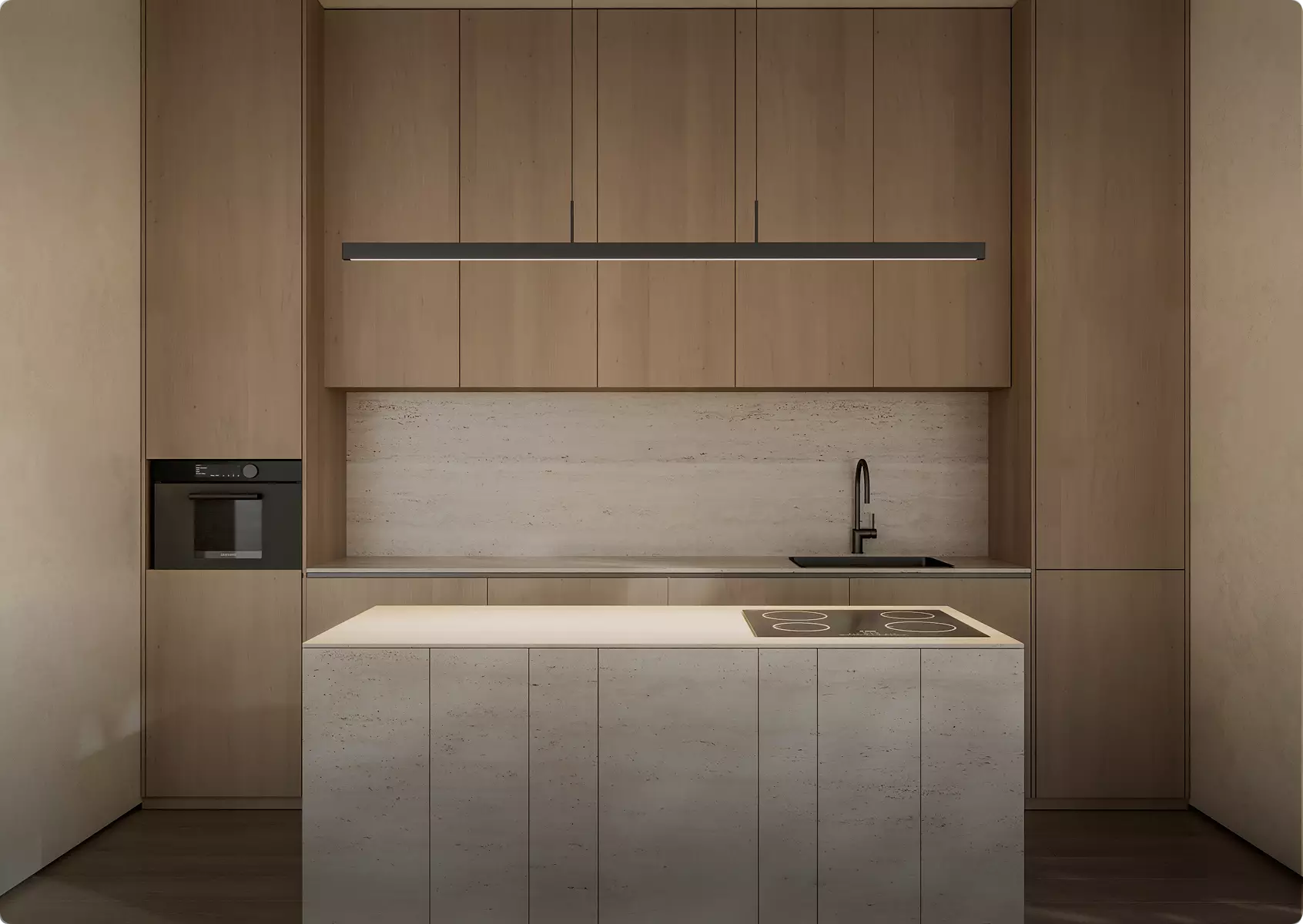
A tailored 3D environment is created to present the furniture in a relevant and compelling context. This may include interior settings, architectural spaces, or stylised environments designed to enhance product positioning and storytelling. -
Lighting, Camera & Composition
Lighting is developed to highlight material quality, form, and craftsmanship. Camera angles and composition are carefully planned to communicate scale, comfort, and design intent in the most effective way. -
Rendering & Post-Production
High-quality photorealistic renders are produced with attention to realism, texture fidelity, and atmosphere. Post-production is applied to refine colour balance, contrast, and overall visual polish for marketing-ready output.
More Than Furniture Renders — A Complete Furniture CGI Workflow
Furniture rendering is only one part of what we do. Our team brings together 3D modelers, furniture designers, material artists, lighting specialists, rendering artists, and animators to create complete visual content — from furniture modeling and design refinement to realistic fabrics, wood, metal, leather, lighting, interior scenes, close-up details, and final marketing assets.
We build every visual around the final goal: ecommerce pages, product catalogs, lifestyle campaigns, furniture collections, launch materials, interior presentations, configurators, or investor decks.



Trusted by 500+ clients
-
2Х
Lower cost compared to traditional product photography
-
One
Furniture 3D modeling, design development, materials, lighting, rendering, and animation in one workflow.
-
All
Realistic fabrics, wood, metal, leather, glass, finishes, textures, seams, stitching, and close-up details.
Common Furniture Rendering Problems
Furniture Rendering Challenges We Solve
Our 3D furniture visualization workflow is built to solve these challenges at scale.
-
Visuals arrive too late
Deadlines get missed, and there’s no time left for revisions, extra views, or marketing materials.
We start early and keep production structured, so your furniture renders are ready and polished before the deadline.
-
Every placement needs a different visual
Per-render pricing can make adaptations for websites, ads, decks, and social media too expensive.
With hourly production, extra furniture renders and format adaptations are often much cheaper once the scene is ready.
-
Freelancers disappear after delivery
When updates are needed later, the original freelancer may be unavailable and the files become hard to edit.
Our team keeps the workflow organized, so future changes, new versions, and additional furniture renders stay manageable.
-
Agencies often outsource 3D work
Many marketing agencies rely on external contractors, which can create quality, timing, and communication risks.
Our in-house CGI team gives you direct support across modeling, rendering, animation, and marketing assets.
-
Vendors split the production cycle
A model built in one place may be unusable in another, causing delays, rebuilds, and extra cost.
We cover the full pipeline: 3D modeling, furniture renders, animations, presentations, and marketing assets.
Why Choose Us
A Reliable Team for Complex Furniture Visualization Projects
From a single single product render to a full full catalog set, we provide the team, process, and visual judgment to present your furniture project at its best. The same in-house team handles 3D furniture visualization and rendering end to end.

30+ in-house specialists
A larger team means fewer production risks. Your furniture project keeps moving even when schedules shift, revisions appear, or extra assets are needed.

Parallel production teams
For multi-part projects, mixed scopes, or campaign work, we put the right specialists on it at the same time and cut the waiting between stages.

Dedicated project manager
You won’t re-explain your workflow each time. A dedicated manager stays with you across projects, remembers your preferences, and keeps communication, files, feedback, and deadlines organized.

Immediate production start
We keep production capacity on standby, so your furniture project can start when you need it — not weeks later when a team finally becomes free.

Experience across project scales
From small one-off tasks to large-scale furniture programs, we assign the manager and team that fit your scope, complexity, and level of detail.

A trained, commercial eye
After dedicated training with real estate photographer Christopher Lee, our team knows how to choose angles and compositions that make your furniture work look clear, valuable, and ready to use.
Ready to start without hiring, delays, or extra management?
Bring us one task or the full production scope — we’ll assign the right team, manager, and workflow.
- Start the same day
- Production team on standby
- Project manager included
- No freelancer risk
Collections made ready
Projects that helped clients launch furniture before production




3D Furniture Rendering Support Worldwide
We help international furniture brands, manufacturers, and retailers create photorealistic product visuals without location barriers. Whether you need 3D furniture rendering services for product catalogs, e-commerce, marketing campaigns, interior presentations, product launches, or sales materials, our workflow is fully remote, structured, and built around your deadline.
- Multilingual communication. Discuss your furniture rendering project in English, Spanish, German, French, or another language supported by our team.
- Remote workflow worldwide. We are not limited to one studio, country, or production market. Share sketches, CAD files, product dimensions, material references, fabric samples, finish options, markups, and feedback online — no in-person meetings required.
- Flexible schedule and 24/7 production mindset. Our team is structured to support different time zones, urgent catalog production, launch campaigns, approval rounds, sales presentations, and time-sensitive delivery schedules.
3D Furniture Rendering Services
3D furniture rendering allows you to present products before they exist — with full control over materials, lighting, and presentation. We create high-quality visuals for e-commerce, catalogs, and marketing without the cost and delays of traditional photoshoots. From modeling to final renders, we handle the full process, delivering scalable content that reduces costs, speeds up launches, and helps customers clearly understand your products.
Pricing
Furniture Rendering Pricing
Pricing starts at $39 per hour, or from $30 per hour on a subscription plan for ongoing work. Furniture Rendering cost depends on the scope, number of views, level of detail, source files, the software required, and the intended use of the visuals. We stay flexible and offer options for every need — from a single one-off task to ongoing creative production support.
Per Project
Custom Quote
Pricing depends on project scope, complexity, number of views, level of detail, materials, revisions, and special requirements.
Best for
The easiest, no-risk way to test our workflow or handle a small task.
Hourly
From $39 / hour
Pay only for the time actually spent on your task. A simple and flexible way to start without a long-term commitment.
Best for
One-time furniture projects, large visualization tasks, or clearly defined internal or client work that needs full production support.
Subscription
From $30 / hour
Monthly production capacity for ongoing rendering, design, web, branding, and marketing assets. Options for 40, 80, or 160 hours per month. Save up to 30% compared with hourly or one-off pricing.
Best for
Teams with ongoing creative production needs who want predictable capacity, faster turnaround, and better monthly rates.
How much does a 3D furniture rendering cost?
A 3D furniture rendering costs from $156 per view (about 4 hours at $39 per hour). Work is billed at $39 per hour (from $30 per hour on a subscription), so the price scales with the complexity of the piece, materials, number of views, and turnaround.
- Furniture view, about 4 h at $39/h from $156
See the full 3D rendering price list for every service.
Not sure which option fits your project?
Contact us and we’ll help you choose the right pricing model, estimate the workload, and offer the best terms for your project.
30-second furniture quiz
Not sure which furniture render you need? Find your fit
Answer four quick questions about your furniture and we’ll match you with the right 3D furniture rendering approach — plus a free, tailored next step for your project.
What type of furniture?
What do you need?
What’s the main goal?
Where’s your project now?
Almost there — where do we send it?
Your tailored plan and a free next step for your project.
No spam — we only email about your project.
FAQ
Free Test Render
Start With a Free Furniture Test Render
We prove our quality on your own project before you commit. Once we've scoped the work and agreed on terms, we deliver a free furniture test render — so you see exactly how it looks in our hands, with zero risk.
How it works
- Tell us about your project and book a short call.
- We scope the work and agree on the price.
- We deliver a free test render within 5 business days.
Conditions
- Available for projects from $3,000.
- One test render — our team selects the most representative angle.
- Delivered within 5 business days; revisions aren’t included.
- For clients with an active project, ready to discuss it on a call.
- A quality guarantee for your own project — not a free sample to resell.
Request your free test render
Thank you – your request has been received.
Our team will review your project and get back to you shortly to arrange your free test render.
Let's schedule a quick online call to discuss your specific requirements, timeline, and any questions you may have
We can discuss:
- Personalized recommendations based on your goals
- Actionable marketing insights tailored to your business
- Clear scope of work and realistic timeline
- Transparent project budget and options
Book a call with us
Thank you – your message has been sent.
Our team will review your request and get back to you shortly.
Book your free intro call
Pick a time that suits you. It's a quick, no-pressure chat about your project — we'll confirm by email.
- A clear plan and next steps
- Realistic timeline and budget range
- Honest advice, even if we're not the fit
Free · 30 minutes · No commitment
Thank you — you're all set
Your call is saved and a calendar invite is on its way to your inbox. We'll send a meeting link before the call.
Talk soon — Maverick Frame Studio
Pick a time that works
Your details
You're booked!
A calendar invite is on its way to your inbox.
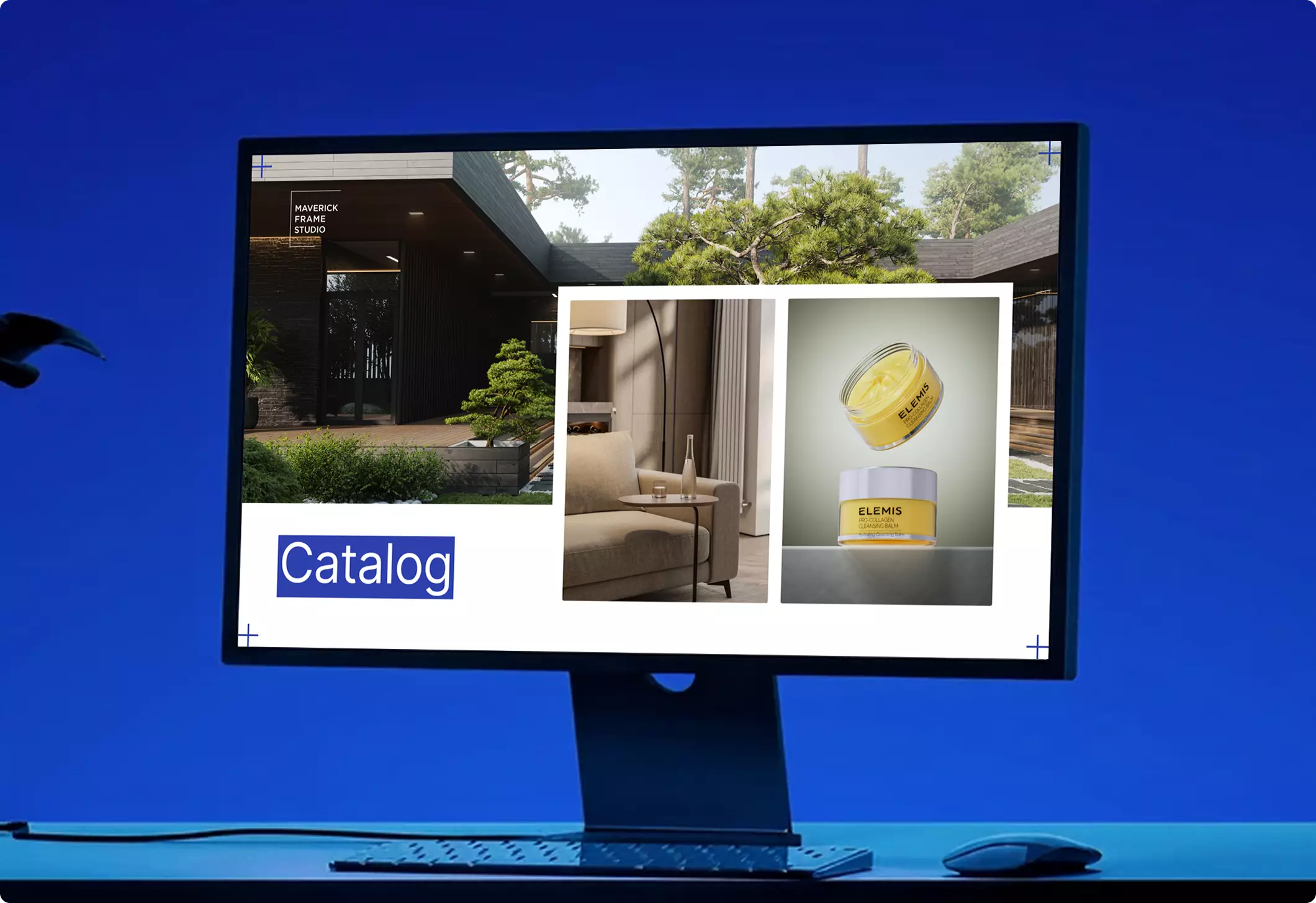
Download our portfolio showcase
Here we’ve gathered our top projects that we really proud of. Fill out the form and download the file – evaluate the render quality.