The best 3ds Max plugins in 2026 are V-Ray and Corona for rendering, Forest Pack and MultiScatter for scattering, RailClone for parametric modeling, and tyFlow for FX — backed by workflow tools like PolyCloth, Unwrella, FloorGenerator, Laubwerk, Project Manager, and Prune Scene. Every pick below is tested in daily archviz production. Plugins speed up modeling, but your asset stack matters just as much — we ranked the best asset libraries for 3D visualizers.
3ds Max ships with a solid toolset, but nobody wins client work on vanilla Max alone. Plugins decide how fast scenes build, how stable they stay, and how good the final frame looks. We are a 3D rendering studio. This essential list of 3ds Max plugins and extensions is what survives our real deadlines — not what looks best in a demo reel.
We review this list every year. Tools that stop earning their license fee get cut, and new industry standards get added. In 2026, RealFlow leaves (brilliant for film water, overkill for buildings). Corona, Forest Pack, tyFlow, and Project Manager join.
The Essential 3ds Max Plugin List for 2026The Essential 3ds Max Plugin List for 2026
Short on time? Here is the whole list at a glance:
- V-Ray — industry-standard photoreal renderer
- Corona — the archviz favorite for interiors and exteriors
- Forest Pack — vegetation scattering at any scale
- MultiScatter — fast distribution of millions of objects
- Laubwerk — ready-to-render 3D plant models
- RailClone — parametric fences, facades, and railings
- FloorGenerator — procedural floors in one click
- tyFlow — particles, smoke, fire, and crowd FX
- PolyCloth — brush-based cloth simulation
- Unwrella — automatic UV unwrapping
- Project Manager — asset and material library manager
- Prune Scene — scene cleanup and script-virus removal
3ds Max Plugins Compared: Price and Best Use
Prices are vendor list prices as of June 2026, rounded — check current offers before buying. All twelve plugins already support 3ds Max 2026.
| Plugin | Category | Price (June 2026) | Best for |
| V-Ray | Rendering | From $540/year | All-purpose photoreal rendering and animation |
| Corona | Rendering | From $414/year | Archviz interiors and exteriors |
| Forest Pack | Scattering | ~€230 perpetual | Vegetation and large environments |
| MultiScatter | Scattering | ~€200 | Massive object counts on a budget of RAM |
| Laubwerk | Vegetation assets | From ~€149 per kit | Botanically correct 3D plants |
| RailClone | Parametric modeling | ~€220 perpetual | Fences, facades, railings, roads |
| FloorGenerator | Modeling | Free / €29 full | Floors, decking, wall paneling |
| tyFlow | FX and simulation | Free / $495 PRO | Particles, smoke, fire, crowds |
| PolyCloth | Cloth simulation | ~$40 one-time | Cushions, curtains, bedding |
| Unwrella | UV mapping | ~€149 | One-click UV unwrapping |
| Project Manager | Asset management | $75 | Asset, material, and texture libraries |
| Prune Scene | Scene cleanup | Free | Removing scene junk and script viruses |
V-Ray — Rendering Engine for 3Ds Max
V-Ray by Chaos remains the benchmark renderer for 3ds Max. It handles photoreal lighting, layered materials, volumetrics, and animation. It also scales from a laptop to a render farm without changing your workflow, and its GPU and CPU engines cover both fast drafts and final-frame quality.
In our pipeline, V-Ray carries product CGI and animation work, where deep control over sampling and render elements pays off in post-production. The learning curve is real: V-Ray offers roughly forty ways to ruin a render — and excellent documentation on how to avoid all of them.
Price: from $540/year (Solo). 3ds Max 2026: supported.
Corona — Favorite Rendering Plugin of Archviz Studios
Corona is the renderer most archviz studios default to, and for a reason: it makes clean, believable interior light with almost no setup. Corona 15 shipped in May 2026 with more speed work. The toolset stays famously artist-friendly — tone mapping, LightMix, and interactive rendering feel native, not bolted on.
We use Corona for most interior and exterior stills. If V-Ray is a cockpit, Corona is an automatic transmission: fewer dials, faster from blank scene to client-ready frame. For a deeper breakdown of how we choose between the two, see our Corona vs V-Ray comparison.
Price: from $414/year (Solo). 3ds Max 2026: supported.
Forest Pack — Vegetation Scattering Plugin for 3Ds Max
Forest Pack by iToo Software is the most used scattering plugin in the world, and the standard for vegetation in archviz. It spreads trees, grass, people, or any geometry across huge areas while the viewport stays fast. You keep fine control over density, variation, and camera clipping.
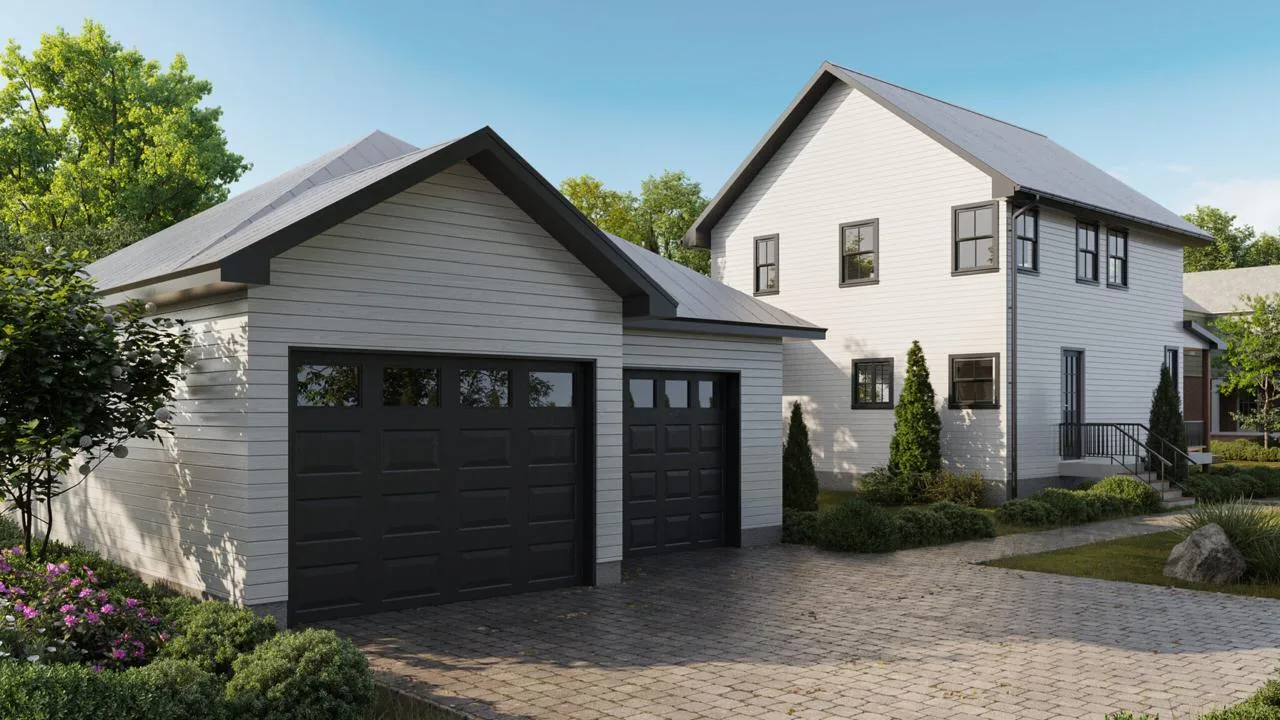
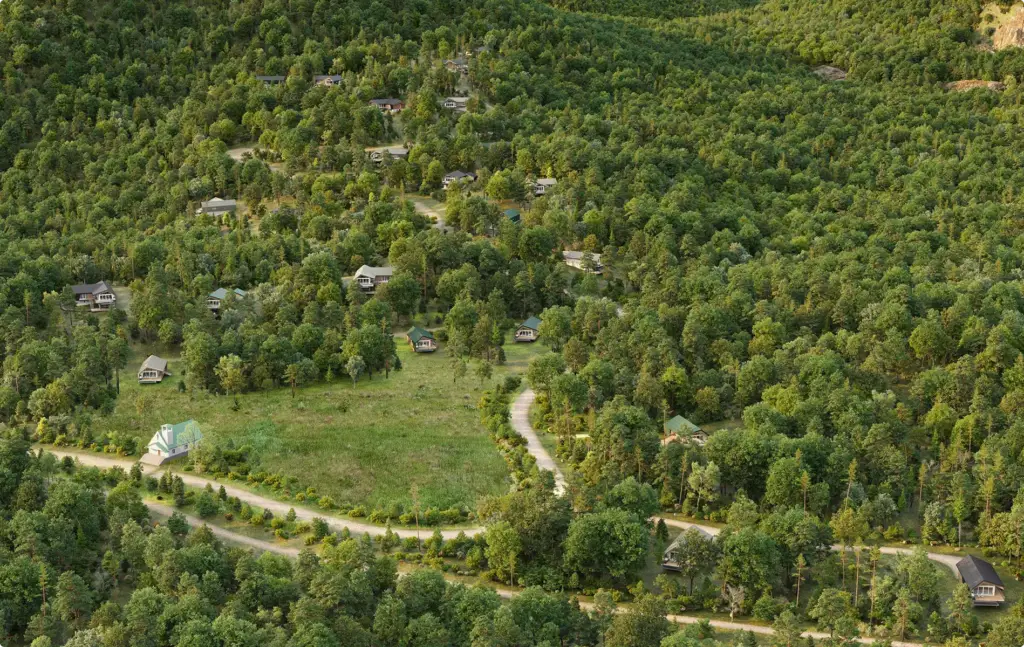
Every exterior we ship runs on Forest Pack — lawns, forests, gravel, even scattered furniture on terraces. The aerial below holds a few hundred thousand trees and still opened comfortably on a mid-range workstation.
Price: around €230, perpetual. 3ds Max 2026: supported — all iToo plugins shipped 2026 builds.
MultiScatter — Scattering Plugin for 3Ds Max
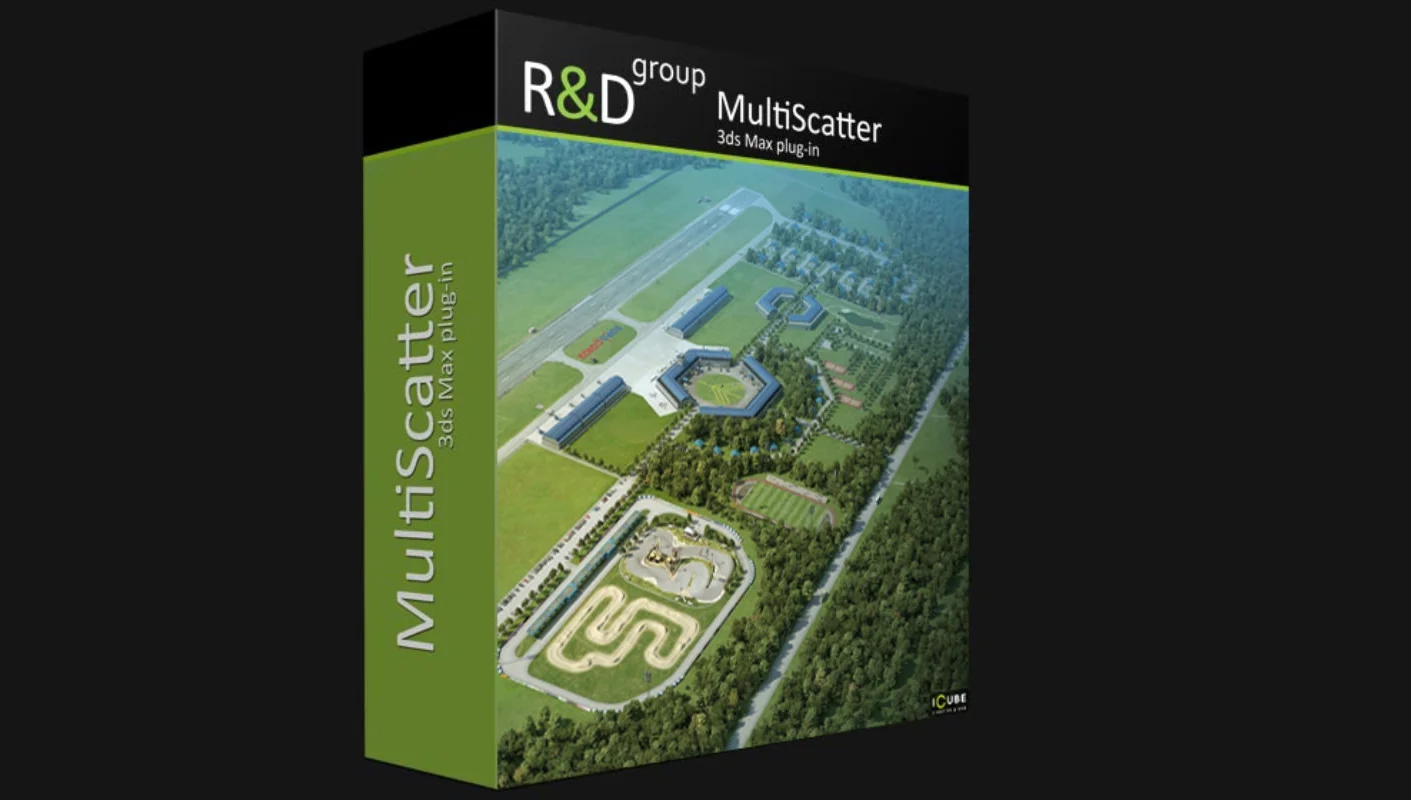
MultiScatter solves one problem and solves it fast: rendering millions of scattered objects without exhausting your RAM. It relies on render-time instancing for V-Ray and Corona, so a forest that would crash a vanilla scene renders comfortably.
We reach for MultiScatter on heavy masterplan scenes where raw object counts exceed Forest Pack’s comfort zone. It is the less flexible of the two scattering tools — but brutal efficiency is exactly the point.
Price: around €200. 3ds Max 2026: supported.
Laubwerk — Vegetation Plugin for Architectural Visualization
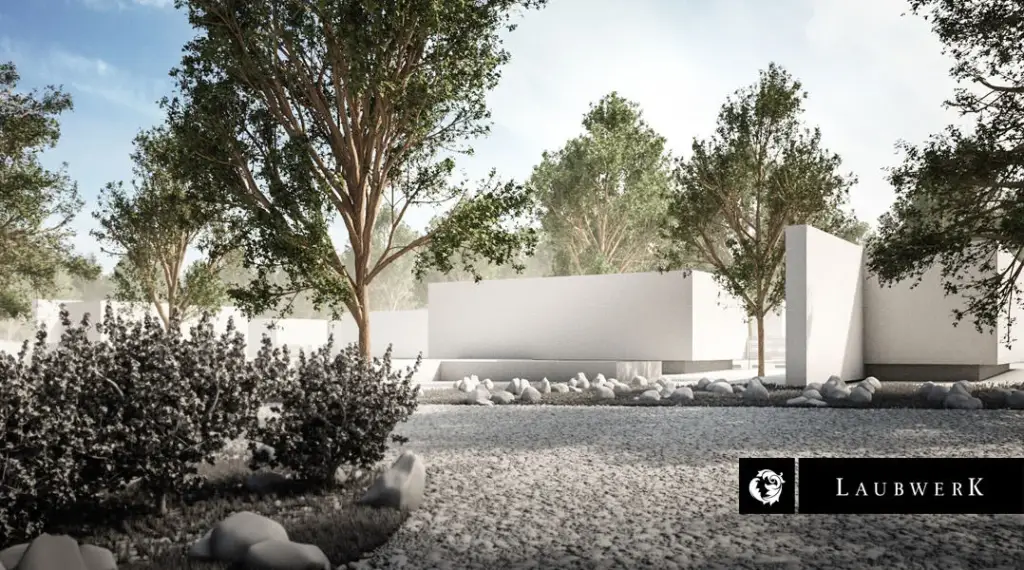
Laubwerk Plant Kits supply botanically accurate, render-ready trees and plants with seasonal variants and level-of-detail switching. The models drop straight into Forest Pack or scatter by hand, and species coverage is wide enough for most climate zones.
For us, Laubwerk works as an asset library more than a plugin — the fastest way to get a believable oak instead of a green blob. Clients never ask about the species; they always notice when foliage looks fake.
Price: from ~€149 per kit. 3ds Max 2026: supported.
RailClone — Parametric Modeling Plugin for Architecture
RailClone, also by iToo Software, brings parametric modeling to everything repetitive: fences, railings, curtain walls, stairs, roads. You define a style once. RailClone then builds kilometers of clean geometry along any spline and adapts to corners and slopes on its own.
Facade variations that once took a day of manual modeling now take twenty minutes. On commercial exteriors, RailClone quietly does half the modeling work in our scenes.
Price: around €220, perpetual. 3ds Max 2026: supported.

FloorGenerator — Procedural Flooring Plugin for Interiors
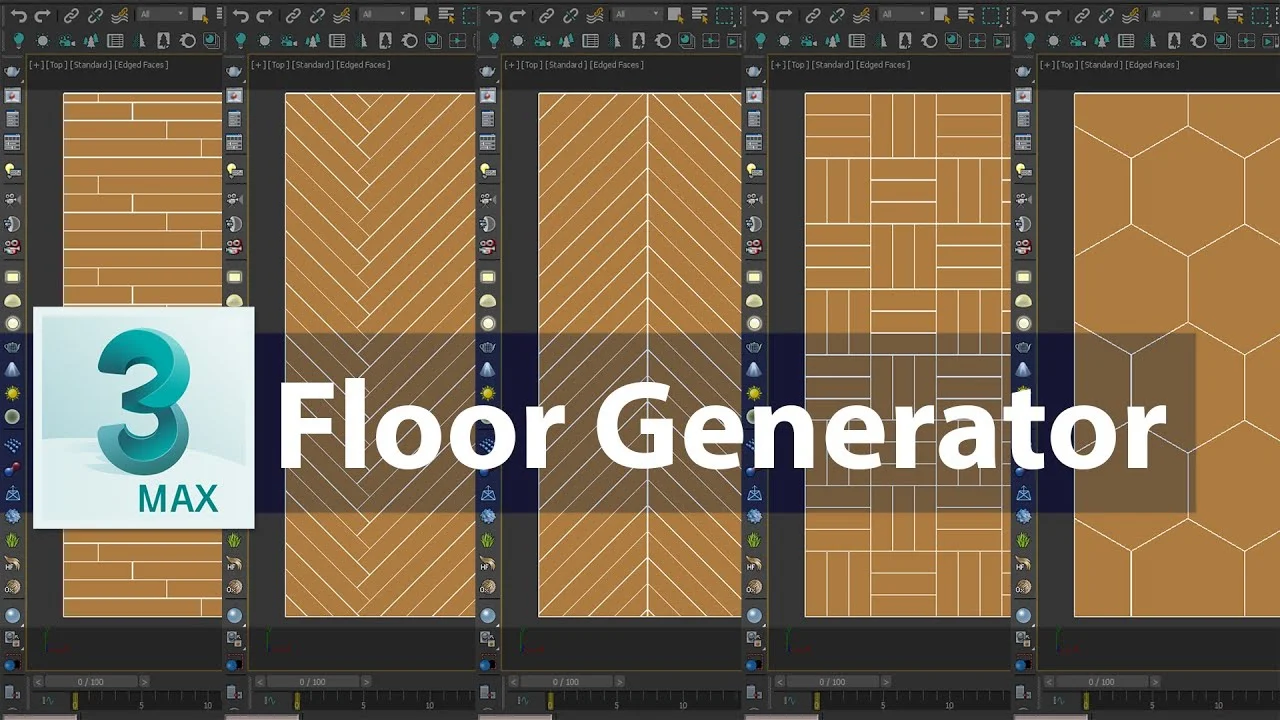
FloorGenerator by CG-Source creates parametric floors — planks, herringbone, tiles, paneling — from any closed spline. Paired with the free MultiTexture plugin, it randomizes bitmaps per plank, which is precisely what makes CG floors stop looking CG.
It has appeared in every interior we have rendered for years. The free version covers standard patterns; the full license unlocks the rest for the price of lunch.
Price: free basic version / €29 full. 3ds Max 2026: supported.
tyFlow — Particle and FX Simulation Plugin for 3Ds Max
tyFlow has replaced Particle Flow as the FX system of choice in 3ds Max. It covers particles, rigid bodies, cloth, and crowds. Since tyFlow 2.0 (March 2026), it also simulates smoke and fire — so one plugin now handles most FX needs without leaving Max.
In architectural animation, we use tyFlow for falling leaves, traffic, flocking birds, and construction-sequence effects. The free version is genuinely free, which in this industry feels like a rendering error.
Price: free edition / PRO $495 node-locked. 3ds Max 2026: supported.
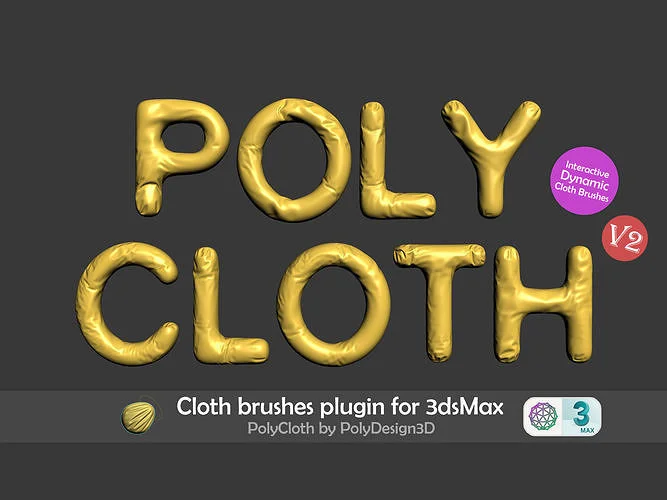
PolyCloth — Cloth Simulation Plugin for 3Ds MaxPolyCloth — Cloth Simulation Plugin for 3Ds Max
PolyCloth is a GPU-powered cloth brush. You sculpt wrinkles, folds, and draping right on the geometry instead of setting up a full simulation. For cushions, curtains, bedding, and throws, it beats the Cloth modifier by a wide margin.
Interior renders live and die by their soft furnishings. Ten minutes of PolyCloth turns a parametric sofa into something a human might have actually sat on.
Price: around $40, one-time. 3ds Max 2026: supported.
Unwrella — Automatic UV Mapping Plugin for 3Ds Max
Unwrella unwraps UVs in one click, with minimal stretching. It will not replace hand-made UVs on hero assets. But for the long tail of scene objects, it saves hours of the least loved job in 3D.
We run it on furniture batches and product variations where manual unwrapping would cost more than the asset itself.
Price: ~€149. 3ds Max 2026: supported.

Project Manager — Asset Browser Plugin for 3Ds Max
Project Manager by Kstudio is an asset browser for models, materials, textures, and IES files. It shows previews, merges assets by drag-and-drop, and relinks lost paths on its own. For a studio, it doubles as a shared library across artists and projects.
It is also the cheapest cure for the lost-textures email from a render farm. The plugin updates reliably within weeks of every new Max release — the 2026 build is already out.
Price: $75. 3ds Max 2026: supported.
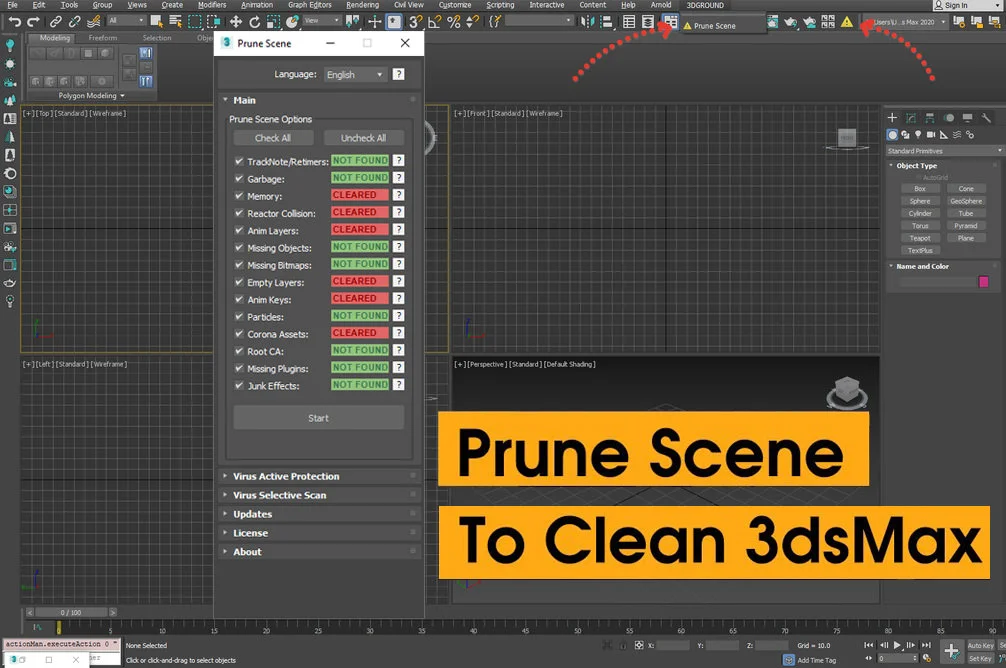
Prune Scene — Scene Cleanup Plugin for 3Ds MaxPrune Scene — Scene Cleanup Plugin for 3Ds Max
Prune Scene strips dead weight out of scenes: ghost layers, junk animation tracks, broken material slots, and the notorious CRP/ALC script viruses that travel inside downloaded models. One click, and a bloated file often loses tens of megabytes.
We run it on every model that arrives from a marketplace, no exceptions. Think of it as washing your hands, but for .max files.
Price: free. 3ds Max 2026: supported.
Free vs Paid 3ds Max Plugins: What Is Actually Worth It
Genuinely free and production-grade: tyFlow (free edition), FloorGenerator (basic version), Prune Scene, and iToo Software’s free utilities such as Clone and Glue. Nearly every paid plugin on this list also offers a trial, so you can test before committing.
A word on “free download” builds of paid plugins: pirated installers and infected marketplace models are the main carriers of 3ds Max script viruses like CRP and ALC. Cleaning an infected pipeline costs far more than any license on this page. Buy the tools, run Prune Scene on every incoming file, and sleep well.
Best 3ds Max Plugins by Task: Architecture, Interiors, ProductsBest 3ds Max Plugins by Task: Architecture, Interiors, Products
- Architectural exteriors: Forest Pack, RailClone, Laubwerk, Corona or V-Ray
- Interior visualization: Corona, FloorGenerator, PolyCloth, Project Manager
- Product CGI: V-Ray, Unwrella, PolyCloth
- Animation and FX: tyFlow, V-Ray, Forest Pack
- Scene hygiene on any project: Prune Scene, Project Manager
How to Install a Plugin in 3ds Max
- Close 3ds Max and run the installer that matches your exact Max version — most vendors ship separate builds per release.
- For script-based tools, drag the .mzp file into the viewport, or go to Scripting → Run Script.
- For manual installs, copy the plugin files (.dlr, .dlo, .dlt) into the Plugins folder of your 3ds Max installation directory.
- Restart Max, confirm the plugin is listed under Customize → Plug-in Manager, and activate your license.
One recurring trap: a plugin compiled for 3ds Max 2025 will not load in 2026. If a tool vanishes after you upgrade, download the matching build before assuming it is broken.
A plugin stack is a starting point, not a finish line — the renders still depend on the people driving it. If you would rather skip the pipeline-building and just receive final images, that is literally our job: explore our 3D rendering services or see how we deliver projects.

Turn Ideas Into Visual Stories
Frequently Asked Questions
What are the best plugins for 3ds Max?
The best 3ds Max plugins in 2026 are V-Ray and Corona for rendering, Forest Pack and MultiScatter for scattering, RailClone for parametric modeling, and tyFlow for FX — plus workflow tools like PolyCloth, Unwrella, FloorGenerator, Laubwerk, Project Manager, and Prune Scene.
Why use plugins in 3ds Max?
Plugins extend 3ds Max with faster rendering, realistic scattering, simulation, and asset libraries that speed up and improve archviz and product work.
What is the best rendering plugin for 3ds Max?
V-Ray and Corona Renderer are the two leading choices, both delivering photorealistic results with strong archviz toolsets.
What plugin is best for scattering vegetation?
Forest Pack is the industry standard for scattering trees, plants, and objects across large scenes efficiently.
Are 3ds Max plugins free or paid?
Both exist; some are free or open-source, while major tools like V-Ray, Corona, and Forest Pack are commercial subscriptions.
Do plugins improve render quality?
Yes. Render engines and asset or scattering plugins significantly boost realism, detail, and efficiency over the stock tools.
Which plugins do archviz studios rely on most?
V-Ray or Corona for rendering, Forest Pack and RailClone for environments, and Megascans for high-quality assets.
Which plugins are compatible with 3ds Max 2026?
All twelve plugins on this list support 3ds Max 2026. Chaos (V-Ray, Corona), iToo Software (Forest Pack, RailClone), and Kstudio shipped 2026-ready builds shortly after the Autodesk release. Always install the build that matches your exact Max version — a 2025 build will not load in 2026.
What are the best free 3ds Max plugins?
The best genuinely free 3ds Max plugins are tyFlow (free edition), FloorGenerator (basic version), and Prune Scene. Avoid pirated “free download” builds of paid plugins — they are the most common source of 3ds Max scene script viruses.