Best 3D Rendering Software for Interior Design in 2026

Discover High-Quality CGI Services Tailored to Your Business
- Why 3D Rendering Software Matters in Interior Design
- How to Choose the Right Interior Design Rendering Software
- Quality and Realism
- Ease of Use and Learning Curve
- Workflow Integration and Compatibility
- Rendering Speed and Performance
- Pricing and Licensing
- Types of 3D Rendering Used in Interior Visualization
- 10 Best 3D Rendering Software for Interior Design in 2026
- 1. Autodesk 3ds Max
- 2. V-Ray
- 3. Corona Renderer
- 4. Lumion
- 5. Enscape
- 6. Blender
- 7. Cinema 4D
- 8. Unreal Engine
- 9. KeyShot
- 10. MyArchitectAI
- In-House Rendering vs Outsourcing
- How We Selected the Best Rendering Software
- Key Takeaways
- Frequently Asked Questions
- What is the best 3D rendering software for interior design?
- What is interior design rendering software?
- Is Blender good for interior rendering?
- What software do professionals use for interior rendering?
- What is the difference between real-time and offline rendering?
- Is AI rendering good for interior design?
- How much does 3D rendering software cost?
- Which tool is best for virtual tours?
Selecting the right technology stack has become a strategic business decision as well as a technical one. The 3D rendering software for interior design will be more fragmented than ever by 2026. Professionals are no longer limited to just two options. They must navigate a complex ecosystem ranging from traditional offline engines to AI-driven cloud solutions. The goal is to find the best 3D rendering software for interior design that balances fidelity, speed, and cost without compromising creative vision.
For design studios and independent architects, the choice of interior design rendering software directly impacts profitability. Slow tools can delay project presentations, approvals, and cash flow. Conversely, a platform that enables real-time rendering can speed up client approvals and shorten revision cycles. Whether the priority is photorealistic rendering for high-end marketing or rapid 3D visualization for concept validation, understanding the nuances of each platform is essential. This guide analyzes the top available solutions to help you identify 3D rendering software for interior design that aligns with your specific workflow and business goals.
Why 3D Rendering Software Matters in Interior DesignWhy 3D Rendering Software Matters in Interior Design
The shift from 2D drawings to immersive 3D environments has fundamentally changed how interior projects are sold and executed. Modern photorealistic visuals offer more than just aesthetic appeal. They bridge the gap between abstract concepts and tangible reality. When clients can see realistic lighting and accurate material textures, they can make decisions faster. This clarity reduces the risk of costly changes during construction when mistakes become exponentially more expensive.
Beyond aesthetics, the right software enables faster iterations. In a competitive market, the ability to present five different lighting scenarios in a single meeting gives you a significant advantage. This speed fosters improved collaboration between designers, architects, and stakeholders. When everyone views the same 3D visualization, misunderstandings about spatial relationships or material choices are minimized. This alignment streamlines decision-making and keeps projects on schedule. For real estate developers, this approach is particularly valuable when marketing off-plan properties to international investors.
Furthermore, client engagement is reaching new levels thanks to interactive capabilities. Static images are being replaced by interactive walkthroughs and virtual architectural tours. These tools allow clients to explore a space before construction begins, fostering an emotional connection to the design. This level of engagement often results in higher approval rates and increased budget confidence.
Finally, workflow integration is essential. The most effective tools are not standalone. Rather, they seamlessly integrate with existing design pipelines. A smooth 3D interior visualization workflow updates changes automatically between the modeling and visualization phases. This synchronization eliminates redundant work and ensures that the final output always reflects the latest design intent. Ultimately, software is a communication engine that drives business growth.
How to Choose the Right Interior Design Rendering Software
With dozens of options available, selecting the right platform requires a structured evaluation based on your specific operational needs. The following criteria outline the essential factors to consider before committing to a license.
Quality and RealismQuality and Realism
For most professionals, quality and realism are the primary metrics. If your business model relies on high-end marketing materials, you need photorealistic rendering software that can accurately simulate the behavior of physical light. Look for advanced capabilities such as global illumination, caustics, and accurate reflection models. The ability to create realistic materials, such as brushed metal and worn leather, is essential for conveying texture and depth. Although real-time engines have improved significantly, offline renderers are still superior for final marketing imagery where every pixel counts. For a detailed technical comparison of leading engines, see our analysis of Corona vs V-Ray. Engine selection is only one layer of the technical stack. Equally important is the ecosystem of tools that supports modeling, scene optimization, and asset management. For teams working in Autodesk environments, selecting the right 3ds Max plugins for architectural visualization can significantly accelerate modeling and rendering workflows.
Ease of Use and Learning Curve
Time is a finite resource. The ease of use a platform offers determines how quickly your team can become productive. While a complex user interface may offer more control, it also requires significant training time. Consider the learning curve relative to your team’s existing skills. Some tools are designed for technical artists, while others prioritize intuitive drag-and-drop functionality. For smaller studios, a tool that enables designers to render their own work without the help of specialized visualization artists often provides a better return on investment.
Workflow Integration and CompatibilityWorkflow Integration and Compatibility
No software operates in isolation. Integrating it with CAD and modeling tools is key to achieving maximum efficiency. If you work with large architectural firms, check for BIM integration capabilities. Make sure it is compatible with industry standards, such as Revit, AutoCAD, and SketchUp, to ensure error-free geometry transfers.
If you work with motion graphics, prioritize integration with Cinema 4D or 3ds Max. Tools that require extensive file conversion or geometry cleanup will slow down your production pipeline. Architecture and design studios often benefit from solutions tailored to their specific workflow requirements.
Rendering Speed and PerformanceRendering Speed and Performance
Rendering speed directly impacts the number of iterations you can produce. Real-time rendering engines provide instant feedback, which is invaluable during client meetings. But when it comes to final outputs, it’s important to balance hardware requirements with output quality.
Although GPU acceleration has become standard for speed, some engines still rely on CPU rendering for complex scenes. Determine whether your current hardware can handle the workload or if significant upgrades are necessary to achieve acceptable render times.
Pricing and LicensingPricing and Licensing
Cost structures vary widely. Some tools operate on a subscription model, while others require a perpetual license. The annual cost, including maintenance and updates, should be calculated.
Usage may also be restricted by licensing terms. Some permits are tied to specific workstations, while others allow for floating network licenses.
Free rendering software is available for those on a tight budget, but it may lack commercial support or advanced features. Always consider the total cost of ownership, including training and hardware upgrades, not just the initial license fee.
Types of 3D Rendering Used in Interior Visualization
Understanding the different types of 3D rendering is helpful for selecting the right tool for each phase of a project. Each method serves a different purpose in the design pipeline.
For example, wireframe rendering displays only the edges of the 3D model. This method is useful for checking geometry and structure but lacks surface information. Solid rendering fills the polygons with a single color, providing a clearer sense of volume. But it lacks texture and light. Surface rendering adds shading and basic lighting to show depth and form. It is often used for quick concept checks.
For final presentations, full rendering processes calculate how light interacts with surfaces. This involves processing the polygon mesh that defines the 3D objects. The complexity of the shape affects the rendering’s quality and performance. High-poly models capture fine details but require more processing power. Understanding these distinctions ensures that you use the appropriate visualization mode at each stage of the design process.
10 Best 3D Rendering Software for Interior Design in 202610 Best 3D Rendering Software for Interior Design in 2026
The following ranking evaluates the best 3D rendering software for interior design. It is based on performance, features, and market adoption. These top rendering tools for interior design represent the current industry standards.
1. Autodesk 3ds Max1. Autodesk 3ds Max
The industry standard for comprehensive modeling and visualization is still Autodesk 3ds Max. It provides users with complete control over every aspect of a scene, making it the preferred 3D rendering software for interior design studios. It offers unmatched flexibility. Teams can create custom assets and automate tasks through scripting.
– Pros: Features advanced modeling tools and precise UV mapping capabilities. It supports professional rendering through various engines.
– Cons: High hardware requirements and a steep learning curve.
– Best for: Studios requiring maximum control over geometry and lighting.
2. V-Ray2. V-Ray
In the visualization market, V-Ray sets the standard for quality and reliability. It was designed to provide physically accurate lighting simulations that resemble real-world photography. Thanks to its hybrid flexibility, V-Ray supports both GPU and CPU rendering, adapting to the available hardware. It ensures brand consistency for marketers across all visual assets.
– Pros: Supports both GPU and CPU rendering for flexibility. It is known for its photorealistic rendering output.
– Cons: Complex parameter sets can overwhelm beginners.
– Best for: Any industry, because it is standard for high-end static imagery.
3. Corona Renderer3. Corona Renderer
Chaos Corona prioritizes simplicity without compromising quality, catering to designers who need speed. Its goal is to reduce technical barriers, allowing artists to focus on creativity rather than settings. The interactive rendering feature provides immediate feedback, and the extensive material library accelerates texturing. These features significantly reduce production time compared to traditional engines.
– Pros: Features interactive rendering for quick feedback and a vast material library.
– Cons: Primarily optimized for 3ds Max and Cinema 4D.
– Best for: Designers who want photorealism with minimal setup.
4. Lumion4. Lumion
Designed for speed and emotional impact, Lumion caters to architects who need quick results. As dedicated real-time rendering software, it excels at creating lush environments with minimal effort. Its VR visualization capability allows clients to experience spaces immersively. Lumion’s fast rendering times mean teams can produce video walkthroughs in hours rather than days.
– Pros: Classified as real-time rendering software, it offers VR visualization and fast rendering times.
– Cons: Less control over physical accuracy compared to offline engines.
– Best for: Architects needing quick, emotive presentations.
5. Enscape5. Enscape
By integrating directly into design software, Enscape eliminates the need for an export process. Its purpose is to facilitate real-time visualization within the modeling environment. This seamless workflow integration ensures that design changes are instantly visible. The ability to create VR experiences with one click enhances communication with clients in the early design stages.
– Pros: Provides real-time visualization and VR experiences with seamless workflow integration.
– Cons: Quality is sufficient for presentations but not for high-end marketing.
– Best for: Iterative design and client meetings.
6. Blender6. Blender
As a powerful, open-source option, Blender is disrupting the market by offering zero licensing costs. This versatile open-source rendering software is useful for a variety of creative industries. Its Cycles rendering engine provides robust path tracing and PBR material support for physical accuracy. Business owners will appreciate the absence of subscription fees, which significantly reduces overhead costs.
– Pros: It is open-source rendering software that uses the Cycles rendering engine and supports PBR materials.
– Cons: Unique interface requires dedicated learning time.
– Best for: Freelancers and studios on a budget.
7. Cinema 4D7. Cinema 4D
Thanks to its intuitive interface and powerful tools, Cinema 4D is excellent for motion and design, especially for marketing-driven visualizations. Its procedural workflows allow for complex animations without manual keyframing of any kind. Integration with third-party rendering engines, such as Redshift, ensures high-quality results. These features make Cinema 4D well-suited for creating dynamic social media content and animated commercials.
– Pros: Supports procedural workflows and integrates with third-party rendering engines.
– Cons: Less specialized for architectural documentation.
– Best for: Animated interior presentations and motion graphics.
8. Unreal Engine8. Unreal Engine
Developed with a focus on interactivity, Unreal Engine brings gaming technology to design. As a robust real-time rendering platform, it enables interactive experiences that exceed static images. Unreal Engine’s enterprise-grade VR integration is optimal for digital twins and large-scale projects. This allows studios to future-proof themselves by offering immersive services beyond traditional rendering.
– Pros: A robust real-time rendering platform enabling interactive experiences and VR integration.
– Cons: Requires significant optimization and technical knowledge.
– Best for: Large-scale digital twins and interactive tours.
9. KeyShot9. KeyShot
With a focus on product and material accuracy, KeyShot is perfect for furniture manufacturers. It provides a real-time rendering preview that updates instantly when materials are modified. KeyShot is primarily known for product rendering. But it is also being used more frequently for detailed interior vignettes. Its user-friendly interface allows non-technical staff to create high-quality visuals for catalogs.
– Pros: Offers real-time rendering preview and excels at product rendering.
– Cons: Less suited for large architectural environments.
– Best for: Visualizing furniture and fixtures.
10. MyArchitectAI10. MyArchitectAI
Created as a new type of generative software, MyArchitectAI is a rapid conceptualization tool. As an AI rendering tool, it is a cloud-based renderer that can be accessed from any device. Browser-based rendering eliminates hardware constraints, while automatic lighting and texturing speed up the ideation phase. This is important for real estate marketers who need quick staging options.
– Pros: An AI rendering tool that is a cloud-based renderer with browser-based capability. It features automatic lighting and texturing.
– Cons: Less control over specific design details.
– Best for: Rapid concept generation and virtual staging.
This list of interior design rendering software includes traditional and AI-driven solutions. When evaluating each option, consider how it fits your specific needs. These 3D interior rendering software programs are the foundation of modern visualization. To see practical applications of these tools, explore our interior visualization portfolio.
In-House Rendering vs Outsourcing
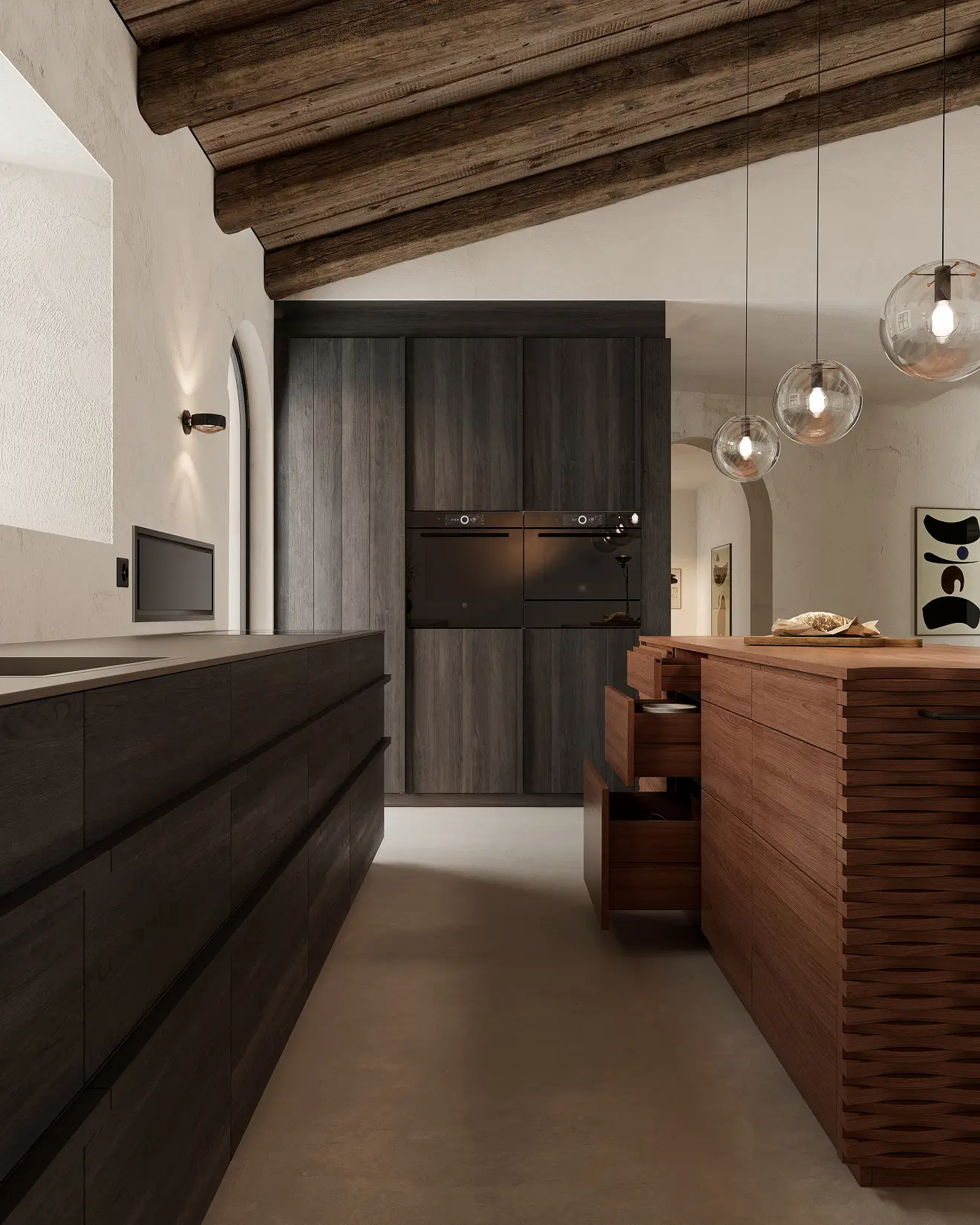
One key business decision is whether to handle visualization internally or externally. In-house rendering provides greater control over the schedule and enables immediate revisions. It also fosters internal growth and maintains intellectual property within the studio. But it requires significant investments in hardware, software licenses, and specialized talent.
In contrast, outsourcing rendering enables businesses to scale production without fixed overhead costs. When you hire a professional rendering studio, you gain access to top-tier talent and render farms without taking on the management burden. Outsourced 3D rendering is useful for peak workloads or specialized projects requiring high-end, cinematic quality. For real estate projects, specialized 3D rendering solutions can accelerate marketing timelines while maintaining brand consistency. While high-quality still renders remain essential, dynamic formats often create a stronger emotional impact during investor presentations and pre-sales campaigns. Our architectural animation services help developers present projects through cinematic walkthroughs and motion-driven storytelling.
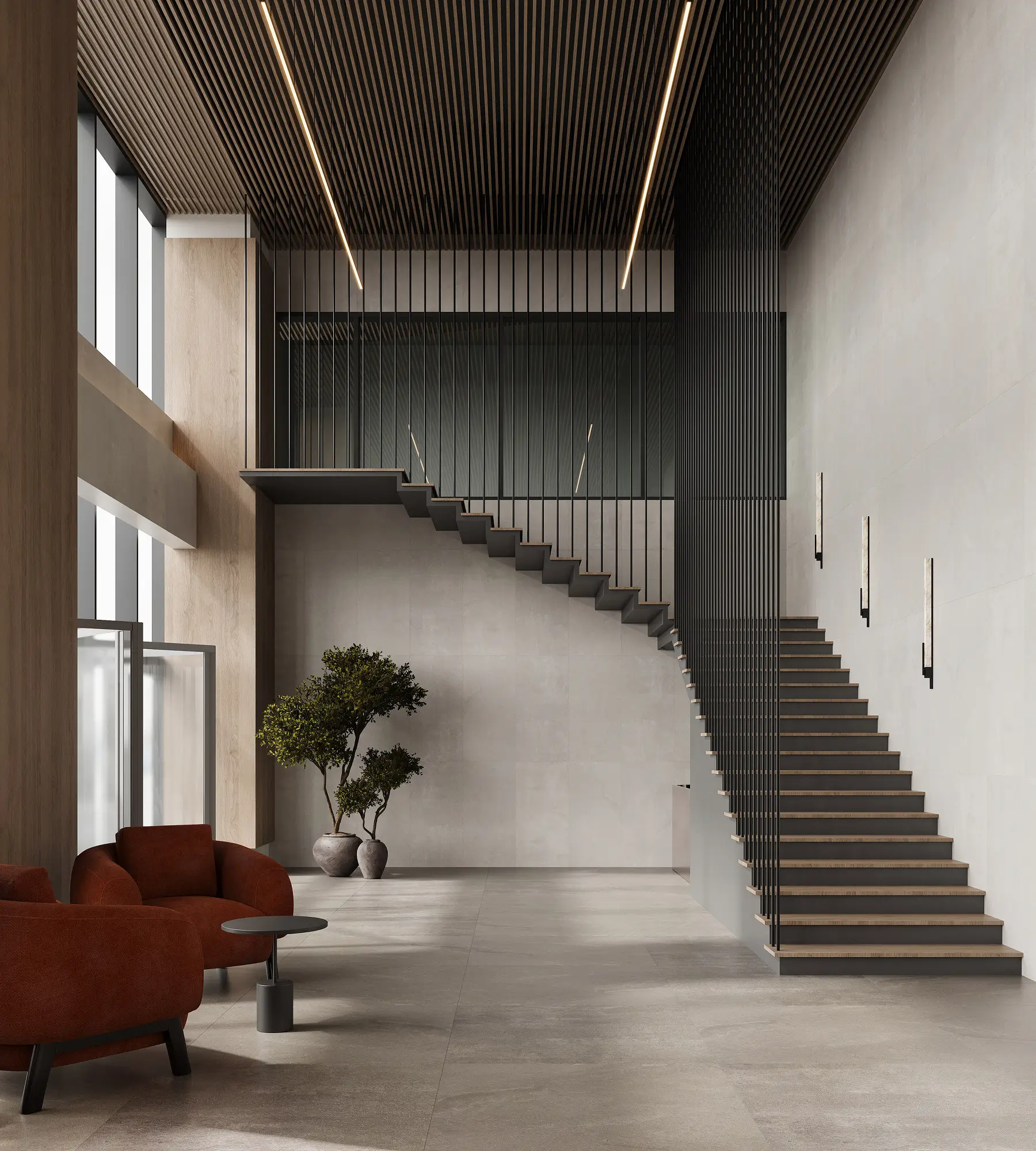
The cost-benefit analysis often depends on volume. Interior rendering services provide consistent pricing per image, which helps with budgeting for specific projects. But frequent revisions can increase costs. For firms with a steady stream of projects, building an internal team may be more economical in the long term. For others, partnering with a professional 3D interior rendering company ensures quality results without operational risk. Ultimately, the decision depends on whether visualization is a core competency or a support function for your business.
How We Selected the Best Rendering SoftwareHow We Selected the Best Rendering Software
Our selection process for the top rendering tools for interior design was based on a comprehensive market analysis. We evaluated each platform based on quality and realism to ensure the output meets professional standards. To measure rendering efficiency, our team compared speed versus quality ratios across different hardware configurations.
We also assessed workflow compatibility to ensure the tools could be integrated into existing design pipelines. Our methodology involved aggregating data from professional user feedback, technical documentation, and industry adoption rates. This approach ensures that our recommendations reflect real-world usability rather than marketing claims. By focusing on objective metrics, we provide decision-makers with a reliable guide.
Key Takeaways
– The best 3D rendering software for interior design depends on your desired balance of speed, quality, and budget.
– For high-end static images, invest in specialized interior design rendering software, such as V-Ray or Corona.
– If speed is a priority, real-time tools allow for photorealistic rendering during client meetings.
– Consider the total cost of ownership, including hardware and training costs beyond just license fees.
– When internal resources are limited, professional visualization partners can deliver studio-quality results on demand.
Frequently Asked QuestionsFrequently Asked Questions
What is the best 3D rendering software for interior design?What is the best 3D rendering software for interior design?
For interior projects, selecting the right 3D rendering software depends heavily on your specific workflow and quality requirements. Many experts consider 3ds Max with V-Ray to be the best photorealistic rendering software, while others prefer real-time solutions for speed. Ultimately, the most suitable interior design rendering software strikes a balance between quality and production efficiency to meet project deadlines.
What is interior design rendering software?What is interior design rendering software?
This specialized category of applications is used to create realistic images from digital models. Interior design professionals rely on this 3D visualization software that allows clients to picture spaces before construction begins. Any 3D rendering software for interior design essentially transforms geometric data into compelling visual narratives for presentation and approval.
Is Blender good for interior rendering?Is Blender good for interior rendering?
In the realm of rendering software for interior design, Blender is a highly capable option, especially for those seeking a cost-effective solution. Its Cycles engine provides robust, photorealistic modeling capabilities to rival paid alternatives in the 3D interior rendering market. But users can expect a steeper learning curve than with more specialized architectural tools.
What software do professionals use for interior rendering?What software do professionals use for interior rendering?
Industry veterans typically rely on the best 3D rendering software for interior design, such as Autodesk 3ds Max, paired with Chaos V-Ray or Corona. These top tools offer the precision and control required for high-end commercial projects. When choosing 3D rendering software for interior design, professionals prioritize stability and integration with existing BIM workflows.
What is the difference between real-time and offline rendering?What is the difference between real-time and offline rendering?
The main distinction lies in the trade-off between speed and quality. Real-time rendering software prioritizes instant feedback for interactive walkthroughs. Offline engines, on the other hand, are often preferred for the photorealistic rendering of final marketing images, which require complex lighting calculations. Both types are essential components of modern interior design rendering software pipelines, depending on the project phase.
Is AI rendering good for interior design?Is AI rendering good for interior design?
While traditional 3D rendering software remains essential for construction documentation, AI tools are emerging as a valuable complement for rapid concept generation in interior design. Although they cannot yet replace detailed 3D interior rendering software for construction documentation, they can significantly speed up the initial design phase. As technology evolves, rendering software for interior design will likely integrate more AI features to boost productivity.
How much does 3D rendering software cost?How much does 3D rendering software cost?
The pricing of interior design rendering software varies widely across different platforms. Some programs are free, while others require substantial annual subscriptions. The best 3D rendering software for interior design usually costs between $500 and $2,000 per year, depending on the licensing model. When budgeting for 3D design tools, it’s important to consider hardware upgrades and training costs.
Which tool is best for virtual tours?Which tool is best for virtual tours?
Real-time rendering software, such as Unreal Engine or Lumion, is the preferred tool for creating immersive interior design experiences. These platforms enable the development of interactive environments that traditional interior design tools cannot replicate. Using the right tool ensures that virtual tours are visually stunning and perform well on various devices.
SHARE THIS...
Get High-Quality CGI for Your Business Purposes
Book a call to get started
Our other articles
Elevate Your Business with Stunning CGI
Start working on your next project as soon as tomorrow. Book a call with our team and discuss the key details:
- Learn how we achieve photorealistic quality in our visualizations and animations. Explore our award-winning projects, featured multiple times on Behance.
- Get to know our company structure and decide which services you need
- Tell us about your project and let us complete a free test task to demonstrate our approach
- Find out the exact cost of bringing your project to life